Page 336 of 429
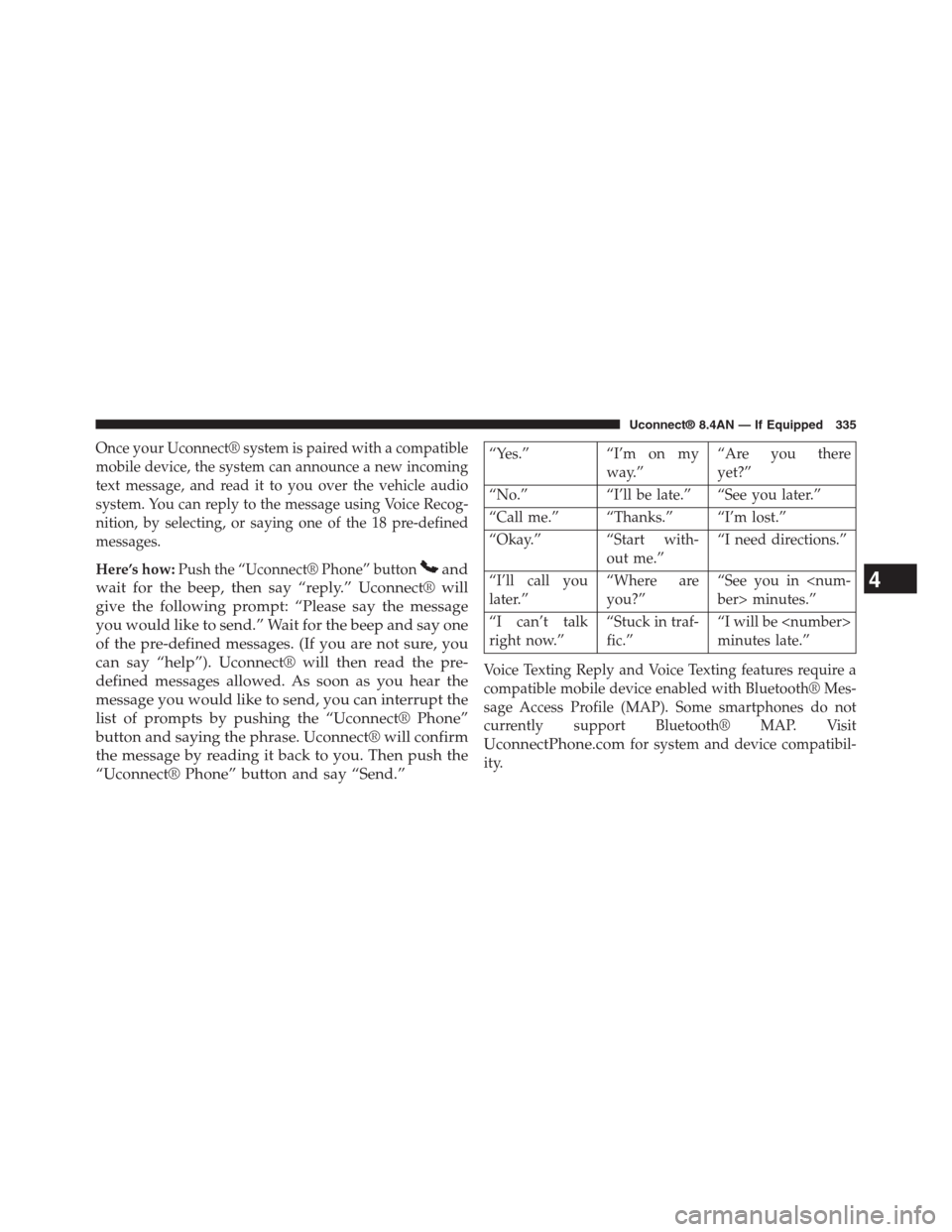
Once your Uconnect® system is paired with a compatible
mobile device, the system can announce a new incoming
text message, and read it to you over the vehicle audio
system. You can reply to the message using Voice Recog-
nition, by selecting, or saying one of the 18 pre-defined
messages.
Here’s how:Push the “Uconnect® Phone” buttonand
wait for the beep, then say “reply.” Uconnect® will
give the following prompt: “Please say the message
you would like to send.” Wait for the beep and say one
of the pre-defined messages. (If you are not sure, you
can say “help”). Uconnect® will then read the pre-
defined messages allowed. As soon as you hear the
message you would like to send, you can interrupt the
list of prompts by pushing the “Uconnect® Phone”
button and saying the phrase. Uconnect® will confirm
the message by reading it back to you. Then push the
“Uconnect® Phone” button and say “Send.”
“Yes.” “I’m on my
way.”
“Are you there
yet?”
“No.” “I’ll be late.” “See you later.”
“Call me.” “Thanks.” “I’m lost.”
“Okay.” “Start with-
out me.”
“I need directions.”
“I’ll call you
later.”
“Where are
you?”
“See you in
ber> minutes.”
“I can’t talk
right now.”
“Stuck in traf-
fic.”
“I will be
minutes late.”
Voice Texting Reply and Voice Texting features require a
compatible mobile device enabled with Bluetooth® Mes-
sage Access Profile (MAP). Some smartphones do not
currently support Bluetooth® MAP. Visit
UconnectPhone.comfor system and device compatibil-
ity.
4
Uconnect® 8.4AN — If Equipped 335
Page 337 of 429
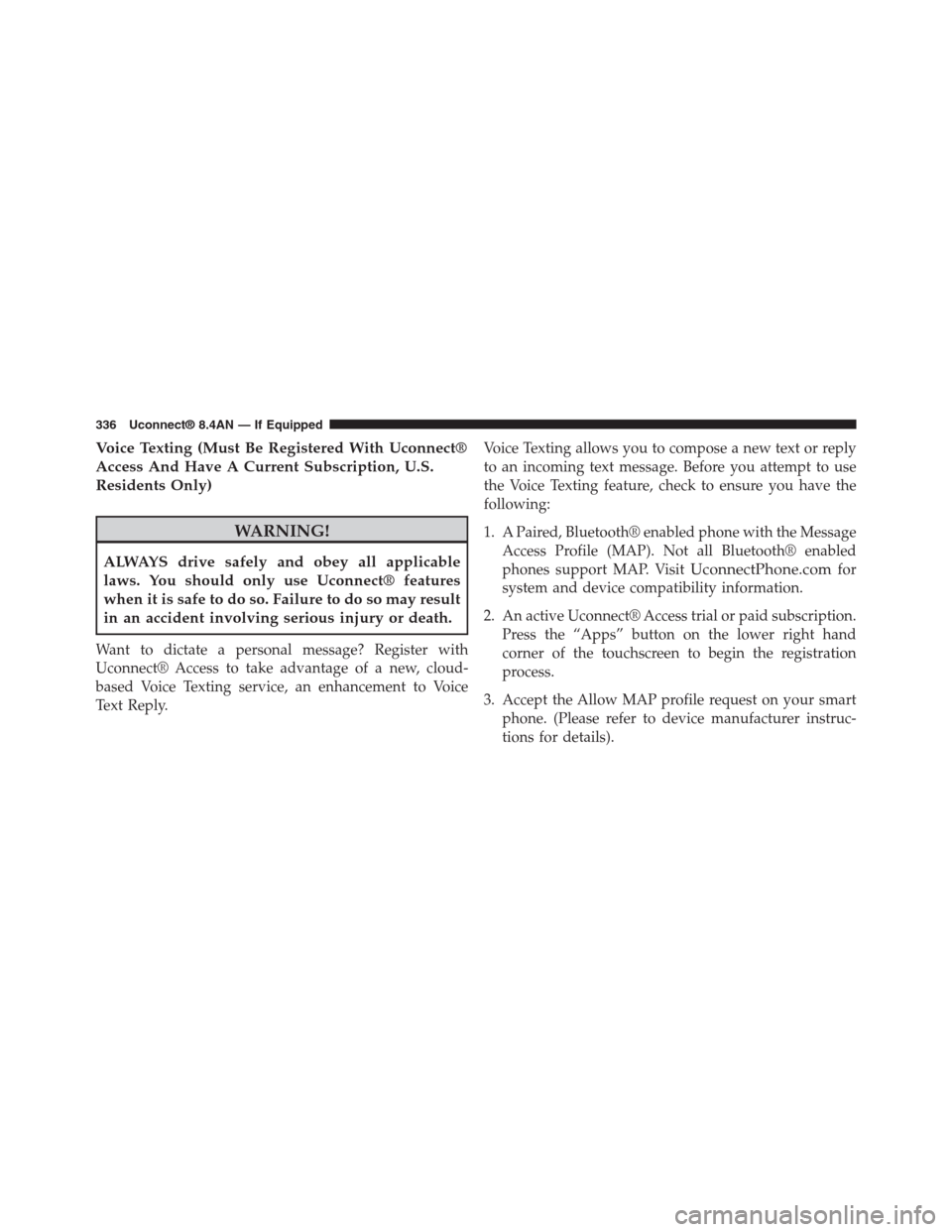
Voice Texting (Must Be Registered With Uconnect®
Access And Have A Current Subscription, U.S.
Residents Only)
WARNING!
ALWAYS drive safely and obey all applicable
laws. You should only use Uconnect® features
when it is safe to do so. Failure to do so may result
in an accident involving serious injury or death.
Want to dictate a personal message? Register with
Uconnect® Access to take advantage of a new, cloud-
based Voice Texting service, an enhancement to Voice
Text Reply.
Voice Texting allows you to compose a new text or reply
to an incoming text message. Before you attempt to use
the Voice Texting feature, check to ensure you have the
following:
1. A Paired, Bluetooth® enabled phone with the Message
Access Profile (MAP). Not all Bluetooth® enabled
phones support MAP. VisitUconnectPhone.comfor
system and device compatibility information.
2. An active Uconnect® Access trial or paid subscription.
Press the “Apps” button on the lower right hand
corner of the touchscreen to begin the registration
process.
3. Accept the Allow MAP profile request on your smart
phone. (Please refer to device manufacturer instruc-
tions for details).
336 Uconnect® 8.4AN — If Equipped
Page 340 of 429

Bluetooth® Communication Link
Mobile phones have been found to lose connection to the
Uconnect® Phone. When this happens, the connection
can generally be re-established by switching the mobile
phone OFF/ON. Your mobile phone is recommended to
remain in Bluetooth® ON mode.
Power-Up
After switching the ignition key from OFF to either the
ON or ACC position, or after a language change, you
must wait at least 15 seconds prior to using the system.
General Information
This device complies with Part 15 of the FCC rules and
RSS 210 of Industry Canada. Operation is subject to the
following conditions:
•Changes or modifications not expressly approved by
the party responsible for compliance could void the
user’s authority to operate the equipment.
•This device may not cause harmful interference.
•This device must accept any interference received,
including interference that may cause undesired op-
eration.
NAVIGATION
Getting Started
To access the Navigation system, press the#Nav#button
on the bottom of the touchscreen.
4
Uconnect® 8.4AN — If Equipped 339
Page 413 of 429
Media
Uconnect® offers connections via USB, SD, Bluetooth®
and auxiliary ports. Voice operation is only available for
connected USB and iPod® devices. (Remote CD player
optional and not available on all vehicles.)
Press the VR button. After the beep, say one of the
following commands and follow the prompts to
switch your media source or choose an artist.
•Change source to Bluetooth®
•Change sourceto iPod®
•Change sourceto USB
•Play artistBeethoven;Play albumGreatest Hits;Play
songMoonlight Sonata;Play genreClassical
TIP:Press the Browse button on the touchscreen to see all
of the music on your iPod® or USB device. Your Voice
Command must matchexactlyhow the artist, album,
song and genre information is displayed.
412 Uconnect® 8.4A/8.4AN VOICE RECOGNITION QUICK TIPS
