Page 412 of 429
Radio
Use your voice to quickly get to the AM, FM or SiriusXM
Satellite Radio® stations you would like to hear. (Subscrip-
tion or included SiriusXM Satellite Radio trial required.)
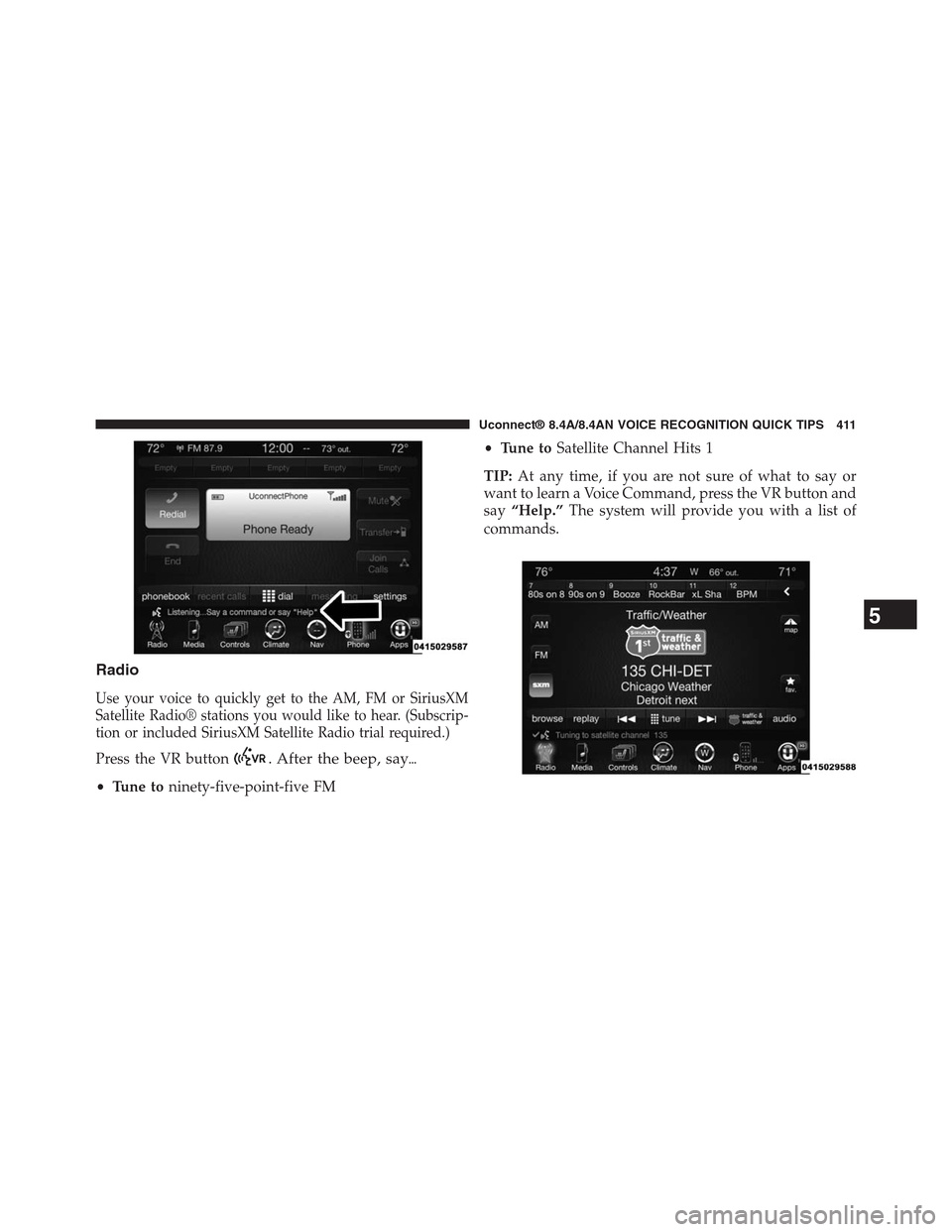
Press the VR button. After the beep, say%
•Tune toninety-five-point-five FM
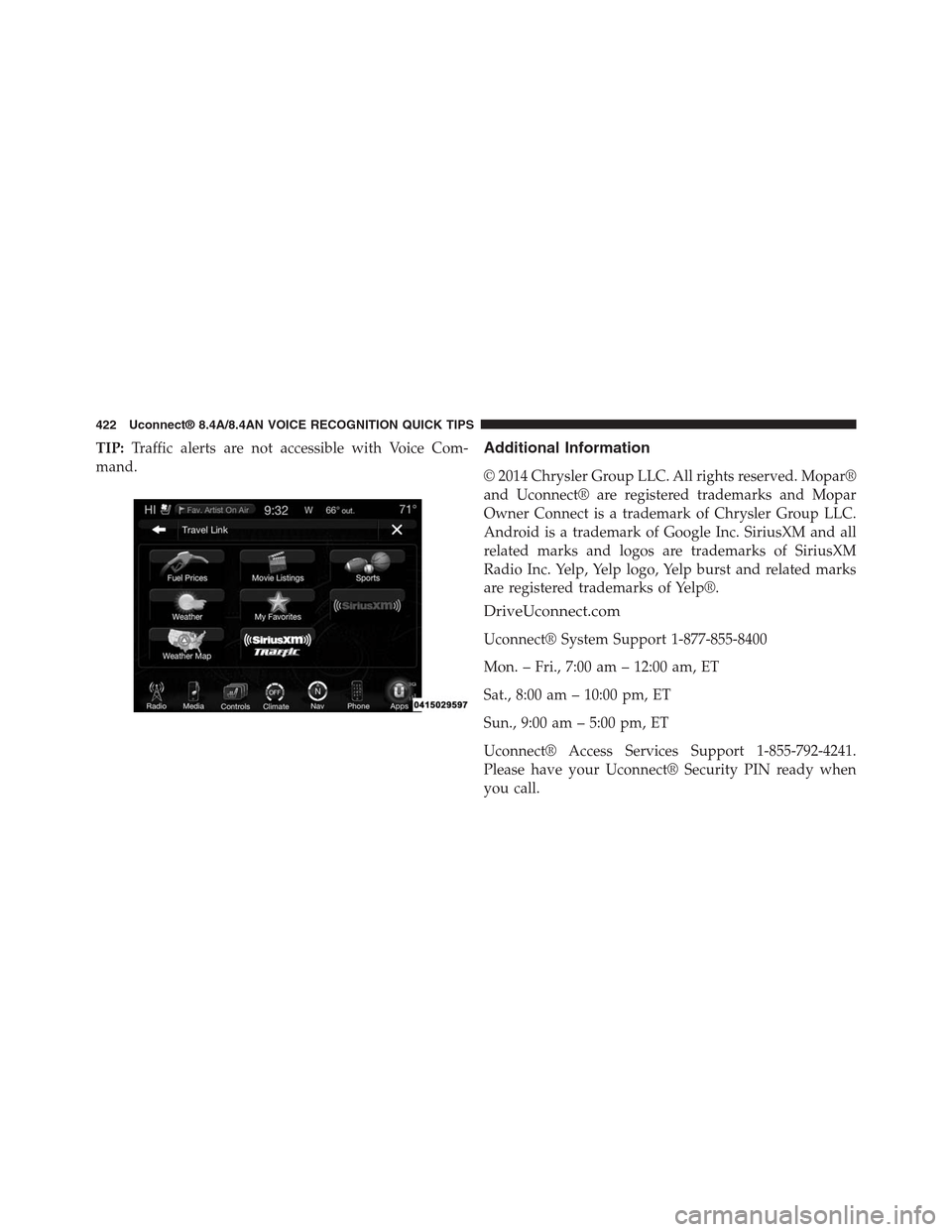
•Tune toSatellite Channel Hits 1
TIP:At any time, if you are not sure of what to say or
want to learn a Voice Command, press the VR button and
say“Help.”The system will provide you with a list of
commands.
5
Uconnect® 8.4A/8.4AN VOICE RECOGNITION QUICK TIPS 411
Page 423 of 429
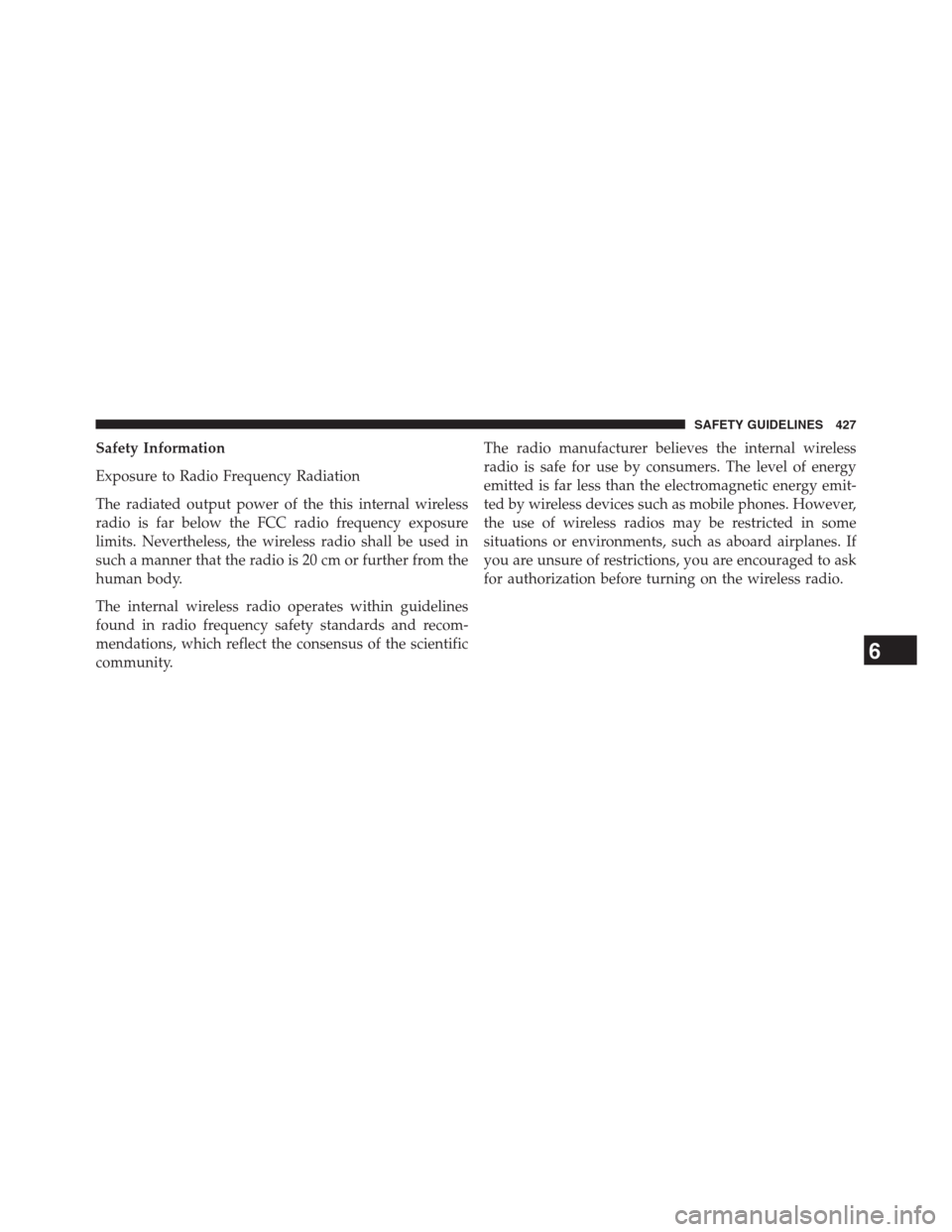
TIP:Traffic alerts are not accessible with Voice Com-
mand.
Additional Information
© 2014 Chrysler Group LLC. All rights reserved. Mopar®
and Uconnect® are registered trademarks and Mopar
Owner Connect is a trademark of Chrysler Group LLC.
Android is a trademark of Google Inc. SiriusXM and all
related marks and logos are trademarks of SiriusXM
Radio Inc. Yelp, Yelp logo, Yelp burst and related marks
are registered trademarks of Yelp®.
DriveUconnect.com
Uconnect® System Support 1-877-855-8400
Mon. – Fri., 7:00 am – 12:00 am, ET
Sat., 8:00 am – 10:00 pm, ET
Sun., 9:00 am – 5:00 pm, ET
Uconnect® Access Services Support 1-855-792-4241.
Please have your Uconnect® Security PIN ready when
you call.
422 Uconnect® 8.4A/8.4AN VOICE RECOGNITION QUICK TIPS
Page 427 of 429
FCC Declaration
This device complies with Part 15 of the FCC Rules and
with Industry Canada license-exempt RSS standard(s).
Operation is subject to the following two conditions: (1)
this device may not cause harmful interference, and (2)
this device must accept any interference received, includ-
ing interference that may cause undesired operation.
NOTE:This equipment has been tested and found to
comply with the limits for a Class B digital device,
pursuant to Part 15 of the FCC Rules. These limits are
designed to provide reasonable protection against harm-
ful interference in a residential installation. This equip-
ment generates, uses and can radiate radio frequency
energy and, if not installed and used in accordance with
the instructions, may cause harmful interference to radio
communications. However, there is no guarantee that
interference will not occur in a particular installation.
If this equipment does cause harmful interference to
radio or television reception, which can be determined by
turning the equipment off and on, the user is encouraged
to try to correct the interference by one or more of the
following measures: - Increase the separation between
the equipment and receiver. - Consult the dealer or an
experienced radio technician for help.
426 SAFETY GUIDELINES
Page 428 of 429
Safety Information
Exposure to Radio Frequency Radiation
The radiated output power of the this internal wireless
radio is far below the FCC radio frequency exposure
limits. Nevertheless, the wireless radio shall be used in
such a manner that the radio is 20 cm or further from the
human body.
The internal wireless radio operates within guidelines
found in radio frequency safety standards and recom-
mendations, which reflect the consensus of the scientific
community.
The radio manufacturer believes the internal wireless
radio is safe for use by consumers. The level of energy
emitted is far less than the electromagnetic energy emit-
ted by wireless devices such as mobile phones. However,
the use of wireless radios may be restricted in some
situations or environments, such as aboard airplanes. If
you are unsure of restrictions, you are encouraged to ask
for authorization before turning on the wireless radio.
6
SAFETY GUIDELINES 427