Page 334 of 575
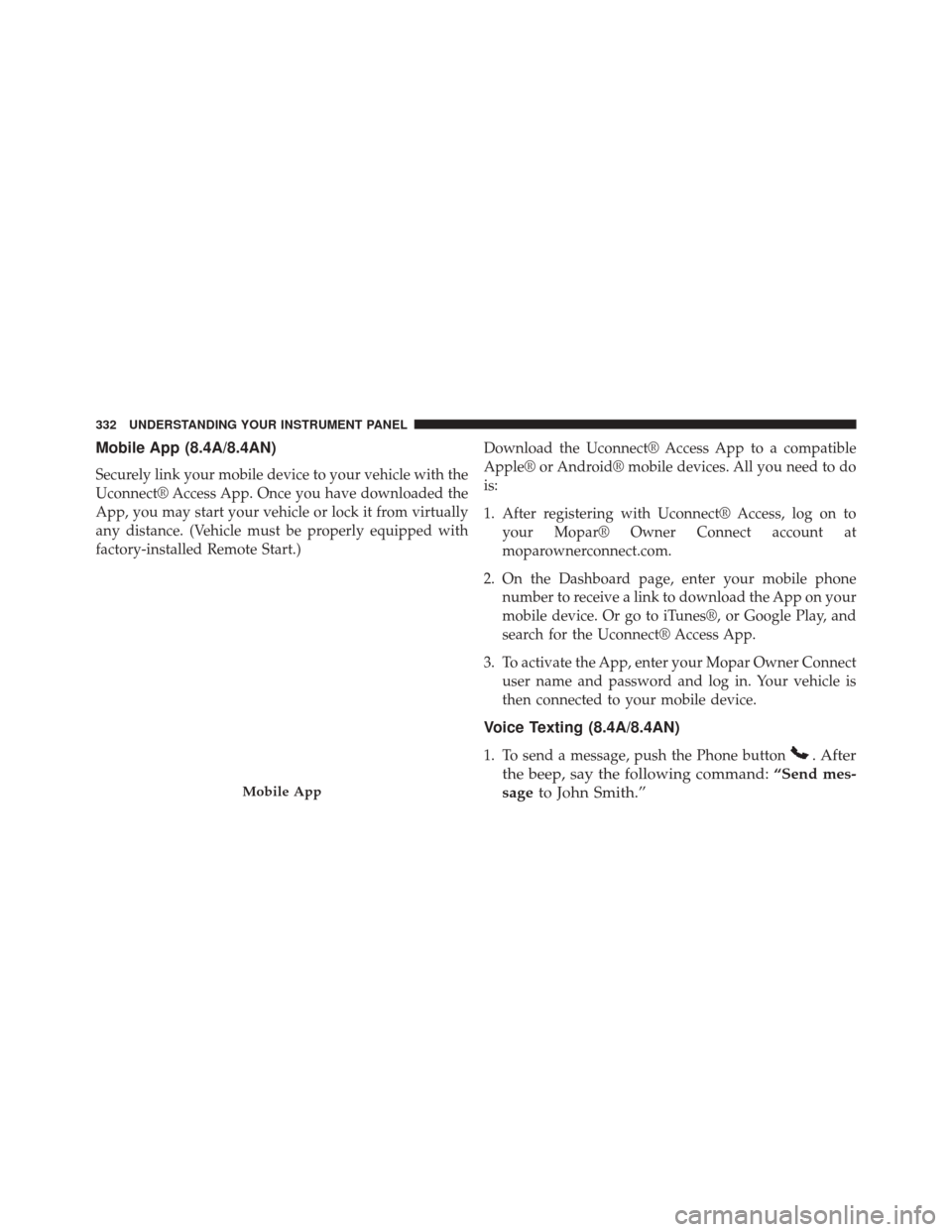
Mobile App (8.4A/8.4AN)
Securely link your mobile device to your vehicle with the
Uconnect® Access App. Once you have downloaded the
App, you may start your vehicle or lock it from virtually
any distance. (Vehicle must be properly equipped with
factory-installed Remote Start.)Download the Uconnect® Access App to a compatible
Apple® or Android® mobile devices. All you need to do
is:
1. After registering with Uconnect® Access, log on to
your Mopar® Owner Connect account at
moparownerconnect.com.
2. On the Dashboard page, enter your mobile phone number to receive a link to download the App on your
mobile device. Or go to iTunes®, or Google Play, and
search for the Uconnect® Access App.
3. To activate the App, enter your Mopar Owner Connect user name and password and log in. Your vehicle is
then connected to your mobile device.
Voice Texting (8.4A/8.4AN)
1. To send a message, push the Phone button. After
the beep, say the following command: “Send mes-
sage to John Smith.”
Mobile App
332 UNDERSTANDING YOUR INSTRUMENT PANEL
Page 335 of 575
2. Listen to the prompt. After the beep, dictate themessage you would like to send. Wait for Uconnect®
to process your message.
3. The Uconnect® system will repeat your message and provide a variety of options to add to, delete, send or
hear the message again. After the beep, tell Uconnect®
what you’d like to do. For instance, if you’re happy
with your message, after the beep, say: “Send.”
You must be registered with Uconnect® Access and have
a compatible MAP – enabled smartphone to use your
voice to send a personalized text message.
TIP:
• Not compatible with iPhone®.
• Messages are limited to 140 characters.
• The Messaging button on the touchscreen must be
illuminated to use the feature.Yelp® (8.4A/8.4AN)
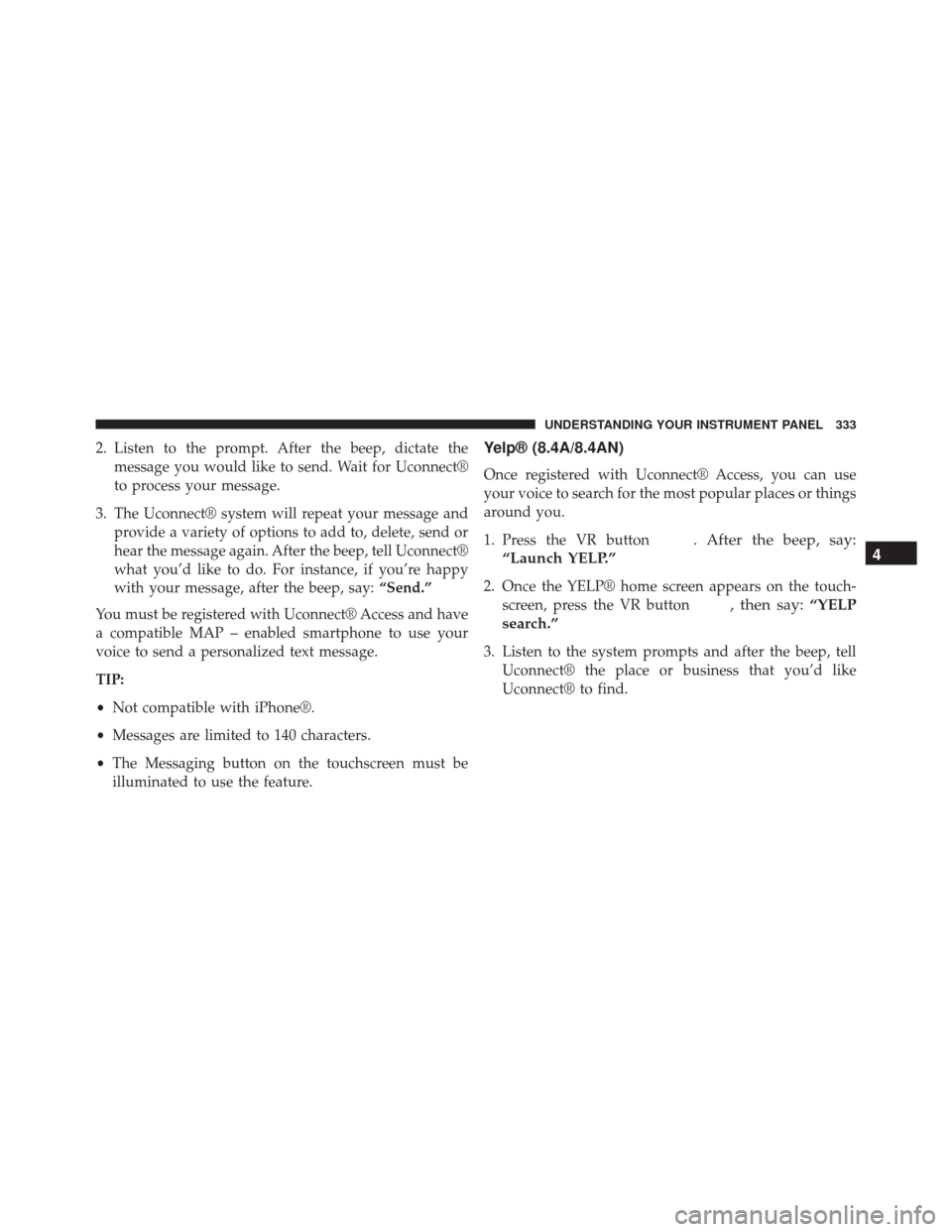
Once registered with Uconnect® Access, you can use
your voice to search for the most popular places or things
around you.
1. Press the VR button
. After the beep, say:
“Launch YELP.”
2. Once the YELP® home screen appears on the touch- screen, press the VR button
, then say: “YELP
search.”
3. Listen to the system prompts and after the beep, tell Uconnect® the place or business that you’d like
Uconnect® to find.
4
UNDERSTANDING YOUR INSTRUMENT PANEL 333
Page 336 of 575
TIP:Once you perform a search, you can reorganize the
results by selecting either the Best Match, Rating or
Distance tab on the top of the touchscreen display.SiriusXM Travel Link™ (8.4A/8.4AN)
Need to find a gas station, view local movie listings,
check a sports score or the 5 - day weather forecast?
SiriusXM Travel Link™ is a suite of services that brings a
wealth of information right to your Uconnect® 8.4AN
system. (Not available for 8.4A system.)
Press the VR button
. After the beep, say one of the
following commands:
• Show fuel prices
• Show 5 - day weather forecast
• Show extended weather
Yelp®
334 UNDERSTANDING YOUR INSTRUMENT PANEL
Page 337 of 575
TIP:Traffic alerts are not accessible with Voice Com-
mand.
Additional Information
© 2015 FCA US LLC. All rights reserved. Mopar and
Uconnect are registered trademarks and Mopar Owner Connect is a trademark of FCA US LLC. Android is a
trademark of Google Inc. SiriusXM and all related marks
and logos are trademarks of SiriusXM Radio Inc. Yelp,
Yelp logo, Yelp burst and related marks are registered
trademarks of Yelp.
Uconnect® System Support:
•
U.S. residents call 1-877-855-8400 or visit
DriveUconnect.com
• Canadian residents call 1-800-465-2001 (English) or
1-800-387-9983 (French) or visit DriveUconnect.ca
Mon. – Fri., 7:00 am – 12:00 am, ET
Sat., 8:00 am – 10:00 pm, ET
Sun., 9:00 am – 5:00 pm, ET
Uconnect® Access Services Support 1-855-792-4241.
Please have your Uconnect® Security PIN ready when
you call.
SiriusXM Travel Link™
4
UNDERSTANDING YOUR INSTRUMENT PANEL 335
Page 367 of 575

•The system may revert to automatic shift mode if a
fault or overheat condition is detected.
To disengage AutoStick mode, return the shift lever to the
DRIVE position, or press and hold the (+) shift paddle (if
the shift lever is already in DRIVE) until “D” is once
again indicated in the instrument cluster. You can shift in
or out of the AutoStick mode at any time without taking
your foot off the accelerator pedal.
WARNING!
Do not downshift for additional engine braking on a
slippery surface. The drive wheels could lose their
grip and the vehicle could skid, causing a collision or
personal injury.
DRIVE MODES
Your SRT vehicle is equipped with a SRT Drive Mode
feature. This feature gives the driver control over the
systems in the vehicle which affect its performance,
enabling the driver to tune it for desired driving sce-
narios. Below are the modes of operation:
NOTE: Refer to “Uconnect® Settings” in “Understanding
Your Instrument Panel” for further descriptions of these
modes.
5
STARTING AND OPERATING 365
Page 382 of 575

CAUTION!(Continued)
damage is not covered by the New Vehicle Limited
Warranty.
• Getting water inside your vehicle’s engine can
cause it to lock up and stall out, and cause serious
internal damage to the engine. Such damage is not
covered by the New Vehicle Limited Warranty.
POWER STEERING — 6.4L ENGINE
The electric power steering system will give you good
vehicle response and increased ease of maneuverability
in tight spaces. The system will vary its assist to provide
light efforts while parking and good feel while driving. If
the electric steering system experiences a fault that
prevents it from providing assist, you will still have the
ability to steer the vehicle manually. Alternate electric power steering efforts can be selected
through the Uconnect® System. Refer to the “Drive
Modes” in this section for further information.
WARNING!
Continued operation with reduced assist could pose
a safety risk to yourself and others. Service should be
obtained as soon as possible.
If the Steering icon is displayed and the “SER-
VICE POWER STEERING” or the “POWER
STEERING ASSIST OFF – SERVICE SYSTEM”
message is displayed within the Driver Infor-
mation Display (DID), this indicates the vehicle needs to
be taken to the dealer for service. Refer to “Driver
Information Display (DID)” in “Understanding Your
Instrument Panel” for further information.
380 STARTING AND OPERATING
Page 385 of 575
•This light only shows that the parking brake is ap-
plied. It does not show the degree of brake application.
When parking on a hill, it is important to turn the front
wheels toward the curb on a downhill grade and away
from the curb on an uphill grade. For vehicles equipped
with an automatic transmission, apply the parking brake
before placing the shift lever in PARK, otherwise the load
on the transmission locking mechanism may make it
difficult to move the shift lever out of PARK. The parking
brake should always be applied whenever the driver is
not in the vehicle.
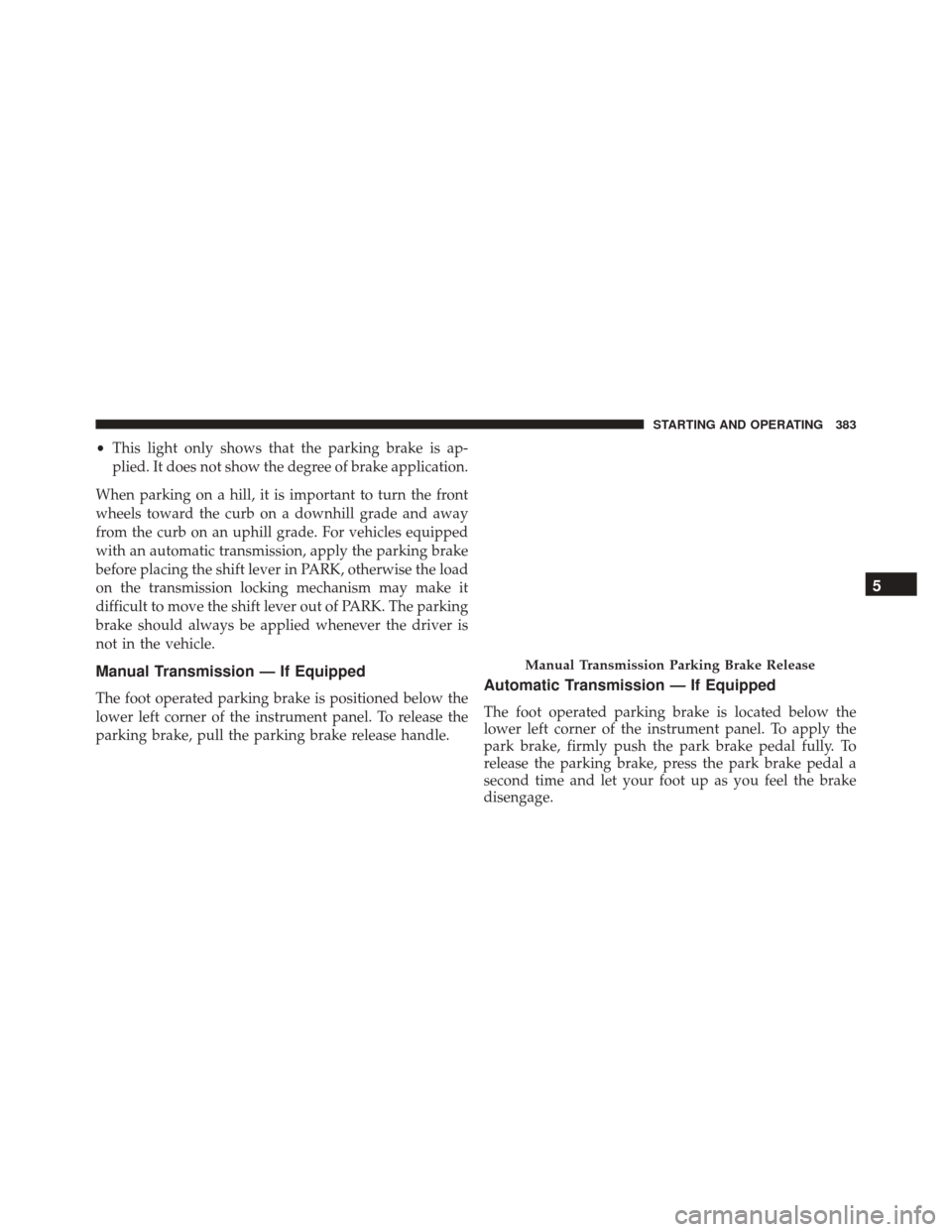
Manual Transmission — If Equipped
The foot operated parking brake is positioned below the
lower left corner of the instrument panel. To release the
parking brake, pull the parking brake release handle.Automatic Transmission — If Equipped
The foot operated parking brake is located below the
lower left corner of the instrument panel. To apply the
park brake, firmly push the park brake pedal fully. To
release the parking brake, press the park brake pedal a
second time and let your foot up as you feel the brake
disengage.
Manual Transmission Parking Brake Release
5
STARTING AND OPERATING 383
Page 393 of 575

WARNING!
There may be situations on minor hills with a loaded
vehicle, or while pulling a trailer, when the system
will not activate and slight rolling may occur. This
could cause a collision with another vehicle or object.
Always remember the driver is responsible for brak-
ing the vehicle.
HSA Off
If you wish to turn off the HSA system, it can be done in
the Uconnect® Settings. Refer to�Uconnect® Settings�in
�Understanding Your Instrument Panel� for further infor-
mation.
Electronic Stability Control (ESC)
This system enhances directional control and stability of
the vehicle under various driving conditions. The ESC
corrects for oversteering and understeering the vehicle by applying the brake of the appropriate wheel. Engine
power may also be reduced to assist in counteracting the
condition of oversteer or understeer and help the vehicle
maintain the desired path.
The ESC uses sensors in the vehicle to determine the path
that the driver intends to steer the vehicle and compares
it to the actual path of the vehicle. When the actual path
does not match the intended path, the ESC applies the
brake of the appropriate wheel to assist in counteracting
the condition of oversteer or understeer.
•
Oversteer - when the vehicle is turning more than
appropriate for the steering wheel position.
• Understeer - when the vehicle is turning less than
appropriate for the steering wheel position.
5
STARTING AND OPERATING 391