Page 3 of 726
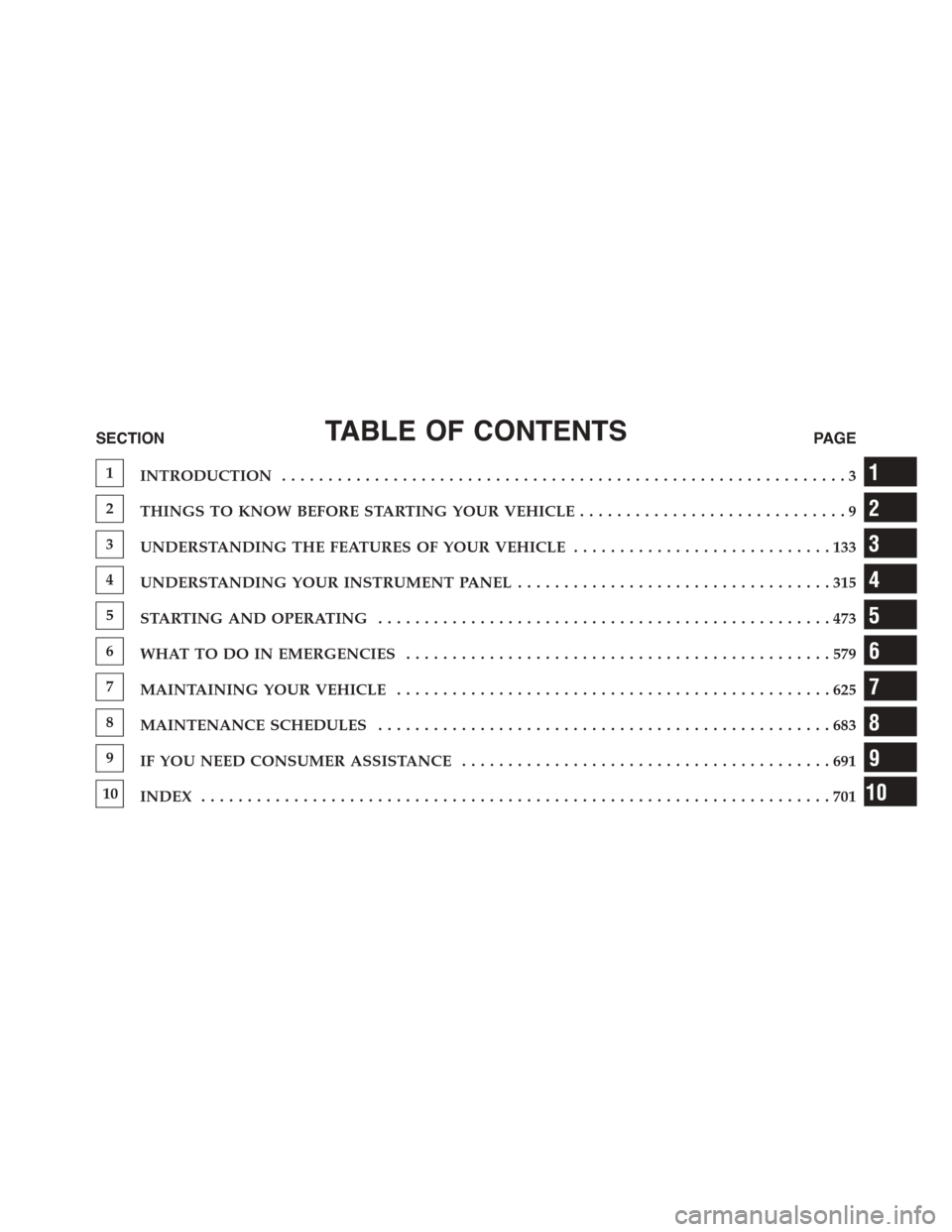
TABLE OF CONTENTSSECTIONPAGE
1INTRODUCTION.............................................................3
2THINGS TO KNOW BEFORE STARTING YOUR VEHICLE.............................9
3UNDERSTANDING THE FEATURES OF YOUR VEHICLE. . . . . . . . . . . . . . . . . . . . . . . . . . . . 133
4UNDERSTANDING YOUR INSTRUMENT PANEL. . . . . . . . . . . . . . . . . . . . . . . . . . . . . . . . . . 315
5STARTING AND OPERATING. . . . . . . . . . . . . . . . . . . . . . . . . . . . . . . . . . . . . . . . . . . . . . . . . 473
6WHAT TO DO IN EMERGENCIES. . . . . . . . . . . . . . . . . . . . . . . . . . . . . . . . . . . . . . . . . . . . . . 579
7MAINTAINING YOUR VEHICLE. . . . . . . . . . . . . . . . . . . . . . . . . . . . . . . . . . . . . . . . . . . . . . . 625
8MAINTENANCE SCHEDULES. . . . . . . . . . . . . . . . . . . . . . . . . . . . . . . . . . . . . . . . . . . . . . . . . 683
9IF YOU NEED CONSUMER ASSISTANCE. . . . . . . . . . . . . . . . . . . . . . . . . . . . . . . . . . . . . . . . 691
10INDEX. . . . . . . . . . . . . . . . . . . . . . . . . . . . . . . . . . . . . . . . . . . . . . . . . . . . . . . . . . . . . . . . . . . . 701
1
2
3
4
5
6
7
8
9
10
Page 6 of 726

INTRODUCTION
Congratulations on selecting your new Chrysler Group
LLC vehicle. Be assured that it represents precision
workmanship, distinctive styling, and high quality - all
essentials that are traditional to our vehicles.
This Owner’s Manual has been prepared with the assis-
tance of service and engineering specialists to acquaint
you with the operation and maintenance of your vehicle.
It is supplemented by Warranty Information, and various
customer-oriented documents. Please take the time to
read these publications carefully. Following the instruc-
tions and recommendations in this manual will help
assure safe and enjoyable operation of your vehicle.
NOTE: After reviewing the owner information, it
should be stored in the vehicle for convenient referenc-
ing and remain with the vehicle when sold.
When it comes to service, remember that your authorized
dealer knows your vehicle best, has factory-trained tech-
nicians and genuine parts, and cares about your satisfac-
tion.
HOW TO USE THIS MANUAL
Consult the Table of Contents to determine which section
contains the information you desire.
Since the specification of your vehicle depends on the
items of equipment ordered, certain descriptions and
illustrations may differ from your vehicle’s equipment.
The detailed index at the back of this Owner’s Manual
contains a complete listing of all subjects.
Consult the following table for a description of the
symbols that may be used on your vehicle or throughout
this Owner’s Manual:
4INTRODUCTION
Page 100 of 726
System Reset Procedure
In order to reset the Enhanced Accident Response System
functions after an event, the ignition switch must be
changed from ignition START or ON/RUN to ignition
OFF.
Air Bag Warning Light
The air bags must be ready to inflate for your
protection in a collision. The Occupant Re-
straint Controller (ORC) monitors the internal
circuits and interconnecting wiring associated
with air bag system electrical components.
The ORC monitors the readiness of the electronic parts of
the air bag system whenever the ignition switch is in the
START or ON/RUN position. If the ignition switch is in
the OFF position or in the ACC position, the air bag
system is not on and the air bags will not inflate.
The ORC contains a backup power supply system that
may deploy the air bags even if the battery loses power or
it becomes disconnected prior to deployment.
The ORC turns on the Air Bag Warning Light in the
instrument panel for approximately four to eight seconds
for a self-check when the ignition switch is first turned to
the ON/RUN position. After the self-check, the Air Bag
Warning Light will turn off. If the ORC detects a mal-
function in any part of the system, it turns on the Air Bag
Warning Light, either momentarily or continuously. A
single chime will sound to alert you if the light comes on
again after initial startup.
The ORC also includes diagnostics that will illuminate
the instrument panel Air Bag Warning Light if a malfunc-
tion is detected that could affect the air bag system. The
diagnostics also record the nature of the malfunction.
While the air bag system is designed to be maintenance
98 THINGS TO KNOW BEFORE STARTING YOUR VEHICLE
Page 128 of 726
Transporting Pets
Air Bags deploying in the front seat could harm your pet.
An unrestrained pet could be thrown about and possibly
injured, or injure a passenger during panic braking or in
a collision.
Pets should be restrained in the rear seat in pet harnesses
or pet carriers that are secured by seat belts.
ENGINE BREAK-IN RECOMMENDATIONS
A long break-in period is not required for the engine and
drivetrain (transmission and axle) in your vehicle.
Drive moderately during the first 300 miles (500 km).
After the initial 60 miles (100 km), speeds up to 50 or
55 mph (80 or 90 km/h) are desirable.
While cruising, brief full-throttle acceleration within the
limits of local traffic laws contributes to a good break-in.
Wide-open throttle acceleration in low gear can be detri-
mental and should be avoided.
The engine oil installed in the engine at the factory is a
high-quality energy conserving type lubricant. Oil
changes should be consistent with anticipated climate
conditions under which vehicle operations will occur. For
the recommended viscosity and quality grades, refer to
“Maintenance Procedures” in “Maintaining Your Ve-
hicle”.
CAUTION!
Never use Non-Detergent Oil or Straight Mineral Oil
in the engine or damage may result.
126 THINGS TO KNOW BEFORE STARTING YOUR VEHICLE
Page 139 of 726
!OVERHEAD CONSOLES.................264
▫Front Overhead Console.................264
▫Courtesy/Interior Lighting..............264
▫Sunglass Storage (Non-Sunroof Only).......265
▫Rear Courtesy/Reading Lights — If Equipped . .267
▫Rear Overhead Consoles — If Equipped.....267
!GARAGE DOOR OPENER — IF EQUIPPED . . .268
▫Before You Begin Programming HomeLink® . .270
▫Programming A Rolling Code.............270
▫Programming A Non-Rolling Code.........272
▫Canadian/Gate Operator Programming......274
▫Using HomeLink®....................275
▫Security............................275
▫Troubleshooting Tips...................276
▫General Information....................277
!POWER SUNROOF — IF EQUIPPED........278
▫Opening Sunroof — Express..............279
▫Opening Sunroof — Manual Mode.........279
▫Closing Sunroof — Express...............279
▫Closing Sunroof — Manual Mode..........279
▫Pinch Protect Feature...................280
▫Venting Sunroof — Express..............280
▫Sunshade Operation....................280
▫Wind Buffeting.......................280
▫Sunroof Maintenance...................281
▫Ignition Off Operation..................281
3
UNDERSTANDING THE FEATURES OF YOUR VEHICLE 137
Page 283 of 726

Sunroof Maintenance
Use only a non-abrasive cleaner and a soft cloth to clean
the glass panel.
Ignition Off Operation
For Vehicles Not Equipped With The Electronic Vehicle
Information Center (EVIC)
The power sunroof switch will remain active for 45
seconds after the ignition switch is turned to the LOCK
position. Opening either front door will cancel this
feature.
For Vehicles Equipped With The EVIC
The power sunroof switch will remain active for up to
approximately ten minutes after the ignition switch is
turned to the LOCK position. Opening either front door
will cancel this feature.
ELECTRICAL POWER OUTLETS — IF EQUIPPED
Two 12 Volt (13 Amp) power outlets are located on the
lower instrument panel, below the open storage bin. The
driver-side power outlet is controlled by the ignition
switch and the passenger-side power outlet is connected
directly to the battery. The driver-side power outlet will
also operate a conventional cigar lighter unit (if equipped
with an optional Smoker’s Package).
3
UNDERSTANDING THE FEATURES OF YOUR VEHICLE 281
Page 321 of 726
!STEERING WHEEL AUDIO CONTROLS — IF
EQUIPPED...........................447
▫Radio Operation......................447
▫CD Player...........................448
!CD/DVD/Blu-ray™ Disc MAINTENANCE . . . .448
!RADIO OPERATION AND MOBILE PHONES . .449
▫General Information...................449
!CLIMATE CONTROLS...................449
▫Manual Heating And Air Conditioning
System — If Equipped.................450
▫Rear Manual Climate Control — If Equipped . .455
▫Automatic Temperature Control (ATC) — If
Equipped...........................457
▫Operating Tips.......................4694
UNDERSTANDING YOUR INSTRUMENT PANEL 319
Page 327 of 726
LoW tirE
When the appropriate condition exists, the odometer
display will toggle between LoW and tirE for three
cycles.
gASCAP
If the vehicle diagnostic system determines that the fuel
filler cap is loose, improperly installed, or damaged, a
“gASCAP” message will display in the odometer display
area. Tighten the fuel filler cap properly and push the
STEP button on the steering wheel to turn off the
message. If the problem continues, the message will
appear the next time the vehicle is started.
noFUSE
If the vehicle diagnostic system determines that the Ignition
Off Draw (IOD) fuse is improperly installed, or damaged, a
“noFUSE” message will display in the odometer display
area. For further information on fuses and fuse locations
refer to “Fuses” in “Maintaining Your Vehicle”.
CHAngE OIL
Your vehicle is equipped with an engine oil change
indicator system. TheCHAngE OILmessage will flash in
the instrument cluster odometer for approximately 12
seconds, after a single chime has sounded, to indicate the
next scheduled oil change interval. The engine oil change
indicator system is duty cycle-based, which means the
engine oil change interval may fluctuate dependent upon
your personal driving style.
Unless reset, this message will continue to display each
time you turn the ignition switch to the ON/RUN
position. To reset the oil change indicator system (after
performing the scheduled maintenance), perform the
following steps.
4
UNDERSTANDING YOUR INSTRUMENT PANEL 325