Page 387 of 872
387
2-5. Driving information
2
When driving
SIENNA_OM_OM45483U_(U)
■
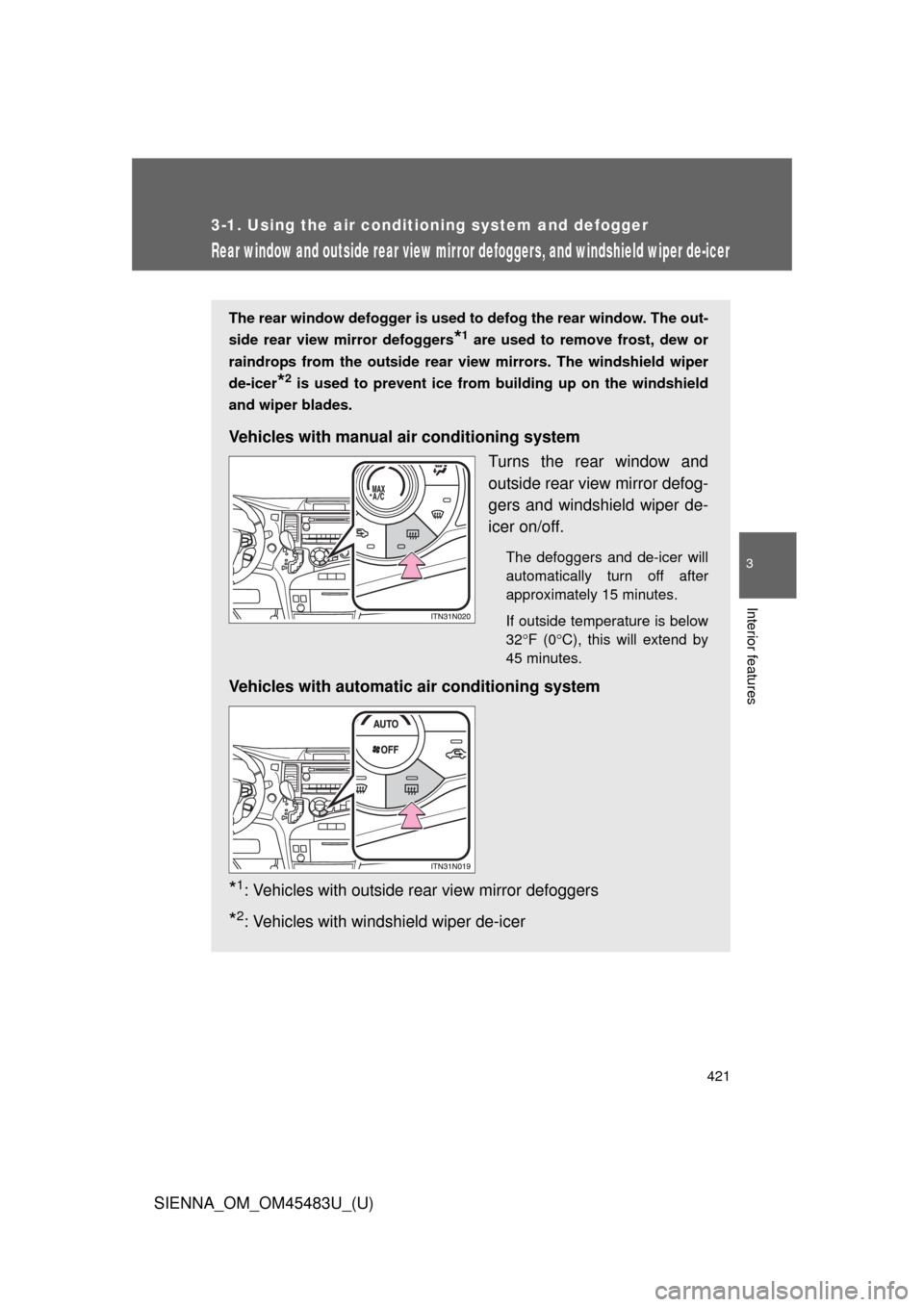
Matching trailer ball height to trailer coupler height
■ Before towing
Check that the following conditions are met:
●Ensure that your vehicle’s tires are properly inflated. ( P. 807)
● Trailer tires are inflated according to the trailer manufacturer’s recom-
mendation.
● All trailer lights work as required by law.
● All lights work each time you connect them.
● The trailer ball is set at the proper height for the coupler on the trai\
ler.
● The trailer is level when it is hitched.
Do not drive if the trailer is not level, and check for improper tongue
weight, overloading, worn suspension, or other possible causes.
● The trailer cargo is securely loaded.
● The rear view mirrors conform to all applicable federal, state/provincial or
local regulations. If they do not, instal l rear view mirrors appropriate for
towing purposes.
No matter which class of tow hitch
applies, for a safe trailer hookup, the
trailer ball setup on must be proper height
for the coupler on the trailer.
Coupler
Trailer ball
Page 394 of 872
394
SIENNA_OM_OM45483U_(U)
3-1. Using the air conditioning system and defogger
Front manual air conditioning system ....... 396
Front automatic air conditioning system ....... 404
Rear manual air conditioning system ....... 414
Rear automatic air conditioning system ....... 417
Rear window and outside rear view mirror defoggers,
and windshield wiper
de-icer ............................ 421
3-2. Using the audio system Audio system type............ 423
Using the radio ................. 428
Using the CD player ......... 438
Playing MP3 and WMA discs ..................... 447
Operating an iPod ............ 458
Operating a USB memory .......................... 465
Optimal use of the audio system ........................... 473
Using the AUX port .......... 478
Using the steering switches ......................... 479
Detachable pole antenna .......................... 483 3-3. Using the Bluetooth® audio
system
Bluetooth
®
audio system.................. 486
Using the Bluetooth
®
audio system.................. 490
Operating a Bluetooth
®
enabled portable
player ............................. 496
Setting up a Bluetooth
®
enabled portable
player ............................. 498
Bluetooth
® audio system
setup .............................. 503
3-4. Using the rear audio system Rear seat entertainment system features ............. 504
Using the DVD player (DVD video) ................... 515
Using the DVD player (video CD)...................... 525
Using the DVD player (audio CD/CD text) ........ 529
Using the DVD player (WMA/MP3 discs) .......... 530
Using the video mode ...... 532
Changing the DVD initial setting ............................ 534
Page 395 of 872
Interior features3
395
SIENNA_OM_OM45483U_(U)
3-5. Using the hands-free phone system (for cellular phone)
Hands-free phone system (for cellular phone)
features .......................... 545
Using the hands-free phone system (for cellular
phone)............................ 550
Making a phone call ......... 559
Setting a cellular phone ... 564
Security and system setup .............................. 569
Using the phone book ...... 574
3-6. Using the interior lights Interior lights list ............... 582
• Personal/interior light main switch ............................. 583
• Personal/interior lights ... 584
• Personal lights ............... 586
• Rear ceiling lights .......... 586 3-7. Using the storage features
List of storage features .... 588
• Glove boxes ................... 589
• Console box ................... 591
• Overhead console .......... 594
• Cup holders ................... 595
• Bottle holders ................. 598
• Door pockets .................. 600
• Auxiliary boxes ............... 601
3-8. Other interior features Sun visors ........................ 606
Vanity mirrors ................... 607
Clock ................................ 608
Conversation mirror ......... 609
Power outlets ................... 610
Seat heaters..................... 614
Armrests........................... 616
Assist grips....................... 618
Rear side sunshades ....... 619
Grocery bag hooks........... 620
Floor mat .......................... 622
Luggage compartment features .......................... 624
Garage door opener......... 626
Compass .......................... 634
Safety Connect ................ 639
Page 421 of 872
421
3-1. Using the air conditioning system and defogger
3
Interior features
SIENNA_OM_OM45483U_(U)
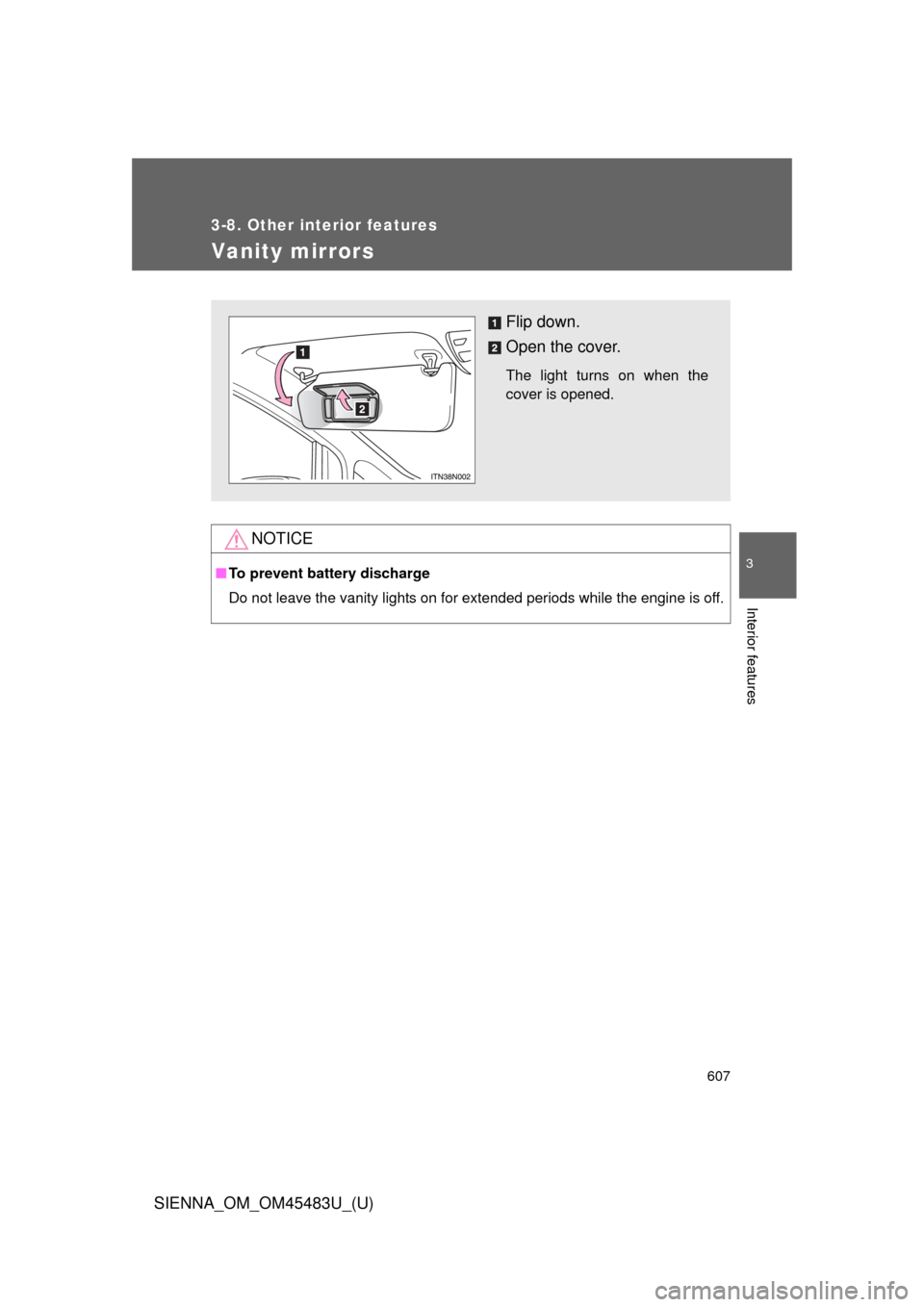
Rear window and outside rear view mirror defoggers, and windshield wiper de-icer
The rear window defogger is used to defog the rear window. The out-
side rear view mirror defoggers
*1 are used to remove frost, dew or
raindrops from the outside rear view mirrors. The windshield wiper
de-icer
*2 is used to prevent ice from building up on the windshield
and wiper blades.
Vehicles with manual air conditioning system
Turns the rear window and
outside rear view mirror defog-
gers and windshield wiper de-
icer on/off.
The defoggers and de-icer will
automatically turn off after
approximately 15 minutes.
If outside temperature is below
32F (0 C), this will extend by
45 minutes.
Vehicles with automatic air conditioning system
*1: Vehicles with outside rear view mirror defoggers
*2: Vehicles with windshield wiper de-icer
Page 422 of 872

422 3-1. Using the air conditioning system and defogger
SIENNA_OM_OM45483U_(U)
■The defogger can be operated when
Vehicles without a smart key system
The engine switch is in the “ON” position.
Vehicles with a smart key system
The “ENGINE START STOP” switch is IGNITION ON mode.
■ Outside rear view mirror defoggers (vehicles with outside rear view
mirror defoggers)
Turning the rear window defogger on will turn the outside rear view mirror
defoggers on.
■ The outside rear view mirror defo ggers and windshield wiper de-icer
(vehicles with windshield wiper de-icer)
Turning the rear window defogger on will turn the outside rear view mirror
defoggers and windshield wiper de-icer on.
CAUTION
■ Outside rear view mirror defoggers (vehicles with outside rear view
mirror defoggers)
The surfaces of the outside rear view mirrors become hot. Do not touch
them to prevent from burning yourself.
■ When the windshield wiper de-icer is on (vehicles with windshield
wiper de-icer)
Do not touch the glass at the lower part of the windshield or to the side of the
front pillars as the surfaces can become very hot and burn you.
Page 607 of 872
607
3-8. Other interior features
3
Interior features
SIENNA_OM_OM45483U_(U)
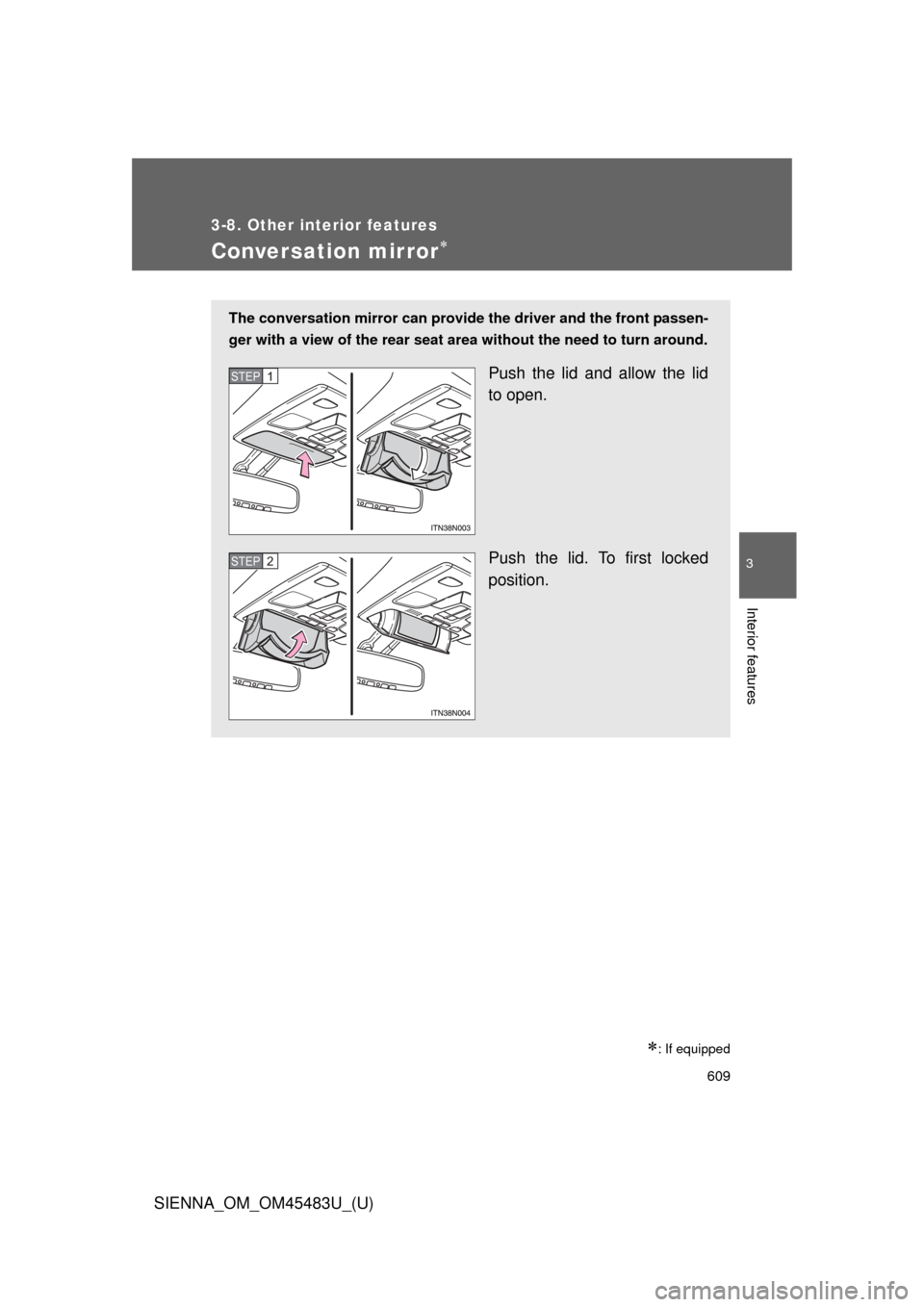
Vanity mirrors
NOTICE
■To prevent battery discharge
Do not leave the vanity lights on for extended periods while the engine is off.
Flip down.
Open the cover.
The light turns on when the
cover is opened.
Page 609 of 872
609
3-8. Other interior features
3
Interior features
SIENNA_OM_OM45483U_(U)
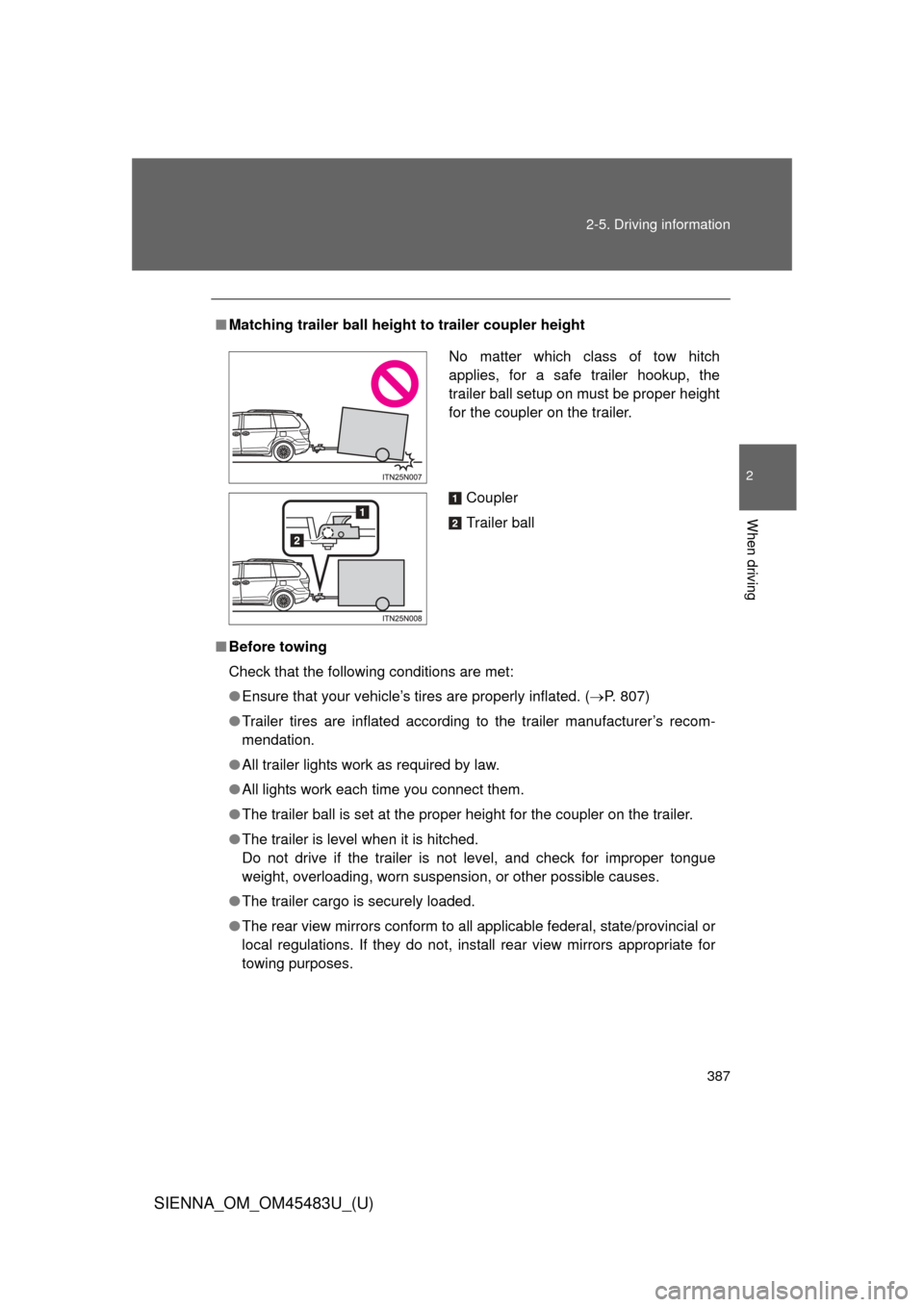
Conversation mirror
: If equipped
The conversation mirror can provide the driver and the front passen-
ger with a view of the rear seat area without the need to turn around.
Push the lid and allow the lid
to open.
Push the lid. To first locked
position.STEP1
STEP2
Page 648 of 872
648
SIENNA_OM_OM45483U_(U)
4-1. Maintenance and care
Cleaning and protecting the vehicle exterior
■Automatic car washes
●Before washing the vehicle:
• Fold the mirrors.
• Turn off the power back door system. (if equipped)
• Turn off the power sliding door system. (if equipped)
Make sure to re-install the antenna and extend the mirrors before driv-
ing.
● Brushes used in automatic car washes may scratch the vehicle surface
and harm your vehicle’s paint.
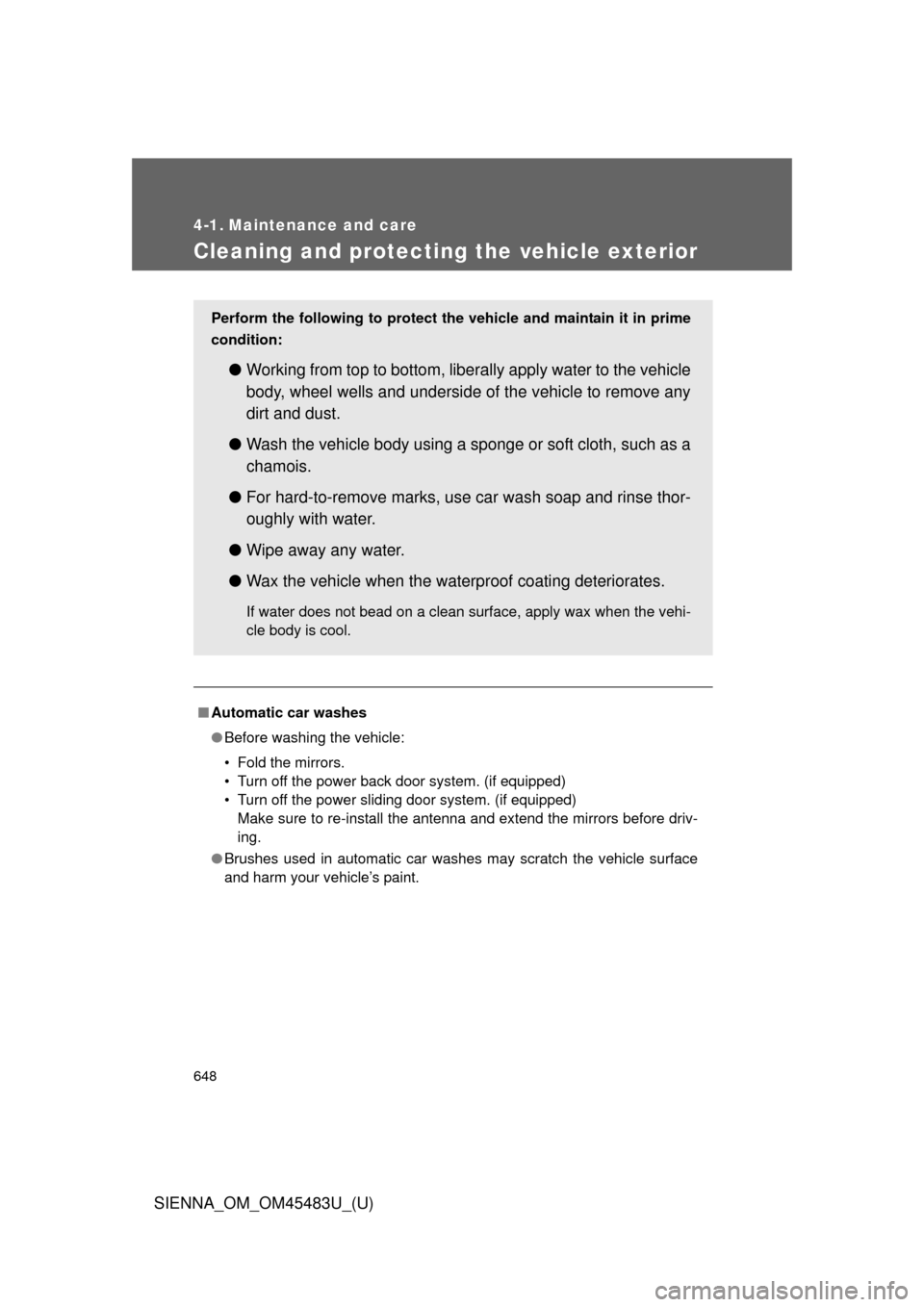
Perform the following to protect the vehicle and maintain it in prime
condition:
● Working from top to bottom, liber ally apply water to the vehicle
body, wheel wells and underside of the vehicle to remove any
dirt and dust.
● Wash the vehicle body using a sponge or soft cloth, such as a
chamois.
● For hard-to-remove marks, use car wash soap and rinse thor-
oughly with water.
● Wipe away any water.
● Wax the vehicle when the waterproof coating deteriorates.
If water does not bead on a clean surface, apply wax when the vehi-
cle body is cool.