Page 418 of 724
418 3-3. Using the Bluetooth
® audio system
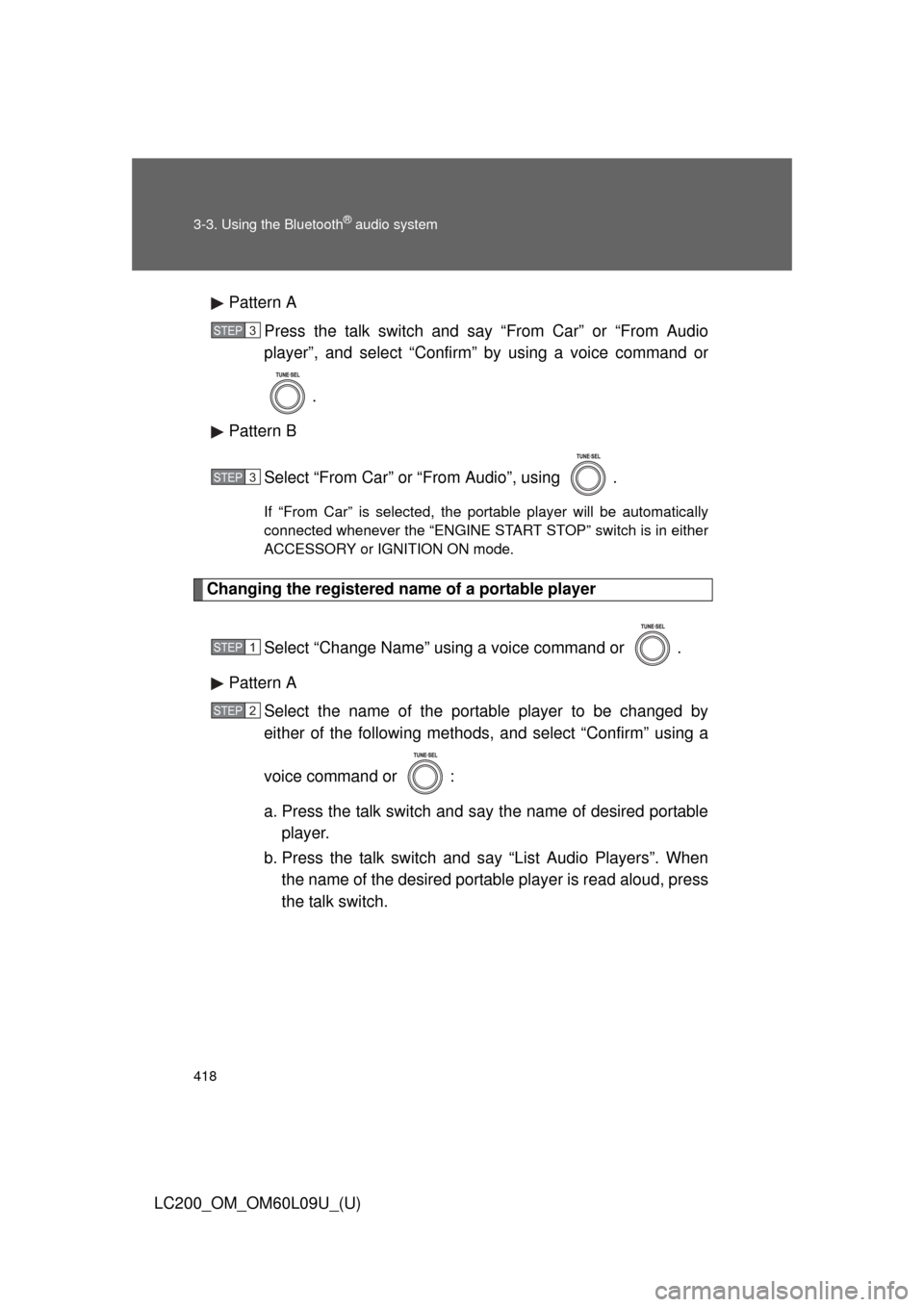
LC200_OM_OM60L09U_(U)Pattern A
Press the talk switch and say “From Car” or “From Audio
player”, and select “Confirm” by using a voice command or
.
Pattern B
Select “From Car” or “From Audio”, using .
If “From Car” is selected, the portable player will be automatically
connected whenever the “ENGINE START STOP” switch is in either
ACCESSORY or IGNITION ON mode.
Changing the registered name of a portable player
Select “Change Name” using a voice command or .
Pattern A Select the name of the portable player to be changed by
either of the following methods, and select “Confirm” using a
voice command or :
a. Press the talk switch and say the name of desired portableplayer.
b. Press the talk switch and say “List Audio Players”. When
the name of the desired portable player is read aloud, press
the talk switch.
STEP3
STEP3
STEP1
STEP2
Page 419 of 724
419
3-3. Using the Bluetooth
® audio system
3
Interior features
LC200_OM_OM60L09U_(U)
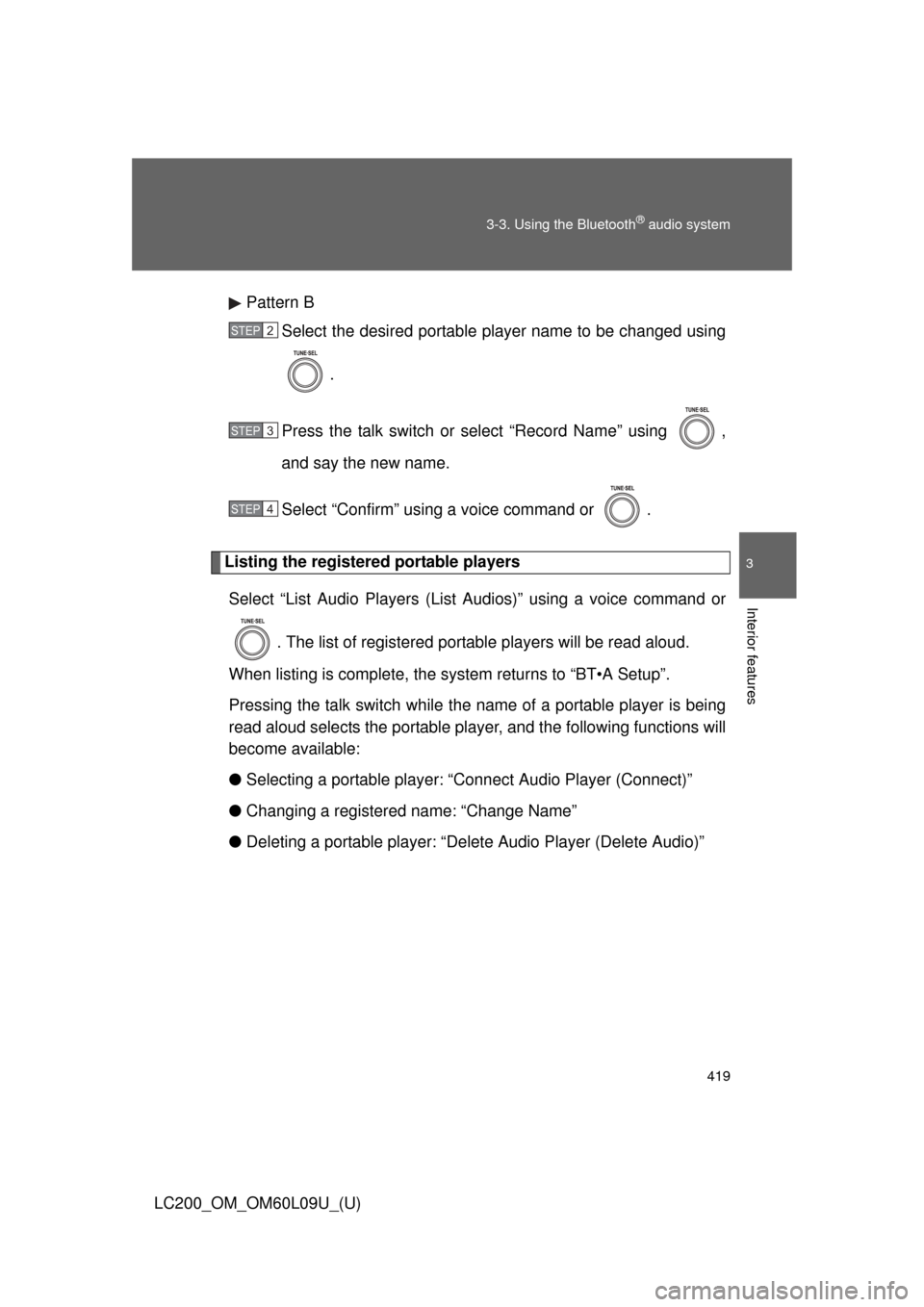
Pattern B
Select the desired portable player name to be changed using
.
Press the talk switch or select “Record Name” using ,
and say the new name.
Select “Confirm” using a voice command or .
Listing the registered portable players Select “List Audio Players (List Audios)” using a voice command or
. The list of registered portable players will be read aloud.
When listing is complete, the sy stem returns to “BT•A Setup”.
Pressing the talk switch while the name of a portable player is being
read aloud selects the portable player, and the following functions will
become available:
● Selecting a portable player: “Connect Audio Player (Connect)”
● Changing a registered name: “Change Name”
● Deleting a portable player: “Del ete Audio Player (Delete Audio)”
STEP2
STEP3
STEP4
Page 420 of 724
420 3-3. Using the Bluetooth
® audio system
LC200_OM_OM60L09U_(U)
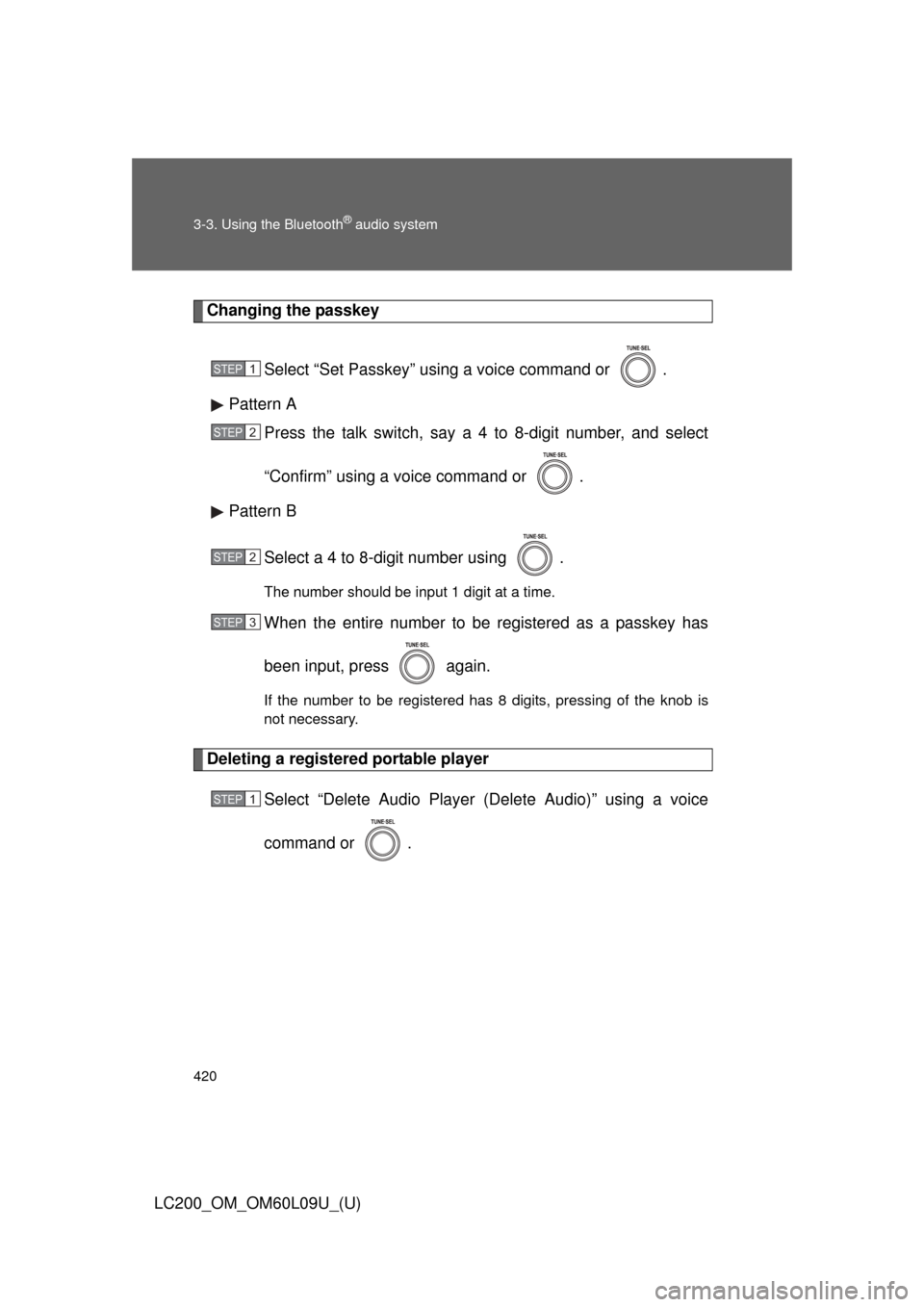
Changing the passkeySelect “Set Passkey” using a voice command or .
Pattern A Press the talk switch, say a 4 to 8-digit number, and select
“Confirm” using a voice command or .
Pattern B
Select a 4 to 8-digit number using .
The number should be input 1 digit at a time.
When the entire number to be registered as a passkey has
been input, press again.
If the number to be registered has 8 digits, pressing of the knob is
not necessary.
Deleting a registered portable player Select “Delete Audio Player (Delete Audio)” using a voice
command or .
STEP1
STEP2
STEP2
STEP3
STEP1
Page 421 of 724
421
3-3. Using the Bluetooth
® audio system
3
Interior features
LC200_OM_OM60L09U_(U)
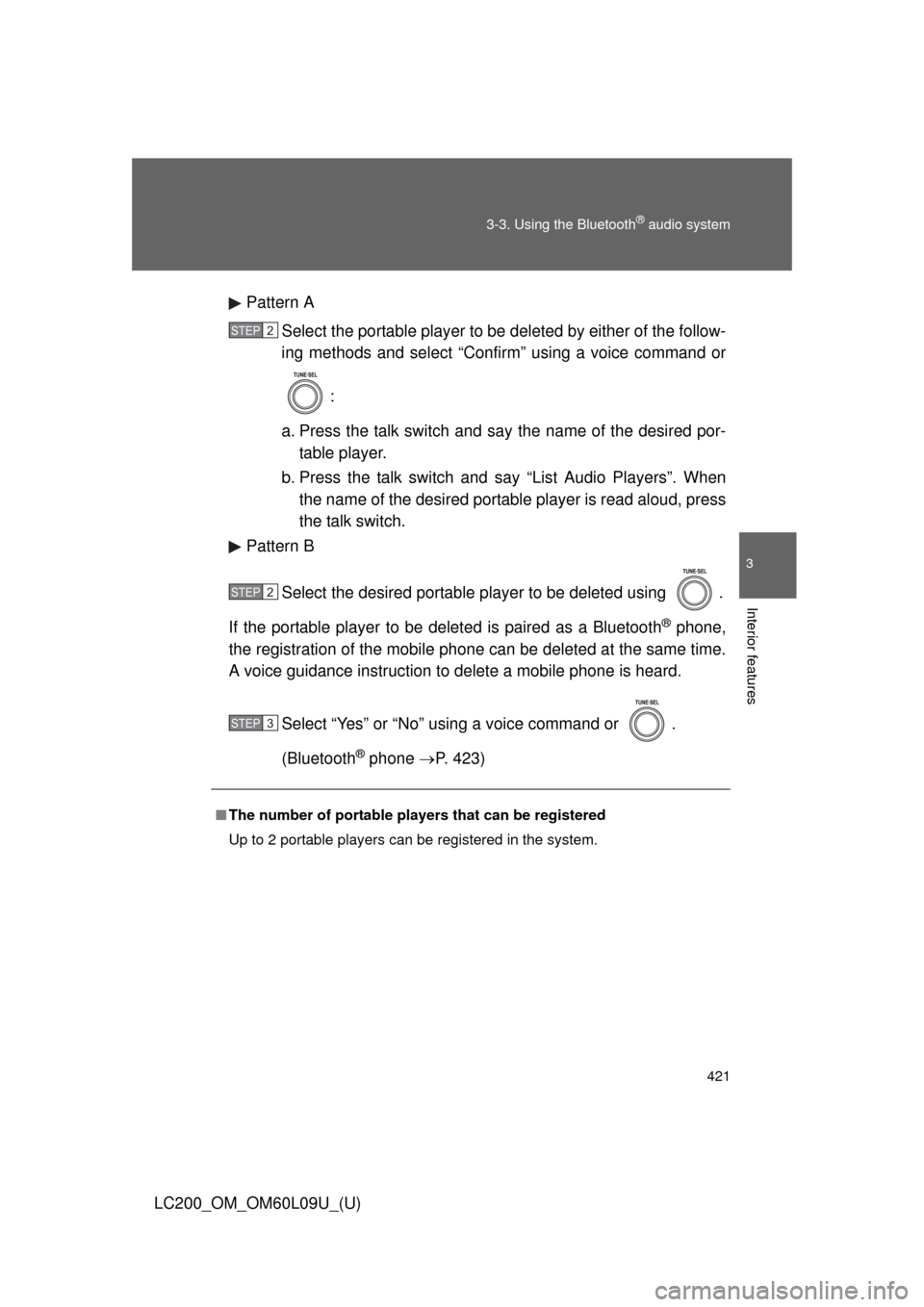
Pattern A
Select the portable player to be deleted by either of the follow-
ing methods and select “Confirm” using a voice command or
:
a. Press the talk switch and say the name of the desired por- table player.
b. Press the talk switch and say “List Audio Players”. When
the name of the desired portable player is read aloud, press
the talk switch.
Pattern B
Select the desired portable player to be deleted using .
If the portable player to be deleted is paired as a Bluetooth
® phone,
the registration of the mobile phone can be deleted at the same time.
A voice guidance instruction to delete a mobile phone is heard.
Select “Yes” or “No” using a voice command or .
(Bluetooth
® phone P. 423)
■The number of portable pl ayers that can be registered
Up to 2 portable players can be registered in the system.
STEP2
STEP2
STEP3
Page 431 of 724
431
3-4. Using the hands-free
system (for cellular phone)
3
Interior features
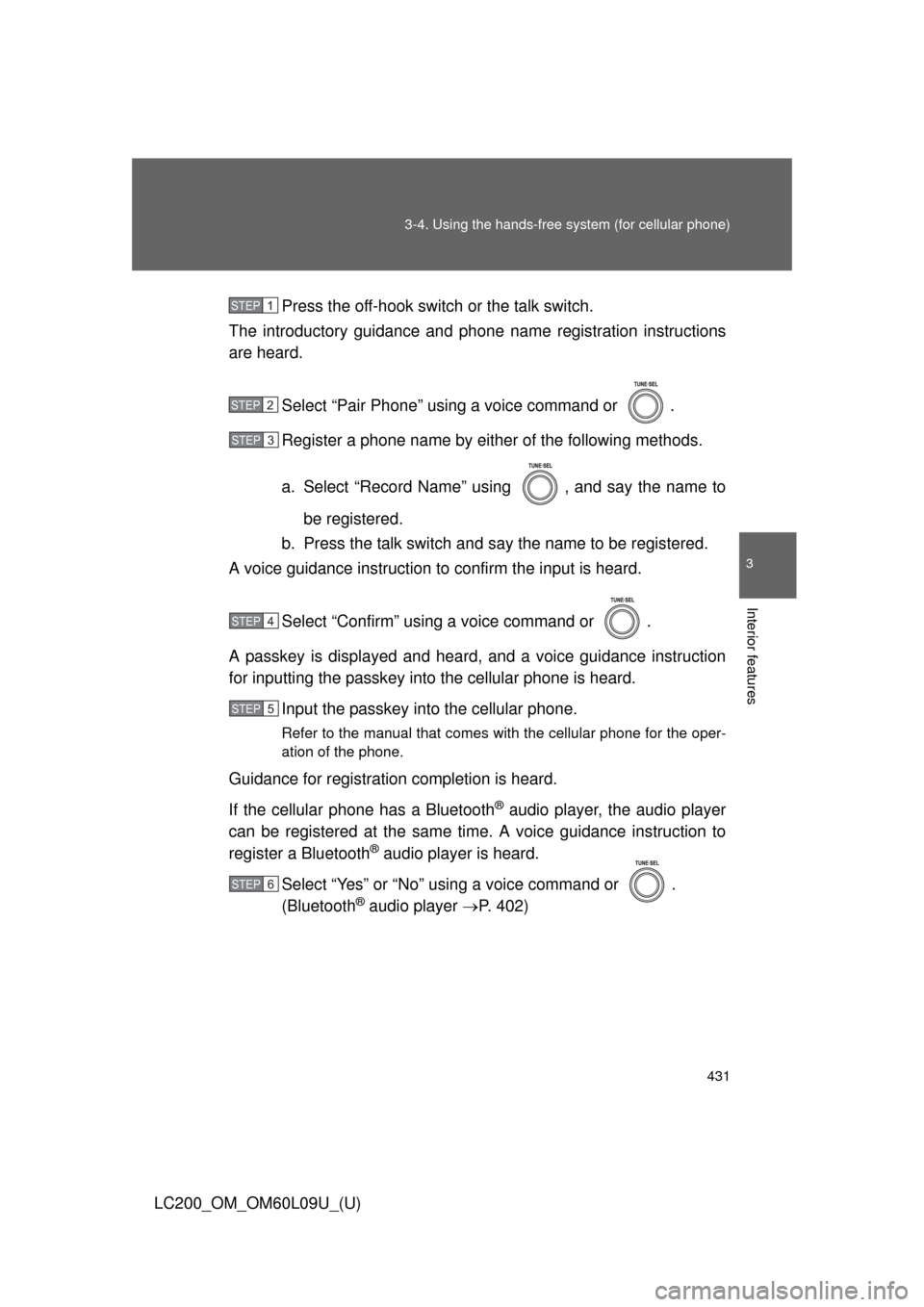
LC200_OM_OM60L09U_(U)Press the off-hook switch
or the talk switch.
The introductory guidance and phone name registration instructions
are heard.
Select “Pair Phone” using a voice command or .
Register a phone name by either of the following methods.
a. Select “Record Name” using , and say the name tobe registered.
b. Press the talk switch and say the name to be registered.
A voice guidance instruction to confirm the input is heard.
Select “Confirm” using a voice command or .
A passkey is displayed and heard, and a voice guidance instruction
for inputting the passkey into the cellular phone is heard. Input the passkey into the cellular phone.
Refer to the manual that comes with the cellular phone for the oper-
ation of the phone.
Guidance for registration completion is heard.
If the cellular phone has a Bluetooth
® audio player, the audio player
can be registered at the same time. A voice guidance instruction to
register a Bluetooth
® audio player is heard.
Select “Yes” or “No” using a voice command or .
(Bluetooth
® audio player P. 402)
STEP1
STEP2
STEP3
STEP4
STEP5
STEP6
Page 446 of 724
446 3-4. Using the hands-free system (for cellular phone)
LC200_OM_OM60L09U_(U)
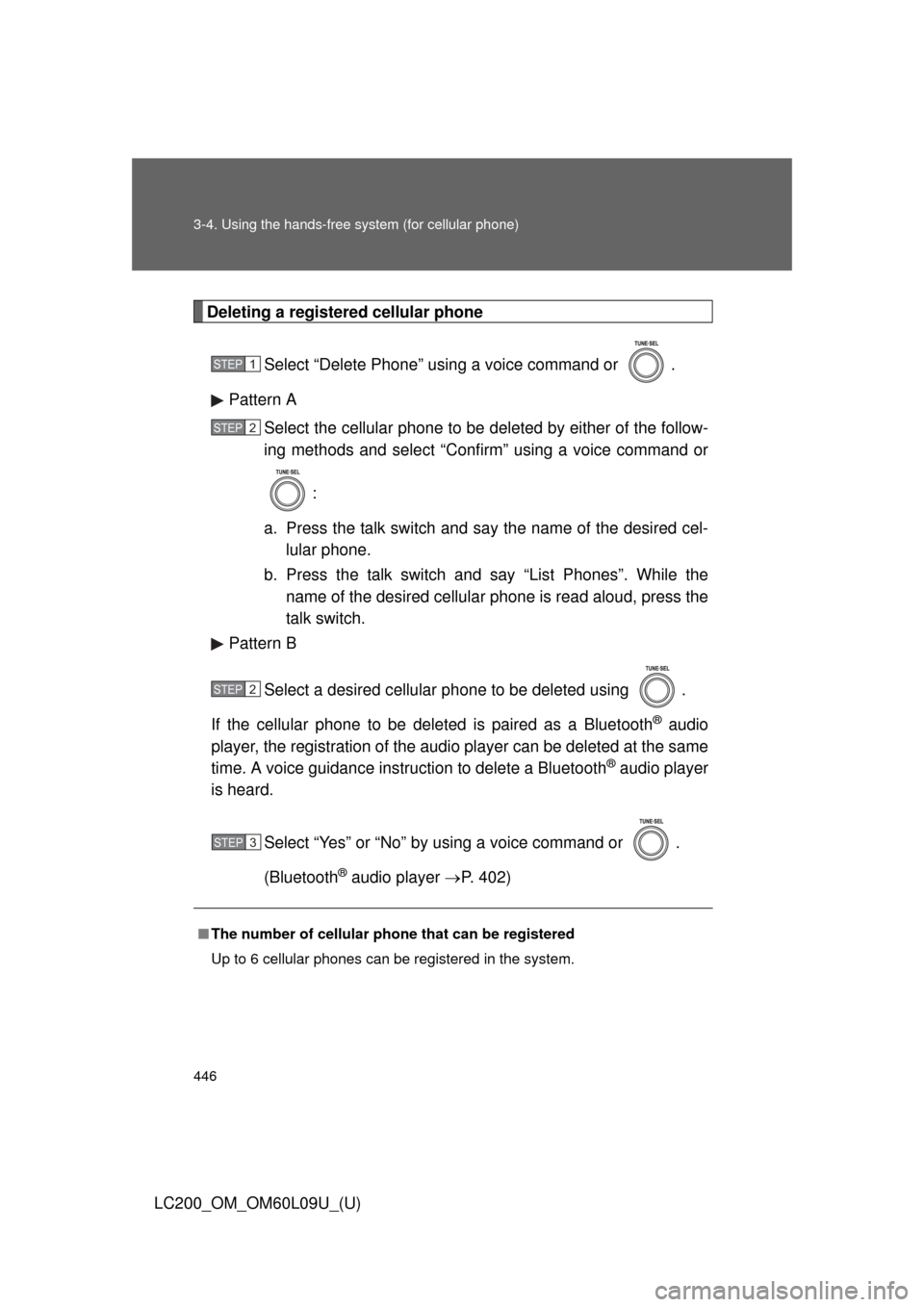
Deleting a registered cellular phoneSelect “Delete Phone” using a voice command or .
Pattern A Select the cellular phone to be deleted by either of the follow-
ing methods and select “Confirm” using a voice command or
:
a. Press the talk switch and say the name of the desired cel- lular phone.
b. Press the talk switch and say “List Phones”. While the name of the desired cellular phone is read aloud, press the
talk switch.
Pattern B
Select a desired cellular phone to be deleted using .
If the cellular phone to be deleted is paired as a Bluetooth
® audio
player, the registration of the audio player can be deleted at the same
time. A voice guidance instruction to delete a Bluetooth
® audio player
is heard.
Select “Yes” or “No” by using a voice command or .
(Bluetooth
® audio player P. 402)
■The number of cellular phone that can be registered
Up to 6 cellular phones can be registered in the system.
STEP1
STEP2
STEP2
STEP3
Page 452 of 724
452 3-4. Using the hands-free system (for cellular phone)
LC200_OM_OM60L09U_(U)
■Initialization
●The following data in the system can be initialized:
• Phone book
• Outgoing and incoming call history
• Speed dials
• Registered cellular phone data
• Security code
• Registered Bluetooth
® enabled portable player data
• Passkey for the cellular phone
• Passkey for the Bluetooth
® audio players
• Guidance volume
• Receiver volume
• Ring tone volume
● Once the initialization has been completed, the data cannot be restored
to its original state.
■ When the phone book is locked
The following functions cannot be used:
●Dialing by inputting a name
● Speed dialing
● Dialing a number stored in the call history memory
● Using the phone book
Page 710 of 724

710
LC200_OM_OM60L09U_(U)
Alphabetical index
Alphabetical index
A/CAir conditioning filter .............. 560
Automatic air conditioning
system (vehicles without
navigation system) .............. 336
Automatic air conditioning system (vehicles with
navigation system)
*
ABS ........................................... 281
Active traction control ............. 281
Air conditioning filter............... 560
Air conditioning system(vehicles without
navigation system)Air conditioning filter .............. 560
Automatic air conditioning
system ................................ 336
Air conditioning system
(vehicles with navigation
system)
*
Airbags Airbag operating conditions... 117
Airbag precautions for your child .................................... 122
Airbag warning light............... 609
Curtain shield airbag operating conditions............ 117
Curtain shield airbag precautions ......................... 122
Front passenger occupant
classification system ........... 130
General airbag precautions ... 122
Locations of airbags .............. 113
Modification and disposal of airbags ................................ 125
Proper driving posture ... 111, 122
Roll sensing of curtain shield
airbags off switch ................128
Side airbag operating
conditions............................ 117
Side airbag precautions ........ 122
SRS airbags .......................... 113 Alarm......................................... 107
Antenna .................................... 361
Anti-lock brake system ........... 281
Armrest ..................................... 491
Ashtrays ................................... 482
Assist grips .............................. 492
Audio input ............................... 397
Audio system (vehicles
without navigation system)Antenna................................. 361
Audio input ............................ 397
AUX port ............................... 397
CD player/changer ................ 365
iPod ....................................... 380
MP3/WMA disc ..................... 373
Optimal use ........................... 395
Portable audio device ........... 397
Radio..................................... 356
Steering wheel audio switch.................................. 398
USB memory......................... 387
Audio/video system (vehicles with navigation
system)
*
Automatic air conditioningsystem (vehicles without
navigation system) ................ 336
Automatic air conditioning system (vehicles with
navigation system)
*
Automatic light control system .................................... 196
Automatic transmission
Automatic transmission ......... 171
If the shift lever cannot be shifted from “P” ................... 651
“S” mode ............................... 173
AUX port ................................... 397
Auxiliary box .................... 466, 474
A