Page 260 of 612
2605-6. Using Bluetooth® devices
COROLLA_TMMMS_TMMC_U (OM12F00U)
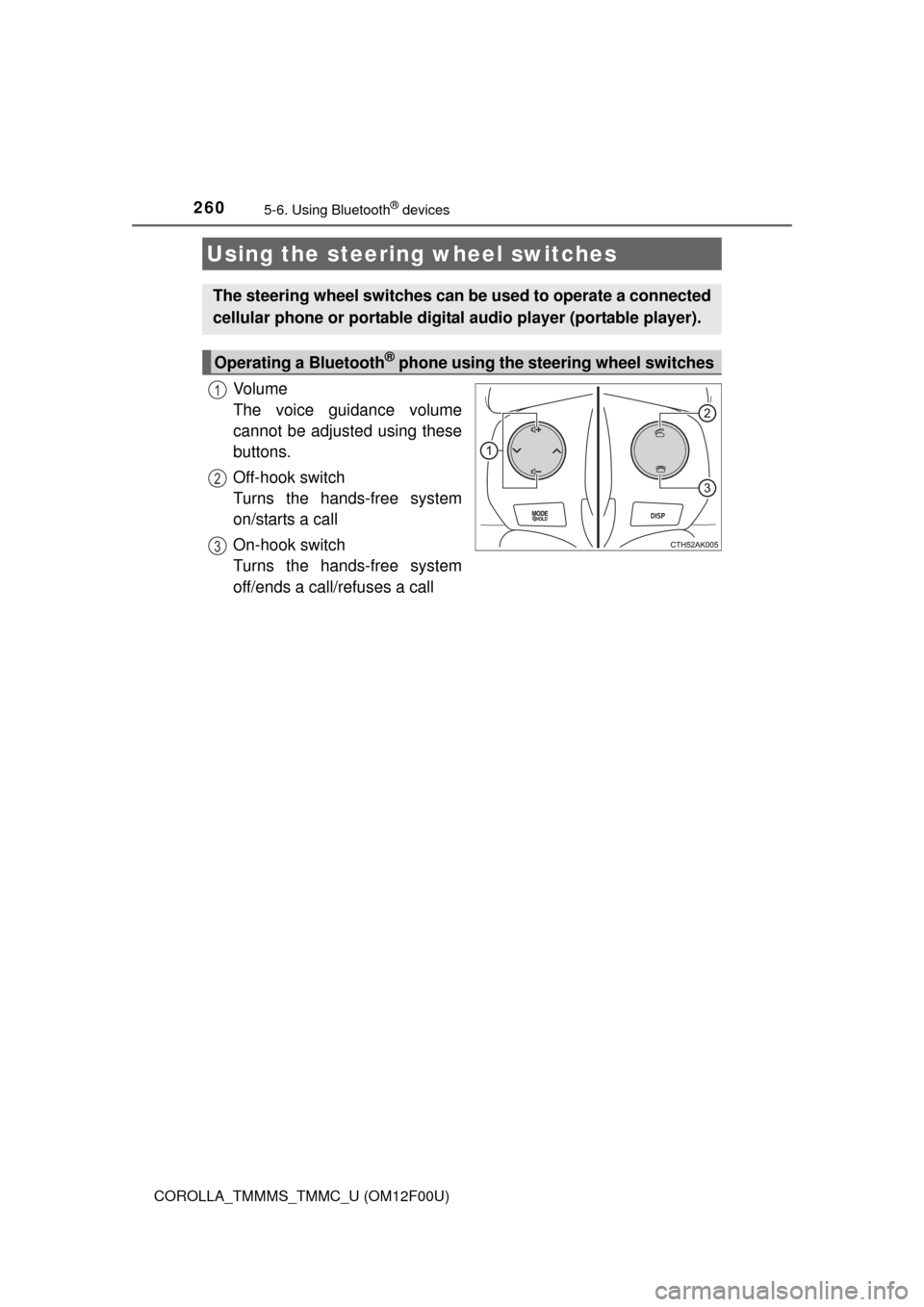
Vo l u m e
The voice guidance volume
cannot be adjusted using these
buttons.
Off-hook switch
Turns the hands-free system
on/starts a call
On-hook switch
Turns the hands-free system
off/ends a call/refuses a call
Using the steering wheel switches
The steering wheel switches can be used to operate a connected
cellular phone or portable digital audio player (portable player).
Operating a Bluetooth® phone using the steering wheel switches
1
2
3
Page 261 of 612
2615-6. Using Bluetooth® devices
5
Interior features
COROLLA_TMMMS_TMMC_U (OM12F00U)
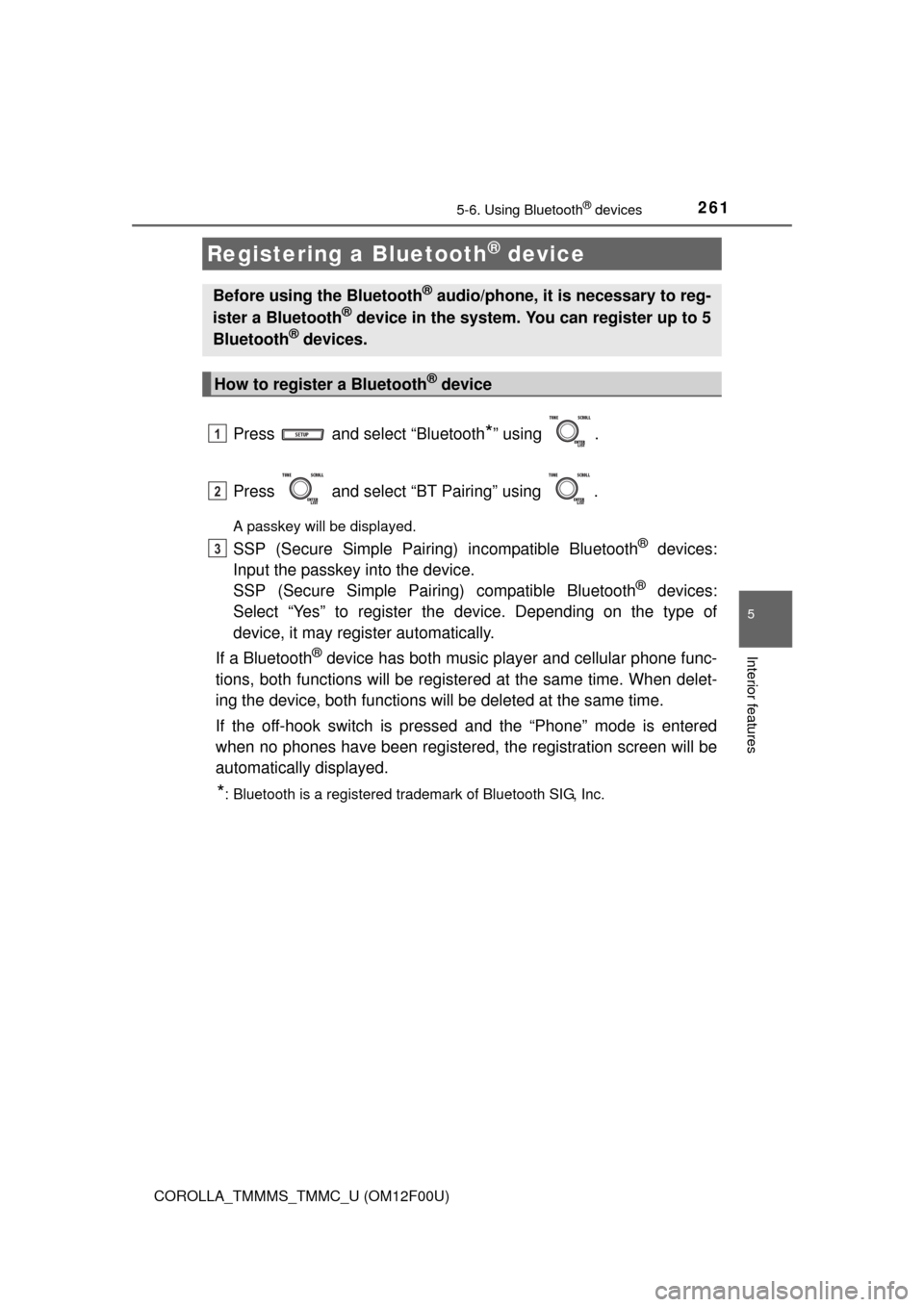
Press and select “Bluetooth*” using .
Press and select “BT Pairing” using .
A passkey will be displayed.
SSP (Secure Simple Pairing) incompatible Bluetooth® devices:
Input the passkey into the device.
SSP (Secure Simple Pairing) compatible Bluetooth
® devices:
Select “Yes” to register the device. Depending on the type of
device, it may register automatically.
If a Bluetooth
® device has both music player and cellular phone func-
tions, both functions will be registered at the same time. When delet-
ing the device, both functions will be deleted at the same time.
If the off-hook switch is pressed and the “Phone” mode is entered
when no phones have been registered, the registration screen will be
automatically displayed.
*: Bluetooth is a registered trademark of Bluetooth SIG, Inc.
Registering a Bluetooth® device
Before using the Bluetooth® audio/phone, it is necessary to reg-
ister a Bluetooth® device in the system. You can register up to 5
Bluetooth® devices.
How to register a Bluetooth® device
1
2
3
Page 262 of 612
262
COROLLA_TMMMS_TMMC_U (OM12F00U)
5-7. “SET UP” menu
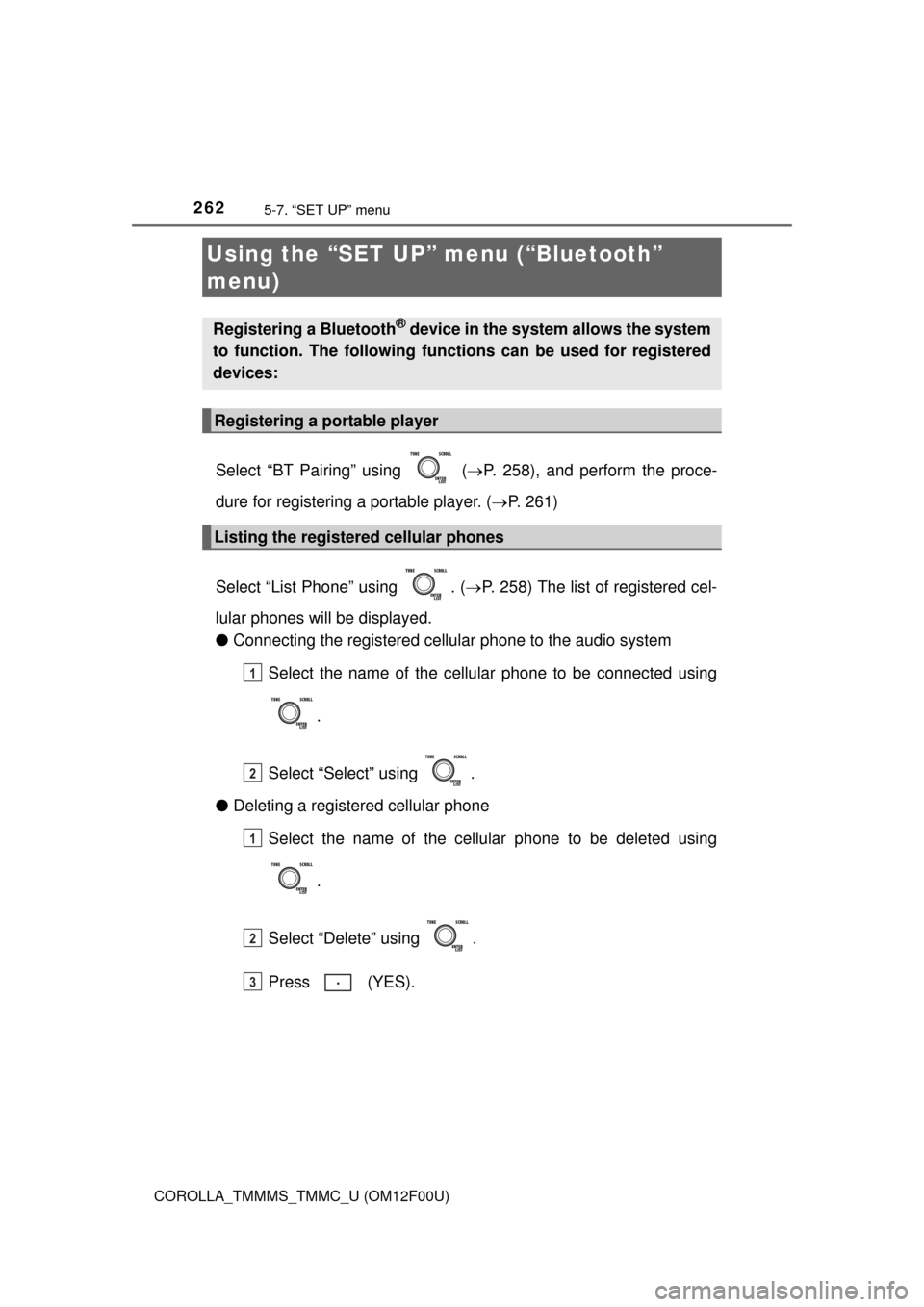
Select “BT Pairing” using (P. 258), and perform the proce-
dure for registering a portable player. (P. 261)
Select “List Phone” using . (P. 258) The list of registered cel-
lular phones will be displayed.
●Connecting the registered cellular phone to the audio system
Select the name of the cellular phone to be connected using
.
Select “Select” using .
●Deleting a registered cellular phone
Select the name of the cellular phone to be deleted using
.
Select “Delete” using .
Press (YES).
Using the “SET UP” menu (“Bluetooth”
menu)
Registering a Bluetooth® device in the system allows the system
to function. The following functions can be used for registered
devices:
Registering a portable player
Listing the registered cellular phones
1
2
1
2
3
Page 263 of 612
2635-7. “SET UP” menu
5
Interior features
COROLLA_TMMMS_TMMC_U (OM12F00U)
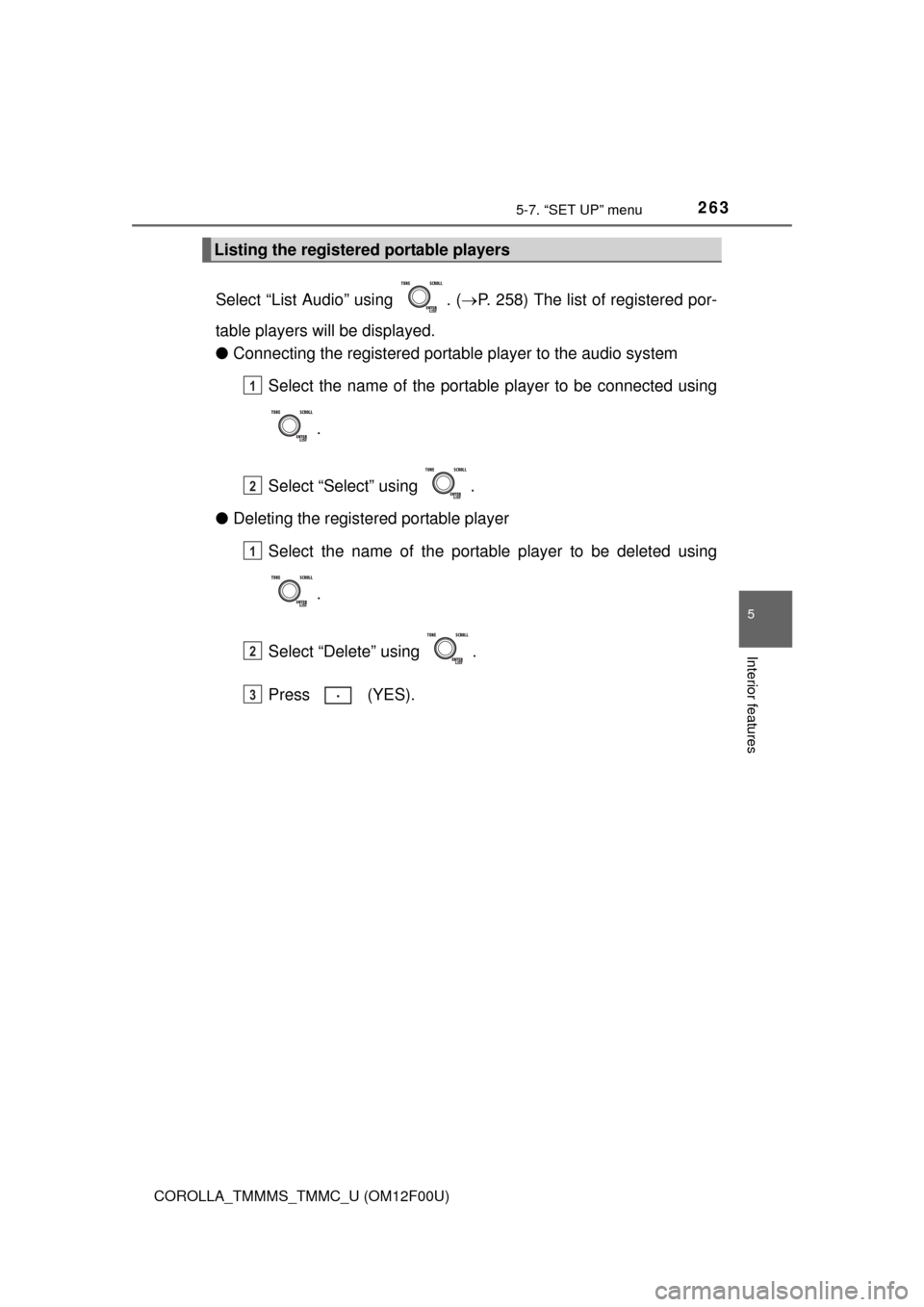
Select “List Audio” using . (P. 258) The list of registered por-
table players will be displayed.
●Connecting the registered portable player to the audio system
Select the name of the portable player to be connected using
.
Select “Select” using .
●Deleting the registered portable player
Select the name of the portable player to be deleted using
.
Select “Delete” using .
Press (YES).
Listing the registered portable players
1
2
1
2
3
Page 272 of 612
272
COROLLA_TMMMS_TMMC_U (OM12F00U)
5-8. Bluetooth® Audio
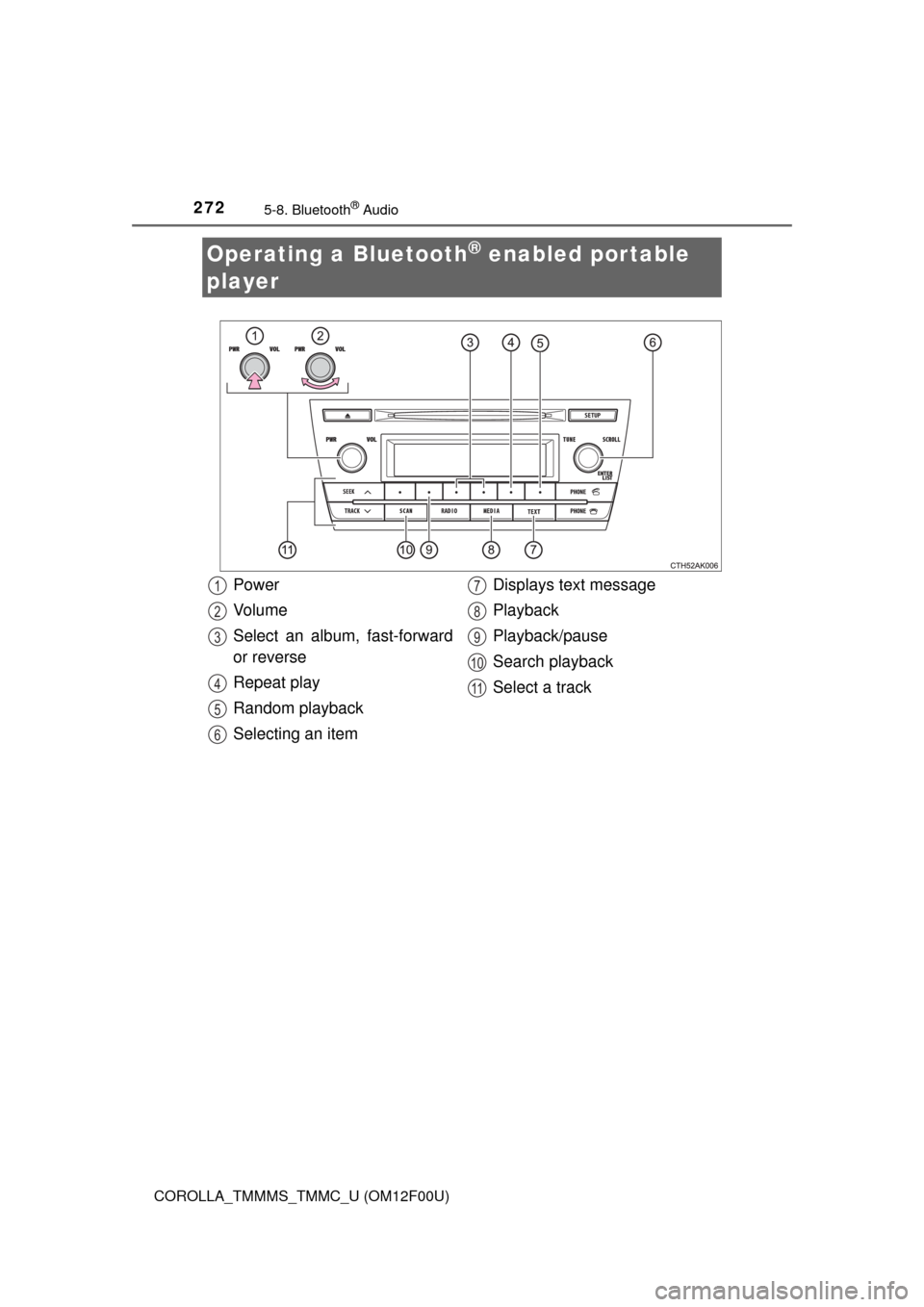
Operating a Bluetooth® enabled portable
player
Power
Vo l u m e
Select an album, fast-forward
or reverse
Repeat play
Random playback
Selecting an itemDisplays text message
Playback
Playback/pause
Search playback
Select a track1
2
3
4
5
6
7
8
9
10
11
Page 273 of 612
2735-8. Bluetooth® Audio
5
Interior features
COROLLA_TMMMS_TMMC_U (OM12F00U)
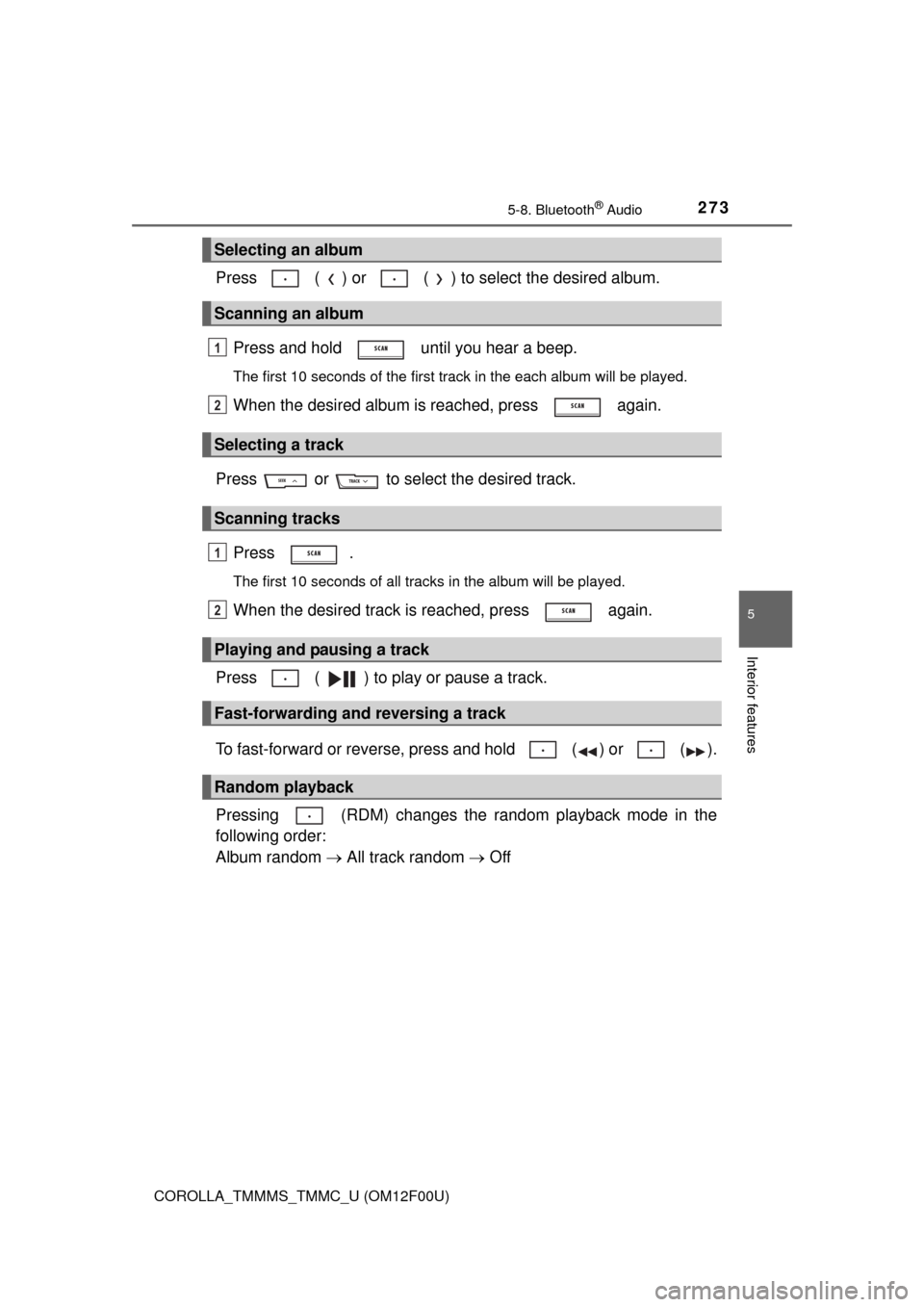
Press ( ) or ( ) to select the desired album.
Press and hold until you hear a beep.
The first 10 seconds of the first track in the each album will be played.
When the desired album is reached, press again.
Press or to select the desired track.
Press .
The first 10 seconds of all tracks in the album will be played.
When the desired track is reached, press again.
Press ( ) to play or pause a track.
To fast-forward or reverse, press and hold ( ) or ( ).
Pressing (RDM) changes the random playback mode in the
following order:
Album random All track random Off
Selecting an album
Scanning an album
Selecting a track
Scanning tracks
Playing and pausing a track
Fast-forwarding and reversing a track
Random playback
1
2
1
2
Page 274 of 612
2745-8. Bluetooth® Audio
COROLLA_TMMMS_TMMC_U (OM12F00U)
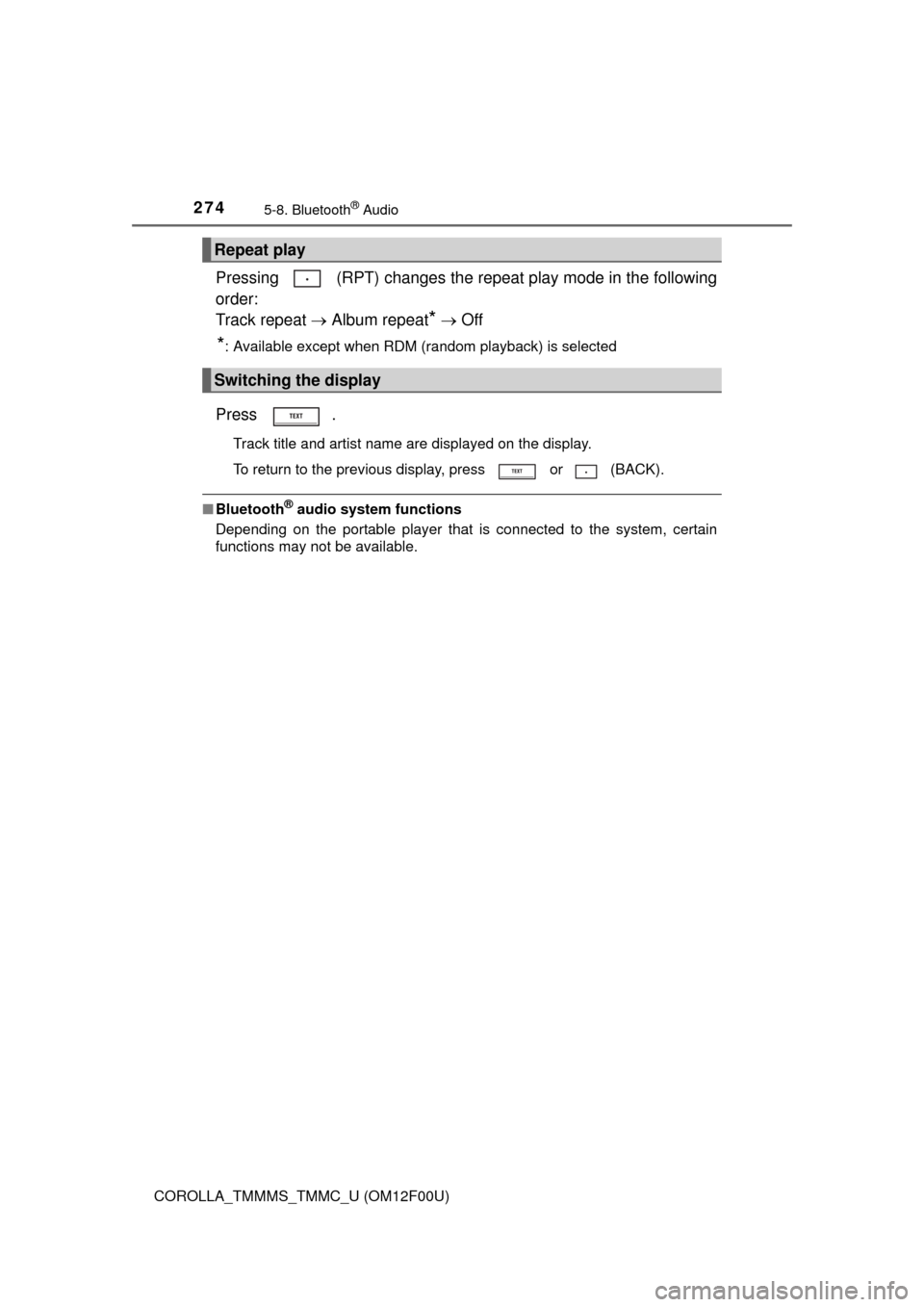
Pressing (RPT) changes the repeat play mode in the following
order:
Track repeat Album repeat
* Off
*: Available except when RDM (random playback) is selected
Press .
Track title and artist name are displayed on the display.
To return to the previous display, press or (BACK).
■Bluetooth® audio system functions
Depending on the portable player that is connected to the system, certain
functions may not be available.
Repeat play
Switching the display
Page 281 of 612
281
5
Interior features
COROLLA_TMMMS_TMMC_U (OM12F00U)
5-10. Bluetooth®
■When using the Bluetooth® audio system
●In the following situations, the system may not function.
• The portable player does not support Bluetooth
®
• The cellular phone is located outside the service area
• The Bluetooth® device is switched off
• The Bluetooth® device has a low battery
• The Bluetooth® device is not connected to the system
• The Bluetooth® device is behind the seat or in the glove box or console
box, or is touching or covered by metal objects
●There may be a delay if a cellular phone connection is made during
Bluetooth
® audio playback.
●Depending on the type of portable audio player that is connected to the sys-
tem, operation may differ slightly and certain functions may not be available.
■When transferring ownership of the vehicle
Be sure to initialize the system to prevent personal data from being improp-
erly accessed. (P. 266)
■About Bluetooth
®
■Compatible models
●Bluetooth® specifications:
Ver. 1.1, or higher (recommended: Ver. 2.1 + EDR or higher)
●Following Profiles:
• A2DP (Advanced Audio Distribution Profile) Ver. 1.0, or higher (recom-
mended: Ver. 1.2 or higher)
• AVRCP (Audio/Video Remote Control Profile) Ver. 1.0 or higher (recom-
mended: Ver. 1.3 or higher)
Portable players must correspond to the above specifications in order to be
connected to the Bluetooth
® audio system. However, please note that some
functions may be limited depending on the type of portable player.
●Cellular phone
• HFP (Hands Free Profile) Ver. 1.0 or higher (recommended: Ver. 1.5)
• OPP (Object Push Profile) Ver. 1.1
• PBAP (Phone Book Access Profile) Ver. 1.0
Bluetooth®
Bluetooth is a registered trademark of
Bluetooth SIG. Inc.