Page 270 of 612
2705-7. “SET UP” menu
COROLLA_TMMMS_TMMC_U (OM12F00U)
Select “Delete contacts” using . (P. 258)
Select the desired phone number using and press
(YES).
To delete all of the registered phone numbers, select “All delete”
using and press (YES).
Select “Delete other PB” using . (P. 258)
Select the desired phonebook using and press
(YES).
Select “Call volume” using . (P. 258)
Change the call volume.
To decrease the volume: Turn counterclockwise.
To increase the volume: Turn clockwise.
Select “Ringtone volume” using . (P. 258)
Change the ringtone volume.
To decrease the volume: Turn counterclockwise.
To increase the volume: Turn clockwise.
Deleting a registered phone number
Deleting another cellular phone’s phonebook
Setting call volume
Setting ringtone volume
1
2
1
2
1
2
1
2
Page 278 of 612
2785-9. Bluetooth® Phone
COROLLA_TMMMS_TMMC_U (OM12F00U)
Press the off-hook switch.
Press the on-hook switch.
Press the off-hook switch.
Pressing the off-hook switch again returns you to the previous call.
Change the ringtone volume using .
To decrease the volume: Turn counterclockwise.
To increase the volume: Turn clockwise.
Receiving a phone call
Answering the phone
Refusing a call
Receiving a call when on another call
Adjusting the ringtone volume when receiving a call
Page 279 of 612
2795-9. Bluetooth® Phone
5
Interior features
COROLLA_TMMMS_TMMC_U (OM12F00U)
A call can be transferred between the cellular phone and system while
dialing, receiving a call, or during a call. Use one of the following
methods:
a.Operate the cellular phone.
Refer to the manual that comes with the cellular phone for the operation of
the phone.
b.Press * (PHONE).
*: This operation can be performed only when transferring a call from the cel-
lular phone to the system during a call.
Press (MUTE).
Press (0 - 9) and use to input the desired digits.
• To send the input digits, press (SEND).
• When finished, press (EXIT) to return to the previous
screen.
Change the call volume using .
To decrease the volume: Turn counterclockwise.
To increase the volume: Turn clockwise.
Speaking on the phone
Transferring a call
Muting your voice
Inputting digits
Setting call volume
Page 379 of 612
379
6Interior features
COROLLA_TMMMS_TMMC_U (OM12F00U)6-1. Using the air conditioning
system and defogger
Manual air conditioning
system ............................ 380
Automatic air
conditioning system ........ 386
6-2. Using the interior lights
Interior lights list ................ 395
• Front interior light/
personal lights............... 396
• Rear interior light .......... 397
6-3. Using the storage
features
List of storage features ..... 398
• Glove box...................... 399
• Console box .................. 399
• Bottle holders ................ 400
• Cup holders .................. 401
6-4. Other interior features
Other interior features ....... 403
• Sun visors ..................... 403
• Vanity mirrors................ 403
• Clock ............................. 403
• Outside temperature
display........................... 404
• Power outlet .................. 405
• Assist grips ................... 406
Compass ........................... 407
Seat heaters...................... 411
Page 380 of 612
380
COROLLA_TMMMS_TMMC_U (OM12F00U)
6-1. Using the air conditioning system and defogger
■Adjusting the temperature setting
Heater
To adjust the temperature setting, turn the dial clockwise to
increase the temperature.
Air conditioning system
To adjust the temperature setting, turn the dial clockwise
(warm) or counterclockwise (cool).
If is not pressed, the system will blow ambient temperature air or
heated air.
■
Fan speed setting
To adjust the fan speed, turn the dial clockwise (increase) or
counterclockwise (decrease).
Turning the dial to “0” turns off the fan.
■
Change the airflow mode
To select the air outlets, set the dial to the desired position.
Manual air conditioning system
: If equipped
Air conditioning controls
HeaterAir conditioning system
Page 385 of 612
3856-1. Using the air conditioning system and defogger
6
Interior features
COROLLA_TMMMS_TMMC_U (OM12F00U)
CAUTION
■To prevent the windshield from fogging up
●Do not set the air outlet selector dial to during cool air operation in
extremely humid weather. The difference between the temperature of the
outside air and that of the windshield can cause the outer surface of the
windshield to fog up, blocking your vision.
■To prevent burns (vehicles with outside rear view mirror defoggers)
Do not touch the rear view mirror surfaces when the outside rear view mirror
defoggers are on.
NOTICE
■To prevent battery discharge
Do not leave the air conditioning system on longer than necessary when the
engine is stopped.
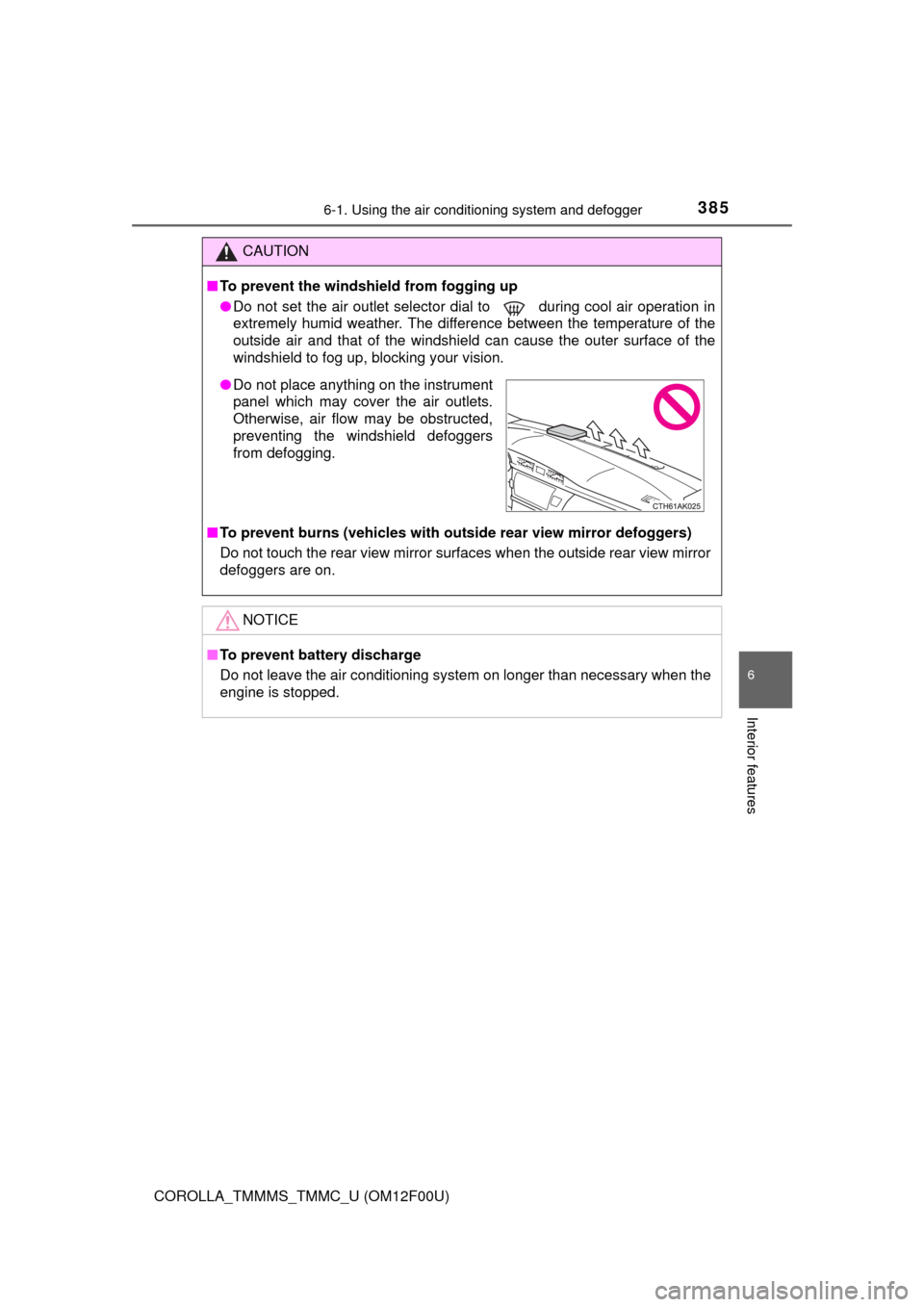
●Do not place anything on the instrument
panel which may cover the air outlets.
Otherwise, air flow may be obstructed,
preventing the windshield defoggers
from defogging.
Page 386 of 612
3866-1. Using the air conditioning system and defogger
COROLLA_TMMMS_TMMC_U (OM12F00U)■
Adjusting the temperature setting
To adjust the temperature setting, turn clockwise to increase
the temperature and turn counterclockwise to decrease the
temperature.
Automatic air conditioning system
: If equipped
Air outlets and fan speed are automatically adjusted according
to the temperature setting.
Air conditioning controls
Page 394 of 612
3946-1. Using the air conditioning system and defogger
COROLLA_TMMMS_TMMC_U (OM12F00U)
CAUTION
■To prevent the windshield from fogging up
●Do not use during cool air operation in extremely humid weather.
The difference between the temperature of the outside air and that of the
windshield can cause the outer surface of the windshield to fog up, block-
ing your vision.
■To prevent burns
Do not touch the rear view mirror surfaces when the outside rear view mirror
defoggers are on.
NOTICE
■To prevent battery discharge
Do not leave the air conditioning system on longer than necessary when the
engine is stopped.
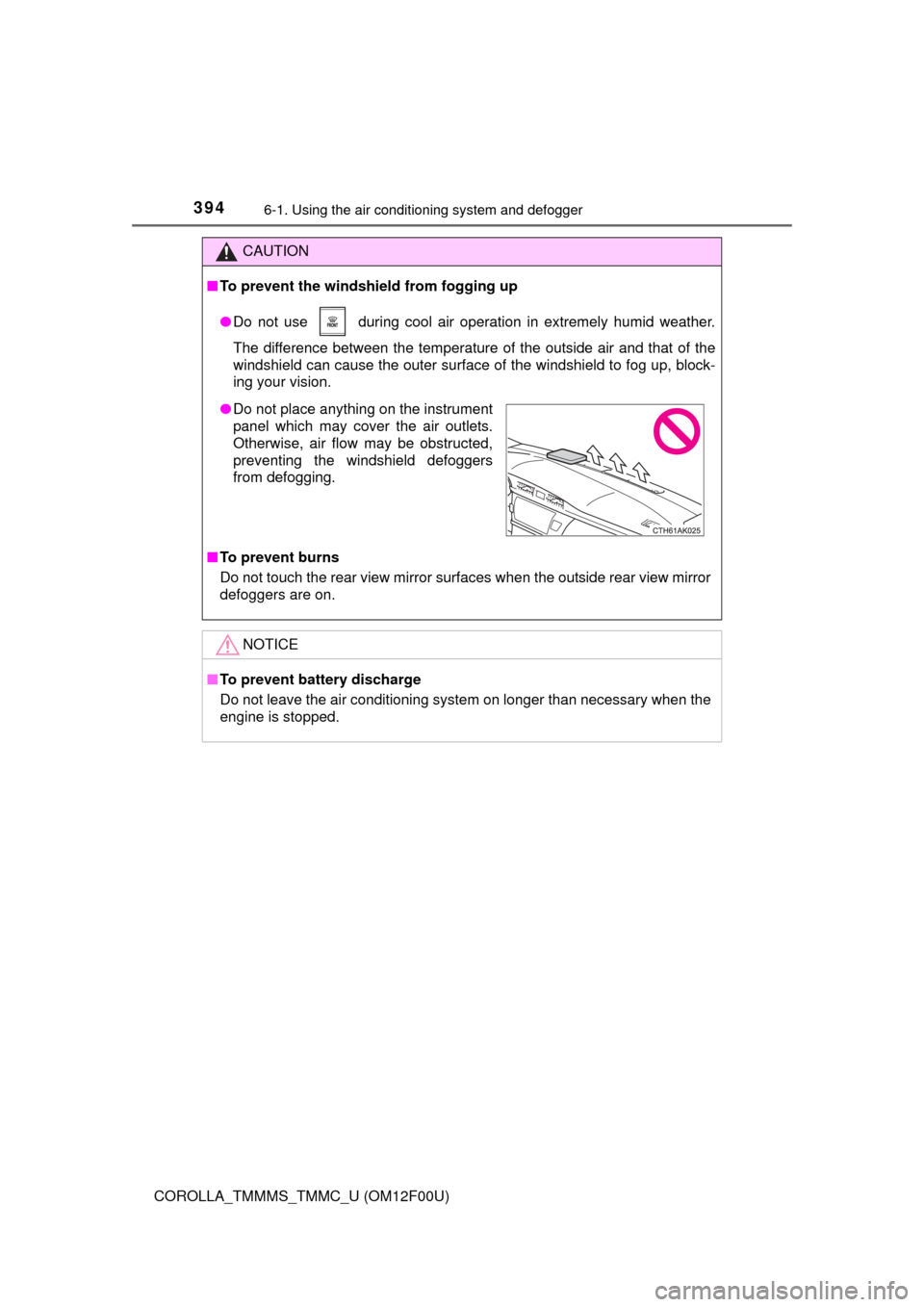
●Do not place anything on the instrument
panel which may cover the air outlets.
Otherwise, air flow may be obstructed,
preventing the windshield defoggers
from defogging.