2014 MERCEDES-BENZ B-CLASS SPORTS oil reset
[x] Cancel search: oil resetPage 6 of 360
1, 2,
3...
12 Vsocket
see Sockets A
ABS (Anti-lock Braking System) Display message ............................ 208
Function/notes ................................ 63
Important safety notes ....................63
Warning lamp ................................. 239
Activating/deactivating cooling
with air dehumidification .................126
Active Parking Assist Canceling ...................................... .179
Detecting parking spaces ..............176
Display message ............................ 228
Exiting aparking spac e.................. 178
Function/notes ............................. 175
Important safety notes ..................175
Parking .......................................... 177
ADAPTIVE BRAKE ................................. 69
Adaptive Brake Assist Display message ............................ 216
Function/notes ................................ 65
Adaptive brake lamps .........................67
Adaptive Highbeam Assist Display message ............................ 223
Function/notes ............................. 108
Switching on/off ........................... 109
Switching on/off (on-board
computer) ...................................... 203
Additional speedometer ...................202
Additives (engine oil) ........................350
Airb ags
Deployment ..................................... 41
Display message ............................ 219
Front airb ag (driver, front
passenger )....................................... 45
Important safety notes ....................43
Knee bag .......................................... 45
PASSENGER AIR BAG OFF
indicator lamp .................................. 47
Safety guidelines ............................. 42
Side impact airb ag.......................... 46
Windo wcurtain air bag .................... 47Air-conditionin
gsystem
see Climate control
Airv ents
Important safet ynotes .................. 133
Rea r............................................... 134
Setting ........................................... 133
Setting the center airv ents........... 133
Setting the sid eairvents ............... 133
Alarm system
see ATA (Anti-Theft Alarm system)
Ambient lighting
Setting the brightness (on-board
computer) ...................................... 204
Anti-loc kbraking system
se eA BS (Anti-lock Braking System)
Anti-thef talarm system
se eA TA (Anti-Theft Alarm system)
Ashtray ............................................... 263
Assistanc edisplay (on-board
computer) .......................................... 199
Assistanc emenu (on-board
computer) .......................................... 199
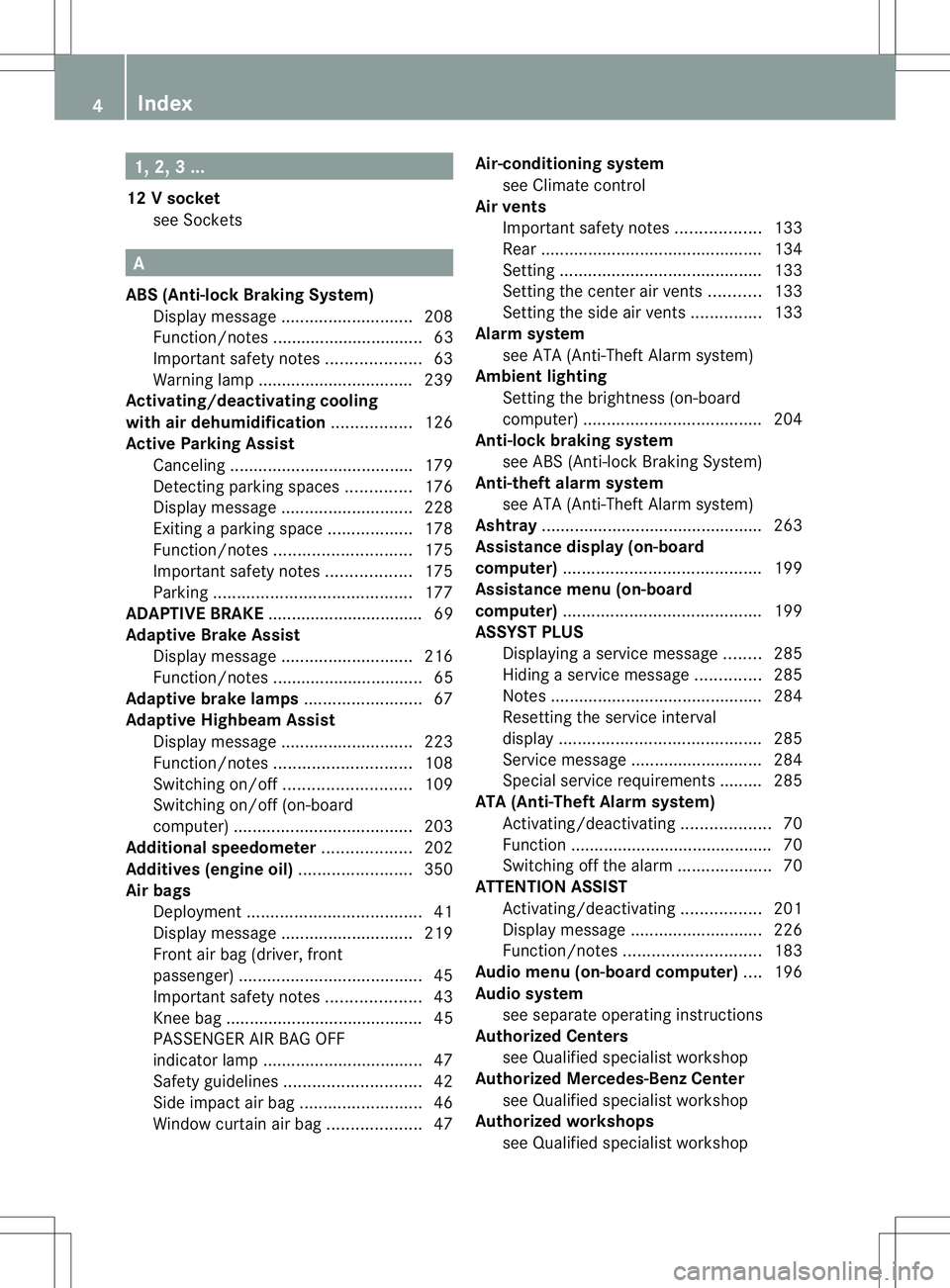
ASSYST PLUS Displaying aservice message ........285
Hiding aservice message ..............285
Notes ............................................. 284
Resetting the service interval
displa y........................................... 285
Service message ............................ 284
Specia lservice requirements ......... 285
ATA (Anti-Theft Alarm system)
Activating/deactivating ...................70
Function .......................................... .70
Switching off the alarm ....................70
ATTENTIO NASSIST
Activating/deactivating .................201
Display message ............................ 226
Function/notes ............................. 183
Audio menu (on-board computer) ....196
Audio system see separate operating instructions
Authorized Centers
see Qualified specialist workshop
Authorized Mercedes-Benz Center
see Qualified specialist workshop
Authorized workshops
see Qualified specialist workshop 4
Index
Page 15 of 360
N
Navigation Menu (on-boar dcomputer) ............195
see separate operating instructions
Notes on breaking-i nanew vehicle 136 O
Occupant Classification System
(OCS) Fault s............................................... 51
Operation ........................................ .47
System self-test ............................... 50
Occupant safety
Childre ninthe vehicle ..................... 56
Important safety notes ....................40
OCS
Faults ............................................... 51
Operation ........................................ .47
System self-test ............................... 50
Oil
see Engine oil
On-board computer
Assistance menu ........................... 199
Audi omenu ................................... 196
Convenience submenu ..................206
Displaying aservice message ........285
Display messages ..........................207
DISTRONI CPLUS ........................... 168
Factory settings submenu .............206
Important safety notes ..................190
Instrument cluster submenu ..........202
Lighting submenu .......................... 203
Menu overview .............................. 193
Message memory .......................... 207
Navigation menu ............................ 195
Operation ....................................... 191
Service menu ................................. 202
Settings menu ............................... 202
Standard displa y............................ 193
Telephone menu ............................ 197
Trip menu ...................................... 193
Vehicle submenu ........................... 205
Video DVD operatio n..................... 197
Opening and closing the side trim
panels ................................................. 114Operatin
gsafety
Declaratio nofconformity ................ 24
Important safety notes ....................23
Operatin gsystem
see On-board computer
Operator's Manual
Vehicle equipment ...........................22
Outside temperature display ...........191
Overhead control panel ......................36
Override feature Rea rside windows ........................... 62 P
Pain tcode number ............................ 346
Paintwork (cleaning instructions) ...287
Pani calarm .......................................... 40
Panorama roof with power tilt/
sliding panel
Opening/closing the roller
sunblind ........................................... 88
Problem (malfunction) .....................88
Resetting ......................................... 88
Panorama sliding sunroof
Important safety notes ....................86
Parce lnet ........................................... 253
Parking ............................................... 152
Important safety notes ..................152
Parking brake ................................ 153
Position of exterio rmirror, front-
passenger sid e............................... 100
Rea rview camera .......................... 179
see Active Parking Assist
see PARKTRONIC
Parking aid
Active Parking Assist .....................175
see Exterior mirrors
see PARKTRONIC
Parking brake
Display message ............................ 211
Electric parking brake ....................153
Warning lamp ................................. 244
Parking lamps
Switching on/off ........................... 106
Parking lamps (changing bulbs) ......113
PARKTRONIC Deactivating/activating .................174
Driving system ............................... 172 Index
13
Page 17 of 360
Restraint system
see SRS (Supplemental Restraint
System)
Reversin gfeature
Panorama sliding sunroof ................86
Roller sunblinds ............................... 87
Side windows ................................... 83
Roadside Assistanc e(breakdown) ....23
Roller sunblind Opening/closing .............................. 88
Panorama roof with power tilt/
sliding pane l..................................... 87
Roof carrier ........................................ 261
Roof lining and carpets (cleaning
guidelines) ......................................... 291
Roof load (maximum) ........................353
Route (navigation) see Route guidance (navigation)
Route guidance (navigation) ............195 S
Safety Childre ninthe vehicle ..................... 56
Child restraint systems ....................56
Occupant Classification System
(OCS) ............................................... 47
Safety system
see Driving safety systems
Seat
Folding the backres t(rear
compartment) forwards/back
(vehicles withou tthe EASY-
VARIO-PLUS system) .....................254
Folding the backres t(rear
compartment) forwards/back
(vehicles with the EASY-VARIO-
PLUS system) ................................ 255
Seat belts
Adjusting the height ......................... 54
Belt force limiters ............................ 55
center rear-compartment sea t......... 54
Cleaning ......................................... 291
Correct usage .................................. 52
Emergency Tensioning Devices ....... .55
Fastening ......................................... 53
Important safety guidelines .............52
Releasing ......................................... 54Safety guidelines
............................. 42
Warning lamp ................................. 237
Warning lamp (function) ................... 55
Seats
Adjusting (electrically). ....................95
Adjusting (manually). .......................94
Adjusting the 4-way lumbar
support ............................................ 96
Adjusting the hea drestraint ............ 95
Cleaning the cover .........................291
Correct driver's sea tposition ........... 92
Important safety notes ....................93
Seat heating problem ......................98
Storing settings (memory function) 101
Switching sea theating on/off .........97
Sensors (cleaning instructions) .......289
Service menu (on-board computer) .202
Service products Brake fluid ..................................... 350
Coolant (engine) ............................ 351
Engine oil ....................................... 349
Fuel ................................................ 348
Important safety notes ..................347
Refrigerant (air-conditioning
system) .......................................... 352
Washer fluid .................................. .352
Service work
see ASSYST PLUS
Settings
Factory (on-board computer) .........206
On-board computer .......................202
Settin gthe air distribution ...............129
Settin gthe airflow ............................ 129
Side impact air bag .............................46
Side marker lamp (display
message) ............................................ 222
Side windows Cleaning ......................................... 288
Convenience closing feature ............84
Convenience opening feature ..........84
Important safety information ...........83
Opening/closing .............................. 83
Problem (malfunction) .....................85
Resetting ......................................... 85
Sliding sunroof
see Panorama roof with power
tilt/sliding panel Index
15
Page 287 of 360
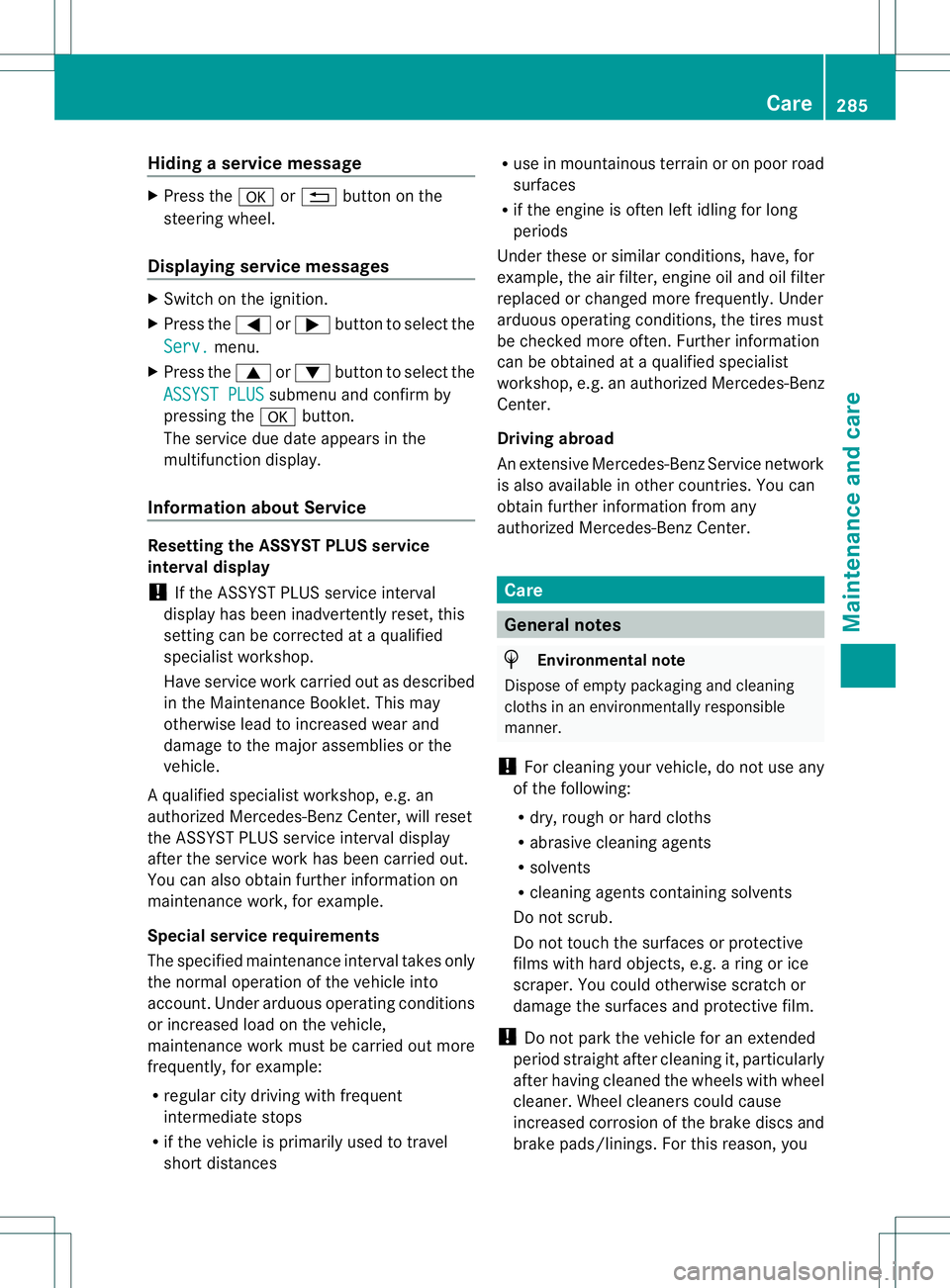
Hiding
aservice message X
Pres sthe 000C or0002 button on the
steerin gwheel.
Displaying service messages X
Switch on th eignition.
X Pres sthe 000A or0004 button to selec tthe
Serv. menu.
X Press the 0006or0005 button to select the
ASSYST PLUS submenu and confirm by
pressing the 000Cbutton.
The service due date appears in the
multifunction display.
Information about Service Resetting the ASSYST PLUS service
interval display
!
If the ASSYST PLUS service interval
displayh as been inadvertently reset, this
settingc an be corrected at aqualified
specialist workshop.
Have service work carried out as described
in the MaintenanceB ooklet. This may
otherwise lead to increased wear and
damage to the major assemblies or the
vehicle.
Aq ualified specialist workshop, e.g. an
authorize dMercedes-Ben zCenter, will reset
the ASSYST PLUS servic einterval display
after the servic ework has been carried out.
You can also obtain further information on
maintenanc ework, for example.
Special service requirements
The specified maintenanc einterval takes only
the normal operation of the vehicle into
account. Under arduous operatin gconditions
or increased load on the vehicle,
maintenanc ework must be carried out more
frequently, for example:
R regular city driving with frequent
intermediate stops
R if the vehicle is primarily used to travel
short distances R
use in mountainous terrain or on poor road
surfaces
R if the engin eisoften left idling for long
periods
Under these or similar conditions ,have, for
example, the air filter, engin eoil and oil filter
replaced or changed more frequently. Under
arduous operatin gconditions ,the tires must
be checked more often .Further information
can be obtained at aqualified specialist
workshop, e.g. an authorized Mercedes-Benz
Center.
Driving abroad
An extensive Mercedes-BenzS ervice network
is also available in other countries. You can
obtain further information from any
authorized Mercedes-BenzC enter. Care
General notes
H
Environmental note
Dispose of empty packagin gand cleaning
cloth sinane nvironmentally responsible
manner.
! For cleanin gyour vehicle, do not use any
of the following:
R dry, rough or hard cloths
R abrasive cleanin gagents
R solvents
R cleanin gagents containin gsolvents
Do not scrub.
Do not touch the surfaces or protective
films with hard objects, e.g. aring or ice
scraper. You could otherwise scratch or
damage the surfaces and protective film.
! Do not park the vehicle for an extended
period straight after cleanin git, particularly
after having cleaned the wheels with wheel
cleaner. Wheel cleaners could cause
increased corrosion of the brake discs and
brake pads/linings. For this reason, you Care
285Maintenance and care Z