2014 LINCOLN MKZ wheel
[x] Cancel search: wheelPage 379 of 468

Troubleshooting tipsAction
Cause
Radio display
The signal is blocked.
When you move into an
open area, the signal
should return.
The signal is lost from
the Sirius satellite or
Sirius tower to your
vehicle antenna.
No Signal.
No action required. The
process may take up to
three minutes.
Update of channel
programming in progress.
Updating.
Contact Sirius at 1-888-
539-7474 to resolve
subscription issues.
Your satellite service is
no longer available.
Call Sirius
1-888-539-7474.
Use the channel guide to
turn off the Lock or Skip
function on that station.
All the channels in the
selected category are
either skipped or locked.
None found. Check
Channel Guide.
No action required.
Sirius has updated the
channels available for
your vehicle.
Subscription Updated.
Sirius Satellite Radio Voice
Commands
E142599
If you are listening to Sirius
satellite radio, press the voice
button on the steering wheel
controls. When prompted, say any of
the following commands.
If you are not listening to Sirius
satellite radio, press the voice button
and, after the tone, say "Sirius", then
any of the following commands.
"SIRIUS"
"
"Preset <#>" "SAT"
"SAT preset <#>" "SAT 1"
"SAT 1 Preset <#>" "SAT 2"
"SAT 2 preset <#>" "SAT 3"
"SAT 3 preset <#>"
376
MyLincoln Touch™
Page 381 of 468

Options
Sound Settings
Touch this button to adjust settings
for:
•Bass
• Midrange
• Treble
• Balance and Fade
• THX Deep Note Demo
• DSP (Digital Signal processing)
• Occupancy Mode
• Speed Compensated Volume.
Note:Your vehicle may not have all
these sound settings.
Compression
Touch this button to turn the
compression feature off and on.
Browse
Touch this button to look through all
available CD tracks.
CD Voice Commands
E142599
If you are listening to a CD,
press the voice button on the
steering wheel controls.
When prompted, say any of the
following commands.
If you are not listening to a CD, press
the voice button and, after the tone,
say "CD", then any of the following
commands.
"CD"
"Pause"
"Play"
"Play next track"
"Play previous track" "Play track <1-512>" "Repeat"
"Repeat folder"
*
"Repeat off"
"Repeat track" "Shuffle"
"Shuffle CD"
*
"Shuffle folder"*
"Shuffle off" "Help"
*This applies to WMA or MP3 files
only.
SD Card Slot and USB Port
SD Card
Note: Your SD card slot is
spring-loaded. To remove the SD card,
press the card in and the system ejects
it. Do not attempt to pull the card to
remove it as this could cause damage.
Note: The navigation system also uses
this card slot. See Navigation (page
407).
378
MyLincoln Touch™
Page 384 of 468

SD Card and USB Voice Commands
E142599
If you are listening to a USB
device or an SD card, press
the voice button on the
steering wheel controls. When
prompted, say any of the following
commands.
If you are not listening to a USB device
or an SD card, press the voice button
and, after the tone, say "USB" or "SD
card", then any of the following
commands.
"USB" or "SD CARD"
"Browse"*
"Next"
"Pause" "Play"
"Play album
"Play artist
"Play audiobook
"Play composer
"Play movie
**
"Play music video
"Play playlist
"USB" or "SD CARD"
"Play podcast
"Play podcast episode
"Play song
"Play TV show
**
"Play TV show episode
"Play video
"Play video podcast
"Play video podcast episode
"Play video playlist
"Previous"
"Repeat all"
"Repeat off"
"Repeat one" "Shuffle"
"Shuffle album" "Shuffle off"
381
MyLincoln Touch™
Page 386 of 468

Supported Media Players,
Formats and Metadata
Information
SYNC is capable of hosting nearly any
digital media player, including iPod,
Zune™, plays from device players, and
most USB drives. Supported audio
formats include MP3, WMA, WAV and
AAC.
It is also able to organize your indexed
media from your playing device by
metadata tags. Metadata tags, which
are descriptive software identifiers
embedded in the media files, provide
information about the file.
If your indexed media files contain no
information embedded in these
metadata tags, SYNC may classify
the empty metadata tags as
Unknown.
In order to playback video from your
iPod or iPhone, you must have a
special combination USB/RCA
composite video cable (which you can
buy from Apple). When you connect
the cable to your iPod or iPhone, plug
the other end into both the RCA jacks
and the USB port.
Bluetooth Audio
Your system allows you to stream
audio over your vehicle's speakers
from your connected,
Bluetooth-enabled cellular phone.
E142611
To access, press the lower
left corner on the
touchscreen, then select the
BT Stereo tab. Bluetooth Audio Voice Commands
E142599
If you are listening to a
Bluetooth audio device, press
the voice button on the
steering wheel control. When
prompted, say "Next song", "Pause",
"Play" or "Previous song".
If you are not listening to a Bluetooth
audio device, press the voice button
and, after the tone, say "Next song",
"Pause", "Play" or "Previous song".
A/V Inputs
WARNINGS
Driving while distracted can
result in loss of vehicle control,
crash and injury. We strongly
recommend that you use extreme
caution when using any device that
may take your focus off the road. Your
primary responsibility is the safe
operation of your vehicle. We
recommend against the use of any
handheld device while driving and
encourage the use of voice-operated
systems when possible. Make sure you
are aware of all applicable local laws
that may affect the use of electronic
devices while driving.
For safety reasons, do not
connect or adjust the settings on
your portable music player while your
vehicle is moving.
383
MyLincoln Touch™
Page 390 of 468

1. Touch Add Phone in the upper left
corner of the touchscreen. Find
SYNC appears on the screen, and
instructs you to begin the pairing
process from your device.
2. Make sure that Bluetooth is set to On and that your cellular phone is
in the proper mode. See your
device’s manual if necessary.
Note: Select SYNC, and a six-digit PIN
appears on your device.
3. If prompted to enter a PIN on your device, it does not support Secure
Simple Pairing. To pair, enter the
PIN displayed on the touchscreen.
Skip the next step.
4. When prompted on your phone’s display, confirm that the PIN
provided by SYNC matches the
PIN displayed on your cellular
phone.
5. The display indicates when the pairing is successful.
SYNC may prompt you with more
phone options. For more information
on your phone's capability, see your
device's manual and visit the website.
Pairing Subsequent Phones
Note: Put the transmission in position
P. Turn on your vehicle ignition and the
radio.
1. Press the Phone corner of the touchscreen > Settings > BT
Devices > Add Device.
2. Make sure that Bluetooth is set to On and that your cellular phone is
in the proper mode. See your
device’s manual if necessary. Note:
Select SYNC, and a six-digit PIN
appears on your device.
3. If prompted to enter a PIN on your device, it does not support Secure
Simple Pairing. To pair, enter the
PIN displayed on the touchscreen.
Skip the next step.
4. When prompted on your phone’s display, confirm that the PIN
provided by SYNC matches the
PIN displayed on your cellular
phone.
5. The display indicates when the pairing is successful.
SYNC may prompt you with more
phone options. For more information
on your phone's capability, see your
device's manual and visit the website.
Making Calls
E142599
Press the voice button on
your steering wheel controls.
When prompted, say, "Call
desired number.
E142632
To end the call or exit phone
mode, press this phone
button.
Receiving Calls
During an incoming call, an audible
tone sounds. Call information appears
in the display if it is available.
Accept the call by pressing
Accept on the touchscreen
or by pressing this phone
button on your steering wheel
controls.
387
MyLincoln Touch™
Page 391 of 468

E142632
Reject the call by pressing
Reject on the touchscreen
or by pressing this phone
button on your steering wheel
controls.
Ignore the call by doing nothing. SYNC
logs it as a missed call.
Phone Menu Options
Press the top left corner on your
touchscreen to select from the
following options:
Phone
Touch this button to access the
on-screen numerical pad to enter a
number and place a call. During an
active call, you can also choose to:
• Mute the call
• Put the call on hold
• Turn on the privacy feature
• Join two calls
• End the call.
Quick Dial
Set up favorite contacts from you
phonebook or history folder.
Phonebook
Touch this button to access and call
any contacts in your previously
downloaded phone book. The system
places the entries in alphabetical
categories summarized at the top of
the screen. To turn on contact picture settings, if
your device supports this feature,
press Phone > Settings > Manage
Phonebook > Download photos
from Phonebook > On.
History
After you connect your
Bluetooth-enabled phone to SYNC,
you can access any previously dialed,
received or missed calls. You can also
choose to save these to your Favorites
or to Quick Dial.
Note:
This is a phone-dependent
feature. If your phone does not support
downloading call history using
Bluetooth, SYNC keeps track of calls
made with the SYNC system.
Messaging
Send text messages using your
touchscreen. See Text messaging
later in this section.
Settings
Touch this button to access various
phone settings, such turning
Bluetooth on and off, managing your
phonebook and more. See Phone
settings later in this section.
Text Messaging
Note: Downloading and sending text
messages using Bluetooth are
phone-dependent features.
Note: Certain features in text
messaging are speed-dependent and
not available when your vehicle is
traveling at speeds over 3 mph (5
km/h).
388
MyLincoln Touch™
Page 394 of 468

Roaming Warning
Touch this button to have the system
alert you when your phone is in
roaming mode.
Phone Voice Commands
E142599
Press the voice button on the
steering wheel controls.
When prompted, say any of
the following commands:
"PHONE"
"Call"
"Call
"Call
"Call
"Do not disturb off" "Do not disturb on"
"Forward text messages"
"Go to hands free"
*
"Hold call off"*
"Hold on"*
"Join calls"*
"PHONE"
"Listen to text message <#>""Listen to text messages"
"Messages"
**
"Mute call"*
"Pair phone"
"Privacy on"
*
"Read text message"
"Reply to text messages" "Turn ringer off""Turn ringer on"
"Unmute call"
*
"Help"
* This command is only available
during an active call.
** If you say "Messages", see the
following "Messages" chart for
additional commands.
"MESSAGES"
"Call"
"Forward text messages"
"Listen to text message <#>" "Listen to text messages""Reply to text messages" "Help"
391
MyLincoln Touch™
Page 398 of 468
If your vehicle is not equipped with
Navigation:
• Turn-by-turn directions appear inthe information display, in the
status bar of your touchscreen
system and on the SYNC Services
screen. You also receive driving
instructions from audible prompts.
• When on an active route, you can select Route Summary or Route
Status using the touchscreen
controls or voice commands to
view the Route Summary Turn
List or the Route Status ETA.
You can also turn voice guidance
on or off, cancel the route or
update the route. If you miss a turn, SYNC automatically
asks if you want the route updated.
Just say, "Yes" when prompted and
the system delivers a new route to
your vehicle.
If your vehicle is equipped with
Navigation, SYNC Services downloads
your requested destination to the
navigation system. The navigation
system then calculates the route and
provides driving instructions. See
Navigation (page 407).
Disconnecting from SYNC Services
1. Press and hold the hang-up phone
button on the steering wheel.
2. Say "Good-bye" from the SYNC Services main menu.
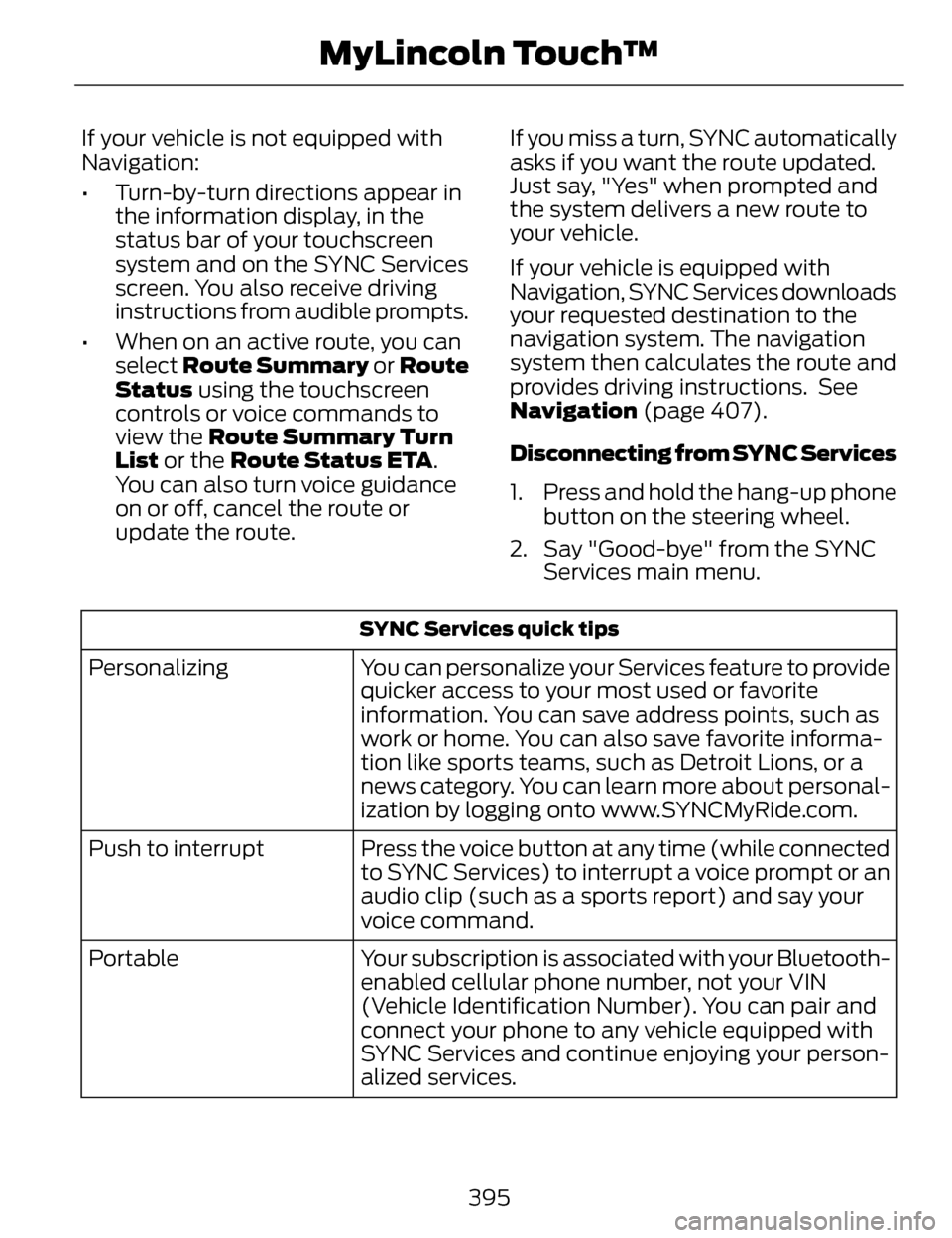
SYNC Services quick tips
You can personalize your Services feature to provide
quicker access to your most used or favorite
information. You can save address points, such as
work or home. You can also save favorite informa-
tion like sports teams, such as Detroit Lions, or a
news category. You can learn more about personal-
ization by logging onto www.SYNCMyRide.com.
Personalizing
Press the voice button at any time (while connected
to SYNC Services) to interrupt a voice prompt or an
audio clip (such as a sports report) and say your
voice command.
Push to interrupt
Your subscription is associated with your Bluetooth-
enabled cellular phone number, not your VIN
(Vehicle Identification Number). You can pair and
connect your phone to any vehicle equipped with
SYNC Services and continue enjoying your person-
alized services.
Portable
395
MyLincoln Touch™