Page 199 of 665
3-103
Convenient features of your vehicle
3
If the driver gets out of the vehicle
through other doors (except dri-
ver's door), the battery saver func-
tion does not operate and the
headlamp delay function does not
turn off automatically. Therefore, It
causes the battery to be dis-
charged. In this case, make sure to
turn off the lamp before getting out
of the vehicle.
Daytime running light (DRL)
(if equipped)
The Daytime Running Lights (DRL)
can make it easier for others to see
the front of your vehicle during the
day, especially after dawn and before
sunset.
The DRL system will turn the dedi-
cated lamp OFF when:
1. The headlights or front fog lights
are in the ON position.
2. The parking switch is in the ON
position.
3. The engine is turned off.
Headlight leveling device
(if equipped)
Manual type
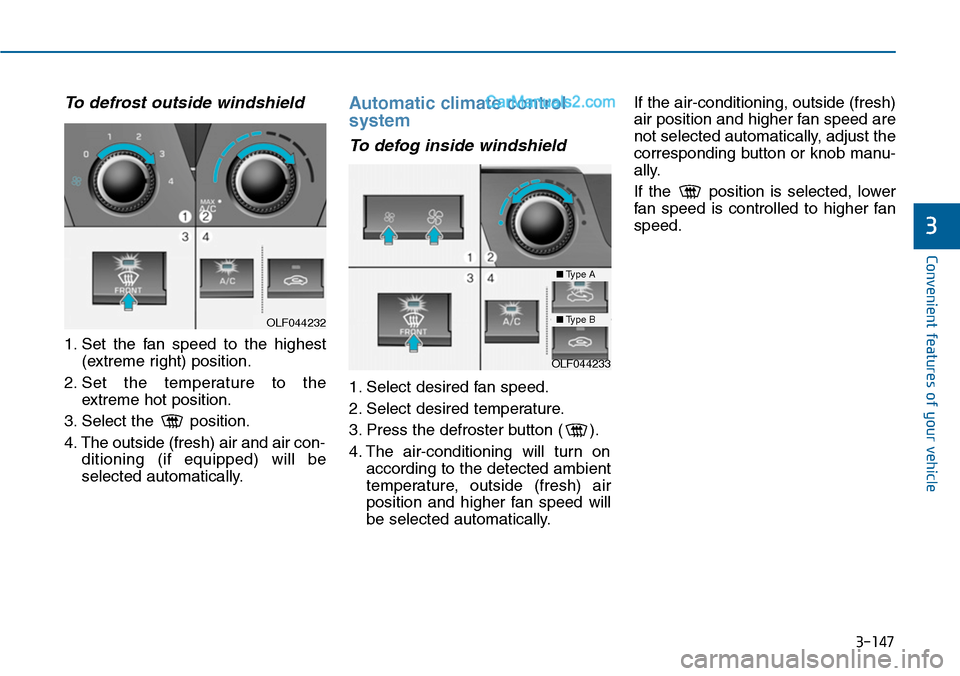
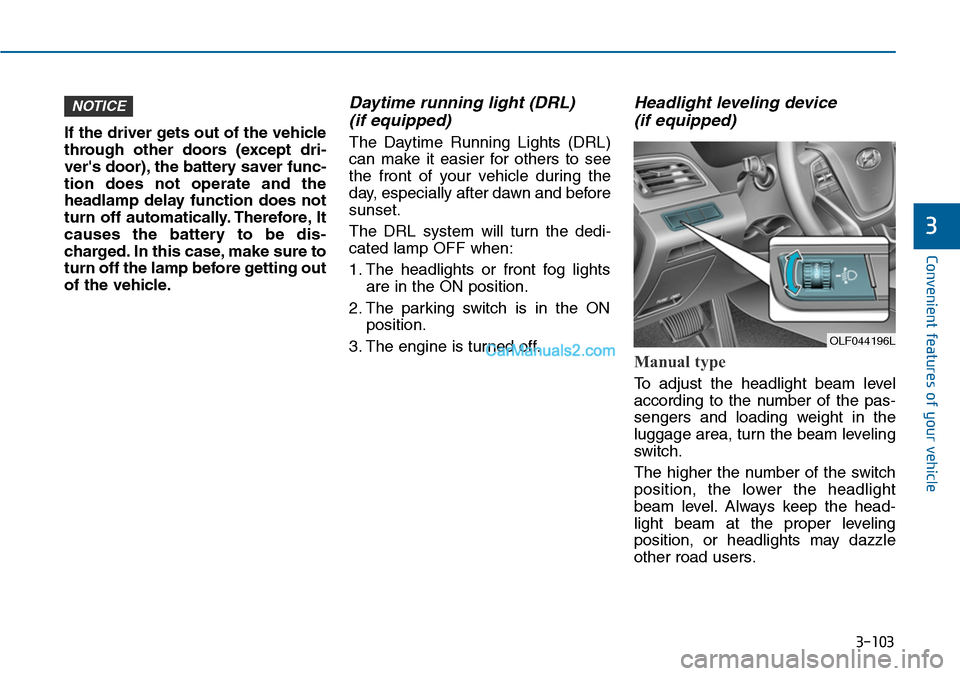
To adjust the headlight beam level
according to the number of the pas-
sengers and loading weight in the
luggage area, turn the beam leveling
switch.
The higher the number of the switch
position, the lower the headlight
beam level. Always keep the head-
light beam at the proper leveling
position, or headlights may dazzle
other road users.
NOTICE
OLF044196L
Page 211 of 665
3-115
Convenient features of your vehicle
3
DRIVER ASSIST SYSTEM
Rear view camera
(if equipped)
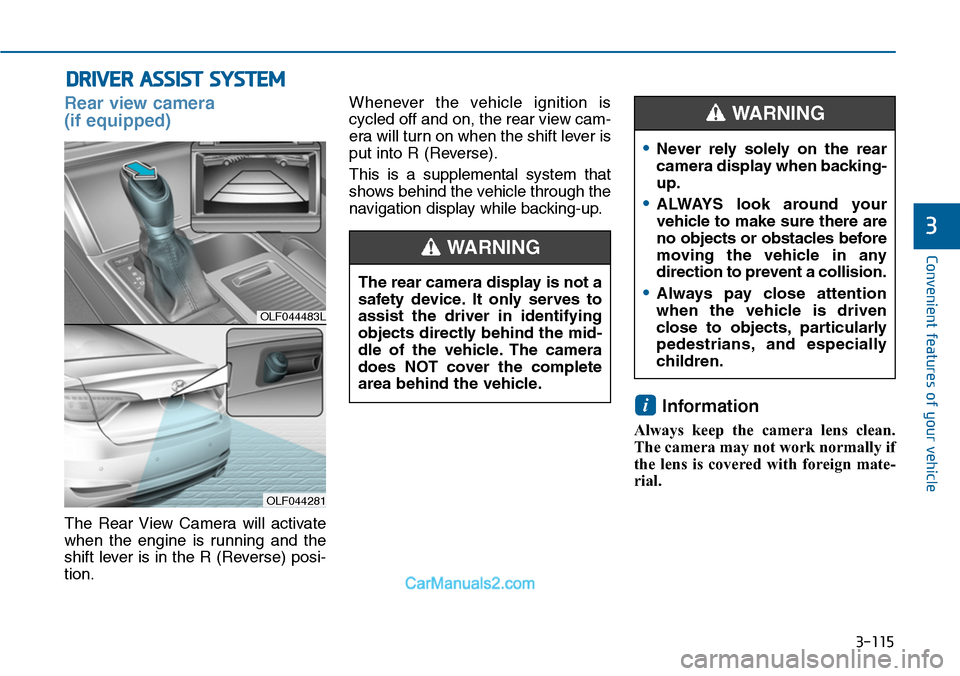
The Rear View Camera will activate
when the engine is running and the
shift lever is in the R (Reverse) posi-
tion.
Whenever the vehicle ignition is
cycled off and on, the rear view cam-
era will turn on when the shift lever is
put into R (Reverse).
This is a supplemental system that
shows behind the vehicle through the
navigation display while backing-up.
Information
Always keep the camera lens clean.
The camera may not work normally if
the lens is covered with foreign mate-
rial.
i
OLF044483L
OLF044281
The rear camera display is not a
safety device. It only serves to
assist the driver in identifying
objects directly behind the mid-
dle of the vehicle. The camera
does NOT cover the complete
area behind the vehicle.
WARNING
•Never rely solely on the rear
camera display when backing-
up.
•ALWAYS look around your
vehicle to make sure there are
no objects or obstacles before
moving the vehicle in any
direction to prevent a collision.
•Always pay close attention
when the vehicle is driven
close to objects, particularly
pedestrians, and especially
children.
WARNING
Page 212 of 665

3-116
Convenient features of your vehicle
Rear parking assist system
(if equipped )
The Rear Parking Assist System aids
the driver during backward move-
ment of the vehicle by chiming if any
object is sensed within the distance
of about 120 cm (47 in.) behind the
vehicle. This is a supplemental sys-
tem that senses objects within the
range and location of the sensors, it
cannot detect objects in other areas
where sensors are not installed.
Information
The system may not recognize objects
less than 30 cm (12 in.) from the sensor,
or it may sense an incorrect distance.
Do not push, scratch or strike the
sensor with any hard objects that
could damage the surface of the
sensor. Sensor damage could
occur.
NOTICEi
OLF044062
Sensor
•ALWAYS look around your
vehicle to make sure there are
no objects or obstacles before
moving the vehicle in any
direction to prevent a collision.
•Always pay close attention
when the vehicle is driven
close to objects, particularly
pedestrians, and especially
children.
•Be aware that some objects
may not be detected by the
sensors, due to the objects
distance, size or material, all
of which can limit the effec-
tiveness of the sensor.
WARNING
Page 215 of 665

3-119
Convenient features of your vehicle
3
Parking Assist System
(if equipped)
The Parking Assist System assists
the driver during movement of the
vehicle by chiming if any object is
sensed within the distance of 100 cm
(39 inches) in front and 120 cm (47
inches) behind the vehicle.
This system is a supplemental sys-
tem that senses objects within the
range and location of the sensors, it
cannot detect objects in other areas
where sensors are not installed.
Operation of the Parking Assist
System
•ALWAYS look around your vehi-
cle to make sure there are not
any objects or obstacles before
moving the vehicle in any direc-
tion to prevent a collision.
•Always pay close attention
when the vehicle is driven close
to objects, particularly pedestri-
ans, and especially children.
•Be aware that some objects
may not be visible on the
screen or be detected by the
sensors, due to the objects
distance, size or material, all of
which can limit the effective-
ness of the sensor.
WARNING
OLF044249L
OLF044283L
■Type A
■Type BOLF044063
ODH043067L
■Type A
■Type B
Sensors
Sensor
Page 242 of 665
3-146
Convenient features of your vehicle
•For maximum defrosting, set the
temperature control to the extreme
right/hot position and the fan speed
control to the highest speed.
•If warm air to the floor is desired
while defrosting or defogging, set the
mode to the floor-defrost position.
•Before driving, clear all snow and
ice from the windshield, rear win-
dow, outside rear view mirrors, and
all side windows.
•Clear all snow and ice from the
hood and air inlet in the cowl grill to
improve heater and defroster effi-
ciency and to reduce the probabili-
ty of fogging up inside of the wind-
shield.
Manual climate control system
To defog inside windshield
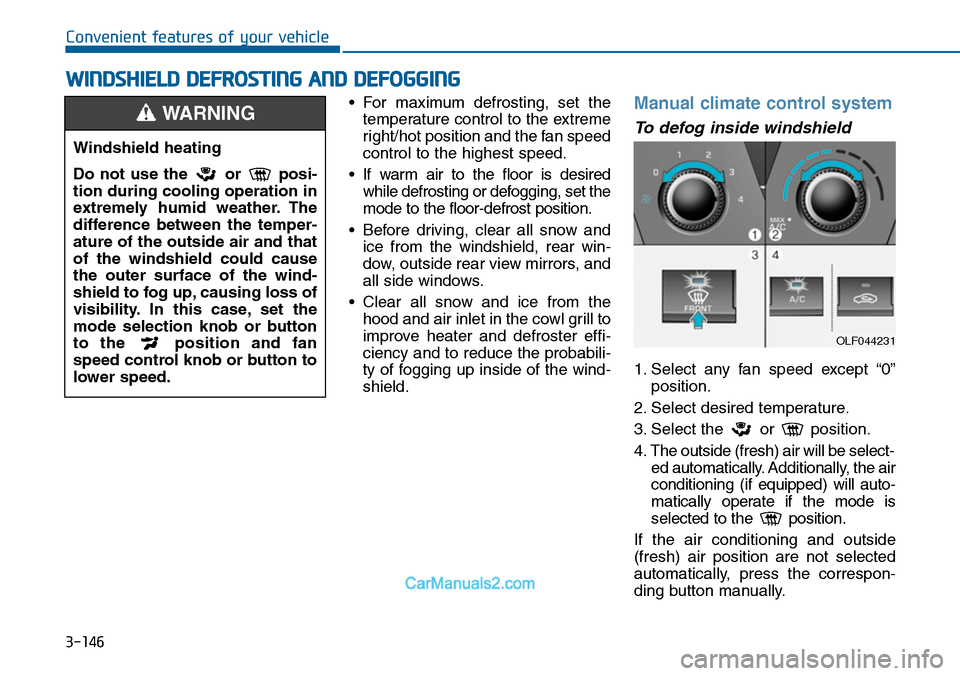
1. Select any fan speed except “0”
position.
2. Select desired temperature.
3. Select the or position.
4. The outside (fresh) air will be select-
ed automatically. Additionally, the air
conditioning (if equipped) will auto-
matically operate if the mode is
selected to the position.
If the air conditioning and outside
(fresh) air position are not selected
automatically, press the correspon-
ding button manually.
WWINDSHIELD DEFROSTING AND DEFOGGING
Windshield heating
Do not use the or posi-
tion during cooling operation in
extremely humid weather. The
difference between the temper-
ature of the outside air and that
of the windshield could cause
the outer surface of the wind-
shield to fog up, causing loss of
visibility. In this case, set the
mode selection knob or button
to the position and fan
speed control knob or button to
lower speed.
WARNING
OLF044231
Page 243 of 665
3-147
Convenient features of your vehicle
3
To defrost outside windshield
1. Set the fan speed to the highest
(extreme right) position.
2. Set the temperature to the
extreme hot position.
3. Select the position.
4. The outside (fresh) air and air con-
ditioning (if equipped) will be
selected automatically.
Automatic climate control
system
To defog inside windshield
1. Select desired fan speed.
2. Select desired temperature.
3. Press the defroster button ( ).
4. The air-conditioning will turn on
according to the detected ambient
temperature, outside (fresh) air
position and higher fan speed will
be selected automatically.
If the air-conditioning, outside (fresh)
air position and higher fan speed are
not selected automatically, adjust the
corresponding button or knob manu-
ally.
If the position is selected, lower
fan speed is controlled to higher fan
speed.
OLF044232
OLF044233
■Type A
■Type B
Page 298 of 665
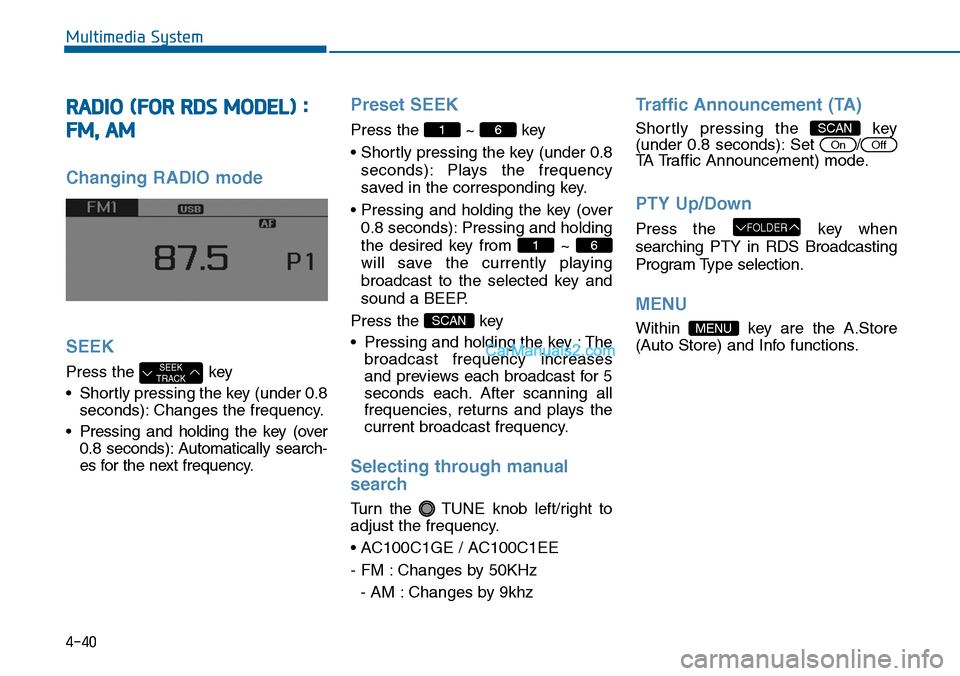
4-40
Multimedia System
RADIO (FOR RDS MODEL) :
FM, AM
Changing RADIO mode
SEEK
Press the key
•Shortly pressing the key (under 0.8
seconds): Changes the frequency.
•Pressing and holding the key (over
0.8 seconds): Automatically search-
es for the next frequency.
Preset SEEK
Press the ~ key
• Shortly pressing the key (under 0.8
seconds): Plays the frequency
saved in the corresponding key.
• Pressing and holding the key (over
0.8 seconds): Pressing and holding
the desired key from ~
will save the currently playing
broadcast to the selected key and
sound a BEEP.
Press the key
• Pressing and holding the key : The
broadcast frequency increases
and previews each broadcast for 5
seconds each. After scanning all
frequencies, returns and plays the
current broadcast frequency.
Selecting through manual
search
Turn the TUNE knob left/right to
adjust the frequency.
• AC100C1GE / AC100C1EE
- FM : Changes by 50KHz
- AM : Changes by 9khz
Traffic Announcement (TA)
Shortly pressing the key(under 0.8 seconds): Set /
TA Traffic Announcement) mode.
PTY Up/Down
Press the key when
searching PTY in RDS Broadcasting
Program Type selection.
MENU
Within key are the A.Store
(Auto Store) and Info functions.
MENU
FOLDER
OffOn
SCAN
SCAN
61
61
SEEKTRACK
Page 300 of 665
4-42
Multimedia System
RADIO : FM, AM
SEEK
Press the key
•Shortly pressing the key :Changes
the frequency.
•Pressing and holding the key :
Automatically searches for the next
frequency.
Preset SEEK
Press the ~ key
•Shortly pressing the key :Plays the
frequency saved in the correspon-
ding key.
•Pressing and holding the key :
Pressing and holding the desired
key from ~ will save the
currently playing broadcast to the
selected key and sound a BEEP.
SCAN
Press the key
•Shortly pressing the key : The
broadcast frequency increases
and previews each broadcast for 5
seconds each. After scanning all
frequencies, returns and plays the
current broadcast frequency.
•Pressing and holding the key :
Previews the broadcasts saved in
Preset ~ for 5 seconds
each.
Selecting through manual
search
Turn the TUNE knob left/right to
adjust the frequency.
•FM :Changes by 200KHz
•AM :Changes by 10KHz
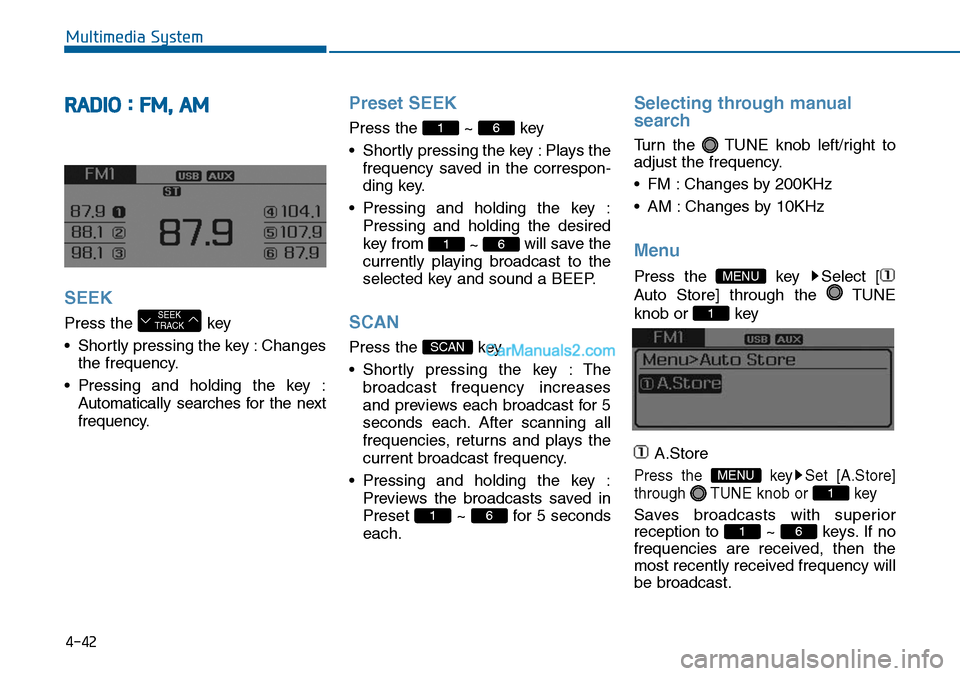
Menu
Press the key Select [
Auto Store] through the TUNE
knob or key
A.Store
Press the key Set [A.Store]
through TUNE knob or key
Saves broadcasts with superior
reception to ~ keys. If no
frequencies are received, then the
most recently received frequency will
be broadcast.
61
1
MENU
1
MENU
61
SCAN
61
61
SEEKTRACK