Page 112 of 458
Removing the Head Restraint
1. Press and hold buttons C.
2. Pull up the head restraint.
Installing the Head Restraint
Align the steel stems into the guide sleeves
and push the head restraint down until it
locks.
Tilting Head Restraints (If Equipped)
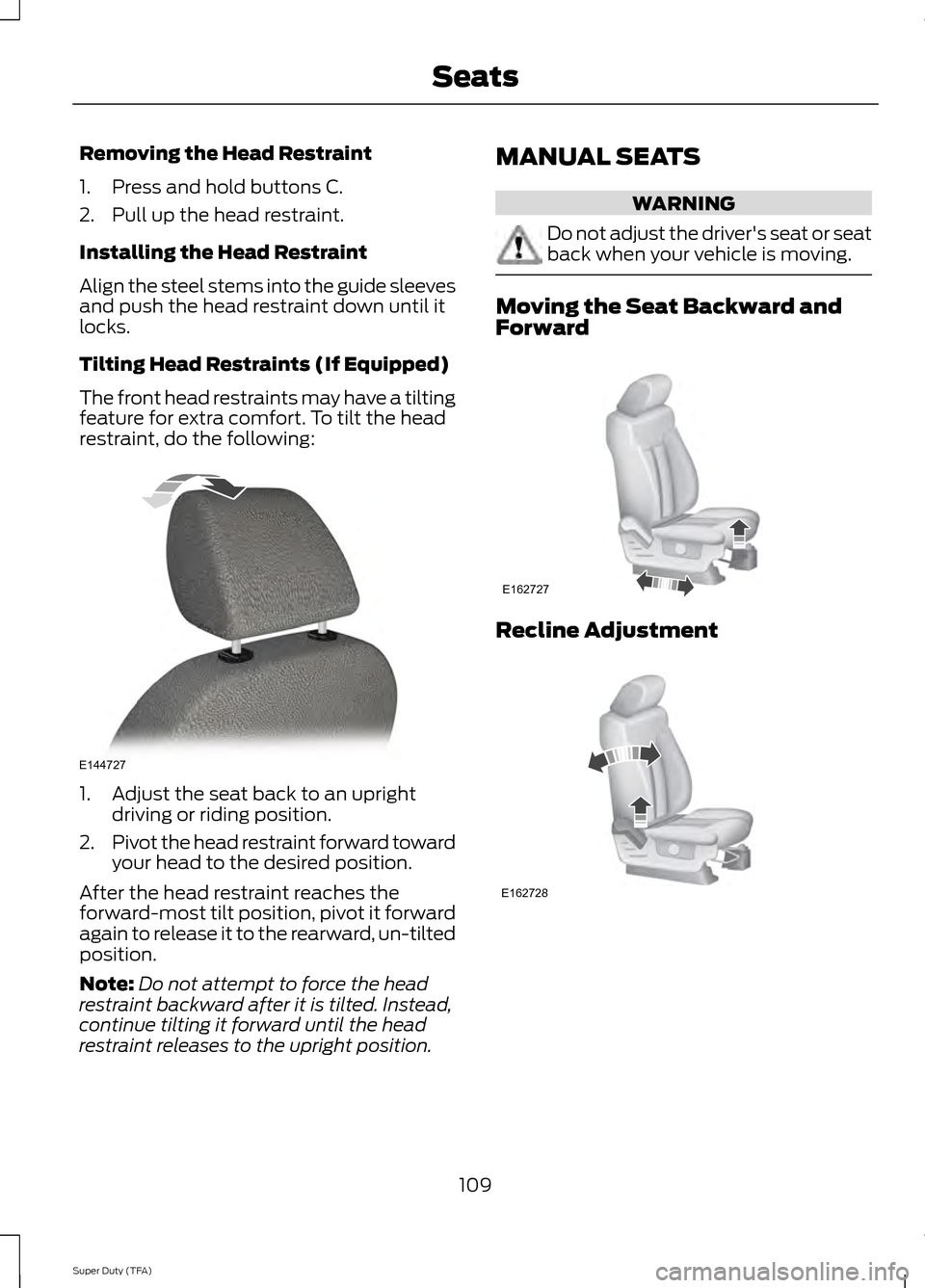
The front head restraints may have a tilting
feature for extra comfort. To tilt the head
restraint, do the following:
1. Adjust the seat back to an upright
driving or riding position.
2. Pivot the head restraint forward toward
your head to the desired position.
After the head restraint reaches the
forward-most tilt position, pivot it forward
again to release it to the rearward, un-tilted
position.
Note: Do not attempt to force the head
restraint backward after it is tilted. Instead,
continue tilting it forward until the head
restraint releases to the upright position. MANUAL SEATS WARNING
Do not adjust the driver's seat or seat
back when your vehicle is moving.
Moving the Seat Backward and
Forward
Recline Adjustment
109
Super Duty (TFA) SeatsE144727 E162727 E162728
Page 114 of 458
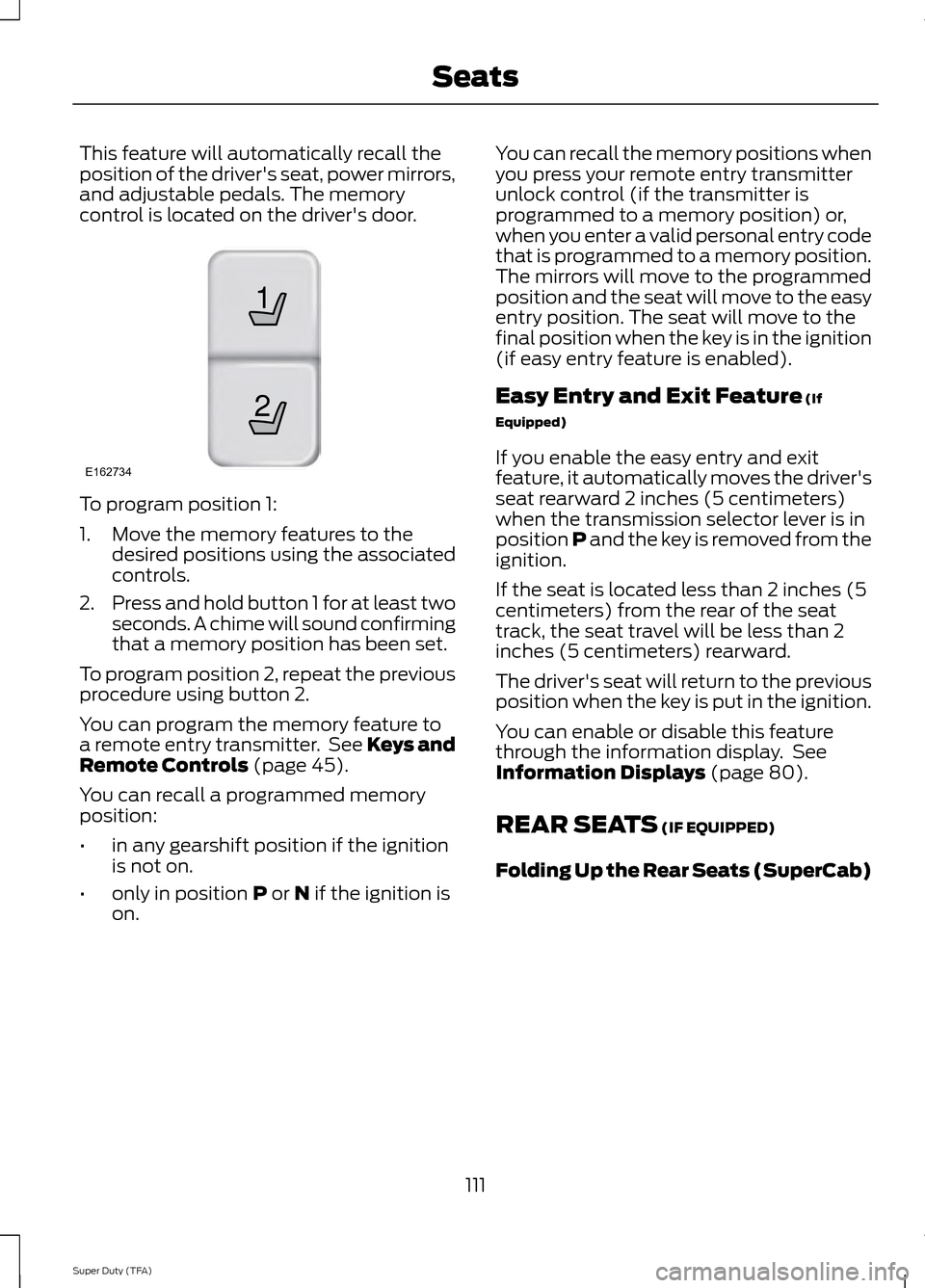
This feature will automatically recall the
position of the driver's seat, power mirrors,
and adjustable pedals. The memory
control is located on the driver's door.
To program position 1:
1. Move the memory features to the
desired positions using the associated
controls.
2. Press and hold button 1 for at least two
seconds. A chime will sound confirming
that a memory position has been set.
To program position 2, repeat the previous
procedure using button 2.
You can program the memory feature to
a remote entry transmitter. See Keys and
Remote Controls (page 45).
You can recall a programmed memory
position:
• in any gearshift position if the ignition
is not on.
• only in position
P or N if the ignition is
on. You can recall the memory positions when
you press your remote entry transmitter
unlock control (if the transmitter is
programmed to a memory position) or,
when you enter a valid personal entry code
that is programmed to a memory position.
The mirrors will move to the programmed
position and the seat will move to the easy
entry position. The seat will move to the
final position when the key is in the ignition
(if easy entry feature is enabled).
Easy Entry and Exit Feature
(If
Equipped)
If you enable the easy entry and exit
feature, it automatically moves the driver's
seat rearward 2 inches (5 centimeters)
when the transmission selector lever is in
position P and the key is removed from the
ignition.
If the seat is located less than 2 inches (5
centimeters) from the rear of the seat
track, the seat travel will be less than 2
inches (5 centimeters) rearward.
The driver's seat will return to the previous
position when the key is put in the ignition.
You can enable or disable this feature
through the information display. See
Information Displays
(page 80).
REAR SEATS
(IF EQUIPPED)
Folding Up the Rear Seats (SuperCab)
111
Super Duty (TFA) Seats21
E162734
Page 115 of 458
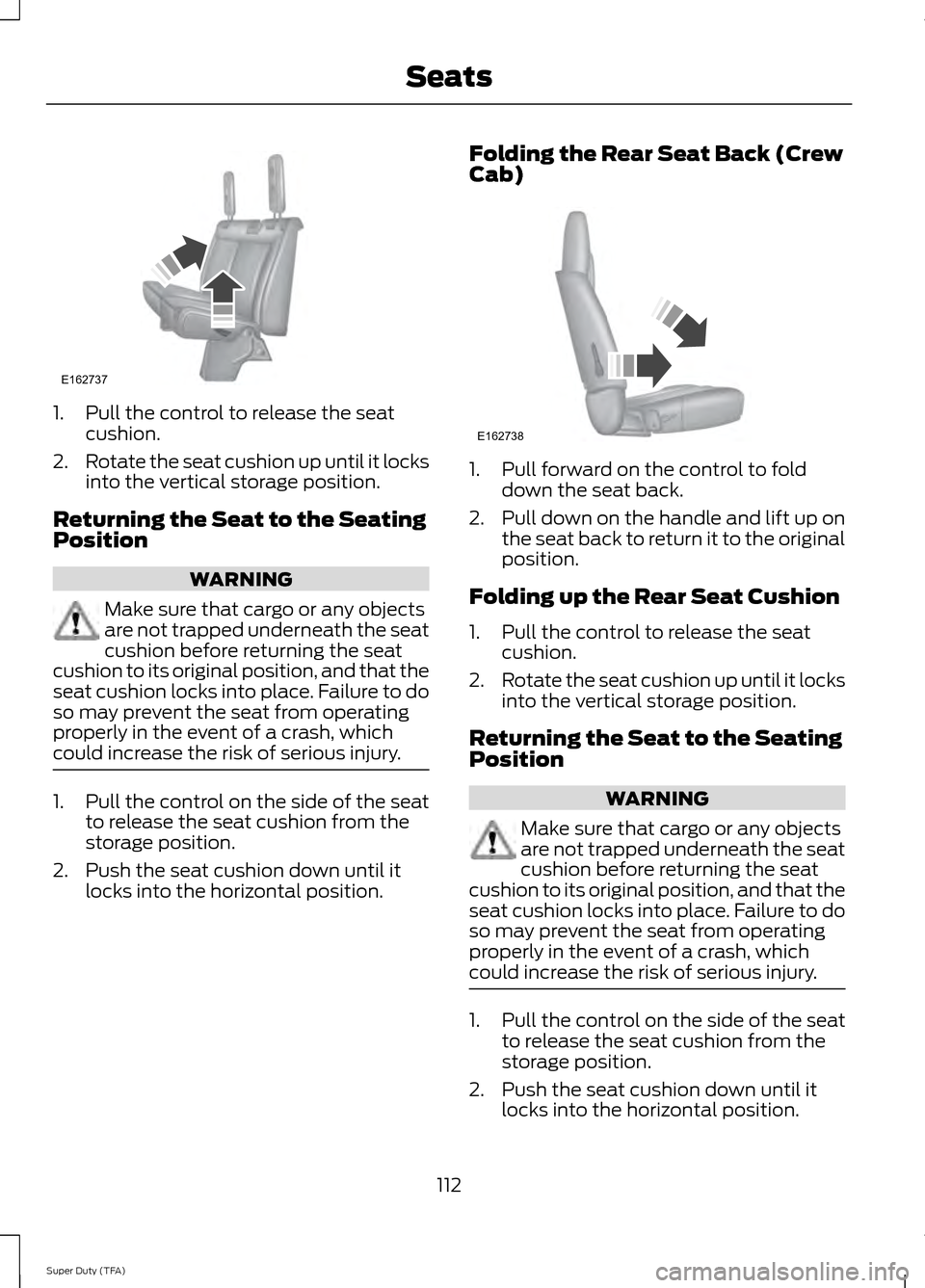
1. Pull the control to release the seat
cushion.
2. Rotate the seat cushion up until it locks
into the vertical storage position.
Returning the Seat to the Seating
Position WARNING
Make sure that cargo or any objects
are not trapped underneath the seat
cushion before returning the seat
cushion to its original position, and that the
seat cushion locks into place. Failure to do
so may prevent the seat from operating
properly in the event of a crash, which
could increase the risk of serious injury. 1. Pull the control on the side of the seat
to release the seat cushion from the
storage position.
2. Push the seat cushion down until it locks into the horizontal position. Folding the Rear Seat Back (Crew
Cab) 1. Pull forward on the control to fold
down the seat back.
2. Pull down on the handle and lift up on
the seat back to return it to the original
position.
Folding up the Rear Seat Cushion
1. Pull the control to release the seat cushion.
2. Rotate the seat cushion up until it locks
into the vertical storage position.
Returning the Seat to the Seating
Position WARNING
Make sure that cargo or any objects
are not trapped underneath the seat
cushion before returning the seat
cushion to its original position, and that the
seat cushion locks into place. Failure to do
so may prevent the seat from operating
properly in the event of a crash, which
could increase the risk of serious injury. 1. Pull the control on the side of the seat
to release the seat cushion from the
storage position.
2. Push the seat cushion down until it locks into the horizontal position.
112
Super Duty (TFA) SeatsE162737 E162738
Page 116 of 458
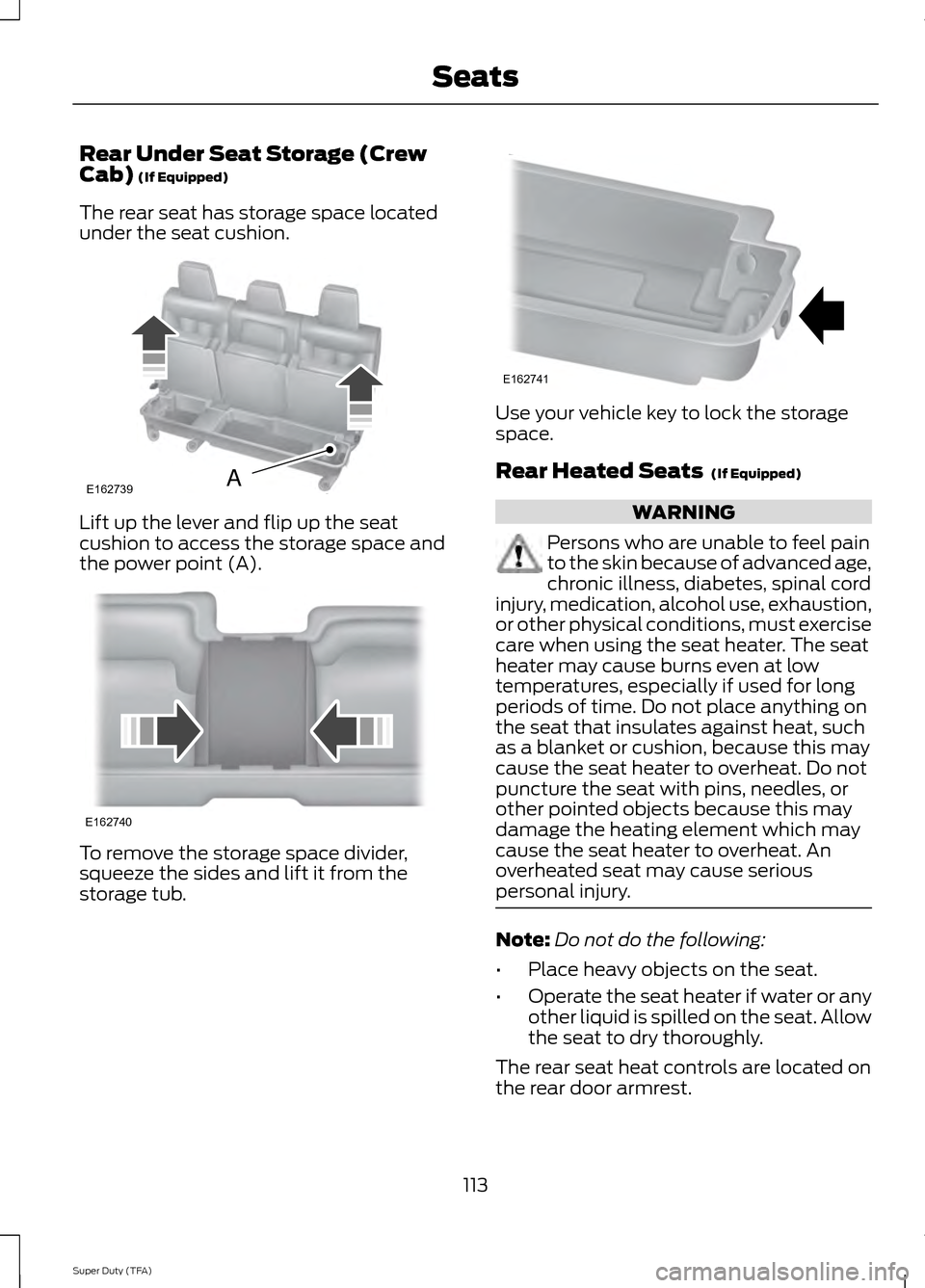
Rear Under Seat Storage (Crew
Cab) (If Equipped)
The rear seat has storage space located
under the seat cushion. Lift up the lever and flip up the seat
cushion to access the storage space and
the power point (A).
To remove the storage space divider,
squeeze the sides and lift it from the
storage tub. Use your vehicle key to lock the storage
space.
Rear Heated Seats
(If Equipped)
WARNING
Persons who are unable to feel pain
to the skin because of advanced age,
chronic illness, diabetes, spinal cord
injury, medication, alcohol use, exhaustion,
or other physical conditions, must exercise
care when using the seat heater. The seat
heater may cause burns even at low
temperatures, especially if used for long
periods of time. Do not place anything on
the seat that insulates against heat, such
as a blanket or cushion, because this may
cause the seat heater to overheat. Do not
puncture the seat with pins, needles, or
other pointed objects because this may
damage the heating element which may
cause the seat heater to overheat. An
overheated seat may cause serious
personal injury. Note:
Do not do the following:
• Place heavy objects on the seat.
• Operate the seat heater if water or any
other liquid is spilled on the seat. Allow
the seat to dry thoroughly.
The rear seat heat controls are located on
the rear door armrest.
113
Super Duty (TFA) SeatsE162739A E162740 E162741
Page 118 of 458

VENTILATED SEATS (IF EQUIPPED)
The ventilated seats will only function
when the engine is running. To operate the ventilated seats, press the
ventilated seat symbol to cycle through
the various cooling settings and off. Cooler
settings are indicated by more indicator
lights.
If the engine falls below 350 RPM while
the ventilated seats are on, the feature will
turn itself off. You will need to reactivate
it.
Heated and Ventilated Seats Air
Filter Replacement
(If Equipped)
The heated and ventilated seat system
includes air filters. You must replace them
periodically.
The filter is located under each front seat.
Access the filter from the second row
foot-well area. Move the front seats all the
way to the full front and full up positions
to ease access. To remove a filter:
1. Turn the vehicle off.
2. Push up on the outside rigid edge of
the filter until the tabs are released,
then remove the filter. To install a filter:
1. First, position the filter in its housing
making sure that the far forward end
is all the way up in the housing.
2. Push in on the center of the outside edge of the filter and rotate clockwise
into the housing until it clips into
position.
115
Super Duty (TFA) SeatsE146309 E146319 E146321
Page 119 of 458
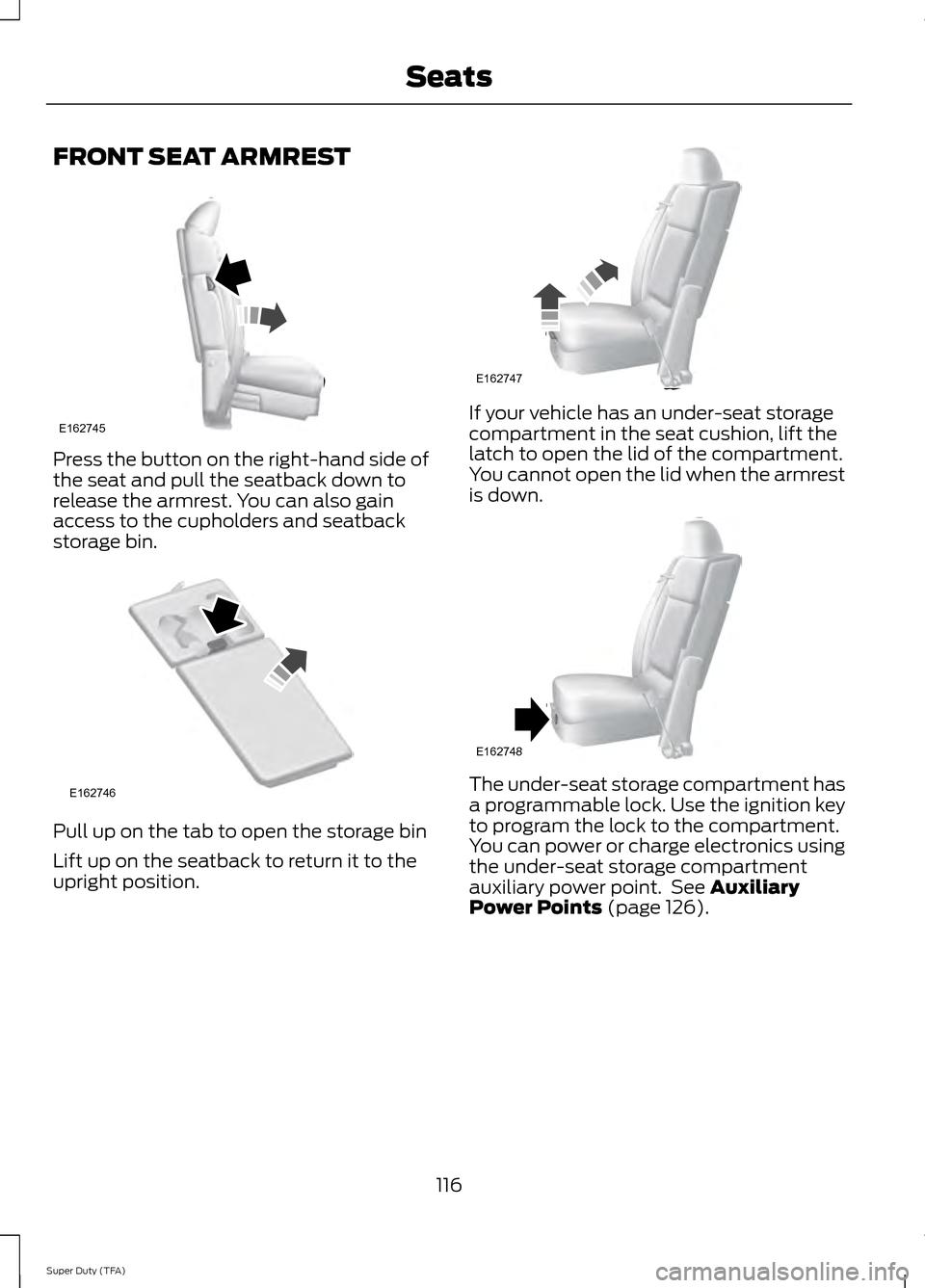
FRONT SEAT ARMREST
Press the button on the right-hand side of
the seat and pull the seatback down to
release the armrest. You can also gain
access to the cupholders and seatback
storage bin.
Pull up on the tab to open the storage bin
Lift up on the seatback to return it to the
upright position. If your vehicle has an under-seat storage
compartment in the seat cushion, lift the
latch to open the lid of the compartment.
You cannot open the lid when the armrest
is down.
The under-seat storage compartment has
a programmable lock. Use the ignition key
to program the lock to the compartment.
You can power or charge electronics using
the under-seat storage compartment
auxiliary power point. See Auxiliary
Power Points (page 126).
116
Super Duty (TFA) SeatsE162745 E162746 E162747 E162748
Page 124 of 458
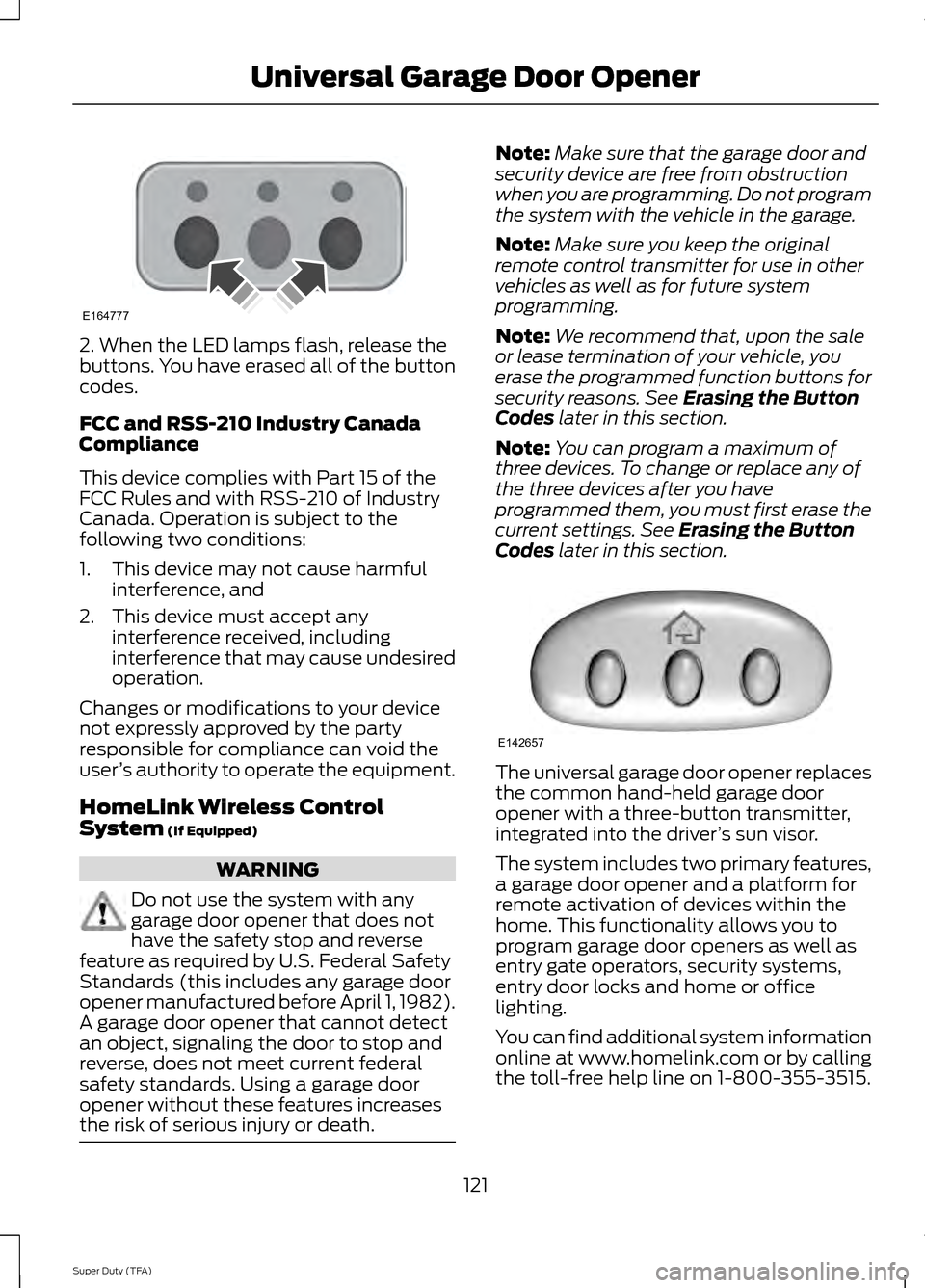
2. When the LED lamps flash, release the
buttons. You have erased all of the button
codes.
FCC and RSS-210 Industry Canada
Compliance
This device complies with Part 15 of the
FCC Rules and with RSS-210 of Industry
Canada. Operation is subject to the
following two conditions:
1. This device may not cause harmful
interference, and
2. This device must accept any interference received, including
interference that may cause undesired
operation.
Changes or modifications to your device
not expressly approved by the party
responsible for compliance can void the
user ’s authority to operate the equipment.
HomeLink Wireless Control
System (If Equipped) WARNING
Do not use the system with any
garage door opener that does not
have the safety stop and reverse
feature as required by U.S. Federal Safety
Standards (this includes any garage door
opener manufactured before April 1, 1982).
A garage door opener that cannot detect
an object, signaling the door to stop and
reverse, does not meet current federal
safety standards. Using a garage door
opener without these features increases
the risk of serious injury or death. Note:
Make sure that the garage door and
security device are free from obstruction
when you are programming. Do not program
the system with the vehicle in the garage.
Note: Make sure you keep the original
remote control transmitter for use in other
vehicles as well as for future system
programming.
Note: We recommend that, upon the sale
or lease termination of your vehicle, you
erase the programmed function buttons for
security reasons. See
Erasing the Button
Codes later in this section.
Note: You can program a maximum of
three devices. To change or replace any of
the three devices after you have
programmed them, you must first erase the
current settings. See
Erasing the Button
Codes later in this section. The universal garage door opener replaces
the common hand-held garage door
opener with a three-button transmitter,
integrated into the driver
’s sun visor.
The system includes two primary features,
a garage door opener and a platform for
remote activation of devices within the
home. This functionality allows you to
program garage door openers as well as
entry gate operators, security systems,
entry door locks and home or office
lighting.
You can find additional system information
online at www.homelink.com or by calling
the toll-free help line on 1-800-355-3515.
121
Super Duty (TFA) Universal Garage Door OpenerE164777 E142657
Page 131 of 458
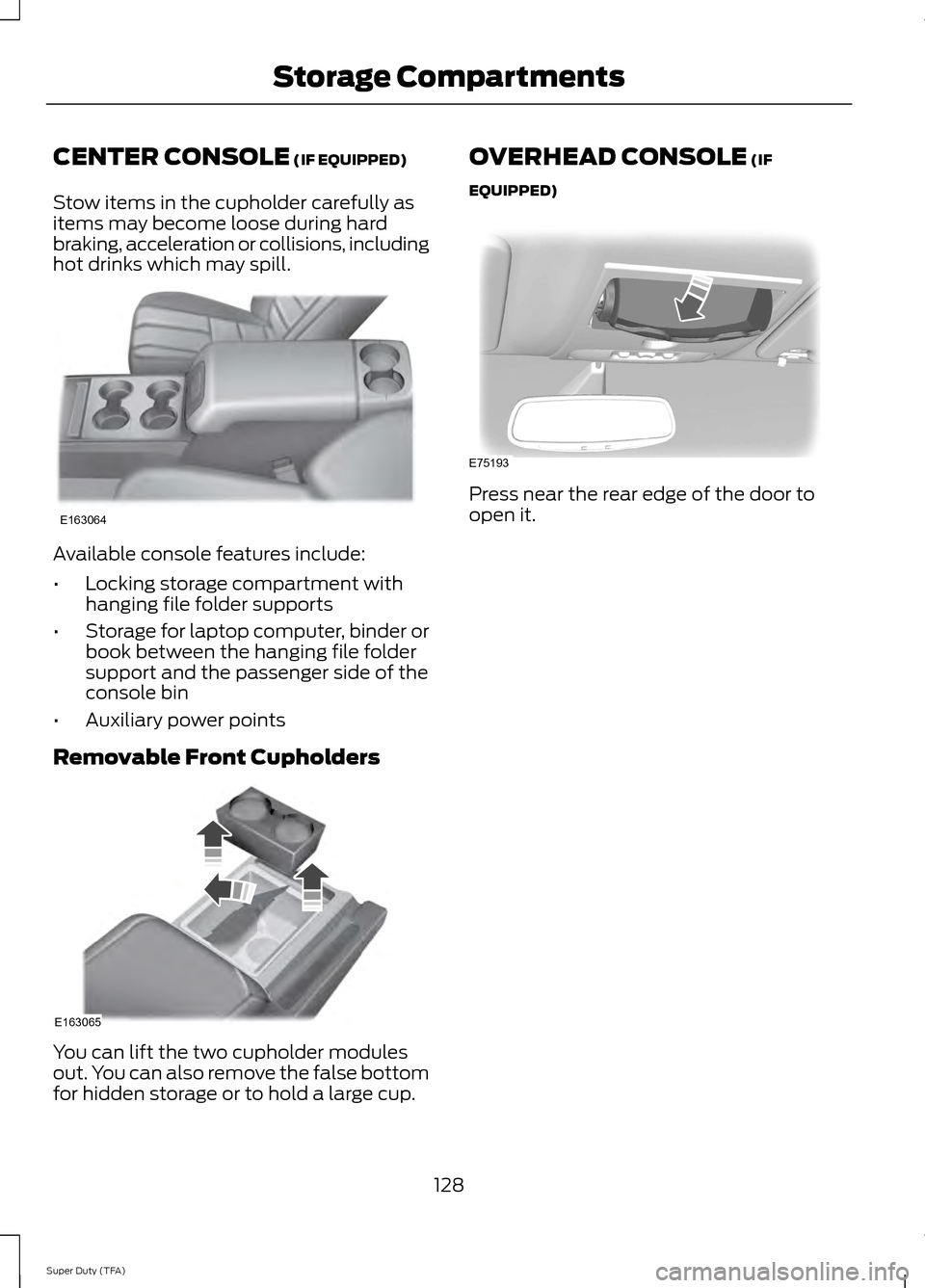
CENTER CONSOLE (IF EQUIPPED)
Stow items in the cupholder carefully as
items may become loose during hard
braking, acceleration or collisions, including
hot drinks which may spill. Available console features include:
•
Locking storage compartment with
hanging file folder supports
• Storage for laptop computer, binder or
book between the hanging file folder
support and the passenger side of the
console bin
• Auxiliary power points
Removable Front Cupholders You can lift the two cupholder modules
out. You can also remove the false bottom
for hidden storage or to hold a large cup. OVERHEAD CONSOLE (IF
EQUIPPED) Press near the rear edge of the door to
open it.
128
Super Duty (TFA) Storage CompartmentsE163064 E163065 E75193