2014 FORD MONDEO displays
[x] Cancel search: displaysPage 362 of 446

Downloaded from www.Manualslib.com manuals search engine Action and DescriptionMenu Item
Switch breadcrumbs on and off.Map Prefer-encesHave the system display your turn list top to bottom or bottom to top.
Switch the Parking POI notification on and off.
Select shortest route, fastest route or ecological route as your preferredroute. This route displays first.Route Pref-erences
Always use preferred route. If set to yes, the system only calculates a singleroute. This speeds up your destination entry process.
Select a low, medium or high cost for the calculated ecological route. Thismay incur a time penalty.
Have the system avoid freeways.
Have the system avoid toll roads.
Have the system avoid ferries or car trains.
Have the system avoid tunnels.
Have the system use guidance prompts.NavigationPrefer-encesHave the system automatically fill in State/Province information.
Hazard Spot Warning
Have the system activate hazard spot warning in countries where legallyallowed.
Have the system avoid traffic problems automatically.TrafficPrefer-encesSwitch traffic alert notifications on or off.
Have the system display accident icons.
Have the system display traffic jam icons.
Have the system display closed roads.
Have the system display road work icons.
Have the system display incident icons.
Have the system display icons for areas where difficult driving conditionsmay occur.
Have the system display icons for areas where snow and ice on the roadmay occur.
360Mondeo (CNG) Vehicles Built From: 08-09-2014 Vehicles Built Up To: 19-04-2015, CG3633en enGBR, Edition date: 10/2014, First PrintingSYNC™ 2
Page 374 of 446

Downloaded from www.Manualslib.com manuals search engine Action and DescriptionMessage
Displays software and firmware information about thecurrently connected media device.Device Information
Indexes your device when you connect it for the first time andeach time the content changes (for example adding orremoving tracks) to make sure you have the latest voicecommands available for all media on the device.
Update Media Index
Note:Your vehicle may not have all these sound settings.
Browse
This feature allows you to view thecontents of the device. It also allows youto search by categories, for example genre,artist or album.
If you want to view song information, forexample Title, Artist, File, Folder, Album,and Genre, touch the on-screen album art.
You can also select:
Action and DescriptionMessage
To hear how the system pronounces the current band andsong. This can be helpful when using voice commands tomake sure the system correctly plays your request.
What’s Playing?
Playing Video from Your Device
To access and play video from your device,your vehicle's transmission must be in park(P) with the ignition in accessory mode.See Starting and Stopping the Engine(page 138).
USB and SD Card Voice Commands
The voice system allows you to controlyour media with voice commands. Forexample, if you are listening to music onyour USB device, and wish to changesongs, you can press the voice button andthe system provides you with audioprompts.
Press the voice button and when prompted say:
Voice command
SD Card
USB
Then commands such as the following:
372Mondeo (CNG) Vehicles Built From: 08-09-2014 Vehicles Built Up To: 19-04-2015, CG3633en enGBR, Edition date: 10/2014, First PrintingSYNC™ 2
Page 383 of 446

Downloaded from www.Manualslib.com manuals search engine Receiving a Text Message
When a new message arrives, an audible tone sounds and the screen displays apop-up with the caller name and ID, if supported by your cell phone. You can select:
Action and DescriptionMenu Item
To view the text message.View
For SYNC to read the message to you.Listen
To call the contact.Dial
To exit the screen.Ignore
Phone Settings
To enter the phone settings menu select:
Action and DescriptionMenu Item
Phone
Settings
Then any of the following:
Connect, disconnect, add or delete a device, as well as saveit as a favorite.Bluetooth Devices
To turn Bluetooth off or on.Bluetooth
If you want all calls to go directly to your voicemail and notring in the vehicle. When this feature is on, text messagenotifications do not ring inside the cabin either.
Do Not Disturb
Switch the Emergency Assistance feature on or off. SeeInformation (page 383).Emergency Assistance
Select the ring tone you want to hear when you receive a call.Choose from possible system ring tones, your currently pairedcell phone’s ring tone, a beep, text-to-speech or a silentnotification.
Phone Ringer
Select a text message notification, if supported by your cellphone. Choose from possible system alert tones, text-to-speech or silent.
Text Message Notifica-tion
381Mondeo (CNG) Vehicles Built From: 08-09-2014 Vehicles Built Up To: 19-04-2015, CG3633en enGBR, Edition date: 10/2014, First PrintingSYNC™ 2
Page 386 of 446
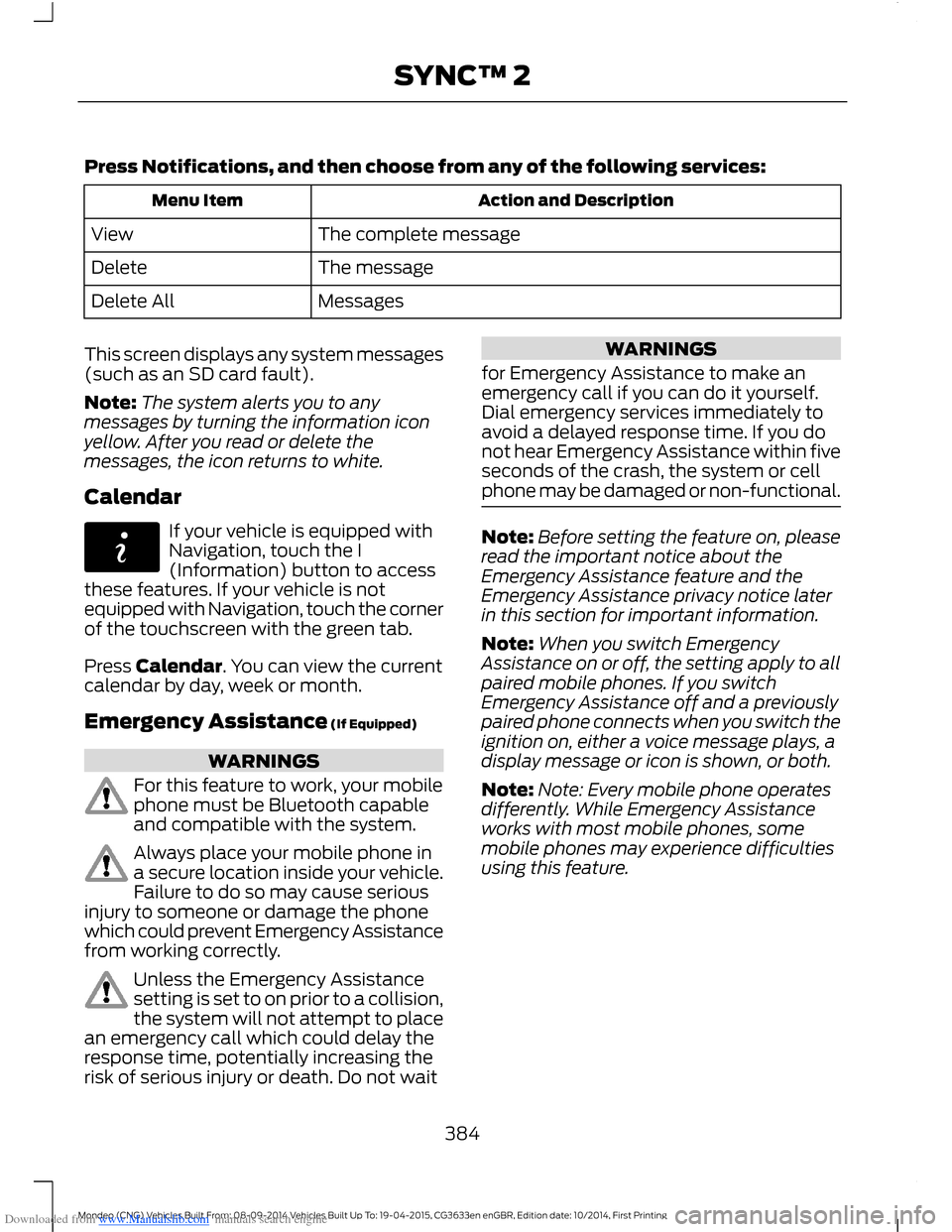
Downloaded from www.Manualslib.com manuals search engine Press Notifications, and then choose from any of the following services:
Action and DescriptionMenu Item
The complete messageView
The messageDelete
MessagesDelete All
This screen displays any system messages(such as an SD card fault).
Note:The system alerts you to anymessages by turning the information iconyellow. After you read or delete themessages, the icon returns to white.
Calendar
If your vehicle is equipped withNavigation, touch the I(Information) button to accessthese features. If your vehicle is notequipped with Navigation, touch the cornerof the touchscreen with the green tab.
Press Calendar. You can view the currentcalendar by day, week or month.
Emergency Assistance (If Equipped)
WARNINGS
For this feature to work, your mobilephone must be Bluetooth capableand compatible with the system.
Always place your mobile phone ina secure location inside your vehicle.Failure to do so may cause seriousinjury to someone or damage the phonewhich could prevent Emergency Assistancefrom working correctly.
Unless the Emergency Assistancesetting is set to on prior to a collision,the system will not attempt to placean emergency call which could delay theresponse time, potentially increasing therisk of serious injury or death. Do not wait
WARNINGS
for Emergency Assistance to make anemergency call if you can do it yourself.Dial emergency services immediately toavoid a delayed response time. If you donot hear Emergency Assistance within fiveseconds of the crash, the system or cellphone may be damaged or non-functional.
Note:Before setting the feature on, pleaseread the important notice about theEmergency Assistance feature and theEmergency Assistance privacy notice laterin this section for important information.
Note:When you switch EmergencyAssistance on or off, the setting apply to allpaired mobile phones. If you switchEmergency Assistance off and a previouslypaired phone connects when you switch theignition on, either a voice message plays, adisplay message or icon is shown, or both.
Note:Note: Every mobile phone operatesdifferently. While Emergency Assistanceworks with most mobile phones, somemobile phones may experience difficultiesusing this feature.
384Mondeo (CNG) Vehicles Built From: 08-09-2014 Vehicles Built Up To: 19-04-2015, CG3633en enGBR, Edition date: 10/2014, First PrintingSYNC™ 2
Page 399 of 446

Downloaded from www.Manualslib.com manuals search engine North up (2D map) always showsthe northern direction to beupward on the screen.
3D map mode provides anelevated perspective of the map.This viewing angle can be adjustedand the map can be rotated 180degrees by touching the map twice, andthen dragging your finger along the shadedbar with arrows at the bottom of the map.
You can also select the followingoptions:
Menu Items
Switches betweenfull map, street listand exit view inroute guidance.
View
Displays a pop-upbox that allowsdirect access tonavigation settings.
Menu
Press the speaker button on themap to mute route guidance.When the light on the buttonilluminates, the feature is on. The speakerbutton appears on the map only whenroute guidance is active.
Re-center the map by pressingthis icon whenever you scroll themap away from your vehicle’scurrent location.
Auto Zoom
Press the green bar to access map mode,then select the + or - zoom button to bringup the zoom level and Auto buttons on thetouchscreen. When you press Auto, AutoZoom turns on and Auto displays in thebottom left corner of the screen in the mapscale. The map zoom level then
synchronizes with vehicle speed. Theslower your vehicle is traveling, the fartherin the map zooms in; the faster your vehicleis traveling, the farther the map zooms out.To switch the feature off, just press the +or - button again.
In 3D mode, rotate the map view byswiping your finger across the shaded barwith the arrows.
The ETA box under the zoom buttonsappears when a route is active anddisplays the distance and time to yourdestination. If the button is pressed, a popup appears with the destination listed (andwaypoint if applicable) along with mileageand time to destination. You may alsoselect to have either the estimated timeto reach your destination or your estimatedarrival time.
Map Icons
Vehicle mark shows the currentlocation of your vehicle. It staysin the center of the map display,except when in scroll mode.
Scroll cursor allows you to scrollthe map; the fixed icon is in thecenter of the screen. The mapposition closest to the cursor is ina window on the top center part of thescreen.
Address book entry defaulticon(s) indicates the location onthe map of an address book entry.This is the default symbol shownafter the entry has been stored to theAddress Book by any method other thanthe map. You can select from any of the22 icons available. You can use each iconmore than once.
397Mondeo (CNG) Vehicles Built From: 08-09-2014 Vehicles Built Up To: 19-04-2015, CG3633en enGBR, Edition date: 10/2014, First PrintingSYNC™ 2
Page 402 of 446

Downloaded from www.Manualslib.com manuals search engine One-shot Destination Street Address
To set a destination with voicecommands, you can say:
Action and Descrip-tionVoice Command
The system asksyou to say the fulladdress. Thesystem displays anexample on-screen.
Find an Address
You can then speak the address naturally,such as "One two three four Main Street,Anytown".
SYNC™ TROUBLESHOOTING
Your SYNC system is easy to use. However,should questions arise, please refer to thetables below.
To check your cell phone's compatibility,visit the regional Ford website.
Cell phone issues
Possible solutionPossible causeIssue
Refer to your device's manual about audioadjustments.
The audio controlsettings on your cellphone may be affectingSYNC performance.
A lot of back-ground noiseduring a phonecall.
Try switching off your cell phone, resettingit or removing the battery, then trying again.Possible cell phonemalfunction.
During a call, Ican hear theother personbut they cannothear me.
Make sure that the microphone for SYNCis not set to off.
Check your cell phone's compatibility.This is a cell phone-dependent feature.
SYNC is notable to down-load my phone-book.
Try switching off your cell phone, resettingit or removing the battery, then trying again.
Possible cell phonemalfunction.
Try pushing your phonebook contacts toSYNC by selecting the option to add.
You must switch on your cell phone andthe automatic phonebook downloadfeature on SYNC.
400Mondeo (CNG) Vehicles Built From: 08-09-2014 Vehicles Built Up To: 19-04-2015, CG3633en enGBR, Edition date: 10/2014, First PrintingSYNC™ 2
Page 437 of 446

Downloaded from www.Manualslib.com manuals search engine Fuse Specification Chart...........................227Passenger Compartment Fuse Panel........233Power Distribution Box.....................................227
G
Gauges...............................................................78Engine Coolant Temperature Gauge............80Fuel Gauge.............................................................80Information Display.............................................79Type 1 and 2............................................................78Type 3........................................................................79General Information on RadioFrequencies...................................................32Global Opening and Closing......................73Closing the Windows..........................................73Opening the Windows........................................73
H
Hazard Warning Flashers..........................224Headlamp Exit Delay....................................65Headlamp Leveling........................................67Head Restraints.............................................126Adjusting the Head Restraint..........................127Tilting Head Restraints ....................................128Heated Seats..................................................133Heated Steering Wheel...............................59Heated Windows and Mirrors....................121Heated Exterior Mirror.......................................122Heated Rear Window.........................................121Heated Windshield.......................................122HeatingSee: Climate Control...........................................111Hill Start Assist..............................................163Switching the System On and Off...............164Using Hill Start Assist.......................................163Hints on Controlling the InteriorClimate...........................................................119Cooling the Interior Quickly..............................121General Hints........................................................119Heating the Interior Quickly............................120Recommended Settings for Cooling ...........121Recommended Settings for Heating..........120Side Window Defogging in ColdWeather..............................................................121Hints on Driving With Anti-LockBrakes............................................................160
Hood LockSee: Opening and Closing the Hood...........237
I
Ignition Switch...............................................138Inflatable Safety Belts.................................30Rear Inflatable Safety Belt...............................30Information Display Control......................58Information Display Control Features..........59Information Displays....................................86General Information...........................................86Information....................................................383Calendar...............................................................384Emergency Assistance....................................384Notifications........................................................383
435Mondeo (CNG) Vehicles Built From: 08-09-2014 Vehicles Built Up To: 19-04-2015, CG3633en enGBR, Edition date: 10/2014, First PrintingIndex
Page 439 of 446
Downloaded from www.Manualslib.com manuals search engine Locking and Unlocking.................................44Locking and Unlocking the Doors FromInside....................................................................45Locking and Unlocking the DoorsIndividually with the Key Blade..................45Locking and Unlocking the Doors with theKey Blade............................................................45Power Door Locks................................................44Remote Control....................................................44Locks...................................................................44Luggage Anchor Points.............................2074-door and 5-door............................................207Hybrid....................................................................208Wagon....................................................................207Luggage Covers............................................209Stowing the luggage cover - Estate withoutfull size spare wheel.....................................210Lug NutsSee: Changing a Road Wheel.......................268Lug Nuts..........................................................276
M
Maintenance..................................................237General Information..........................................237Manual Climate Control..............................112Manual Liftgate..............................................46Closing the Liftgate.............................................46Opening the Liftgate...........................................46Manual Seats.................................................128Manual Transmission..................................155Selecting Reverse Gear....................................155Media Hub......................................................304Memory Function...........................................131Easy Entry and Exit Function..........................132Linking a PreSet Position to Your RemoteControl or Intelligent Access Key.............132Saving a PreSet Position..................................132Message CenterSee: Information Displays.................................86MirrorsSee: Heated Windows and Mirrors................121See: Windows and Mirrors.................................72Mobile CommunicationsEquipment......................................................10
Moonroof...........................................................76Bounce-Back..........................................................77Opening and Closing the Moonroof..............76Venting the Moonroof.........................................77MyKey Troubleshooting...............................42MyKey™.............................................................38Principle of Operation........................................38
N
Navigation......................................................390Destination Mode..............................................390Map Mode............................................................396Michelin Travel Guide.......................................392Navigation Map Updates...............................399Navigation Voice Commands.......................399Point of Interest (POI) Categories...............392Quick-touch Buttons.......................................398Setting Your Navigation Preferences.........393
O
Oil CheckSee: Engine Oil Check......................................246Opening and Closing the Hood...............237Closing the Hood...............................................238Opening the Hood..............................................237Overhead Console........................................137
P
Parking Aids....................................................167Principle of Operation.......................................167Passenger Airbag...........................................28.....................................................................................28Switching the Passenger Airbag Off.............28Switching the Passenger Airbag On.............29Passive Anti-Theft System..........................51Arming the Engine Immobilizer........................51Coded Keys..............................................................51Disarming the Engine Immobilizer..................51Principle of Operation..........................................51PATSSee: Passive Anti-Theft System......................51
437Mondeo (CNG) Vehicles Built From: 08-09-2014 Vehicles Built Up To: 19-04-2015, CG3633en enGBR, Edition date: 10/2014, First PrintingIndex