2014 FORD FOCUS ELECTRIC fuel
[x] Cancel search: fuelPage 336 of 403
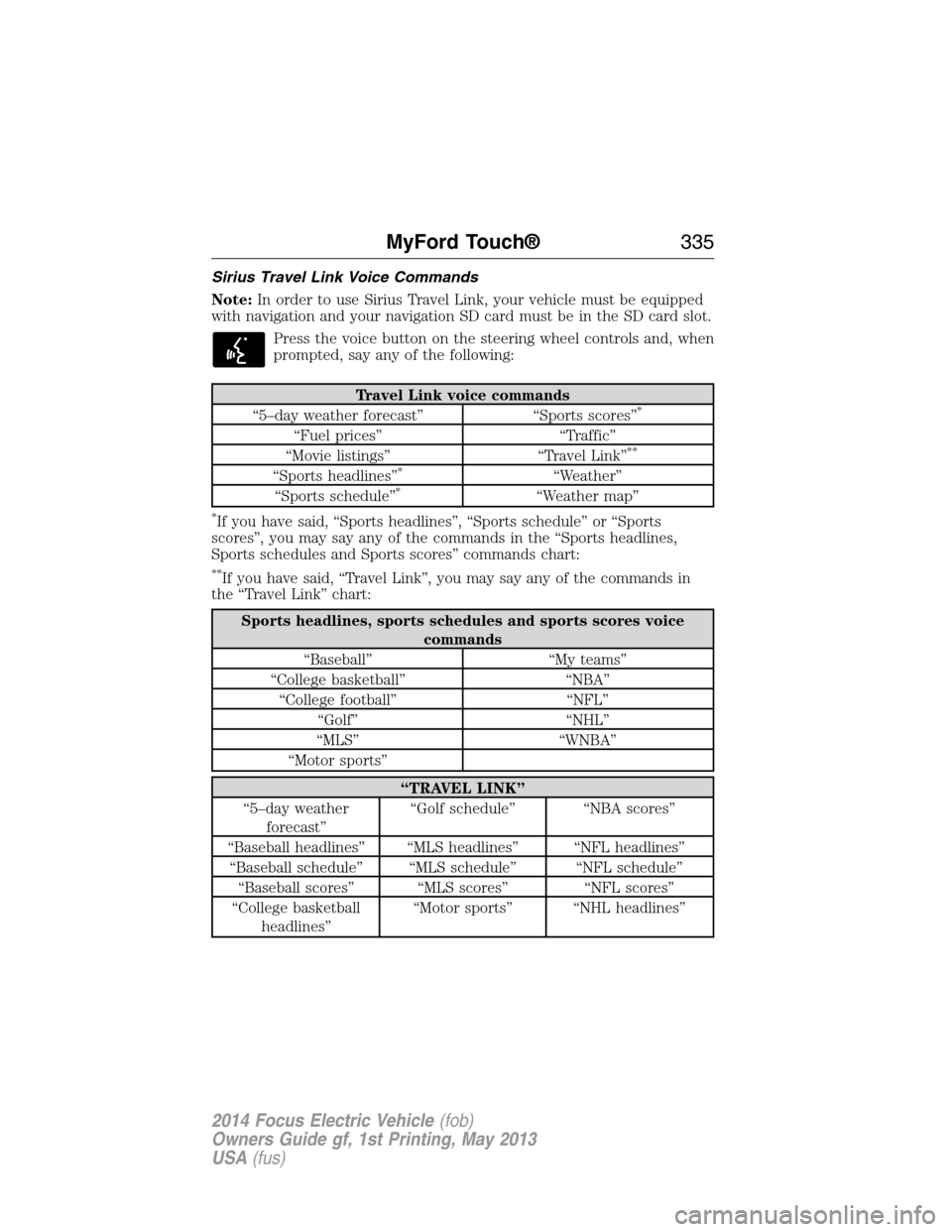
Sirius Travel Link Voice Commands
Note:In order to use Sirius Travel Link, your vehicle must be equipped
with navigation and your navigation SD card must be in the SD card slot.
Press the voice button on the steering wheel controls and, when
prompted, say any of the following:
Travel Link voice commands
“5–day weather forecast” “Sports scores”*
“Fuel prices” “Traffic”
“Movie listings” “Travel Link”**
“Sports headlines”*“Weather”
“Sports schedule”*“Weather map”
*If you have said, “Sports headlines”, “Sports schedule” or “Sports
scores”, you may say any of the commands in the “Sports headlines,
Sports schedules and Sports scores” commands chart:
**If you have said, “Travel Link”, you may say any of the commands in
the “Travel Link” chart:
Sports headlines, sports schedules and sports scores voice
commands
“Baseball” “My teams”
“College basketball” “NBA”
“College football” “NFL”
“Golf” “NHL”
“MLS” “WNBA”
“Motor sports”
“TRAVEL LINK”
“5–day weather
forecast”“Golf schedule” “NBA scores”
“Baseball headlines” “MLS headlines” “NFL headlines”
“Baseball schedule” “MLS schedule” “NFL schedule”
“Baseball scores” “MLS scores” “NFL scores”
“College basketball
headlines”“Motor sports” “NHL headlines”
MyFord Touch®335
2014 Focus Electric Vehicle(fob)
Owners Guide gf, 1st Printing, May 2013
USA(fus)
Page 337 of 403
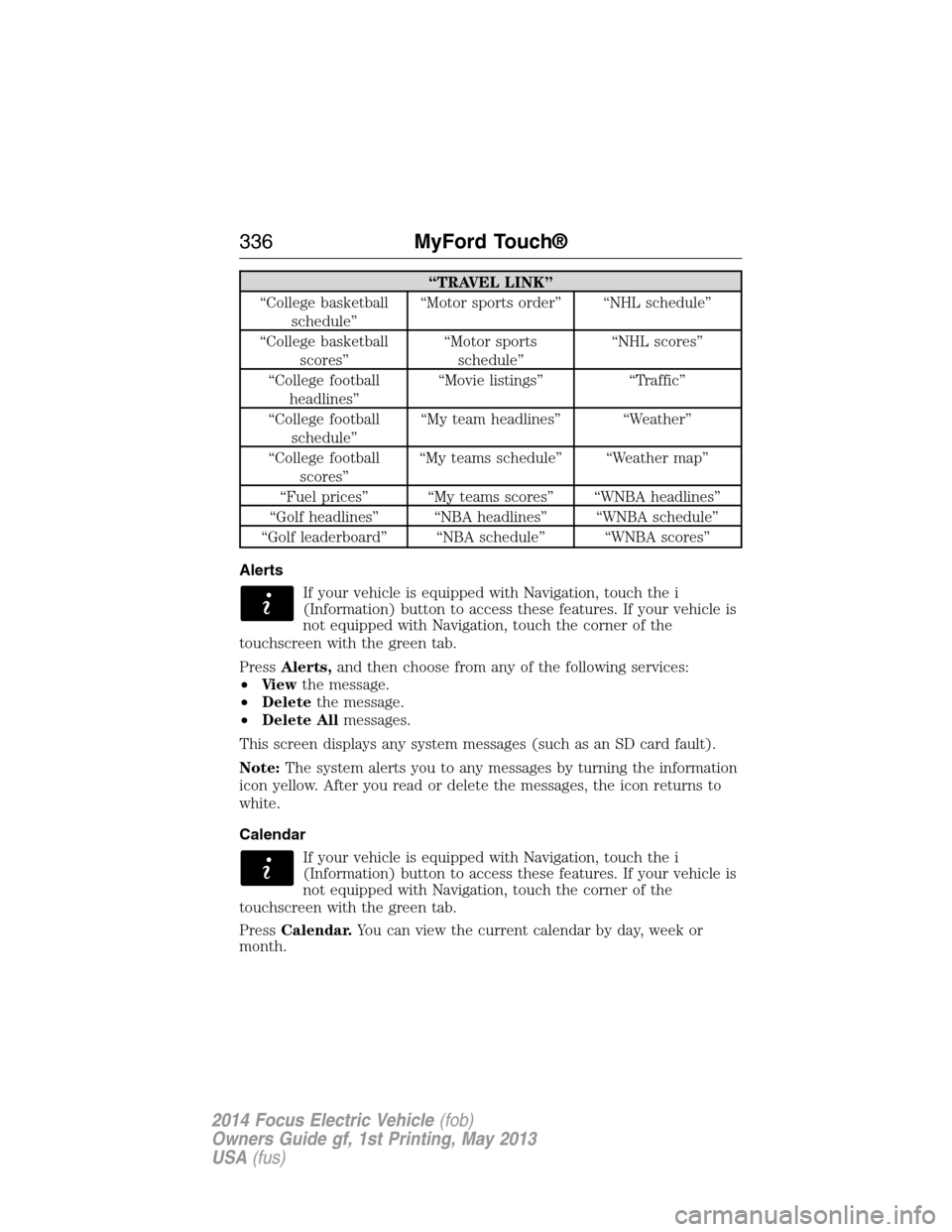
“TRAVEL LINK”
“College basketball
schedule”“Motor sports order” “NHL schedule”
“College basketball
scores”“Motor sports
schedule”“NHL scores”
“College football
headlines”“Movie listings” “Traffic”
“College football
schedule”“My team headlines” “Weather”
“College football
scores”“My teams schedule” “Weather map”
“Fuel prices” “My teams scores” “WNBA headlines”
“Golf headlines” “NBA headlines” “WNBA schedule”
“Golf leaderboard” “NBA schedule” “WNBA scores”
Alerts
If your vehicle is equipped with Navigation, touch the i
(Information) button to access these features. If your vehicle is
not equipped with Navigation, touch the corner of the
touchscreen with the green tab.
PressAlerts,and then choose from any of the following services:
•Vi e wthe message.
•Deletethe message.
•Delete Allmessages.
This screen displays any system messages (such as an SD card fault).
Note:The system alerts you to any messages by turning the information
icon yellow. After you read or delete the messages, the icon returns to
white.
Calendar
If your vehicle is equipped with Navigation, touch the i
(Information) button to access these features. If your vehicle is
not equipped with Navigation, touch the corner of the
touchscreen with the green tab.
PressCalendar.You can view the current calendar by day, week or
month.
336MyFord Touch®
2014 Focus Electric Vehicle(fob)
Owners Guide gf, 1st Printing, May 2013
USA(fus)
Page 338 of 403
911 Assist® (If Equipped)
WARNING:Unless the 911 Assist setting is set on before a
crash, the system will not dial for help, which could delay
response time, potentially increasing the risk of serious injury or death
after a crash.
WARNING:Do not wait for 911 Assist to make an emergency
call if you can do it yourself. Dial emergency services
immediately to avoid delayed response time, which could increase the
risk of serious injury or death after a crash. If you do not hear 911
Assist within five seconds of the crash, the system or phone may be
damaged or non-functional.
WARNING:Always place your phone in a secure location in your
vehicle so it does not become a projectile or damaged in a crash.
Failure to do so may cause serious injury to someone or damage the
phone, which could prevent 911 Assist from working properly.
Note:The SYNC 911 Assist feature must be set on prior to the incident.
Note:Before setting this feature on, make sure that you read the 911
Assist privacy notice later in this section for important information.
Note:If any user turns 911 Assist on or off, that setting applies for all
paired phones. If 911 Assist is turned off, either a voice message plays or
a display message (or icon) comes on (or both) when your vehicle is
started after a previously paired phone connects.
Note:Every phone operates differently. While SYNC 911 Assist works
with most cellular phones, some may have trouble using this feature.
If a crash deploys an airbag (excludes knee airbags and rear inflatable
safety belts [if equipped]) or activates the fuel pump shut-off, your
SYNC-equipped vehicle may be able to contact emergency services by
dialing 911 through a paired and connected Bluetooth-enabled phone.
You can learn more about the 911 Assist feature, visit
www.SYNCMyRide.com, www.SYNCMyRide.ca or www.syncmaroute.ca.
•For information on airbag deployment, see theSupplementary
Restraints Systemchapter.
•For information on the fuel pump shut-off, see theRoadside
Emergencieschapter.
MyFord Touch®337
2014 Focus Electric Vehicle(fob)
Owners Guide gf, 1st Printing, May 2013
USA(fus)
Page 339 of 403
Setting 911 Assist On
If your vehicle is equipped with Navigation, touch the i
(Information) button to access these features. If your vehicle
is not equipped with Navigation, touch the corner of the
touchscreen with the green tab.
PressApps>911 Assist,>On.
You can also access 911 Assist by:
•Pressing the Settings icon >Settings>Phone>911
Assist,or
•Pressing the Settings icon >Help>911 Assist.
To Make Sure that 911 Assist Works Properly
•SYNC must be powered and working properly at the time of the
incident and throughout feature activation and use.
•The 911 Assist feature must be set on before the incident.
•You must pair and connect a Bluetooth-enabled and compatible phone
to SYNC.
•A connected Bluetooth-enabled phone must have the ability to make
and maintain an outgoing call at the time of the incident.
•A connected Bluetooth-enabled phone must have adequate network
coverage, battery power and signal strength.
•The vehicle must have battery power and be located in the United
States, Canada or in a territory in which 911 is the emergency
number.
In the Event of a Crash
Not all crashes deploy an airbag or activate the fuel pump shut-off
(which would trigger 911 Assist); however, SYNC tries to contact
emergency services if 911 Assist triggers. If a connected phone sustains
damage or loses connection to SYNC, SYNC searches for, and tries to
connect to, any available previously paired phone and tries to make the
call to 911.
Before making the call:
•SYNC provides a short window of time (about 10 seconds) to cancel
the call. If you fail to cancel the call, SYNC attempts to dial 911.
•SYNC says the following, or a similar message: “SYNC will attempt to
call 911, to cancel the call, press Cancel on your screen or press and
hold the phone button on your steering wheel.”
338MyFord Touch®
2014 Focus Electric Vehicle(fob)
Owners Guide gf, 1st Printing, May 2013
USA(fus)
Page 340 of 403
If you do not cancel the call, and SYNC makes a successful call, a
pre-recorded message plays for the 911 operator, and then the occupant(s)
in your vehicle is able to talk with the operator. Be prepared to provide
your name, phone number and location immediately, because not all 911
systems are capable of receiving this information electronically.
911 Assist May Not Work If
•Your cellular phone or 911 Assist hardware sustains damage in a
crash.
•The vehicle’s battery or SYNC system has no power.
•The phone(s) thrown from your vehicle are the ones paired and
connected to the system.
911 Assist Privacy Notice
When you turn on 911 Assist, it may disclose to emergency services that
your vehicle has been in a crash involving the deployment of an airbag or
activation of the fuel pump shut-off. Certain versions or updates to 911
Assist may also be capable of electronically or verbally disclosing to 911
operators your vehicle location or other details about your vehicle or
crash to assist 911 operators to provide the most appropriate emergency
services. If you do not want to disclose this information, do not turn the
feature on.
Vehicle Health Report (If Equipped, United States Only)
WARNING:Always follow scheduled maintenance instructions,
regularly inspect your vehicle, and seek repair for any damage or
problem you suspect. Vehicle Health Report supplements, but cannot
replace, normal maintenance and vehicle inspection. Vehicle Health
Report only monitors certain systems electronically monitored by your
vehicle and will not monitor or report the status of any other system,
(such as brake lining wear). Failure to perform scheduled maintenance
and regularly inspect your vehicle may result in vehicle damage and
serious injury.
Note:Your Vehicle Health Report feature requires activation prior to
use. Visit www.SYNCMyRide.com to register. There is no fee or
subscription associated with Vehicle Health Report, but you must register
to use this feature.
Note:This feature may not function properly if you have enabled caller
ID blocking on your mobile phone. Before running a report, review the
Vehicle Health Report Privacy Notice.
MyFord Touch®339
2014 Focus Electric Vehicle(fob)
Owners Guide gf, 1st Printing, May 2013
USA(fus)
Page 357 of 403
1. Enter the necessary information into the highlighted text fields (in
any order). For address destination entry,Go!appears once you
enter all the necessary information. PressingGo!makes the address
location appear on the map. If you choosePrevious Destination,
the last 20 destinations you have selected appear.
2. SelectSet as Destto make this your destination. You can also
choose to set this as a waypoint (have the system route to this point
on the way to your current destination) or save it as a favorite. The
system considers anyAvoid Areasselections in its route calculation.
3. Choose from up to three different types of routes, and then select
Start Route.
•Fastest Route:Uses the fastest moving roads possible.
•Shortest Route:Uses the shortest distance possible.
•Eco Route:Uses the most fuel-efficient route.
You can cancel the route or have the system demo the route for you.
SelectRoute Prefsto set route preferences like avoiding freeways,
tollroads, ferries and car trains as well as to use or not use
high-occupancy vehicle lanes. (High-occupancy vehicle lanes are also
known as carpool or diamond lanes. People who ride in buses, vanpools
or carpools use these lanes.)
Note:If your vehicle is on a recognized road and you do not press the
Start Routebutton, the system defaults to theFastest Routeoption
and begins guidance.
During route guidance, you can press the talking bubble icon that
appears in the upper right navigation corner (green bar) if you want the
system to repeat route guidance information. When the system repeats
the last guidance instruction, it updates the distance to the next
guidance instruction, since it detects when the vehicle is moving.
356MyFord Touch®
2014 Focus Electric Vehicle(fob)
Owners Guide gf, 1st Printing, May 2013
USA(fus)