2014 FORD FLEX warning
[x] Cancel search: warningPage 491 of 554

Navigation
Press the Settings icon >Settings>Navigation,then select
from the following:
Navigation
Map PreferencesTurn breadcrumbs on and off.
Have the system display your turn list top to
bottom or bottom to top.
Turn the Parking POI notification on and off.
Route PreferencesHave the system display the shortest route,
fastest route or ecological route.
Have the system avoid freeways.
Have the system avoid tollroads.
Have the system avoid ferries or car trains.
Have the system use high-occupancy vehicle
lanes.
Navigation
PreferencesHave the system use guidance prompts.
Have the system automatically fill-in
State/Province information.
Traffic PreferencesHave the system display areas where
roadwork occurs.
Have the system display incident icons.
Have the system display areas where difficult
driving conditions may occur.
Have the system display areas where snow
and ice on the road may occur.
Have the system display any smog alerts.
Have the system display weather warnings.
Have the system display where there may be
reduced visibility.
Have the system turn on your radio for traffic
announcements.
Avoid AreasEnter specific areas that you would like to
avoid on planned navigation routes.
490MyFord Touch® (If Equipped)
2014 Flex(471)
Owners Guide gf, 1st Printing, April 2013
USA(fus)
Page 492 of 554

Phone Settings
Press the Settings icon >Settings>Phone,then select from
the following:
Phone
Bluetooth DevicesConnect, disconnect, add or delete a device,
as well as save it as a favorite.
BluetoothTurn Bluetooth on and off.
Do Not DisturbHave all calls go directly to your voice mail
and not ring inside your vehicle. With this
feature turned on, text message notifications
are also suppressed and do not ring inside
your vehicle.
911 AssistTurn on or turn off the 911 Assist feature.
See911 Assistin theSYNC applications
and servicessection.
Phone RingerSelect the type of notification for phone calls
- ring tone, beep, text to speech, or have it be
silent.
Text Message
NotificationSelect the type of notification for text
messages - alert tone, beep, text to speech, or
have it be silent.
Internet Data
ConnectionIf compatible with your phone, you can adjust
your internet data connection. Select to make
your connection profile with the personal area
network or to turn off your connection. You
can also choose to adjust your settings or
have the system always connect, never
connect when roaming or query on connect.
Press?for more information.
Manage PhonebookAccess features, such as automatic phonebook
download, re-download your phonebook, add
contacts from your phone as well as delete or
upload your phonebook.
Roaming WarningHave the system alert you when in Roaming
mode.
MyFord Touch® (If Equipped)491
2014 Flex(471)
Owners Guide gf, 1st Printing, April 2013
USA(fus)
Page 516 of 554

•THERE ARE NO WARRANTIES OTHER THAN THOSE THAT MAY
EXPRESSLY BE PROVIDED FOR YOUR NEW VEHICLE.
End user notice
Microsoft® Windows® Mobile for Automotive Important Safety
Information
This system Ford SYNC™ contains software that is licensed to
Manufacturer FORD MOTOR COMPANY by an affiliate of Microsoft
Corporation pursuant to a license agreement. Any removal, reproduction,
reverse engineering or other unauthorized use of the software from this
system in violation of the license agreement is strictly prohibited and
may subject you to legal action.
Read and follow instructions
Before using your Windows Automotive-based system, read and follow all
instructions and safety information provided in this end user manual
(“User’s Guide”). Not following precautions found in this User’s Guide
can lead to an accident or other serious consequences.
Keep User’s Guide in Vehicle
When kept in the vehicle, the User’s Guide will be a ready reference for
you and other users unfamiliar with the Windows Automotive-based
system. Please make certain that before using the system for the first
time, all persons have access to the User’s Guide and read its
instructions and safety information carefully.
WARNING:Operating certain parts of this system while driving
can distract your attention away from the road, and possibly
cause an accident or other serious consequences. Do not change
system settings or enter data non-verbally (using your hands) while
driving. Stop the vehicle in a safe and legal manner before attempting
these operations. This is important since while setting up or changing
some functions you might be required to distract your attention away
from the road and remove your hands from the wheel.
General operation
Voice Command Control
Functions within the Windows Automotive-based system may be
accomplished using only voice commands. Using voice commands while
driving allows you to operate the system without removing your hands
from the wheel.
Appendices515
2014 Flex(471)
Owners Guide gf, 1st Printing, April 2013
USA(fus)
Page 524 of 554

TERMS AND CONDITIONS
License Limitations on Use:You agree that your license to use this
Data is limited to and conditioned on use for solely personal,
noncommercial purposes, and not for service bureau, timesharing or
other similar purposes. Except as otherwise set forth herein, you agree
not to otherwise reproduce, copy, modify, decompile, disassemble or
reverse engineer any portion of this Data, and may not transfer or
distribute it in any form, for any purpose, except to the extent permitted
by mandatory laws.
License Limitations on Transfer:Your limited license does not allow
transfer or resale of the Data, except on the condition that you may
transfer the Data and all accompanying materials on a permanent basis
if: (a) you retain no copies of the Data; (b) the recipient agrees to the
terms of this End User License Agreement; and (c) you transfer the Data
in the exact same form as you purchased it by physically transferring the
original media (e.g., the CD-ROM or DVD you purchased), all original
packaging, all Manuals and other documentation. Specifically, Multi-disc
sets may only be transferred or sold as a complete set as provided to you
and not as a subset thereof.
Additional License Limitations:Except where you have been
specifically licensed to do so by NT in a separate written agreement, and
without limiting the preceding paragraph, your license is conditioned on
use of the Data as prescribed in this agreement, and you may not (a) use
this Data with any products, systems, or applications installed or
otherwise connected to or in communication with vehicles capable of
vehicle navigation, positioning, dispatch, real time route guidance, fleet
management or similar applications; or (b) with, or in communication
with, including without limitation, cellular phones, palmtop and handheld
computers, pagers, and personal digital assistants or PDAs.
WARNING:This Data may contain inaccurate or incomplete
information due to the passage of time, changing circumstances,
sources used and the nature of collecting comprehensive geographic
Data, any of which may lead to incorrect results.
No Warranty:This Data is provided to you “as is”, and you agree to use
it at your own risk. NT and its licensors (and their licensors and
suppliers) make no guarantees, representations or warranties of any
kind, express or implied, arising by law or otherwise, including but not
limited to, content, quality, accuracy, completeness, effectiveness,
reliability, fitness for a particular purpose, usefulness, use or results to be
obtained from this Data, or that the Data or server will be uninterrupted
or error free.
Appendices523
2014 Flex(471)
Owners Guide gf, 1st Printing, April 2013
USA(fus)
Page 529 of 554

WARNING:Changes or modifications not expressively approved
by the party responsible for compliance could void the user’s
authority to operate the equipment. The term “IC:” before the radio
certification number only signifies that Industry Canada technical
specifications were met.
The antenna used for this transmitter must not be co-located or
operating in conjunction with any other antenna or transmitter.
528Appendices
2014 Flex(471)
Owners Guide gf, 1st Printing, April 2013
USA(fus)
Page 532 of 554

Oils, Fluids and Flushing
In many cases, fluid discoloration is a normal operating characteristic
and, by itself, does not necessarily indicate a concern or that the fluid
needs to be changed. However, discolored fluids that also show signs of
overheating and foreign material contamination should be inspected
immediately by a qualified expert, such as the factory-trained technicians
at your dealership. Your vehicle’s oils and fluids should be changed at the
specified intervals or in conjunction with a repair. Flushing is a viable
way to change fluid for many vehicle sub-systems during scheduled
maintenance. It is critical that systems are flushed only with new fluid
that is the same as that required to fill and operate the system, or using
a Ford-approved flushing chemical.
Owner Checks and Services
Certain basic maintenance checks and inspections should be performed
every month or at six month intervals.
Check every month
Engine oil level.
Function of all interior and exterior lights.
Tires (including spare) for wear and proper pressure.
Windshield washer fluid level.
Check every six months
Battery connections. Clean if necessary.
Body and door drain holes for obstructions. Clean if necessary.
Cooling system fluid level and coolant strength.
Door weatherstrips for wear. Lubricate if necessary.
Hinges, latches and outside locks for proper operation. Lubricate if
necessary.
Parking brake for proper operation.
Safety belts and seat latches for wear and function.
Safety warning lamps (brake, ABS, airbag, safety belt) for operation.
Washer spray and wiper operation. Clean or replace blades as
necessary.
Scheduled Maintenance531
2014 Flex(471)
Owners Guide gf, 1st Printing, April 2013
USA(fus)
Page 533 of 554
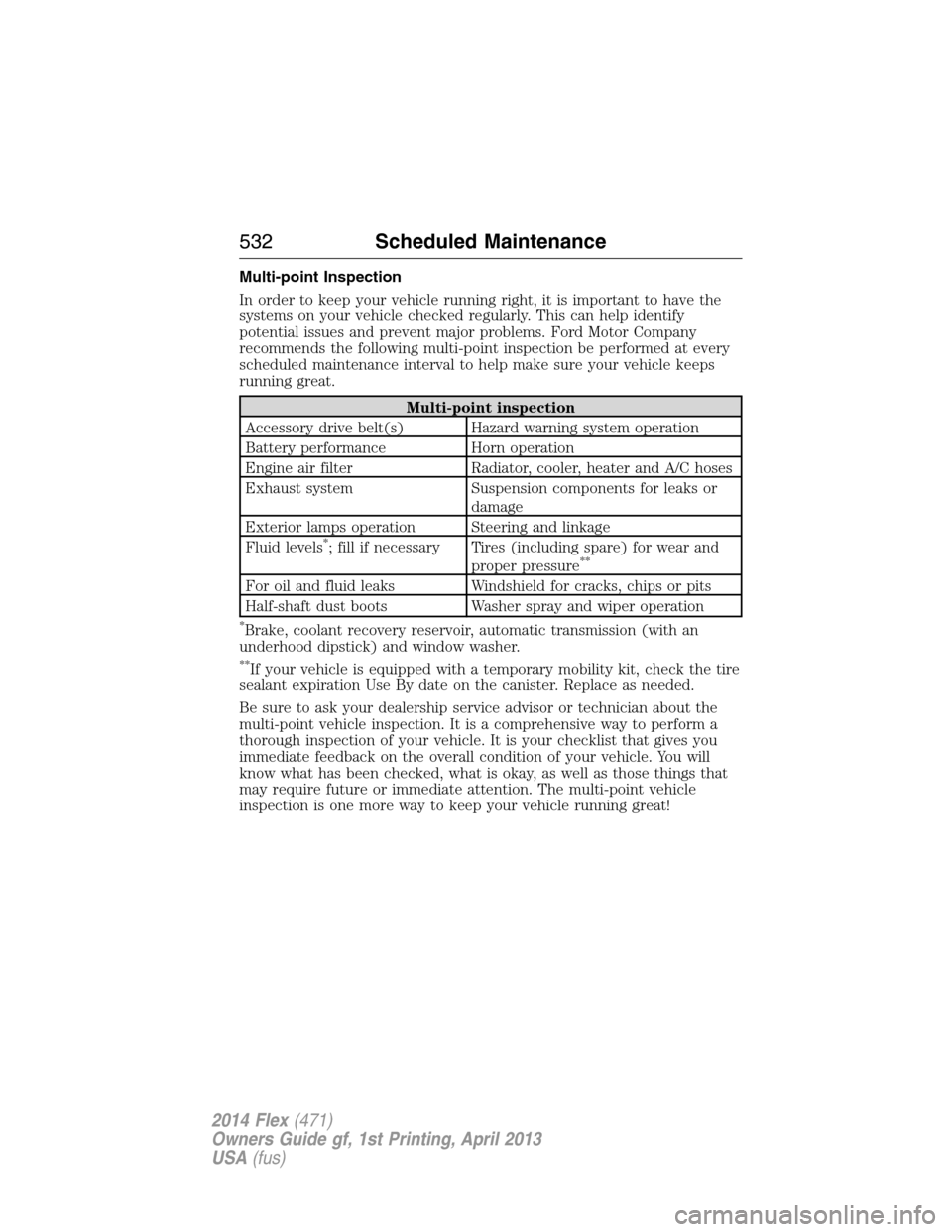
Multi-point Inspection
In order to keep your vehicle running right, it is important to have the
systems on your vehicle checked regularly. This can help identify
potential issues and prevent major problems. Ford Motor Company
recommends the following multi-point inspection be performed at every
scheduled maintenance interval to help make sure your vehicle keeps
running great.
Multi-point inspection
Accessory drive belt(s) Hazard warning system operation
Battery performance Horn operation
Engine air filter Radiator, cooler, heater and A/C hoses
Exhaust system Suspension components for leaks or
damage
Exterior lamps operation Steering and linkage
Fluid levels
*; fill if necessary Tires (including spare) for wear and
proper pressure**
For oil and fluid leaks Windshield for cracks, chips or pits
Half-shaft dust boots Washer spray and wiper operation
*Brake, coolant recovery reservoir, automatic transmission (with an
underhood dipstick) and window washer.
**If your vehicle is equipped with a temporary mobility kit, check the tire
sealant expiration Use By date on the canister. Replace as needed.
Be sure to ask your dealership service advisor or technician about the
multi-point vehicle inspection. It is a comprehensive way to perform a
thorough inspection of your vehicle. It is your checklist that gives you
immediate feedback on the overall condition of your vehicle. You will
know what has been checked, what is okay, as well as those things that
may require future or immediate attention. The multi-point vehicle
inspection is one more way to keep your vehicle running great!
532Scheduled Maintenance
2014 Flex(471)
Owners Guide gf, 1st Printing, April 2013
USA(fus)
Page 548 of 554

Booster seats ...............................22
Brakes ........................................207
anti-lock ...................................208
anti-lock brake system (ABS)
warning light ...........................208
brake warning light ................208
fluid, checking and adding ....302
fluid, refill capacities ..............356
fluid, specifications .................356
lubricant specifications ..........356
parking ....................................208
shift interlock ..........................198
trailer .......................................255
C
Capacities for refilling fluids ....356
Cargo net ...................................242
CD ..............................369, 374–375
CD player ..........................367, 457
CD voice commands .................458
Cell phone use ............................15
Changing a tire .........................347
Child safety restraints ..........30, 32
Child safety seats
automatic locking mode
(retractor) .................................40
LATCH .......................................30
Child safety seats - booster
seats .............................................22
Cleaning the touchscreen ........436
Cleaning your vehicle ...............315
engine compartment ..............317
instrument panel ....................319
interior .....................................319
plastic parts ............................316
washing ....................................315
waxing .....................................317wheels ......................................321
wiper blades ............................318
Climate control (see Air
conditioning or Heating) ..........135
Climate voice commands .........497
Clock ..................................369, 484
Collision Warning System .........237
Compass Display .......................120
Console ......................................175
overhead ..................................177
rear ..........................................175
Coolant ......................................292
checking and adding ..............292
refill capacities ........................356
specifications ..........................356
Cooler ........................................176
Cross Traffic Alert ....................232
Cruise control ...........................223
Customer Assistance ................265
Ford Extended Service
Plan ..........................................364
Getting roadside assistance ...265
Getting the service you
need .........................................270
Ordering additional owner’s
literature .................................276
Utilizing the
Mediation/Arbitration
Program ...................................274
D
Defrost .......................135, 137–138
rear window ............................143
Dipstick
automatic transmission
fluid ..........................................298
engine oil .................................291
Index547
2014 Flex(471)
Owners Guide gf, 1st Printing, April 2013
USA(fus)