2014 AUDI S6 center console
[x] Cancel search: center consolePage 115 of 304

The transmission temperature has increased
significantly due to the sporty driving manner. Drive in a less sporty manner until the tem
perature returns to the normal range and the
indicator light switches of.
[O] Transmission malfunction: You can con
tinue driving
There is a system ma lfunction in the transmis
sion. You may continue driving. Drive to your
authorized Audi dealer or qualified repair fa
cility soon to have the malfunction corrected .
[O] Transmission malfunction: You can con
tinue driving with limited functionality
There is a system malfunction in the transmis
sion . The transmission is switching to emer
gency mode. This mode only shifts into cer
tain gears or will no longer shift at a ll. The en
gine may stall. Drive to your authorized Audi
dealer or qualified repair facility immediately
to have the malfunction corrected .
[O] Iii Transmission malfunction: No reverse
gear. You can continue driving
S tronic transmission: There is a system mal
function in the transmission. The transmis
sion is switching to eme rgency mode. This
mode on ly shifts into certain gears or wi ll no
longer shift at all. The engine may sta ll. You
cannot engage the reverse gear. Drive to your
authorized Audi dealer or qualif ied repair fa
cility immediately to have the malfunction
corrected .
[O] Transmission malfunction: Stop vehicle
and shift to P
Do not continue driving. Select the P selector
lever position and see your authorized Audi
dea ler or qualified repair facility for assis
tance.
(D Note
If the transmission switches to emergency
mode, you shou ld take the vehicle to an
author ized Audi dealersh ip as soon as pos
sible to have the cond ition corrected.
Automatic Transmission 113
Selector lever emergency release
Applies to vehicles: with multitronic/5 tronic/t iptronic
If the vehicle's power supply fails, the selec
tor lever can be released in an emergency .
Fig. 117 Front center console: se lector lever emergen ·
cy release
.,. To reach the emergency release mechanism,
remove the ashtray insert*.
.,. Loosen and remove the small cap in the ash
tray mount ~
fig. 117 .
.,. You now have access to a bolt. Using a
screwdriver or similar, press the bolt down
and hold it down .
.,. Now press the interlock and move the se lec-
tor lever to the N position.
T he selector lever can only be moved from the
P position if the ignition is turned on. If the
power supply fai ls (for example, the battery is
discharged) and the vehicle must be pushed
or towed, move the selector lever to the N po
sition first using the emergency release.
Page 117 of 304

Parking system plus
Description
Applies to vehicles: with parking system plus
Audi parking system plus provides audio and
visual signals when parking.
Fi g. 118 Dis p lay f ie ld
Sensors are located in the front and rear
bumpers.
If these detect an obs tacle, visual
and in some situations aud ible signals warn
you.
M ake sure t he sensors are not cove red by
s t icke rs, deposits or any o ther obs truc tions as
it may impair the sensor function. For infor
mation on cleaning, refer to
c::> page 210 .
The display field begins approximately at:
® 4 ft (1.20 m)
® 3 ft (0 .90 m)
© 5.2 ft (1.60 m)
@ 3 ft (0 .90 m)
The clos er you get to the obstacle, the sho rter
the interval between the audible signa ls. A
con tinuous tone sounds when the obstacle is
l ess than approximate ly 1 ft (0.30 m) away .
Do not continue driving farther¢
& in Gener
al information on page 114, ¢(Di n General
information on page
114 !
If the d istance to an obstacle remains con
stant, the volume of the d istance warning
gradually drops after about four seconds (this
does not apply in the continuous tone range).
P arking systems 115
Switching on/off
Applies to vehicles: with parking system plus
Fig. 119 Center co nso le : Pv! button
Fig . 1 20 Infota in m ent : vi su al d is ta n ce d isplay
Switching on
.,. Shift into reverse or
.,. Press the
p,;A button in the center console
c::> fig. 119 . A short confirmation tone
sounds and the LED in the button turns on .
Switching off
.,. Dr ive fo rward fas ter than 6 mph (10 km/ h),
or
.,. press the
P"IA button, or
.,. sw itch the ignit ion off.
Visual d isplay
U sing the segments, yo u can estimate the dis
tance to a n object in front of o r behind the ve
hicle ¢
fig. 120 . The red lines mark the ex
pected d irect ion of travel according to the
steering ang le . A wh ite segment indicates an
identified obstacle that is outside of the vehi
cle's pat h. Red segments show identified ob
stacles that are in your vehicle's path . As your
vehicle comes close r to the obstacle, the seg
ments move closer to the vehicle . At the lat-
est th e collision area has been reached when ..,.
Page 119 of 304

example, after a collision, do not contin
ue to use the system for safety reasons.
Have it checked by your authorized Audi
dealership or authorized repa ir facility .
- Only use the rear v iew camera to assist
you if it shows a good, clear picture. For
example, the image may be affected by
the sun shin ing into the lens, dirt on the
lens or if there is a system fau lt.
- Use the rear view camera only if the lug
gage compartment lid is comp letely
closed. Ma ke su re any objects you may
h ave mounted on the luggage compart
ment lid do not block the rear view cam
era.
- The camera lens en la rges and dis torts
the field of vision. The ob ject appears
both a ltered and inaccurate on the
screen .
- In certain s ituations, peop le or objects in
the display appear closer or f urther
away:
- objects that do not touch the ground,
such as the bumper of a parked vehicle ,
a trailer hitch o r the rear of a truck. Do
not use the help lines in this case.
- If driven from a leve l surface onto a n
incline, or a downward slope.
- If driven towa rd protruding objects .
- If the ve hicle is carrying too much load
in the rear.
({D Note
- Always read and follow the applicable
warnings
¢ (Din General information on
page 114 .
-The orange colored orientat ion lines in
the Infotainment disp lay show the vehi
cle path depending on the steering
whee l ang le. The front of the vehicle
front sw ings out more than t he rear of
the veh icle. Maint ain p lenty of distan ce
so that your ou ts ide mirror or a corner of
you r vehicle does not collide with any ob
stacles .
Parking sys tem s 117
Switching on/off
App lies to vehicles: wit h parking system plus w ith rear
v iew camera
Switching on
.. Shift in to reverse or
.. press the
PwA bu tton in the center console
¢ page 115, fig . 119 . A short confirmation
tone sounds and the LED in the button turns
on .
Swi tching between the re ar view camera
and optical displa y
.,. Press the Graphi c control button®
¢ page 118, fig. 125 to see the optical d is
play .
.. Press the
Rearview control b utton to see the
rear view camera image.
Switching off
.,. Dr ive forward faster than 6 mph (10 km/h),
or
.. Press the
P111A button, or
.,. Switch the ignit ion off.
(D Tips
The visual d isplay in the left part of the
display should help you detec t the critical
vehicle areas .
Page 122 of 304
120 Park in g s ystems
& WARNING
- Always read and follow the applicable
warnings
Q .&. in General information on
page
114.
- If the posit ion or the installation angle
of a camera was changed, after a colli
sion for example, do not continue to use
the system for safety reasons. Have it
checked by your authorized Audi dealer
ship.
- Keep in m ind that the image i n the dis
play is distorted if the ex ter ior mirro r
housing has been man ual ly adjusted.
- Use the
re ar mode and the corner vi ew
(re ar)
mode on ly when the luggage com
partment lid is fully closed. Otherwise
the image in the display will be distort
ed.
- The veh icle surroundings are shown us
ing the camera images. The vehicle im
age is shown by the system. Objects and
obstacles above the camera are not dis
played.
- Camera lenses en large and distort the
field of v is ion. The objects appear both
altered and inaccurate on the screen.
(D Note
-Always read and follow the applicab le
warnings
c:> (i) in General information on
page
114.
- The Infota inment display shows the di
rection in which the rear of the vehicle is
traveling based on the steering wheel
angle . The front of the veh icle front
swings out more than the rear of t he ve
hicle. Ma intain plenty of distance so that
you r outside m irror or a corner of you r
vehicle does not coll ide wi th any obsta
cles.
@ Tips
I f the 8/cr;iJ/r:;::::s symbol appea rs i n the
disp lay and the respec tive display area is
grayed out, then the power exter io r mir
rors were fo lded in or the driver's door/ front passenger's door/
luggage compart
ment lid was opened.
Switching on or off
Applies to vehicles: with parking system plus with periph
eral cameras
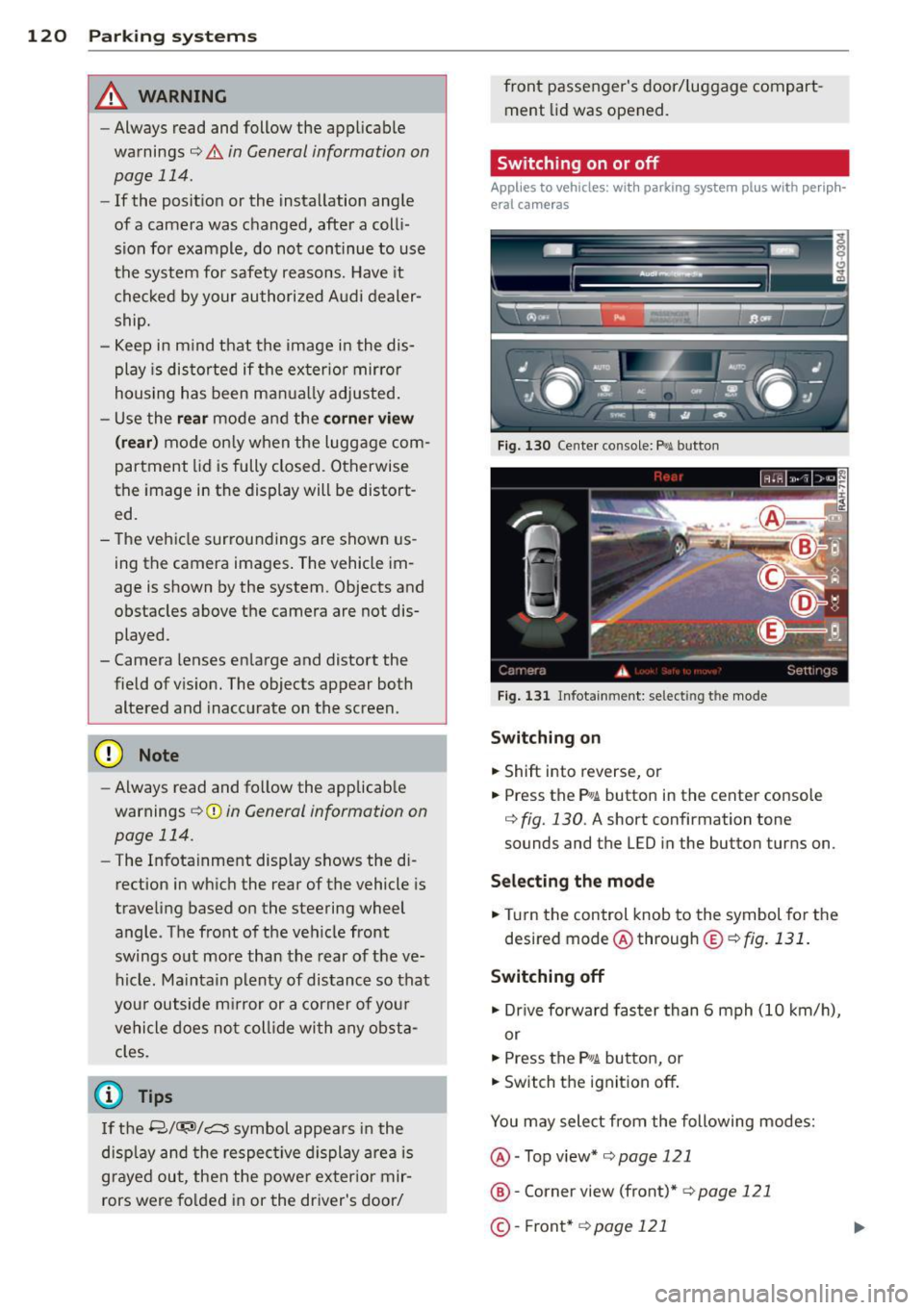
Fig . 1 30 Ce nte r console: f>• JI butto n
Fig . 1 31 Infota inment: selecting t he mode
Sw itching on
.. Shift into reverse, or
.. Press the P•QJ\. button in the center console
c:> fig. 130 . A short confirmation tone
sounds and the
LED in the button turns on.
Selecting the mode
.. Turn the control knob to the symbol fo r the
desired mode @ through @¢
fig. 131 .
Switching off
.. Dr ive fo rward faster than 6 mph (10 km/ h),
or
.. Press the
P"li bu tton, or
.. Switch the ignition off .
You may sele ct from the following modes:
@ -Top view*
c:>page 121
@ -Corner view (front)* c:> page 121
©-Front * c:> page 121