2013 VOLKSWAGEN TIGUAN battery
[x] Cancel search: batteryPage 21 of 356
venience settings and programming). Check the settings and correct as necessary once the vehicle
battery has built up a sufficient charge.
Applicable only in the United States
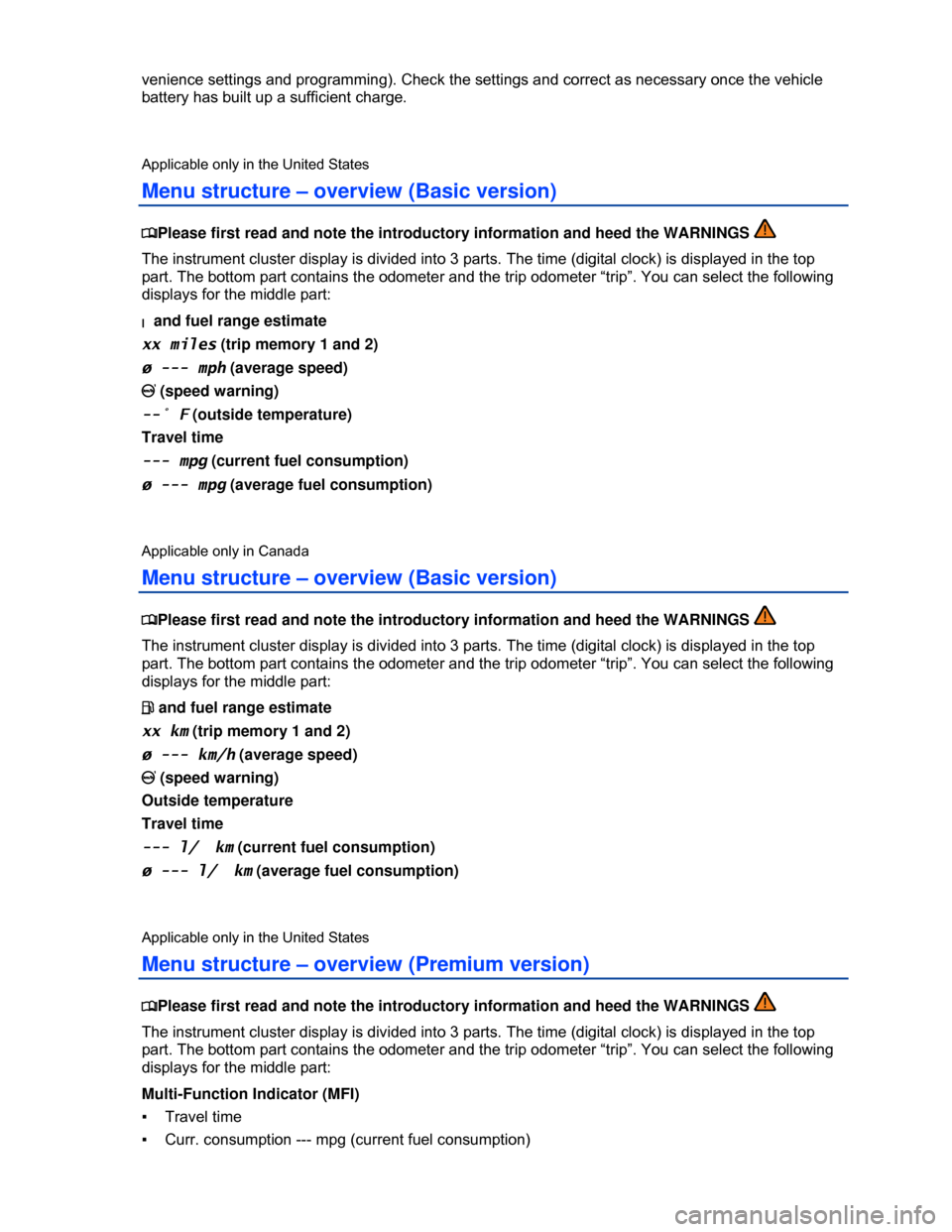
Menu structure – overview (Basic version)
Page 37 of 356
Canadian customers can contact an authorized Volkswagen dealer or Volkswagen Service Facility or
call the Volkswagen Canada Customer CARE Center at 1- - - 7.
NOTICE
The remote control vehicle keys contain electrical components. Protect them from damage,
moisture and rough handling.
Do not press the buttons on the remote control vehicle key unless you actually want to use the
function in question. Since terrain and conditions vary, pressing a button on the remote control vehicle
key when it is not necessary may unlock the vehicle or set off the panic alarm, even if you think you
are out of range.
Remote control vehicle key functions can be temporarily disrupted by interference from transmit-
ters near the vehicle that use the same frequency range (such as radio equipment or cellular phones).
Things between the remote control vehicle key and vehicle, bad weather, as well as a weak
battery can reduce the operating range.
If the remote control vehicle key buttons or the power locking buttons are pushed repeatedly in
quick succession, the power locking system is switched off for a brief period to help keep it from being
overloaded. The vehicle is then unlocked for about 30 seconds. Unless a door or the rear hatch is
opened in this span of time, the vehicle is automatically locked afterwards.
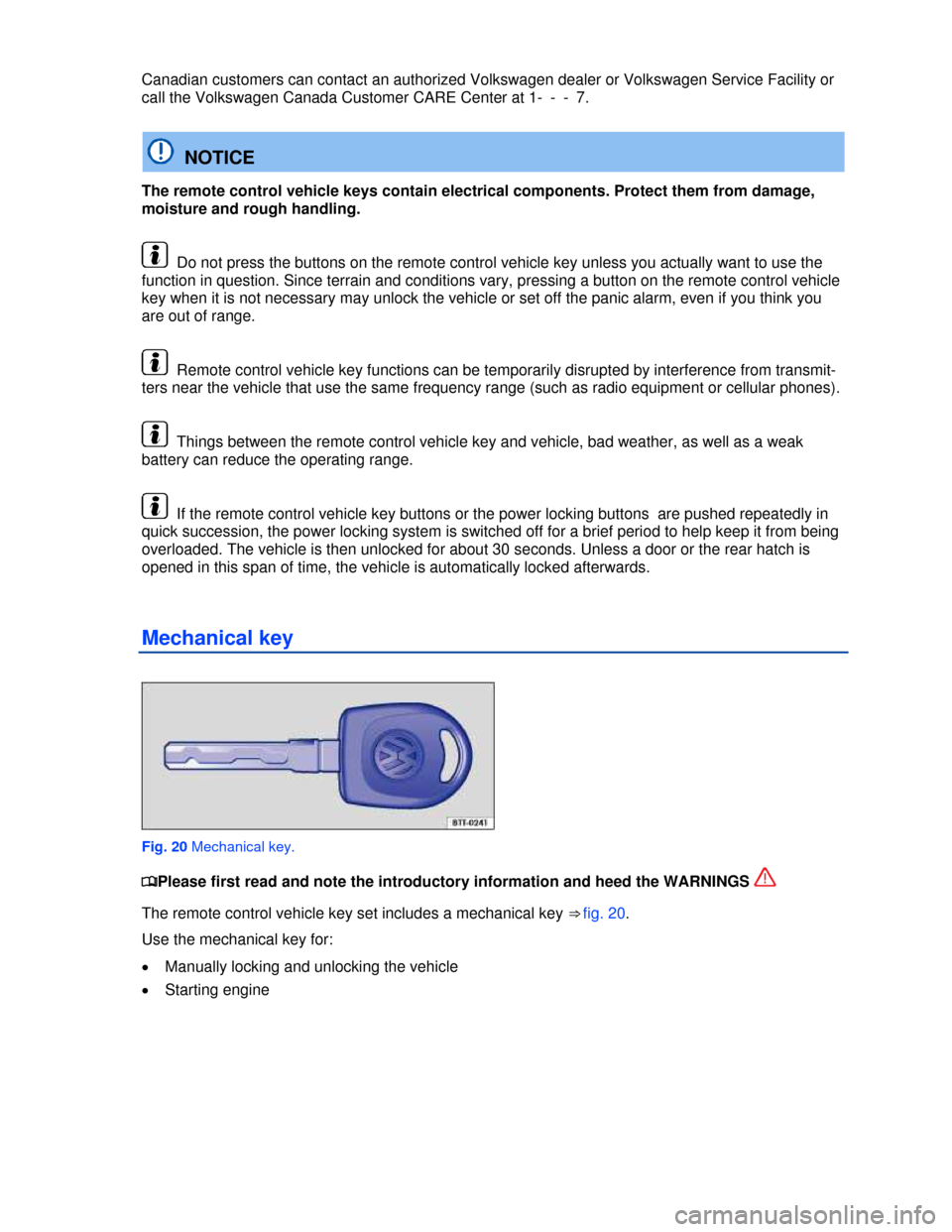
Mechanical key
Fig. 20 Mechanical key.
Page 46 of 356

Remove your finger from the lock sensor surface to stop the function. If you touch the unlock sensor
surface 1 on the inside of the door handle immediately after releasing the lock sensor surface 1 (ar-
row), all of the windows will open (safety function). Pinch protection is active during convenience
closing of the windows.
The settings in the Settings – Convenience menu determine which doors open when the door
handle sensor surface is touched.
NOTICE
The door handle sensor surfaces can be activated by a strong stream of water or steam if a
valid vehicle key is within range of the vehicle.
x All windows may open if you turn the spray of water or steam away from and then back onto
the door handle sensor surface in quick succession. If at least one power window is opened
and the sensor is continuously activated, convenience closing is started.
The door may not open if the outside and inside door handles are used at the same time.
If the automatic transmission is not in Park (P) position, the electronic steering column lock will
not lock and the vehicle will not lock via sensors in the front door handles or the remote control vehicle
key.
If the vehicle battery or the battery in the remote control vehicle key is weak or dead, it might not
be possible to unlock and lock the vehicle using Keyless Access The vehicle can still be manually
locked or unlocked with the key bit
The driver message Key not in range appears in the instrument cluster display if there is no
remote control vehicle key inside the vehicle or if the system does not recognize the vehicle key. The
key may not be recognized, for example, if it is covered by something that interferes with the signal
(such as a briefcase), or if the remote control vehicle key battery is weak. Electronic devices such as
cell phones can also interfere with the signal.
Dirt on the door handles that contains a lot of salt (especially in winter) can affect the way the
door handle sensors work. Cleaning the door handles can help with this problem 279.
Anti-theft alarm system
Page 47 of 356

x Opening a door that has been mechanically unlocked.
x Forcibly opening a door.
x Forcibly opening the engine hood.
x Forcibly opening the rear hatch.
x Switching on the ignition with an invalid key.
x Disconnecting the vehicle battery.
x Disconnecting an anti-theft system integrated trailer.
Deactivating the alarm
Unlock the vehicle with the unlock button on the remote control vehicle key and switch on the ignition
with a valid remote control vehicle key.
For vehicles with Keyless Access, the alarm can be deactivated by grasping one of the door handles
when a valid vehicle key is in range or by holding the remote control vehicle key to the right of the
steering column trim and pressing the starter
After the alarm has stopped and the vehicle is opened again in the same or a different area that
is protected by the alarm, the alarm is triggered again. For example, the alarm will sound again if the
rear hatch is opened after one of the doors has been opened.
The anti-theft alarm system is not activated when the vehicle is locked with the power lock
switch 1 on the inside of the driver or front passenger doors.
If the driver door is mechanically unlocked using the vehicle key bit, only the driver door is un-
locked, but not the entire vehicle. Switching on the ignition deactivates the anti-theft alarm system and
activates the central locking button. To unlock the doors, use the central locking button or remote
control vehicle key.
If the vehicle battery is dead or weak, the anti-theft alarm system will not work properly.
Page 70 of 356

fig. 41 Press the switch in the direction of the arrow:
(2) and (3) Raise or lower the seat cushion.
(2) or (3) Adjust seat cushion angle.
(B) Forward or
backward. Adjust backrest angle.
Press fig. 42 switch for each area:
(1) or (2) Adjust lumbar support.
(3) or (4) Adjust lumbar support height.
WARNING
Improper use of electrical seat controls can cause serious personal injuries.
x The front seats in your vehicle can be electrically adjusted even when the vehicle key has
been removed from the ignition or, on a vehicle with Keyless Access, even if there is no key
in the vehicle.
x Never leave children and persons who need help in the vehicle alone because the unsu-
pervised use of the electric seat adjustments can result in serious personal injury.
x Always make sure that no one is in the way while the front seats are being adjusted, or
while calling up the stored memory settings for the front seats. In an emergency, stop auto-
matic seat adjustment by pressing a seat adjustment switch.
NOTICE
To help prevent damage to electrical parts in the seat, do not kneel on the front seats or apply
concentrated pressure to a small area of the seat or backrest.
If the vehicle battery is too weak, the electrical seat adjustment controls may not work.
Starting the engine stops seat adjustment.
When entering and exiting the vehicle, be careful not to come into contact with any switches that
could change the seat adjustment.
Page 83 of 356

Cancellation conditions when storing settings for the memory buttons
When one of the following conditions is met, the storing process will be cancelled:
x Charging condition of the vehicle battery is weak.
x The SET button is pressed again within about 10 seconds.
x The seat position is readjusted within about 10 seconds after pressing the SET button.
Folding the front passenger backrest forward
Fig. 54 Folding the front passenger backrest forward.
Fig. 55 Unlocking the foldable front passenger backrest.
Page 145 of 356

WARNING
Improper connections to the vehicle electrical system can cause malfunctions that affect the
entire vehicle electrical system, which can lead to accidents and serious personal injury.
x Have any work on the electrical system done by an authorized Volkswagen dealer or
authorized Volkswagen Service Facility.
x Never connect the electrical system for the trailer directly to the electrical connections for
the rear lights or to any other unsuitable power sources. Use only a suitable connector to
provide power to the trailer.
NOTICE
Never attach a trailer to the vehicle or leave it attached to the vehicle when the trailer is
supported by a trailer jack or blocks. Various things (such as a change in trailer or vehicle load
or a flat tire) can lower or raise the vehicle. This subjects the trailer hitch and the trailer to
strong forces that can damage the vehicle or the trailer.
Any problems with the vehicle's electrical system when attached to a trailer should be checked
by an authorized Volkswagen dealer or authorized Volkswagen Service Facility.
If the engine is switched off and accessories in the trailer are on and use electricity from the
vehicle, the vehicle battery will be drained as long as the electrical systems of the vehicle and the
trailer are connected.
Loading the trailer
Page 167 of 356
If the ignition is on but the engine is not running, the vehicle battery will be drained by any device that
is plugged in and turned on. For this reason, never use the electrical sockets unless the engine is
running.
To help prevent damage from voltage fluctuations, switch off all electrical devices connected to a 12
Volt socket before switching the ignition on or off or starting the engine.
The vehicle may have 12 Volt sockets at the following places:
x In the storage compartment or in the front center console.
x In the storage compartment in the front center armrest.
x In the rear center console.
x In the luggage compartment.
Volt socket
The socket can only be used if the engine is running ⇒ .
Connecting an electrical device: Insert the plug as far as it goes into the socket in order to unlock the
integrated child-proof lock. There is electricity in the socket only after the child-proof lock is unlocked.
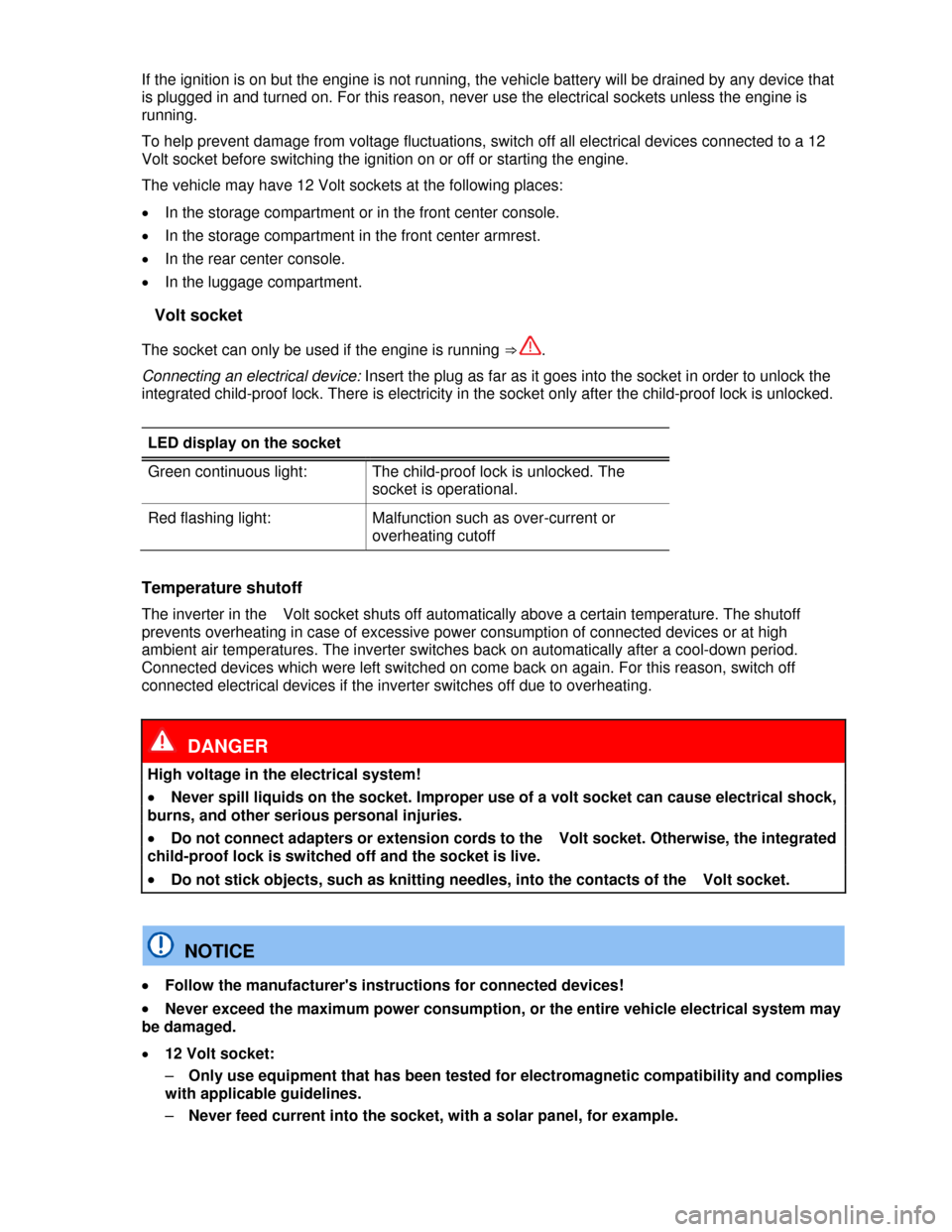
LED display on the socket
Green continuous light: The child-proof lock is unlocked. The
socket is operational.
Red flashing light: Malfunction such as over-current or
overheating cutoff
Temperature shutoff
The inverter in the Volt socket shuts off automatically above a certain temperature. The shutoff
prevents overheating in case of excessive power consumption of connected devices or at high
ambient air temperatures. The inverter switches back on automatically after a cool-down period.
Connected devices which were left switched on come back on again. For this reason, switch off
connected electrical devices if the inverter switches off due to overheating.
DANGER
High voltage in the electrical system!
x Never spill liquids on the socket. Improper use of a volt socket can cause electrical shock,
burns, and other serious personal injuries.
x Do not connect adapters or extension cords to the Volt socket. Otherwise, the integrated
child-proof lock is switched off and the socket is live.
x Do not stick objects, such as knitting needles, into the contacts of the Volt socket.
NOTICE
x Follow the manufacturer's instructions for connected devices!
x Never exceed the maximum power consumption, or the entire vehicle electrical system may
be damaged.
x 12 Volt socket:
– Only use equipment that has been tested for electromagnetic compatibility and complies
with applicable guidelines.
– Never feed current into the socket, with a solar panel, for example.