Page 272 of 720

272 2-4. Using other driving systems
LC200_OM_OM60F57U_(U)
■The Multi-terrain Monitor can be operated when
Normal display mode
The vehicle speed is less than approximately 7 mph (12 km/h).
Automatic display mode
●When automatic display mode is selected
●When the shift lever is shifted to “D”, “S” or “N”
●When the shift lever is in “D”, “S” or “N” and the vehicle speed is below
approximately 6 mph (10 km/h)
■Automatic system cancellation
In the following situations, the image is canceled automatically.
●When the vehicle speed exceeds approximately 7 mph (12 km/h).
After the vehicle speed exceeds approximately 7 mph (12 km/h), the
image will continue to be displayed for a short time.
If the vehicle speed returns to below 7 mph (12 km/h) before the image
extinguishes, the image will continue to be displayed.
●When “MAP” or another switch outside the screen has been pressed
■Interruption screens
An interruption screen is displayed when an obstacle is within the detection
range of the intuitive parking assist. (P. 229)
■When the door mirrors are folded.
The screen will be turned off temporarily while the door mirrors are folding,
and the screen will return to normal once folding has been completed.
Page 326 of 720

326 2-5. Driving information
LC200_OM_OM60F57U_(U)●Avoid jerky starts or sudden acceleration.
●Avoid jerky steering and sharp turns, and slow down before mak-
ing a turn.
●Note that when making a turn, the trailer wheels will be closer than
the vehicle wheels to the inside of the turn. Compensate by making
a wider than normal turning radius.
●Slow down before making a turn, in crosswinds, on wet or slippery
surfaces, etc.
Increasing vehicle speed can destabilize the trailer.
●Take care when passing other vehicles. Passing requires consider-
able distance. After passing a vehicle, do not forget the length of
your trailer, and be sure you have plenty of room before changing
lanes.
●To maintain engine braking efficiency and charging system perfor-
mance, when using engine braking, do not put the transmission in
“D”.
Transmission shift range position must be in “5” in the “S” mode.
●Instability happens more frequently when descending steep or long
downhill grades. Before descending, slow down and downshift. Do
not make sudden downshifts while descending steep or long down-
hill grades.
●Avoid holding the brake pedal down too long or applying the
brakes too frequently. This could cause the brakes to overheat and
result in reduced braking efficiency.
●Due to the added load of the trailer, your vehicle’s engine may
overheat on hot days (at temperatures over 85°F [30°C]) when
driving up a long or steep grade. If the engine coolant temperature
gauge indicates overheating, immediately turn off the air condition-
ing (if in use), pull your vehicle off the road and stop in a safe spot.
(P. 658)
Page 330 of 720
330 2-5. Driving information
LC200_OM_OM60F57U_(U)
If you cannot find any problems, the speed at which trailer swaying occurred
is beyond the limit of your particular vehicle-trailer combination.
Drive at a lower speed to prevent instability. Remember that swaying of the
towing vehicle-trailer increases as speed increases.
CAUTION
■Trailer towing precautions
To tow a trailer safely, use extreme care and drive the vehicle in accordance
with the trailer’s characteristics and operating conditions. Failure to do so
could cause an accident resulting in death or serious injury. Vehicle stability
and braking performance are affected by trailer stability, brake setting and
performance, and the hitch. Your vehicle will handle differently when towing
a trailer.
■To avoid accident or injury
●Do not exceed the TWR, unbraked TWR, GCWR, GVWR or GAWR.
●If the gross trailer weight is over 2000 lb. (907 kg), a sway control device
with sufficient capacity is required.
●If the gross trailer weight is over 5000 lb. (2268 kg), a weight distributing
hitch with sufficient capacity is required.
●Adjust the tongue weight within the appropriate range. Place heavier loads
as close to the trailer axle as possible.
●Do not exceed 65 mph (104 km/h), the posted towing speed limit or the
speed limit for your trailer as set forth in your trailer owner’s manual,
whichever is lowest. Slow down sufficiently before making a turn, in cross-
winds, on wet or slippery surface, etc. to help avoid an accident. If you
experience a vehicle-trailer instability from reducing a certain speed, slow
down and make sure you keep your vehicle speed under the speed of
which you experience the instability.
●Do not make jerky, abrupt or sharp turns.
●Do not apply the brakes suddenly as you may skid, resulting in jackknifing
and loss of vehicle control. This is especially true on wet or slippery sur-
faces.
Page 358 of 720
358 3-2. Using the audio system
LC200_OM_OM60F57U_(U)
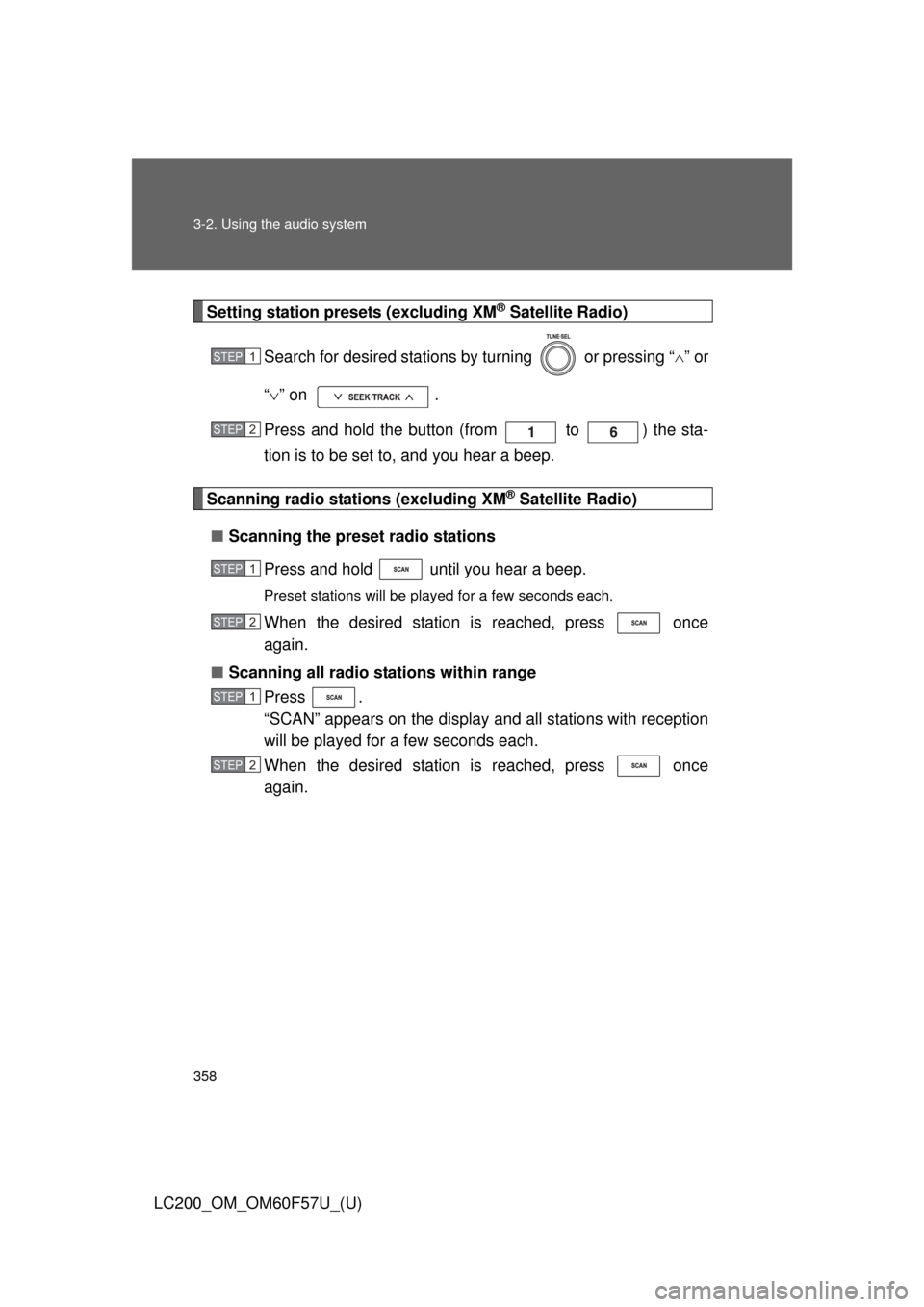
Setting station presets (excluding XM® Satellite Radio)
Search for desired stations by turning or pressing “” or
“” on .
Press and hold the button (from to ) the sta-
tion is to be set to, and you hear a beep.
Scanning radio stations (excluding XM® Satellite Radio)
■Scanning the preset radio stations
Press and hold until you hear a beep.
Preset stations will be played for a few seconds each.
When the desired station is reached, press once
again.
■Scanning all radio stations within range
Press .
“SCAN” appears on the display and all stations with reception
will be played for a few seconds each.
When the desired station is reached, press once
again.
STEP1
STEP2
STEP1
STEP2
STEP1
STEP2
Page 424 of 720
424 3-4. Using the hands-free system (for cellular phone)
LC200_OM_OM60F57U_(U)
■Conditions under which the system will not operate
●If using a mobile phone that does not support Bluetooth
®
●If the mobile phone is switched off
●If you are outside service range
●If the mobile phone is not connected
●If the mobile phone’s battery is low
●If the mobile phone is behind the seat or in the glove box or console box
●If metal is covering or touching the phone
■When using the hands-free system
●The audio system and voice guidance are muted when making a call.
●If both parties speak at the same time, it may be difficult to hear.
●If the incoming call volume is overly loud, an echo may be heard.
●Try to face toward the microphone as much as possible when speaking.
●In the following circumstances, it may be difficult to hear the other party:
• When driving on unpaved roads
• When driving at high speeds
• When a window is open
• When the air conditioning is blowing directly on the microphone
• When the air conditioning is set to high
■When transferring ownership of the vehicle
Be sure to initialize the system to prevent the personal data from being
improperly accessed.
Page 480 of 720
480
3-7. Other interior features
LC200_OM_OM60F57U_(U)
Outside temperature display
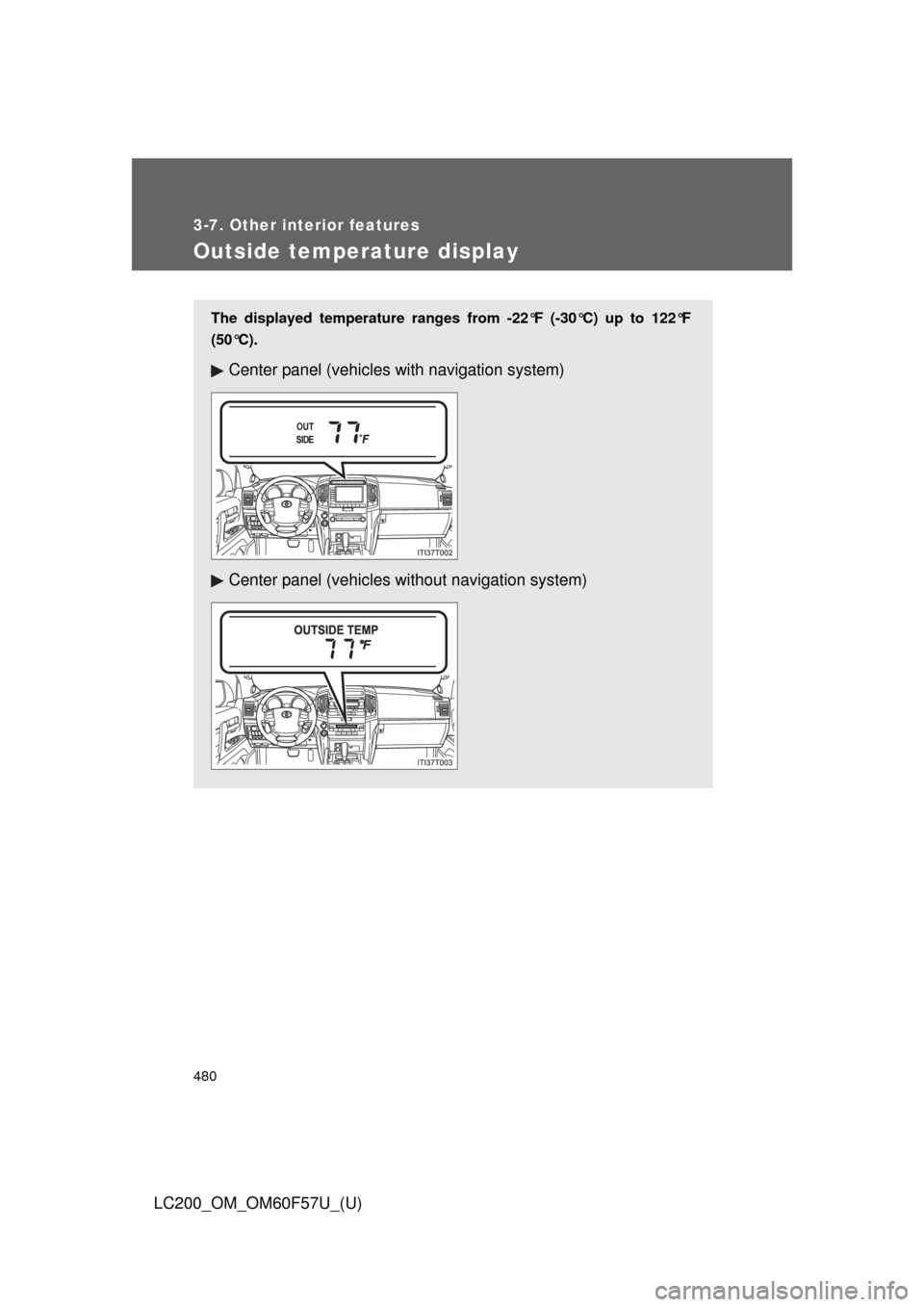
The displayed temperature ranges from -22°F (-30°C) up to 122°F
(50°C).
Center panel (vehicles with navigation system)
Center panel (vehicles without navigation system)
Page 508 of 720

508 3-7. Other interior features
LC200_OM_OM60F57U_(U)■Stolen Vehicle Location
If your vehicle is stolen, Safety Connect can work with local author-
ities to assist them in locating and recovering the vehicle. After fil-
ing a police report, call the Safety Connect response center at 1-
800-331-4331 and follow the prompts for Safety Connect to initiate
this service.
In addition to assisting law enforcement with recovery of a stolen
vehicle, Safety-Connect-equipped vehicle location data may, under
certain circumstances, be shared with third parties to locate your
vehicle. Further information is available at Toyota.com.
■Emergency Assistance Button (“SOS”)
In the event of an emergency on the road, push the “SOS” button
to reach the Safety Connect response center. The answering
agent will determine your vehicle’s location, assess the emer-
gency, and dispatch the necessary assistance required.
If you accidentally press the “SOS” button, tell the response-center agent
that you are not experiencing an emergency.
■Roadside Assistance
Subscribers can press the “SOS” button to reach a Safety Connect
response-center agent, who can help with a wide range of needs,
such as: towing, flat tire, fuel delivery, etc. For a description of the
Roadside Assistance services and their limitations, please see the
Safety Connect Terms and Conditions, which are available at
To y o t a . c o m .
Page 520 of 720
520
4-2. Maintenance
LC200_OM_OM60F57U_(U)
General maintenance
Engine compartment
ItemsCheck points
Battery • Maintenance-free (P. 539)
Brake fluid • At the correct level? (P. 536)
Engine coolant • At the correct level? (P. 534)
Engine oil • At the correct level? (P. 530)
Exhaust system • No fumes or strange sounds?
Power steering fluid • At the correct level? (P. 538)
Radiator/condenser/hoses • Not blocked with foreign matter?
(P. 535)
Washer fluid • At the correct level? (P. 542)
Listed below are the general maintenance items that should be per-
formed at the intervals specified in the “Owner’s Warranty Informa-
tion Booklet” or “Owner’s Manual Supplement”. It is recommended
that any problem you notice should be brought to the attention of
your Toyota dealer or qualified service shop for advice.