Page 318 of 666

Certain conditions, such as a loose or missing gas cap,
poor quality fuel, etc., may illuminate the light after
engine start. The vehicle should be serviced if the light
stays on through several typical driving styles. In most
situations, the vehicle will drive normally and will not
require towing.
When the engine is running, the MIL may flash to alert
serious conditions that could lead to immediate loss of
power or severe catalytic converter damage. The vehicle
should be serviced as soon as possible if this occurs.
CAUTION!
Prolonged driving with the Malfunction Indicator
Light (MIL) on could cause damage to the engine
control system. It also could affect fuel economy and
drivability. If the MIL is flashing, severe catalytic
converter damage and power loss will soon occur.
Immediate service is required.
WARNING!
A malfunctioning catalytic converter, as referenced
above, can reach higher temperatures than in normal
operating conditions. This can cause a fire if you drive
slowly or park over flammable substances such as dry
plants, wood, cardboard, etc. This could result in death
or serious injury to the driver, occupants or others.
26. Electronic Stability Control (ESC) Activation/
Malfunction Indicator Light — If EquippedThe “ESC Activation/Malfunction Indicator
Light” in the instrument cluster will come on
when the ignition switch is turned to the
ON/RUN position. It should go out with the
engine running. If the “ESC Activation/Malfunction In-
dicator Light” comes on continuously with the engine
running, a malfunction has been detected in the ESC
system. If this light remains on after several ignition
316 UNDERSTANDING YOUR INSTRUMENT PANEL
Page 319 of 666

cycles, and the vehicle has been driven several miles
(kilometers) at speeds greater than 30 mph (48 km/h), see
your authorized dealer as soon as possible to have the
problem diagnosed and corrected.
NOTE:
The “ESC Off Indicator Light” and the “ESC Activation/
Malfunction Indicator Light” come on momentarily each
time the ignition switch is turned to ON/RUN.
Each time the ignition is turned to ON/RUN, the ESC
system will be ON, even if it was turned off previously.
The ESC system will make buzzing or clicking sounds
when it is active. This is normal; the sounds will stop
when ESC becomes inactive following the maneuver that
caused the ESC activation.WARNING!
The Electronic Stability Control (ESC) cannot pre-
vent the natural laws of physics from acting on the
vehicle, nor can it increase the traction afforded by
prevailing road conditions. ESC cannot prevent acci-
dents, including those resulting from excessive speed
in turns, driving on very slippery surfaces, or hydro-
planing. The capabilities of an ESC-equipped vehicle
must never be exploited in a reckless or dangerous
manner which could jeopardize the user’s safety or
the safety of others.
27. O/D (Overdrive) OFF Indicator Light This light will illuminate when the O/D OFF
button has been selected and overdrive has been
turned off. The O/D OFF button is located on the center
console.
4
UNDERSTANDING YOUR INSTRUMENT PANEL 317
Page 320 of 666
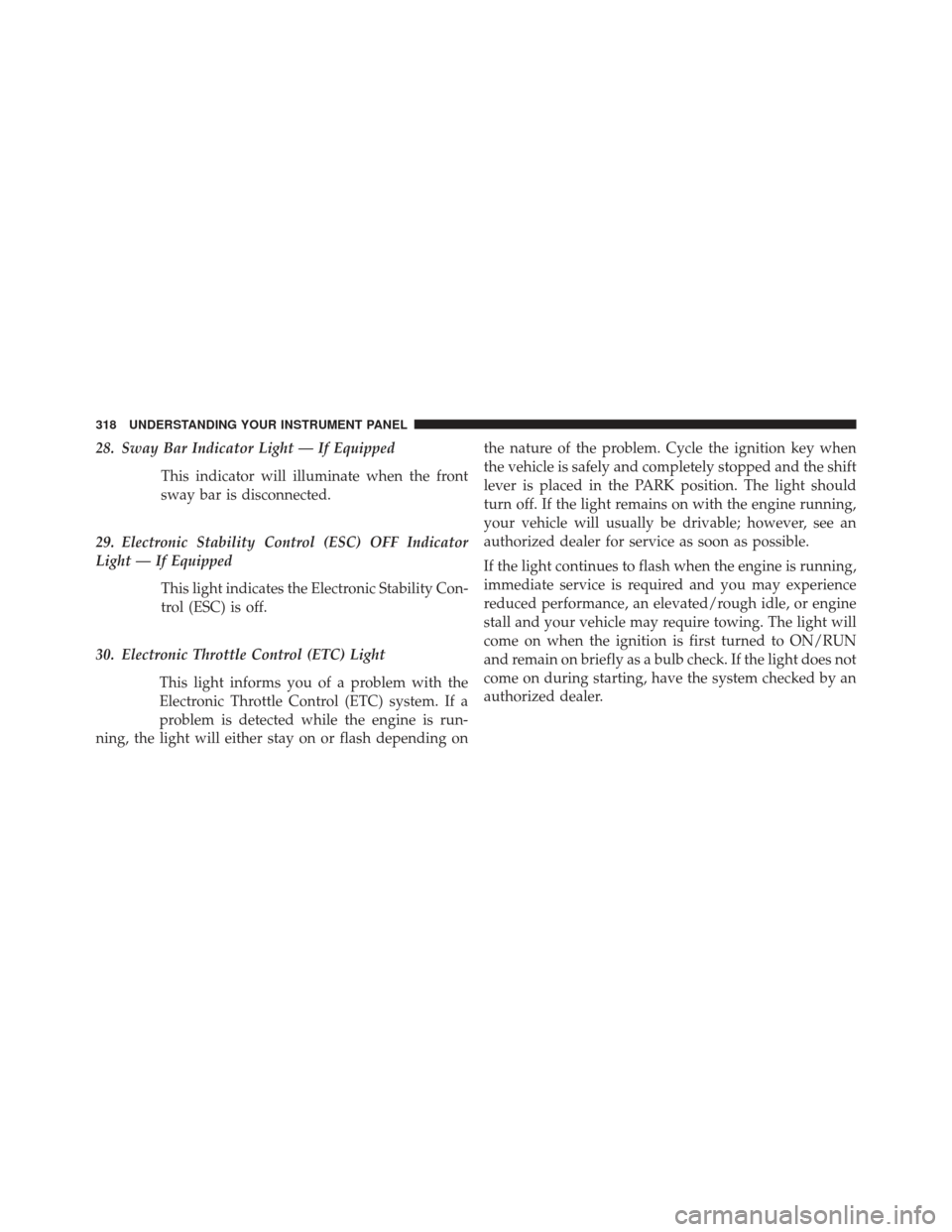
28. Sway Bar Indicator Light — If EquippedThis indicator will illuminate when the front
sway bar is disconnected.
29. Electronic Stability Control (ESC) OFF Indicator
Light — If Equipped This light indicates the Electronic Stability Con-
trol (ESC) is off.
30. Electronic Throttle Control (ETC) Light This light informs you of a problem with the
Electronic Throttle Control (ETC) system. If a
problem is detected while the engine is run-
ning, the light will either stay on or flash depending on the nature of the problem. Cycle the ignition key when
the vehicle is safely and completely stopped and the shift
lever is placed in the PARK position. The light should
turn off. If the light remains on with the engine running,
your vehicle will usually be drivable; however, see an
authorized dealer for service as soon as possible.
If the light continues to flash when the engine is running,
immediate service is required and you may experience
reduced performance, an elevated/rough idle, or engine
stall and your vehicle may require towing. The light will
come on when the ignition is first turned to ON/RUN
and remain on briefly as a bulb check. If the light does not
come on during starting, have the system checked by an
authorized dealer.
318 UNDERSTANDING YOUR INSTRUMENT PANEL
Page 325 of 666

NOTE:
•A good calibration requires a level surface and an
environment free from large metallic objects such as
buildings, bridges, underground cables, railroad
tracks, etc.
• Magnetic materials should be kept away from the top
of the center of the instrument panel. This is where the
compass sensor is located.
Average Fuel Economy / Distance To Empty (DTE) /
Elapsed Time
• Average Fuel Economy
Shows the average fuel economy since the last reset.
When the fuel economy is reset, the digits will go blank
while the history information is erased. The averaging
will restart when enough new distance and fuel data is
accumulated. •
Distance To Empty (DTE)
Shows the estimated distance that can be traveled with
the fuel remaining in the tank. This estimated distance is
determined by a weighted average of the instantaneous
and average fuel economy, according to the current fuel
tank level. DTE cannot be reset.
• Elapsed Time
Shows the total elapsed time of travel since the last reset.
Elapsed time will increment when the ignition switch is
in the RUN or START positions. The elapsed timer
displays minutes:seconds. After 59minutes:59seconds, it
displays hours:minutes:seconds.
4
UNDERSTANDING YOUR INSTRUMENT PANEL 323
Page 330 of 666
Electronic Vehicle Information Center (EVIC)
Displays
When the appropriate conditions exist, the EVIC displays
the following messages:
•Low Tire Pressure
• Service TPM System (refer to �Tire Pressure Monitor-
ing System� in�Starting and Operating�)
• Premium TPM System Graphic Display
• Damaged Key
• Key in Ignition
• Turn Signal On (with a continuous warning chime)
• Left Front Turn Signal Lamp Out (with a single chime)
• Left Rear Turn Signal Lamp Out (with a single chime) •
Right Front Turn Signal Lamp Out (with a single
chime)
• Right Rear Turn Signal Lamp Out (with a single chime)
• Key Fob Battery Low (with a single chime)
• Personal Settings Not Avail. – Vehicle Not in Park —
automatic transmission
• Personal Settings Not Avail. – Vehicle in Motion —
manual transmission
• Door Ajar (with vehicle graphic showing which door is
open. A single chime sounds if the vehicle is in
motion).
• Gate Ajar (with vehicle graphic showing the Liftgate/
back door open and A single chime )
328 UNDERSTANDING YOUR INSTRUMENT PANEL
Page 331 of 666

•Check Gascap (refer to “Adding Fuel” in “Starting
And Operating” for more details)
• Oil Change Required (with a single chime)
• ECO (Fuel Saver Indicator) — if equipped
Oil Change Required
Your vehicle is equipped with an engine oil change
indicator system. The “Oil Change Required” message
will flash in the EVIC display for approximately 10 sec-
onds after a single chime has sounded to indicate the next
scheduled oil change interval. The engine oil change
indicator system is duty cycle based, which means the
engine oil change interval may fluctuate dependent upon
your personal driving style. Unless reset, this message will continue to display each
time you turn the ignition switch to the ON position. To
turn off the message temporarily, press and release the
MENU button. To reset the oil change indicator system
(after performing the scheduled maintenance), perform
the following procedure:
1. Turn the ignition switch to the ON position.
Do not
start the engine.
2. Fully depress the accelerator pedal slowly three times within 10 seconds.
3. Turn the ignition switch to the LOCK position.
NOTE: If the indicator message illuminates when you
start the vehicle, the oil change indicator system did not
reset. If necessary, repeat this procedure.4
UNDERSTANDING YOUR INSTRUMENT PANEL 329
Page 335 of 666
To Change The Compass Variance:
1. Turn the ignition switch RUN (it is not necessary tostart the engine).
2. Press the MENU button until Personal Settings (Customer-Programmable Features) displays in the
EVIC.
3. Press the DOWN button until “Compass Variance” message and the last variance zone number displays
in the EVIC.
4. Press and release the SELECT button until the proper variance zone is selected according to the map.
5. Press and release the COMPASS button to exit.
Compass Variance Map
4
UNDERSTANDING YOUR INSTRUMENT PANEL 333
Page 336 of 666

Average Fuel Economy
Shows the average fuel economy since the last reset.
Average Fuel Economy can be reset by pressing and
holding the SELECT button (as prompted in the EVIC
display). Upon reset, the history information will be
erased, and the averaging will continue from the last fuel
average reading before the reset.
Distance To Empty (DTE)
Shows the estimated distance that can be traveled with
the fuel remaining in the tank. This estimated distance is
determined by a weighted average of the instantaneous
and average fuel economy, according to the current fuel
tank level. DTE cannot be reset.
NOTE:Significant changes in driving style or vehicle
loading will greatly affect the actual drivable distance of
the vehicle, regardless of the DTE display value. When the DTE value is less than 30 miles (48 km)
estimated driving distance, the DTE display will change
to a text display of
�LOW FUEL”. This display will
continue until the vehicle runs out of fuel. Adding a
significant amount of fuel to the vehicle will turn off the
LOW FUEL text and a new DTE value will display.
Elapsed Time
Shows the total elapsed time of travel since the last reset.
Elapsed time will increment when the ignition switch is
in the RUN or START position.
Elapsed time is displayed as follows:
hours:minutes:seconds
Elapsed time can be reset by pressing and holding the
SELECT button (as prompted in the EVIC display). Upon
reset all digits will change to zeros and time will start
incrementing again if the ignition switch is in RUN or
START.
334 UNDERSTANDING YOUR INSTRUMENT PANEL
