Page 229 of 525
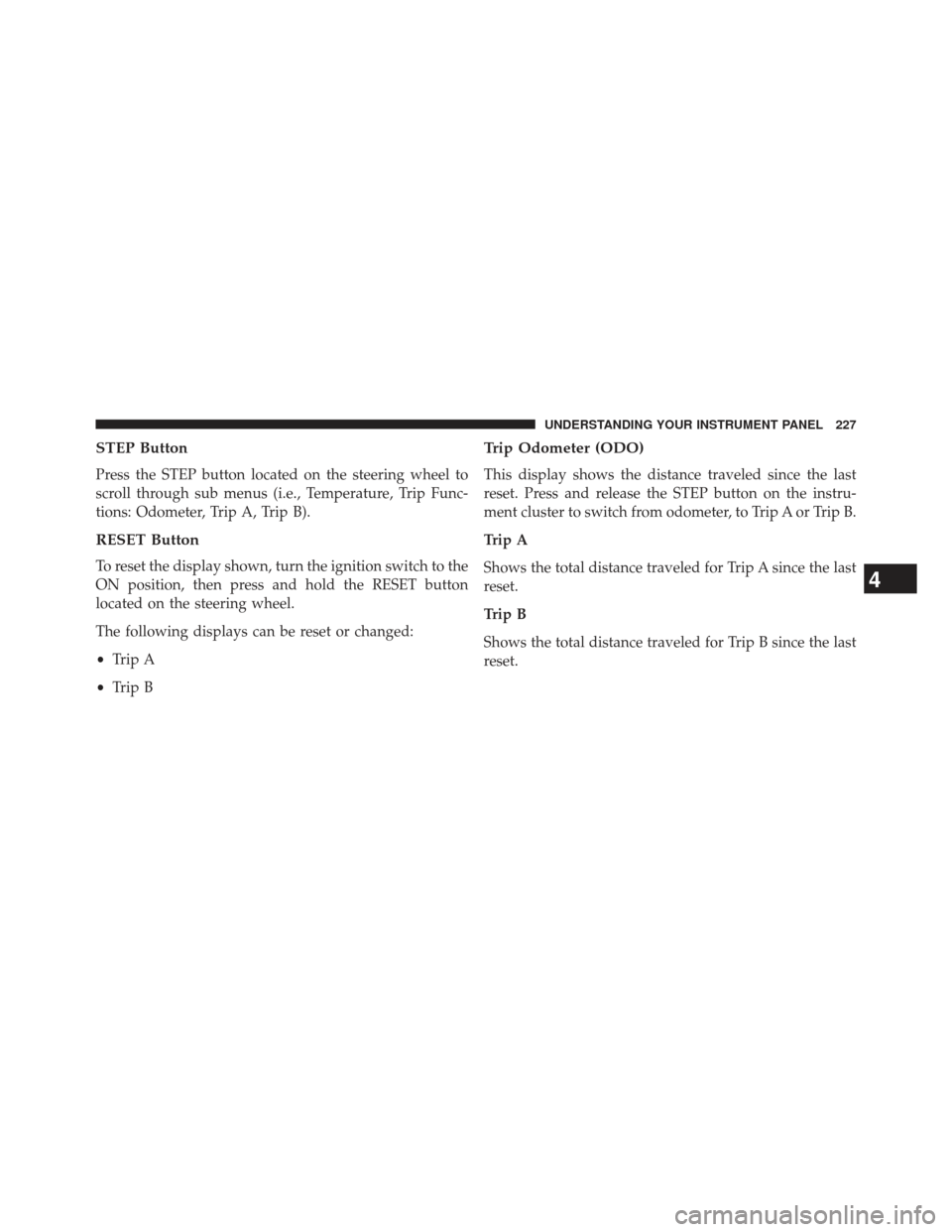
STEP Button
Press the STEP button located on the steering wheel to
scroll through sub menus (i.e., Temperature, Trip Func-
tions: Odometer, Trip A, Trip B).
RESET Button
To reset the display shown, turn the ignition switch to the
ON position, then press and hold the RESET button
located on the steering wheel.
The following displays can be reset or changed:
•Trip A
• Trip B
Trip Odometer (ODO)
This display shows the distance traveled since the last
reset. Press and release the STEP button on the instru-
ment cluster to switch from odometer, to Trip A or Trip B.
Trip A
Shows the total distance traveled for Trip A since the last
reset.
Trip B
Shows the total distance traveled for Trip B since the last
reset.
4
UNDERSTANDING YOUR INSTRUMENT PANEL 227
Page 230 of 525
ELECTRONIC VEHICLE INFORMATION CENTER
(EVIC) — IF EQUIPPED
The Electronic Vehicle Information Center (EVIC) fea-
tures a driver-interactive display that is located in the
instrument cluster.The EVIC consists of the following:
•
System Status
• Units
• Vehicle Information Warning Message Displays
• Personal Settings (Customer-Programmable Features)
• Compass Heading
• Outside Temperature Display
• Trip Computer Functions
• Uconnect� phone Displays (if equipped)
• Audio Mode Display
• Tire Pressure Monitor (TPM)
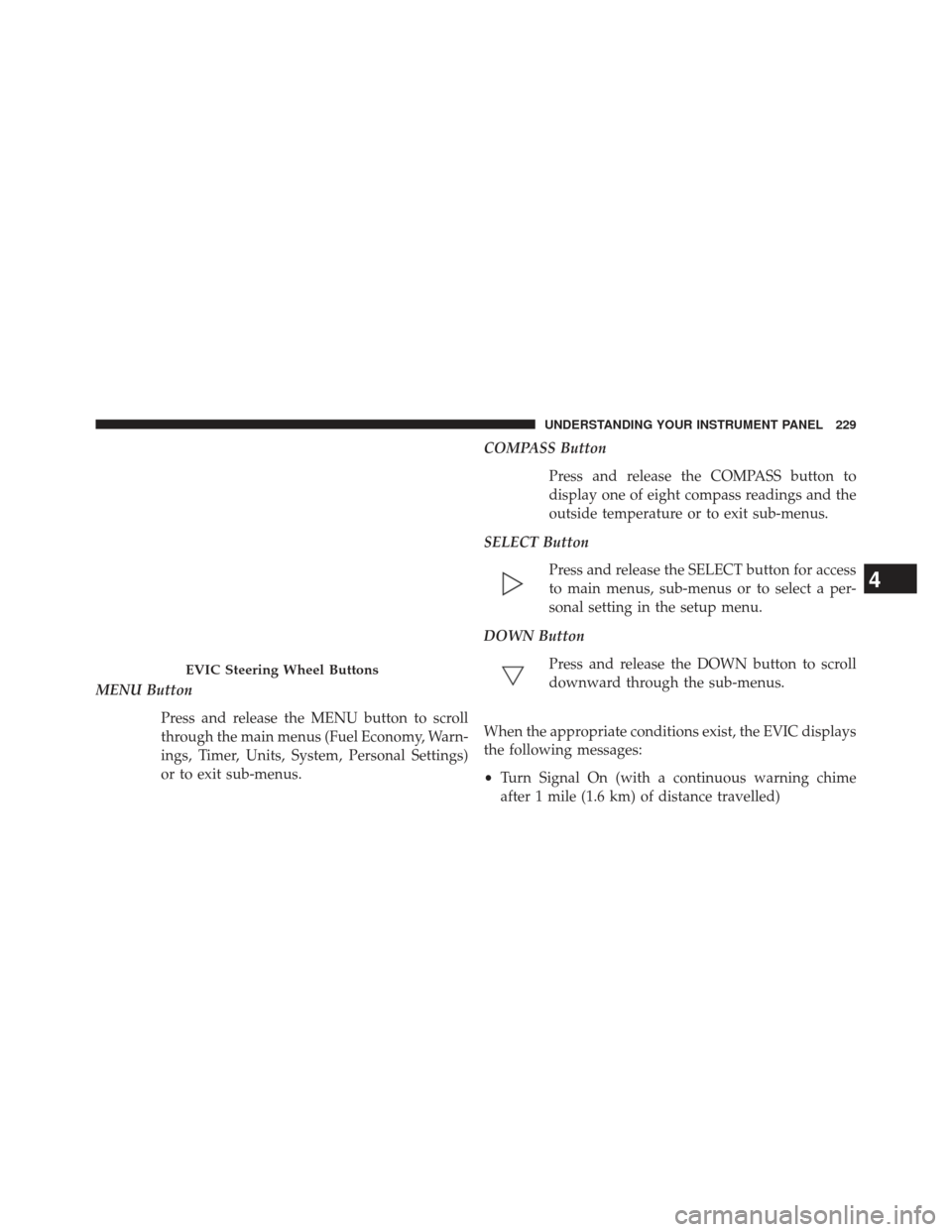
The system allows the driver to select information by
pressing the following buttons mounted on the steering
wheel:
Electronic Vehicle Information Center (EVIC)
228 UNDERSTANDING YOUR INSTRUMENT PANEL
Page 231 of 525
MENU ButtonPress and release the MENU button to scroll
through the main menus (Fuel Economy, Warn-
ings, Timer, Units, System, Personal Settings)
or to exit sub-menus. COMPASS Button
Press and release the COMPASS button to
display one of eight compass readings and the
outside temperature or to exit sub-menus.
SELECT Button Press and release the SELECT button for access
to main menus, sub-menus or to select a per-
sonal setting in the setup menu.
DOWN Button Press and release the DOWN button to scroll
downward through the sub-menus.
When the appropriate conditions exist, the EVIC displays
the following messages:
• Turn Signal On (with a continuous warning chime
after 1 mile (1.6 km) of distance travelled)
EVIC Steering Wheel Buttons
4
UNDERSTANDING YOUR INSTRUMENT PANEL 229
Page 295 of 525

STEERING WHEEL AUDIO CONTROLS
The remote sound system controls are located on the rear
surface of the steering wheel. Reach behind the wheel to
access the switches.The right-hand control is a rocker-type switch with a
pushbutton in the center and controls the volume and
mode of the sound system. Pressing the top of the rocker
switch will increase the volume, and pressing the bottom
of the rocker switch will decrease the volume.
Pressing the center button will make the radio switch
between the various modes available (AM/FM/SAT/
CD/HDD/AUX/VES, etc.).
The left-hand control is a rocker-type switch with a
pushbutton in the center. The function of the left-hand
control is different depending on which mode you are in.
The following describes the left-hand control operation in
each mode.
Radio Operation
Pressing the top of the switch will “Seek” up for the next
listenable station and pressing the bottom of the switch
will “Seek” down for the next listenable station.Remote Sound System Controls (Back View Of Steering
Wheel)
4
UNDERSTANDING YOUR INSTRUMENT PANEL 293
Page 312 of 525
�FOUR-WHEEL DRIVE OPERATION —
IF EQUIPPED ........................ .329
� ON-ROAD DRIVING TIPS ................329
� OFF-ROAD DRIVING TIPS ...............330
▫ When To Use Low (L Off-Road) With The
4WD Lock Lever Engaged ...............331
▫ Driving In Snow, Mud And Sand ..........331
▫ Hill Climbing ....................... .333
▫ Driving Through Water .................335
▫ After Driving Off-Road .................337
� POWER STEERING .....................338
▫ Power Steering Fluid Check ..............339
� PARKING BRAKE ..................... .340
� BRAKE SYSTEM ...................... .343▫
Anti-Lock Brake System (ABS) ............344
� ELECTRONIC BRAKE CONTROL SYSTEM . . . .346
▫ Anti-Lock Brake System (ABS) ............346
▫ Traction Control System (TCS) ............346
▫ Brake Assist System (BAS) ...............347
▫ Electronic Roll Mitigation (ERM) ..........348
▫ Hill Descent Control (HDC) – If Equipped . . .349
▫ Hill Start Assist (HSA) –
Manual Transmission Only ..............350
▫ Electronic Stability Control (ESC) ..........352
▫ ESC Activation/Malfunction Indicator Light
And ESC OFF Indicator Light ............355
� TIRE SAFETY INFORMATION .............357
▫ Tire Markings ....................... .357
310 STARTING AND OPERATING
Page 315 of 525
STARTING PROCEDURES
Before starting your vehicle, adjust your seat, adjust both
inside and outside mirrors, and fasten your seat belts.
WARNING!
•Before exiting a vehicle, always apply the parking
brake, shift the transmission into PARK, and re-
move the key fob from the ignition. When leaving
the vehicle, always lock your vehicle.
• Never leave children alone in a vehicle, or with
access to an unlocked vehicle.
• Allowing children to be in a vehicle unattended is
dangerous for a number of reasons. A child or
others could be seriously or fatally injured. Chil-
dren should be warned not to touch the parking
brake, brake pedal or the shift lever.
(Continued)
WARNING! (Continued)
•Do not leave the key fob in or near the vehicle, or
in a location accessible to children. A child could
operate power windows, other controls, or move
the vehicle.
Manual Transmission – If Equipped
Before starting the engine fully apply the parking brake,
press the clutch pedal to the floor, and place the shift
lever in NEUTRAL.
NOTE:
• The engine will not start unless the clutch pedal is
pressed to the floor.
•
If the key will not turn and the steering wheel is locked,
rotate the wheel in either direction to relieve pressure on
the locking mechanism and then turn the key.
5
STARTING AND OPERATING 313
Page 332 of 525
An advantage of the higher ground clearance is a better
view of the road, allowing you to anticipate problems.
They are not designed for cornering at the same speeds as
conventional two-wheel drive vehicles any more than
low-slung sports cars are designed to perform satisfacto-
rily in off-road conditions. If at all possible, avoid sharp
turns or abrupt maneuvers. As with other vehicles of this
type, failure to operate this vehicle correctly may result in
loss of control or vehicle rollover.
OFF-ROAD DRIVING TIPS
You will encounter many types of terrain driving off-
road. You should be familiar with the terrain and area
before proceeding. There are many types of surface
conditions: hard packed dirt, gravel, rocks, grass, sand,
mud, snow and ice. Every surface has a different effect on
your vehicle’s steering, handling and traction. Control-
ling your vehicle is one of the keys to successful off-road
driving, so always keep a firm grip on the steering wheel
and maintain a good driving posture. Avoid suddenaccelerations, turns or braking. In most cases there are no
road signs, posted speed limits or signal lights. Therefore
you will need to use your own good judgment on what is
safe and what is not. When on a trail, you should always
be looking ahead for surface obstacles and changes in
terrain. The key is to plan your future driving route while
remembering what you are currently driving over.
CAUTION!
Never park your vehicle over dry grass or other
combustible materials. The heat from your vehicle
exhaust system could cause a fire.
WARNING!
Always wear your seat belt and firmly tie down
cargo. Unsecured cargo can become projectiles in an
off-road situation.
330 STARTING AND OPERATING
Page 333 of 525
When To Use Low (L Off-Road) With The 4WD
Lock Lever Engaged
When driving off-road, shift into low (L Off-Road) and
activate the 4WD LOCK. This will provide additional
traction and activates the numerous off-road features to
improve handling and control on slippery or difficult
terrain. Due to the sustained lower gearing, low (L Off-
Road) with 4WD LOCK engaged will allow the engine to
operate in a higher power range. This will allow you to
cross over obstacles and descend hills, with improved
control and less effort.
NOTE:For maximum off-road performance, premium
fuel is recommended. While the vehicle will operate on
regular fuel when in L Off-Road mode, the engine has
been calibrated for maximum performance using pre-
mium fuel.
Driving In Snow, Mud And Sand
There is a drastic reduction in traction when driving in
snow, mud or sand. The vehicle will be less responsive to
steering, acceleration and braking inputs. Therefore, you
should accelerate slowly, leave greater stopping distances
and avoid abrupt vehicle maneuvers. You want to keep a
slow constant steady pace. The key is to maintain the
vehicle’s momentum.
Snow
In heavy snow or for additional control and traction at
slower speeds, activate the 4WD LOCK and shift the
transaxle to low (L Off-Road) if necessary. Do not shift to a
lower gear than necessary to maintain headway. Over-
revving the engine can spin the wheels and traction will be
lost. If you start to slow to a stop, try turning your steering
wheel no more than a 1/4 turn quickly back and forth,
while still applying throttle. This will allow the tires to get
a fresh �bite�and help maintain your momentum.
5
STARTING AND OPERATING 331