Page 97 of 408
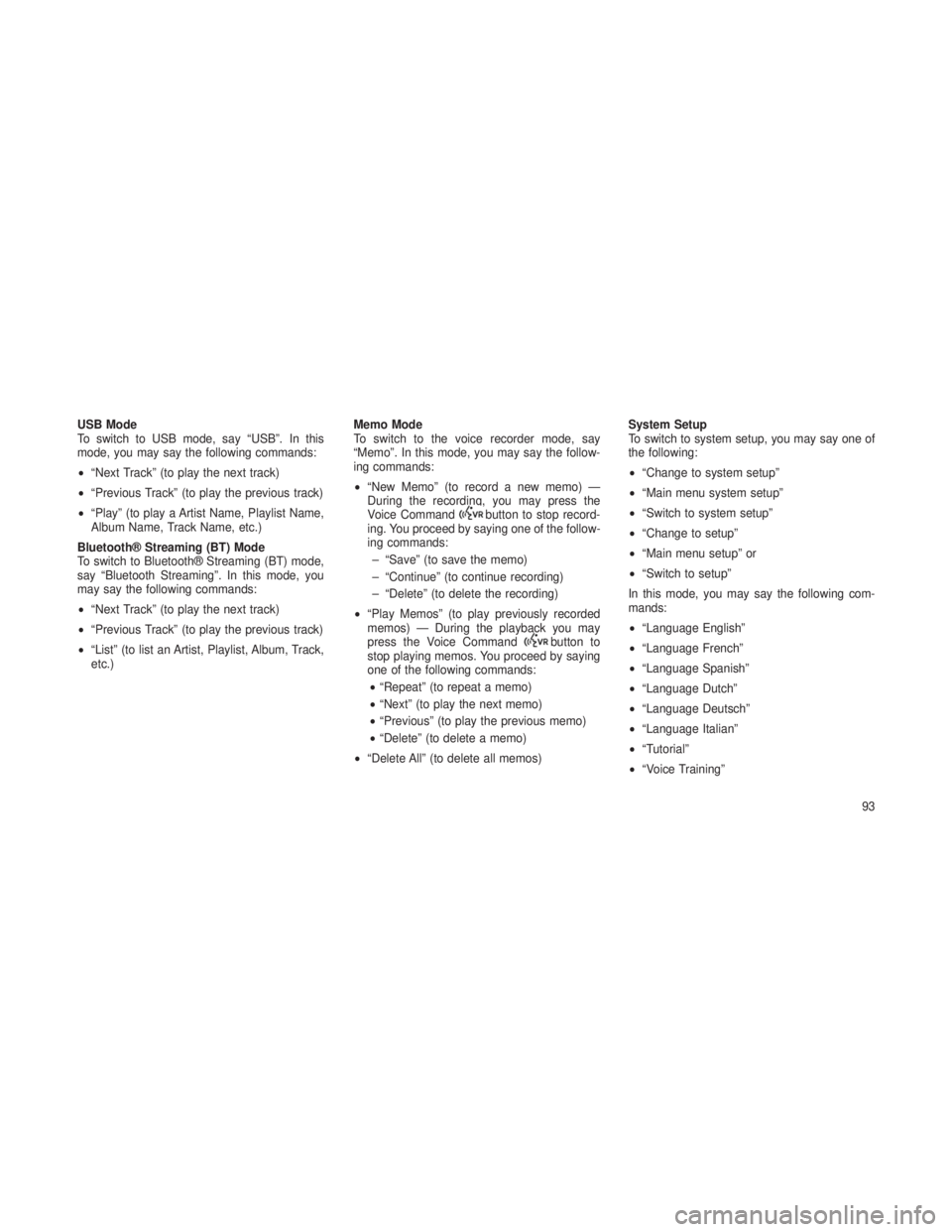
USB Mode
To switch to USB mode, say “USB”. In this
mode, you may say the following commands:
•“Next Track” (to play the next track)
• “Previous Track” (to play the previous track)
• “Play” (to play a Artist Name, Playlist Name,
Album Name, Track Name, etc.)
Bluetooth® Streaming (BT) Mode
To switch to Bluetooth® Streaming (BT) mode,
say “Bluetooth Streaming”. In this mode, you
may say the following commands:
• “Next Track” (to play the next track)
• “Previous Track” (to play the previous track)
• “List” (to list an Artist, Playlist, Album, Track,
etc.) Memo Mode
To switch to the voice recorder mode, say
“Memo”. In this mode, you may say the follow-
ing commands:
•
“New Memo” (to record a new memo) —
During the recording, you may press the
Voice Command
button to stop record-
ing. You proceed by saying one of the follow-
ing commands:
– “Save” (to save the memo)
– “Continue” (to continue recording)
– “Delete” (to delete the recording)
• “Play Memos” (to play previously recorded
memos) — During the playback you may
press the Voice Command
button to
stop playing memos. You proceed by saying
one of the following commands:
• “Repeat” (to repeat a memo)
• “Next” (to play the next memo)
• “Previous” (to play the previous memo)
• “Delete” (to delete a memo)
• “Delete All” (to delete all memos) System Setup
To switch to system setup, you may say one of
the following:
•
“Change to system setup”
• “Main menu system setup”
• “Switch to system setup”
• “Change to setup”
• “Main menu setup” or
• “Switch to setup”
In this mode, you may say the following com-
mands:
• “Language English”
• “Language French”
• “Language Spanish”
• “Language Dutch”
• “Language Deutsch”
• “Language Italian”
• “Tutorial”
• “Voice Training”
93
Page 162 of 408

•Keyless Enter-N-Go™ Display — If Equipped .............181
• Compass / Temperature Display .....................182
• Customer-Programmable Features (System Setup) ..........184
•SOUND SYSTEMS ..............................188
• iPod®/USB/MP3 CONTROL — IF EQUIPPED ..............189
•Connecting The iPod® Or External USB Device ............189
• Using This Feature ............................ .190
• Controlling The iPod® Or External USB Device Using Radio
Buttons ................................... .190
• Play Mode ................................. .190
• List Or Browse Mode ........................... .191
• Bluetooth Streaming Audio (BTSA) ....................192
•Uconnect® MULTIMEDIA VIDEO ENTERTAINMENT
SYSTEM (VES™) — IF EQUIPPED .....................193
•System Overview ............................. .193
• Video Entertainment System (VES™) ..................193
• Remote Control Operation ........................ .194
• Remote Control Storage ......................... .199
• Locking The Remote Control ...................... .199
• Replacing The Remote Control Batteries ................199
• Headphones Operation .......................... .200
• Controls .................................. .200
• Replacing The Headphone Batteries ...................201
• Unwired® Stereo Headphone Lifetime Limited Warranty .......201
• Video Screen Operation ......................... .202
• Playing A Disc On The VES™ ...................... .202
• Shared Modes ............................... .203
158
Page 196 of 408

CAUTION!
•Leaving the iPod® or external USB device
(or any supported device) anywhere in the
vehicle in extreme heat or cold can alter
the operation or damage the device. Fol-
low the device manufacturer’s guidelines.
• Placing items on the iPod® or external
USB device, or connections to the iPod®
or external USB device in the vehicle, can
cause damage to the device and/or to the
connectors.
WARNING!
Do not plug in or remove the iPod® or external
USB device while driving. Failure to follow this
warning could result in an accident.
Bluetooth Streaming Audio (BTSA)Music can be streamed from your cellular
phone to the Uconnect® phone system.
Controlling BTSA Using Radio Buttons
To get into the BTSA mode, press either “AUX”
button on the radio or press the VR button and
say “Bluetooth Streaming Audio”.
Play Mode
When switched to BTSA mode, some audio
devices can start playing music over the vehi-
cle’s audio system, but some devices require
the music to be initiated on the device first, then
it will get streamed to the Uconnect® phone
system. Seven devices can be paired to the
Uconnect® phone system, but just one can be
selected and played.
Selecting A Different Audio Device
1. Press the PHONE button to begin.
2. After the "Ready"prompt and following the
beep, say "Setup", then say "Select Audio De-
vices". 3. Say the name of the audio device or ask the
Uconnect® phone system to list the audio de-
vices.
Next Track
Use the SEEK UP button, or press the VR
button on the radio and say “Next Track”, to
jump to the next music track on your cellular
phone.
Previous Track
Use the SEEK DOWN button, or press the VR
button on the radio and say “Previous Track”, to
jump to the previous music track on your cellular
phone.
Browse
Browsing is not available on a Bluetooth
Streaming Audio (BTSA) device. Only the cur-
rent song that is playing will display info.
192
Page 288 of 408

Towing Requirements – Trailer Lights And
Wiring
Whenever you pull a trailer, regardless of the
trailer size, stop lights and turn signals on the
trailer are required for motoring safety.
The Trailer Tow Package includes a 13 pin
wiring harness. Use a factory approved trailer
harness and connector.
NOTE:
Do not cut or splice wiring into the vehicles
wiring harness.
The electrical connections are all complete to
the vehicle but you must mate the harness to a
trailer connector.
Pin
Number Function Wire
Color
1 Left Turn Signal Black/ White
2 Rear Fog Light White
3
aGround/Common
Return for Contacts (Pins) 1 and 2 and 4to8 Brown
4 Right Turn Signal Black/ Green
Pin
Number Function Wire
Color
5
Right Rear Position, Side Marker Lights,and Rear Registra- tion Plate Illumina- tion Device.
b
Green/Red
6 Stop Lights Black/
Red
7 Left Rear Position, Side Marker Lights,and Rear Registra- tion Plate Illumina- tion Device.
b
Green/Black
8 Reverse lights Blue/ Red
9 Permanent Power Supply (+12V) Red
10 Power Supply Con- trolled by IgnitionSwitch (+12V) Yellow13–Pin Connector
284
Page 336 of 408
Cav-ity Car-
tridge Fuse Mini
Fuse Description
J04
25
Amp
NaturalDriver Door Node
J05
25
Amp
NaturalPassenger
Door Node
J06 40 Amp
Green Antilock
Brakes Pump/ Stability Con- trol System
J07 30 AmpPink Antilock
Brakes Valve/ Stability Con- trol System
J08 40 Amp
Green Power Seat
J09 30 AmpPink E-Brake
Cav-
ity Car-
tridge Fuse Mini
Fuse Description
J10 30 AmpPink Headlamp
Wash Relay Contact
J11 30 AmpPink Drive Train
Control Module
J12 30 AmpPink Rear Defroster
J13 60 Amp
Yellow Main Ignition
Off Draw (IOD)
J14 20 AmpBlue Trailer Tow
Lamps/Park Lamps
J15 40 Amp
Green Front Cabin
Fan/Blower
J17 40 Amp
Green Starter Motor
SolenoidCav-ity Car-
tridge Fuse Mini
Fuse Description
J18 20 AmpBlue Powertrain
Control
Module/
Powertrain Control
Module/
Transmission Range
J19 60 Amp
Yellow Radiator Fan
Motor HI/
Radiator Fan Motor Low
J20 30 AmpPink Front Wiper
J21 20 AmpBlue
Front/Rear
Washer Control
J2225
Amp
Natural Sunroof Module
332
Page 337 of 408
Cav-ity Car-
tridge Fuse Mini
Fuse Description
M1 15
Amp Blue Stop Lamps
M2 20
Amp
Yellow Electronic
Limit Slip
Differential/Air Suspension
M3 20
Amp
Yellow Liftgate/
Headrest
M5
25
Amp
Natu- ral115V AC
Power Inverter
M6 20
Amp
Yellow Cigar Lighter
M7 20
Amp
Yellow Power Outlet
#2 (Switch- able)
Cav-ity Car-
tridge Fuse Mini
Fuse Description
M8 20
Amp
Yellow Front Heated
Seat & Steer- ing Wheel
M9 20
Amp
Yellow Rear Heated
Seats
M10 15
Amp Blue Video/
Universal
Garage Door Opener
M11 10
Amp Red Heating, Venti-
lation & Air
Conditioning
(Climate Con- trol System)
M12 30
Amp
Green Radio/Amplifier
M13 20
Amp
Yellow Instrument
ClusterCav-ity Car-
tridge Fuse Mini
Fuse Description
M14 20
Amp
Yellow Back Up
Camera – If Equipped
M15 20
Amp
Yellow Power Seat
Module(s)/ Adaptive
Cruise Control/ Audio
Telematics/ Daytime
Running Lights Relay/Air
Suspension Module/
Instrument Cluster
M16 10
Amp Red Occupant
Restraint
Controller
M18 15
Amp Blue Stop Lamp
333
Page 338 of 408
Cav-ity Car-
tridge Fuse Mini
Fuse Description
M19
25
Amp
Natu- ralAutomatic
Shutdown 1 and 2
M20 15
Amp Blue Instrument
Cluster
M21 20
Amp
Yellow Automatic
Shutdown 3
M22 10
Amp Red Horns (Low/
High) – Right
M23 10
Amp Red Horns (Low/
High) – Left
M24 25
Amp
Natu- ral Rear Wiper
Cav-
ity Car-
tridge Fuse Mini
Fuse Description
M25 20
Amp
Yellow Fuel Pump
Motor Output/ Diesel Lift
Pump (Export Only)
M26 10
Amp Red Driver Door
Switch Bank
M27 10
Amp Red Ignition Switch/
Wireless Con- trol Module/
Keyless Entry Module
M28 15
Amp Blue Powertrain
Controller/
Transmission Controller
M29 10
Amp Red Tire Pressure
Monitor – IfEquippedCav- ity Car-
tridge Fuse Mini
Fuse Description
M30 15
Amp Blue J1962 Diag
Connector
M31 20
Amp
Yellow Backup Lamps
M32 10
Amp Red Occupant
Restraint
Controller
M33 10
Amp Red Powertrain
Controller/
Transmission Controller
M34 10
Amp Red
Park Assist
Module/Climate Control System Module/Infra
Red Sensor/ CompassModule
334
Page 339 of 408

Cav-ity Car-
tridge Fuse Mini
Fuse Description
M35 15
Amp Blue Left Rear
Parklamps
M36 20
Amp
Yellow Power Outlet
M37 10
Amp Red Antilock
Brakes/Stability
Control System Module
M38 25
Amp
Natu- ral All Door Lock
&UnlockCAUTION!
•When installing the totally integrated
power module cover, it is important to
ensure the cover is properly positioned
and fully latched. Failure to do so may
allow water to get into the totally integrated
power module and possibly result in a
electrical system failure.
• When replacing a blown fuse, it is impor-
tant to use only a fuse having the correct
amperage rating. The use of a fuse with a
rating other than indicated may result in a
dangerous electrical system overload. If a
properly rated fuse continues to blow, it
indicates a problem in the circuit that must
be corrected.VEHICLE STORAGE
If you are leaving your vehicle dormant for more
than 21 days you may want to take steps to
protect your battery. You may:
• Remove fuse #J13 in the Totally Integrated
Power Module (TIPM) labeled Main Ignition-
Off Draw (IOD).
• Or, disconnect the negative cable from the
battery.
• Anytime you store your vehicle, or keep it out
of service (i.e. vacation) for two weeks or
more, run the air conditioning system at idle
for about five minutes in the fresh air and
high blower setting. This will ensure ad-
equate system lubrication to minimize the
possibility of compressor damage when the
system is started again.
335


