2013 HYUNDAI TUCSON stop start
[x] Cancel search: stop startPage 133 of 397
453
Features of your vehicle
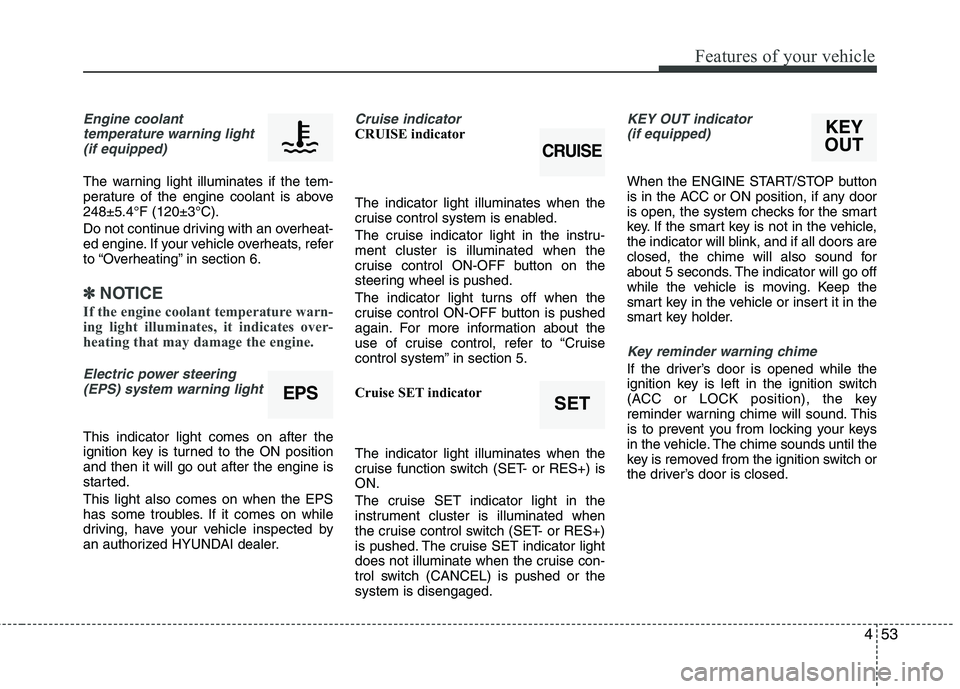
Engine coolanttemperature warning light
(if equipped)
The warning light illuminates if the tem-
perature of the engine coolant is above248±5.4°F (120±3°C).
Do not continue driving with an overheat-
ed engine. If your vehicle overheats, refer
to “Overheating” in section 6.
✽✽ NOTICE
If the engine coolant temperature warn-
ing light illuminates, it indicates over-
heating that may damage the engine.
Electric power steering (EPS) system warning light
This indicator light comes on after the
ignition key is turned to the ON position and then it will go out after the engine is
started. This light also comes on when the EPS
has some troubles. If it comes on while
driving, have your vehicle inspected by
an authorized HYUNDAI dealer.
Cruise indicator CRUISE indicator The indicator light illuminates when the
cruise control system is enabled.
The cruise indicator light in the instru- ment cluster is illuminated when the
cruise control ON-OFF button on the
steering wheel is pushed.
The indicator light turns off when the
cruise control ON-OFF button is pushed
again. For more information about the
use of cruise control, refer to “Cruise
control system” in section 5.
Cruise SET indicator The indicator light illuminates when the
cruise function switch (SET- or RES+) is ON.
The cruise SET indicator light in the
instrument cluster is illuminated when
the cruise control switch (SET- or RES+)
is pushed. The cruise SET indicator light
does not illuminate when the cruise con-
trol switch (CANCEL) is pushed or the system is disengaged.KEY OUT indicator (if equipped)
When the ENGINE START/STOP button
is in the ACC or ON position, if any door
is open, the system checks for the smart
key. If the smart key is not in the vehicle,
the indicator will blink, and if all doors are
closed, the chime will also sound for
about 5 seconds. The indicator will go off
while the vehicle is moving. Keep the
smart key in the vehicle or insert it in the
smart key holder.
Key reminder warning chime
If the driver’s door is opened while the
ignition key is left in the ignition switch
(ACC or LOCK position), the key
reminder warning chime will sound. This
is to prevent you from locking your keys
in the vehicle. The chime sounds until the
key is removed from the ignition switch or
the driver’s door is closed.
EPSSET
CRUISE
KEY
OUT
Page 184 of 397
![HYUNDAI TUCSON 2013 Owners Manual Features of your vehicle
104
4
Using RADIO, SETUP, VOLUME
and AUDIO CONTROL
1. AM Selection Button
Pressing the [AM] button selects the AM
band. AM Mode is displayed on the LCD.
2. FM Selection Bu](/manual-img/35/56204/w960_56204-183.png "HYUNDAI TUCSON 2013 Owners Manual Features of your vehicle
104
4
Using RADIO, SETUP, VOLUME
and AUDIO CONTROL
1. AM Selection Button
Pressing the [AM] button selects the AM
band. AM Mode is displayed on the LCD.
2. FM Selection Bu")
Features of your vehicle
104
4
Using RADIO, SETUP, VOLUME
and AUDIO CONTROL
1. AM Selection Button
Pressing the [AM] button selects the AM
band. AM Mode is displayed on the LCD.
2. FM Selection Button Turns to FM mode and toggles FM1 and
FM2 when the button is pressed each
time.
3. Automatic Station Seek Button
When the [SEEK ] is pressed, it will
automatically tune to the next lower station.
When the [SEEK ] is pressed, it will automatically tune to the next higher station.
4. Power ON/OFF Button & Volume Control Knob
Turns the audio system on/off whenthe ignition switch is on ACC or ON.
If the knob is turned clockwise/counter- clockwise, the volume will increase
/decrease.
5. Preset Selection Button
Press [1]~[6] buttons less than 0.8 sec-onds to play the station saved in each
button.
Press [1]~[6] b utton more than 0.8 sec-
onds or longer to save the current sta-
tion to the respective button with a
beep.
6. SCAN Button
When the button is pressed, it auto- matically scans the radio stations
upwards.
The SCAN feature steps through each station, starting from the initial station,
for ten seconds.
Press the [SCAN] button again to stop the scan feature and to listen to the currently selected channel.
7. DISP Button
Turn the LCD Display & Backlight on/off
when [DISP] button press.
8. SETUP Button
Press this Button to enter SETUP mode,
If no action is taken for 8 seconds, it will
return to previous mode.
In “SETUP” mode, rotate the TUNE knob
to move the cursor between items, and
push the TUNE knob to select.
Select whether long file names are
scrolled continuously (“ON”) or just once(“OFF”).
Select this item to turn the SDVC(Speed
Dependent Volume Control) feature ON
or OFF. If it is turned ON, volume level is adjusted automatically according to the
vehicle speed.
This function creates virtual sound
effects and allows adjustments to the
BASS level. HIGH
➟MID ➟LOW ➟OFF
Select default display of XM mode.
“Category/Channel name” or “Artist/Song
Title” can be selected.
Page 209 of 397
5
Before driving / 5-3
Key positions / 5-5
Engine Start/Stop button / 5-7
Manual transaxle / 5-13
Automatic transaxle / 5-16
All wheel drive (AWD) / 5-23
Brake system / 5-30
Cruise control system / 5-42
Active ECO system / 5-46
Economical operation / 5-47
Special driving conditions / 5-49
Winter driving / 5-53
Trailer towing / 5-61
Vehicle load limit / 5-64
Vehicle weight / 5-68
Driving your vehicle
Page 212 of 397
Driving your vehicle
4
5
Before starting
Close and lock all doors.
Position the seat so that all controls are
easily reached.
Adjust the inside and outside rearview mirrors.
Be sure that all lights work.
Check all gauges.
Check the operation of warning lights when the ignition switch is turned to the ON position.
Release the parking brake and make sure the brake warning light goes out.
For safe operation, be sure you are famil-
iar with your vehicle and its equipment.WARNING- Driving under
the influence of alcohol or drugs
Drinking and driving is dangerous.
Drunk driving is the number one
contributor to the highway death
toll each year. Even a small amount
of alcohol will affect your reflexes,
perceptions and judgment. Drivingwhile under the influence of drugs
is as dangerous or more dangerous than driving drunk.
You are much more likely to have a
serious accident if you drink or
take drugs and drive.
If you are drinking or taking drugs,
don’t drive. Do not ride with a driv- er who has been drinking or taking
drugs. Choose a designated driveror call a cab.
WARNING
When you intend to park or stop the vehicle with the engine on, be careful not to depress the accel-
erator pedal for a long period of
time. It may overheat the engine
or exhaust system and cause fire.
When you make a sudden stop or turn the steering wheel rapidly,
loose objects may drop on the
floor and it could interfere with
the operation of the foot pedals,
possibly causing an accident.
Keep all things in the vehicle
safely stored.
If you do not focus on driving, it may cause an accident. Be care-
ful when operating what may dis-
turb driving such as audio or
heater. It is the responsibility of
the driver to always drive safely.
WARNING
All passengers must be properly
belted whenever the vehicle is mov-
ing. Refer to “Seat belts” in section
3 for more information on their
proper use.
WARNING
Always check the surrounding
areas near your vehicle for people,
especially children, before putting a
vehicle into “Drive” or “Reverse”.
Page 215 of 397
57
Driving your vehicle
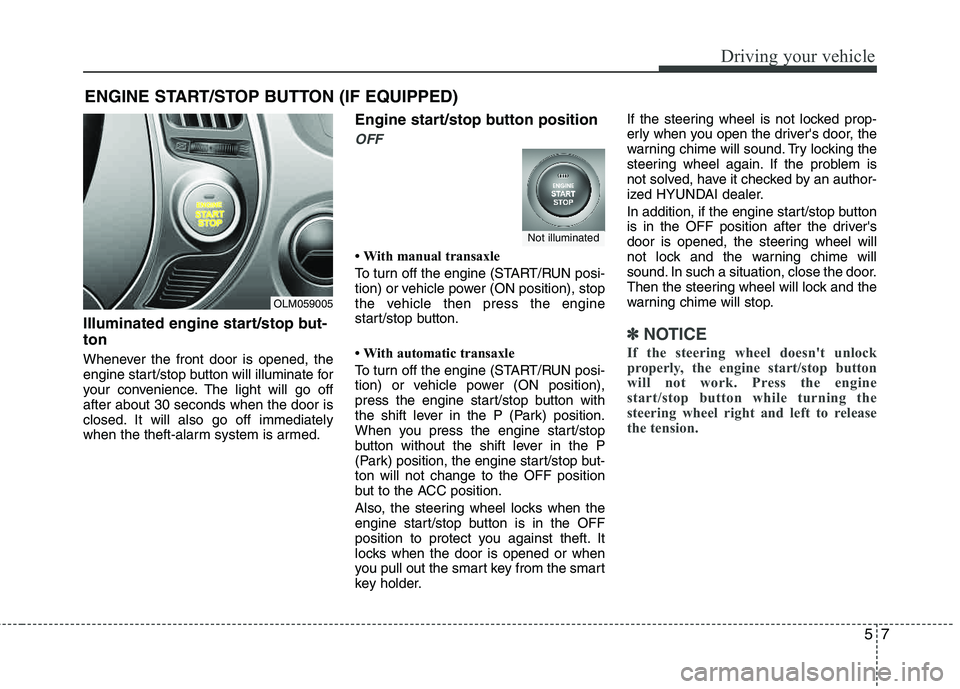
Illuminated engine start/stop but- ton
Whenever the front door is opened, the
engine start/stop button will illuminate for
your convenience. The light will go off after about 30 seconds when the door is
closed. It will also go off immediately
when the theft-alarm system is armed.
Engine start/stop button position
OFF
With manual transaxle
To turn off the engine (START/RUN posi-
tion) or vehicle power (ON position), stop
the vehicle then press the engine
start/stop button.
With automatic transaxle
To turn off the engine (START/RUN posi-
tion) or vehicle power (ON position),
press the engine start/stop button with
the shift lever in the P (Park) position.
When you press the engine start/stop
button without the shift lever in the P
(Park) position, the engine start/stop but- ton will not change to the OFF position
but to the ACC position.
Also, the steering wheel locks when the
engine start/stop button is in the OFF
position to protect you against theft. It
locks when the door is opened or when
you pull out the smart key from the smart
key holder.If the steering wheel is not locked prop-
erly when you open the driver's door, the
warning chime will sound. Try locking the
steering wheel again. If the problem is
not solved, have it checked by an author-
ized HYUNDAI dealer.
In addition, if the engine start/stop button
is in the OFF position after the driver's
door is opened, the steering wheel will
not lock and the warning chime will
sound. In such a situation, close the door.
Then the steering wheel will lock and the
warning chime will stop.
✽✽
NOTICE
If the steering wheel doesn't unlock
properly, the engine start/stop button
will not work. Press the engine
start/stop button while turning the
steering wheel right and left to release
the tension.
ENGINE START/STOP BUTTON (IF EQUIPPED)
OLM059005
Not illuminated
Page 216 of 397
Driving your vehicle
8
5
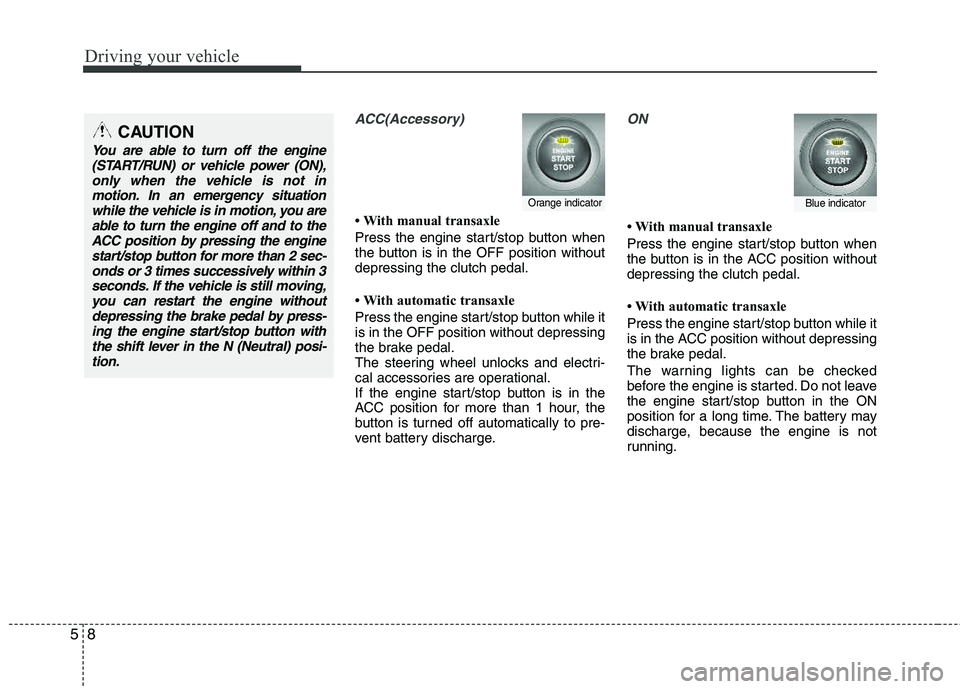
ACC(Accessory)
With manual transaxle
Press the engine start/stop button when
the button is in the OFF position without depressing the clutch pedal.
With automatic transaxle
Press the engine start/stop button while it is in the OFF position without depressing
the brake pedal.
The steering wheel unlocks and electri-
cal accessories are operational.
If the engine start/stop button is in the
ACC position for more than 1 hour, the
button is turned off automatically to pre-
vent battery discharge.
ON
With manual transaxle
Press the engine start/stop button when
the button is in the ACC position without depressing the clutch pedal.
With automatic transaxle
Press the engine start/stop button while it
is in the ACC position without depressing
the brake pedal.
The warning lights can be checked
before the engine is started. Do not leave
the engine start/stop button in the ON
position for a long time. The battery may
discharge, because the engine is not
running.
Orange indicatorBlue indicator
CAUTION
You are able to turn off the engine
(START/RUN) or vehicle power (ON),only when the vehicle is not in
motion. In an emergency situationwhile the vehicle is in motion, you are able to turn the engine off and to theACC position by pressing the engine
start/stop button for more than 2 sec-onds or 3 times successively within 3 seconds. If the vehicle is still moving,
you can restart the engine withoutdepressing the brake pedal by press-ing the engine start/stop button withthe shift lever in the N (Neutral) posi-
tion.
Page 217 of 397
59
Driving your vehicle
START/RUN
With manual transaxle
To start the engine, depress the clutch
pedal and brake pedal, then press the
engine start/stop button with the shift
lever in the N (Neutral) position.
With automatic transaxle
To start the engine, depress the brake
pedal and press the engine start/stop
button with the shift lever in the P (Park)
or the N (Neutral) position. For your safe-
ty, start the engine with the shift lever in
the P (Park) position.
✽✽
NOTICE
If you press the engine start/stop button
without depressing the clutch pedal for
manual transaxle vehicles or without
depressing the brake pedal for automat-
ic transaxle vehicles, the engine will not
start and the engine start/stop button
changes as follow:
OFF ➔
➔
ACC ➔➔
ON ➔➔
OFF or ACC ✽
✽
NOTICE
If you leave the engine start/stop button
in the ACC or ON position for a long
time, the battery will discharge.
WARNING
Never press the engine start/stop button while the vehicle is in
motion. This would result in loss
of directional control and braking
function, which could cause anaccident.
The anti-theft steering column lock is not a substitute for the
parking brake. Before leaving the
driver's seat, always make sure
the shift lever is engaged in P
(Park), set the parking brake fully
and shut the engine off.
Unexpected and sudden vehicle
movement may occur if these precautions are not taken.
(Continued)
(Continued)
Never reach for the engine start/stop button or any other controls
through the steering wheel while
the vehicle is in motion. The pres-
ence of your hand or arm in the
area could cause loss of vehicle
control, an accident and serious
bodily injury or death.
Do not place any movable objects around the driver's seat as they
may move while driving, interferewith the driver and lead to an accident.
Not illuminated
Page 218 of 397
Driving your vehicle
10
5
Starting the engineStarting the gasoline engine
(if equipped)
1. Carry the smart key or leave it inside the vehicle.
2. Make sure the parking brake is firmly applied.
3. Manual Transaxle - Depress the
clutch pedal fully and shift the
transaxle into Neutral. Keep the clutch
pedal and brake pedal depressed
while starting the engine.
Automatic Transaxle - Place the
transaxle shift lever in P (Park).
Depress the brake pedal fully.
You can also start the engine when
the shift lever is in the N (Neutral)position.
4. Press the engine start/stop button.
5. In extremely cold weather (below - 18°C / 0°F) or after the vehicle has not
been operated for several days, let the
engine warm up without depressing
the accelerator.
Whether the engine is cold or warm, it
should be started without depressing the
accelerator.
Starting the diesel engine (if equipped)
To start the diesel engine when the engine is cold, it has to be pre-heated
before starting the engine and then have
to be warmed up before starting to drive.
1. Make sure the parking brake is applied.
2. Manual Transaxle - Depress the
clutch pedal fully and shift the
transaxle into Neutral. Keep the clutch
pedal and brake pedal depressed
while pressing the engine start/stop
button to the START position.
Automatic Transaxle - Place the
transaxle shift lever in P (Park).
Depress the brake pedal fully.
You can also start the engine when the
shift lever is in the N (Neutral) position.
WARNING
Always wear appropriate shoes
when operating your vehicle.
Unsuitable shoes (high heels, ski
boots,etc.) may interfere with your ability to use the brake and acceler-ator pedal.