Page 165 of 479
Features of your vehicle
76 4
• In this case, you can turn off the
engine as follows.
1. Shift to P (Park) position with the
Engine Start/Stop Button in ON
position (If the Engine Start/Stop
Button is in ACC position,
change into ON position by
pressing the Engine Start/Stop
Button once).
2. Turn off the engine by pressing
the Engine Start/Stop Button.
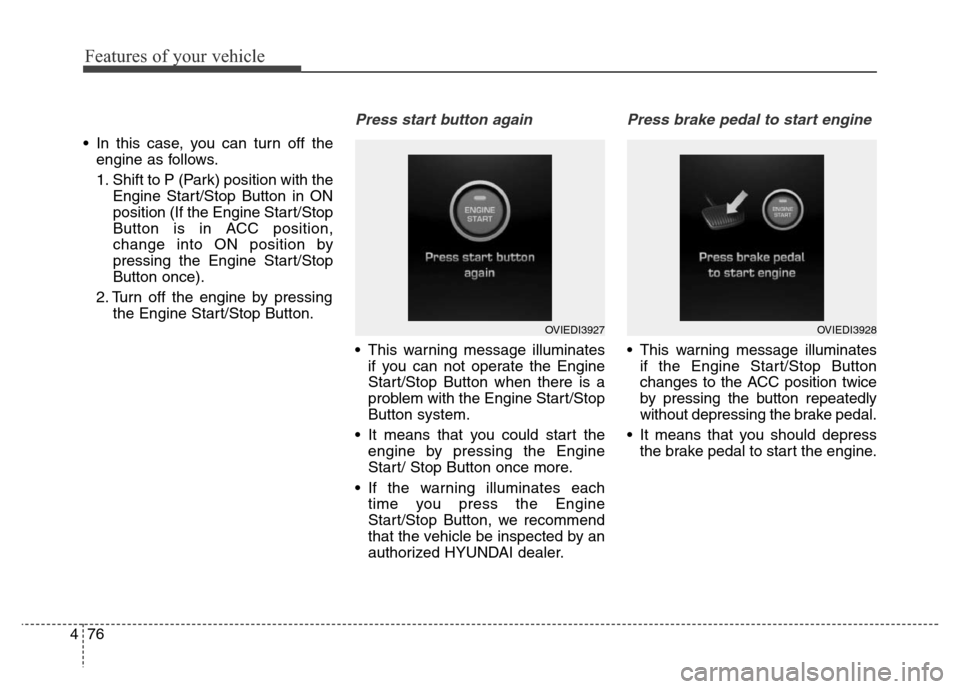
Press start button again
• This warning message illuminates
if you can not operate the Engine
Start/Stop Button when there is a
problem with the Engine Start/Stop
Button system.
• It means that you could start the
engine by pressing the Engine
Start/ Stop Button once more.
• If the warning illuminates each
time you press the Engine
Start/Stop Button, we recommend
that the vehicle be inspected by an
authorized HYUNDAI dealer.
Press brake pedal to start engine
• This warning message illuminates
if the Engine Start/Stop Button
changes to the ACC position twice
by pressing the button repeatedly
without depressing the brake pedal.
• It means that you should depress
the brake pedal to start the engine.
OVIEDI3927OVIEDI3928
Page 166 of 479
477
Features of your vehicle
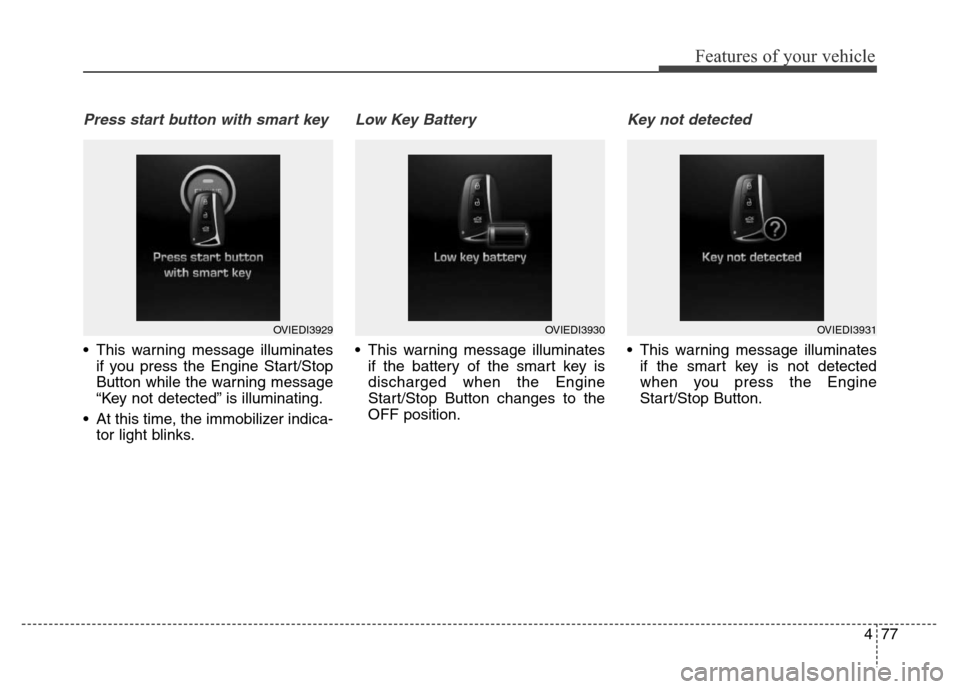
Press start button with smart key
• This warning message illuminates
if you press the Engine Start/Stop
Button while the warning message
“Key not detected” is illuminating.
• At this time, the immobilizer indica-
tor light blinks.
Low Key Battery
• This warning message illuminates
if the battery of the smart key is
discharged when the Engine
Start/Stop Button changes to the
OFF position.
Key not detected
• This warning message illuminates
if the smart key is not detected
when you press the Engine
Start/Stop Button.
OVIEDI3929OVIEDI3930OVIEDI3931
Page 167 of 479
Features of your vehicle
78 4
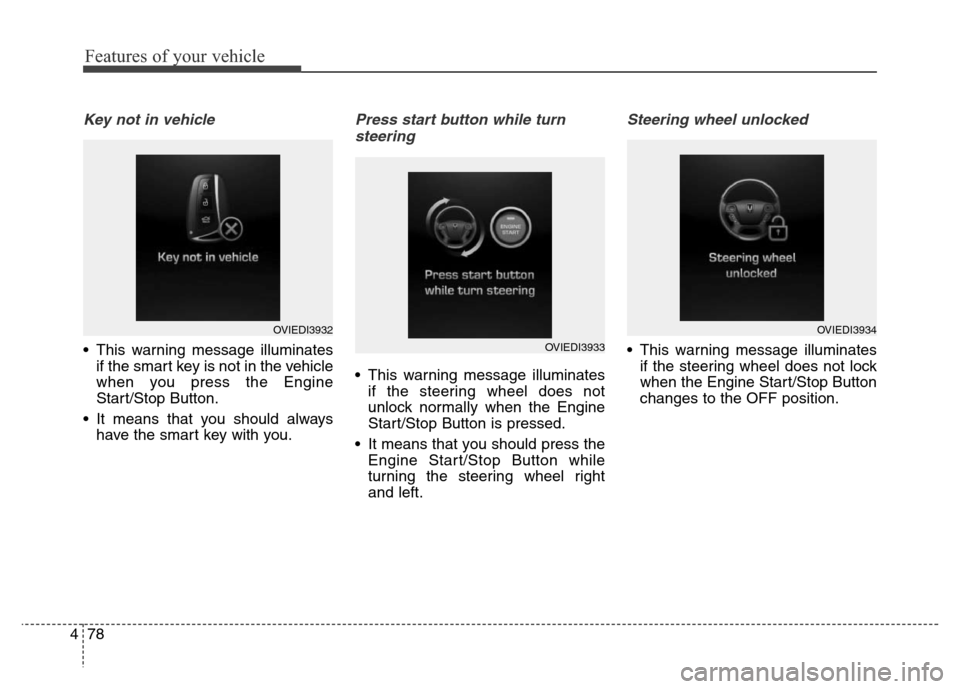
Key not in vehicle
• This warning message illuminates
if the smart key is not in the vehicle
when you press the Engine
Start/Stop Button.
• It means that you should always
have the smart key with you.
Press start button while turn
steering
• This warning message illuminates
if the steering wheel does not
unlock normally when the Engine
Start/Stop Button is pressed.
• It means that you should press the
Engine Start/Stop Button while
turning the steering wheel right
and left.
Steering wheel unlocked
• This warning message illuminates
if the steering wheel does not lock
when the Engine Start/Stop Button
changes to the OFF position.
OVIEDI3932
OVIEDI3933
OVIEDI3934
Page 168 of 479
479
Features of your vehicle
Check steering wheel lock system
• This warning message illuminates
if the steering wheel does not lock
normally when the Engine
Start/Stop Button changes to the
OFF position.
Align steering wheel
• This warning message illuminates
if you start the engine when the
steering wheel is turned to more
than 90 degrees to the left or right.
• It means that you should turn the
steering wheel and make the angle
of the steering wheel be less than
30 degrees.
Door / Hood / Trunk Open
• It means that any door, hood, or
trunk is open.
OVIEDI3935OVIEDI3936OVIEDI3937
Page 169 of 479
Features of your vehicle
80 4
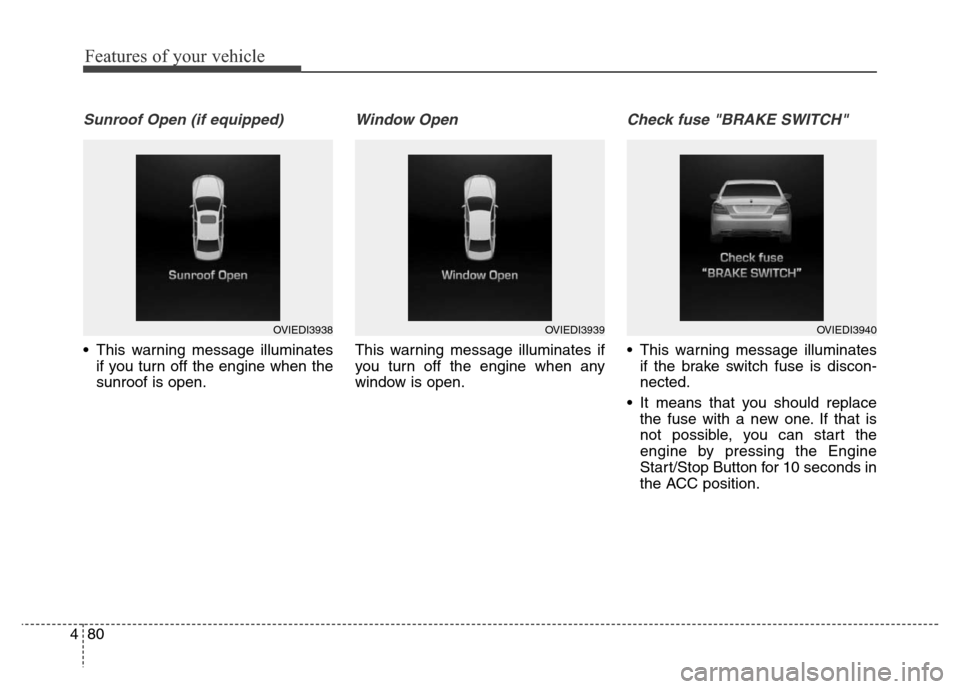
Sunroof Open (if equipped)
• This warning message illuminates
if you turn off the engine when the
sunroof is open.
Window Open
This warning message illuminates if
you turn off the engine when any
window is open.
Check fuse "BRAKE SWITCH"
• This warning message illuminates
if the brake switch fuse is discon-
nected.
• It means that you should replace
the fuse with a new one. If that is
not possible, you can start the
engine by pressing the Engine
Start/Stop Button for 10 seconds in
the ACC position.
OVIEDI3938OVIEDI3939OVIEDI3940
Page 170 of 479
481
Features of your vehicle
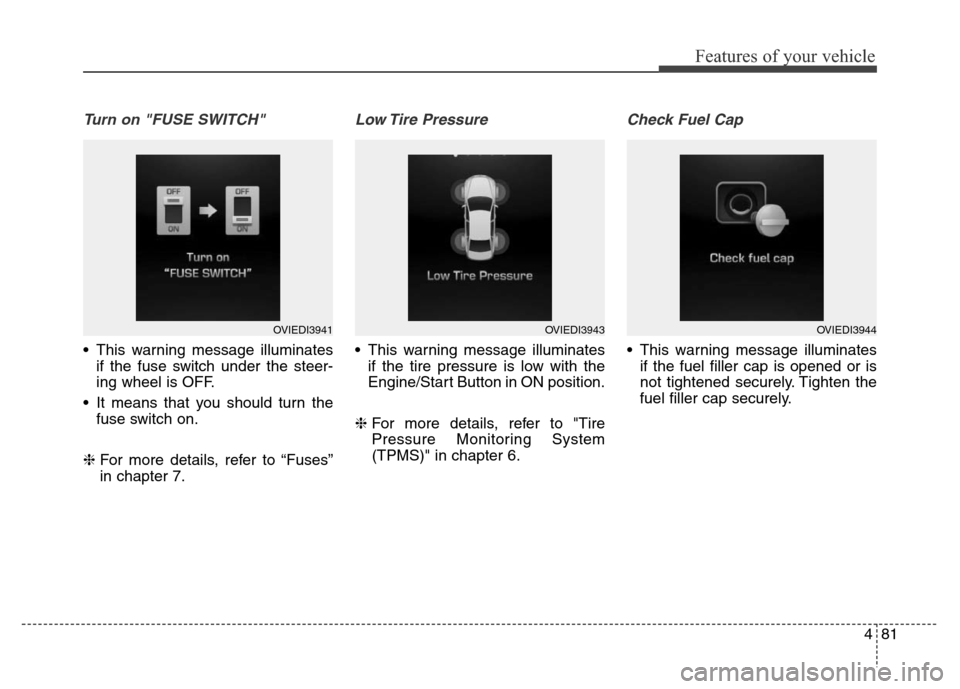
Turn on "FUSE SWITCH"
• This warning message illuminates
if the fuse switch under the steer-
ing wheel is OFF.
• It means that you should turn the
fuse switch on.
❈For more details, refer to “Fuses”
in chapter 7.
Low Tire Pressure
• This warning message illuminates
if the tire pressure is low with the
Engine/Start Button in ON position.
❈For more details, refer to "Tire
Pressure Monitoring System
(TPMS)" in chapter 6.
Check Fuel Cap
• This warning message illuminates
if the fuel filler cap is opened or is
not tightened securely. Tighten the
fuel filler cap securely.
OVIEDI3941OVIEDI3943OVIEDI3944
Page 172 of 479
483
Features of your vehicle
Service Engine Immediately
• This warning message illuminates
if there is a malfunction with the
engine. And the vehicle speed is
limited. We recommend that the
vehicle be inspected by an author-
ized HYUNDAI dealer.
Check LED Headlamp Fan
(if equipped)
• This warning message illuminates
if there is a malfunction with the
cooling fan of the LED headlamp.
We recommend that the vehicle be
inspected by an authorized
HYUNDAI dealer.
Check LED Headlamp
(if equipped)
• This warning message illuminates if
there is a malfunction with the LED
headlamp. We recommend that the
vehicle be inspected by an author-
ized HYUNDAI dealer.
OVIEDI3949
OVIEDI3950OVIEDI3951
Page 176 of 479
487
Features of your vehicle
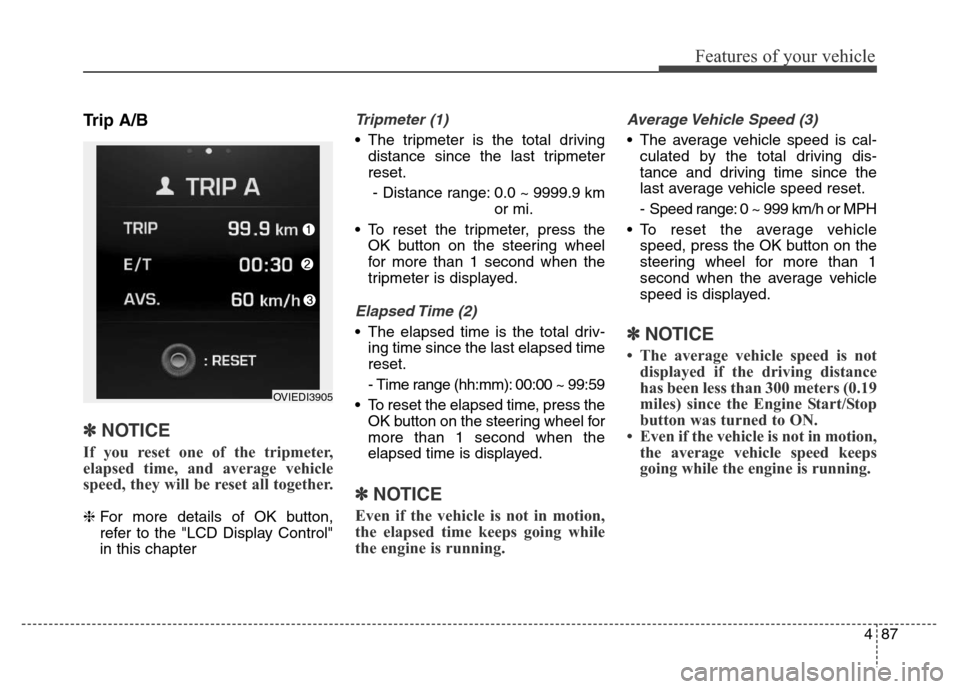
Trip A/B
✽NOTICE
If you reset one of the tripmeter,
elapsed time, and average vehicle
speed, they will be reset all together.
❈For more details of OK button,
refer to the "LCD Display Control"
in this chapter
Tripmeter (1)
• The tripmeter is the total driving
distance since the last tripmeter
reset.
- Distance range: 0.0 ~ 9999.9 km
or mi.
• To reset the tripmeter, press the
OK button on the steering wheel
for more than 1 second when the
tripmeter is displayed.
Elapsed Time (2)
• The elapsed time is the total driv-
ing time since the last elapsed time
reset.
- Time range (hh:mm): 00:00 ~ 99:59
• To reset the elapsed time, press the
OK button on the steering wheel for
more than 1 second when the
elapsed time is displayed.
✽NOTICE
Even if the vehicle is not in motion,
the elapsed time keeps going while
the engine is running.
Average Vehicle Speed (3)
• The average vehicle speed is cal-
culated by the total driving dis-
tance and driving time since the
last average vehicle speed reset.
- Speed range: 0 ~ 999 km/h or MPH
• To reset the average vehicle
speed, press the OK button on the
steering wheel for more than 1
second when the average vehicle
speed is displayed.
✽NOTICE
• The average vehicle speed is not
displayed if the driving distance
has been less than 300 meters (0.19
miles) since the Engine Start/Stop
button was turned to ON.
• Even if the vehicle is not in motion,
the average vehicle speed keeps
going while the engine is running.
OVIEDI3905