Page 91 of 346
uuGauges and intelligent Multi-Information Display (i-MID)uintelligent Multi-Information Display (i-MID)
90Instrument Panel
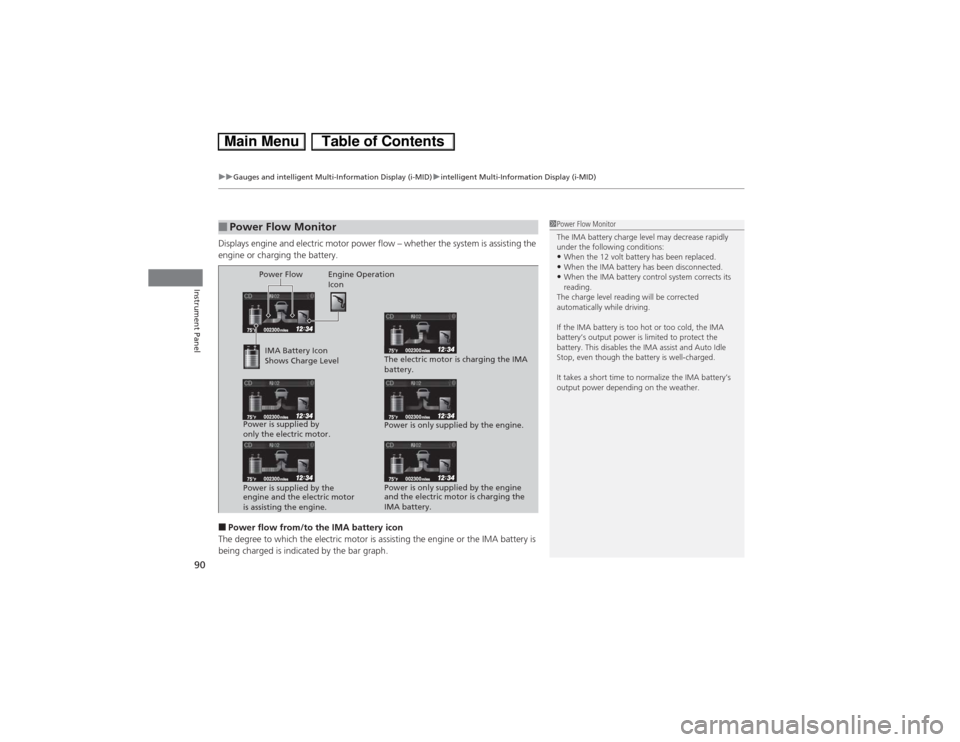
Displays engine and electric motor power flow – whether the system is assisting the
engine or charging the battery.■Power flow from/to the IMA battery icon
The degree to which the electric motor is assisting the engine or the IMA battery is
being charged is indicated by the bar graph.■Power Flow Monitor
1Power Flow Monitor
The IMA battery charge level may decrease rapidly
under the following conditions:•When the 12 volt battery has been replaced.•When the IMA battery has been disconnected.•When the IMA battery control system corrects its
reading.
The charge level reading will be corrected
automatically while driving.
If the IMA battery is too hot or too cold, the IMA
battery’s output power is limited to protect the
battery. This disables the IMA assist and Auto Idle
Stop, even though the battery is well-charged.
It takes a short time to normalize the IMA battery’s
output power depending on the weather.
Power Flow Engine Operation
Icon
IMA Battery Icon
Shows Charge Level
Power is supplied by
only the electric motor.
Power is supplied by the
engine and the electric motor
is assisting the engine.The electric motor is charging the IMA
battery.
Power is only supplied by the engine.
Power is only supplied by the engine
and the electric motor is charging the
IMA battery.
Page 106 of 346
105
Continued
Controls
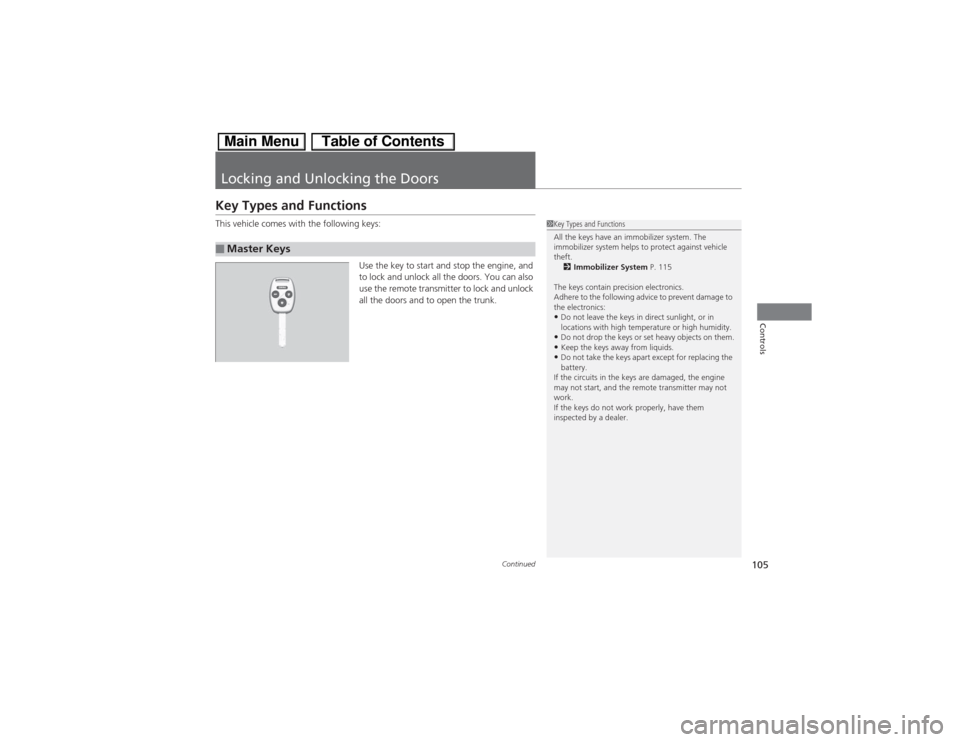
Locking and Unlocking the DoorsKey Types and FunctionsThis vehicle comes with the following keys:
Use the key to start and stop the engine, and
to lock and unlock all the doors. You can also
use the remote transmitter to lock and unlock
all the doors and to open the trunk.■Master Keys
1Key Types and Functions
All the keys have an immobilizer system. The
immobilizer system helps to protect against vehicle
theft.
2Immobilizer System P. 115
The keys contain precision electronics.
Adhere to the following advice to prevent damage to
the electronics:•Do not leave the keys in direct sunlight, or in
locations with high temperature or high humidity.•Do not drop the keys or set heavy objects on them.•Keep the keys away from liquids.•Do not take the keys apart except for replacing the
battery.
If the circuits in the keys are damaged, the engine
may not start, and the remote transmitter may not
work.
If the keys do not work properly, have them
inspected by a dealer.
Page 107 of 346
uuLocking and Unlocking the DoorsuKey Types and Functions
106Controls
Can be used to start and stop the engine, and
lock and unlock driver’s door.
Contains a number that you will need if you
purchase a replacement key.
■Valet Key
1Valet Key
When you need to leave a key with a third party,
leave the valet key.
Gray
■Key Number Tag
1Key Number Tag
Keep the key number tag separate from the key in a
safe place outside of your vehicle.
If you wish to purchase an additional key, contact a
dealer.
If you lose your key and you cannot start the engine,
contact a dealer.
Page 116 of 346
115
Continued
Controls
Security SystemImmobilizer SystemThe immobilizer system prevents a key that has not been pre-registered from
starting the engine. Each key contains electronic transmitters that use electronic
signals to verify the key.
Pay attention to the following when inserting the key into the ignition switch:
•Do not allow objects that emit strong radio waves near the ignition switch.
•Make sure the key is not covered by or touching a metal object.
•Do not bring a key from another vehicle’s immobilizer system near the ignition
switch.Security System AlarmThe security system alarm activates when the doors, trunk, or hood are opened
without the key, or remote transmitter.■When the security system alarm activates
The horn sounds intermittently and all of the exterior lights flash.■To deactivate the security system alarm
Unlock the vehicle using the key, or remote transmitter, or turn the ignition switch
to ON
(w. The system, along with the horn and flashing lights, is deactivated.
1Immobilizer SystemNOTICELeaving the ignition key in the vehicle can result in
theft or accidental movement of the vehicle.
Always take the ignition key with you whenever you
leave the vehicle unattended.
Do not alter the system or add other devices to it.
Doing so may damage the system and make your
vehicle inoperable.1Security System Alarm
The security alarm continues for a maximum of two
minutes until the security system deactivates.
Page 120 of 346
119Controls
Operating the Switches Around the Steering WheelIgnition Switch
1Ignition Switch
You cannot take the key out unless the shift lever is
in
(P.
If you open the driver’s door when the key is in LOCK
(0 or ACCESSORY
(q, a warning buzzer will sound
to remind you to take the key out.
When this happens, the following messages appear
on the intelligent multi-information display (i-MID):
•In LOCK
(0: REMOVE KEY
•In ACCESSORY
(q: RETURN IGNITION SWITCH
TO LOCK (0) POSITION
The buzzer will stop when you take the key out.
If the key won’t turn from LOCK
(0 to ACCESSORY
(q, turn the key while moving the steering wheel left
and right. The steering wheel will unlock, allowing
the key to turn.
(0 LOCK: Insert and remove the key in this
position.(q ACCESSORY: Operate the audio system and
other accessories in this position.(w ON: This is the position when driving.(e START: This position is for starting the engine.
The switch returns to ON
(w when you let go of
the key.
Page 121 of 346
120
uuOperating the Switches Around the Steering WheeluTurn Signals
Controls
Turn Signals
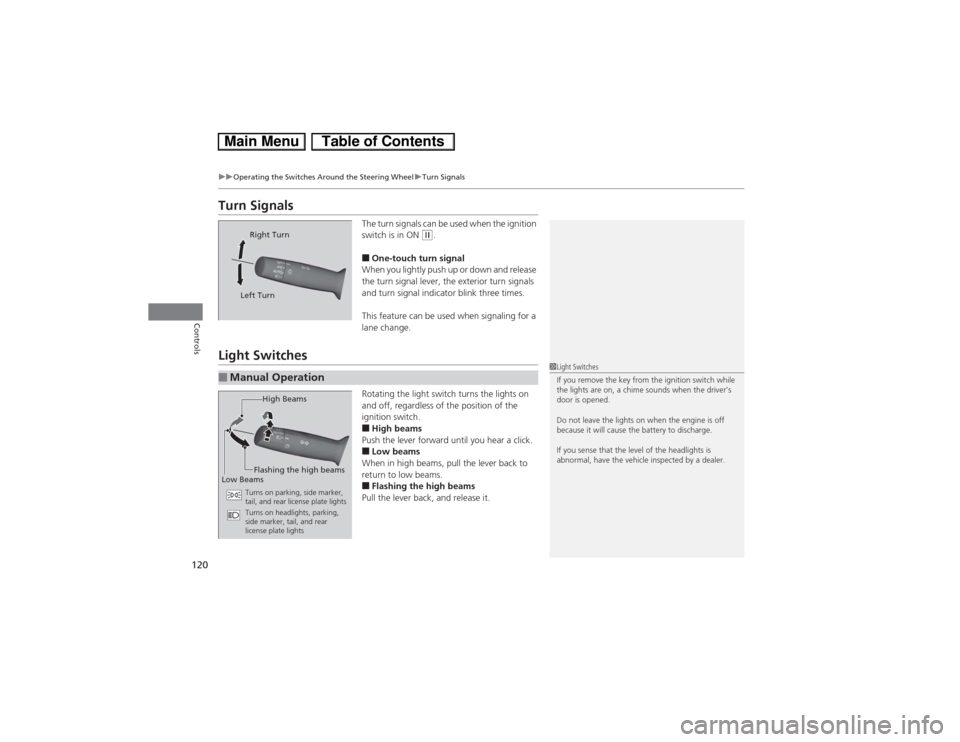
The turn signals can be used when the ignition
switch is in ON
(w.
■One-touch turn signal
When you lightly push up or down and release
the turn signal lever, the exterior turn signals
and turn signal indicator blink three times.
This feature can be used when signaling for a
lane change.
Light Switches
Rotating the light switch turns the lights on
and off, regardless of the position of the
ignition switch.■High beams
Push the lever forward until you hear a click.■Low beams
When in high beams, pull the lever back to
return to low beams.■Flashing the high beams
Pull the lever back, and release it.
Right Turn
Left Turn
■Manual Operation
1Light Switches
If you remove the key from the ignition switch while
the lights are on, a chime sounds when the driver’s
door is opened.
Do not leave the lights on when the engine is off
because it will cause the battery to discharge.
If you sense that the level of the headlights is
abnormal, have the vehicle inspected by a dealer.
High Beams
Flashing the high beams
Low Beams
Turns on parking, side marker,
tail, and rear license plate lights
Turns on headlights, parking,
side marker, tail, and rear
license plate lights
Page 127 of 346
126
uuOperating the Switches Around the Steering WheeluRear Defogger/Heated Door Mirror
* Button
Controls
Rear Defogger/Heated Door Mirror
* Button
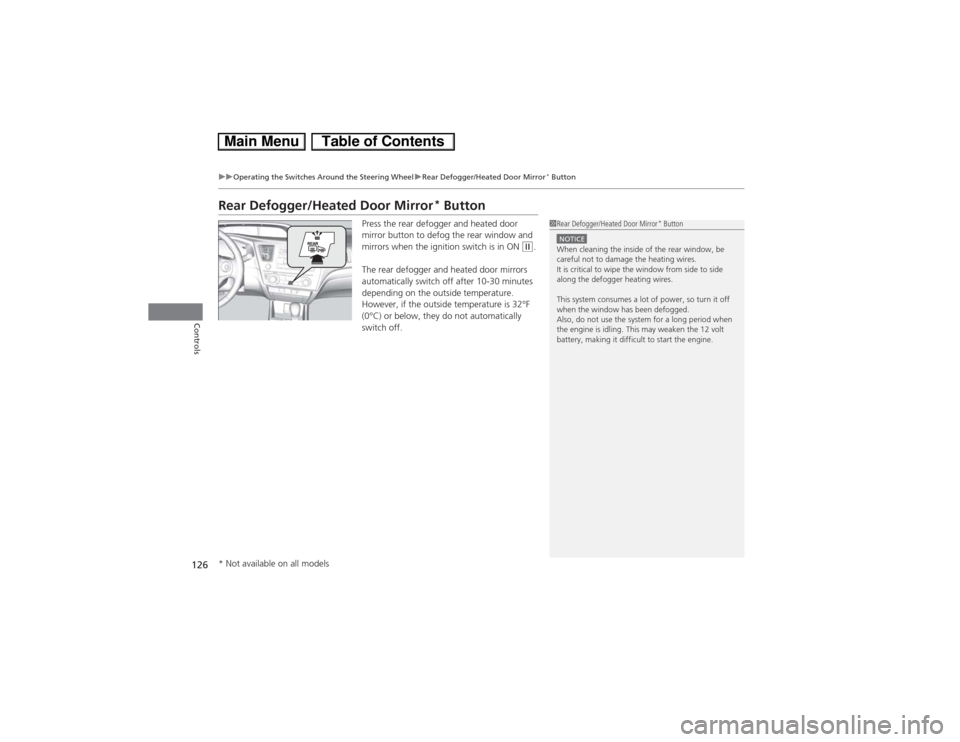
Press the rear defogger and heated door
mirror button to defog the rear window and
mirrors when the ignition switch is in ON
(w.
The rear defogger and heated door mirrors
automatically switch off after 10-30 minutes
depending on the outside temperature.
However, if the outside temperature is 32°F
(0°C) or below, they do not automatically
switch off.
1Rear Defogger/Heated Door Mirror
* Button
NOTICEWhen cleaning the inside of the rear window, be
careful not to damage the heating wires.
It is critical to wipe the window from side to side
along the defogger heating wires.
This system consumes a lot of power, so turn it off
when the window has been defogged.
Also, do not use the system for a long period when
the engine is idling. This may weaken the 12 volt
battery, making it difficult to start the engine.
* Not available on all models
Page 134 of 346
133
uuAdjusting the SeatsuArmrest
Controls
After all occupants have adjusted their seats and head restraints, and put on their
seat belts, it is very important that they continue to sit upright, well back in their
seats, with their feet on the floor, until the vehicle is safely parked and the engine is
off.
Sitting improperly can increase the chance of injury during a crash. For example, if
an occupant slouches, lies down, turns sideways, sits forward, leans forward or
sideways, or puts one or both feet up, the chance of injury during a crash is greatly
increased.
In addition, an occupant who is out of position in the front seat can be seriously or
fatally injured in a crash by striking interior parts of the vehicle or being struck by an
inflating front airbag.Armrest
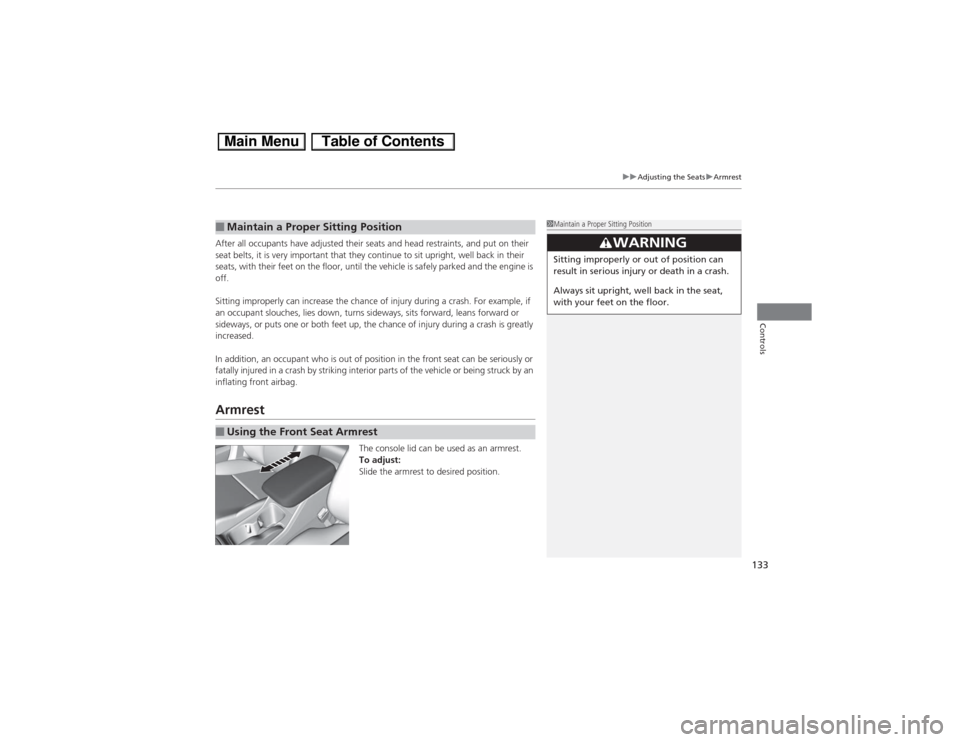
The console lid can be used as an armrest.
To adjust:
Slide the armrest to desired position.
■Maintain a Proper Sitting Position■Using the Front Seat Armrest
1Maintain a Proper Sitting Position
3
WARNING
Sitting improperly or out of position can
result in serious injury or death in a crash.
Always sit upright, well back in the seat,
with your feet on the floor.