2013 HONDA CIVIC HYBRID TPMS
[x] Cancel search: TPMSPage 286 of 346
285
uuChecking and Maintaining TiresuTire and Wheel Replacement
Maintenance
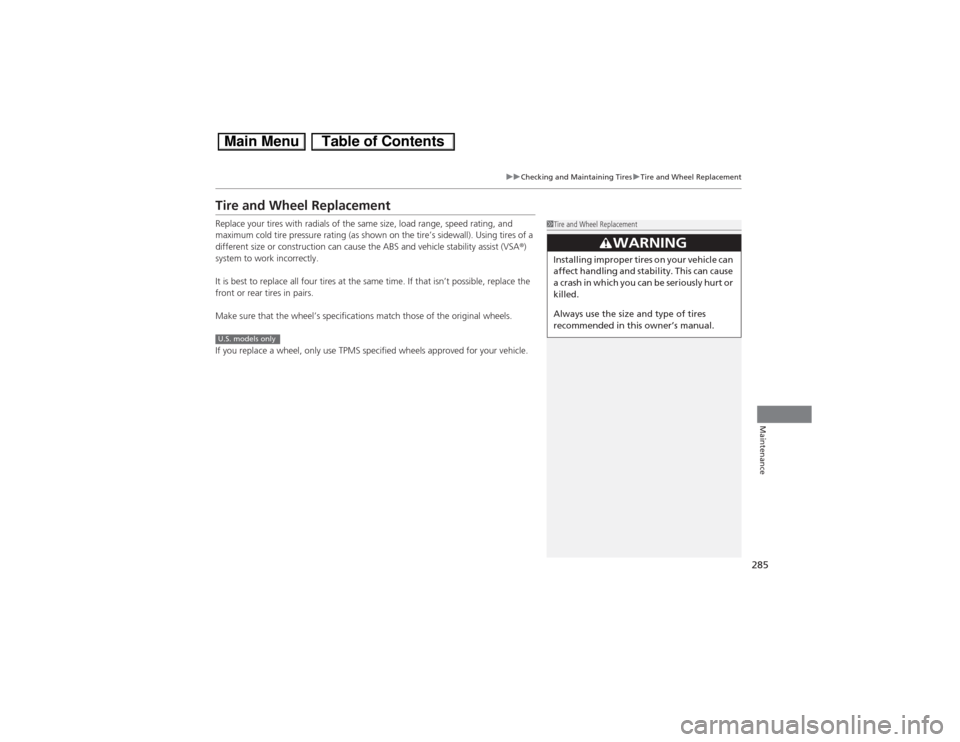
Tire and Wheel ReplacementReplace your tires with radials of the same size, load range, speed rating, and
maximum cold tire pressure rating (as shown on the tire’s sidewall). Using tires of a
different size or construction can cause the ABS and vehicle stability assist (VSA®)
system to work incorrectly.
It is best to replace all four tires at the same time. If that isn’t possible, replace the
front or rear tires in pairs.
Make sure that the wheel’s specifications match those of the original wheels.
If you replace a wheel, only use TPMS specified wheels approved for your vehicle.
1Tire and Wheel Replacement
3
WARNING
Installing improper tires on your vehicle can
affect handling and stability. This can cause
a crash in which you can be seriously hurt or
killed.
Always use the size and type of tires
recommended in this owner’s manual.
U.S. models only
Page 296 of 346

295
Handling the Unexpected
This chapter explains how to handle unexpected troubles.
Tools
Types of Tools .................................. 296
If a Tire Goes Flat
Temporarily Repairing a Flat Tire....... 297
Changing a Flat Tire ......................... 305
Engine Does Not Start
Checking the Engine ........................ 311
Jump Starting.................................... 312
Shift Lever Does Not Move.............. 314
Overheating
How to Handle Overheating ............. 315Indicator, Coming On/Blinking
If the Low Oil Pressure Indicator Comes
On................................................ 317If the 12 Volt Battery Charging System
Indicator Comes On ....................... 317
If the Malfunction Indicator Lamp Comes
On or Blinks ..................................... 318
If the Brake System Indicator (Red) Comes
On...................................................... 319If the EPS System Indicator Comes On .. 319If the IMA Indicator Comes On......... 320If the Low Tire Pressure/TPMS Indicator
Comes On or Blinks ....................... 320
Fuses
Fuse Locations ................................. 321
Inspecting and Changing Fuses ........ 323
Emergency Towing........................... 324
Page 311 of 346

uuIf a Tire Goes FlatuChanging a Flat Tire
310Handling the Unexpected
1.Remove the center cap.
2.Place the flat tire face down in the compact
spare tire well.
3.Remove the spacer cone from the wing
bolt, flip it over, and insert it back on the
bolt. Secure the flat tire with the wing bolt.
4.Securely put the jack and wheel nut wrench
back in the tool case. Store the case in the
trunk.
If you replace a flat tire with the compact spare tire, the low tire pressure/TPMS
indicator comes on while you are driving. After driving for a few miles (kilometers),
the indicator will start blinking for a short time and then stay on. CHECK TPMS
SYSTEM appears on the intelligent multi-information display (i-MID), but this is
normal.
If you replace the tire with a specified regular tire, the warning message on the i-MID
and the low tire pressure/TPMS indicator will go off after a few miles (kilometers).
■Storing the Flat Tire
1Storing the Flat Tire
3
WARNING
Loose items can fly around the interior in a
crash and can seriously injure the
occupants.
Store the wheel, jack, and tools securely
before driving.
Spacer
Cone Wing Bolt
For compact spare tireFor normal
tire■TPMS and the Compact Spare Tire
1TPMS and the Compact Spare Tire
The system cannot monitor the pressure of the
compact spare tire. Manually check the compact
spare tire pressure to be sure that it is correct.
Use TPMS specific wheels. Each is equipped with a
tire pressure sensor mounted inside the tire behind
the valve stem.
U.S. models
Page 321 of 346
320
uuIndicator, Coming On/BlinkinguIf the IMA Indicator Comes On
Handling the Unexpected
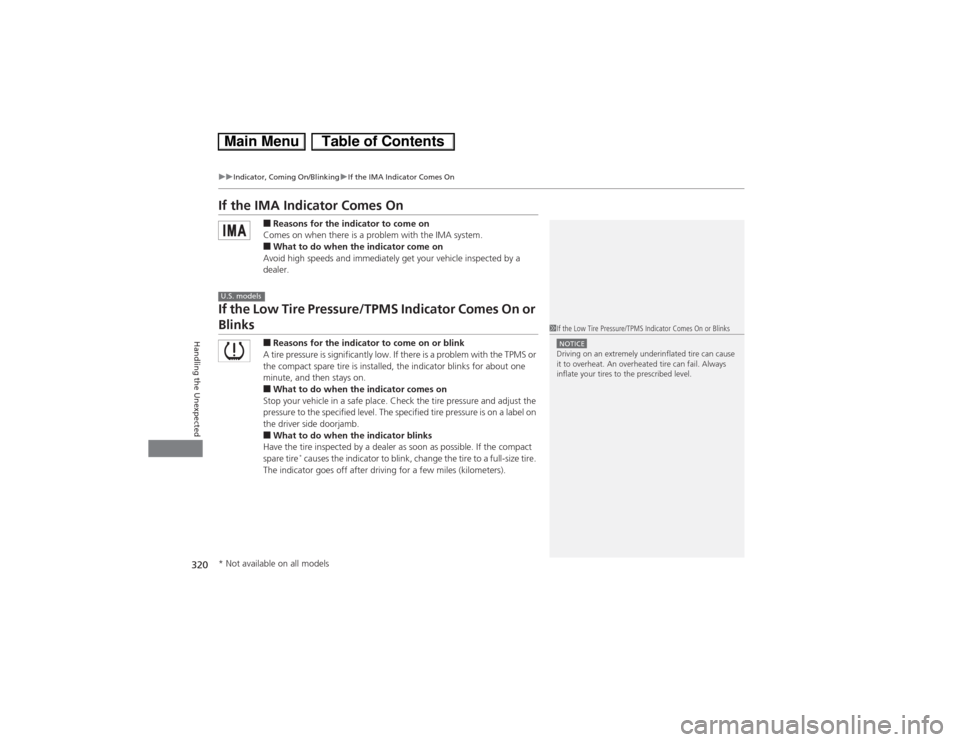
If the IMA Indicator Comes On
■Reasons for the indicator to come on
Comes on when there is a problem with the IMA system.■What to do when the indicator come on
Avoid high speeds and immediately get your vehicle inspected by a
dealer.
If the Low Tire Pressure/TPMS Indicator Comes On or Blinks
■Reasons for the indicator to come on or blink
A tire pressure is significantly low. If there is a problem with the TPMS or
the compact spare tire is installed, the indicator blinks for about one
minute, and then stays on.■What to do when the indicator comes on
Stop your vehicle in a safe place. Check the tire pressure and adjust the
pressure to the specified level. The specified tire pressure is on a label on
the driver side doorjamb.■What to do when the indicator blinks
Have the tire inspected by a dealer as soon as possible. If the compact
spare tire
* causes the indicator to blink, change the tire to a full-size tire.
The indicator goes off after driving for a few miles (kilometers).
U.S. models
1If the Low Tire Pressure/TPMS Indicator Comes On or BlinksNOTICEDriving on an extremely underinflated tire can cause
it to overheat. An overheated tire can fail. Always
inflate your tires to the prescribed level.
* Not available on all models
Page 323 of 346
322
uuFusesuFuse Locations
Handling the Unexpected
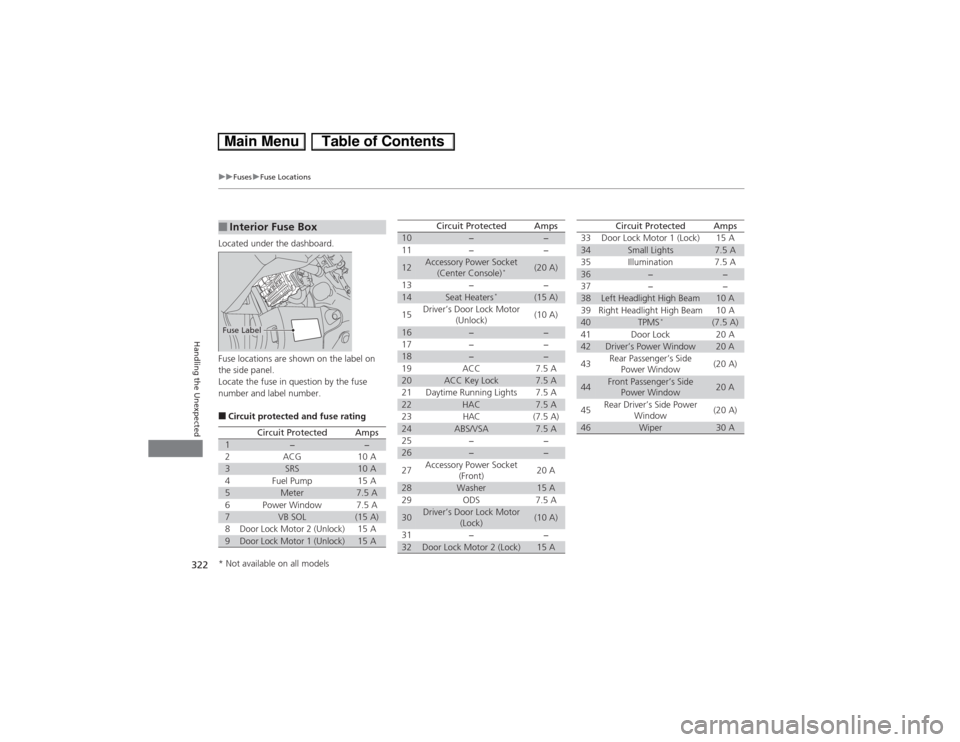
Located under the dashboard.
Fuse locations are shown on the label on
the side panel.
Locate the fuse in question by the fuse
number and label number.■Circuit protected and fuse rating■Interior Fuse BoxFuse Label
Circuit Protected
Amps
1
−
−
2
ACG
10 A
3
SRS
10 A
4
Fuel Pump
15 A
5
Meter
7.5 A
6
Power Window
7.5 A
7
VB SOL
(15 A)
8
Door Lock Motor 2 (Unlock)
15 A
9
Door Lock Motor 1 (Unlock)
15 A
10
−
−
11 − −
12
Accessory Power Socket
(Center Console)
*
(20 A)
13 − −
14
Seat Heaters
*
(15 A)
15Driver’s Door Lock Motor
(Unlock)(10 A)
16
−
−
17 − −
18
−
−
19 ACC 7.5 A
20
ACC Key Lock
7.5 A
21 Daytime Running Lights 7.5 A
22
HAC
7.5 A
23 HAC (7.5 A)
24
ABS/VSA
7.5 A
25 − −
26
−
−
27Accessory Power Socket
(Front)20 A
28
Washer
15 A
29 ODS 7.5 A
30
Driver’s Door Lock Motor
(Lock)
(10 A)
31 − −
32
Door Lock Motor 2 (Lock)
15 A
Circuit Protected
Amps
33 Door Lock Motor 1 (Lock) 15 A34
Small Lights
7.5 A
35 Illumination 7.5 A
36
−
−
37 − −
38
Left Headlight High Beam
10 A
39 Right Headlight High Beam 10 A
40
TPMS
*
(7.5 A)
41 Door Lock 20 A
42
Driver’s Power Window
20 A
43Rear Passenger’s Side
Power Window(20 A)
44
Front Passenger’s Side
Power Window
20 A
45Rear Driver’s Side Power
Window(20 A)
46
Wiper
30 A
Circuit Protected
Amps
* Not available on all models
Page 330 of 346
329Information
Devices that Emit Radio WavesThe following products and systems on your vehicle emit radio waves when in
operation.
Each of the above complies with the appropriate requirements or the required
standards of FCC (Federal Communications Commission) and Industry Canada
Standard, described below:As required by the FCC:
This device complies with Part 15 of the FCC rules. Operation is
subject to the following two conditions: (1) This device may not
cause harmful interference, and (2) this device must accept any
interference received, including interference that may cause
undesired operation.
Changes or modifications not expressly approved by the party
responsible for compliance could void the user’s authority to
operate the equipment.This device complies with Industry Canada Standard RSS-Gen/210/310. Operation is
subject to the following two conditions: (1) this device may not cause interference,
and (2) this device must accept any interference, including interference that may
cause undesired operation of the device.Audio SystemBluetooth® AudioBluetooth® HandsFreeLink®Immobilizer SystemRemote TransmitterTire Pressure Monitoring System (TPMS) (U.S. models only)
Page 341 of 346
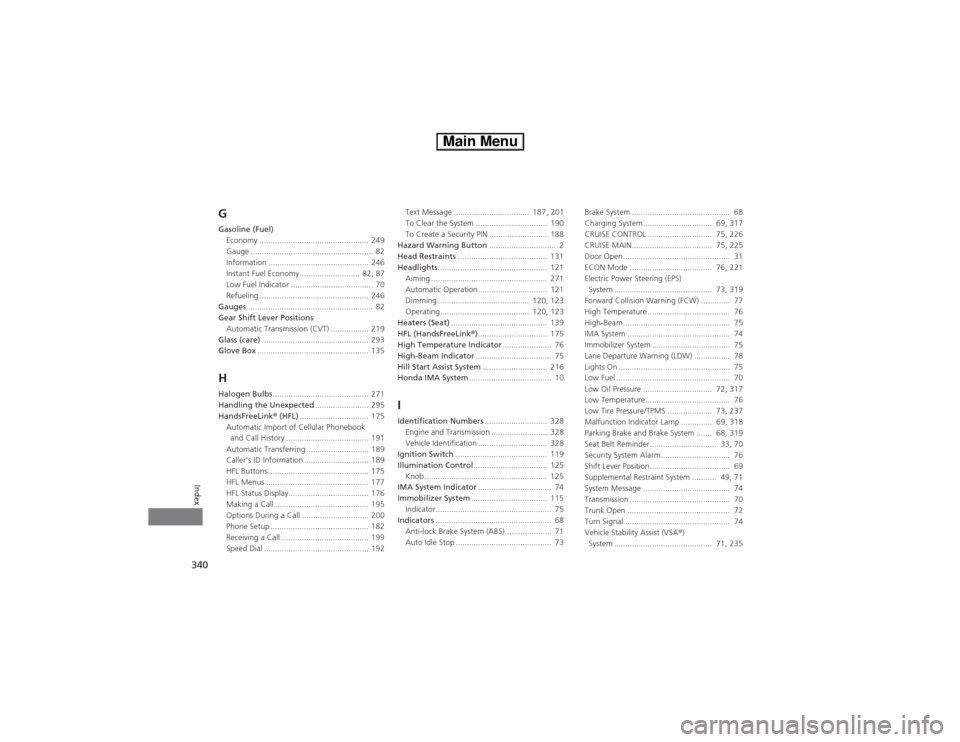
340Index
GGasoline (Fuel)
Economy ................................................. 249
Gauge ....................................................... 82
Information ............................................. 246
Instant Fuel Economy ........................... 82, 87
Low Fuel Indicator ..................................... 70
Refueling ................................................. 246
Gauges......................................................... 82
Gear Shift Lever Positions
Automatic Transmission (CVT) ................. 219
Glass (care)................................................ 293
Glove Box.................................................. 135HHalogen Bulbs........................................... 271
Handling the Unexpected........................ 295
HandsFreeLink® (HFL)............................... 175
Automatic Import of Cellular Phonebook
and Call History ..................................... 191
Automatic Transferring ............................ 189
Caller’s ID Information ............................. 189
HFL Buttons ............................................. 175
HFL Menus .............................................. 177
HFL Status Display.................................... 176
Making a Call .......................................... 195
Options During a Call .............................. 200
Phone Setup ............................................ 182
Receiving a Call ....................................... 199
Speed Dial ............................................... 192Text Message .................................. 187, 201
To Clear the System ................................ 190
To Create a Security PIN .......................... 188
Hazard Warning Button.............................. 2
Head Restraints........................................ 131
Headlights................................................. 121
Aiming .................................................... 271
Automatic Operation............................... 121
Dimming ......................................... 120, 123
Operating........................................ 120, 123
Heaters (Seat)........................................... 139
HFL (HandsFreeLink®)............................... 175
High Temperature Indicator...................... 76
High-Beam Indicator.................................. 75
Hill Start Assist System............................. 216
Honda IMA System..................................... 10
IIdentification Numbers............................ 328
Engine and Transmission ......................... 328
Vehicle Identification ............................... 328
Ignition Switch......................................... 119
Illumination Control................................. 125
Knob ....................................................... 125
IMA System Indicator................................. 74
Immobilizer System.................................. 115
Indicator.................................................... 75
Indicators.................................................... 68
Anti-lock Brake System (ABS)..................... 71
Auto Idle Stop ........................................... 73Brake System ............................................ 68
Charging System............................... 69, 317
CRUISE CONTROL ............................. 75, 226
CRUISE MAIN.................................... 75, 225
Door Open................................................ 31
ECON Mode ..................................... 76, 221
Electric Power Steering (EPS)
System ............................................ 73, 319
Forward Collision Warning (FCW) ............. 77
High Temperature ..................................... 76
High-Beam................................................ 75
IMA System .............................................. 74
Immobilizer System ................................... 75
Lane Departure Warning (LDW) ................ 78
Lights On .................................................. 75
Low Fuel ................................................... 70
Low Oil Pressure ............................... 72, 317
Low Temperature...................................... 76
Low Tire Pressure/TPMS .................... 73, 237
Malfunction Indicator Lamp .............. 69, 318
Parking Brake and Brake System ....... 68, 319
Seat Belt Reminder.............................. 33, 70
Security System Alarm............................... 76
Shift Lever Position.................................... 69
Supplemental Restraint System ........... 49, 71
System Message ....................................... 74
Transmission ............................................. 70
Trunk Open .............................................. 72
Turn Signal ............................................... 74
Vehicle Stability Assist (VSA®)
System ............................................ 71, 235
Page 344 of 346

343Index
Won’t Move ........................................... 314
Selecting a Child Seat................................ 56
Selector Knob (Audio)............................. 147
Setting the Clock...................................... 104
Shift Lever.......................................... 18, 219
Shift Lever Position Indicator............ 69, 220
Shifting..................................................... 219
Shoulder Anchor........................................ 36
Side Airbags............................................... 46
Side Curtain Airbags.................................. 48
SMS Text Message............................ 187, 201
Snow Tires................................................ 287
SOURCE Button.......................................... 91
Spare Tire......................................... 305, 327
Spark Plugs............................................... 326
Specifications........................................... 326
Specified Fuel................................... 246, 326
Speedometer.............................................. 82
SRS Airbags (Airbags)................................ 39
Starting the Engine.................................. 214
Does Not Start ........................................ 311
Engine Switch Buzzer .............................. 119
Jump Starting ......................................... 312
Steering Wheel........................................ 127
Adjusting ................................................ 127
Stopping................................................... 244
Supplemental Restraint System (SRS)....... 42
Switches (Around the Steering
Wheel)............................................ 2, 3, 119
System Message Indicator......................... 74
TTachometer................................................. 82
Temperature
High Temperature Indicator ....................... 76
Low Temperature Indicator ........................ 76
Outside Temperature Display ..................... 87
Temperature Sensor................................... 87
Text Message.................................... 187, 201
Time (Setting)........................................... 104
Tire Pressure Monitoring System
(TPMS)..................................................... 237
Indicator ............................................ 73, 320
Tire Repair Kit........................................... 297
Tires........................................................... 279
Air Pressure ..................................... 280, 327
Checking and Maintaining....................... 279
Compact Spare Tire ......................... 305, 327
Inspection................................................ 279
Labeling .................................................. 280
Puncture (Flat Tire)................................... 305
Regulations ............................................. 282
Rotation .................................................. 286
Tire Chains .............................................. 287
Tire Repair Kit .......................................... 297
Wear Indicators ....................................... 284
Winter ..................................................... 287
Tools.......................................................... 296
Towing a Trailer....................................... 213
Towing Your Vehicle................................ 213
Emergency .............................................. 324TPMS (Tire Pressure Monitoring
System).................................................... 237
Indicator............................................ 73, 320
Transmission............................................. 219
Automatic ............................................... 219
Fluid ........................................................ 268
Number................................................... 328
Shift Lever Position Indicator.............. 69, 220
Trip Meter................................................... 86
Troubleshooting....................................... 295
Blown Fuse...................................... 321, 322
Brake Pedal Vibrates .................................. 23
Buzzer Sounds When Opening Door.......... 23
Emergency Towing .................................. 324
Engine Does Not Start ............................. 311
Noise When Braking .................................. 23
Overheating ............................................ 315
Puncture/Flat Tire .................................... 305
Rear Door Won’t Open...................... 22, 110
Regular Gasoline ............................. 246, 326
Shift Lever Won’t Move ........................... 314
Warning Indicators .................................... 68
Trunk......................................................... 112
Lid........................................................... 112
Light Bulb................................................ 326
Turn Signals.............................................. 120
Indicators (Instrument Panel) ..................... 74
UUnlocking the Doors................................ 107