2013 FORD SUPER DUTY CD player
[x] Cancel search: CD playerPage 488 of 563
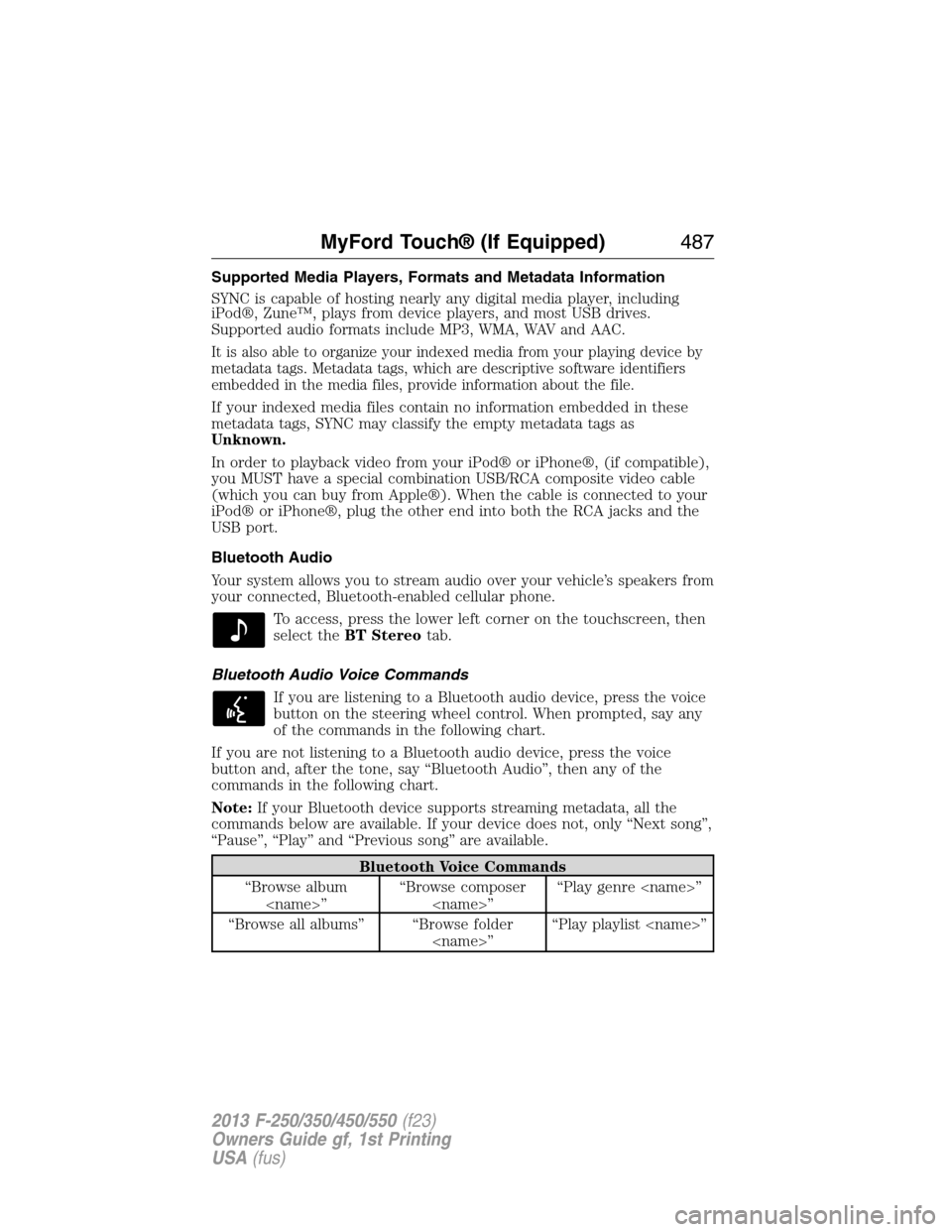
Supported Media Players, Formats and Metadata Information
SYNC is capable of hosting nearly any digital media player, including
iPod®, Zune™, plays from device players, and most USB drives.
Supported audio formats include MP3, WMA, WAV and AAC.
It is also able to organize your indexed media from your playing device by
metadata tags. Metadata tags, which are descriptive software identifiers
embedded in the media files, provide information about the file.
If your indexed media files contain no information embedded in these
metadata tags, SYNC may classify the empty metadata tags as
Unknown.
In order to playback video from your iPod® or iPhone®, (if compatible),
you MUST have a special combination USB/RCA composite video cable
(which you can buy from Apple®). When the cable is connected to your
iPod® or iPhone®, plug the other end into both the RCA jacks and the
USB port.
Bluetooth Audio
Your system allows you to stream audio over your vehicle’s speakers from
your connected, Bluetooth-enabled cellular phone.
To access, press the lower left corner on the touchscreen, then
select theBT Stereotab.
Bluetooth Audio Voice Commands
If you are listening to a Bluetooth audio device, press the voice
button on the steering wheel control. When prompted, say any
of the commands in the following chart.
If you are not listening to a Bluetooth audio device, press the voice
button and, after the tone, say “Bluetooth Audio”, then any of the
commands in the following chart.
Note:If your Bluetooth device supports streaming metadata, all the
commands below are available. If your device does not, only “Next song”,
“Pause”, “Play” and “Previous song” are available.
Bluetooth Voice Commands
“Browse album
“Browse all albums” “Browse folder
MyFord Touch® (If Equipped)487
2013 F-250/350/450/550(f23)
Owners Guide gf, 1st Printing
USA(fus)
Page 489 of 563
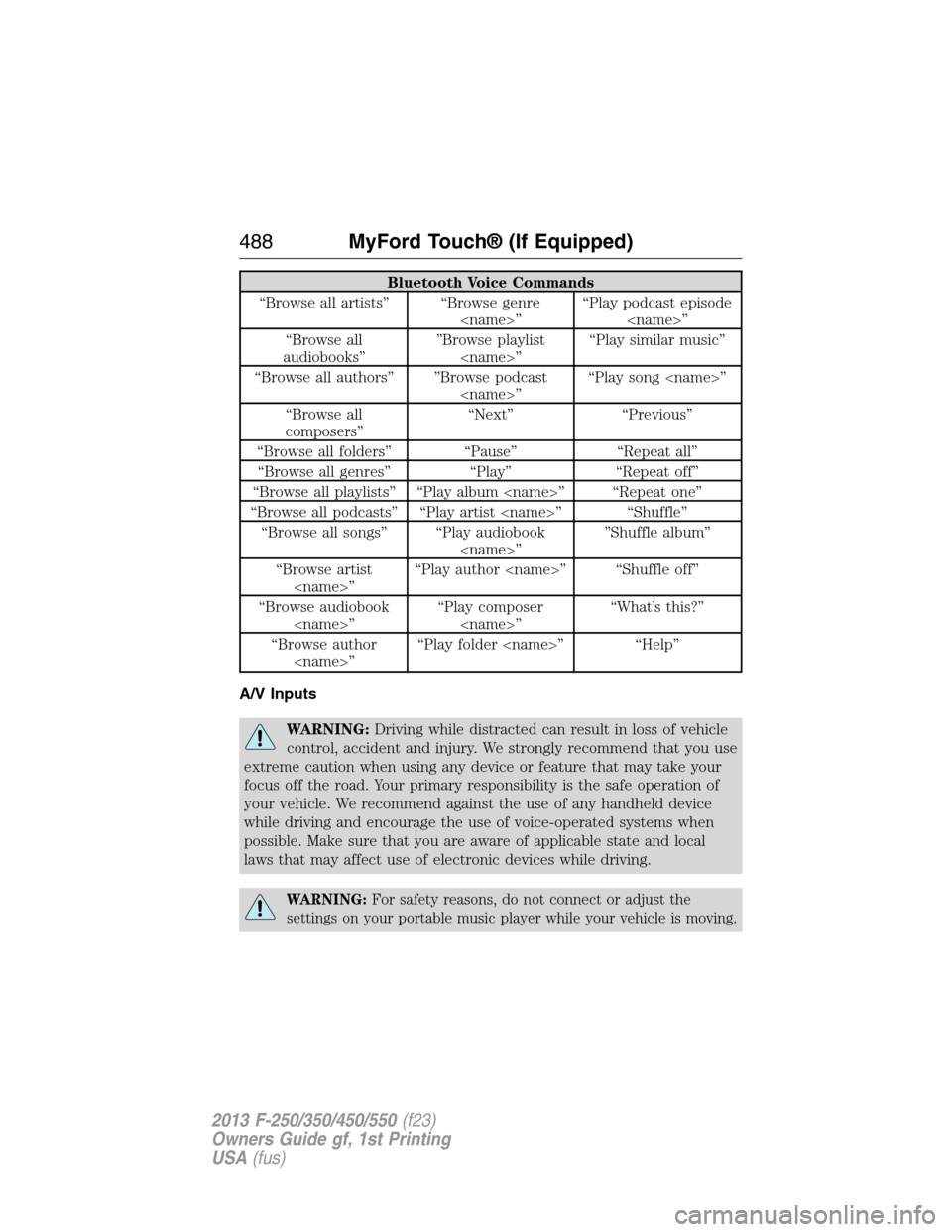
Bluetooth Voice Commands
“Browse all artists” “Browse genre
“Browse all
audiobooks””Browse playlist
“Browse all authors” ”Browse podcast
“Browse all
composers”“Next” “Previous”
“Browse all folders” “Pause” “Repeat all”
“Browse all genres” “Play” “Repeat off”
“Browse all playlists” “Play album
“Browse all podcasts” “Play artist
“Browse all songs” “Play audiobook
“Browse artist
“Browse audiobook
“Browse author
A/V Inputs
WARNING:Driving while distracted can result in loss of vehicle
control, accident and injury. We strongly recommend that you use
extreme caution when using any device or feature that may take your
focus off the road. Your primary responsibility is the safe operation of
your vehicle. We recommend against the use of any handheld device
while driving and encourage the use of voice-operated systems when
possible. Make sure that you are aware of applicable state and local
laws that may affect use of electronic devices while driving.
WARNING:For safety reasons, do not connect or adjust the
settings on your portable music player while your vehicle is moving.
488MyFord Touch® (If Equipped)
2013 F-250/350/450/550(f23)
Owners Guide gf, 1st Printing
USA(fus)
Page 490 of 563
WARNING:Store the portable music player in a secure location,
such as the center console or the glove box, when your vehicle is
moving. Hard objects may become projectiles in a crash or sudden stop,
which may increase the risk of serious injury. The audio extension cable
must be long enough to allow the portable music player to be safely
stored while your vehicle is moving.
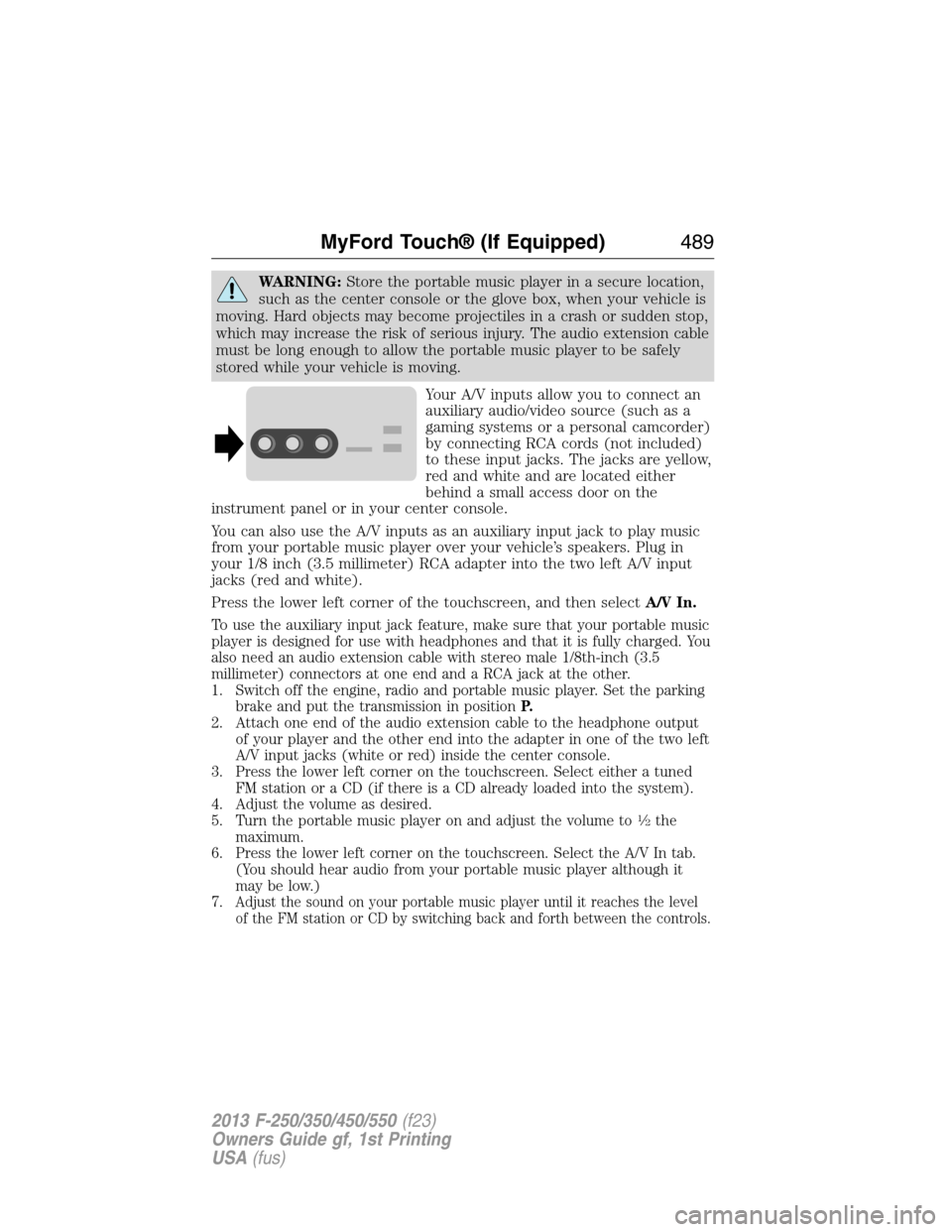
Your A/V inputs allow you to connect an
auxiliary audio/video source (such as a
gaming systems or a personal camcorder)
by connecting RCA cords (not included)
to these input jacks. The jacks are yellow,
red and white and are located either
behind a small access door on the
instrument panel or in your center console.
You can also use the A/V inputs as an auxiliary input jack to play music
from your portable music player over your vehicle’s speakers. Plug in
your 1/8 inch (3.5 millimeter) RCA adapter into the two left A/V input
jacks (red and white).
Press the lower left corner of the touchscreen, and then selectA/V In.
To use the auxiliary input jack feature, make sure that your portable music
player is designed for use with headphones and that it is fully charged. You
also need an audio extension cable with stereo male 1/8th-inch (3.5
millimeter) connectors at one end and a RCA jack at the other.
1. Switch off the engine, radio and portable music player. Set the parking
brake and put the transmission in positionP.
2. Attach one end of the audio extension cable to the headphone output
of your player and the other end into the adapter in one of the two left
A/V input jacks (white or red) inside the center console.
3. Press the lower left corner on the touchscreen. Select either a tuned
FM station or a CD (if there is a CD already loaded into the system).
4. Adjust the volume as desired.
5. Turn the portable music player on and adjust the volume to
12the
maximum.
6. Press the lower left corner on the touchscreen. Select the A/V In tab.
(You should hear audio from your portable music player although it
may be low.)
7.
Adjust the sound on your portable music player until it reaches the level
of the FM station or CD by switching back and forth between the controls.
MyFord Touch® (If Equipped)489
2013 F-250/350/450/550(f23)
Owners Guide gf, 1st Printing
USA(fus)
Page 491 of 563
In order to playback video from your iPod® or iPhone® (if compatible),
you must have a special combination USB/RCA composite video cable
(which you can buy from Apple®). When the cable is connected to your
iPod® or iPhone®, plug the other end into both the RCA jacks and the
USB port.
Troubleshooting
•Do not connect the audio input jack to a line level output. The jack
only works correctly with devices that have a headphone output with
a volume control.
•Do not set the portable music player’s volume level higher than is
necessary to match the volume of the CD or FM radio as this causes
distortion and reduces sound quality.
•If the music sounds distorted at lower listening levels, turn the
portable music player volume down. If the problem persists, replace or
recharge the batteries in the portable media player.
•Control the portable media player in the same manner when used with
headphones, as the auxiliary input jack does not provide control (such
as Play or Pause) over the attached portable media player.
PHONE
Hands-free calling is one of the main features of SYNC®. Once you pair
your phone, you can access many options using the touchscreen or voice
commands. While the system supports a variety of features, many are
dependent on your cellular phone’s functionality. At a minimum, most
cellular phones with Bluetooth wireless technology support the following
functions:
•Answering an incoming call
•Ending a call
•Using privacy mode
•Dialing a number
•Redialing
•Call waiting notification
•Caller ID.
Other features, such as text messaging using Bluetooth and automatic
phonebook download, are phone-dependent features. To check your
phone’s compatibility, see your phone’s user manual and visit
www.SYNCMyRide.com, www.SYNCMyRide.ca or www.syncmaroute.ca.
490MyFord Touch® (If Equipped)
2013 F-250/350/450/550(f23)
Owners Guide gf, 1st Printing
USA(fus)
Page 515 of 563
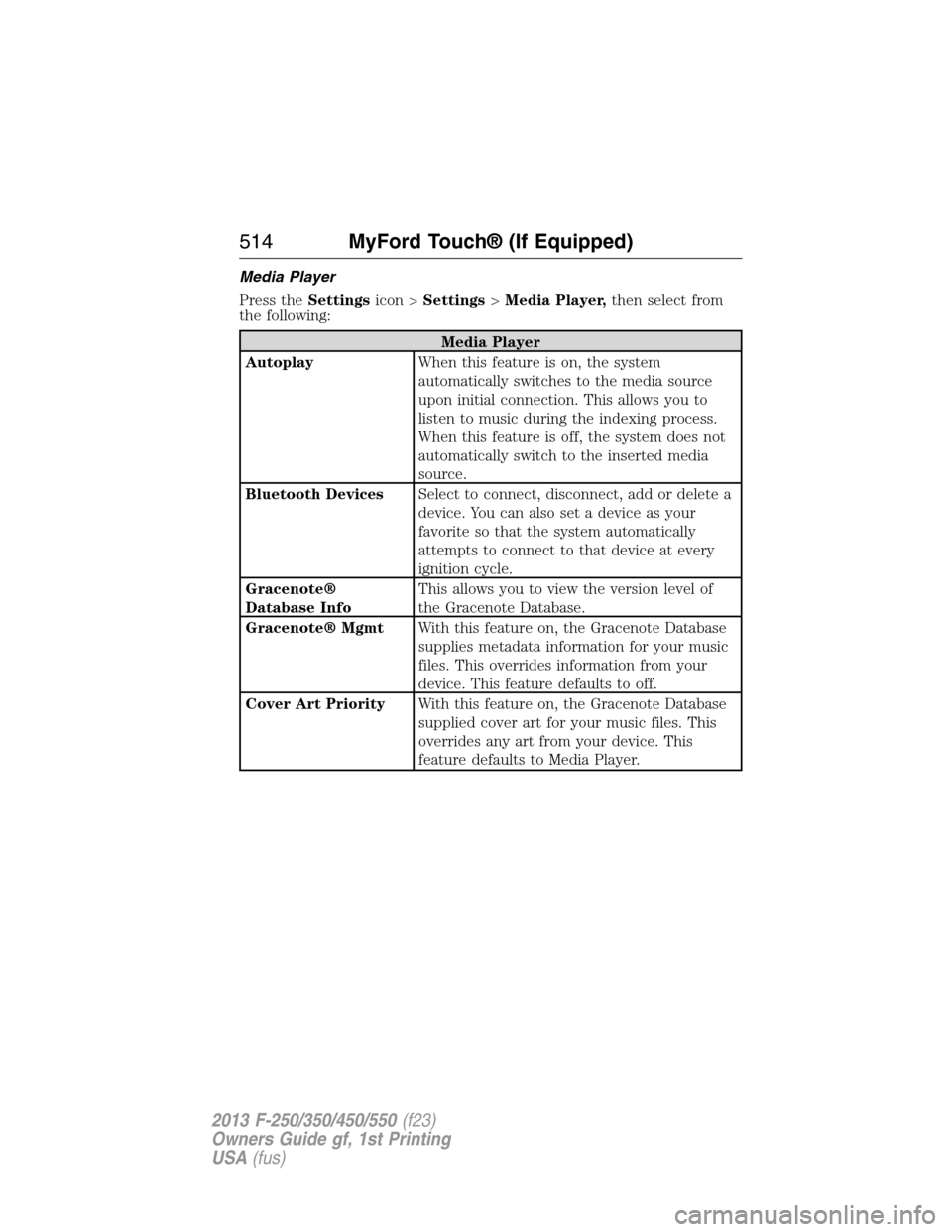
Media Player
Press theSettingsicon >Settings>Media Player,then select from
the following:
Media Player
AutoplayWhen this feature is on, the system
automatically switches to the media source
upon initial connection. This allows you to
listen to music during the indexing process.
When this feature is off, the system does not
automatically switch to the inserted media
source.
Bluetooth DevicesSelect to connect, disconnect, add or delete a
device. You can also set a device as your
favorite so that the system automatically
attempts to connect to that device at every
ignition cycle.
Gracenote®
Database InfoThis allows you to view the version level of
the Gracenote Database.
Gracenote® MgmtWith this feature on, the Gracenote Database
supplies metadata information for your music
files. This overrides information from your
device. This feature defaults to off.
Cover Art PriorityWith this feature on, the Gracenote Database
supplied cover art for your music files. This
overrides any art from your device. This
feature defaults to Media Player.
514MyFord Touch® (If Equipped)
2013 F-250/350/450/550(f23)
Owners Guide gf, 1st Printing
USA(fus)
Page 557 of 563
maintenance-free ....................312
replacement, specifications ...388
servicing ..................................312
Bed extender ............................247
Booster seats ...............................23
Brakelamp
bulb replacement ....................324
Brakes ........................................220
anti-lock ...................................220
anti-lock brake system (ABS)
warning light ...........................220
brake warning light ................220
fluid, checking and adding ....311
fluid, refill capacities ..............384
fluid, specifications .................384
parking ....................................221
shift interlock ..........................204
trailer .......................................254
Bulbs ..........................................325
C
Capacities for refilling fluids ....384
Car2U® Home Automation
System .......................................167
CD ..............................135–136, 139
CD player ..........................133, 482
CD voice commands .................483
Cell phone use ............................16
Changing a tire .........................366
Changing the air filter ..............317
Child safety seats
attaching with tether straps ....31
automatic locking mode
(retractor) .................................40
in front seat ..............................28
in rear seat ................................28
LATCH .......................................31Child safety seats -
booster seats ...............................23
Cleaning the touchscreen ........460
Cleaning your vehicle ...............327
engine compartment ..............329
exterior ....................................327
instrument panel ............331–332
interior .....................................330
plastic parts ............................329
washing ....................................327
waxing .....................................329
wheels ......................................334
wiper blades ............................330
Climate control (see Air
conditioning or Heating) ..........145
Climate voice commands .........524
Clock ..........................135–136, 509
Console ......................................180
overhead ..................................181
Controls
power seat ...............................158
Coolant ......................................301
checking and adding ..............301
recovery reservoir ..................298
refill capacities ........................384
Customer Assistance ................271
Ford Extended Service
Plan ..................................393, 395
Getting roadside assistance ...271
Getting the service you
need .........................................277
Ordering additional owner’s
literature .................................283
Utilizing the
Mediation/Arbitration
Program ...................................281
556Index
2013 F-250/350/450/550(f23)
Owners Guide gf, 1st Printing
USA(fus)
Page 562 of 563

SecuriLock passive anti-theft
system ..........................................75
Selecting your media source
(USB, Line in, BT audio) .........445
Sending new text messages .....494
Setting a destination ................525
Setting a destination by
voice ...........................................525
Settings ......................................509
Setting the clock .......135–136, 509
Side air curtain ...........................56
Side-curtain airbags system .......56
SIRIUS® satellite radio ............477
SIRIUS satellite radio voice
commands .................................479
SIRIUS Travel Link ...................501
SIRIUS Travel Link voice
commands .................................503
Snowplowing ...............15, 267–269
SOS Post Crash Alert .................47
Spark plugs,
specifications .....................382, 388
Special notice ..............................16
ambulance conversions ............15
four-wheel drive
vehicles ............................269–270
Stability system .........................225
Starting a flex fuel vehicle .......184
Starting your vehicle ........183–184
jump starting ..........................274
Steering wheel ............................78
controls ......................................78
tilting .........................................78
Supplemental Restraint System
(SRS) (see airbags) ....................48Supported media file types ......487
Supported player, media
formats and metadata
information ................................487
SYNC® AppLink™ ...................440
SYNC® customer support ........414
SYNC® Services ................437, 498
System settings .........................512
T
Tailgate ......................................244
Tail lamps
bulb replacement ....................324
Temperature control
(see Climate control) ..............145,
147, 522
Text messaging .................425, 494
Text messaging (sending,
downloading, deleting) .....425, 427
Tilt steering wheel ......................78
Tires ...........................341–342, 366
alignment ................................357
care ..........................................341
changing ..........................366, 371
checking the pressure ............351
inflating ...................................349
label .........................................348
replacing ..................................355
rotating ....................................357
safety practices .......................356
sidewall information ...............344
snow tires and chains ............359
spare tire .................................367
terminology .............................342
tire grades ...............................342
treadwear ........................341, 353
Index561
2013 F-250/350/450/550(f23)
Owners Guide gf, 1st Printing
USA(fus)