2013 FORD SUPER DUTY change time
[x] Cancel search: change timePage 112 of 563
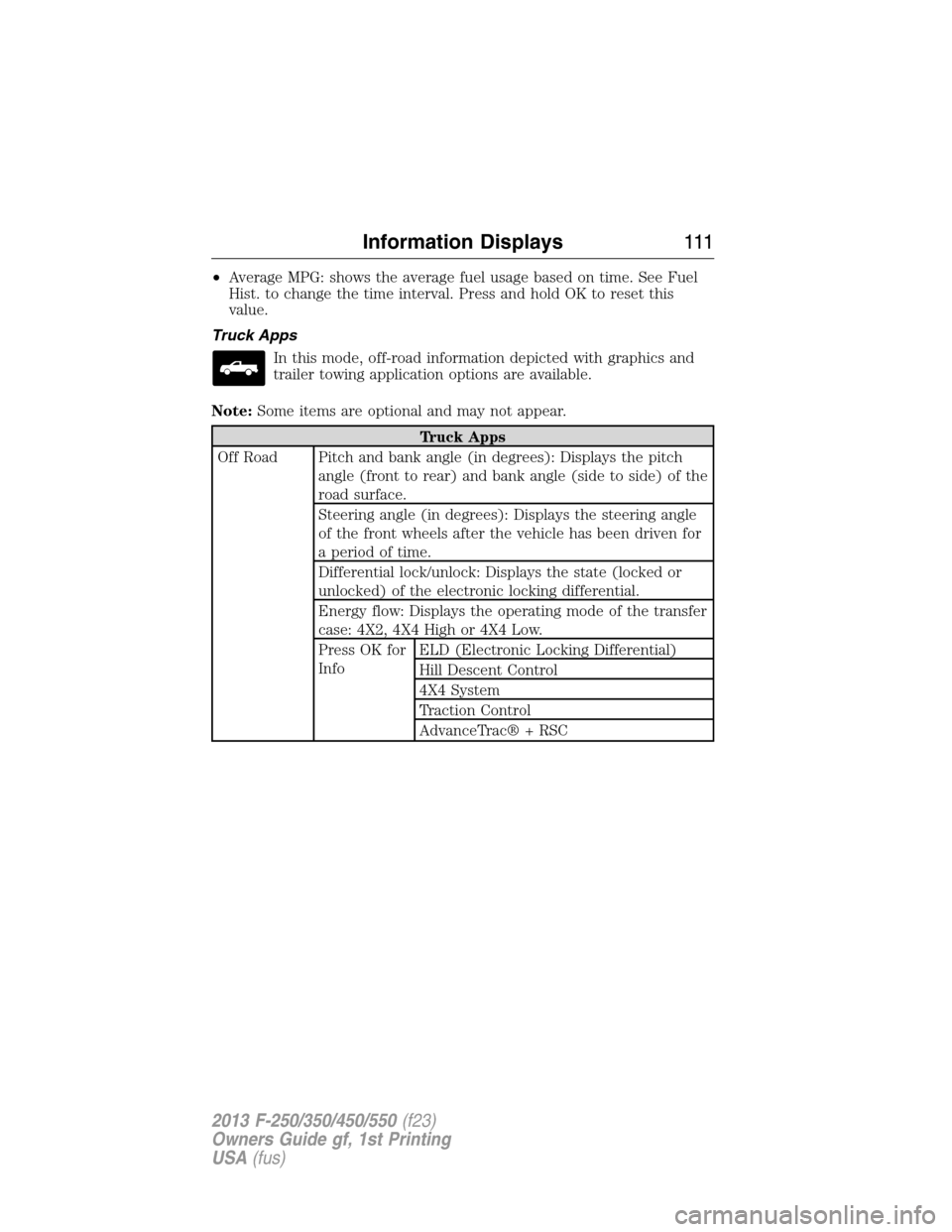
•Average MPG: shows the average fuel usage based on time. See Fuel
Hist. to change the time interval. Press and hold OK to reset this
value.
Truck Apps
In this mode, off-road information depicted with graphics and
trailer towing application options are available.
Note:Some items are optional and may not appear.
Truck Apps
Off Road Pitch and bank angle (in degrees): Displays the pitch
angle (front to rear) and bank angle (side to side) of the
road surface.
Steering angle (in degrees): Displays the steering angle
of the front wheels after the vehicle has been driven for
a period of time.
Differential lock/unlock: Displays the state (locked or
unlocked) of the electronic locking differential.
Energy flow: Displays the operating mode of the transfer
case: 4X2, 4X4 High or 4X4 Low.
Press OK for
InfoELD (Electronic Locking Differential)
Hill Descent Control
4X4 System
Traction Control
AdvanceTrac® + RSC
Information Displays111
2013 F-250/350/450/550(f23)
Owners Guide gf, 1st Printing
USA(fus)
Page 128 of 563
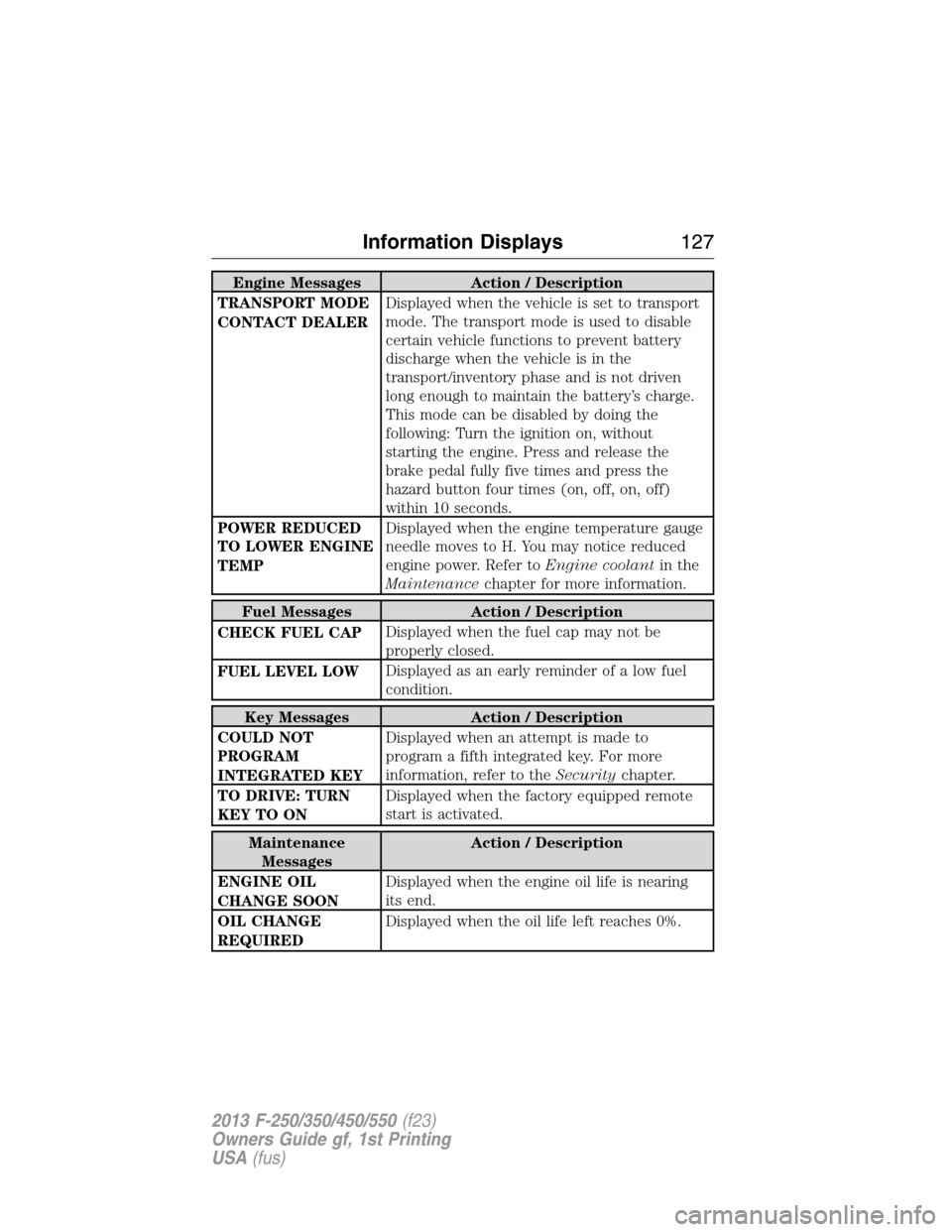
Engine Messages Action / Description
TRANSPORT MODE
CONTACT DEALERDisplayed when the vehicle is set to transport
mode. The transport mode is used to disable
certain vehicle functions to prevent battery
discharge when the vehicle is in the
transport/inventory phase and is not driven
long enough to maintain the battery’s charge.
This mode can be disabled by doing the
following: Turn the ignition on, without
starting the engine. Press and release the
brake pedal fully five times and press the
hazard button four times (on, off, on, off)
within 10 seconds.
POWER REDUCED
TO LOWER ENGINE
TEMPDisplayed when the engine temperature gauge
needle moves to H. You may notice reduced
engine power. Refer toEngine coolantin the
Maintenancechapter for more information.
Fuel Messages Action / Description
CHECK FUEL CAPDisplayed when the fuel cap may not be
properly closed.
FUEL LEVEL LOWDisplayed as an early reminder of a low fuel
condition.
Key Messages Action / Description
COULD NOT
PROGRAM
INTEGRATED KEYDisplayed when an attempt is made to
program a fifth integrated key. For more
information, refer to theSecuritychapter.
TO DRIVE: TURN
KEY TO ONDisplayed when the factory equipped remote
start is activated.
Maintenance
MessagesAction / Description
ENGINE OIL
CHANGE SOONDisplayed when the engine oil life is nearing
its end.
OIL CHANGE
REQUIREDDisplayed when the oil life left reaches 0%.
Information Displays127
2013 F-250/350/450/550(f23)
Owners Guide gf, 1st Printing
USA(fus)
Page 144 of 563
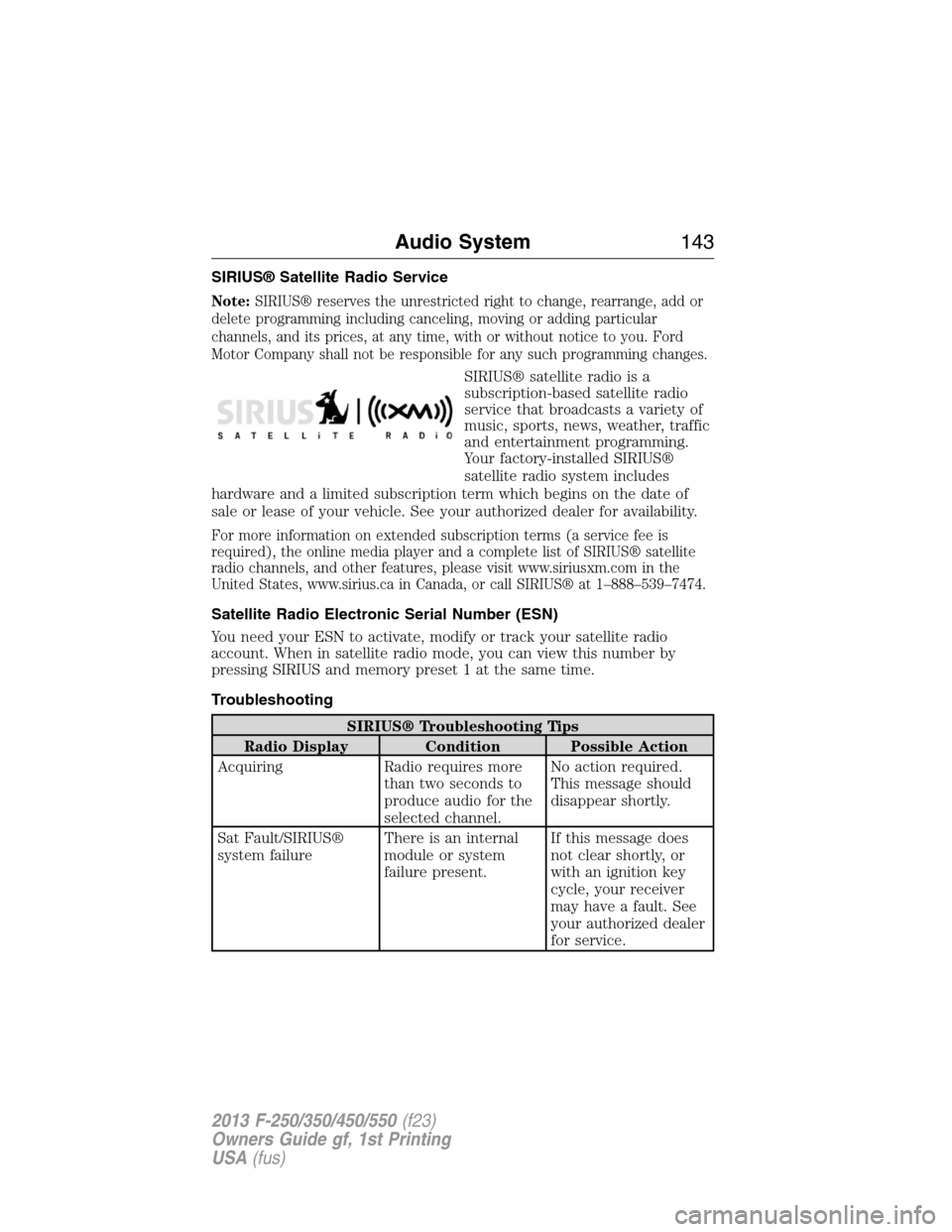
SIRIUS® Satellite Radio Service
Note:SIRIUS® reserves the unrestricted right to change, rearrange, add or
delete programming including canceling, moving or adding particular
channels, and its prices, at any time, with or without notice to you. Ford
Motor Company shall not be responsible for any such programming changes.
SIRIUS® satellite radio is a
subscription-based satellite radio
service that broadcasts a variety of
music, sports, news, weather, traffic
and entertainment programming.
Your factory-installed SIRIUS®
satellite radio system includes
hardware and a limited subscription term which begins on the date of
sale or lease of your vehicle. See your authorized dealer for availability.
For more information on extended subscription terms (a service fee is
required), the online media player and a complete list of SIRIUS® satellite
radio channels, and other features, please visit www.siriusxm.com in the
United States, www.sirius.ca in Canada, or call SIRIUS® at 1–888–539–7474.
Satellite Radio Electronic Serial Number (ESN)
You need your ESN to activate, modify or track your satellite radio
account. When in satellite radio mode, you can view this number by
pressing SIRIUS and memory preset 1 at the same time.
Troubleshooting
SIRIUS® Troubleshooting Tips
Radio Display Condition Possible Action
Acquiring Radio requires more
than two seconds to
produce audio for the
selected channel.No action required.
This message should
disappear shortly.
Sat Fault/SIRIUS®
system failureThere is an internal
module or system
failure present.If this message does
not clear shortly, or
with an ignition key
cycle, your receiver
may have a fault. See
your authorized dealer
for service.
Audio System143
2013 F-250/350/450/550(f23)
Owners Guide gf, 1st Printing
USA(fus)
Page 149 of 563
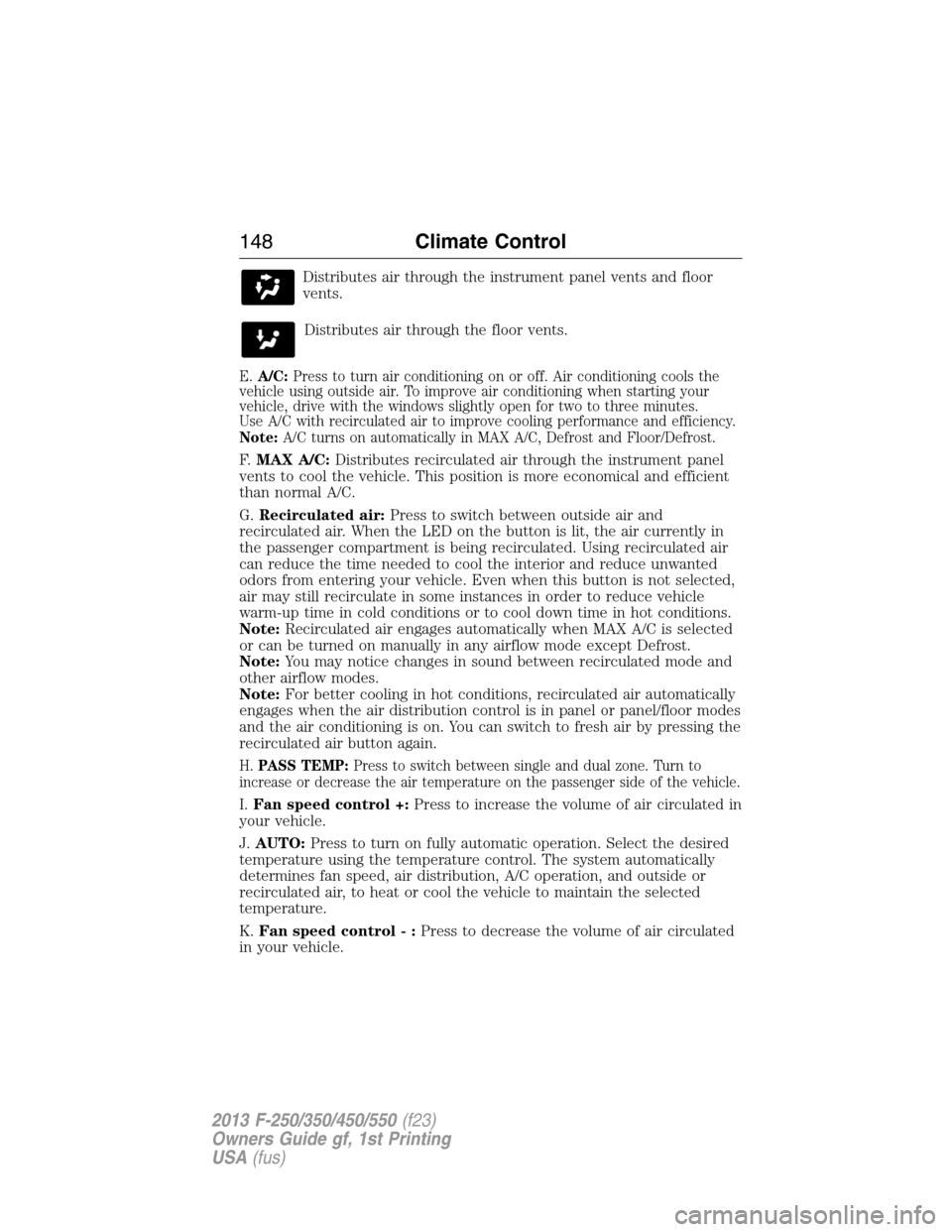
Distributes air through the instrument panel vents and floor
vents.
Distributes air through the floor vents.
E.A/C:Press to turn air conditioning on or off. Air conditioning cools the
vehicle using outside air. To improve air conditioning when starting your
vehicle, drive with the windows slightly open for two to three minutes.
Use A/C with recirculated air to improve cooling performance and efficiency.
Note:A/C turns on automatically in MAX A/C, Defrost and Floor/Defrost.
F.MAX A/C:Distributes recirculated air through the instrument panel
vents to cool the vehicle. This position is more economical and efficient
than normal A/C.
G.Recirculated air:Press to switch between outside air and
recirculated air. When the LED on the button is lit, the air currently in
the passenger compartment is being recirculated. Using recirculated air
can reduce the time needed to cool the interior and reduce unwanted
odors from entering your vehicle. Even when this button is not selected,
air may still recirculate in some instances in order to reduce vehicle
warm-up time in cold conditions or to cool down time in hot conditions.
Note:Recirculated air engages automatically when MAX A/C is selected
or can be turned on manually in any airflow mode except Defrost.
Note:You may notice changes in sound between recirculated mode and
other airflow modes.
Note:For better cooling in hot conditions, recirculated air automatically
engages when the air distribution control is in panel or panel/floor modes
and the air conditioning is on. You can switch to fresh air by pressing the
recirculated air button again.
H.PASS TEMP:Press to switch between single and dual zone. Turn to
increase or decrease the air temperature on the passenger side of the vehicle.
I.Fan speed control +:Press to increase the volume of air circulated in
your vehicle.
J.AUTO:Press to turn on fully automatic operation. Select the desired
temperature using the temperature control. The system automatically
determines fan speed, air distribution, A/C operation, and outside or
recirculated air, to heat or cool the vehicle to maintain the selected
temperature.
K.Fan speed control - :Press to decrease the volume of air circulated
in your vehicle.
148Climate Control
2013 F-250/350/450/550(f23)
Owners Guide gf, 1st Printing
USA(fus)
Page 169 of 563
Note:We recommend that upon the sale or lease termination of your
vehicle, you erase the programmed function buttons for security reasons.
SeeErasing the Function Button Codeslater in this section.
Note:You can program a maximum of three devices. To change or
replace any of the three devices after it has been initially programmed,
you must first erase the current settings. SeeErasing the Function
Button Codeslater in this section.
Note:Programming the system to a community gate will require a
unique set of instructions depending on the gate system model. Contact
the help line at 1-866-572-2728 for further information.
Note:If you accidently enter the program mode by pressing and
releasing the outer two buttons or all three buttons simultaneously, do
not press any button until the module times out after a few seconds and
resets to normal mode. When the module has timed out, all three LED
lamps will flash rapidly for a few seconds then turn off. Any settings
should remain as previously set.
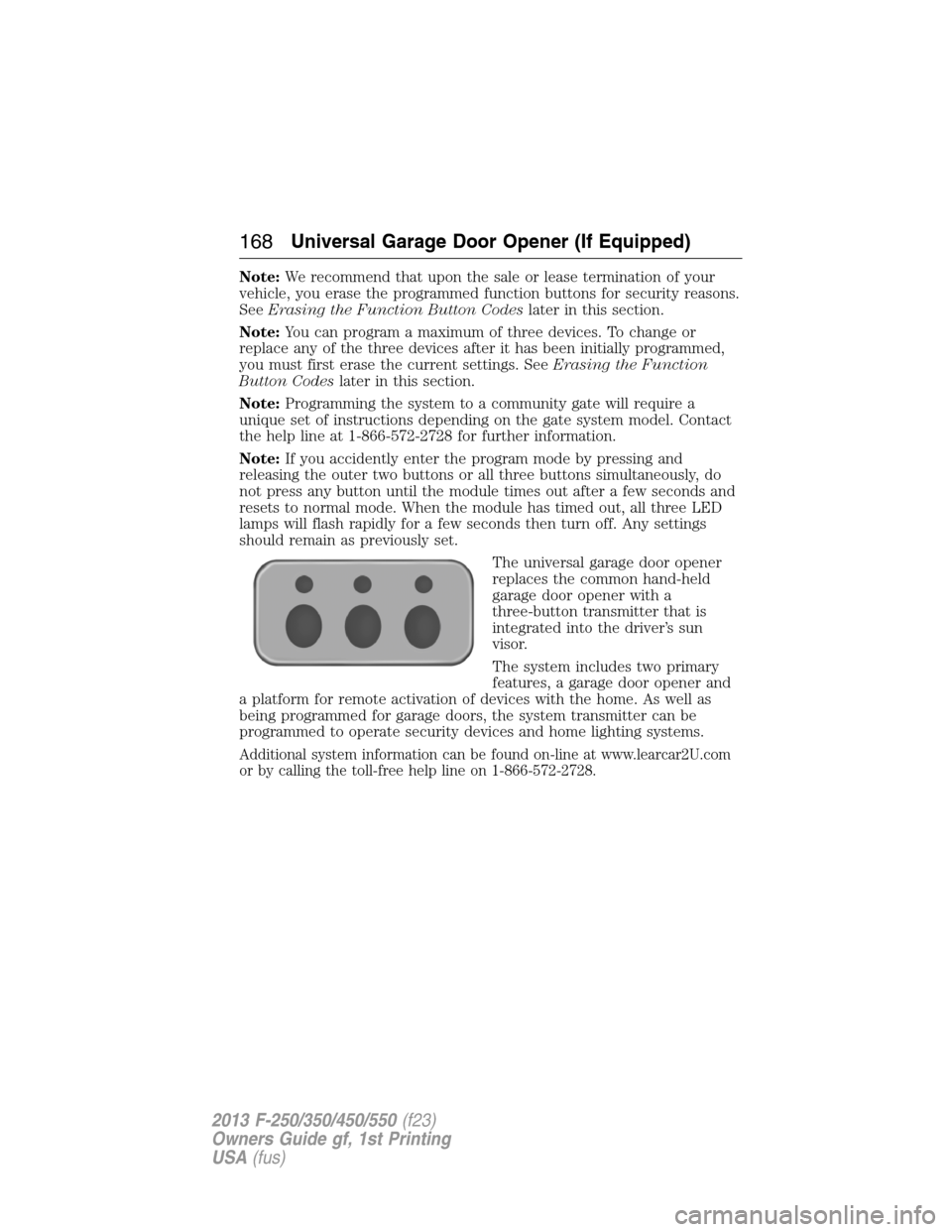
The universal garage door opener
replaces the common hand-held
garage door opener with a
three-button transmitter that is
integrated into the driver’s sun
visor.
The system includes two primary
features, a garage door opener and
a platform for remote activation of devices with the home. As well as
being programmed for garage doors, the system transmitter can be
programmed to operate security devices and home lighting systems.
Additional system information can be found on-line at www.learcar2U.com
or by calling the toll-free help line on 1-866-572-2728.
168Universal Garage Door Opener (If Equipped)
2013 F-250/350/450/550(f23)
Owners Guide gf, 1st Printing
USA(fus)
Page 173 of 563
Note:We recommend that upon the sale or lease termination of your
vehicle, you erase the programmed function buttons for security reasons.
SeeErasing the function button codeslater in this section.
Note:You can program a maximum of three devices. To change or
replace any of the three devices after it has been initially programmed,
you must first erase the current settings. SeeErasing the function
button codeslater in this section.
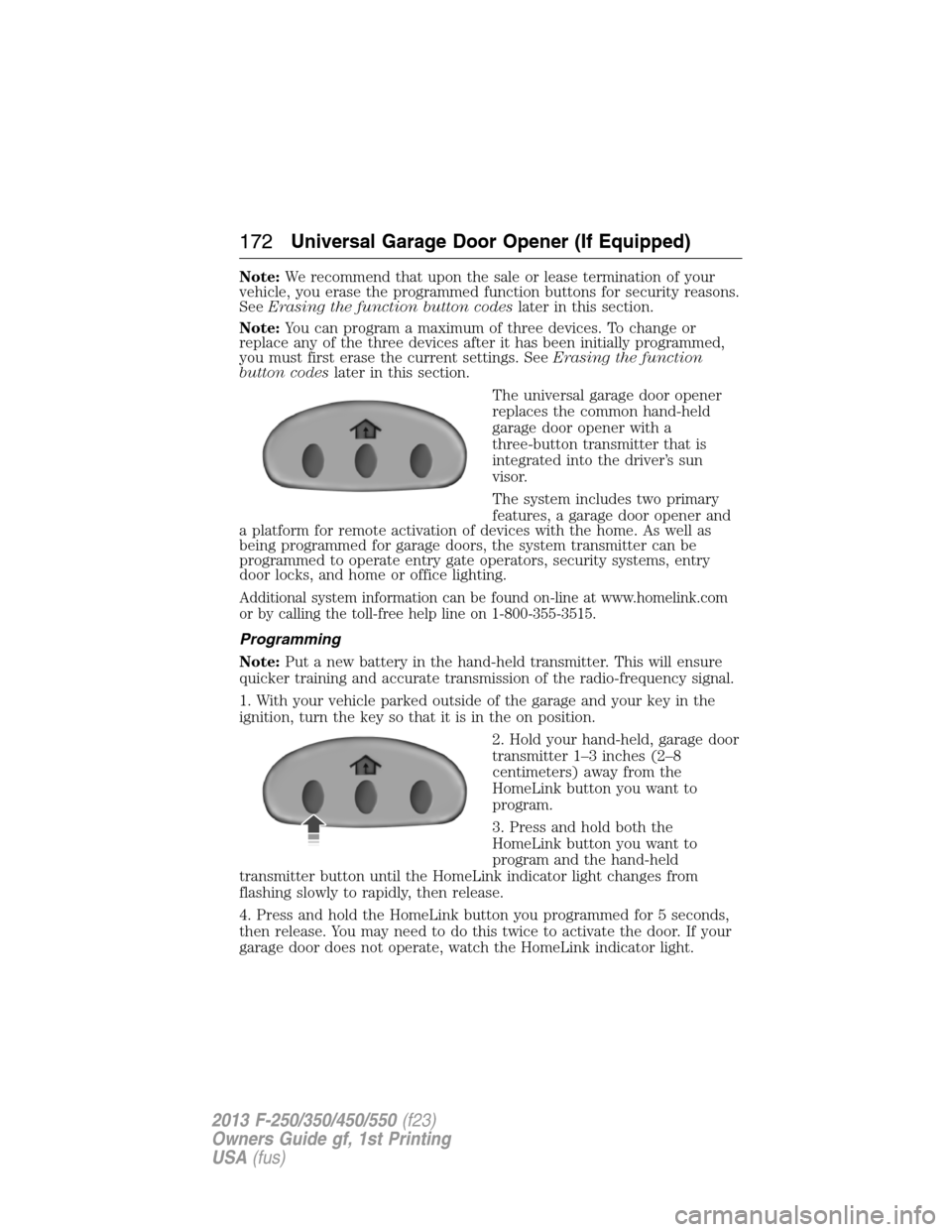
The universal garage door opener
replaces the common hand-held
garage door opener with a
three-button transmitter that is
integrated into the driver’s sun
visor.
The system includes two primary
features, a garage door opener and
a platform for remote activation of devices with the home. As well as
being programmed for garage doors, the system transmitter can be
programmed to operate entry gate operators, security systems, entry
door locks, and home or office lighting.
Additional system information can be found on-line at www.homelink.com
or by calling the toll-free help line on 1-800-355-3515.
Programming
Note:Put a new battery in the hand-held transmitter. This will ensure
quicker training and accurate transmission of the radio-frequency signal.
1. With your vehicle parked outside of the garage and your key in the
ignition, turn the key so that it is in the on position.
2. Hold your hand-held, garage door
transmitter 1–3 inches (2–8
centimeters) away from the
HomeLink button you want to
program.
3. Press and hold both the
HomeLink button you want to
program and the hand-held
transmitter button until the HomeLink indicator light changes from
flashing slowly to rapidly, then release.
4. Press and hold the HomeLink button you programmed for 5 seconds,
then release. You may need to do this twice to activate the door. If your
garage door does not operate, watch the HomeLink indicator light.
172Universal Garage Door Opener (If Equipped)
2013 F-250/350/450/550(f23)
Owners Guide gf, 1st Printing
USA(fus)
Page 176 of 563
2. Press the same button twice to confirm the change to Programming
mode. If done properly the LED light will appear red.
3. Hold the transmitter within 1–3 inches (2–8 centimeters) of the
button on the sun visor you want to program.
4. Press and hold both the programmed Genie button on the hand-held
transmitter and the button on the sun visor you want to program. The
indicator light on the sun visor will flash rapidly when the programming
is successful.
Note:the Genie transmitter will transmit for up to 30 seconds. If
HomeLink® does not program within 30 seconds the Genie transmitter
will need to be pressed again. If the Genie transmitter LED displays
green and red, release the button until the LED turns off before pressing
the button again.
Once HomeLink® has been programmed successfully, the Genie
transmitter must be changed out of program mode. To do this:
1. Press and hold the previously programmed Genie button on the
hand-held transmitter for 10 seconds. The indicator light will change
from red to red and green.
2. Press the same button twice to confirm the change. If done correctly
the LED will turn green.
Programming HomeLink® to the Genie Intellicode® garage door
opener motor
Note:You may need a ladder to access the garage door opener motor.
To program HomeLink® to the
garage door opener motor.
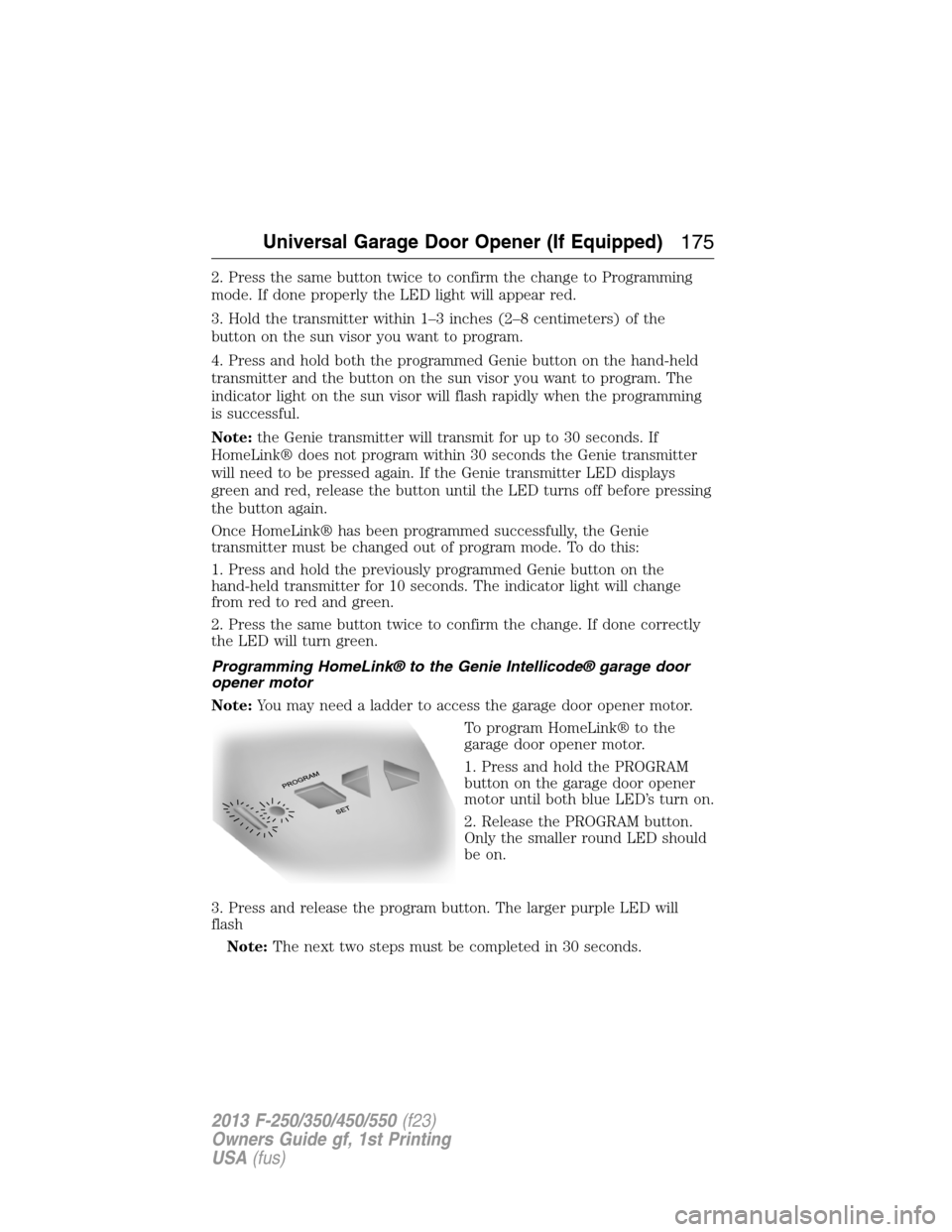
1. Press and hold the PROGRAM
button on the garage door opener
motor until both blue LED’s turn on.
2. Release the PROGRAM button.
Only the smaller round LED should
be on.
3. Press and release the program button. The larger purple LED will
flash
Note:The next two steps must be completed in 30 seconds.
Universal Garage Door Opener (If Equipped)175
2013 F-250/350/450/550(f23)
Owners Guide gf, 1st Printing
USA(fus)
Page 177 of 563
4. Press and release the Genie Intellicode 2 hand-held transmitter’s
previously programmed button. Both indicator lights on the garage door
opener motor unit should now flash purple.
5. Press and hold the previously programmed button on the sun visor for
2 seconds. Repeat this step up to 3 times until the garage door moves.
Programming is now complete.
At this point, programming is complete.
Clearing a HomeLink® device
To erase programming from the three HomeLink® buttons, press and
hold the two outer HomeLink® buttons until the indicator light begins to
flash. The LED will begin flashing in 10 to 20 seconds, at which time
both buttons should be released. Programming has now been erased, and
the led should blink slowly to indicate the device is in train mode when
any of the three HomeLink buttons are pressed.
FCC and RSS-210 Industry Canada Compliance
This device complies with Part 15 of the FCC Rules and with RSS-210 of
Industry Canada. Operation is subject to the following two conditions:
(1) this device may not cause harmful interference, and (2) this device
must accept any interference received, including interference that may
cause undesired operation.
Changes or modifications to your device not expressly approved by the
party responsible for compliance can void the user’s authority to operate
the equipment.
176Universal Garage Door Opener (If Equipped)
2013 F-250/350/450/550(f23)
Owners Guide gf, 1st Printing
USA(fus)