2013 FORD FOCUS trip computer
[x] Cancel search: trip computerPage 3 of 475
Windows and Mirrors 95
Power windows.......................................95
Exteriormirrors.......................................97
Mirrors .............................................97
Interior mirrors.......................................99
Sun visors...........................................99
Moonroof............................................99
Instrument Cluster 102
Gauges.............................................102
Warning lamps and indicators............................103
Audible warnings and indicators..........................107
Information Displays 108
Controls............................................108
Trip computer.......................................110
Information messages..................................112
Audio System 123
AM/FMstereo........................................125
AM/FM/CD with SYNC.................................127
AM/FM/CD/SIRIUS Satellite Radio with SYNC.................130
AM/FMstereowithsingleCD ............................132
Auxiliary input jack...................................136
USBport...........................................137
Satellite radio information...............................138
Climate Control 141
Manual heating and air conditioning........................141
Dual automatic temperature control........................143
Rear window defroster.................................148
Cabin air filter.......................................149
Table of Contents3
2013 Focus(foc)
Owners Guide gf, 1st Printing
USA(fus)
Page 108 of 475
GENERAL INFORMATION
WARNING:Driving while distracted can result in loss of vehicle
control, accident and injury. Ford strongly recommends that drivers
use extreme caution when using any device or feature that may take their
focus off the road. Your primary responsibility is the safe operation of the
vehicle. We recommend against the use of any handheld device while
driving and that you comply with all applicable laws.
Various systems on your vehicle can be controlled using the information
display controls on the steering wheel. Corresponding information is
displayed in the information display.
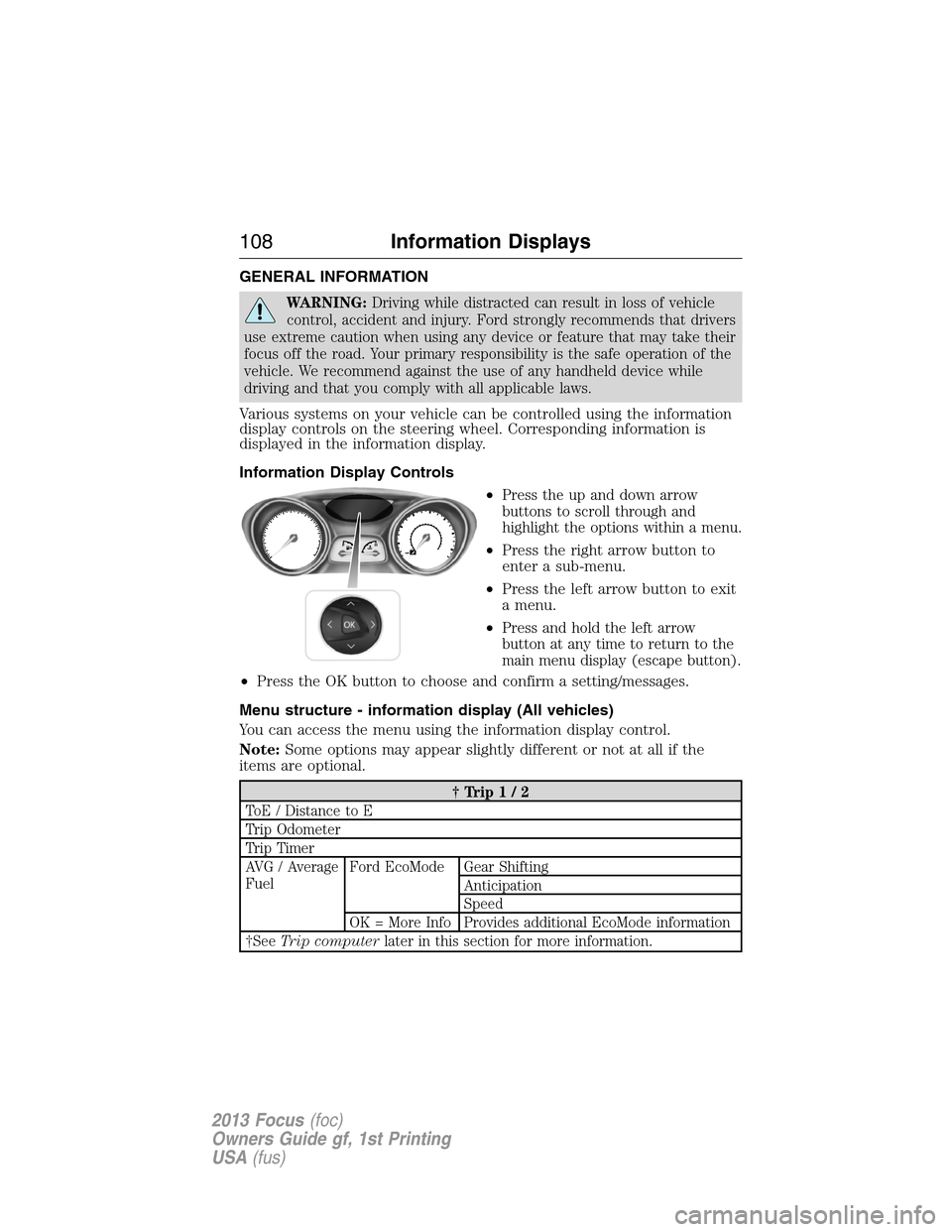
Information Display Controls
•
Press the up and down arrow
buttons to scroll through and
highlight the options within a menu.
•Press the right arrow button to
enter a sub-menu.
•Press the left arrow button to exit
a menu.
•
Press and hold the left arrow
button at any time to return to the
main menu display (escape button).
•Press the OK button to choose and confirm a setting/messages.
Menu structure - information display (All vehicles)
You can access the menu using the information display control.
Note:Some options may appear slightly different or not at all if the
items are optional.
†Trip1/2
ToE / Distance to E
Trip Odometer
Trip Timer
AVG / Average
FuelFord EcoMode Gear Shifting
Anticipation
Speed
OK = More Info Provides additional EcoMode information
†SeeTrip computerlater in this section for more information.
108Information Displays
2013 Focus(foc)
Owners Guide gf, 1st Printing
USA(fus)
Page 111 of 475
Odometer
Displayed in the status line at the bottom of the display. Registers the
total mileage of the vehicle.
Outside air temperature
Shows the outside air temperature.
TRIP COMPUTER
Resetting the Trip Computer
Press and hold OK on the current screen to reset the respective trip,
distance, time and average fuel information.
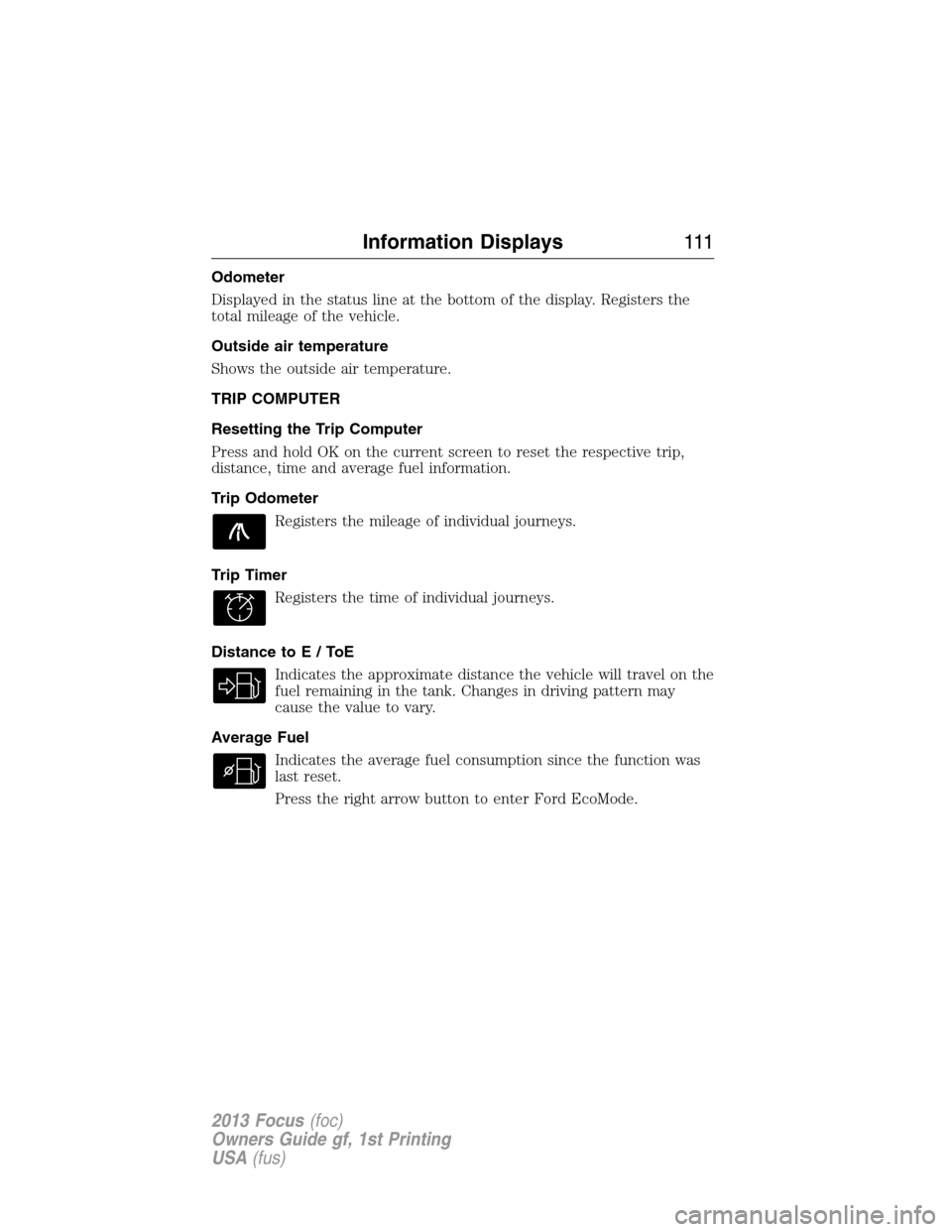
Trip Odometer
Registers the mileage of individual journeys.
Trip Timer
Registers the time of individual journeys.
Distance toE/ToE
Indicates the approximate distance the vehicle will travel on the
fuel remaining in the tank. Changes in driving pattern may
cause the value to vary.
Average Fuel
Indicates the average fuel consumption since the function was
last reset.
Press the right arrow button to enter Ford EcoMode.
Information Displays111
2013 Focus(foc)
Owners Guide gf, 1st Printing
USA(fus)
Page 206 of 475
ECO MODE
This system assists the driver in driving more efficiently by constantly
monitoring characteristics of gear changing, anticipation of traffic
conditions and speeds while driving.
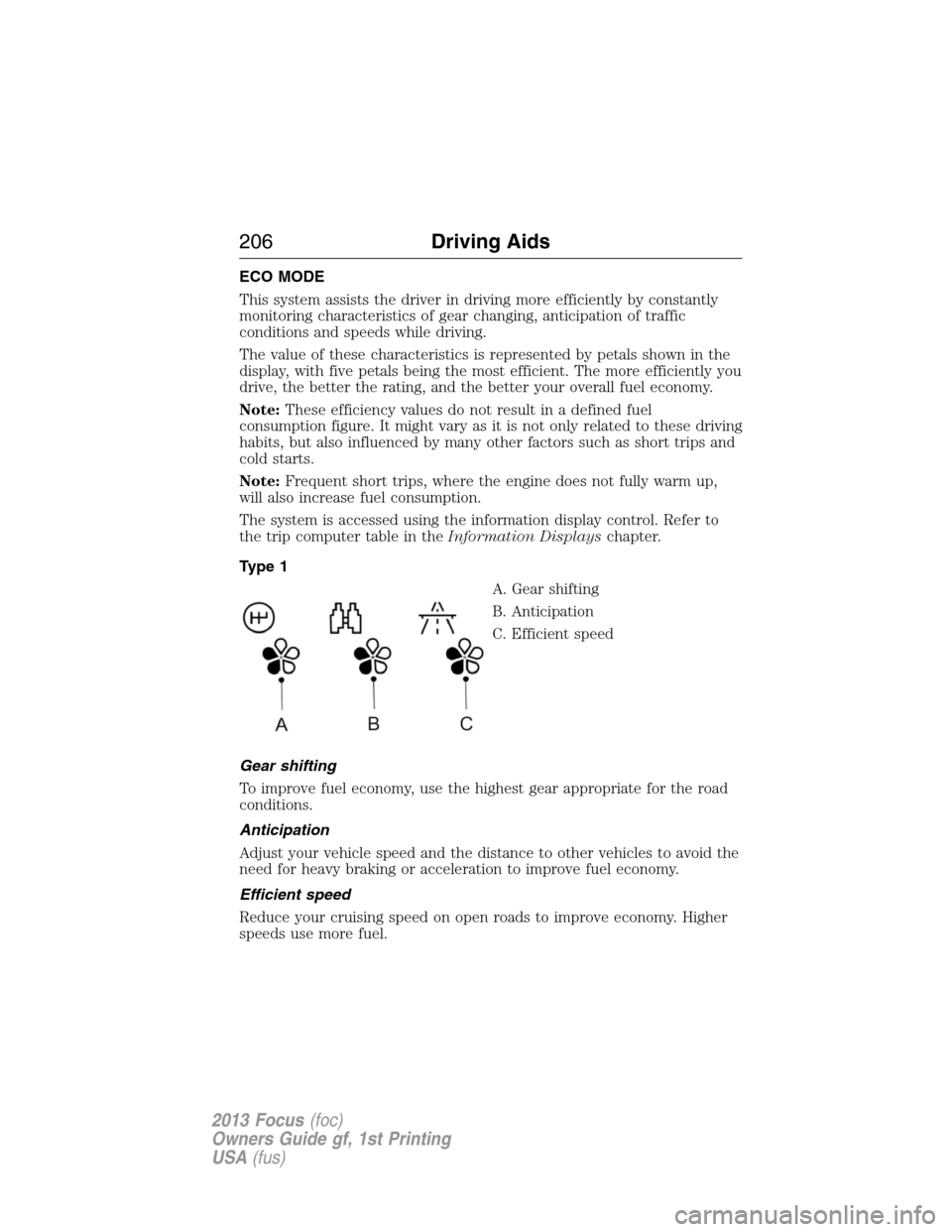
The value of these characteristics is represented by petals shown in the
display, with five petals being the most efficient. The more efficiently you
drive, the better the rating, and the better your overall fuel economy.
Note:These efficiency values do not result in a defined fuel
consumption figure. It might vary as it is not only related to these driving
habits, but also influenced by many other factors such as short trips and
cold starts.
Note:Frequent short trips, where the engine does not fully warm up,
will also increase fuel consumption.
The system is accessed using the information display control. Refer to
the trip computer table in theInformation Displayschapter.
Type 1
A. Gear shifting
B. Anticipation
C. Efficient speed
Gear shifting
To improve fuel economy, use the highest gear appropriate for the road
conditions.
Anticipation
Adjust your vehicle speed and the distance to other vehicles to avoid the
need for heavy braking or acceleration to improve fuel economy.
Efficient speed
Reduce your cruising speed on open roads to improve economy. Higher
speeds use more fuel.
206Driving Aids
2013 Focus(foc)
Owners Guide gf, 1st Printing
USA(fus)
Page 470 of 475

Driving under special
conditions ..................................183
through water .........................220
Dual automatic temperature
control (DATC) .........................143
E
Eco Mode ..................................206
Electronic message center .......108
Electronic stability control ......191
Emergencies, roadside
jump-starting ..........................225
running out of fuel .................172
Emission control system ..........176
End user license agreement ....450
Engine ........................................303
cleaning ...................................270
coolant .....................................250
idle speed control ...................255
lubrication specifications .......304
refill capacities ........................304
service points ..........................248
Engine block heater .................167
Engine fan .................................248
Engine oil
checking and adding ..............249
dipstick ....................................249
filter, specifications ................307
refill capacities ........................304
specifications ..........................304
Event data recording ..................12
Exhaust fumes ..........................167
F
Fan, Engine Cooling .................248
Fleet MyKey programming ........66Flexible Fuel Vehicle (FFV) ....169
Floor mats .................................221
Fluid capacities .........................304
Fog lamps ....................................92
Forward and reverse sensing
system ........................................193
Fuel
cap ...........................................174
capacity ...................................304
choosing the right fuel ...........171
filler funnel .............................172
filling your vehicle with fuel ..174
filter, specifications ........254, 307
fuel pump shut-off ..................224
octane rating ...........................171
quality ......................................171
running out of fuel .................172
safety information relating
to automotive fuels ................169
Fuel and distance
computer ...........................110–111
outside temperature
indicator ..........................110–111
to empty indicator ..........110–111
trip distance ....................110–111
trip/reset button .............110–111
Fuel - flex fuel vehicle
(FFV) .................................169, 171
Fuses ..........................236–237, 243
G
Gas cap (see Fuel cap) ............174
Gauges .......................................102
odometer .........................110–111
trip odometer ..................110–111
H
Hazard flashers .........................224
470Index
2013 Focus(foc)
Owners Guide gf, 1st Printing
USA(fus)