2013 FORD FOCUS light
[x] Cancel search: lightPage 95 of 475
POWER WINDOWS
WARNING:Do not leave children unattended in the vehicle and
do not let them play with the power windows. They may
seriously injure themselves.
WARNING:When closing the power windows, you should verify
they are free of obstructions and make sure that children and
pets are not in the proximity of the window openings.
Note:You may hear a rumbling noise when one or both of the rear
windows are open. Lower a front window slightly to reduce this noise.
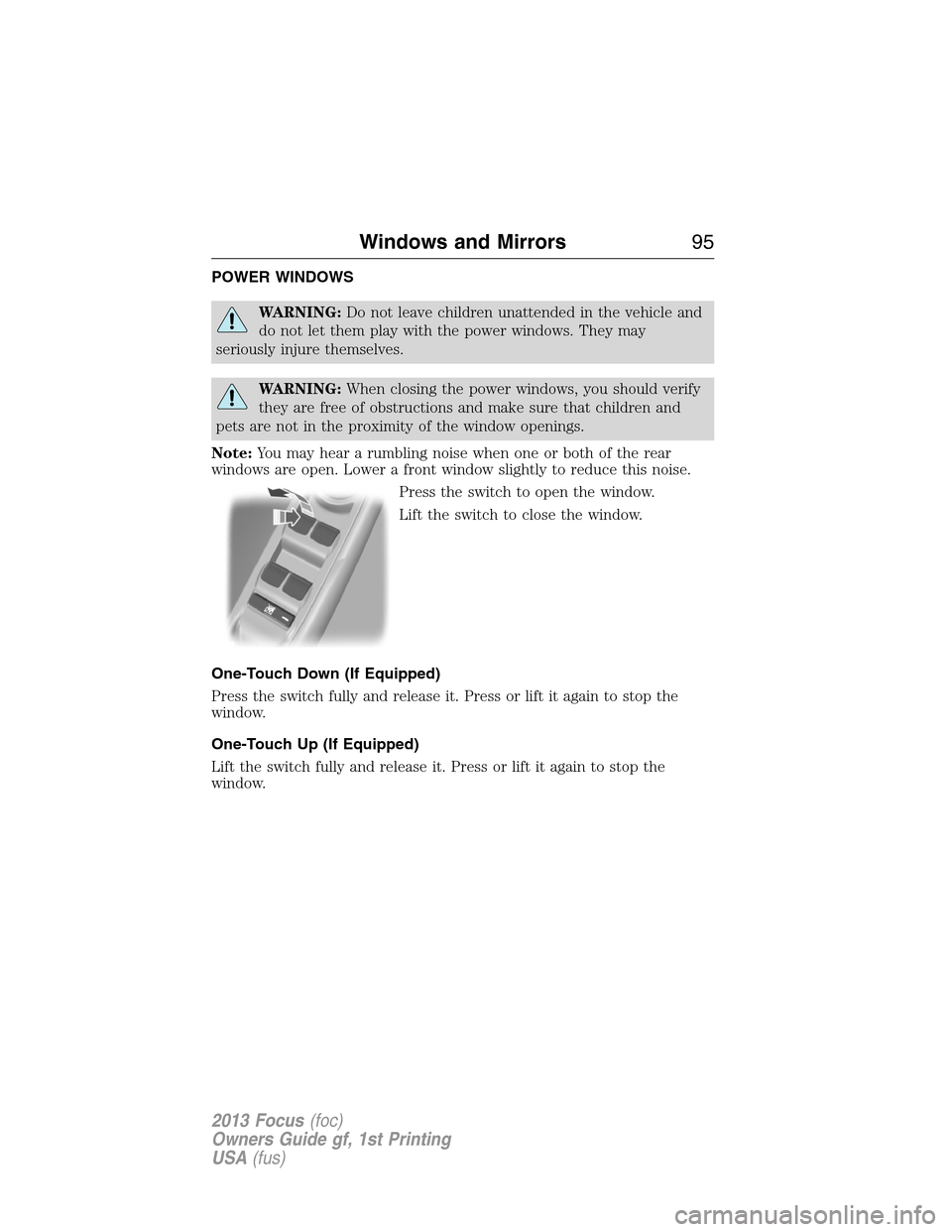
Press the switch to open the window.
Lift the switch to close the window.
One-Touch Down (If Equipped)
Press the switch fully and release it. Press or lift it again to stop the
window.
One-Touch Up (If Equipped)
Lift the switch fully and release it. Press or lift it again to stop the
window.
Windows and Mirrors95
2013 Focus(foc)
Owners Guide gf, 1st Printing
USA(fus)
Page 103 of 475
Fuel gauge
Switch the ignition on. The fuel gauge will indicate approximately how
much fuel is left in the fuel tank. The fuel gauge may vary slightly when
the vehicle is moving or on a gradient. The arrow adjacent to the fuel
pump symbol indicates on which side of your vehicle the fuel filler door
is located.
WARNING LAMPS AND INDICATORS
The following warning lamps and indicators will alert you to a vehicle
condition that may become serious. Some lamps will illuminate when you
start your vehicle to make sure they work. If any lamps remain on after
starting your vehicle, refer to the respective system warning lamp for
further information.
Note:Some warning indicators appear in the information display and
function the same as a warning lamp but do not display when you start
your vehicle.
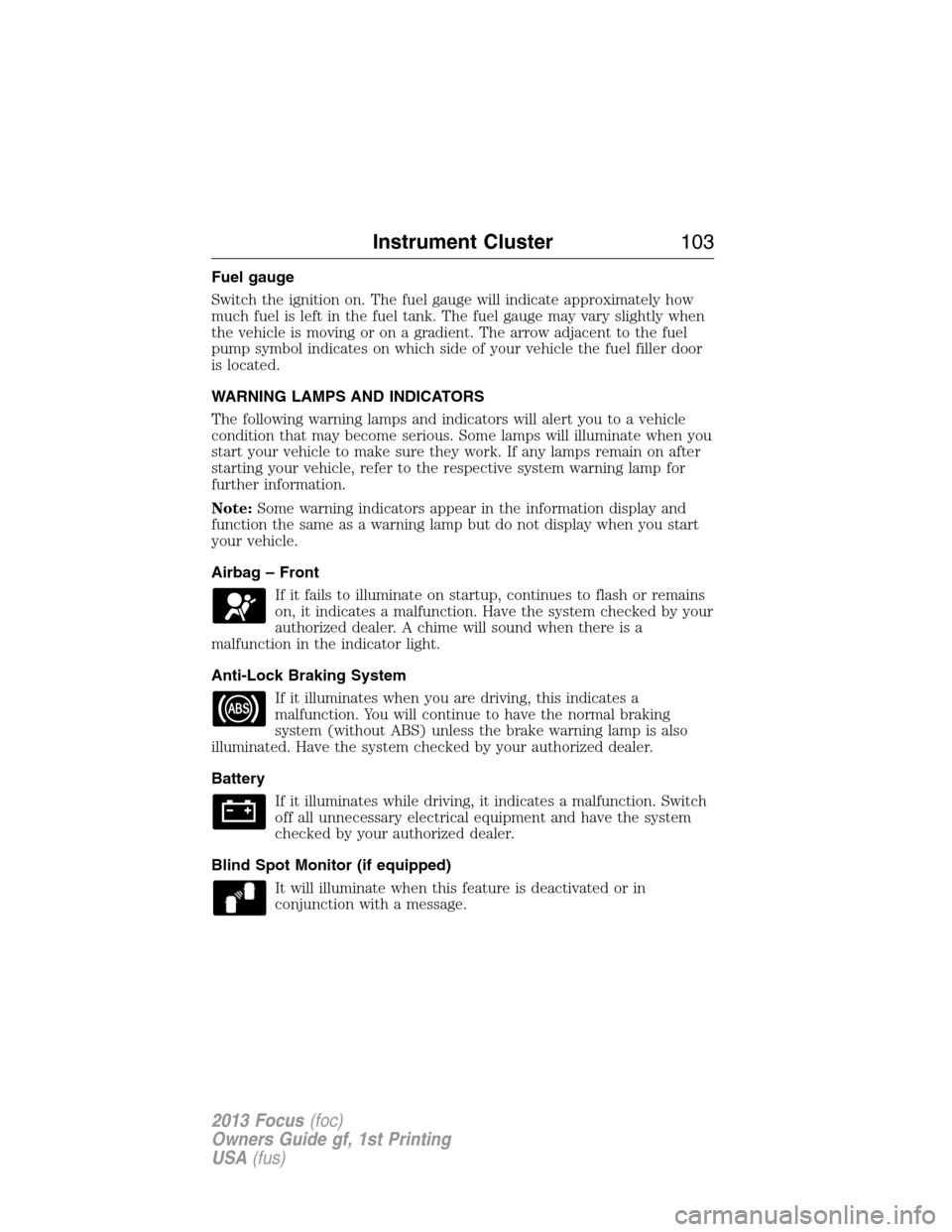
Airbag – Front
If it fails to illuminate on startup, continues to flash or remains
on, it indicates a malfunction. Have the system checked by your
authorized dealer. A chime will sound when there is a
malfunction in the indicator light.
Anti-Lock Braking System
If it illuminates when you are driving, this indicates a
malfunction. You will continue to have the normal braking
system (without ABS) unless the brake warning lamp is also
illuminated. Have the system checked by your authorized dealer.
Battery
If it illuminates while driving, it indicates a malfunction. Switch
off all unnecessary electrical equipment and have the system
checked by your authorized dealer.
Blind Spot Monitor (if equipped)
It will illuminate when this feature is deactivated or in
conjunction with a message.
Instrument Cluster103
2013 Focus(foc)
Owners Guide gf, 1st Printing
USA(fus)
Page 104 of 475

Brake System
It will illuminate when the parking brake is engaged and the
ignition is on.
If it illuminates when you are driving, check that the parking
brake is not engaged. If the parking brake is not engaged, this indicates
low brake fluid level or a brake system malfunction. Have the system
checked immediately by your authorized dealer.
WARNING:Driving a vehicle with the brake system warning
light on is dangerous. A significant decrease in braking
performance may occur. It will take you longer to stop the vehicle.
Have the vehicle checked by your authorized dealer as soon as possible.
Driving extended distances with the parking brake engaged can cause
brake failure and the risk of personal injury.
Cruise Control (if equipped)
It will illuminate when you switch this feature on.
Direction Indicator
Illuminates when the left or right turn signal or the hazard
warning flasher is turned on. If the indicators flash faster, check
for a burned out bulb.
Engine Oil
If it illuminates with the engine running or when you are
driving, this indicates a malfunction. Stop your vehicle as soon
as it is safe to do so and switch the engine off. Check the
engine oil level.
Note:Do not resume your journey if it illuminates despite the level
being correct. Have the system checked by your authorized dealer.
Fasten Safety Belt
It will illuminate and a chime will sound to remind you to fasten
your safety belt.
104Instrument Cluster
2013 Focus(foc)
Owners Guide gf, 1st Printing
USA(fus)
Page 106 of 475
Service Engine Soon
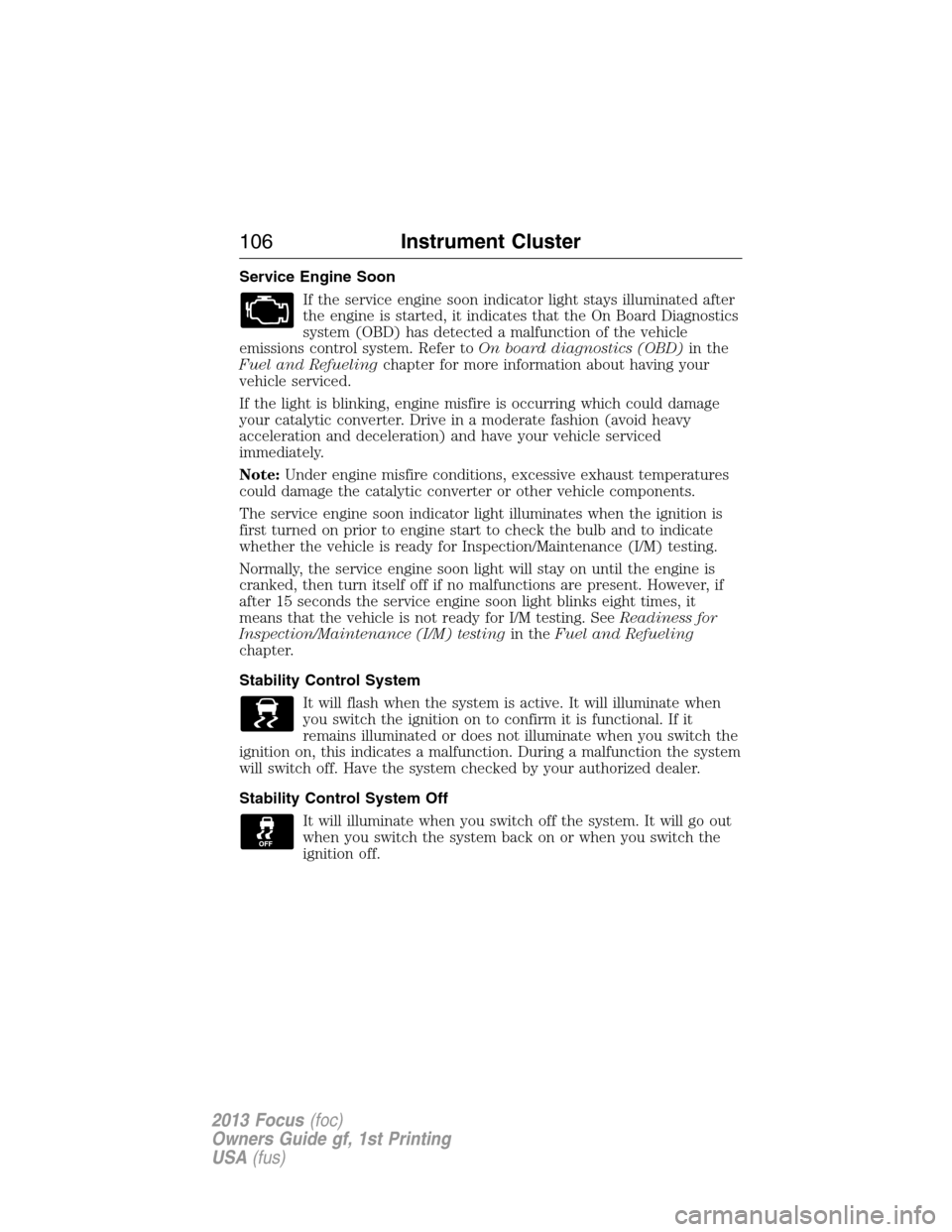
If the service engine soon indicator light stays illuminated after
the engine is started, it indicates that the On Board Diagnostics
system (OBD) has detected a malfunction of the vehicle
emissions control system. Refer toOn board diagnostics (OBD)in the
Fuel and Refuelingchapter for more information about having your
vehicle serviced.
If the light is blinking, engine misfire is occurring which could damage
your catalytic converter. Drive in a moderate fashion (avoid heavy
acceleration and deceleration) and have your vehicle serviced
immediately.
Note:Under engine misfire conditions, excessive exhaust temperatures
could damage the catalytic converter or other vehicle components.
The service engine soon indicator light illuminates when the ignition is
first turned on prior to engine start to check the bulb and to indicate
whether the vehicle is ready for Inspection/Maintenance (I/M) testing.
Normally, the service engine soon light will stay on until the engine is
cranked, then turn itself off if no malfunctions are present. However, if
after 15 seconds the service engine soon light blinks eight times, it
means that the vehicle is not ready for I/M testing. SeeReadiness for
Inspection/Maintenance (I/M) testingin theFuel and Refueling
chapter.
Stability Control System
It will flash when the system is active. It will illuminate when
you switch the ignition on to confirm it is functional. If it
remains illuminated or does not illuminate when you switch the
ignition on, this indicates a malfunction. During a malfunction the system
will switch off. Have the system checked by your authorized dealer.
Stability Control System Off
It will illuminate when you switch off the system. It will go out
when you switch the system back on or when you switch the
ignition off.
106Instrument Cluster
2013 Focus(foc)
Owners Guide gf, 1st Printing
USA(fus)
Page 108 of 475
GENERAL INFORMATION
WARNING:Driving while distracted can result in loss of vehicle
control, accident and injury. Ford strongly recommends that drivers
use extreme caution when using any device or feature that may take their
focus off the road. Your primary responsibility is the safe operation of the
vehicle. We recommend against the use of any handheld device while
driving and that you comply with all applicable laws.
Various systems on your vehicle can be controlled using the information
display controls on the steering wheel. Corresponding information is
displayed in the information display.
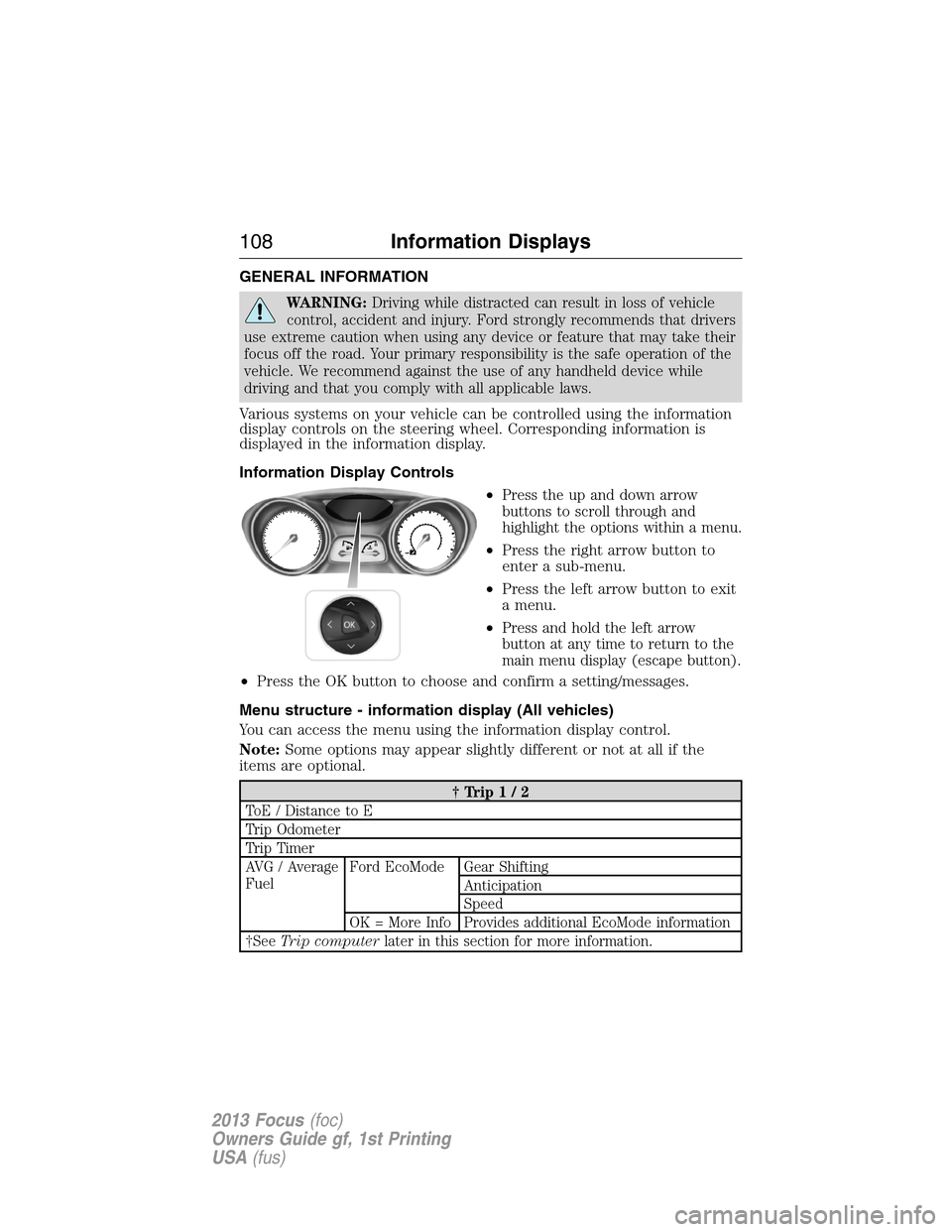
Information Display Controls
•
Press the up and down arrow
buttons to scroll through and
highlight the options within a menu.
•Press the right arrow button to
enter a sub-menu.
•Press the left arrow button to exit
a menu.
•
Press and hold the left arrow
button at any time to return to the
main menu display (escape button).
•Press the OK button to choose and confirm a setting/messages.
Menu structure - information display (All vehicles)
You can access the menu using the information display control.
Note:Some options may appear slightly different or not at all if the
items are optional.
†Trip1/2
ToE / Distance to E
Trip Odometer
Trip Timer
AVG / Average
FuelFord EcoMode Gear Shifting
Anticipation
Speed
OK = More Info Provides additional EcoMode information
†SeeTrip computerlater in this section for more information.
108Information Displays
2013 Focus(foc)
Owners Guide gf, 1st Printing
USA(fus)
Page 109 of 475

Information
MyKey (Distance driven if MyKey is programmed)
MyKey Info (Number of MyKeys and Admin Keys programmed)
Settings
Driver Assist Traction Ctrl On or Off
Hill Start On or Off
Rear Park Aid On or Off
Lighting Rain Light
Dimming Auto or Manual
Hdlamp Delay Manual or xx Seconds
Display Navigation info Always off, On guidance or Always on
Language Choose your applicable setting
Distance Choose your applicable setting
Temperature Choose your applicable setting
Chimes Park Slot (park aid)
Convenience Compass
(navigation
systems)Display
Compass
(non–navigation
systems)Show On or Off
Set Zone (1–15)
Calibrate Hold OK to
Calibrate
Remote Start Climate Control Heater – A/C /
Auto or Last
Setting
Front Defrost /
AutoorOff
Rear Defrost /
AutoorOff
Duration (5, 10 or
15 minutes)
Quiet Start On/Off
Restore Default
System Enable or Disable
Information Displays109
2013 Focus(foc)
Owners Guide gf, 1st Printing
USA(fus)
Page 115 of 475

Keyless Vehicle MessageAction / Description
Ford KeyFree Key inside
vehicle
AmberDisplays to remind you that
the key is in the trunk. Refer
toPush button start system
in theDrivingchapter for
more information.
Ford KeyFree No key
detected
—Displayed if the key is not
detected by the system. Refer
toPush button start system
in theDrivingchapter for
more information.
Switch ign. off Press ENGINE
Start/Stop RedRefer toPush button start
systemin theDriving
chapter for more information.
Ford KeyFree Key not inside
car RedRefer toPush button start
systemin theDriving
chapter for more information.
Key Battery low Replace soon
—Displays when the key battery
is low. Change the battery as
soon as possible. Refer to he
Locks and Securitychapter
for more information.
Lighting MessageAction / Description
Brake lamp Bulb fault
—Displays when the brake lamp
bulb has burned out. Contact
your authorized dealer.
Dipped beam Bulb fault
—Displays when the low beam
headlamp bulb has burned
out. Contact your authorized
dealer.
Headlamp malfunction Service
req’d
AmberDisplays when an electrical
system problem occurs with
the headlamp system. Contact
your authorized dealer.
Information Displays11 5
2013 Focus(foc)
Owners Guide gf, 1st Printing
USA(fus)
Page 124 of 475

Always handle discs by their edges only. Clean the disc with an approved
CD cleaner only, wiping from the center of the disc toward the edge. Do
not clean in a circular motion.
Do not expose discs to direct sunlight or heat sources for extended
periods of time.
MP3 Track and Folder Structure
Audio systems capable of recognizing and playing MP3 individual tracks
and folder structures work as follows:
•There are two different modes for MP3 disc playback: MP3 track
mode (system default) and MP3 folder mode.
•MP3 track mode ignores any folder structure on the MP3 disc. The
player numbers each MP3 track on the disc (noted by the .mp3 file
extension) from T001 to a maximum of T255.Note:The maximum
number of playable MP3 files may be less depending on the structure
of the CD and exact model of radio present.
•MP3 folder mode represents a folder structure consisting of one level
of folders. The CD player numbers all MP3 tracks on the disc (noted
by the .mp3 file extension) and all folders containing MP3 files, from
F001 (folder) T001 (track) to F253 T255.
•Creating discs with only one level of folders helps with navigation
through the disc files.
If you are burning your own MP3 discs, it is important to understand
how the system reads the structures you create. While various files may
be present, (files with extensions other than mp3), only files with the
.mp3 extension are played; other files are ignored by the system. This
enables you to use the same MP3 disc for a variety of tasks on your work
computer, home computer and your in-vehicle system.
In track mode, the system displays and plays the structure as if it were
only one level deep (all .mp3 files are played, regardless of being in a
specific folder). In folder mode, the system only plays the .mp3 files in
the current folder.
124Audio System
2013 Focus(foc)
Owners Guide gf, 1st Printing
USA(fus)