Page 99 of 475
INTERIOR MIRROR
WARNING:Do not adjust the mirror when your vehicle is
moving.
Note:Do not clean the housing or glass of any mirror with harsh
abrasives, fuel or other petroleum or ammonia based cleaning products.
You can adjust the interior mirror to your preference. Some mirrors also
have a second pivot point. This lets you move the mirror head up or
down and from side to side.
Pull the tab below the mirror toward you to reduce glare at night.
SUN VISORS
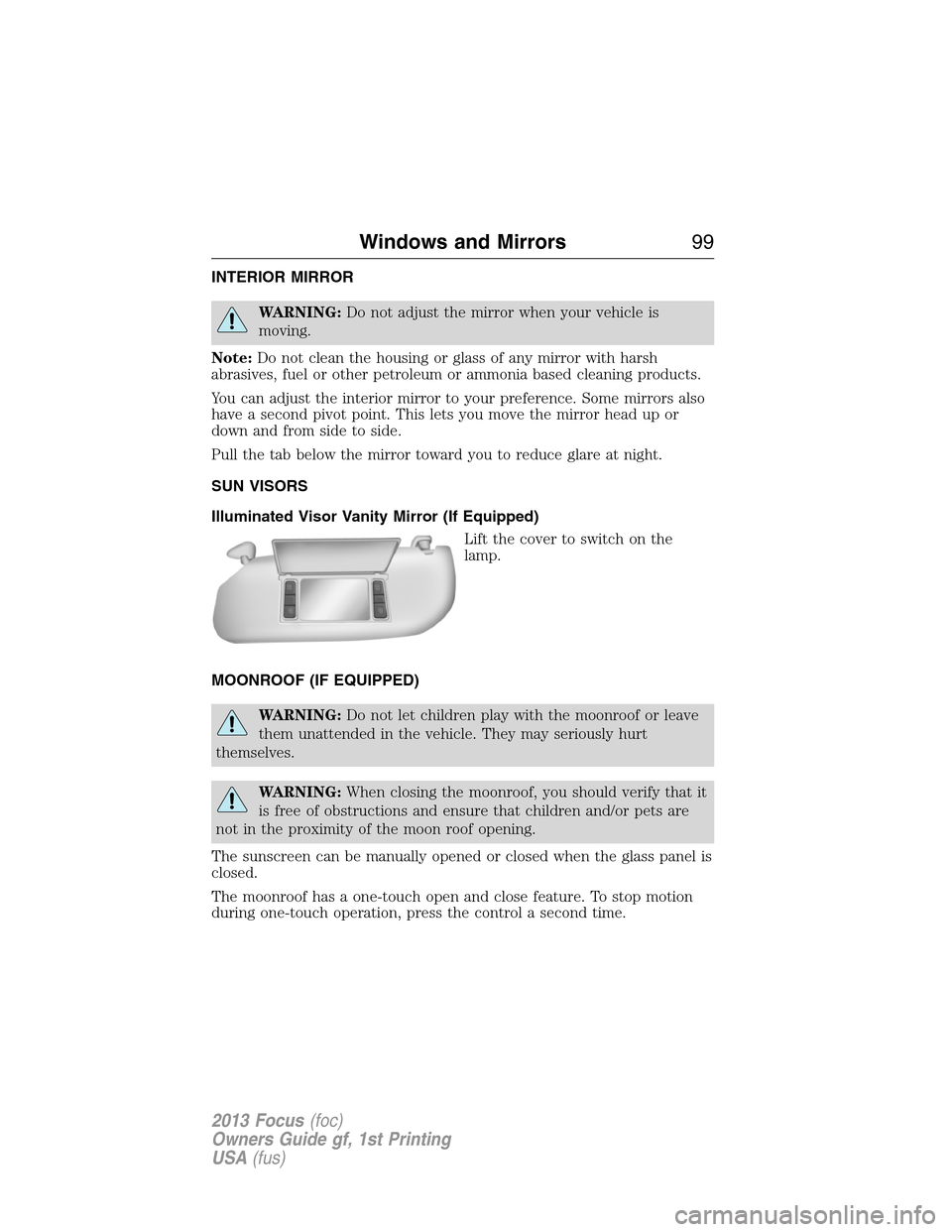
Illuminated Visor Vanity Mirror (If Equipped)
Lift the cover to switch on the
lamp.
MOONROOF (IF EQUIPPED)
WARNING:Do not let children play with the moonroof or leave
them unattended in the vehicle. They may seriously hurt
themselves.
WARNING:When closing the moonroof, you should verify that it
is free of obstructions and ensure that children and/or pets are
not in the proximity of the moon roof opening.
The sunscreen can be manually opened or closed when the glass panel is
closed.
The moonroof has a one-touch open and close feature. To stop motion
during one-touch operation, press the control a second time.
Windows and Mirrors99
2013 Focus(foc)
Owners Guide gf, 1st Printing
USA(fus)
Page 102 of 475
GAUGES
A. Information display. SeeInformation Displaysfor more information.
B. Speedometer
C. Engine coolant temperature gauge
D. Fuel gauge
E. Tachometer
Engine coolant temperature gauge
Shows the temperature of the engine coolant. At normal operating
temperature, the needle will remain in the center section. If the needle
enters the red section, the engine is overheating. Stop the engine, switch
the ignition off and determine the cause once the engine has cooled
down.
Note:Do not restart the engine until the cause of overheating has been
resolved.
WARNING:Never remove the coolant reservoir cap while the
engine is running or hot.
0 20406080
10 0
12 0
14 0
110
1013 0
15 0
10 012 0
14 0
16 0
18 0
0 20 40
306080
200
220
240
5070
90
102Instrument Cluster
2013 Focus(foc)
Owners Guide gf, 1st Printing
USA(fus)
Page 103 of 475
Fuel gauge
Switch the ignition on. The fuel gauge will indicate approximately how
much fuel is left in the fuel tank. The fuel gauge may vary slightly when
the vehicle is moving or on a gradient. The arrow adjacent to the fuel
pump symbol indicates on which side of your vehicle the fuel filler door
is located.
WARNING LAMPS AND INDICATORS
The following warning lamps and indicators will alert you to a vehicle
condition that may become serious. Some lamps will illuminate when you
start your vehicle to make sure they work. If any lamps remain on after
starting your vehicle, refer to the respective system warning lamp for
further information.
Note:Some warning indicators appear in the information display and
function the same as a warning lamp but do not display when you start
your vehicle.
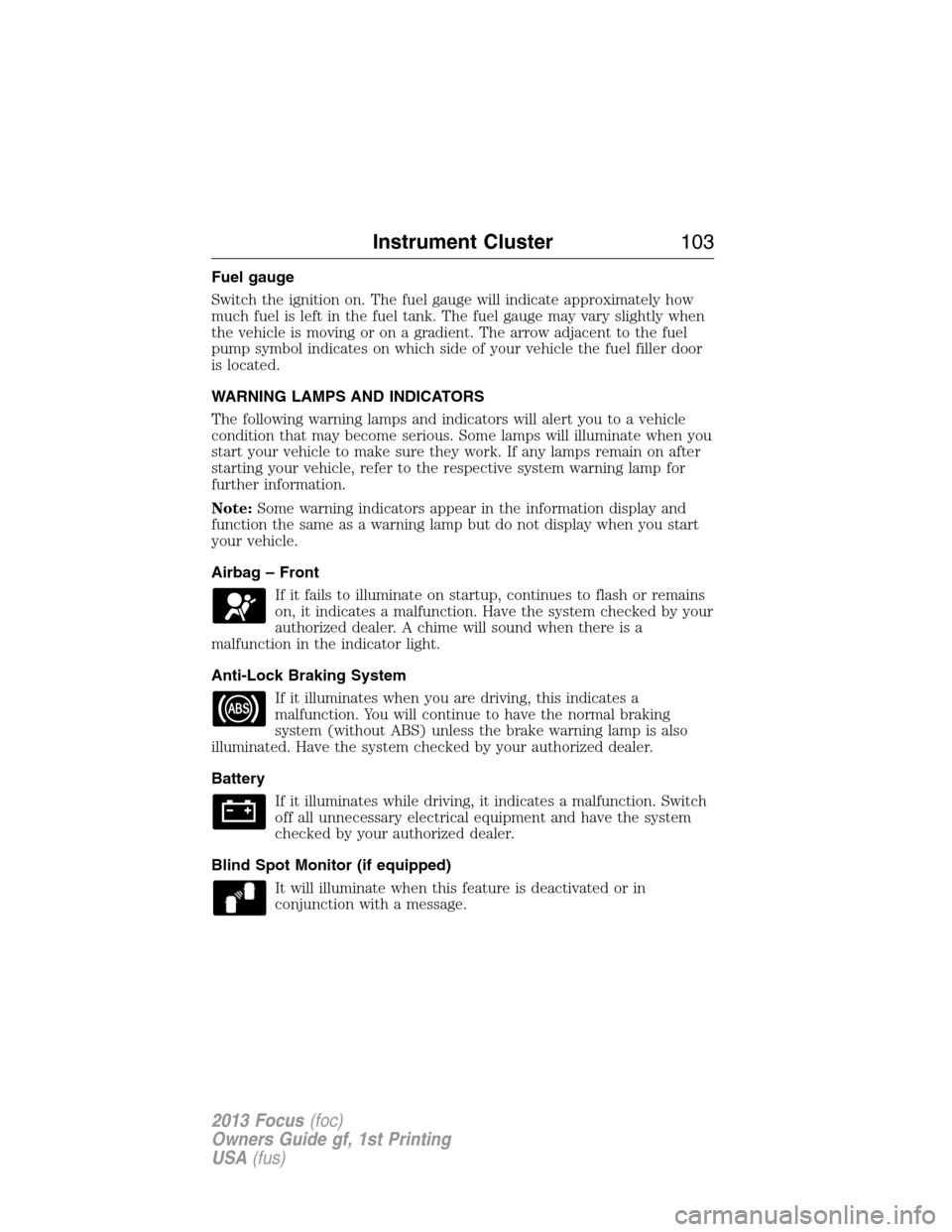
Airbag – Front
If it fails to illuminate on startup, continues to flash or remains
on, it indicates a malfunction. Have the system checked by your
authorized dealer. A chime will sound when there is a
malfunction in the indicator light.
Anti-Lock Braking System
If it illuminates when you are driving, this indicates a
malfunction. You will continue to have the normal braking
system (without ABS) unless the brake warning lamp is also
illuminated. Have the system checked by your authorized dealer.
Battery
If it illuminates while driving, it indicates a malfunction. Switch
off all unnecessary electrical equipment and have the system
checked by your authorized dealer.
Blind Spot Monitor (if equipped)
It will illuminate when this feature is deactivated or in
conjunction with a message.
Instrument Cluster103
2013 Focus(foc)
Owners Guide gf, 1st Printing
USA(fus)
Page 105 of 475

Fog Lamps – Front (if equipped)
It will illuminate when you switch the front fog lamps on.
High Beam
It will illuminate when the headlamp high beam is switched on.
It will flash when you use the headlamp flasher.
Information
It will illuminate when a new message is stored in the
information display. It will be red or amber in color depending
on the severity of the message and will remain on until the
cause of the message has been rectified. .
Low Fuel Level
It will illuminate when the fuel level is low or near empty.
Refuel as soon as possible.
Low Tire Pressure Warning
It illuminates when your tire pressure is low. If the lamp
remains on with the engine running or when driving, check
your tire pressure as soon as possible.
The lamp also illuminates momentarily when you switch the ignition on
to confirm the lamp is functional. If it does not illuminate when you
switch the ignition on, or begins to flash at any time, have the system
checked by your authorized dealer.
Overdrive Cancel and Grade Assist (if equipped)
It will illuminate when you turn off the overdrive function of
the transmission and switch on the grade assist function
Parking Lamps
It will illuminate when you switch the parking lamps on.
Instrument Cluster105
2013 Focus(foc)
Owners Guide gf, 1st Printing
USA(fus)
Page 106 of 475
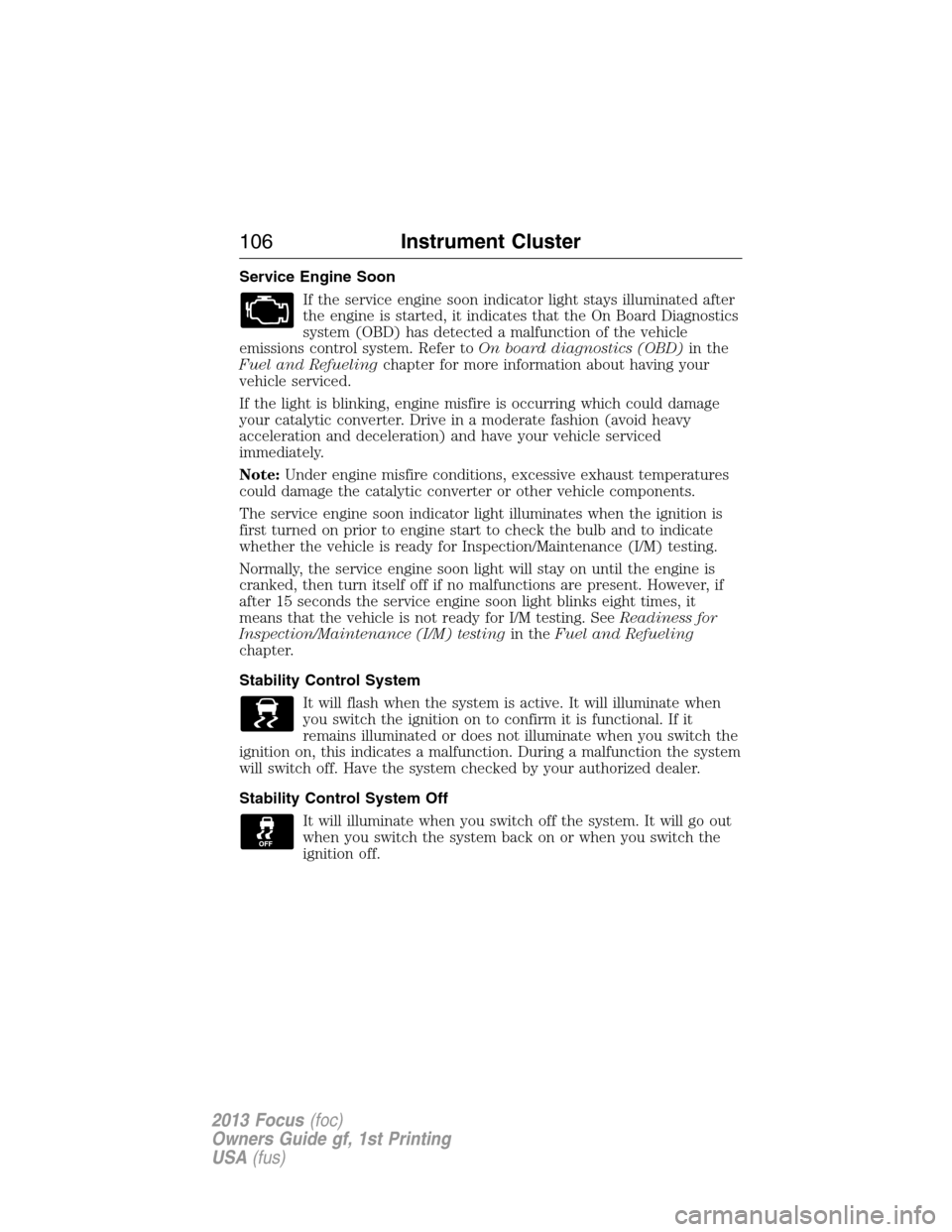
Service Engine Soon
If the service engine soon indicator light stays illuminated after
the engine is started, it indicates that the On Board Diagnostics
system (OBD) has detected a malfunction of the vehicle
emissions control system. Refer toOn board diagnostics (OBD)in the
Fuel and Refuelingchapter for more information about having your
vehicle serviced.
If the light is blinking, engine misfire is occurring which could damage
your catalytic converter. Drive in a moderate fashion (avoid heavy
acceleration and deceleration) and have your vehicle serviced
immediately.
Note:Under engine misfire conditions, excessive exhaust temperatures
could damage the catalytic converter or other vehicle components.
The service engine soon indicator light illuminates when the ignition is
first turned on prior to engine start to check the bulb and to indicate
whether the vehicle is ready for Inspection/Maintenance (I/M) testing.
Normally, the service engine soon light will stay on until the engine is
cranked, then turn itself off if no malfunctions are present. However, if
after 15 seconds the service engine soon light blinks eight times, it
means that the vehicle is not ready for I/M testing. SeeReadiness for
Inspection/Maintenance (I/M) testingin theFuel and Refueling
chapter.
Stability Control System
It will flash when the system is active. It will illuminate when
you switch the ignition on to confirm it is functional. If it
remains illuminated or does not illuminate when you switch the
ignition on, this indicates a malfunction. During a malfunction the system
will switch off. Have the system checked by your authorized dealer.
Stability Control System Off
It will illuminate when you switch off the system. It will go out
when you switch the system back on or when you switch the
ignition off.
106Instrument Cluster
2013 Focus(foc)
Owners Guide gf, 1st Printing
USA(fus)
Page 108 of 475
GENERAL INFORMATION
WARNING:Driving while distracted can result in loss of vehicle
control, accident and injury. Ford strongly recommends that drivers
use extreme caution when using any device or feature that may take their
focus off the road. Your primary responsibility is the safe operation of the
vehicle. We recommend against the use of any handheld device while
driving and that you comply with all applicable laws.
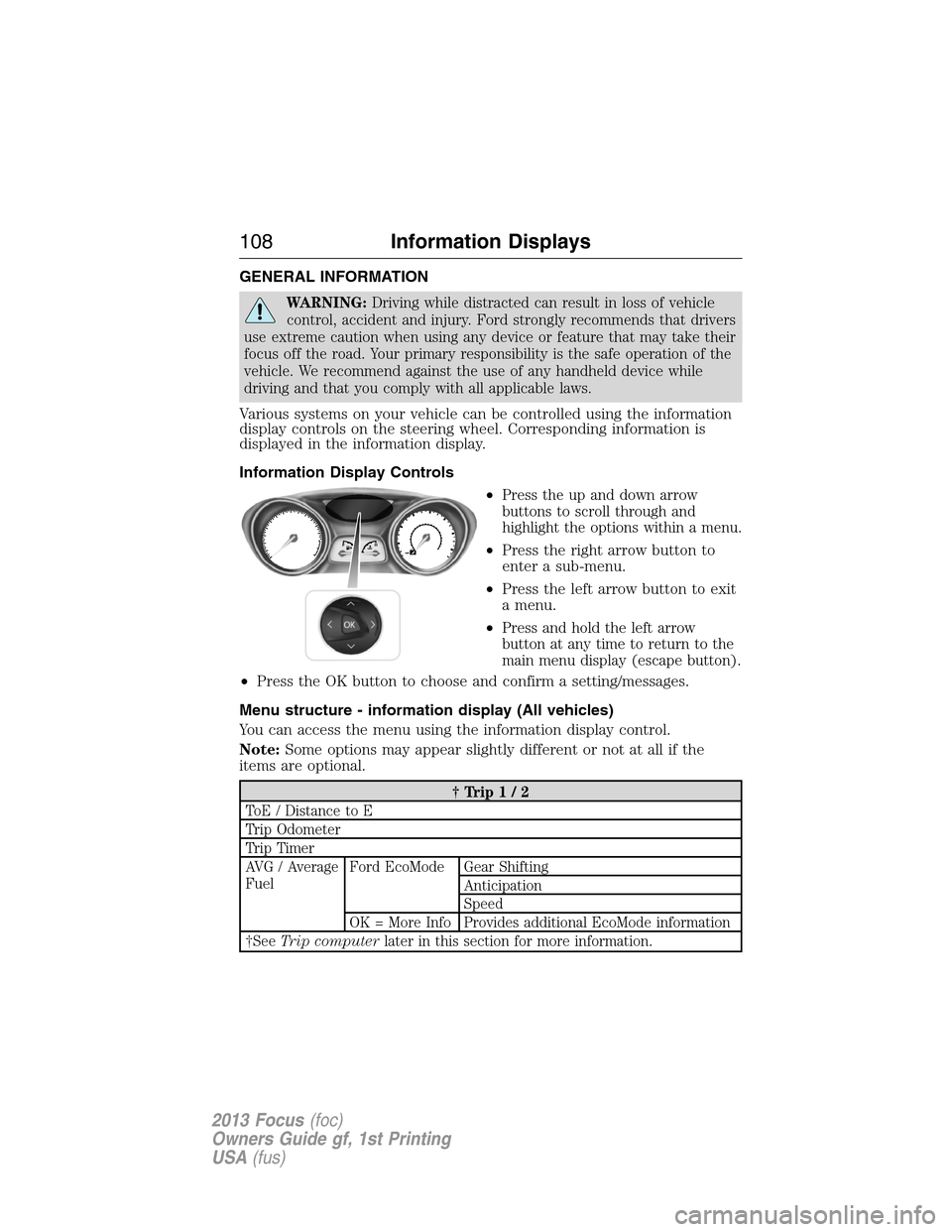
Various systems on your vehicle can be controlled using the information
display controls on the steering wheel. Corresponding information is
displayed in the information display.
Information Display Controls
•
Press the up and down arrow
buttons to scroll through and
highlight the options within a menu.
•Press the right arrow button to
enter a sub-menu.
•Press the left arrow button to exit
a menu.
•
Press and hold the left arrow
button at any time to return to the
main menu display (escape button).
•Press the OK button to choose and confirm a setting/messages.
Menu structure - information display (All vehicles)
You can access the menu using the information display control.
Note:Some options may appear slightly different or not at all if the
items are optional.
†Trip1/2
ToE / Distance to E
Trip Odometer
Trip Timer
AVG / Average
FuelFord EcoMode Gear Shifting
Anticipation
Speed
OK = More Info Provides additional EcoMode information
†SeeTrip computerlater in this section for more information.
108Information Displays
2013 Focus(foc)
Owners Guide gf, 1st Printing
USA(fus)
Page 111 of 475
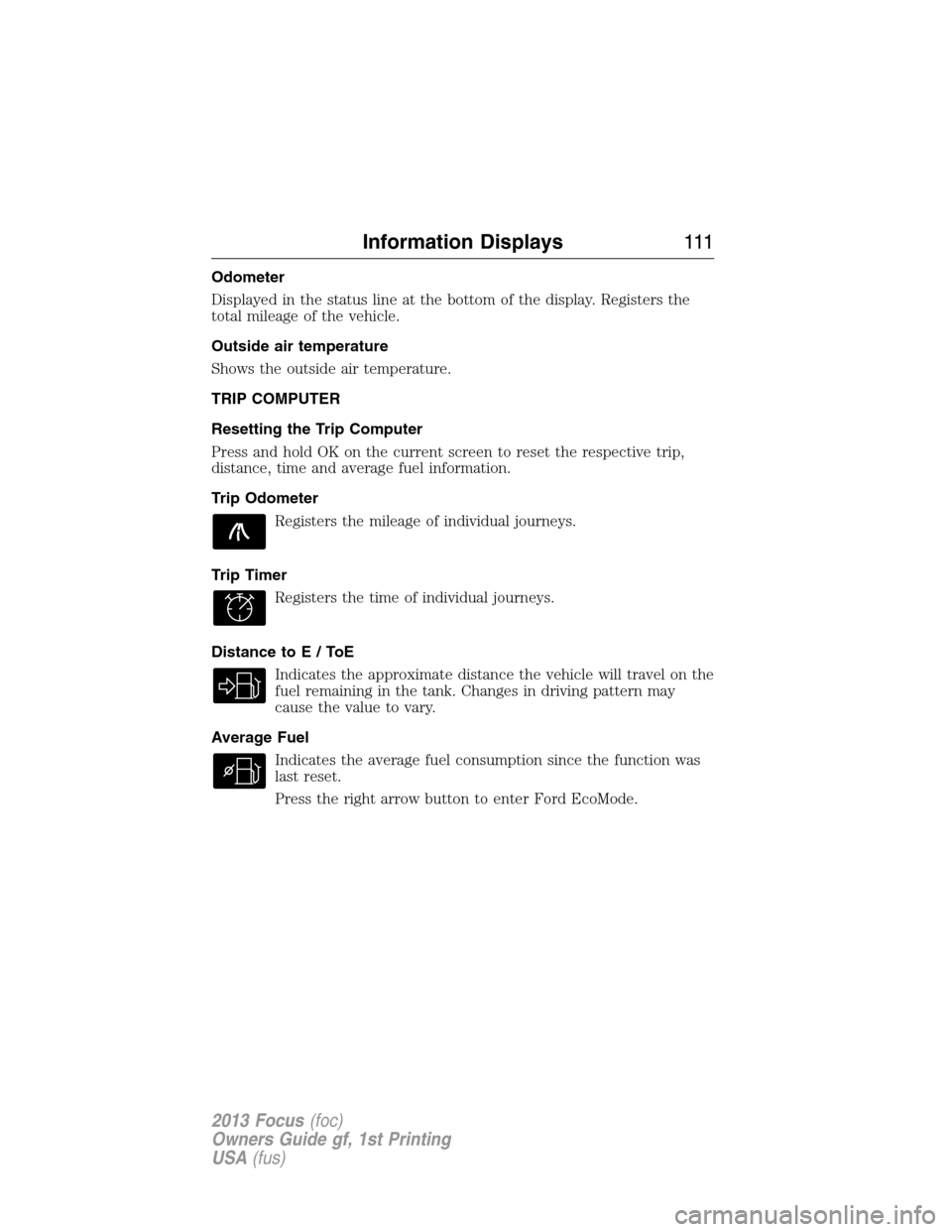
Odometer
Displayed in the status line at the bottom of the display. Registers the
total mileage of the vehicle.
Outside air temperature
Shows the outside air temperature.
TRIP COMPUTER
Resetting the Trip Computer
Press and hold OK on the current screen to reset the respective trip,
distance, time and average fuel information.
Trip Odometer
Registers the mileage of individual journeys.
Trip Timer
Registers the time of individual journeys.
Distance toE/ToE
Indicates the approximate distance the vehicle will travel on the
fuel remaining in the tank. Changes in driving pattern may
cause the value to vary.
Average Fuel
Indicates the average fuel consumption since the function was
last reset.
Press the right arrow button to enter Ford EcoMode.
Information Displays111
2013 Focus(foc)
Owners Guide gf, 1st Printing
USA(fus)
Page 114 of 475

Engine MessageAction / Description
Engine malfunction Service
now AmberEngine service is required.
Contact your authorized
dealer.
High engine temperature Stop
safely
RedDisplays when the engine
temperature is too high. Stop
the vehicle in a safe place and
allow to engine to cool. If the
problem persists, contact your
authorized dealer.
Fuel MessageAction / Description
Fuel Level LOW
AmberDisplays when the fuel level is
low.
Check Fuel Fill Inlet
AmberDisplayed when the fuel fill
inlet may not be properly
closed.
Hill Start Assist MessageAction / Description
Hill start assist not available
AmberDisplays when hill start assist
is not available. Contact your
authorized dealer.
Keyless Vehicle MessageAction / Description
Steering lock engaged. Turn
steering wheel
—Displays when you need to
turn the steering wheel in
order to disengage the
steering lock.
Steering malfunction Service
nowAmberContact your authorized
dealer.
Steering malfunction Stop
safely RedStop the vehicle in a safe
place. Contact your authorized
dealer.
11 4Information Displays
2013 Focus(foc)
Owners Guide gf, 1st Printing
USA(fus)