2013 FORD ESCAPE remote control
[x] Cancel search: remote controlPage 72 of 423

If equipped with halogen headlamps, the
system switches the low beam headlamps
on at a reduced intensity in day light
conditions.
If equipped with high intensity discharge
(HID) headlamps, the system switches the
fog lamps on in day light conditions.
To switch the system on, switch the
ignition on, and switch the lighting control
to the off, autolamp, or parking lamp
position.
FRONT FOG LAMPS
Press the control to switch the fog lamps
on or off.
You can switch the fog lamps on when the
lighting control is in any position except off
and the high beams are not on.DIRECTION INDICATORS
Push the lever up or down to use the
direction indicators.
Note:
Tap the lever up or down to make the
direction indicators flash three times to
indicate a lane change.
INTERIOR LAMPS
The lamps will switch on when one of the
following conditions have been met:
• You open any door.
• You press a remote control button.
• You press switch B on the front interior
lamp.
Front Interior Lamp
Note: Press A to switch them off when you
open a door. The indicator lamp will
illuminate yellow. Press A again to switch
them back on. The indicator lamp will
illuminate blue.
72
Lighting
E142453
E130141
Page 86 of 423

SettingsHold OK to Calibrate
Calibrate
Heater – A/C / Auto or
Last Settings
Climate Control
Remote Start
Front Defrost / Automatic
or Off
Rear Defrost / Automatic
or Off
(5, 10 or 15 minutes)
Duration
On/Off
Quiet Start
Restore Default
Enable or Disable
System
Hold OK to Create MyKey
Create MyKey
MyKey
Always On or User Selectable
Traction Ctrl
80 MPH (130 km/h) or Off
Max Speed
45 mph (75 km/h), 55 mph (90 km/h), 65 mph
(105 km/h) or Off
Speed Warning
On or Off
Volume Limiter
Hold OK to Clear All MyKeys
Clear MyKeys
Hold OK to Reset System to Factory Default
System Reset
System Check
All active warnings will display first if
applicable. The system check menu may
appear different based upon equipment
options and current vehicle status. Use the
up/down arrow buttons to scroll through
the list. TRIP COMPUTER
Resetting the Trip Computer
Press and hold OK on the current screen
to reset the respective trip, distance, time
and average fuel information.
Trip Odometer
Registers the distance traveled of
individual journeys.
Trip Timer
Registers the time of individual journeys.
86
Information Displays
Page 91 of 423

Action
Message
Indicator
Message
Displayed as a reminder to press the brakewhile starting the vehicle.
-
Press brake to start
Displayed when a valid key is not detected
within the vehicle. See Keyless Starting (page 135).
Red
Ford KeyFree Key not
inside car
Displays when the key battery is low. Change
the battery as soon as possible. See Remote Control (page 44).
-
Key Battery low Replace
soon
Lighting
Action
Message
Indicator
Message
Displays when the brake lamp bulb has burnedout. Contact your authorized dealer.
-
Brake lamp Bulb fault
Displays when the low beam headlamp bulb
has burned out. Contact your authorized dealer.
-
Low beam Bulb fault
Displays when an electrical system problem
occurs with the headlamp system. Contact your authorized dealer.
Amber
Headlamp fault Service
required
91
Information Displays
Page 119 of 423

Maximum Cooling Performance in
Instrument Panel or Instrument
Panel and Footwell Positions
1. Adjust the temperature control to thelowest setting.
2. Press the A/C and recirculated air buttons.
3. Adjust the fan speed to the highest setting initially and then adjust it to suit
the desired comfort level.
HEATED WINDOWS AND
MIRRORS
Heated Rear Window
Note: The ignition must be switched on to
use this feature.
Press the button to clear the rear window
of thin ice and fog. Press the button again
within 10 minutes to switch it off. It
switches off automatically after 10
minutes, or when you switch the ignition
off.
Do not use razor blades or other sharp
objects to clean the inside of the rear
window or to remove decals from the
inside of the rear window. This may
cause damage to the heated grid lines
and will not be covered by your
warranty.
Heated Exterior Mirror (If Equipped)
Note: Do not remove ice from the mirrors
with a scraper or attempt to readjust the
mirror glass if it is frozen in place. These
actions could cause damage to the glass
and mirrors.
Note: Do not clean the housing or glass of
any mirror with harsh abrasives, fuel or other
petroleum-based cleaning products. Both mirrors are heated to remove ice, mist
and fog when the heated rear window is
switched on.
CABIN AIR FILTER
Your vehicle is equipped with a cabin air
filter. It is located just in front of the
windshield under the cowl panel grille on
the passenger's side of your vehicle.
The particulate filtration system is
designed to reduce the concentration of
airborne particles such as dust, spores and
pollen in the air being supplied to the
interior of your vehicle.
Note:
A cabin air filter must be installed at
all times to prevent foreign objects from
entering the system. Running the system
without a filter in place could result in
degradation or damage to the system.
The particulate filtration system gives you
and your passengers the following
benefits:
• It improves your driving comfort by
reducing particle concentration.
• It improves the interior compartment
cleanliness.
• It protects the climate control
components from particle deposits.
The filter should be replaced at regular
intervals. See the Scheduled
Maintenance chapter.
For additional cabin air filter information,
or to replace the filter, see an authorized
dealer.
REMOTE START (IF EQUIPPED)
The climate control system adjusts the
cabin temperature during remote start.
119
Climate Control
Page 120 of 423

You cannot adjust the system during
remote start operation. Turn the ignition
on to return the system to its previous
settings. You can now make adjustments.
You will need to turn certain
vehicle-dependent features back on, such
as:
•heated seats
• cooled seats
• heated steering wheel
• heated mirrors
• heated rear window.
You can adjust the settings using the
information display controls. See
Information Displays (page 84).
Automatic Settings
You can set the climate control to operate
in AUTO mode through the information
display setting: Remote Start > Climate
Control > Heater-A/C > Auto. The climate
control system automatically sets the
interior temperature to 72°F (22°C).
In hot weather, the system is set to 72°F
(22°C). Cooled seats are set to high (if
available, and selected to AUTO in the
information display).
In moderate weather, the system either
heats or cools (based on previous
settings). The rear defroster, heated
mirrors and heated/cooled seats are not
automatically turned on.
In cold weather, the system is set to 72°F
(22°C). The heated seats and heated
steering wheel are set to high (if available,
and selected to AUTO in the information
display). The rear defroster and heated
mirrors are automatically turned on. Last Settings
You can set the climate control to operate
using the last climate control settings
through the information display setting:
Remote Start > Climate Control >
Heater
–A/C > Last Settings. The climate
control system automatically uses the
settings last selected before the vehicle
was turned off.
Heated and Cooled Devices
The climate control system controls other
heated and cooled devices inside the
vehicle. These devices (if available, and
selected to AUTO in the information
displays) may also be switched on during
remote start. Heated devices are typically
switched on during cold weather, and
cooled devices during hot weather.
120
Climate Control
Page 126 of 423

Saving a Pre-Set Position
1. Switch the ignition on.
2. Adjust the seat and exterior mirrors toyour desired position.
3. Press and hold the desired pre-set button until you hear a single chime.
Recalling a Pre-Set Position
Press the pre-set button associated with
your desired driving position. The seat and
mirrors will move to the position stored for
that pre-set.
Saving a Passive Setting
The vehicle stores the seating and mirror
positions for up to three remote controls
or passive keys. Next time the vehicle is
unlocked, the position of the seat and
mirrors will adjust to the last used position.
Each time you turn the ignition off, the
current seat and mirror settings are stored
on the remote control or passive key used.
Recalling a Stored Seat Position
Note: Press any driver seat adjustment
control, any of the memory buttons or any
mirror control switch, to stop seat
movement during a recall. Seat movement
will also stop if you move the vehicle. Passive Recall
Note:
If more than one passive key is in
range, the memory function will move to the
settings of the first key stored.
When you unlock the vehicle with the
remote control or pull the driver door
handle with a passive key in range, the seat
and mirrors will move to the position stored
on that remote control or passive key.
REAR SEATS
Recline Adjustment (If Equipped)
With the seat occupied, pull the lever up
to recline the seatback.
Folding the Seatback
With the seat empty, pull the lever up to
fold the seatback forward. You may need
to fold the outboard head restraints and
lower the center head restraint first.
Unfolding the Seatback
Pull the lever up and pull the seatback
upward.
126
Seats
E142554
E138650
Page 128 of 423
Homelink® Wireless Control
System (If Equipped)
WARNINGS
Make sure that the garage door and
security device are free from
obstruction when you are
programming. Do not program the system
with the vehicle in the garage.
Do not use the system with any
garage door opener that does not
have the safety stop and reverse
feature as required by U.S. Federal Safety
Standards (this includes any garage door
opener manufactured before April 1, 1982).
Note: Make sure you keep the original
remote control transmitter for use in other
vehicles as well as for future system
programming.
Note: We recommend that upon the sale
or lease termination of your vehicle, you
erase the programmed function buttons for
security reasons. See Erasing the function
button codes later in this section.
Note: You can program a maximum of
three devices. To change or replace any of
the three devices after it has been initially
programmed, you must first erase the
current settings. See Erasing the function
button codes later in this section.
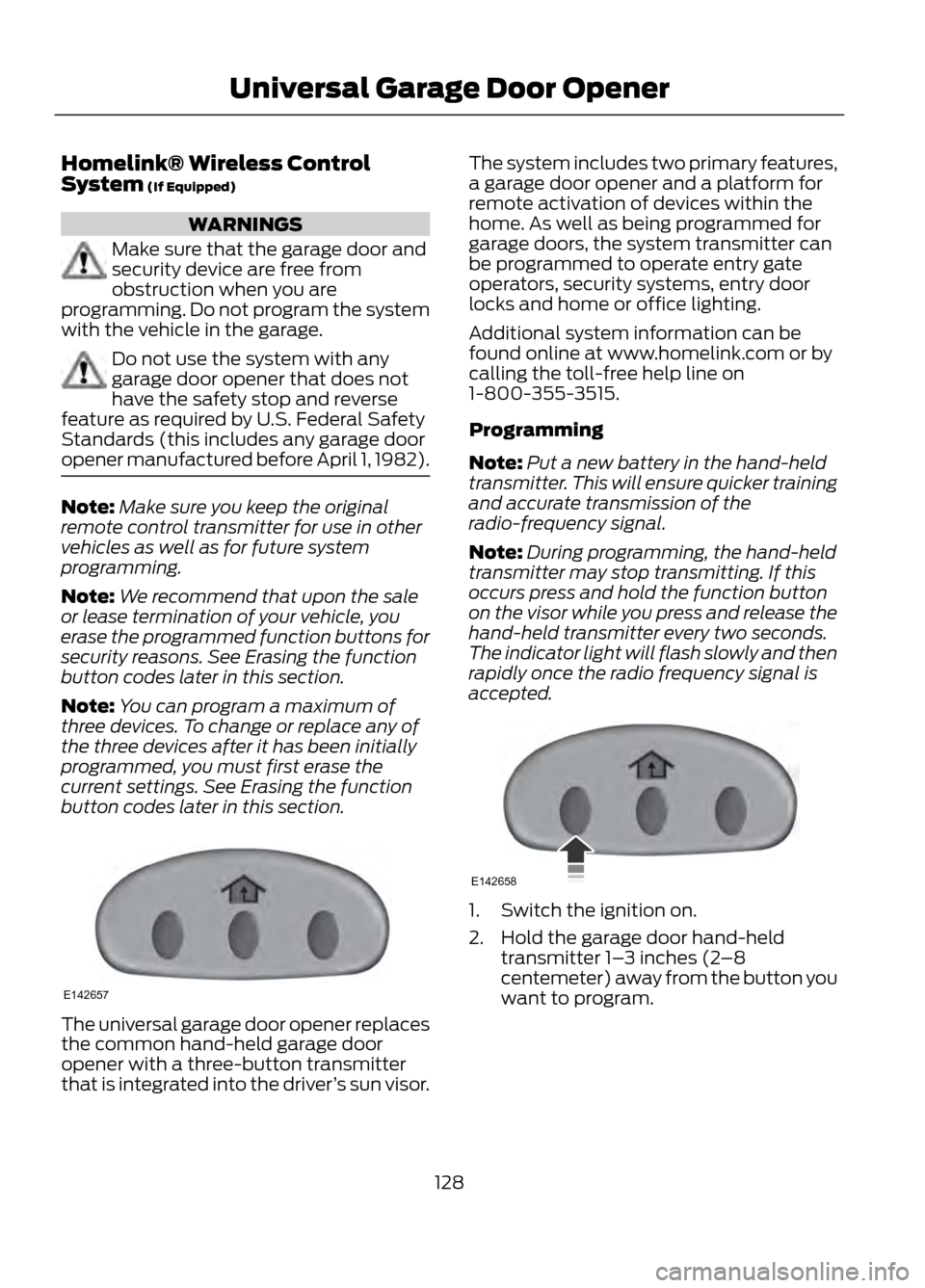
The universal garage door opener replaces
the common hand-held garage door
opener with a three-button transmitter
that is integrated into the driver ’s sun visor. The system includes two primary features,
a garage door opener and a platform for
remote activation of devices within the
home. As well as being programmed for
garage doors, the system transmitter can
be programmed to operate entry gate
operators, security systems, entry door
locks and home or office lighting.
Additional system information can be
found online at www.homelink.com or by
calling the toll-free help line on
1-800-355-3515.
Programming
Note:
Put a new battery in the hand-held
transmitter. This will ensure quicker training
and accurate transmission of the
radio-frequency signal.
Note: During programming, the hand-held
transmitter may stop transmitting. If this
occurs press and hold the function button
on the visor while you press and release the
hand-held transmitter every two seconds.
The indicator light will flash slowly and then
rapidly once the radio frequency signal is
accepted.
1. Switch the ignition on.
2. Hold the garage door hand-held transmitter 1– 3 inches (2–8
centemeter) away from the button you
want to program.
128
Universal Garage Door Opener
E142657
E142658
Page 254 of 423

WARNINGS
found on these labels then you should
contact your authorized dealer as soon as
possible. Use of any tire or wheel not
recommended by Ford can affect the
safety and performance of your vehicle,
which could result in an increased risk of
loss of vehicle control, vehicle rollover,
personal injury and death. Additionally the
use of non-recommended tires and wheels
could cause steering, suspension, axle,
transfer case or power transfer unit failure.
If you have questions regarding tire
replacement, contact your authorized
dealer as soon as possible.
When mounting replacement tires
and wheels, you should not exceed
the maximum pressure indicated on
the sidewall of the tire to set the beads
without additional precautions listed
below. If the beads do not seat at the
maximum pressure indicated, re-lubricate
and try again
When inflating the tire for mounting
pressures up to 20 psi (1.38 bar) greater
than the maximum pressure on the tire
sidewall, the following precautions must
be taken to protect the person mounting
the tire:
1. Make sure that you have the correct tire
and wheel size.
2. Lubricate the tire bead and wheel bead
seat area again.
3. Stand at a minimum of 12 ft (3.66 m)
away from the wheel and tire assembly.
4. Use both eye and ear protection.
For a mounting pressure more than 20 psi
(1.38 bar) greater than the maximum
pressure, a Ford dealer or other tire service
professional should do the mounting.
WARNINGS
Always inflate steel carcass tires with a
remote air fill with the person inflating
standing at a minimum of 12 ft (3.66 m)
away from the wheel and tire assembly
Important: Remember to replace the
wheel valve stems when the road tires are
replaced on your vehicle
It is recommended that the two front tires
or two rear tires generally be replaced as
a pair.
The tire pressure sensors mounted in the
wheels (originally installed on your vehicle)
are not designed to be used in aftermarket
wheels.
The use of wheels or tires not
recommended by Ford Motor Company
may affect the operation of your tire
pressure monitoring system.
If the TPMS indicator is flashing, your
TPMS is malfunctioning. Your replacement
tire might be incompatible with your TPMS,
or some component of the TPMS may be
damaged.
Safety Practices
WARNINGS
If your vehicle is stuck in snow, mud,
sand, etc., do not rapidly spin the
tires; spinning the tires can tear the
tire and cause an explosion. A tire can
explode in as little as three to five seconds.
Do not spin the wheels at over 35
mph (56 km/h). The tires may fail
and injure a passenger or bystander.
Driving habits have a great deal to do with
your tire mileage and safety.
• Observe posted speed limits
• Avoid fast starts, stops and turns
254
Wheels and Tires