Page 392 of 699
•Turn on the Player (if equipped on Dual Screen Sys-
tem) by pushing the Power button, located on the far
left, or by pressing the button on the Remote Control.
• When the Video Screen(s) are open and a DVD/Blu-
ray Disc is inserted into the VES™ player, the screen(s)
turn(s) on automatically, the headphone transmitters
turn on and playback begins.
• For Dual Video Screen System, Channel 1 on the
Remote Control and Headphones refers to Screen 1
(second row) and Channel 2 on the Remote Control
and Headphones refers to Screen 2 (third row). Refer to
the Dual Video Screen section for more information.
• The system can be controlled by the front seat occu-
pants using either the touch-screen- radio, the DVD or
Blu-ray Disc Player, or by the rear seat occupants using
the remote control.Blu-ray Player
Play A Blu-ray Disc
To view a Blu-ray insert the disc into the Blu-ray VES™
disc Player. Playback will begin automatically after the
Blu-ray is recognized by the disc drive. If playback does
not begin automatically after the disc is inserted into the
Blu-ray player press the play button. If playback does not
begin automatically after the disc is inserted into Blu-ray
VES™ disc Player follow these steps:
Using the Touch-Screen Radio
• Press the MENU hard-key, then touch the Rear VES™
soft key. If a chapter list appears on the right side of the
screen, touch the hide list soft key to display the Rear
VES™ control screen.
• Touch the 1 soft-key to select an audio channel, then
touch the VES™ Disc soft-key in the media column.
390 UNDERSTANDING YOUR INSTRUMENT PANEL
Page 398 of 699
Dual Video Screen
NOTE:Typically there are two different ways to operate
the features of the Video Entertainment System (VES™).
• The Remote Control
• The Touch-Screen Radio (If Equipped)
Play A DVD Using The Touch-Screen Radio
NOTE:Headunit DVD player does not play Blu-Ray discs.
1. Press the OPEN/CLOSE or LOAD hard-key on the
radio faceplate (Touch-Screen).
2. Insert the DVD with the label facing up. The radio automatically selects the appropriate mode after the
disc is recognized and displays the menu screen or
starts playing the first track. 3. To watch a DVD on Screen 1 for second row passen-
gers, ensure the Remote Control and Headphone
switch is on Channel 1.
4. To watch a DVD on Screen 2 for third row passengers, ensure the Remote Control and Headphone switch is
on Channel 2.
Using The Remote Control
1. Press the SOURCE button on the Remote Control.
2. While looking at Screen 1 or 2, highlight DISC byeither pressing Up/Down/Left/Right buttons or by
repeatedly pressing the SOURCE button, then press
ENTER/OK.
396 UNDERSTANDING YOUR INSTRUMENT PANEL
Page 400 of 699
3. Touch the 1 or 2 soft-key and then the DISC soft-key inthe MEDIA column. To exit touch the back arrow at
the top left of the screen.
NOTE:
• To view a DVD on the radio press the RADIO/MEDIA
hard-key, on the radio faceplate, then touch the DISC
tab soft-key and then the VIEW VIDEO soft-key.
• Viewing a DVD on the Touch-Screen radio screen is
not available in all states/provinces, and the vehicle
must be stopped, and the shift lever must be in the
PARK position for vehicles with automatic transmis-
sion. In vehicles with manual transmission the parking
brake must be engaged.
• Touching the screen on a Touch-Screen radio while a
DVD is playing brings up basic remote control func-
tions for DVD play such as scene selection, Play, Pause,
FF, RW, and Stop. Pressing the X in the upper corner
will turn off the remote control screen functions.Play A DVD Using The VES™ Player (If Equipped)
1.Insert the DVD with the label facing up. The VES™
player automatically selects the appropriate mode after
the disc is recognized and starts playing the DVD.
NOTE: The VES™ player has basic DVD control func-
tion such as Menu, Play, Pause, FF, RW and Stop
2. To watch a DVD on Screen 1 for second row passen- gers, ensure the Remote Control and Headphone
switch is on Channel 1.
3. To watch a DVD on Screen 2 for third row passengers, ensure the Remote Control and Headphone switch is
on Channel 2.
398 UNDERSTANDING YOUR INSTRUMENT PANEL
Page 403 of 699
NOTE:
•To view a DVD on the radio press the RADIO/MEDIA
hard-key, on the radio faceplate, then touch the DISC
tab soft-key and then the VIEW VIDEO soft-key.
• Viewing a DVD on the Touch-Screen radio screen is
not available in all states/provinces, and the vehicle
must be stopped, and the shift lever must be in the
PARK position for vehicles with automatic transmis-
sion. In vehicles with manual transmission the parking
brake must be engaged.Play A Blu-ray Disc Using The Blu-ray Player
(If Equipped)
1. Insert the Blu-ray disc with the label facing up. The Blu-ray player automatically selects the appropriate
mode after the disc is recognized and starts playing
the Blu-ray disc.
NOTE: The Blu-ray player has basic control functions
such as Menu, Play, Pause, FF, RW and Stop.
2. To watch a Blu-ray disc on Screen 1 for second row passengers, ensure the Remote Control and Head-
phone switch is on Channel 1.
3. To watch a Blu-ray disc on Screen 2 for third row passengers, ensure the Remote Control and Head-
phone switch is on Channel 2.
4
UNDERSTANDING YOUR INSTRUMENT PANEL 401
Page 404 of 699
Using The Remote Control
1. Press the SOURCE button on the Blu-ray player Re-mote Control.
2. While looking at Screen 1 or 2, highlight Blu-ray by either pressing Up/Down/Left/Right buttons or by
repeatedly pressing the SOURCE button, then press
OK on the Remote Control.
NOTE:
• Channel/Screen 1 select mode information is shown
on the left side of the screen.
• Channel/Screen 2 select mode information is shown
on the right side of the screen.
• The VES™ will retain the last setting when turned off.
Using The Touch-Screen Radio Controls
1. Press the MENU hard-key on the radio faceplate.
2. Touch the Rear VES™ soft-key to display the Rear
VES™ Controls. If a channel list is displayed, touch
the HIDE LIST soft-key to display the Rear VES™
Controls screen.
3. Touch the 1 or 2 soft-key and then the VES™ Disc soft-key in the VES™ column. To exit touch the back
arrow soft-key at the top left of the screen.
NOTE:
• To view a Blu-ray Disc on the radio press the RADIO/
MEDIA hard-key, on the radio faceplate, then touch
the VES™ Disc tab soft-key and then the VIEW VIDEO
soft-key.
402 UNDERSTANDING YOUR INSTRUMENT PANEL
Page 407 of 699
Important Notes For Dual Video Screen System
•VES is able to transmit two channels of stereo audio
and video simultaneously.
• The Blu-ray Disc Player can play CDs, DVDs and
Blu-ray Discs.
• The DVD Player can play CDs and DVDs.
• In split screen mode the left side equates to Channel 1
and the right side equates to Channel 2.
• Selecting a video source on Channel 1, the video
source will display on the second row screen or
Screen 1 and can be heard on Channel 1. •
Selecting a video source on Channel 2, the video
source will display on the third row screen or Screen 2
and can be heard on Channel 2.
• The 2nd row screen and 3rd row screen of the Video
Entertainment System can play two separate discs
by utilizing the touch-screen radio DVD player and
Blu-ray Disc Player.
• Audio can be heard through the headphones even
when the screen(s) are closed.
4
UNDERSTANDING YOUR INSTRUMENT PANEL 405
Page 410 of 699
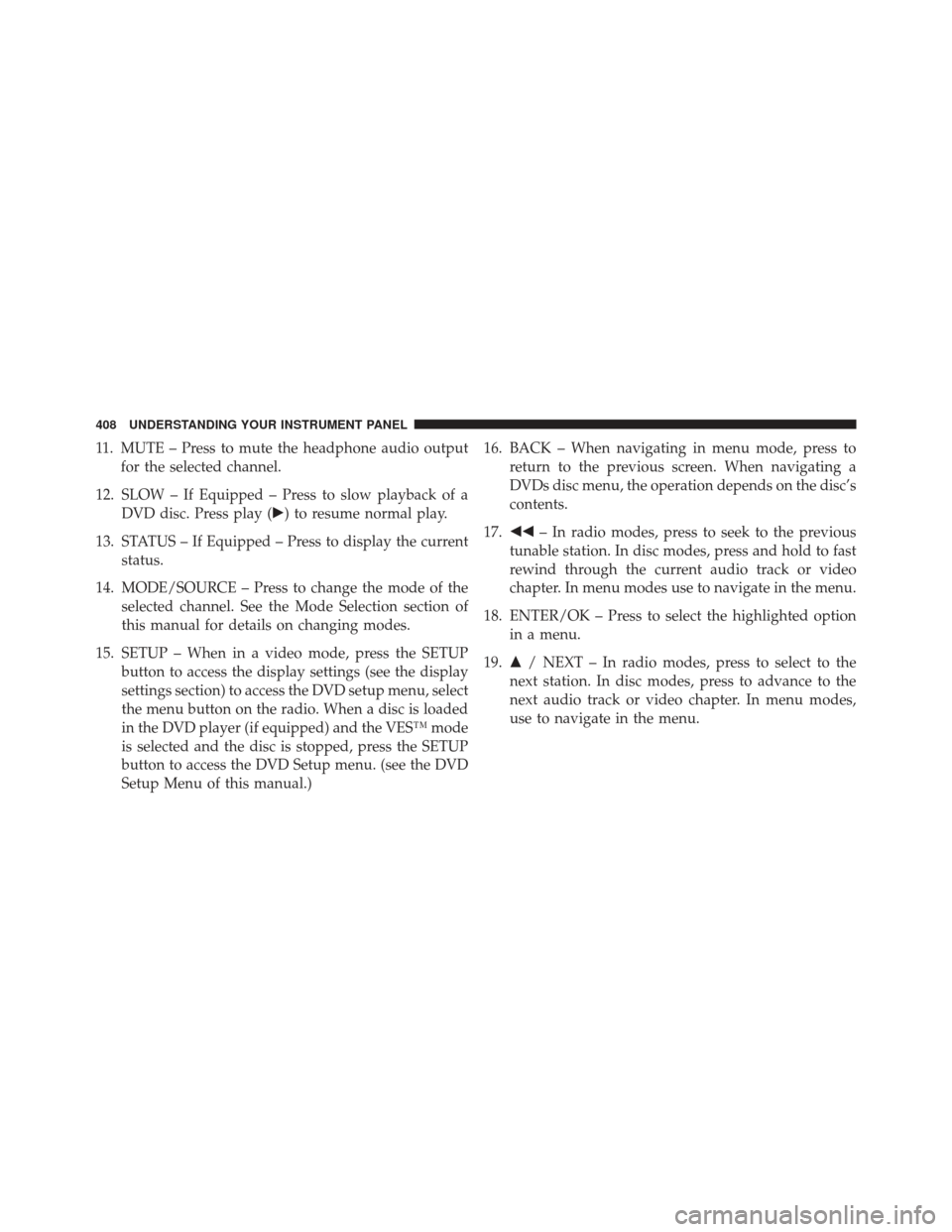
11. MUTE – Press to mute the headphone audio outputfor the selected channel.
12. SLOW – If Equipped – Press to slow playback of a DVD disc. Press play (�) to resume normal play.
13. STATUS – If Equipped – Press to display the current status.
14. MODE/SOURCE – Press to change the mode of the selected channel. See the Mode Selection section of
this manual for details on changing modes.
15. SETUP – When in a video mode, press the SETUP button to access the display settings (see the display
settings section) to access the DVD setup menu, select
the menu button on the radio. When a disc is loaded
in the DVD player (if equipped) and the VES™ mode
is selected and the disc is stopped, press the SETUP
button to access the DVD Setup menu. (see the DVD
Setup Menu of this manual.) 16. BACK – When navigating in menu mode, press to
return to the previous screen. When navigating a
DVDs disc menu, the operation depends on the disc’s
contents.
17. �� – In radio modes, press to seek to the previous
tunable station. In disc modes, press and hold to fast
rewind through the current audio track or video
chapter. In menu modes use to navigate in the menu.
18. ENTER/OK – Press to select the highlighted option in a menu.
19. �/ NEXT – In radio modes, press to select to the
next station. In disc modes, press to advance to the
next audio track or video chapter. In menu modes,
use to navigate in the menu.
408 UNDERSTANDING YOUR INSTRUMENT PANEL
Page 411 of 699
Blu-ray Player Remote Control – If EquippedControls And Indicators
1. Power – Turns the screen and wireless headphone
transmitter for the selected Channel on or off. To hear
audio while the screen is closed, press the Power
button to turn the headphone transmitter on.
2.
Channel Selector Indicators – When a button is pressed,
the currently affected channel or channel button is
illuminated momentarily.
3. SOURCE – Press to enter Source Selection screen.
4. Channel/Screen Selector Switch - Indicates which channel is being controlled by the remote control.
When the selector switch is in the Rear 1 position,
the remote controls the functionality of headphone
Channel 1 (second row). When the selector switch is
in the Rear 2, position the remote controls the func-
tionality of headphone Channel 2 (third row).
Blu-ray Player Remote Control
4
UNDERSTANDING YOUR INSTRUMENT PANEL 409