Page 430 of 860
430 3-2. Using the audio system
SIENNA_U (OM45477U)
NOTICE
■Player precautions
Failure to follow the precautions below may result in damage to the CDs or
the player itself.
● Do not insert anything other than CDs into the CD slot.
● Do not apply oil to the CD player.
● Store CDs away from direct sunlight.
● Never try to disassemble any part of the player.
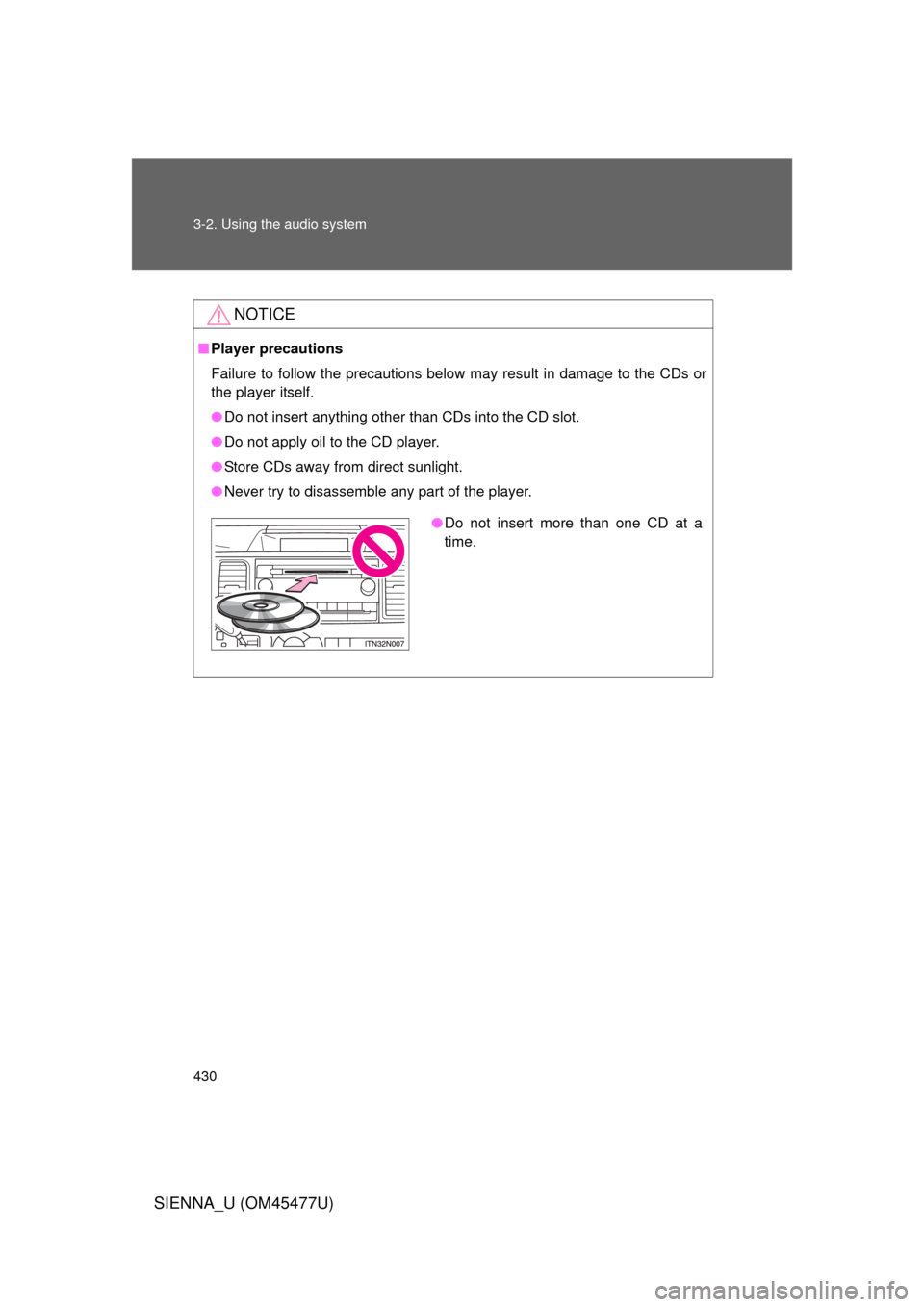
●Do not insert more than one CD at a
time.
Page 431 of 860
431
3-2. Using the audio system
3
Interior features
SIENNA_U (OM45477U)
Playing MP3 and WMA discs
Ty p e A
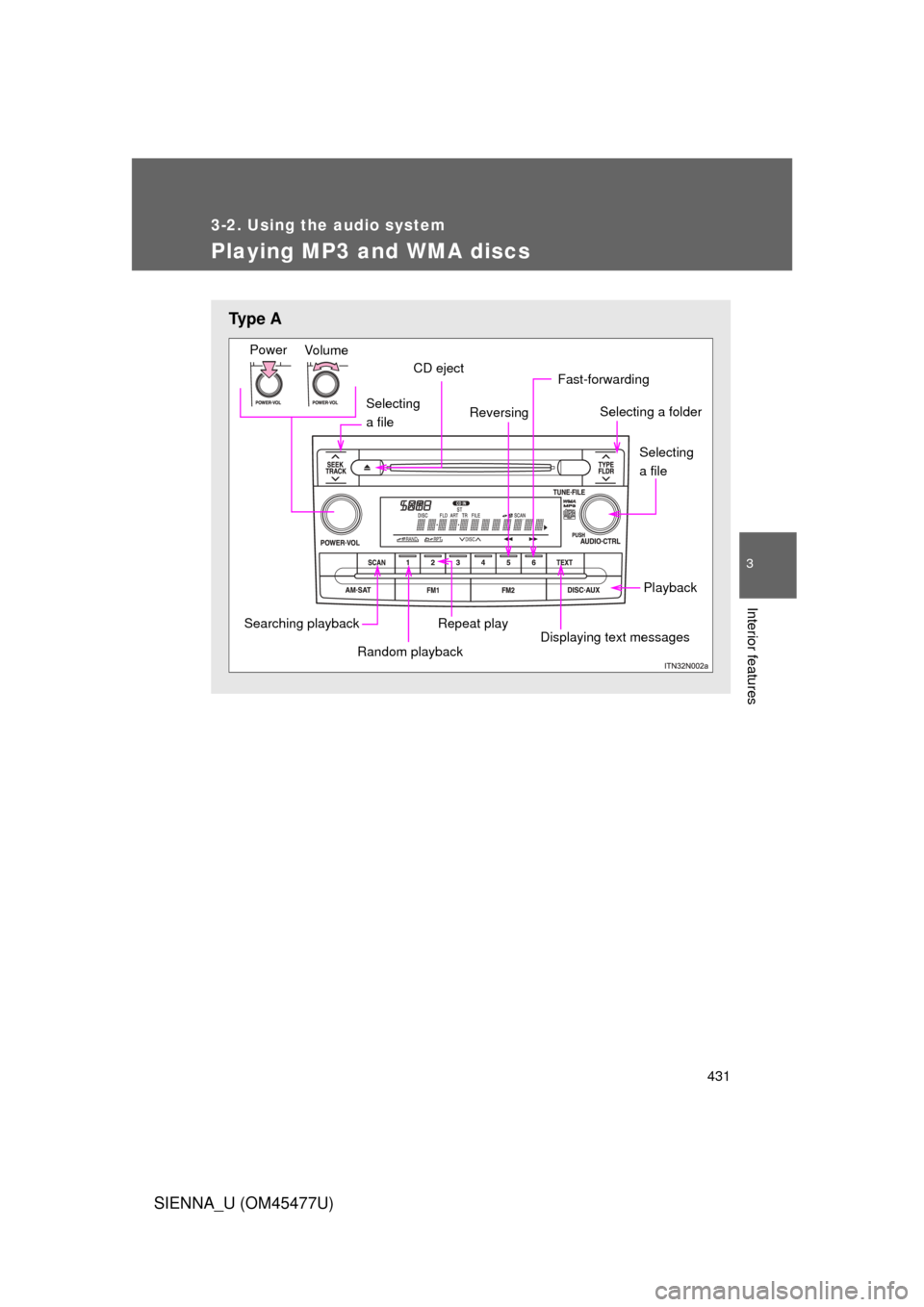
Selecting
a file
Vo lu m e
Power
CD eject
Selecting a folder
Playback
Displaying text messages
Repeat play
Fast-forwarding
Reversing
Searching playback
Random playback
Selecting
a file
Page 432 of 860
432 3-2. Using the audio system
SIENNA_U (OM45477U)
Loading and ejecting MP3 and WMA discs P. 4 2 2
Selecting MP3 and WMA discs (type C only)
P. 4 2 2
Type B and C
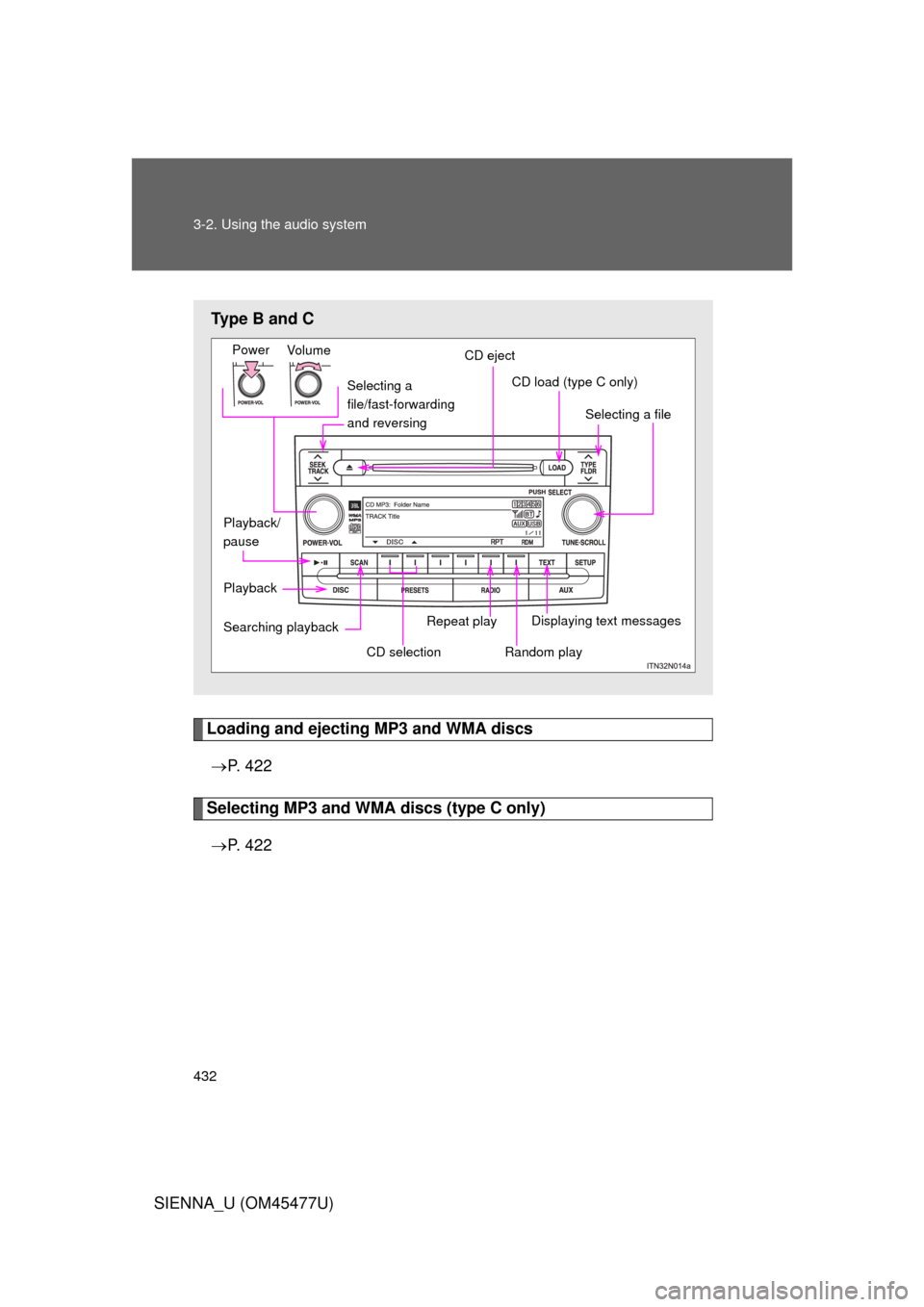
Selecting a
file/fast-forwarding
and reversing
Vo lu m e
Power
CD eject
Selecting a file
CD load (type C only)
Playback Displaying text messages
Searching playback
Random play
CD selection
Repeat play
Playback/
pause
Page 433 of 860
433
3-2. Using the audio system
3
Interior features
SIENNA_U (OM45477U)
Selecting and scanning a folder
■ Selecting folders one at a time
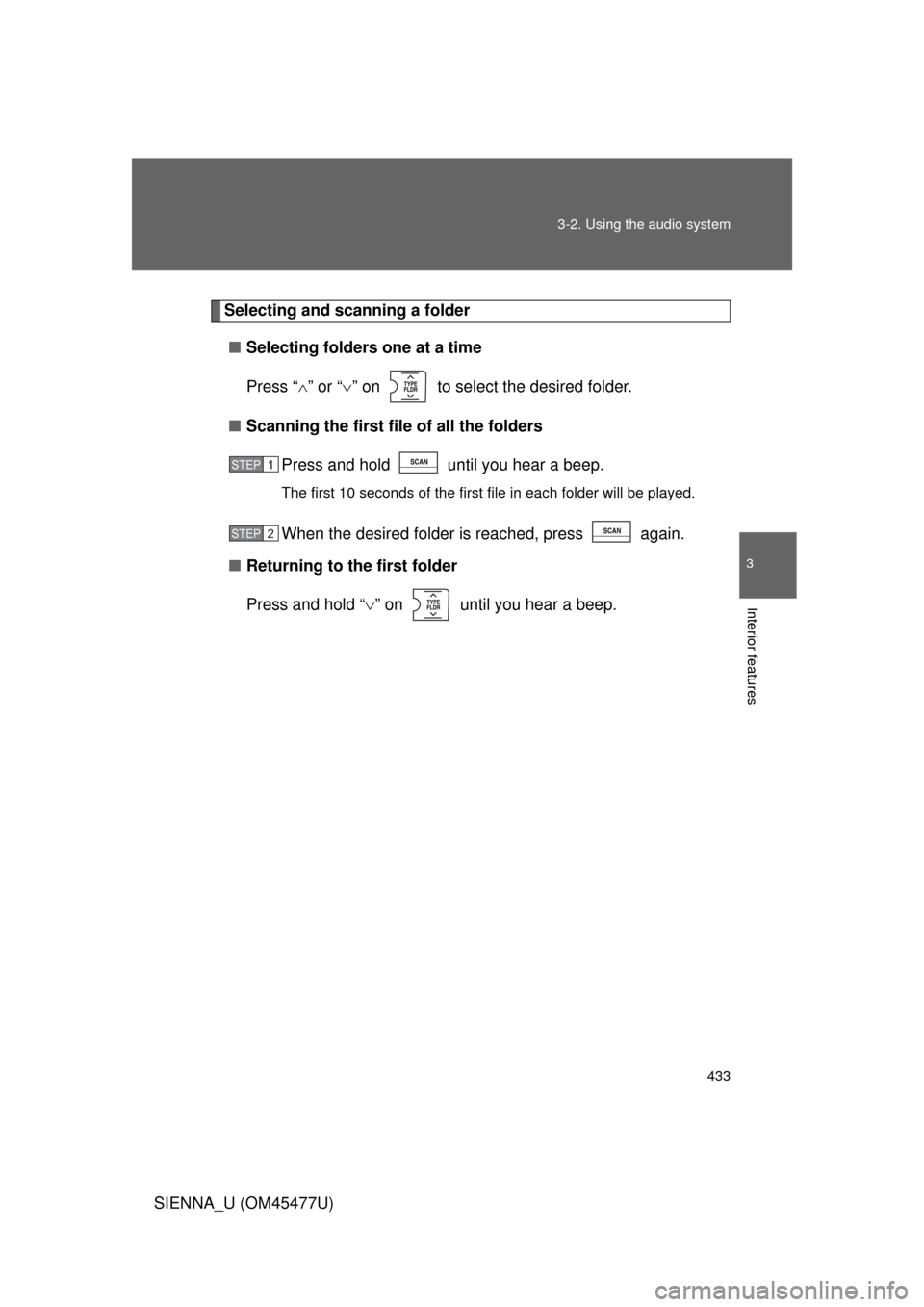
Press “ ” or “ ” on to select the desired folder.
■ Scanning the first file of all the folders
Press and hold until you hear a beep.
The first 10 seconds of the first file in each folder will be played.
When the desired folder is reached, press again.
■ Returning to the first folder
Press and hold “ ” on until you hear a beep.
STEP1
STEP2
Page 434 of 860
434 3-2. Using the audio system
SIENNA_U (OM45477U)
Selecting and scanning files■ Selecting one file at a time
Turn the or dial or press “ ” or “ ” on to
select the desired file.
■ Selecting the desired file by cueing the files in the folder
Press .
When the desired file is reached, press once again.
STEP1
STEP2
Page 435 of 860
435
3-2. Using the audio system
3
Interior features
SIENNA_U (OM45477U)
Fast forwarding and reversing files
Ty p e A
Press or .
Type B and C
Press and hold “
” or “ ” on .
Playing and pausing files (type B and C)
Press .
Random playback■ Playing files from a particular folder in random order
Press or that corresponds to “RDM”.
To cancel, press the button again.
■Playing all of the files on a disc in random order
Press and hold or that corresponds to “RDM” until you
hear a beep.
To cancel, press the button again.
Page 436 of 860
436 3-2. Using the audio system
SIENNA_U (OM45477U)
Repeat play■ Repeating a file
Press or that corresponds to “RPT”.
To cancel, press the button again.
■Repeating all of the files in a folder
Ty p e A
Press and hold until you hear a beep.
To cancel, press the button again.
Type B and C
Press that corresponds to “RPT” twice.
To cancel, press the button again.
■Repeating all of the files in a disc (type C only)
Press that corresponds to “RPT” three times.
To cancel, press the button again.
Switching the display
Press .
Each time is pressed, the display changes in the following order:
Ty p e A
Folder no./File no./Elapsed time Folder name File name Album
title (MP3 only) Track title Artist name.
Ty p e B a n d C
Track title Track title/Artist name Track title/Album name Track
title/Elapsed time.
Page 437 of 860
437
3-2. Using the audio system
3
Interior features
SIENNA_U (OM45477U)
■
Display (type A only)
P. 427
■ Error messages
“CD CHECK”: This indicates a problem either with the CD or inside the
player. The CD may be dirty, damaged or inserted up-side
down.
“WAIT” or “PLEASE WAIT”: Operation has stopped due to a high temper- ature inside the player. Wait for a while and
then press or . Contact
your Toyota dealer if the CD still cannot be
played back.
■ Discs that can be used
P. 428
■ CD player protection feature
P. 428
■ If CDs are left inside the CD pla yer or in the ejected position for
extended periods
P. 428