Page 530 of 860
530 3-5. Using the hands-free phone system (for cellular phone)
SIENNA_U (OM45477U)
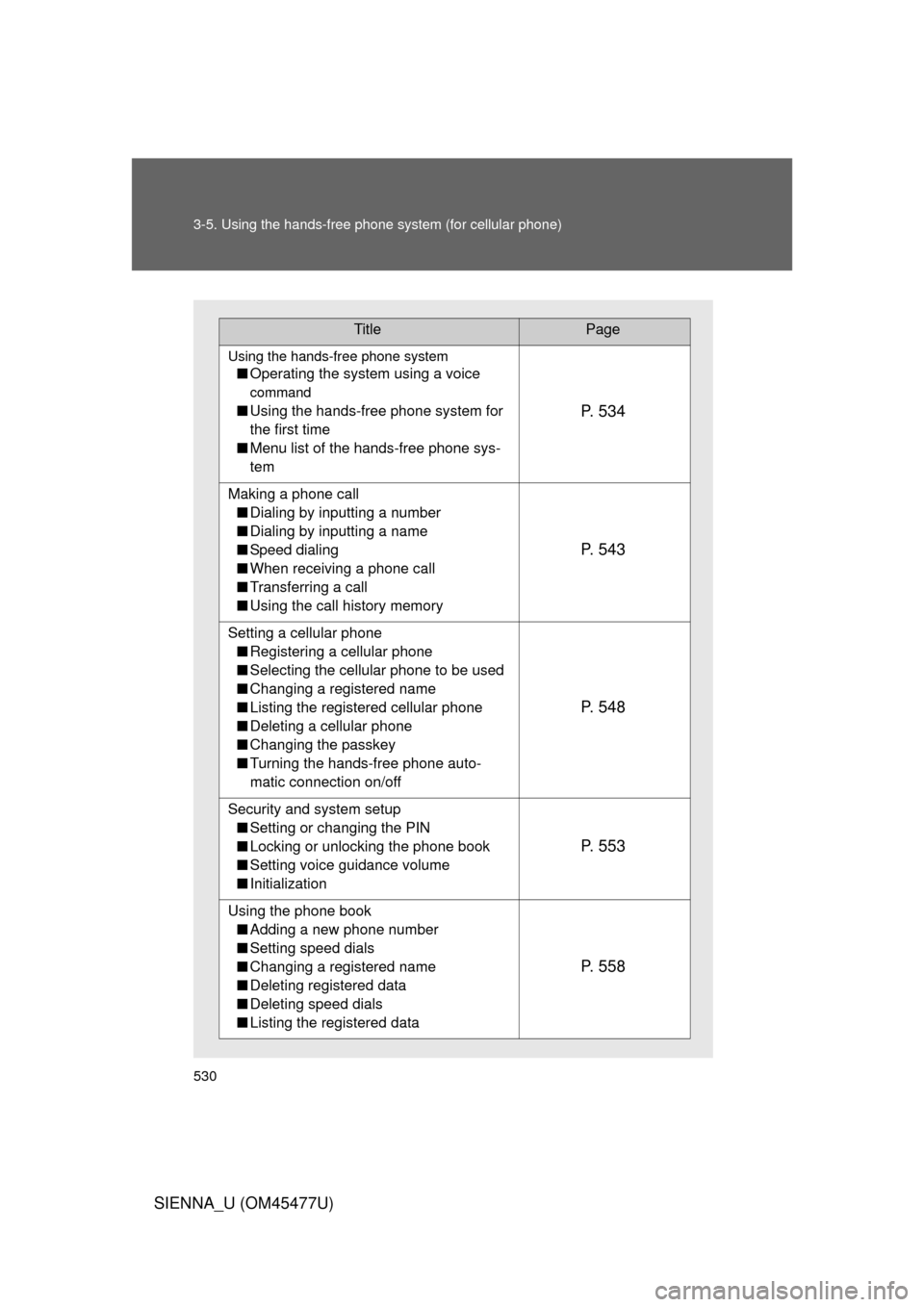
TitlePage
Using the hands-free phone system
■Operating the system using a voice
command
■Using the hands-free phone system for
the first time
■ Menu list of the hands-free phone sys-
temP. 5 3 4
Making a phone call
■ Dialing by inputting a number
■ Dialing by inputting a name
■ Speed dialing
■ When receiving a phone call
■ Transferring a call
■ Using the call history memory
P. 5 4 3
Setting a cellular phone
■ Registering a cellular phone
■ Selecting the cellular phone to be used
■ Changing a registered name
■ Listing the registered cellular phone
■ Deleting a cellular phone
■ Changing the passkey
■ Turning the hands-free phone auto-
matic connection on/off
P. 5 4 8
Security and system setup
■ Setting or changing the PIN
■ Locking or unlocking the phone book
■ Setting voice guidance volume
■ Initialization
P. 5 5 3
Using the phone book
■ Adding a new phone number
■ Setting speed dials
■ Changing a registered name
■ Deleting registered data
■ Deleting speed dials
■ Listing the registered data
P. 5 5 8
Page 538 of 860
538 3-5. Using the hands-free phone system (for cellular phone)
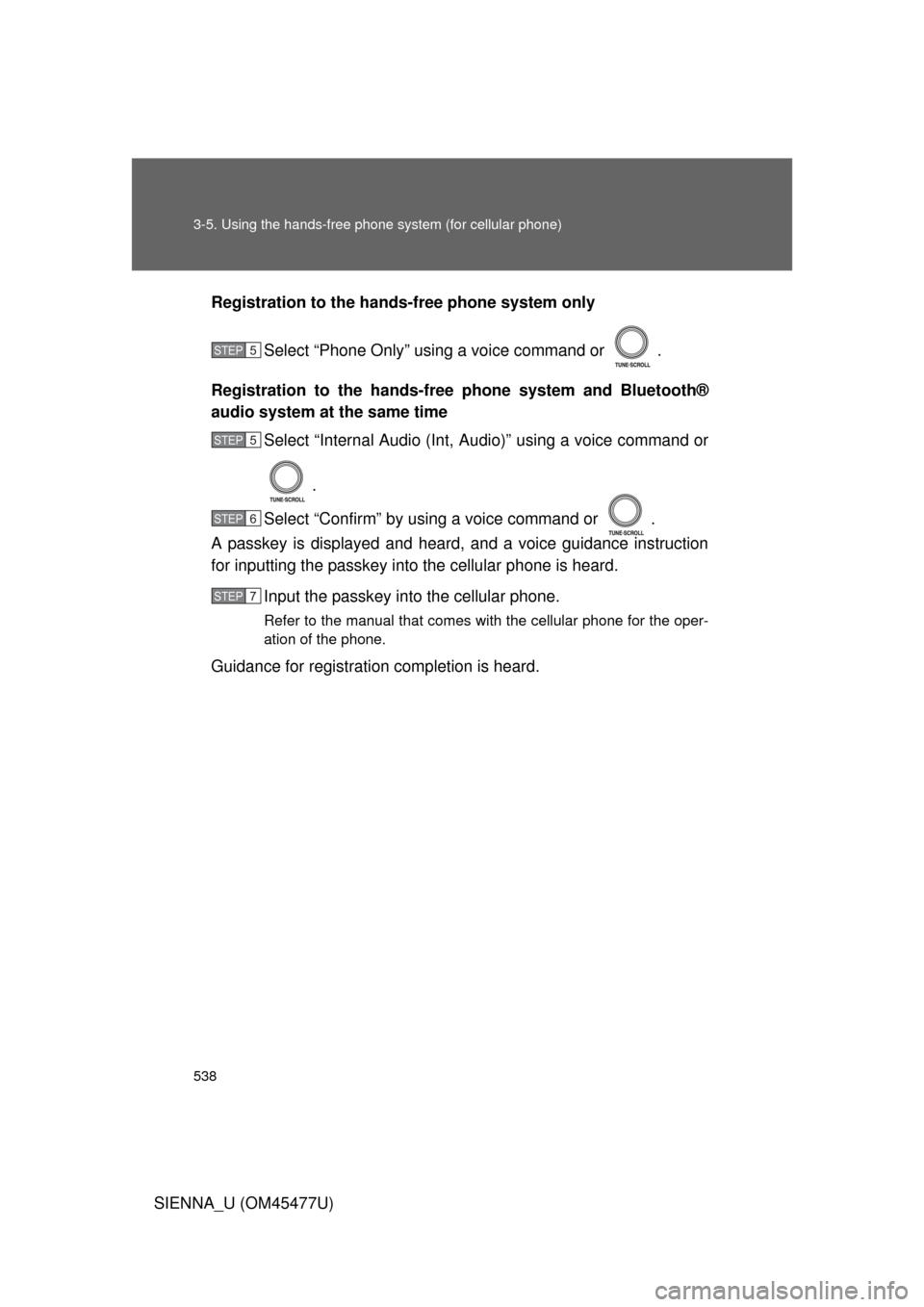
SIENNA_U (OM45477U)Registration to the hands-free phone system only
Select “Phone Only” using a voice command or .
Registration to the hands-free phone system and Bluetooth®
audio system at the same time
Select “Internal Audio (Int, Audio)” using a voice command or
.
Select “Confirm” by using a voice command or .
A passkey is displayed and heard, and a voice guidance instruction
for inputting the passkey into the cellular phone is heard.
Input the passkey into the cellular phone.
Refer to the manual that comes with the cellular phone for the oper-
ation of the phone.
Guidance for registration completion is heard.
STEP5
STEP5
STEP6
STEP7
Page 540 of 860
540 3-5. Using the hands-free phone system (for cellular phone)
SIENNA_U (OM45477U)
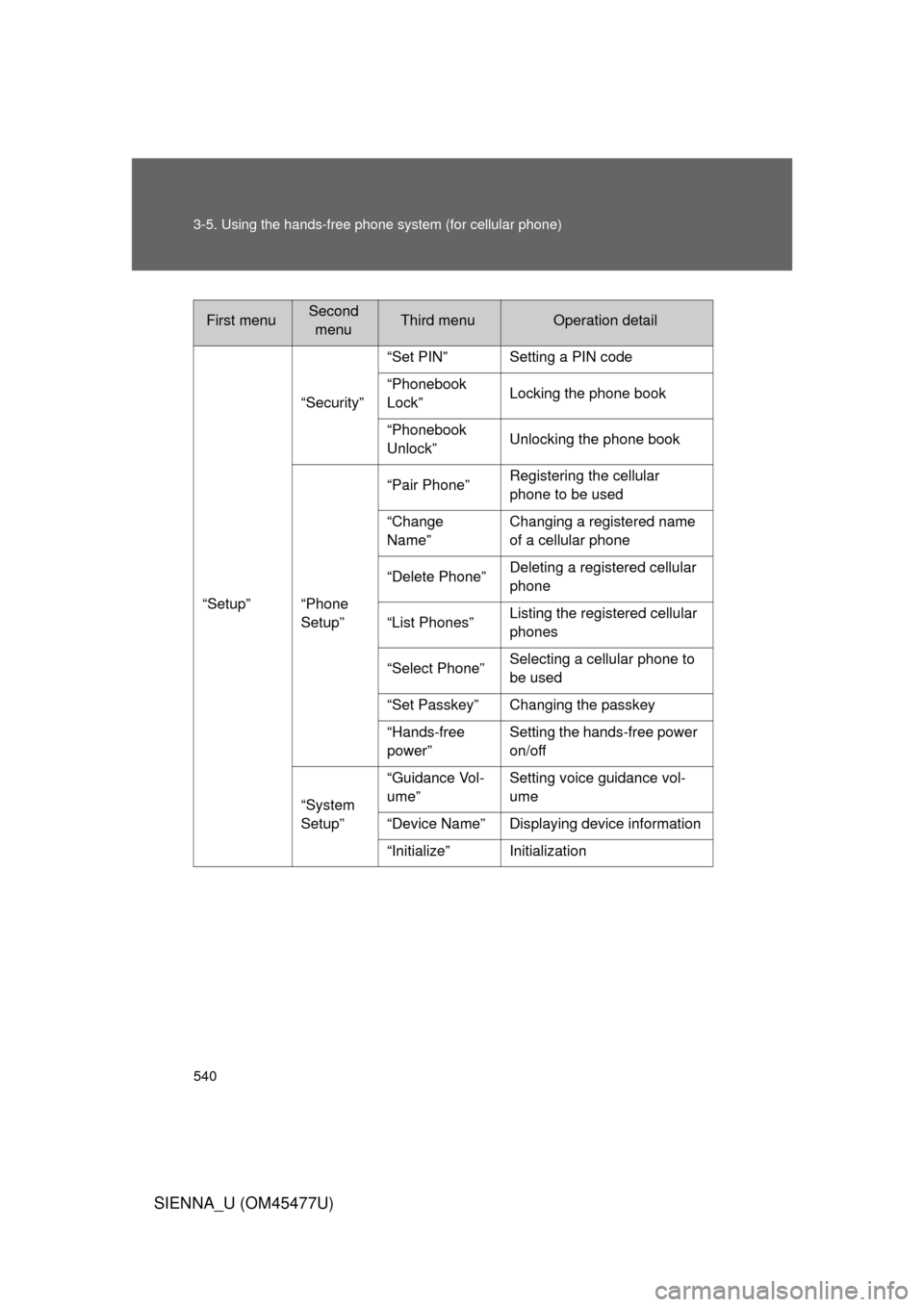
First menuSecond
menuThird menuOperation detail
“Setup” “Security”
“Set PIN” Setting a PIN code
“Phonebook
Lock”
Locking the phone book
“Phonebook
Unlock” Unlocking the phone book
“Phone
Setup” “Pair Phone”
Registering the cellular
phone to be used
“Change
Name” Changing a registered name
of a cellular phone
“Delete Phone” Deleting a registered cellular
phone
“List Phones” Listing the registered cellular
phones
“Select Phone” Selecting a cellular phone to
be used
“Set Passkey” Changing the passkey
“Hands-free
power” Setting the hands-free power
on/off
“System
Setup” “Guidance Vol-
ume”
Setting voice guidance vol-
ume
“Device Name” Displaying device information
“Initialize” Initialization
Page 541 of 860
541
3-5. Using the hand
s-free phone system (for cellular phone)
3
Interior features
SIENNA_U (OM45477U)■
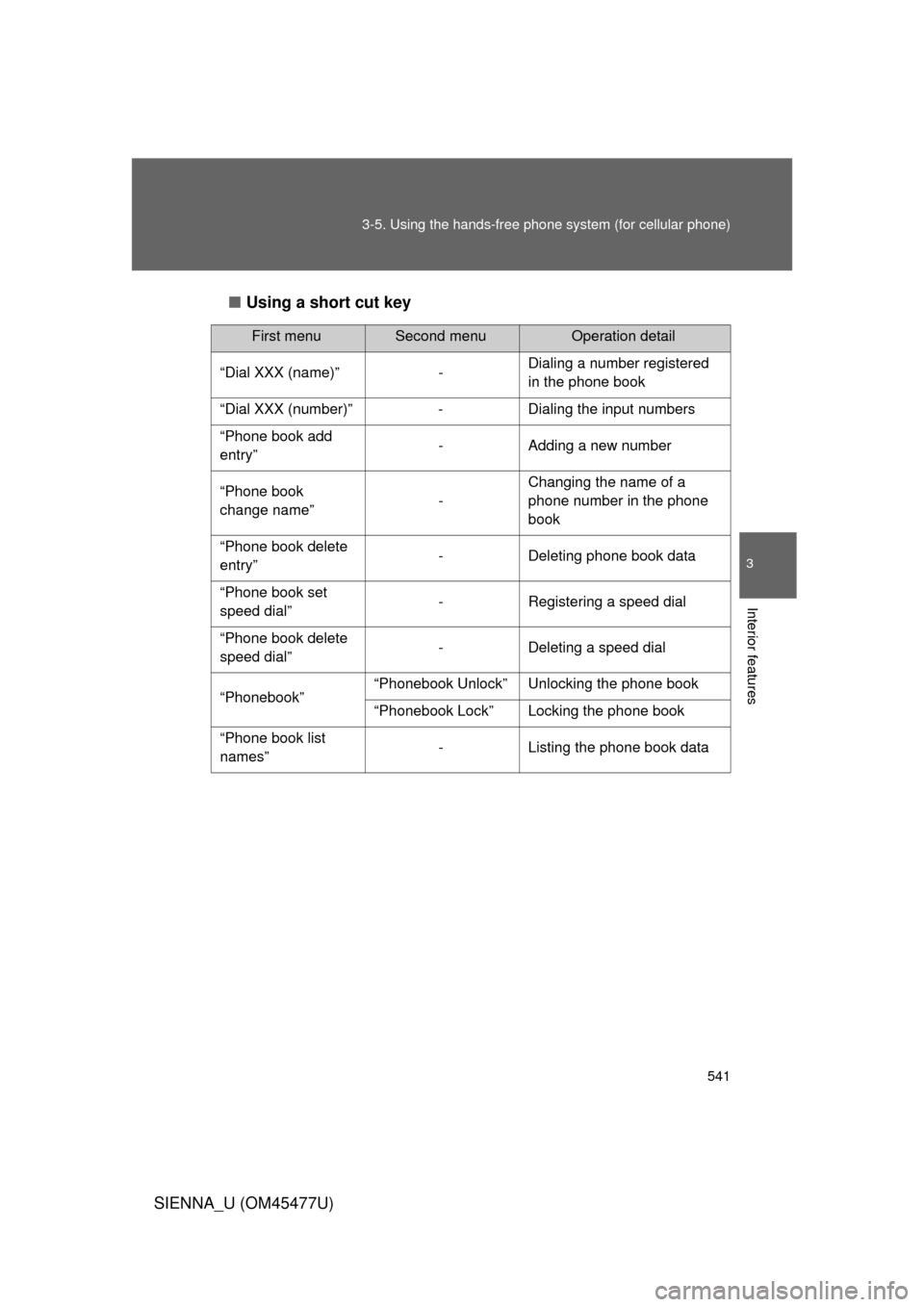
Using a short cut key
First menuSecond menuOperation detail
“Dial XXX (name)” - Dialing a number registered
in the phone book
“Dial XXX (number)” - Dialing the input numbers
“Phone book add
entry” - Adding a new number
“Phone book
change name” -Changing the name of a
phone number in the phone
book
“Phone book delete
entry” - Deleting phone book data
“Phone book set
speed dial” - Registering a speed dial
“Phone book delete
speed dial” - Deleting a speed dial
“Phonebook” “Phonebook Unlock” Unlocking the phone book
“Phonebook Lock” Locking the phone book
“Phone book list
names” - Listing the phone book data
Page 542 of 860
542 3-5. Using the hands-free phone system (for cellular phone)
SIENNA_U (OM45477U)
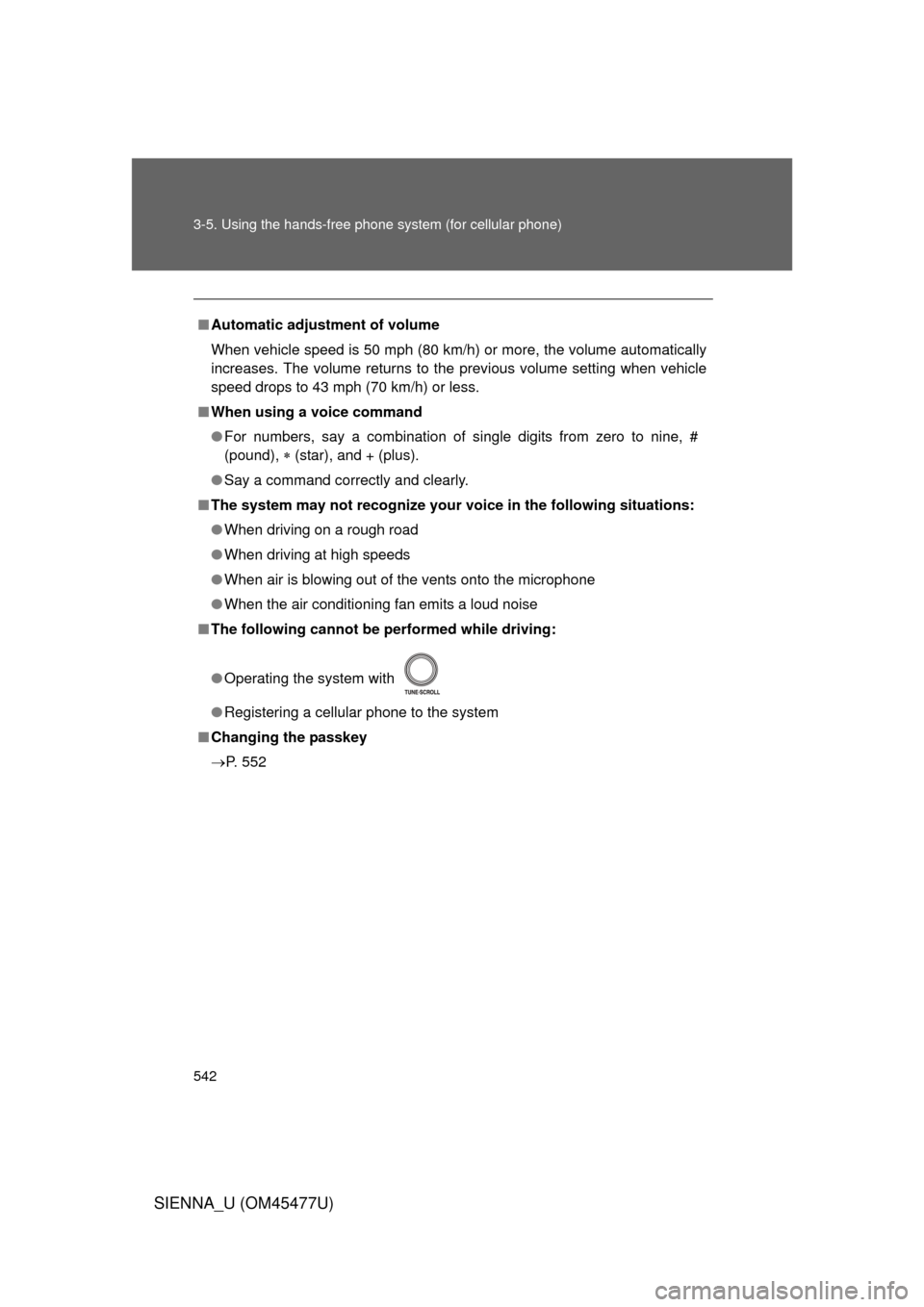
■Automatic adjustment of volume
When vehicle speed is 50 mph (80 km/h) or more, the volume automatically
increases. The volume returns to the previous volume setting when vehicle
speed drops to 43 mph (70 km/h) or less.
■ When using a voice command
● For numbers, say a combination of single digits from zero to nine, #
(pound), (star), and + (plus).
● Say a command correctly and clearly.
■ The system may not recognize your voice in the following situations:
● When driving on a rough road
● When driving at high speeds
● When air is blowing out of the vents onto the microphone
● When the air conditioning fan emits a loud noise
■ The following cannot be performed while driving:
● Operating the system with
● Registering a cellular phone to the system
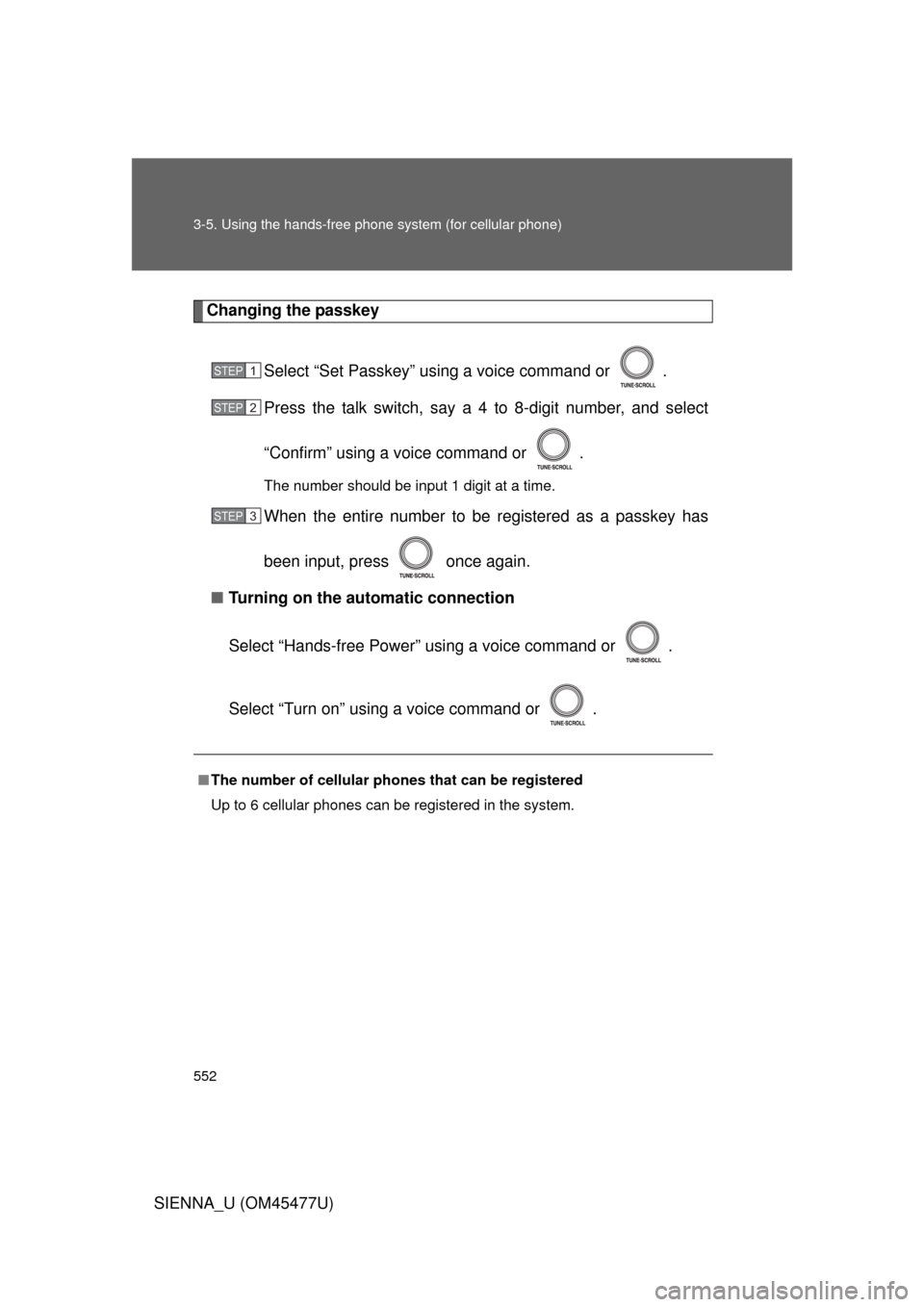
■ Changing the passkey
P. 552
Page 548 of 860
548
3-5. Using the hands-free phone system (for cellular phone)
SIENNA_U (OM45477U)
Setting a cellular phone
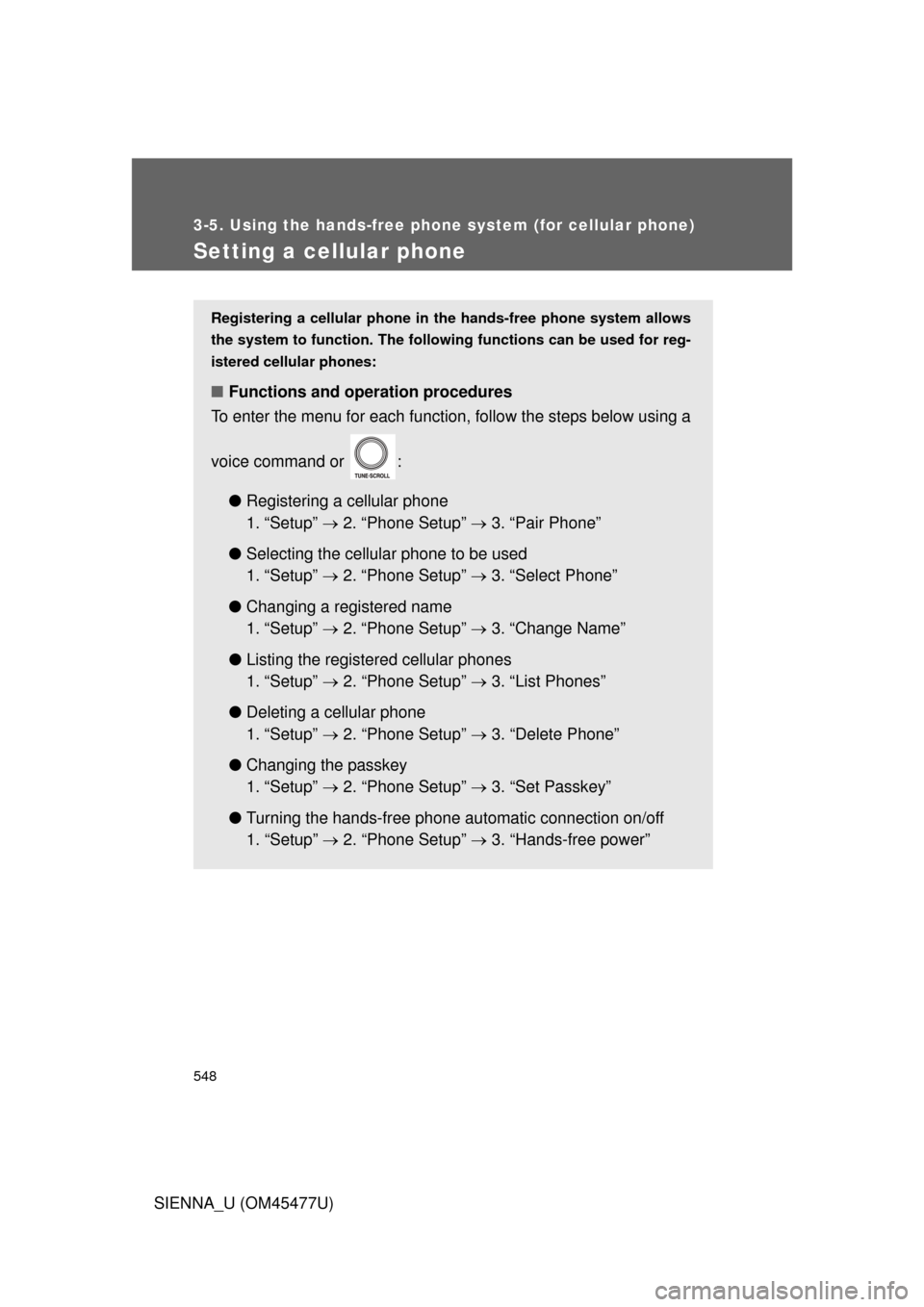
Registering a cellular phone in the hands-free phone system allows
the system to function. The followin g functions can be used for reg-
istered cellular phones:
■ Functions and operation procedures
To enter the menu for each function, follow the steps below using a
voice command or :
●Registering a cellular phone
1. “Setup” 2. “Phone Setup” 3. “Pair Phone”
● Selecting the cellular phone to be used
1. “Setup” 2. “Phone Setup” 3. “Select Phone”
● Changing a registered name
1. “Setup” 2. “Phone Setup” 3. “Change Name”
● Listing the registered cellular phones
1. “Setup” 2. “Phone Setup” 3. “List Phones”
● Deleting a cellular phone
1. “Setup” 2. “Phone Setup” 3. “Delete Phone”
● Changing the passkey
1. “Setup” 2. “Phone Setup” 3. “Set Passkey”
● Turning the hands-free phone au tomatic connection on/off
1. “Setup” 2. “Phone Setup” 3. “Hands-free power”
Page 552 of 860
552 3-5. Using the hands-free phone system (for cellular phone)
SIENNA_U (OM45477U)
Changing the passkey
Select “Set Passkey” using a voice command or .
Press the talk switch, say a 4 to 8-digit number, and select
“Confirm” using a voice command or .
The number should be input 1 digit at a time.
When the entire number to be registered as a passkey has
been input, press once again.
■ Turning on the automatic connection
Select “Hands-free Power” using a voice command or .
Select “Turn on” using a voice command or .
■The number of cellular ph ones that can be registered
Up to 6 cellular phones can be registered in the system.
STEP1
STEP2
STEP3
Page 571 of 860
571
3-6. Using the interior lights
3
Interior features
SIENNA_U (OM45477U)
■
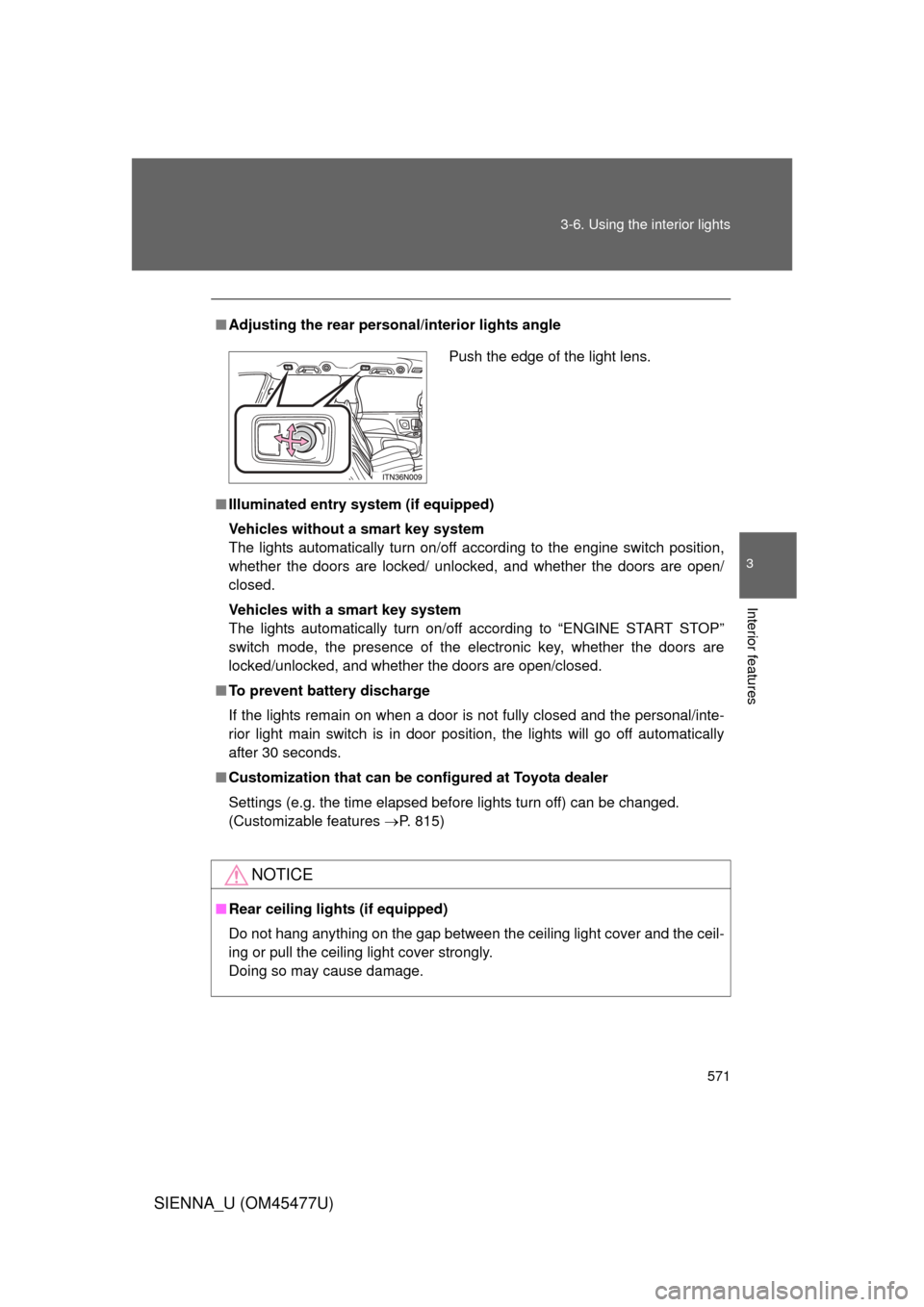
Adjusting the rear person al/interior lights angle
■ Illuminated entry system (if equipped)
Vehicles without a smart key system
The lights automatically turn on/off according to the engine switch position,
whether the doors are locked/ unlocked, and whether the doors are open/
closed.
Vehicles with a smart key system
The lights automatically turn on/off according to “ENGINE START STOP”
switch mode, the presence of the electronic key, whether the doors are
locked/unlocked, and whether the doors are open/closed.
■ To prevent battery discharge
If the lights remain on when a door is not fully closed and the personal/inte-
rior light main switch is in door position, the lights will go off automatically
after 30 seconds.
■ Customization that can be co nfigured at Toyota dealer
Settings (e.g. the time elapsed before lights turn off) can be changed.
(Customizable features P. 815)
NOTICE
■Rear ceiling lights (if equipped)
Do not hang anything on the gap between the ceiling light cover and the ceil-
ing or pull the ceiling light cover strongly.
Doing so may cause damage.
Push the edge of the light lens.