Page 406 of 860

406 3-1. Using the air conditioning system and defogger
SIENNA_U (OM45477U)
■The defogger can be operated when
Vehicles without a smart key system
The engine switch is in the “ON” position.
Vehicles with a smart key system
The “ENGINE START STOP” switch is IGNITION ON mode.
■ Outside rear view mirror defoggers (vehicles with outside rear view
mirror defoggers)
Turning the rear window defogger on will turn the outside rear view mirror
defoggers on.
■ The outside rear view mirror defo ggers and windshield wiper de-icer
(vehicles with windshield wiper de-icer)
Turning the rear window defogger on will turn the outside rear view mirror
defoggers and windshield wiper de-icer on.
CAUTION
■ Outside rear view mirror defoggers (vehicles with outside rear view
mirror defoggers)
The surfaces of the outside rear view mirrors become hot. Do not touch
them to prevent from burning yourself.
■ When the windshield wiper de-icer is on (vehicles with windshield
wiper de-icer)
Do not touch the glass at the lower part of the windshield or to the side of the
front pillars as the surfaces can become very hot and burn you.
Page 477 of 860
477
3-3. Using the Bluetooth
® audio system
3
Interior features
SIENNA_U (OM45477U)
Select “Confirm” using a voice command or .
A passkey is displayed and heard, and a voice guidance instruction
for inputting the passkey into the portable player is heard. Input the passkey into the portable player.
Refer to the manual that comes with the portable player for the oper-
ation of the portable player.
Guidance for registration completion is heard.
If the portable player has a Bluetooth
® phone, the phone can be reg-
istered at the same time. ( P. 537)
STEP5
STEP6
Page 478 of 860
478 3-3. Using the Bluetooth
® audio system
SIENNA_U (OM45477U)
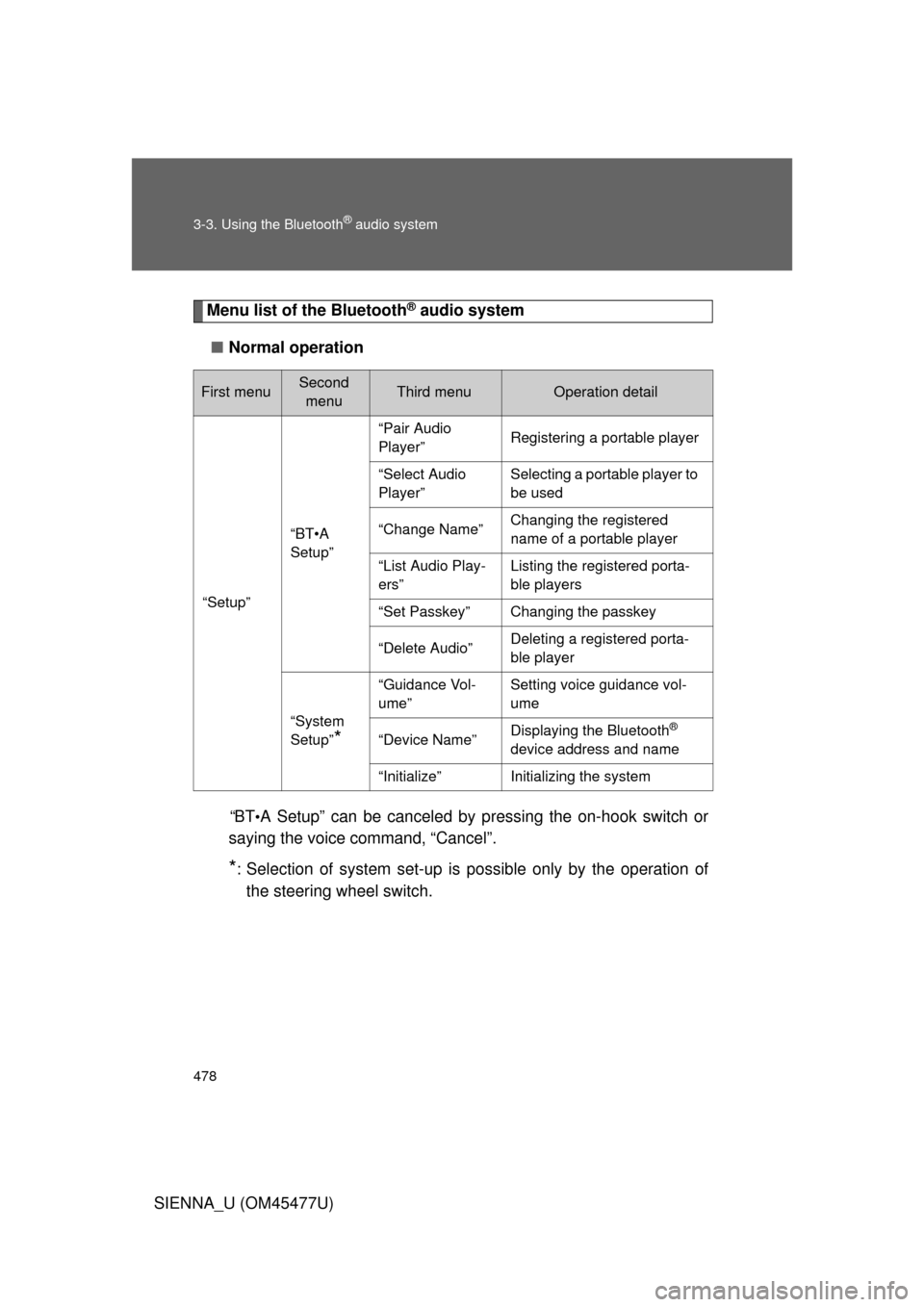
Menu list of the Bluetooth® audio system
■ Normal operation
“B T
•A Setup” can be canceled by pressing the on-hook switch or
saying the voice command, “Cancel”.
*: Selection of system set-up is possible only by the operation of
the steering wheel switch.
First menuSecond menuThird menuOperation detail
“Setup”
“BT•A
Setup”
“Pair Audio
Player”Registering a portable player
“Select Audio
Player”Selecting a portable player to
be used
“Change Name”Changing the registered
name of a portable player
“List Audio Play-
ers”Listing the registered porta-
ble players
“Set Passkey”Changing the passkey
“Delete Audio”Deleting a registered porta-
ble player
“System
Setup”
*
“Guidance Vol-
ume”Setting voice guidance vol-
ume
“Device Name”Displaying the Bluetooth®
device address and name
“Initialize”Initializing the system
Page 479 of 860
479
3-3. Using the Bluetooth
® audio system
3
Interior features
SIENNA_U (OM45477U)
■
When using a voice command
For numbers, say a combination of single digits from zero to nine.
Say the command correctly and clearly.
■ Situations in which the system may not recognize your voice
● When driving on rough roads
● When driving at high speeds
● When air is blowing out of the vents onto the microphone
● When the air conditioning fan emits a loud noise
■ Operations that cannot be performed while driving
● Operating the system with
● Registering a portable player to the system
■ Changing the passkey
P. 485
Page 482 of 860
482
3-3. Using the Bluetooth® audio system
SIENNA_U (OM45477U)
Setting up a Bluetooth® enabled portable player
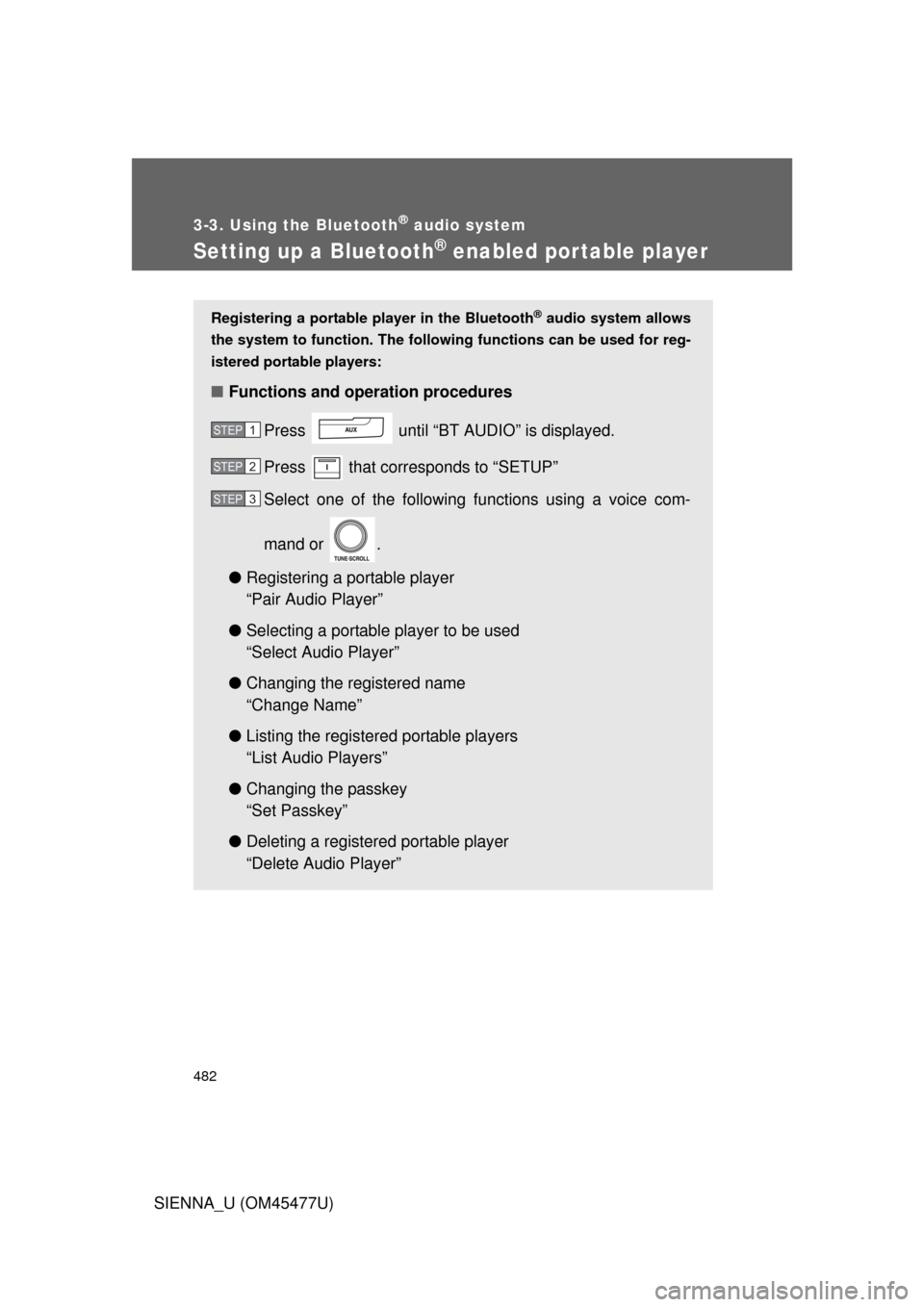
Registering a portable player in the Bluetooth® audio system allows
the system to function. The followin g functions can be used for reg-
istered portable players:
■ Functions and operation procedures
Press until “BT AUDIO” is displayed.
Press that corresponds to “SETUP”
Select one of the following functions using a voice com-
mand or .
● Registering a portable player
“Pair Audio Player”
● Selecting a portable player to be used
“Select Audio Player”
● Changing the registered name
“Change Name”
● Listing the registered portable players
“List Audio Players”
● Changing the passkey
“Set Passkey”
● Deleting a registered portable player
“Delete Audio Player”
STEP1
STEP2
STEP3
Page 484 of 860
484 3-3. Using the Bluetooth
® audio system
SIENNA_U (OM45477U)Vehicles without a smart key system
When the portable player is on standby for the connection, it will be
automatically connected whenever the engine switch is in either
“ACC” or “ON” position.
If a portable player that has already been paired is selected, it is nec-
essary to select “From Car” or “From audio” setting.
Vehicles with a smart key system
When the portable player is on standby for the connection, it will be
automatically connected whenever the “ENGINE START STOP”
switch is in either ACCESSORY or IGNITION ON position.
If a portable player that has already been paired is selected, it is nec-
essary to select “From Car” or “From audio” setting.
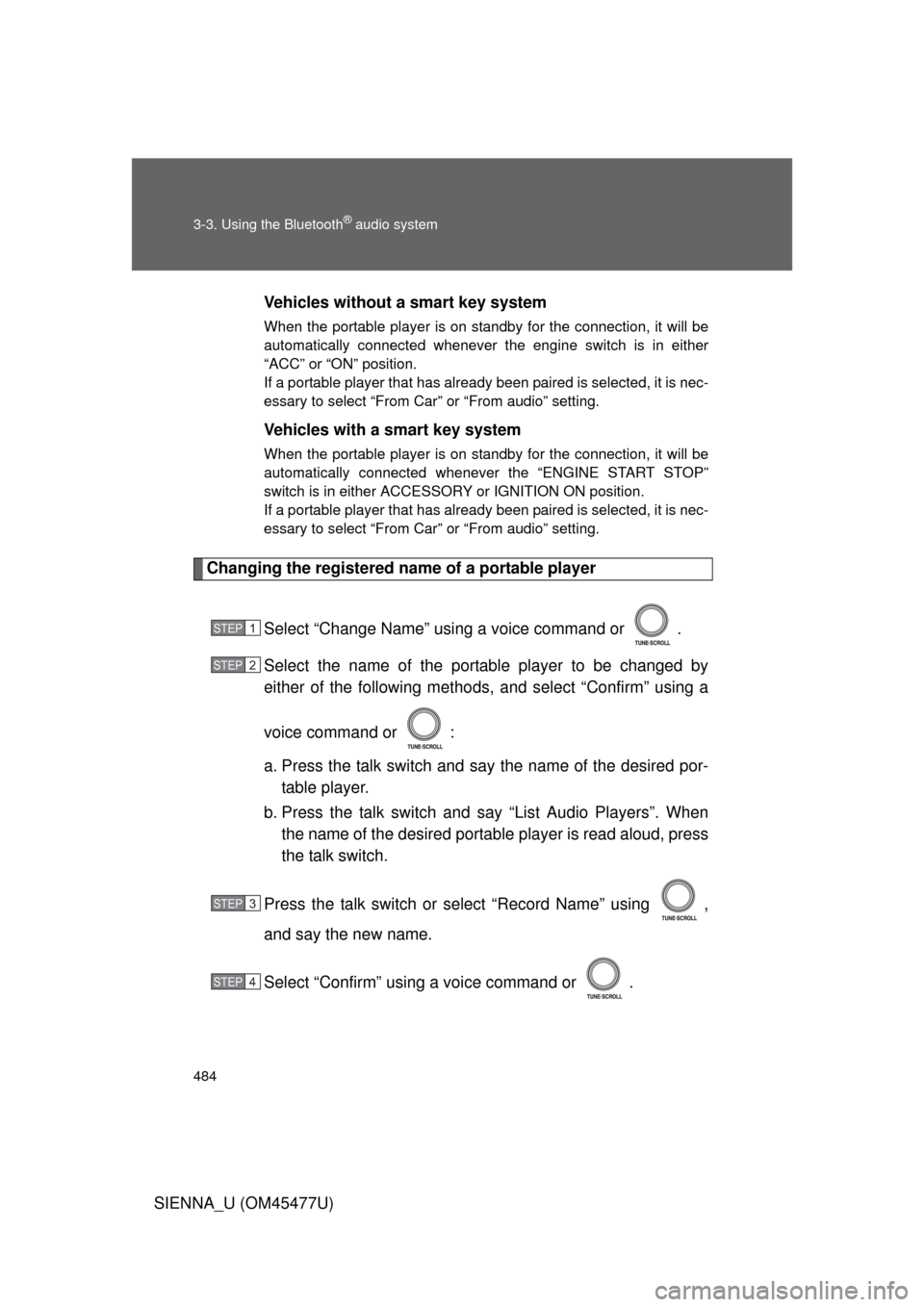
Changing the registered name of a portable player
Select “Change Name” using a voice command or .
Select the name of the portable player to be changed by
either of the following methods, and select “Confirm” using a
voice command or :
a. Press the talk switch and say the name of the desired por-table player.
b. Press the talk switch and say “List Audio Players”. When
the name of the desired portable player is read aloud, press
the talk switch.
Press the talk switch or select “Record Name” using ,
and say the new name.
Select “Confirm” using a voice command or .
STEP1
STEP2
STEP3
STEP4
Page 485 of 860
485
3-3. Using the Bluetooth
® audio system
3
Interior features
SIENNA_U (OM45477U)
Listing the registered portable players
Select “List Audio Players” using a voice command or . The list
of registered portable players will be read aloud.
When listing is complete, the sy stem returns to “BT•A Setup”.
Pressing the talk switch while the name of a portable player is being
read aloud selects the portable player, and the following functions will
become available:
● Selecting a portable player: “Select Audio Player”
● Changing a registered name: “Change Name”
● Deleting a portable player: “Delete Audio Player”
Changing the passkey
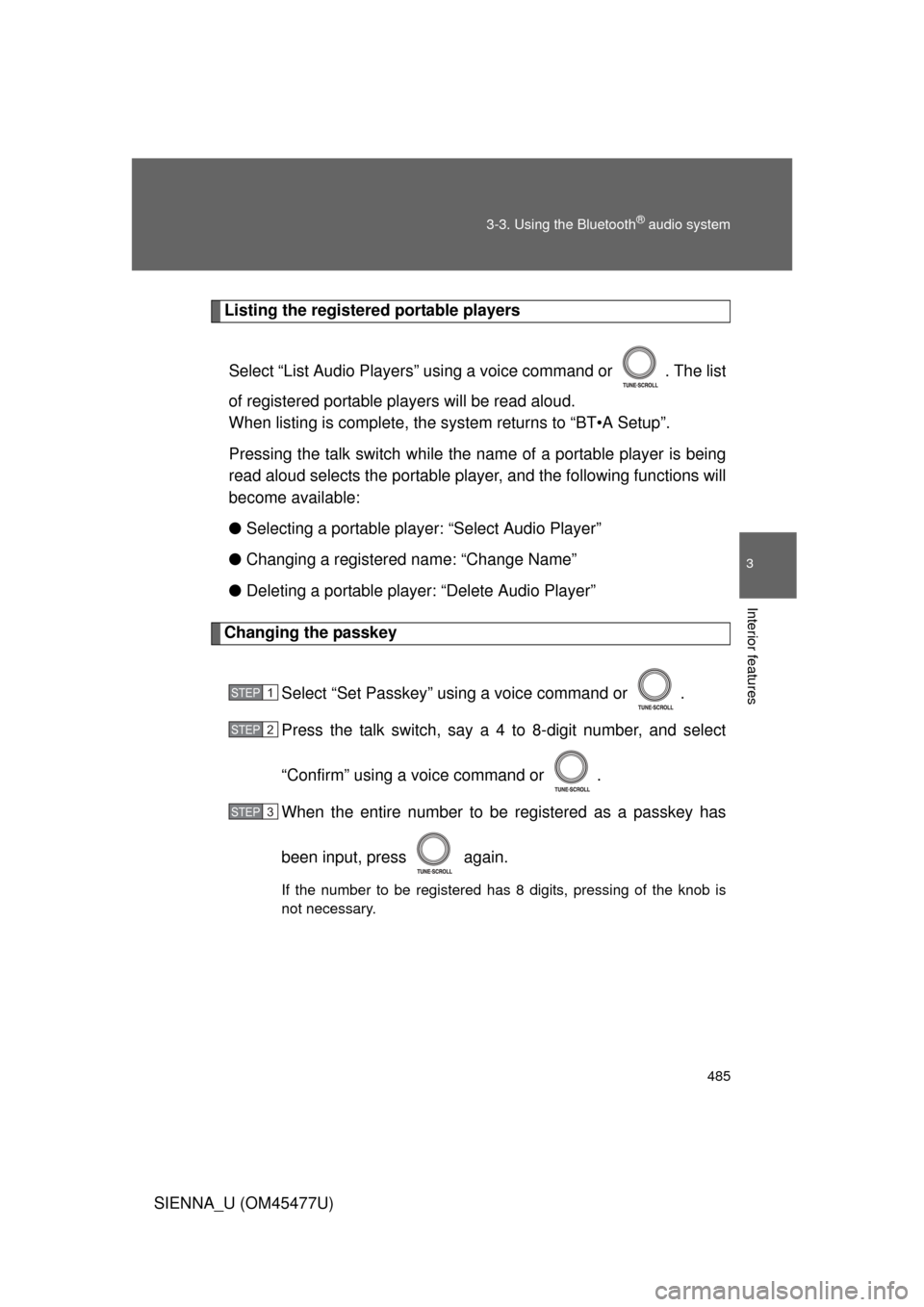
Select “Set Passkey” using a voice command or .
Press the talk switch, say a 4 to 8-digit number, and select
“Confirm” using a voice command or .
When the entire number to be registered as a passkey has
been input, press again.
If the number to be registered has 8 digits, pressing of the knob is
not necessary.
STEP1
STEP2
STEP3
Page 494 of 860
494 3-4. Using the rear audio system
SIENNA_U (OM45477U)
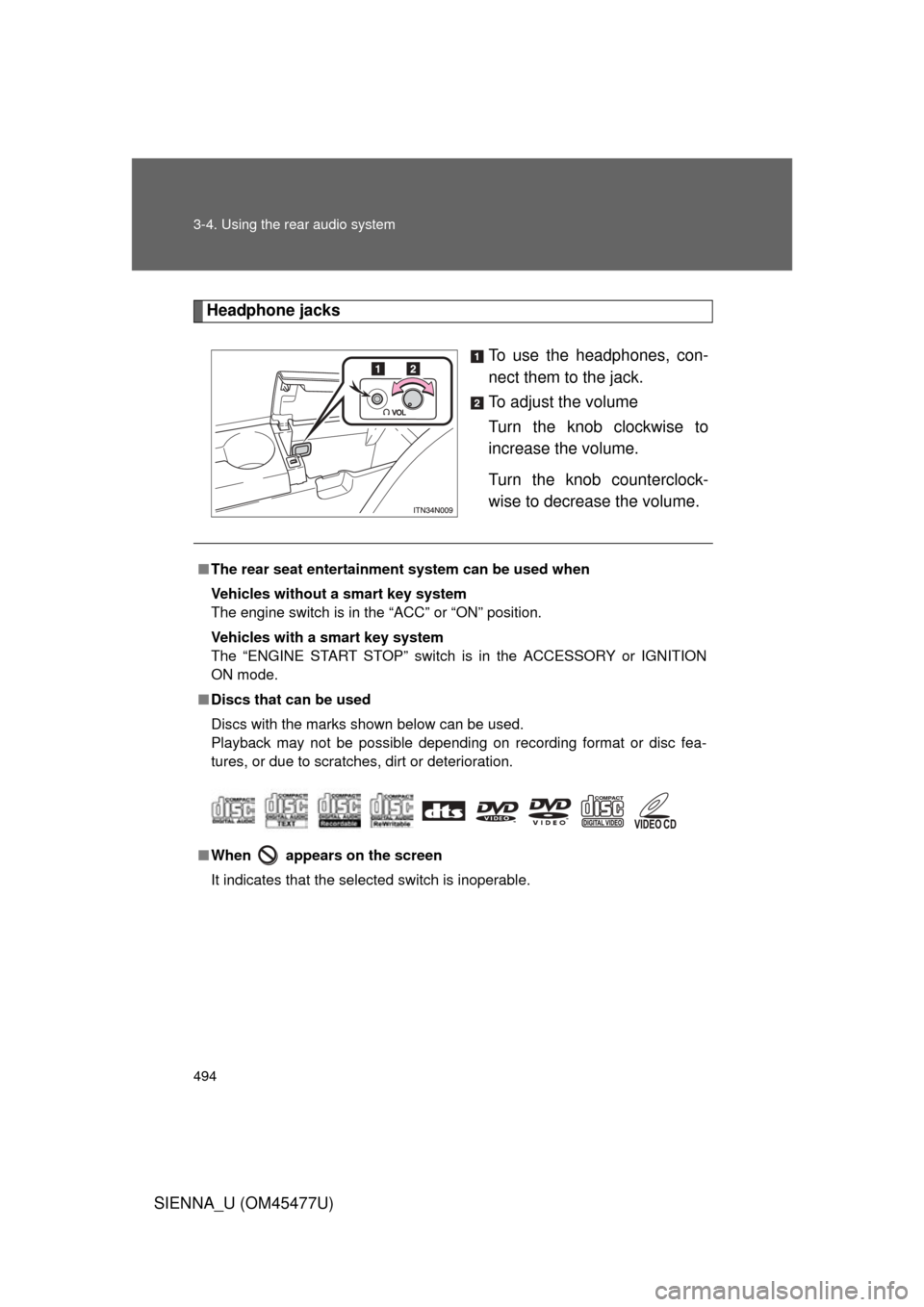
Headphone jacksTo use the headphones, con-
nect them to the jack.
To adjust the volume
Turn the knob clockwise to
increase the volume.
Turn the knob counterclock-
wise to decrease the volume.
■The rear seat entertainmen t system can be used when
Vehicles without a smart key system
The engine switch is in the “ACC” or “ON” position.
Vehicles with a smart key system
The “ENGINE START STOP” switch is in the ACCESSORY or IGNITION
ON mode.
■ Discs that can be used
Discs with the marks shown below can be used.
Playback may not be possible depending on recording format or disc fea-
tures, or due to scratches, dirt or deterioration.
■ When appears on the screen
It indicates that the selected switch is inoperable.