Page 542 of 636
542 5-2. Steps to take in an emergency
Changing “POWER” switch modes and starting the hybrid
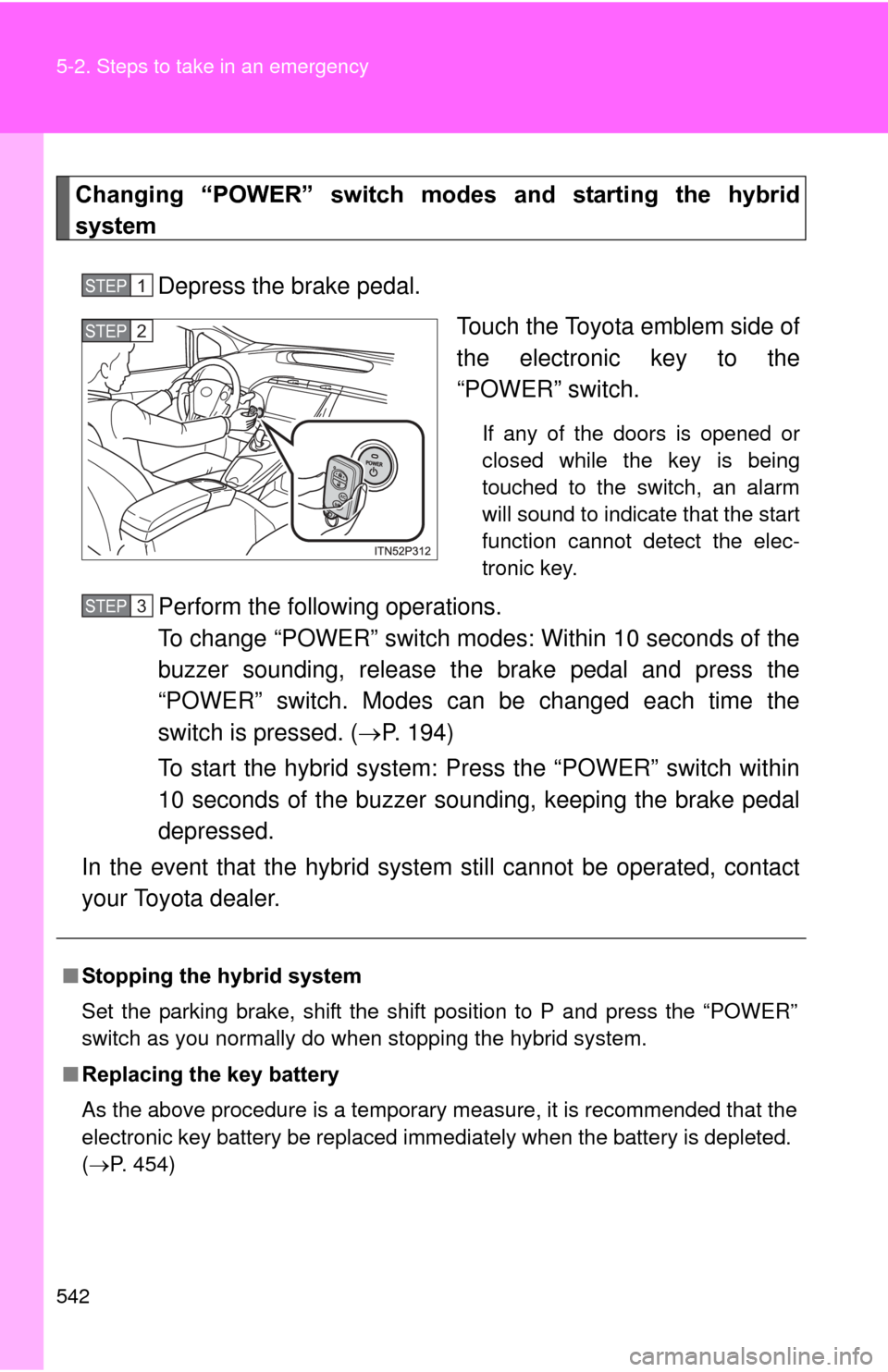
systemDepress the brake pedal. Touch the Toyota emblem side of
the electronic key to the
“POWER” switch.
If any of the doors is opened or
closed while the key is being
touched to the switch, an alarm
will sound to indicate that the start
function cannot detect the elec-
tronic key.
Perform the following operations.
To change “POWER” switch modes: Within 10 seconds of the
buzzer sounding, release the brake pedal and press the
“POWER” switch. Modes can be changed each time the
switch is pressed. ( P. 194)
To start the hybrid system: Press the “POWER” switch within
10 seconds of the buzzer soun ding, keeping the brake pedal
depressed.
In the event that the hybrid system still cannot be operated, contact
your Toyota dealer.
STEP 1
STEP 2
■ Stopping the hybrid system
Set the parking brake, shift the shift position to P and press the “POWER”
switch as you normally do when stopping the hybrid system.
■ Replacing the key battery
As the above procedure is a temporary measure, it is recommended that the
electronic key battery be replaced immediately when the battery is depleted.
(P. 454)
STEP 3
Page 545 of 636
5
When trouble arises
545
5-2. Steps to take in an emergency
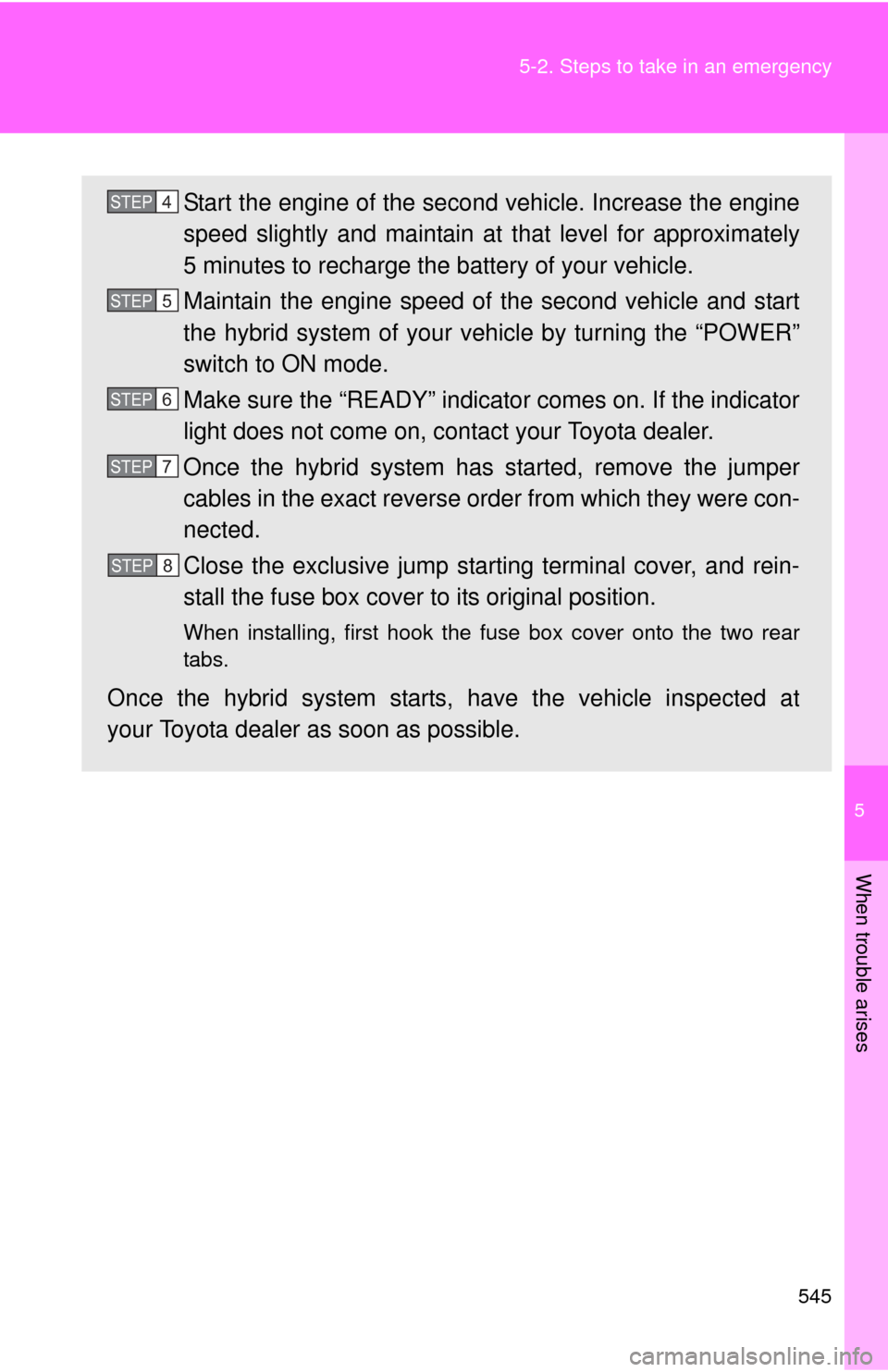
Start the engine of the second vehicle. Increase the engine
speed slightly and maintain at
that level for approximately
5 minutes to recharge the battery of your vehicle.
Maintain the engine speed of the second vehicle and start
the hybrid system of your ve hicle by turning the “POWER”
switch to ON mode.
Make sure the “READY” indicator comes on. If the indicator
light does not come on, contact your Toyota dealer.
Once the hybrid system has started, remove the jumper
cables in the exact reverse or der from which they were con-
nected.
Close the exclusive jump starting terminal cover, and rein-
stall the fuse box cover to its original position.
When installing, first hook the fuse box cover onto the two rear
tabs.
Once the hybrid system starts , have the vehicle inspected at
your Toyota dealer as soon as possible.
STEP 4
STEP 5
STEP 6
STEP7
STEP8
Page 595 of 636
595
6-2. Customization
6
Vehicle specifications
ItemFunctionDefault set-
tingCustom-ized
setting
Meter and
instrument
panel
( P. 214) Sensor sensitiv-
ity for darkening
the brightness of
the meter, navi-
gation system
and instrument
panel depend-
ing on the out-
side brightness
0-2 to +2––O
Sensor sensitiv-
ity for returning
the brightness of
the meter, navi-
gation system
and instrument
panel to the orig-
inal level
depending on
the outside
brightness 0-2 to +2––O
Automatic
air
conditioning
system
( P. 326) Enable/disable
automatic
operation of the
air conditioning
compressor
when the
“AUTO” switch
ON
ON OFF – O O
Heating/cooling
operation mini-
mized in Eco
drive mode ON OFF – – O
Page 621 of 636

621
Alphabetical index
Eco drive mode switch ........... 204
Electric power steering........... 296
Electronic key
If the electronic key does not operate properly ................. 541
Replacing battery ................. 454
Emergency, in case of If a warning buzzer
sounds ............................... 493
If a warning light turns on ..... 493
If the electronic key does not operate properly ................. 541
If the hybrid system will not start .................................... 538
If the 12-volt battery is discharged ......................... 543
If you have a flat tire ............ 523
If you lose your keys............. 540
If you think something is wrong ................................. 492
If your vehicle becomes stuck................................... 554
If your vehicle has to be
stopped in an
emergency ......................... 556
If your vehicle needs to be
towed ................................. 485
If your vehicle overheats ...... 549
Emergency flashers
Switch ................................... 484 Engine
Accessory mode....................194
Compartment ........................419
Hood......................................413
How to start the hybrid
system ................................192
Identification number .............561
If the hybrid system will not start .....................................538
Ignition switch........................192
Overheating...........................549
“POWER” switch ...................192
Engine coolant Capacity ................................566
Checking ...............................424
Preparing and checking before winter .......................317
Engine/power control unit coolantCapacity ................................566
Checking ...............................424
Preparing and checking before winter .......................317
Engine oil Capacity ................................563
Checking ...............................420
Preparing and checking before winter .......................317
Enhanced VSC .........................296
EPS ............................................296
EV drive mode switch ..............199
Event data recorder ...................25E
Page 626 of 636

626 Alphabetical index
Steering wheelAdjustment ............................ 117
Audio switches
*
Storage feature......................... 357
Stuck
If your vehicle becomes stuck ................................... 554
Sun visors................................. 364
Switch
Audio remote control switches
*
Cruise control switch ............. 266
Driving mode selectswitch .................................. 204
Eco drive mode switch .......... 204
Emergency flasher switch ..... 484
EV drive mode switch............ 199
Fog light switch ..................... 256
Hazard light switch ................484
Headlight cleaner switch ....... 265
Ignition switch........................ 192
Light switches........................ 250
Power door lock switch ...........87
“POWER” switch ................... 192
Power window switch ............ 123
Pre-collision braking off switch .................................. 304
Talk switch
*
Telephone switch*
Ventilation switch .................. 339
Window lock switch ............... 123
Wipers and washer switch .... 258 Tail lights
Switch ................................... 250
Talk switch
*
Telephone switch*
Theft deterrent system Immobilizer system ............... 135
Theft prevention labels ........... 137
Tire inflation pressure ............. 447
Tire information Glossary ................................ 582
Size ....................................... 578
Tire identification number...... 577
Uniform Tire Quality Grading ............................... 580
Tires Chains ................................... 319
Checking ............................... 437
If you have a flat tire.............. 523
Inflation pressure .................. 447
Inflation pressure sensor....... 438
Information ............................ 575
Replacing .............................. 523
Rotating tires ......................... 437
Size ....................................... 569
Snow tires ............................. 317
Spare tire .............................. 523
Tire pressure warning system ........................ 437, 499
T