Page 365 of 692
365 3-2. Using the audio system
3
Interior features
L/C200_EE (OM60G38E)
EON (Enhanced Other Network) system (for traffic announcement
function)
If the RDS station (with EON data) you are listening to is not broadcasting a
traffic information program and the audio system is in the TA (traffic
announcement) mode, the radio will be switched automatically to a station
broadcasting a traffic information program in the EON AF list when traffic
information begins.
When the battery is disconnected
All preset stations are erased.
Reception sensitivity
Maintaining perfect radio reception at all times is difficult due to the con-
tinually changing position of the antenna, differences in signal strength
and surrounding objects, such as trains, transmitters, etc.
When is used, automatic station selection and automatic registering
of stations may not be possible.
The radio antenna is mounted inside the rear quarter window. To main-
tain clear radio reception, do not attach metallic window tinting or other
metallic objects to the antenna wire mounted inside the rear quarter win-
dow.
Digital Audio Broadcast (DAB) radio
The optional radio antenna and tuner are necessary for the use of Digital
Audio Broadcast (DAB) radio.
Page 386 of 692
386 3-2. Using the audio system
L/C200_EE (OM60G38E)
iPod problems
To resolve most problems encountered when using your iPod, disconnect
your iPod from the vehicle iPod connection and reset it.
For instructions on how to reset your iPod, refer to your iPod Owner’s Man-
ual.
Display
P. 369
Error messages
“ERROR”: This indicates a problem in the iPod or its connection.
“NO MUSIC”: This indicates that there is no music data in the iPod.
“EMPTY”: This indicates that an empty playlist is selected.
“UPDATE”: This indicates that the version of the iPod is not compatible.
Upgrade your iPod software to the latest version.
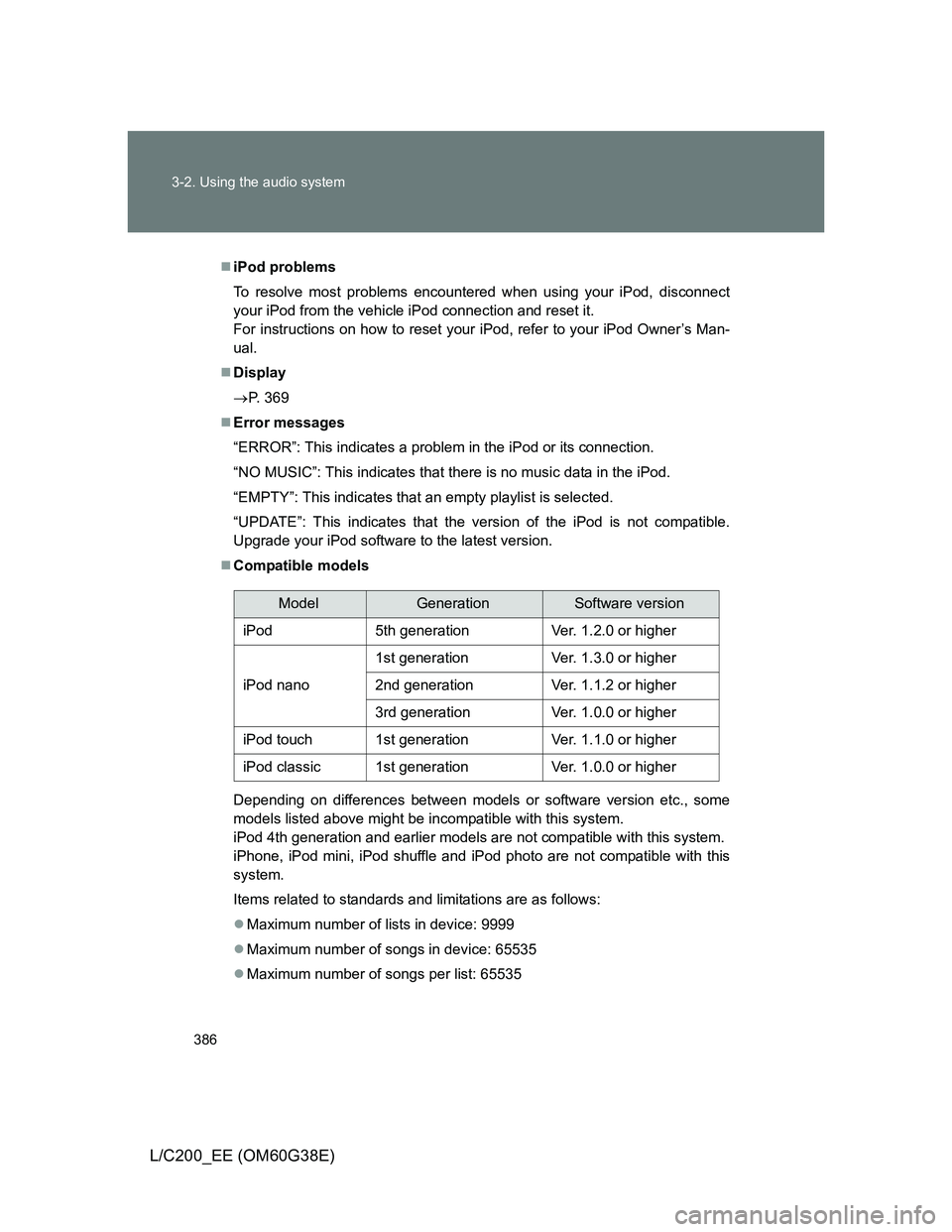
Compatible models
Depending on differences between models or software version etc., some
models listed above might be incompatible with this system.
iPod 4th generation and earlier models are not compatible with this system.
iPhone, iPod mini, iPod shuffle and iPod photo are not compatible with this
system.
Items related to standards and limitations are as follows:
Maximum number of lists in device: 9999
Maximum number of songs in device: 65535
Maximum number of songs per list: 65535
ModelGenerationSoftware version
iPod5th generationVer. 1.2.0 or higher
iPod nano
1st generationVer. 1.3.0 or higher
2nd generationVer. 1.1.2 or higher
3rd generationVer. 1.0.0 or higher
iPod touch1st generationVer. 1.1.0 or higher
iPod classic1st generationVer. 1.0.0 or higher
Page 400 of 692
400 3-2. Using the audio system
L/C200_EE (OM60G38E)
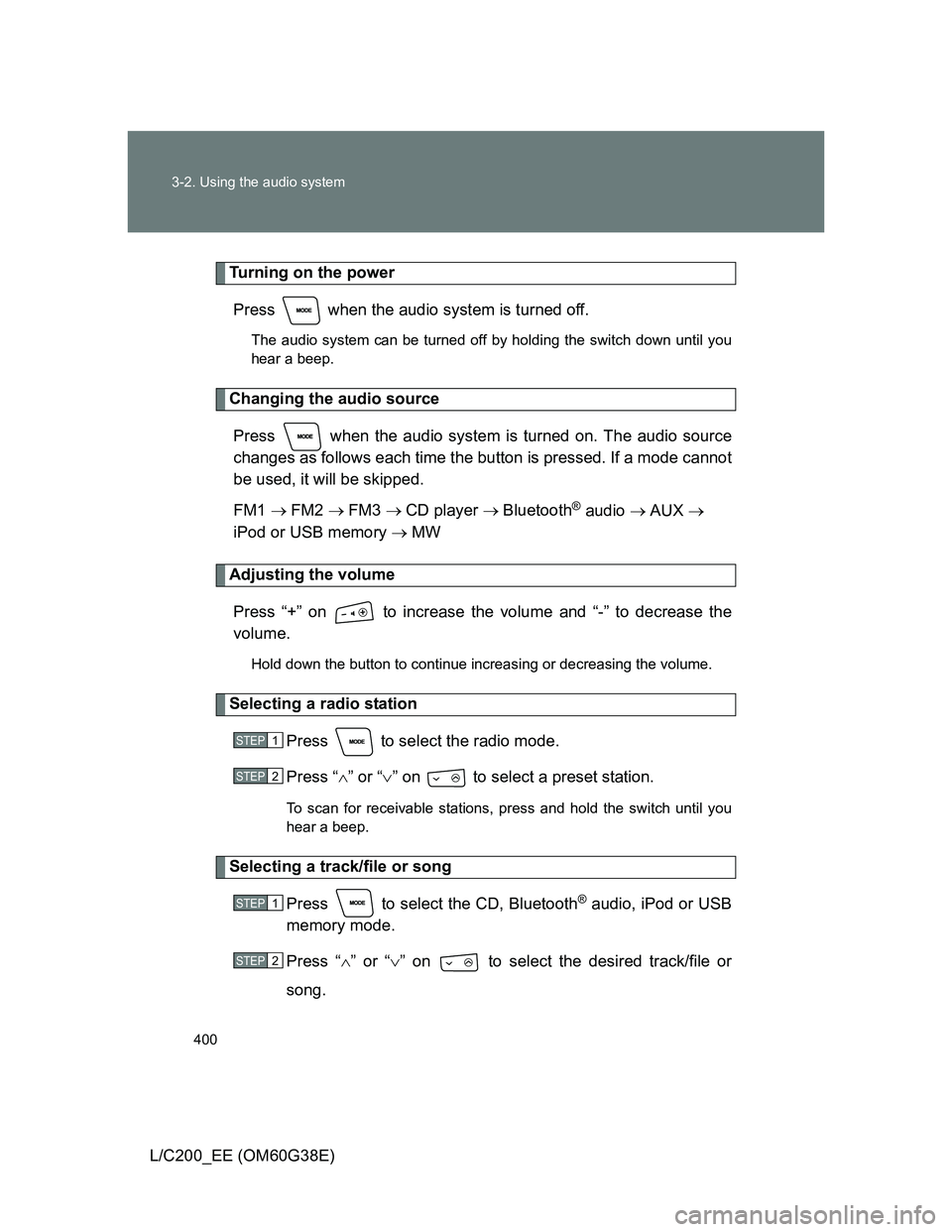
Turning on the power
Press when the audio system is turned off.
The audio system can be turned off by holding the switch down until you
hear a beep.
Changing the audio source
Press when the audio system is turned on. The audio source
changes as follows each time the button is pressed. If a mode cannot
be used, it will be skipped.
FM1 FM2 FM3 CD player Bluetooth
® audio AUX
iPod or USB memory MW
Adjusting the volume
Press “+” on to increase the volume and “-” to decrease the
volume.
Hold down the button to continue increasing or decreasing the volume.
Selecting a radio station
Press to select the radio mode.
Press “” or “” on to select a preset station.
To scan for receivable stations, press and hold the switch until you
hear a beep.
Selecting a track/file or song
Press to select the CD, Bluetooth
® audio, iPod or USB
memory mode.
Press “” or “” on to select the desired track/file or
song.
STEP1
STEP2
STEP1
STEP2
Page 431 of 692
431 3-4. Using the hands-free system (for cellular phone)
3
Interior features
L/C200_EE (OM60G38E)
Dialing by inputting a name
Press the talk switch and say a registered name.
The desired name or number is displayed.
Dial by one of the following methods:
a. Press the off-hook switch.
b. Select “Dial” using .
In , if the pronounced name cannot be recognized, select the
desired name using .
Speed dialing
Press the off-hook switch.
Press the preset button in which the desired number is regis-
tered.
Press the off-hook switch.
STEP1
STEP2
STEP1
STEP1
STEP2
STEP3
Page 446 of 692
446 3-4. Using the hands-free system (for cellular phone)
L/C200_EE (OM60G38E)
Setting speed dials
Select “Speed Dial” using .
Select the desired data using .
Select the desired preset button, and register the data into
speed dial by either of the following methods:
a. Press the desired preset button, and select “Confirm” using
.
b. Press and hold the desired preset button.
Deleting the registered data
Select “Delete Entry” using .
Select the data to be deleted using .
STEP1
STEP2
STEP3
STEP1
STEP2
Page 447 of 692
447 3-4. Using the hands-free system (for cellular phone)
3
Interior features
L/C200_EE (OM60G38E)
Deleting speed dials
Select “Del Spd Dial” using .
Press the preset button to which the desired speed dial is reg-
istered after the beep.
The name to be deleted will be heard.
Select “Confirm” using .
Limitation of number of digits
A phone number that exceeds 24 digits cannot be registered.
STEP1
STEP2
STEP3
Page 507 of 692
507 4-3. Do-it-yourself maintenance
4
Maintenance and care
L/C200_EE (OM60G38E)
Engine oil consumption
The amount of engine oil consumed depends on the oil viscosity, the
quality of the oil and the way the vehicle is driven.
More oil is consumed under driving conditions such as high speeds and
frequent acceleration and deceleration.
A new engine consumes more oil.
When judging the amount of oil consumption, keep in mind that the oil
may have become diluted, making it difficult to judge the true level accu-
rately.
Oil consumption: Max. 1.0 L per 1000 km (1.1 qt./600 miles, 0.9 Imp.qt./
600 miles)
If you consume more than 1.0 L (1.1 qt., 0.9 Imp.qt.) every 1000 km (600
miles), contact any authorized Toyota dealer or repairer, or another duly
qualified and equipped professional.
After changing the engine oil (diesel engine only)
The oil change system should be reset. Perform the following procedures:
Switch the display to trip meter A (P. 203) when the engine is run-
ning.
Turn the “ENGINE START STOP” switch OFF.
While pressing the trip meter reset button, set the “ENGINE START
STOP” switch to IGNITION ON mode (but do not start the engine
because otherwise the reset mode will be cancelled). Continue to
press and hold the button until the multi-information display indi-
cates that the reset is complete.
STEP1
STEP2
STEP3
Page 587 of 692
5
587 5-2. Steps to take in an emergency
When trouble arises
L/C200_EE (OM60G38E)
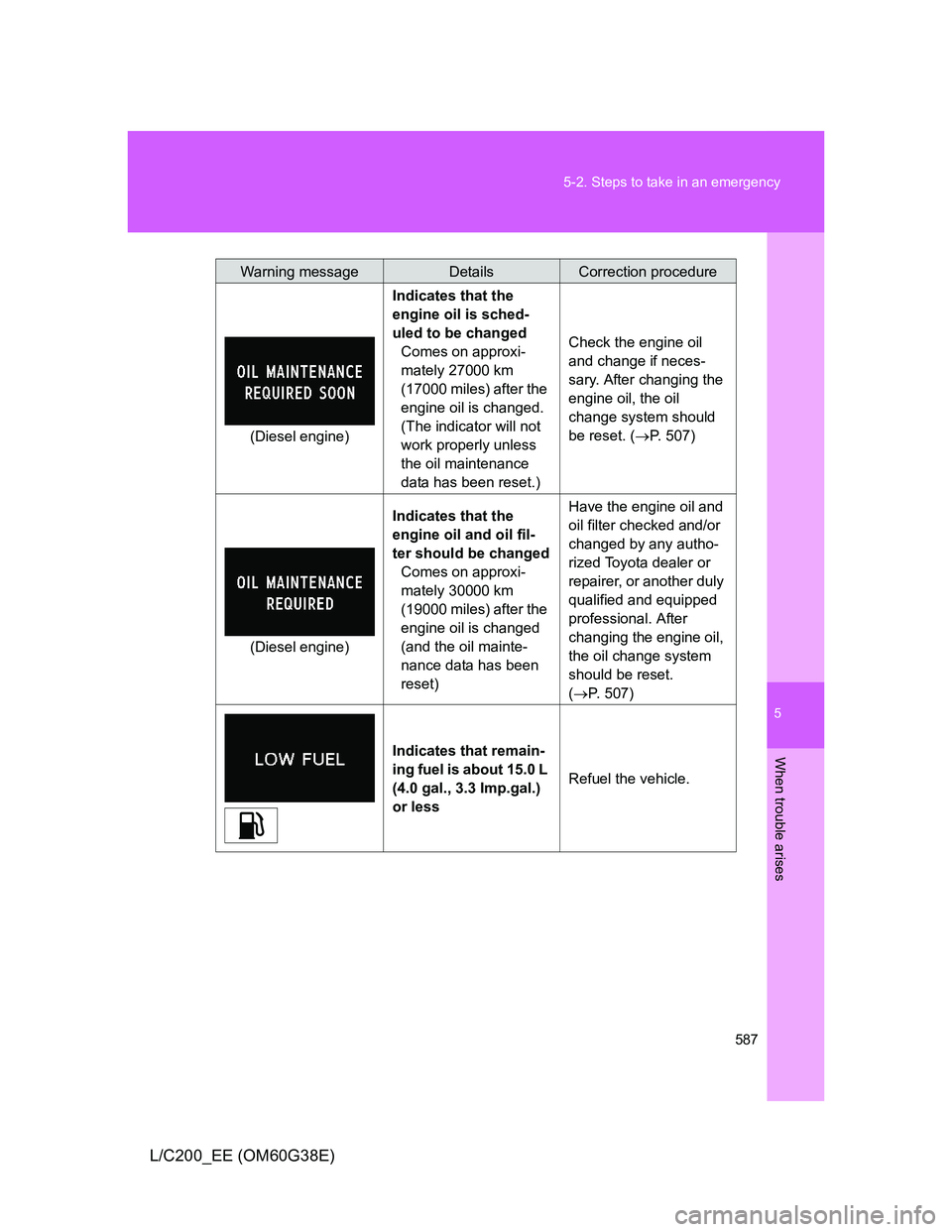
(Diesel engine)Indicates that the
engine oil is sched-
uled to be changed
Comes on approxi-
mately 27000 km
(17000 miles) after the
engine oil is changed.
(The indicator will not
work properly unless
the oil maintenance
data has been reset.)Check the engine oil
and change if neces-
sary. After changing the
engine oil, the oil
change system should
be reset. (P. 507)
(Diesel engine)Indicates that the
engine oil and oil fil-
ter should be changed
Comes on approxi-
mately 30000 km
(19000 miles) after the
engine oil is changed
(and the oil mainte-
nance data has been
reset)Have the engine oil and
oil filter checked and/or
changed by any autho-
rized Toyota dealer or
repairer, or another duly
qualified and equipped
professional. After
changing the engine oil,
the oil change system
should be reset.
(P. 507)
Indicates that remain-
ing fuel is about 15.0 L
(4.0 gal., 3.3 Imp.gal.)
or less Refuel the vehicle.
Warning messageDetailsCorrection procedure