Page 268 of 476
268 3-2. Using the audio system
iQ_WE_74014E
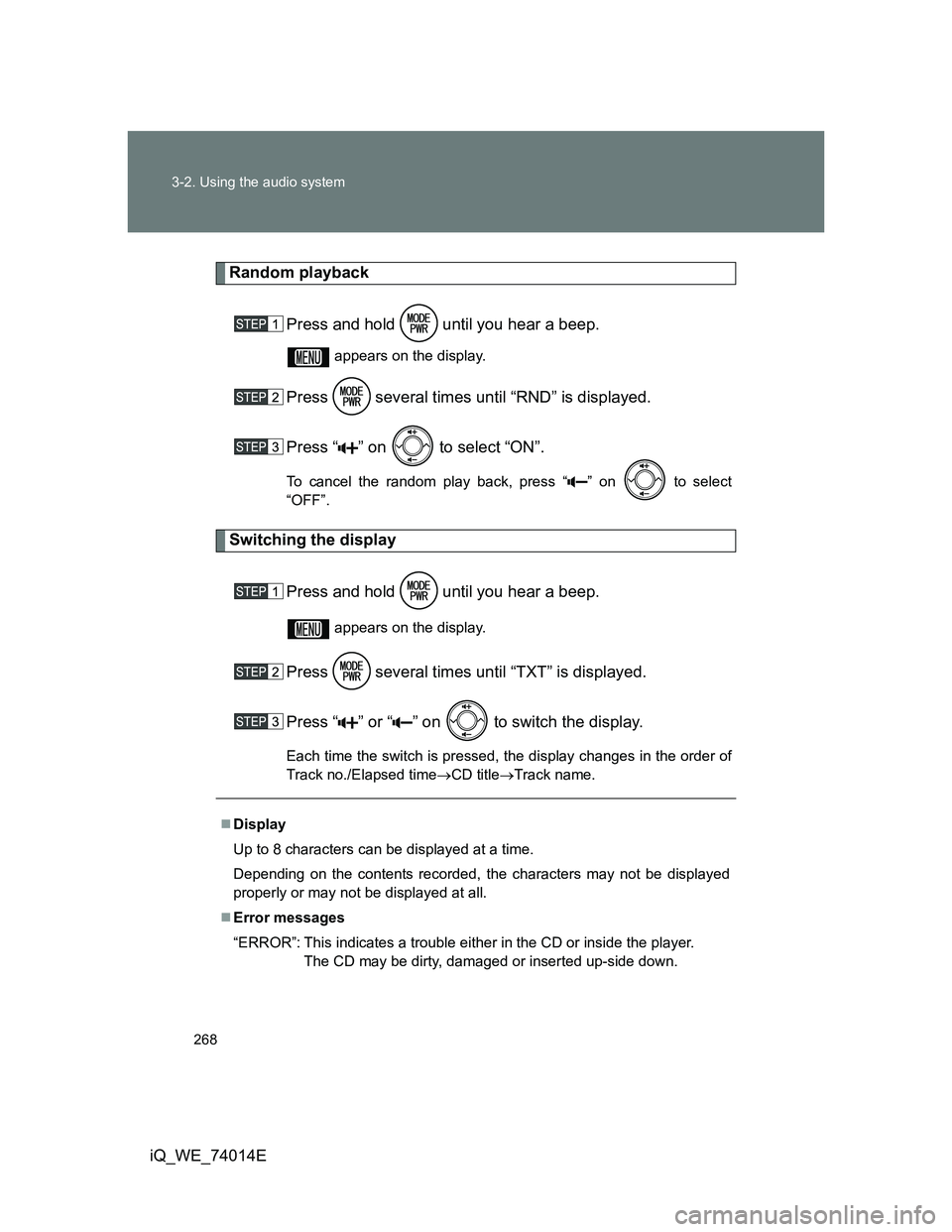
Random playback
Press and hold until you hear a beep.
appears on the display.
Press several times until “RND” is displayed.
Press “ ” on to select “ON”.
To cancel the random play back, press “ ” on to select
“OFF”.
Switching the display
Press and hold until you hear a beep.
appears on the display.
Press several times until “TXT” is displayed.
Press “ ” or “ ” on to switch the display.
Each time the switch is pressed, the display changes in the order of
Track no./Elapsed timeCD titleTrack name.
Display
Up to 8 characters can be displayed at a time.
Depending on the contents recorded, the characters may not be displayed
properly or may not be displayed at all.
Error messages
“ERROR”: This indicates a trouble either in the CD or inside the player.
The CD may be dirty, damaged or inserted up-side down.
Page 273 of 476
273 3-2. Using the audio system
3
Interior features
iQ_WE_74014E
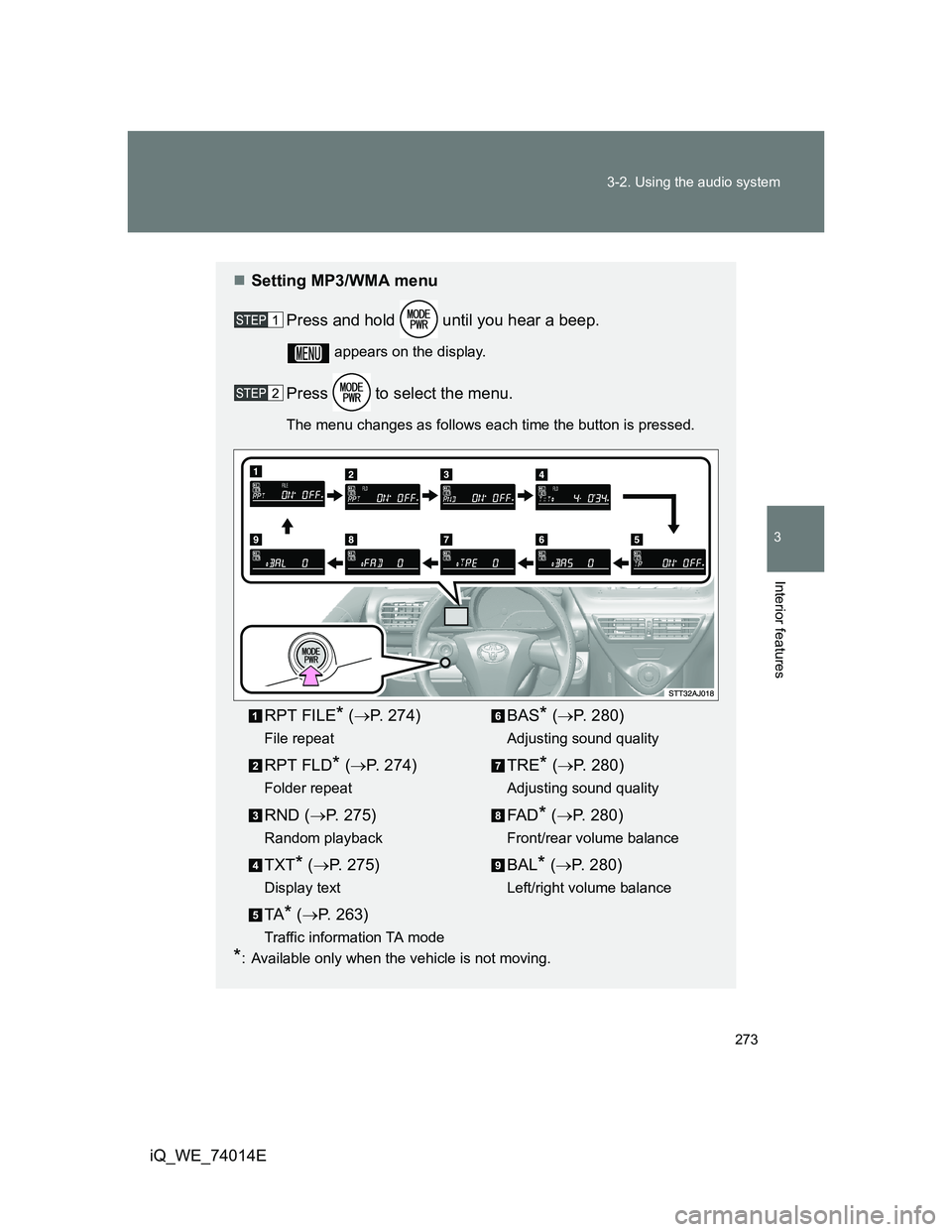
Setting MP3/WMA menu
Press and hold until you hear a beep.
appears on the display.
Press to select the menu.
The menu changes as follows each time the button is pressed.
*: Available only when the vehicle is not moving.
RPT FILE* (P. 274)
File repeat
RPT FLD* (P. 274)
Folder repeat
RND (P. 275)
Random playback
TXT* (P. 275)
Display text
TA* (P. 263)
Traffic information TA mode
BAS* (P. 280)
Adjusting sound quality
TRE* (P. 280)
Adjusting sound quality
FA D* (P. 280)
Front/rear volume balance
BAL* (P. 280)
Left/right volume balance
Page 275 of 476
275 3-2. Using the audio system
3
Interior features
iQ_WE_74014ECancelling repeat playback
Press “ ” on to select “OFF”.
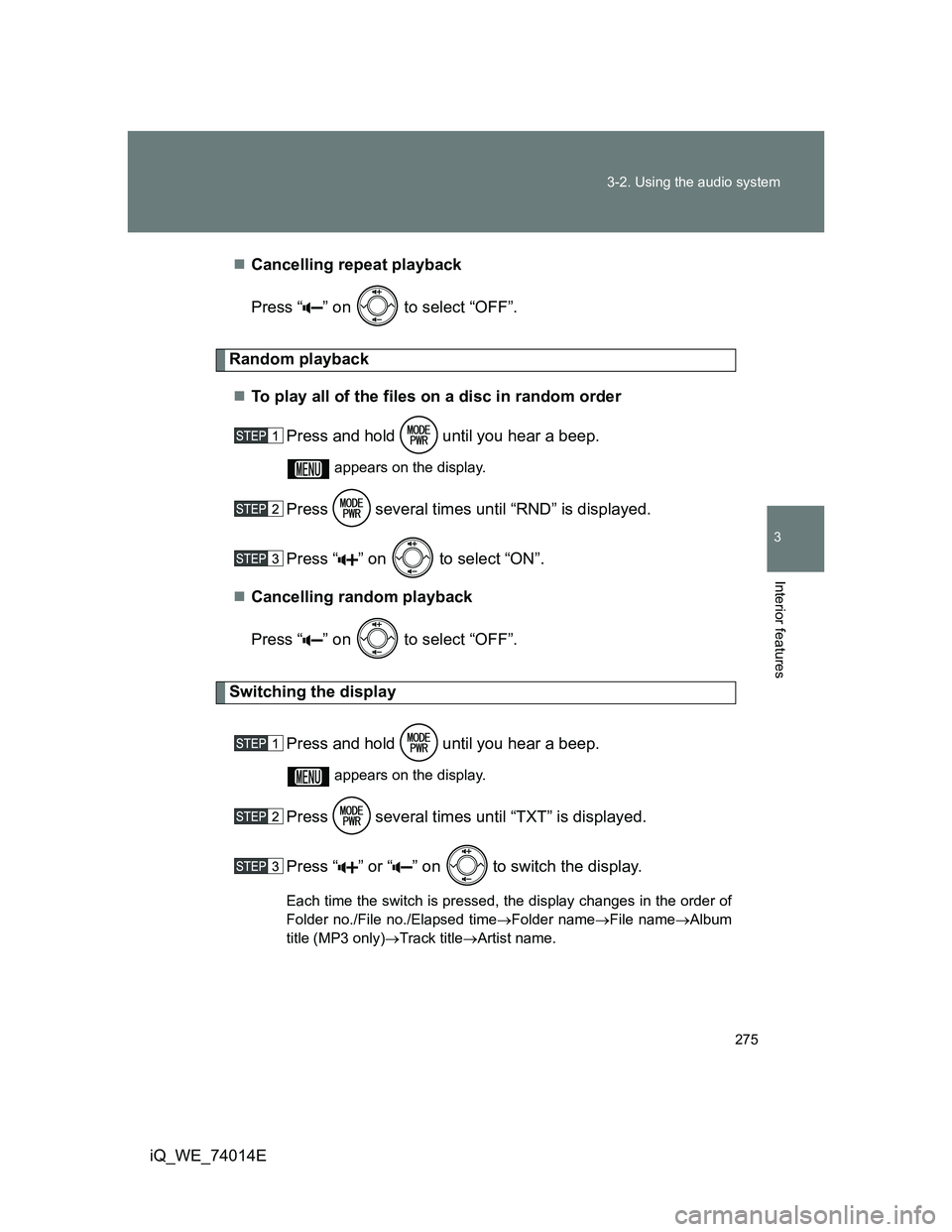
Random playback
To play all of the files on a disc in random order
Press and hold until you hear a beep.
appears on the display.
Press several times until “RND” is displayed.
Press “ ” on to select “ON”.
Cancelling random playback
Press “ ” on to select “OFF”.
Switching the display
Press and hold until you hear a beep.
appears on the display.
Press several times until “TXT” is displayed.
Press “ ” or “ ” on
to switch the display.
Each time the switch is pressed, the display changes in the order of
Folder no./File no./Elapsed timeFolder nameFile nameAlbum
title (MP3 only)Track titleArtist name.
Page 280 of 476
280
3-2. Using the audio system
iQ_WE_74014E
Optimal use of the audio system
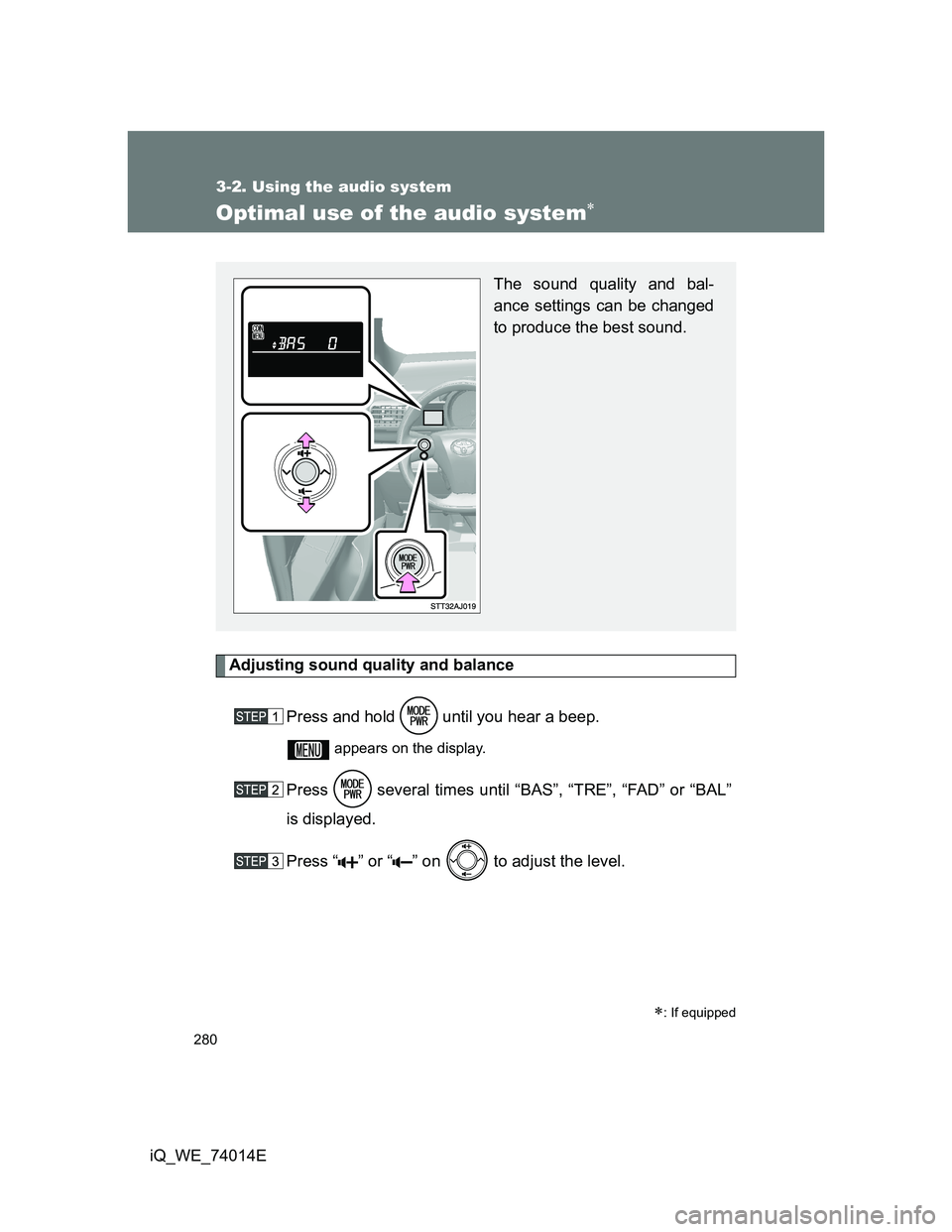
Adjusting sound quality and balance
Press and hold until you hear a beep.
appears on the display.
Press several times until “BAS”, “TRE”, “FAD” or “BAL”
is displayed.
Press “ ” or “ ” on to adjust the level.
: If equipped
The sound quality and bal-
ance settings can be changed
to produce the best sound.
Page 284 of 476
284
3-2. Using the audio system
iQ_WE_74014E
Using the steering wheel audio switches
Turning on the power
Press when the audio system is turned off.
The audio system can be turned off by holding the switch down until you
hear two beeps.
Selecting the audio mode
Press when the audio system is turned on. The audio mode
changes as follows each time the button is pressed.
FM1FM2FM3CDAUXAM
Adjusting the volume
Press “ ” on to increase the volume and “ ” to decrease the
volume.
Hold down the button to continue increasing or decreasing the volume.
Audio features can be controlled using the switches on the steering
wheel.
Operation may differ depending on the type of audio system or navi-
gation system. For details, refer to the manual provided with the
audio system or navigation system.
Vo l u m e
Radio: Select radio stations
CD: Select tracks, files
(MP3 and WMA)
Power on, select audio
mode
Page 286 of 476
286
iQ_WE_74014E
3-3. Using the interior lights
Interior lights list
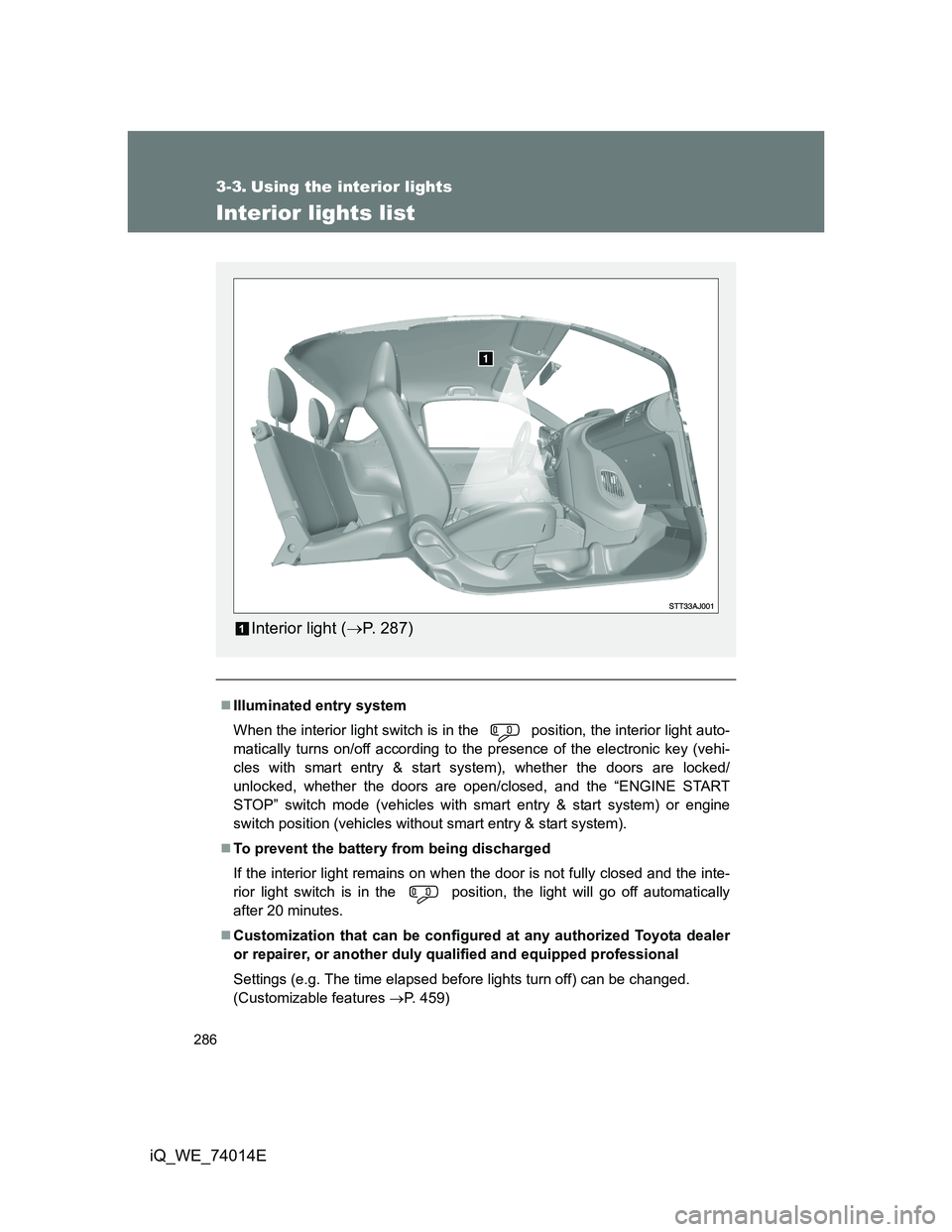
Illuminated entry system
When the interior light switch is in the position, the interior light auto-
matically turns on/off according to the presence of the electronic key (vehi-
cles with smart entry & start system), whether the doors are locked/
unlocked, whether the doors are open/closed, and the “ENGINE START
STOP” switch mode (vehicles with smart entry & start system) or engine
switch position (vehicles without smart entry & start system).
To prevent the battery from being discharged
If the interior light remains on when the door is not fully closed and the inte-
rior light switch is in the position, the light will go off automatically
after 20 minutes.
Customization that can be configured at any authorized Toyota dealer
or repairer, or another duly qualified and equipped professional
Settings (e.g. The time elapsed before lights turn off) can be changed.
(Customizable features P. 459)
Interior light (P. 287)
Page 429 of 476
5
429 5-2. Steps to take in an emergency
When trouble arises
iQ_WE_74014E
Changing “ENGINE START STOP” switch modes
Vehicles with a Multidrive
Within 10 seconds of the buzzer sounding, release the brake pedal and
press the “ENGINE START STOP” switch.
The engine does not start and modes will be changed each time the switch
is pressed. (P. 181)
Vehicles with a manual transmission
Within 10 seconds of the buzzer sounding, release the clutch pedal and
press the “ENGINE START STOP” switch.
The engine does not start and modes will be changed each time the switch
is pressed. (P. 181)
Page 459 of 476

459
6
Vehicle specifications
iQ_WE_74014E
6-2. Customization
Customizable features
ItemFunctionDefault settingCustomized
setting
Smart entry
& start
system
(if equipped)
(
P. 39)Smart entry & start sys-
temON OFF
Operation signal
(Emergency flashers) ON OFF
Wireless
remote
control
(
P. 62)Wireless remote control ON OFF
Time elapsed before
automatic door lock
function is activated if
door is not opened after
being unlocked30 seconds60 seconds
120 seconds
Operation signal
(Emergency flashers)ON OFF
Door lock buzzer (vehi-
cles with smart entry &
start system)ON OFF
Automatic
light control
system
(P. 211)Light sensor sensitivity Level 3 Level 1 to 5
Your vehicle includes a variety of electronic features that can be per-
sonalized to your preferences. Programming these preferences
requires specialized equipment and may be performed by any autho-
rized Toyota dealer or repairer, or another duly qualified and
equipped professional.
Some function settings are changed simultaneously with other functions
being customized. Contact any authorized Toyota dealer or repairer, or
another duly qualified and equipped professional.