Page 203 of 636
203
2-3. Operating the lights and wipers
2
When driving
Ty p e D
The daytime running
lights turn on.
The side marker, park-
ing, tail, license plate,
daytime running lights
and instrument panel
lights turn on.
The headlights and all
lights listed above
(except daytime run-
ning lights) turn on.
The headlights and
parking lights turn on
and off automatically.
(Vehicles without
smart key system:
When the engine
switch is turned to the
“ON” position.
Vehicles with smart
key system:
When the “ENGINE
START STOP” switch
is turned to IGNITION
ON mode.)
(if equipped)
Page 205 of 636

205
2-3. Operating the lights and wipers
2
When driving
■
Automatic light off system
Vehicles without smart key system
● When the headlights come on: The headlights and tail lights turn off 30
seconds after a door is opened and closed if the engine switch is turned
to the “ACC” or “LOCK” position. (The lights turn off immediately if
on the wireless remote control is pressed after all the doors are
locked.)
● When only the tail lights come on: The tail lights turn off automatically if
the engine switch is turned to the “ACC” or “LOCK” position and the
driver’s door is opened.
To turn the lights on again, turn the engine switch to the “ON” position, or
turn the light switch off and then back to or .
Vehicles with smart key system
● When the headlights come on: The headlights and tail lights turn off 30
seconds after a door is opened and closed if the “ENGINE START
STOP” switch is turned to ACCESSORY mode or turned off. (The lights
turn off immediately if on the key is pressed after all the doors are
locked.)
● When only the tail lights come on: The tail lights turn off automatically if
the “ENGINE START STOP” switch is turned to ACCESSORY mode or
turned off and the driver’s door is opened.
To turn the lights on again, turn the “ENGINE START STOP” switch to IGNI-
TION ON mode, or turn the light switch off and then back to or
.
■ Customization that can be co nfigured at Toyota dealer
Settings (e.g. daytime running light system) can be changed.
(Customizable features P. 602)
NOTICE
■To prevent battery discharge
Do not leave the lights on longer than necessary when the engine is not run-
ning.
Page 210 of 636
210 2-3. Operating the lights and wipers
■The windshield wipers and washer can be operated when
Vehicles without smart key system
The engine switch is in
the “ON” position.
Vehicles with smart key system
The “ENGINE START STOP” switch is in IGNITION ON mode.
■ If no windshield washer fluid sprays
Check that the washer nozzles are not blocked and if there is washer fluid in
the windshield washer fluid reservoir.
■ Wash/wipe operation
Wipers operate automatically.
Page 214 of 636
214 2-3. Operating the lights and wipers
■The rear window wiper and w asher can be operated when
Vehicles without smart key system
The engine switch is in
the “ON” position.
Vehicles with smart key system
The “ENGINE START STOP” switch is in IGNITION ON mode.
NOTICE
■ When the rear window is dry
Do not use the wipers, as they may damage the rear window.
Page 225 of 636
225
2-4. Using other
driving systems
2
When driving
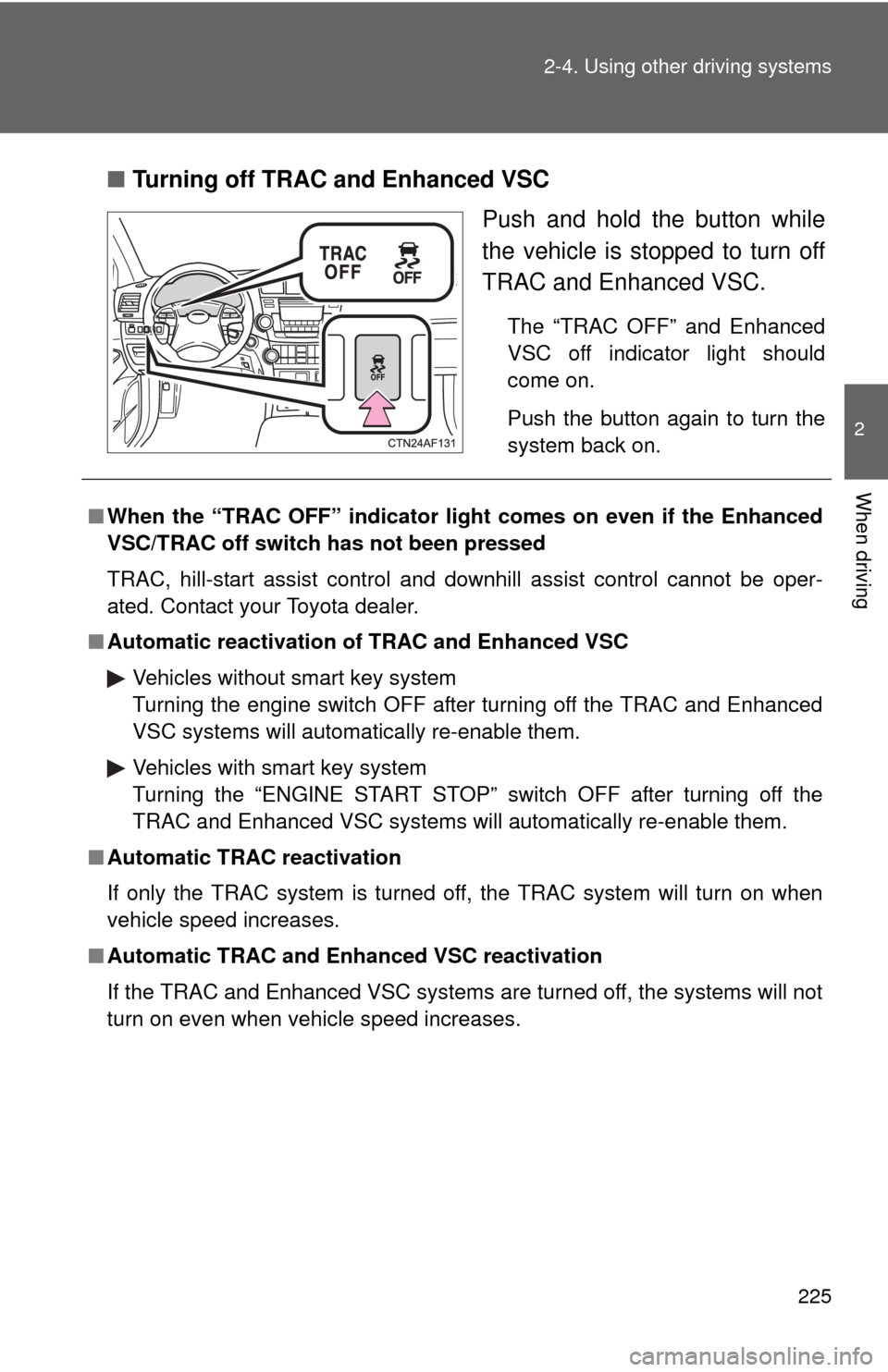
■Turning off TRAC and Enhanced VSC
Push and hold the button while
the vehicle is stopped to turn off
TRAC and Enhanced VSC.
The “TRAC OFF” and Enhanced
VSC off indicator light should
come on.
Push the button again to turn the
system back on.
■When the “TRAC OFF” indicator light comes on even if the Enhanced
VSC/TRAC off switch has not been pressed
TRAC, hill-start assist control and downhill assist control cannot be oper-
ated. Contact your Toyota dealer.
■ Automatic reactivation of TRAC and Enhanced VSC
Vehicles without smart key system
Turning the engine switch OFF after turning off the TRAC and Enhanced
VSC systems will automatically re-enable them.
Vehicles with smart key system
Turning the “ENGINE START STOP” switch OFF after turning off the
TRAC and Enhanced VSC systems will automatically re-enable them.
■ Automatic TRAC reactivation
If only the TRAC system is turned off, the TRAC system will turn on when
vehicle speed increases.
■ Automatic TRAC and Enha nced VSC reactivation
If the TRAC and Enhanced VSC systems are turned off, the systems will not
turn on even when vehicle speed increases.
Page 290 of 636
290 3-1. Using the air conditioning system and defogger
■The defogger can be operated when
Vehicles without smart key system
The engine switch is in the “ON” position.
Vehicles with smart key system
The “ENGINE START STOP” switch is in IGNITION ON mode.
■ Outside rear view mirror defoggers (vehicles with outside rear view
mirror defoggers)
Turning the rear window defogger on will turn the outside rear view mirror
defoggers on.
CAUTION
■ Outside rear view mirror defoggers (vehicles with outside rear view
mirror defoggers)
Do not touch the outside surface of the rear view mirrors, as they can
become very hot and cause burns.
Page 291 of 636
291
3-1. Using the air conditioning system and defogger
3
Interior features
Windshield wiper de-icer
■The de-icer can be operated when
Vehicles without smart key system
The engine switch is in the “ON” position.
Vehicles with smart key system
The “ENGINE START STOP” switch is in IGNITION ON mode.
CAUTION
■ When the windshield wiper de-icer is on
Do not touch the lower part of the windshield or the side of the front pillars,
as the surfaces can become very hot and cause burns.
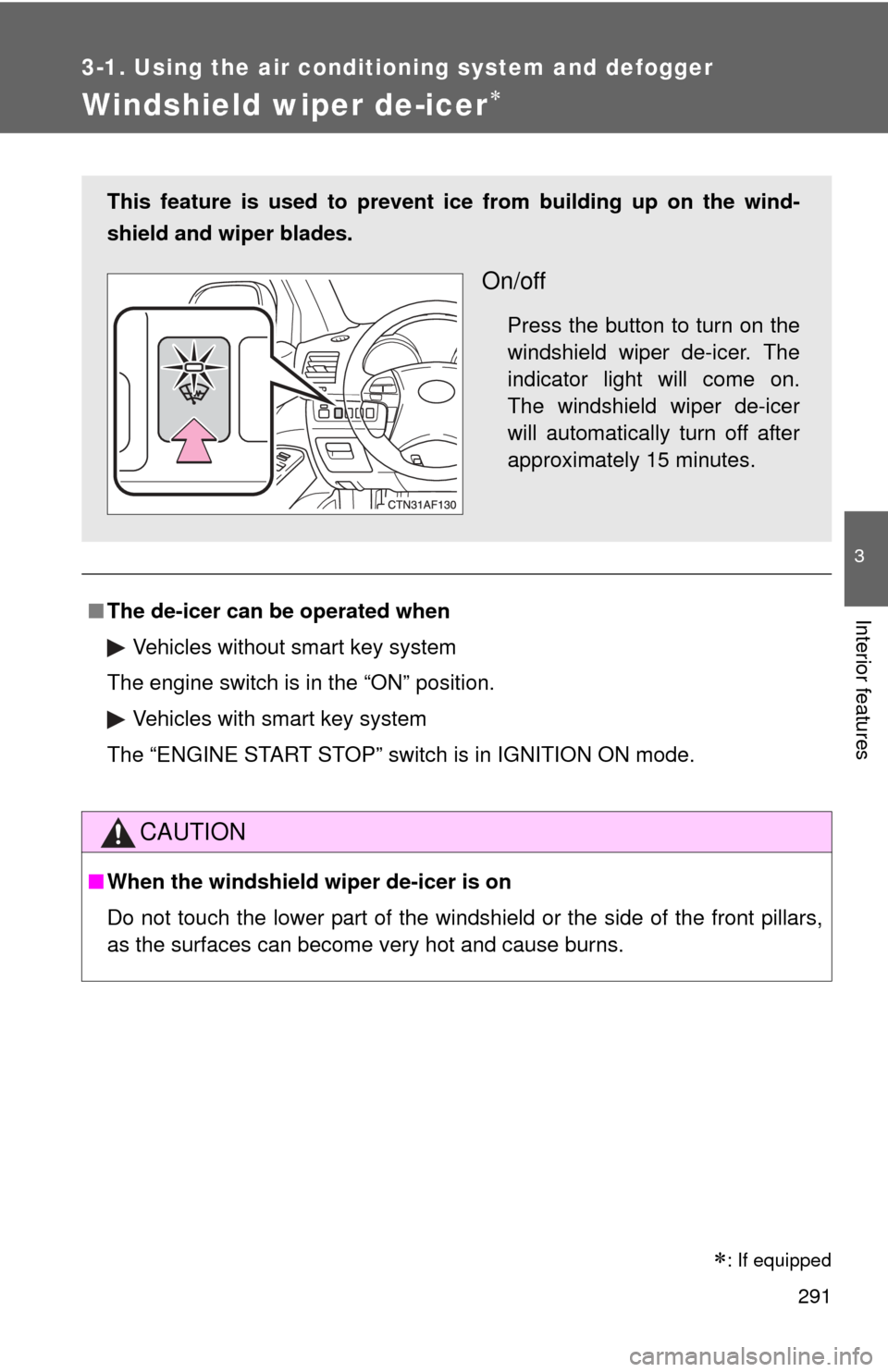
This feature is used to prevent ice from building up on the wind-
shield and wiper blades.
On/off
Press the button to turn on the
windshield wiper de-icer. The
indicator light will come on.
The windshield wiper de-icer
will automatically turn off after
approximately 15 minutes.
: If equipped
Page 352 of 636
352 3-3. Using the Bluetooth
® audio system
Using the Bluetooth® audio system for the first time
Before using the Bluetooth
® audio system, it is necessary to register
a Bluetooth® enabled portable player in the system. Follow the proce-
dure below to register (pair) a portable player:
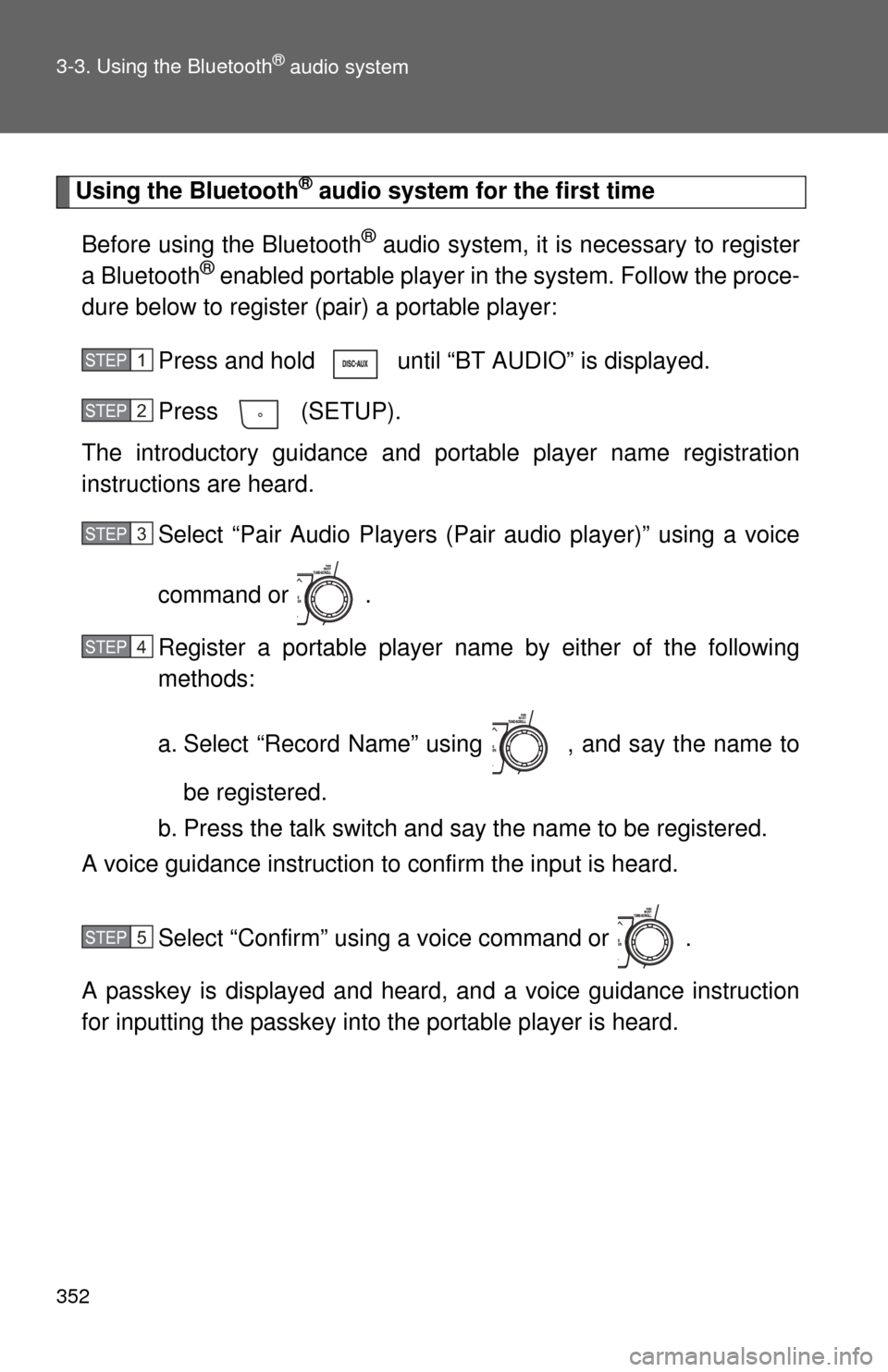
Press and hold until “BT AUDIO” is displayed.
Press (SETUP).
The introductory guidance and port able player name registration
instructions are heard.
Select “Pair Audio Players (Pair audio player)” using a voice
command or .
Register a portable player nam e by either of the following
methods:
a. Select “Record Name” using , and say the name to
be registered.
b. Press the talk switch and say the name to be registered.
A voice guidance instruction to confirm the input is heard.
Select “Confirm” using a voice command or .
A passkey is displayed and heard, and a voice guidance instruction
for inputting the passkey into the portable player is heard.
STEP1
STEP2
STEP3
STEP4
STEP5