Page 301 of 529
301
3-4. Using the hands-free phone system (for cellular phone)
3
Interior features
Using the “SET UP” menu (“Phone” menu)
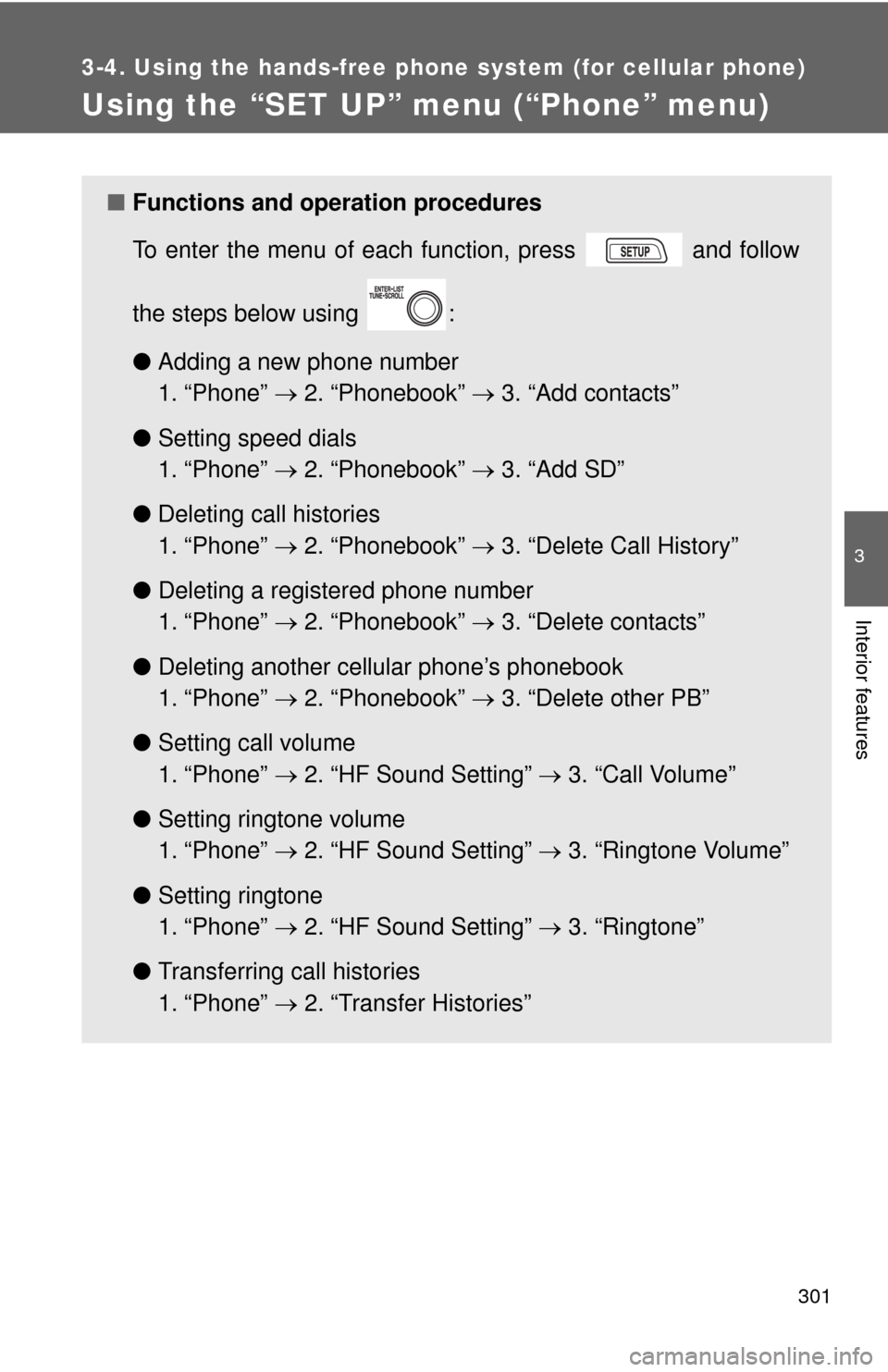
■Functions and operation procedures
To enter the menu of each function, press and follow
the steps below using :
●Adding a new phone number
1. “Phone” 2. “Phonebook” 3. “Add contacts”
● Setting speed dials
1. “Phone” 2. “Phonebook” 3. “Add SD”
● Deleting call histories
1. “Phone” 2. “Phonebook” 3. “Delete Call History”
● Deleting a registered phone number
1. “Phone” 2. “Phonebook” 3. “Delete contacts”
● Deleting another cellular phone’s phonebook
1. “Phone” 2. “Phonebook” 3. “Delete other PB”
● Setting call volume
1. “Phone” 2. “HF Sound Setting” 3. “Call Volume”
● Setting ringtone volume
1. “Phone” 2. “HF Sound Setting” 3. “Ringtone Volume”
● Setting ringtone
1. “Phone” 2. “HF Sound Setting” 3. “Ringtone”
● Transferring call histories
1. “Phone” 2. “Transfer Histories”
Page 303 of 529
303
3-4. Using the hand
s-free phone system (for cellular phone)
3
Interior features
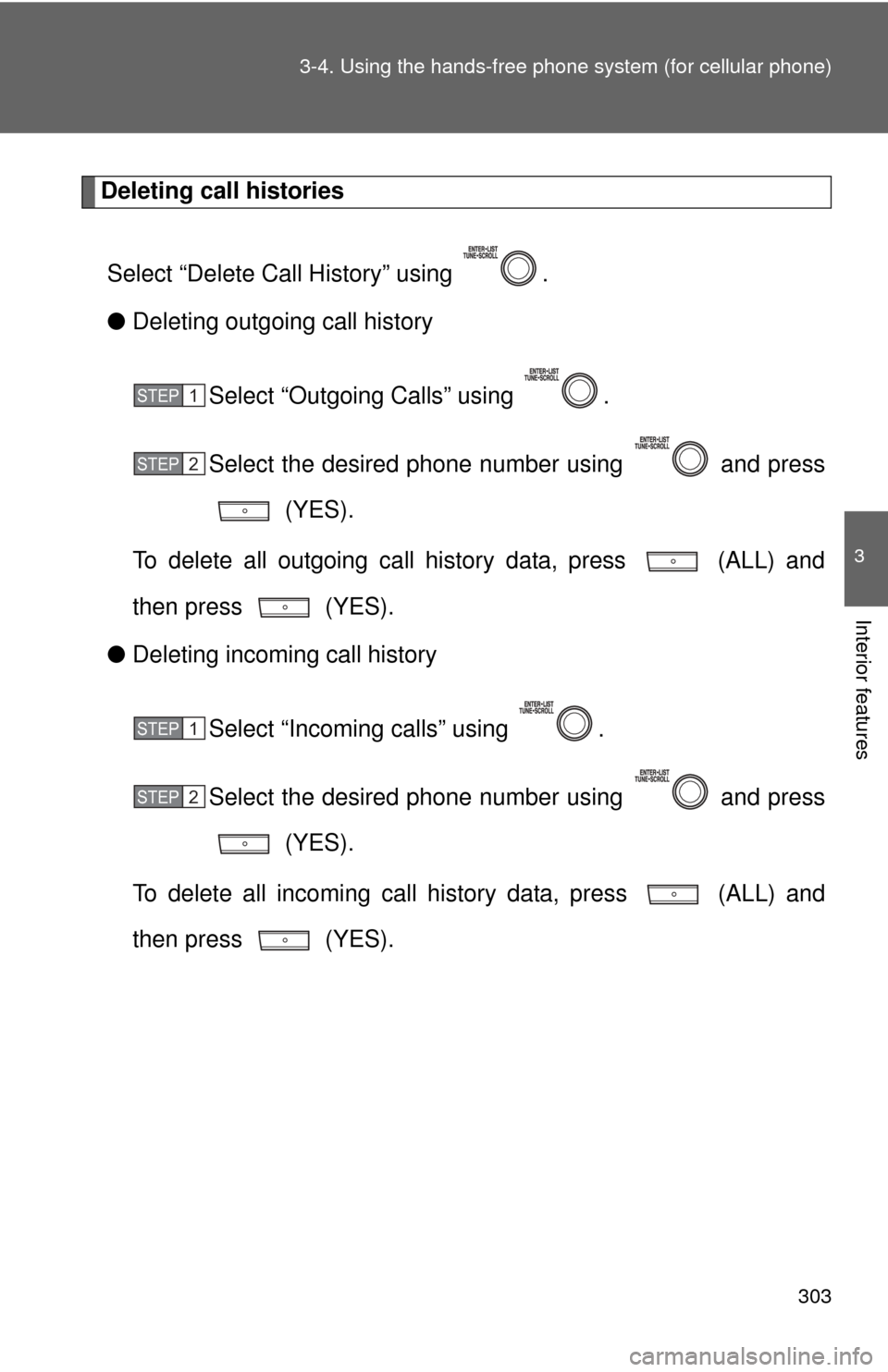
Deleting call histories
Select “Delete Call History” using .
● Deleting outgoing call history
Select “Outgoing Calls” using .
Select the desired phone number using and press (YES).
To delete all outgoing call history data, press (ALL) and
then press (YES).
● Deleting incoming call history
Select “Incoming calls” using .
Select the desired phone number using and press (YES).
To delete all incoming call history data, press (ALL) and
then press (YES).
STEP 1
STEP 2
STEP 1
STEP 2
Page 305 of 529
305
3-4. Using the hand
s-free phone system (for cellular phone)
3
Interior features
Deleting a registered phone number
Select “Delete contacts” using .
Select the desired phone number using and press (YES).
To delete all of the registered phone numbers, select “All delete”
using and press (YES).
Deleting another cellular phone’s phonebook
Select “Delete other PB” using .
Select the desired phonebook using and press (YES).
Setting call volume
Select “Call Volume” using .
Change the call volume.
To decrease the volume: Turn counterclockwise.
To increase the volume: Turn clockwise.
STEP 1
STEP 2
STEP 1
STEP 2
STEP 1
STEP 2
Page 307 of 529
307
3
Interior features
3-5. Using the interior lights
Interior lights list
Interior light (P. 309)
Personal lights or personal/interior lights ( P. 309, 310)
“ENGINE START STOP” switch light (vehicles with smart key
system)
Page 308 of 529

308 3-5. Using the interior lights
■Illuminated entry system
Vehicles without moon roof
The interior light (with the switch in the “DOOR” position) and “ENGINE
START STOP” switch light (vehicles with smart key system) automatically
turn on/off according to “ENGINE START STOP” switch mode (vehicles with
smart key system) or engine switch position (vehicles without smart key sys-
tem), the presence of the electronic key (vehicles with smart key system),
whether the doors are locked/unlocked (vehicles with power door lock sys-
tem) and whether the doors are open/closed.
Vehicles with moon roof
The interior light, personal/interior lights (with the switch in the “DOOR” posi-
tion) and “ENGINE START STOP” switch light (vehicles with smart key sys-
tem) automatically turn on/off according to “ENGINE START STOP” switch
mode (vehicles with smart key system) or engine switch position (vehicles
without smart key system), the presence of the electronic key (vehicle\
s with
smart key system), whether the doors are locked/unlocked (vehicles with
power door lock system) and whether the doors are open/closed.
■ To prevent the battery from being discharged
If the interior light, personal/interior lights (vehicles with moon roof) and
“ENGINE START STOP” switch light (vehicles with smart key system)
remain on when the door is not fully closed and the switch is in the “DOOR”
position, the lights will go off automatically after 20 minutes.
■ Customization that can be co nfigured at Toyota dealer
Settings (e.g. The time elapsed before lights turn off) can be changed.
(Customizable features P. 491)
Page 309 of 529
309
3-5. Using the interior lights
3
Interior features
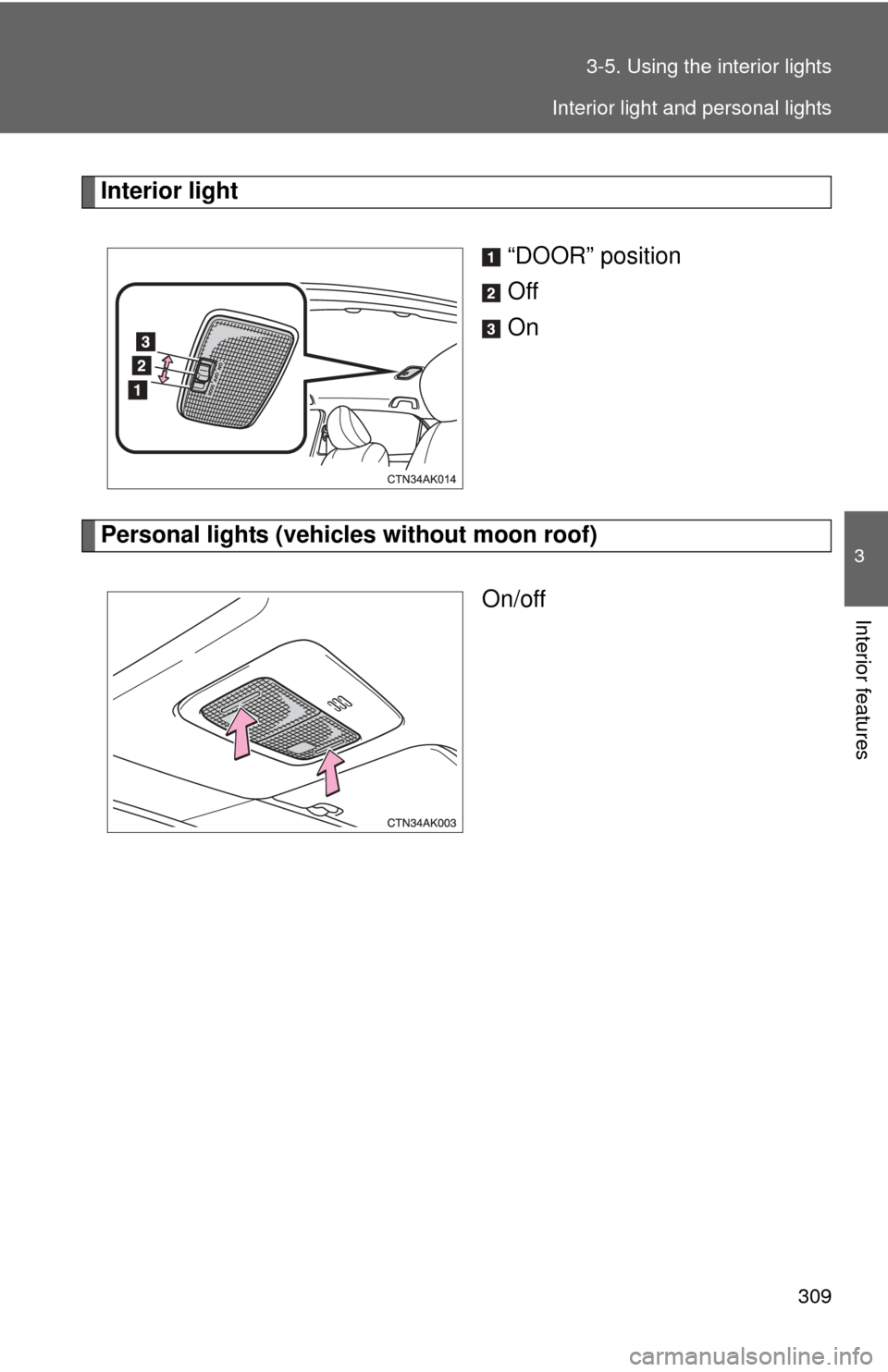
Interior light
“DOOR” position
Off
On
Personal lights (vehicles without moon roof)On/off
Interior light and personal lights
Page 310 of 529
310 3-5. Using the interior lights
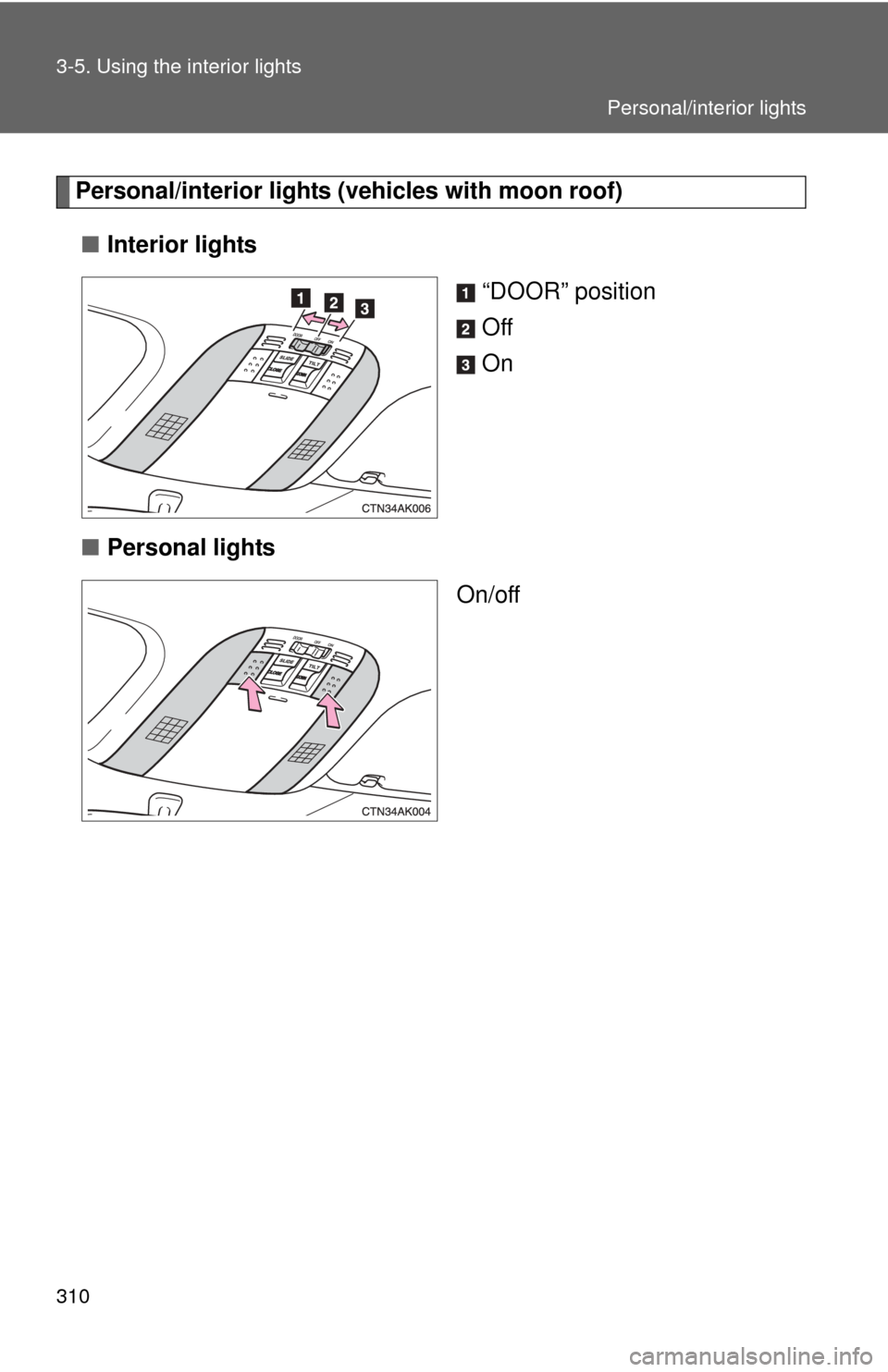
Personal/interior lights (vehicles with moon roof)■ Interior lights
“DOOR” position
Off
On
■ Personal lights
On/off
Personal/interior lights
Page 311 of 529
311
3
Interior features
3-6. Using the storage features
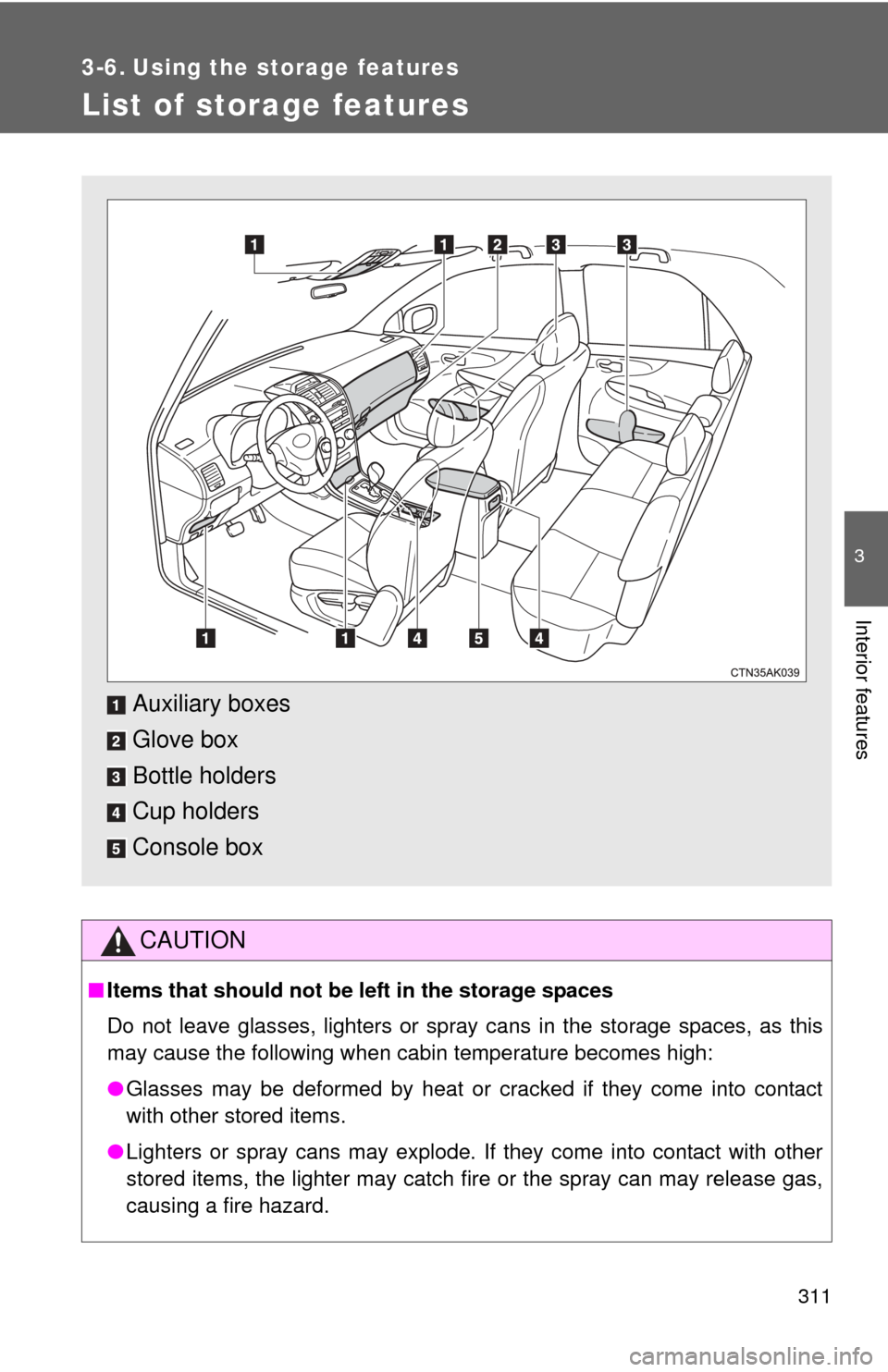
List of storage features
CAUTION
■Items that should not be left in the storage spaces
Do not leave glasses, lighters or spray cans in the storage spaces, as this
may cause the following when cabin temperature becomes high:
● Glasses may be deformed by heat or cracked if they come into contact
with other stored items.
● Lighters or spray cans may explode. If they come into contact with other
stored items, the lighter may catch fire or the spray can may release gas,
causing a fire hazard.
Auxiliary boxes
Glove box
Bottle holders
Cup holders
Console box