Page 285 of 529
285
3-3. Using the Bluetooth
® audio system
3
Interior features
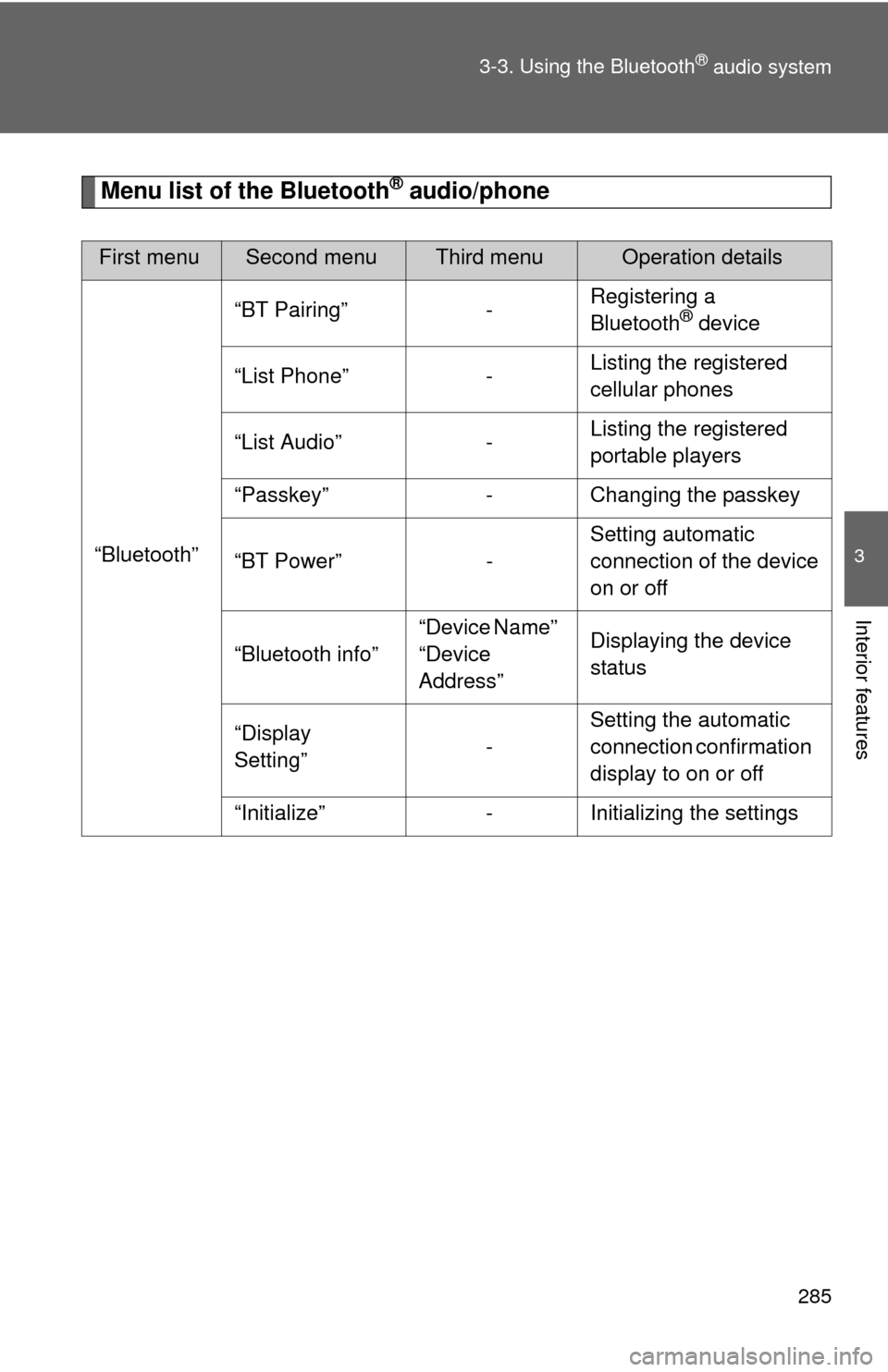
Menu list of the Bluetooth® audio/phone
First menuSecond menuThird menuOperation details
“Bluetooth” “BT Pairing” -
Registering a
Bluetooth
® device
“List Phone” - Listing the registered
cellular phones
“List Audio” - Listing the registered
portable players
“Passkey” - Changing the passkey
“BT Power” - Setting automatic
connection of the device
on or off
“Bluetooth info” “Device Name”
“Device
Address”Displaying the device
status
“Display
Setting” -Setting the automatic
connection confirmation
display to on or off
“Initialize” - Initializing the settings
Page 287 of 529
287
3-3. Using the Bluetooth® audio system
3
Interior features
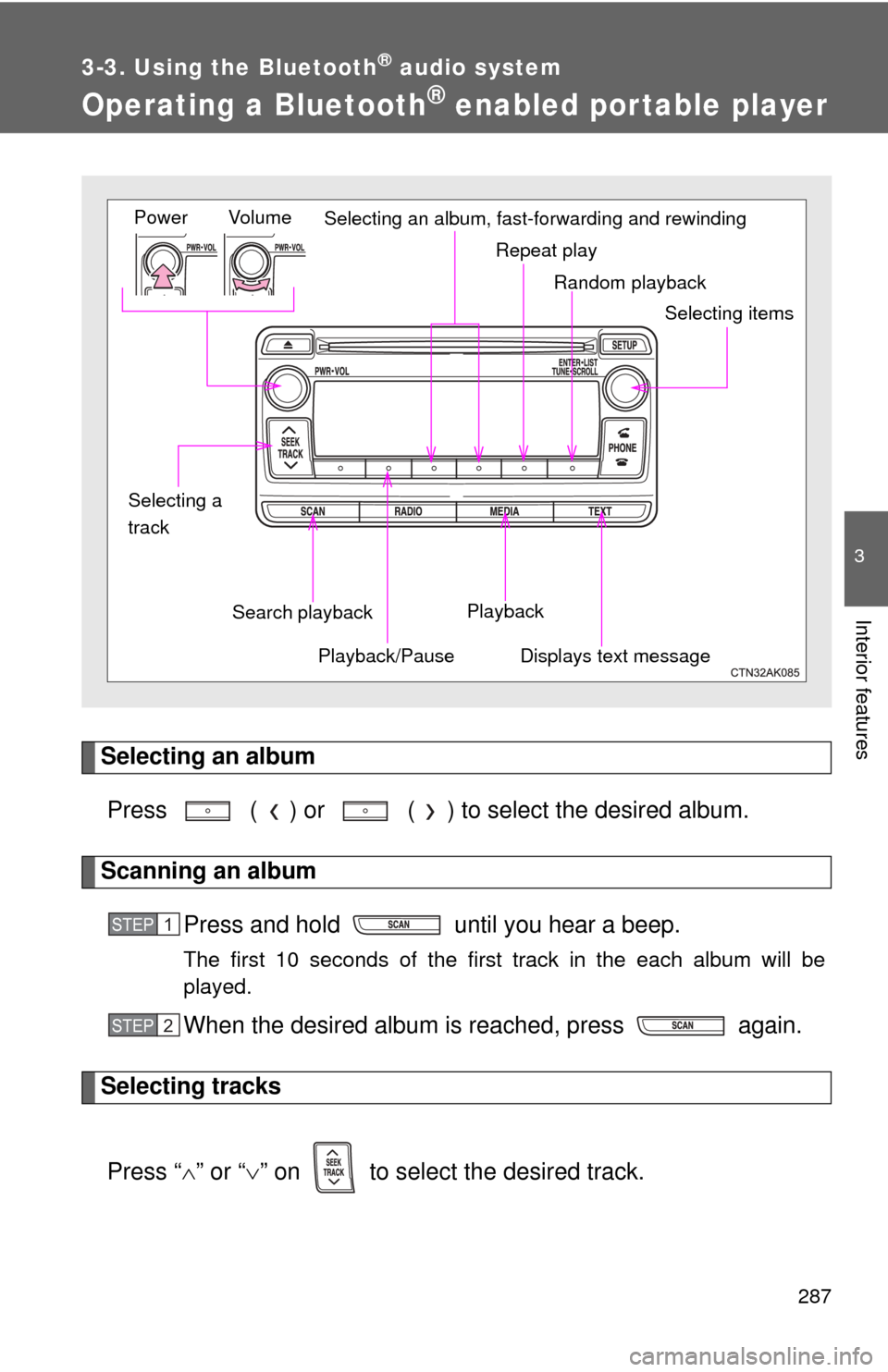
Operating a Bluetooth® enabled portable player
Selecting an albumPress ( ) or ( ) to select the desired album.
Scanning an album Press and hold until you hear a beep.
The first 10 seconds of the first track in the each album will be
played.
When the desired album is reached, press again.
Selecting tracks
Press “ ” or “ ” on to select the desired track.
Random playback
Repeat play
Playback
Playback/PauseDisplays text message
Vol u m e
Power
Selecting itemsSelecting an album, fast-forwarding and rewinding
Search playback
Selecting a
track
STEP 1
STEP 2
Page 289 of 529
289
3-3. Using the Bluetooth
® audio system
3
Interior features
■
Bluetooth® audio system functions
Depending on the portable player that is connected to the system, certain
functions may not be available.
Page 291 of 529
291
3-4. Using the hand
s-free phone system (for cellular phone)
3
Interior features
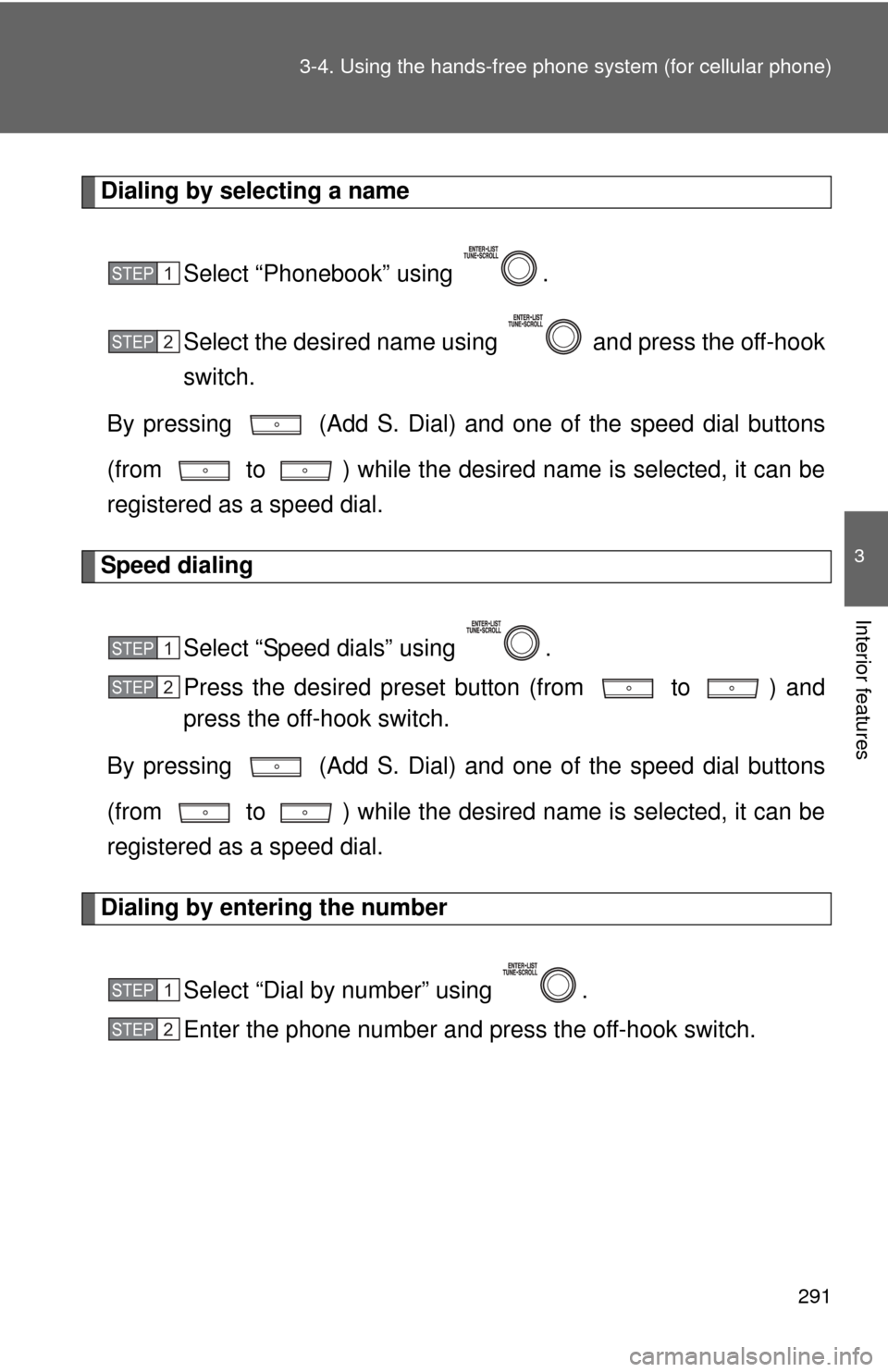
Dialing by selecting a name
Select “Phonebook” using .
Select the desired name using and press the off-hook
switch.
By pressing (Add S. Dial) and one of the speed dial buttons
(from to ) while the desired name is selected, it can be
registered as a speed dial.
Speed dialing
Select “Speed dials” using .
Press the desired preset button (from to ) and
press the off-hook switch.
By pressing (Add S. Dial) and one of the speed dial buttons
(from to ) while the desired name is selected, it can be
registered as a speed dial.
Dialing by entering the number
Select “Dial by number” using .
Enter the phone number and press the off-hook switch.
STEP 1
STEP 2
STEP 1
STEP 2
STEP 1
STEP 2
Page 293 of 529
293
3-4. Using the hand
s-free phone system (for cellular phone)
3
Interior features
Operations during a call
● Transferring a call
A call can be transferred between the cellular phone and system
while dialing, receiving a call, or during a call. Use one of the fol-
lowing methods:
a. Operate the cellular phone.
Refer to the manual that comes with the cellular phone for the oper-
ation of the phone.
b. Press the * (PHONE).
*: This operation can be performed only when transferring a call from
the cellular phone to the system during a call.
● Muting your voice
Press (MUTE).
● Inputting digits
Press (0-9) and using the to input the desired dig-
its.
• To send the input digits press (SEND).
• When finished, press (EXIT) to return to the previous screen.
●Setting call volume
Change the call volume using .
To decrease the volume: Turn counterclockwise.
To increase the volume: Turn clockwise.
Page 295 of 529
295
3-4. Using the hands-free phone system (for cellular phone)
3
Interior features
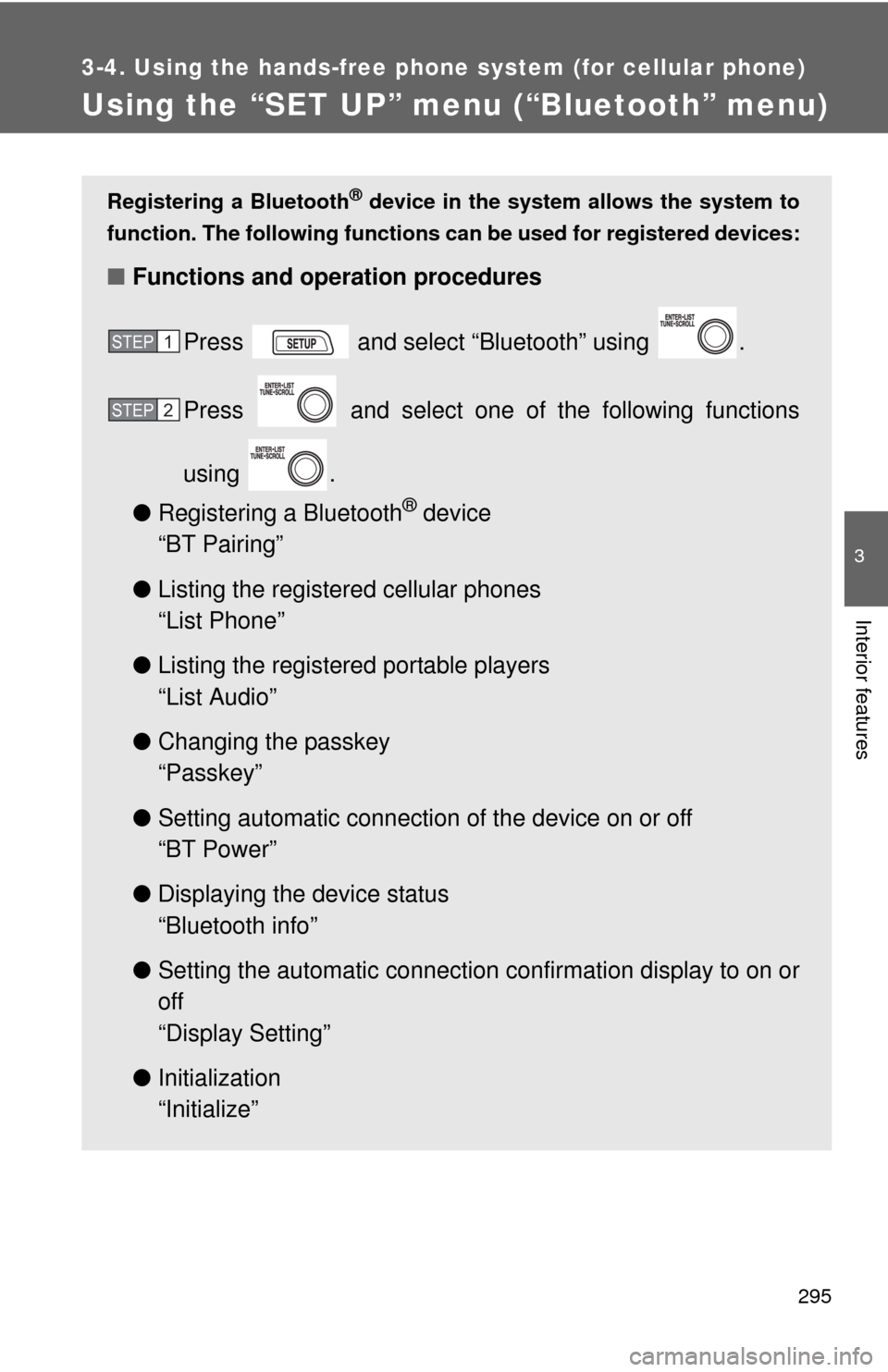
Using the “SET UP” menu (“Bluetooth” menu)
Registering a Bluetooth® device in the system allows the system to
function. The following functions can be used for registered devices:
■Functions and operation procedures
Press and select “Bluetooth” using .
Press and select one of the following functions
using .
● Registering a Bluetooth
® device
“BT Pairing”
● Listing the registered cellular phones
“List Phone”
● Listing the registered portable players
“List Audio”
● Changing the passkey
“Passkey”
● Setting automatic connection of the device on or off
“BT Power”
● Displaying the device status
“Bluetooth info”
● Setting the automatic connection confirmation display to on or
off
“Display Setting”
● Initialization
“Initialize”
STEP 1
STEP 2
Page 297 of 529
297
3-4. Using the hand
s-free phone system (for cellular phone)
3
Interior features
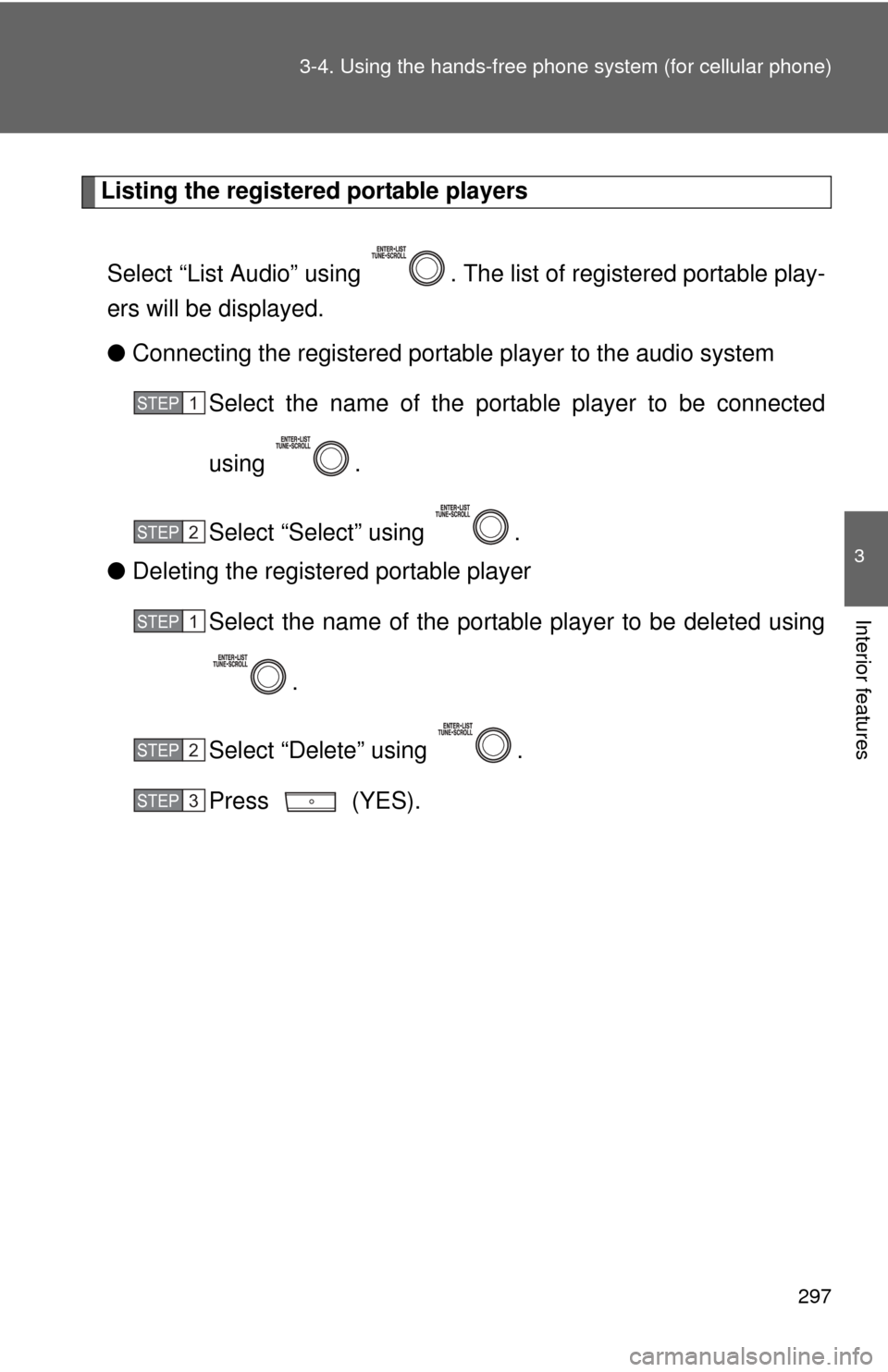
Listing the registered portable players
Select “List Audio” using . The list of registered portable play-
ers will be displayed.
● Connecting the registered portable player to the audio system
Select the name of the portab le player to be connected
using .
Select “Select” using .
● Deleting the registered portable player
Select the name of the portable player to be deleted using
.
Select “Delete” using .
Press (YES).
STEP 1
STEP 2
STEP 1
STEP 2
STEP 3
Page 299 of 529
299
3-4. Using the hand
s-free phone system (for cellular phone)
3
Interior features
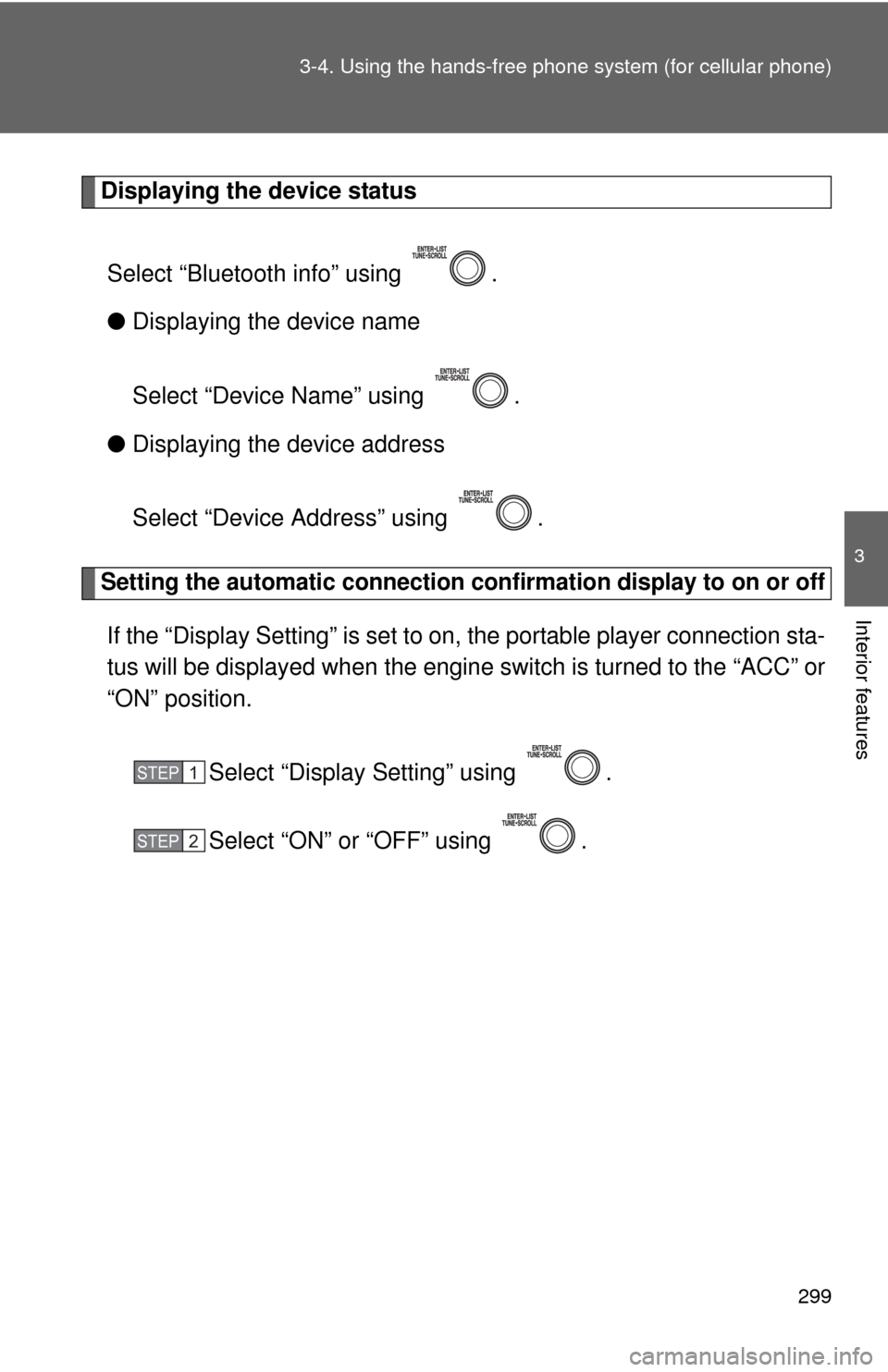
Displaying the device status
Select “Bluetooth info” using .
● Displaying the device name
Select “Device Name” using .
● Displaying the device address
Select “Device Address” using .
Setting the automatic connection conf irmation display to on or off
If the “Display Setting” is set to on, the portable player connection sta-
tus will be displayed when the engine switch is turned to the “ACC” or
“ON” position.
Select “Display Setting” using .
Select “ON” or “OFF” using .
STEP 1
STEP 2