Page 242 of 532
242
3-2. Using the audio system
Audio system types
Without navigation system and Display Audio system
CD player and AM/FM radio
TitlePage
Using the radioP. 248
Using the CD playerP. 251
Playing back MP3 and WMA discsP. 257
Operating an iPodP. 264
Operating a USB memoryP. 272
Optimal use of the audio systemP. 280
Using the AUX portP. 283
Page 243 of 532
243
3-2. Using the audio system
3
Interior features
With Display Audio system
Owners of models equipped with
a Display Audio system should
refer to the “Display Audio System Owner's Manual”.
Display Audio system
Premium Display Audio system
With navigation system
Owners of models equipped with a navigation system should refer
to the “Navigation Sy stem Owner's Manual”.
A
B
Page 244 of 532
244 3-2. Using the audio system
■About Bluetooth® (with Display Audio system)
The Bluetooth wordmark and logo are owned by Bluetooth SIG. and permis-
sion has been granted to use the trademark of the licensee Panasonic Cor-
poration/Pioneer Corporation. Other trademarks and trade names are
owned by various different owners.
CAUTION
■ Certifications for the Bluetooth (with Display Audio system)
FCC ID: ACJ932CQ-US70G0
IC ID: 216J-CQUS70G0
FCC ID: AJDK032
IC ID: 775E-K032
● FCC WARNING:
Changes or modifications not expressly approved by the party responsible
for compliance could void the user's authority to operate the equipment.\
● Part 15 of the FCC Rules & Industry Canada licence-exempt RSS stan-
dard(s)
• Properly shielded a grounded cables and connectors must be used for
connection to host computer and/or peripherals in order to meet FCC
emission limits.
• This transmitter must not be co-located or operated in conjunction with any other antenna or transmitter.
• This device complies with Part 15 of FCC Rules and Industry Canada licence-exempt RSS standard(s). Operation is subject to the following
two conditions: (1) this device may not cause interference, and (2) this
device must accept any interference, including interference that may
cause undesired operation of this device.
• Le présent appareil est conforme aux la partie 15 des règles de la FCC et CNR d’Industrie Canada applicables aux appareils radio exempts de
licence. L’exploitation est autorisée aux deux conditions suivantes : (1)
l’appareil ne doit pas produire de brouillage, et (2) l’utilisateur de
l’appareil doit accepter tout brouillage radioélectrique subi, même si le
brouillage est susceptible d’en compromettre le fonctionnement.
Page 248 of 532
248
3-2. Using the audio system
Using the radio
Setting station presetsSearch for a desired station by turning or pressing
or .
Press and hold a button (from to ) until you hear
a beep.
Vo lu m e Preset station selector
Seeking the
frequency Adjusting the
frequency
AM/FM mode button
Power
Displaying
radio text
messages Scanning for
receivable stations
STEP1
STEP2
Page 249 of 532
249
3-2. Using the audio system
3
Interior features
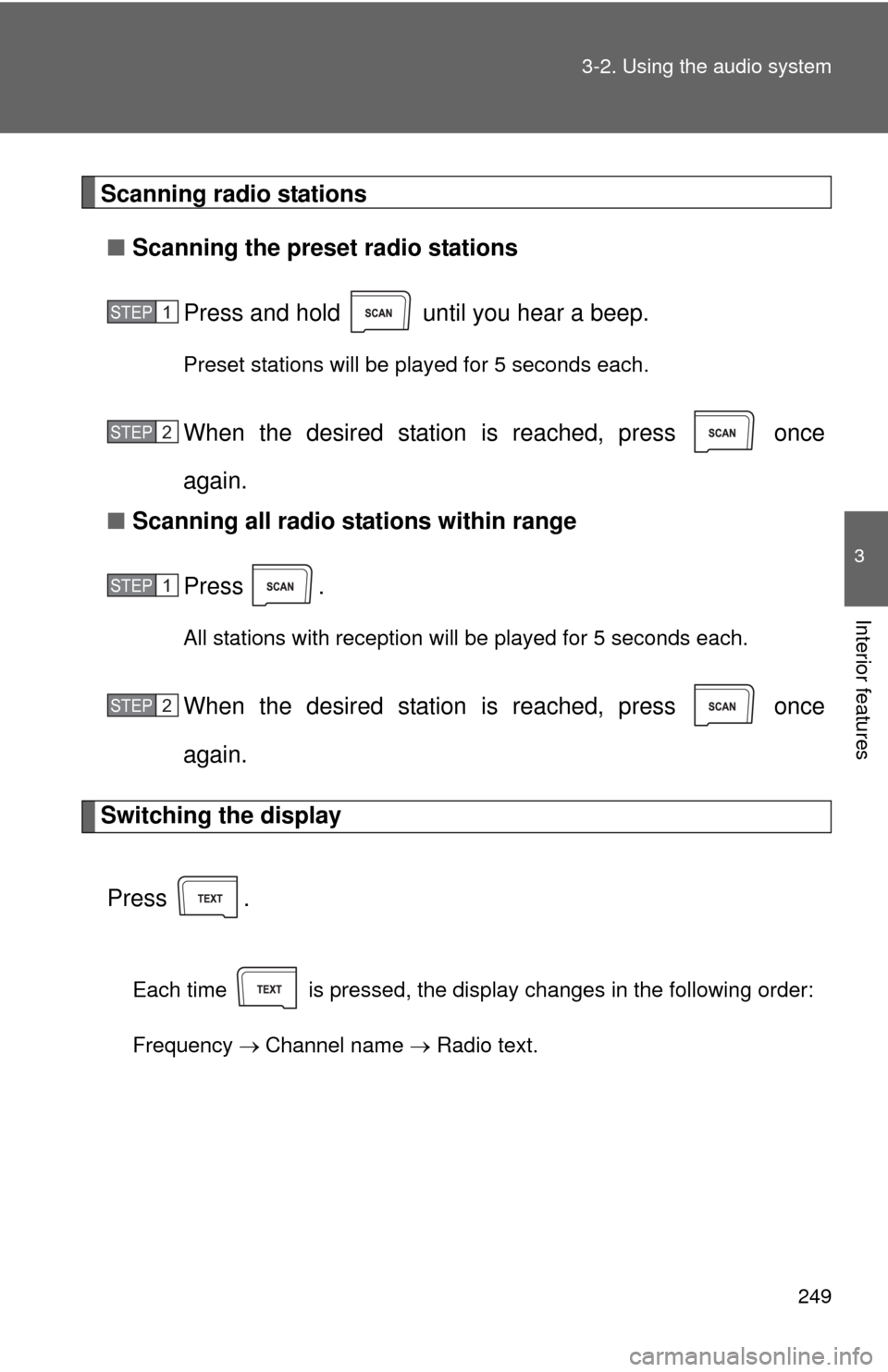
Scanning radio stations
■ Scanning the preset radio stations
Press and hold until you hear a beep.
Preset stations will be played for 5 seconds each.
When the desired station is reached, press once
again.
■ Scanning all radio stations within range
Press
.
All stations with reception will be played for 5 seconds each.
When the desired station is reached, press once
again.
Switching the display
Press .
Each time is pressed, the display changes in the following order:
Frequency Channel name Radio text.
STEP1
STEP2
STEP1
STEP2
Page 251 of 532
251
3-2. Using the audio system
3
Interior features
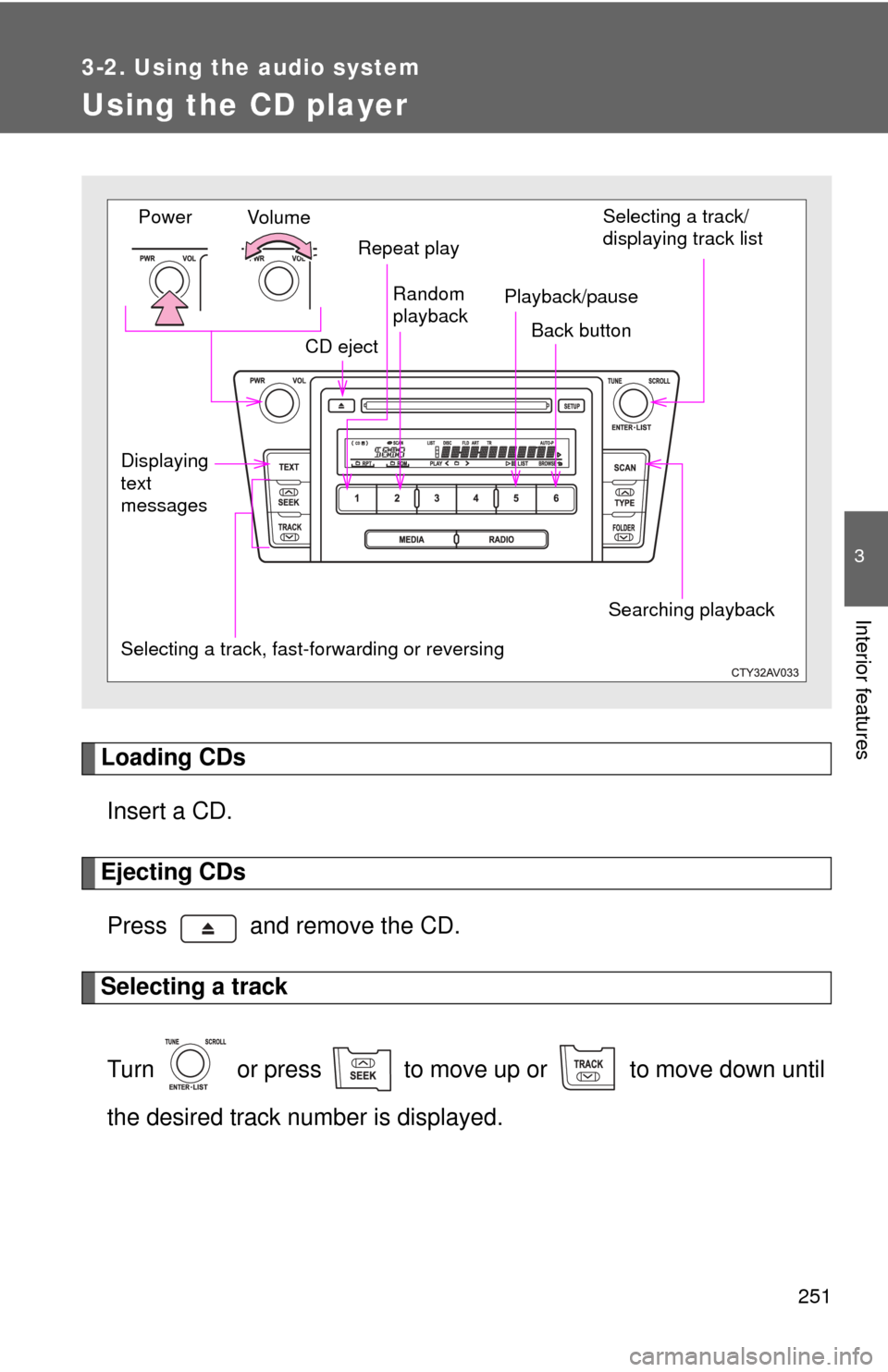
Using the CD player
Loading CDsInsert a CD.
Ejecting CDsPress and remove the CD.
Selecting a track
Turn or press to move up or to move down until
the desired track number is displayed.
Vol u m e
Random
playback
Selecting a track, fast-forwarding or reversing Repeat play
Power
CD eject Selecting a track/
displaying track list
Back button
Displaying
text
messages Searching playback
Playback/pause
Page 252 of 532
252 3-2. Using the audio system
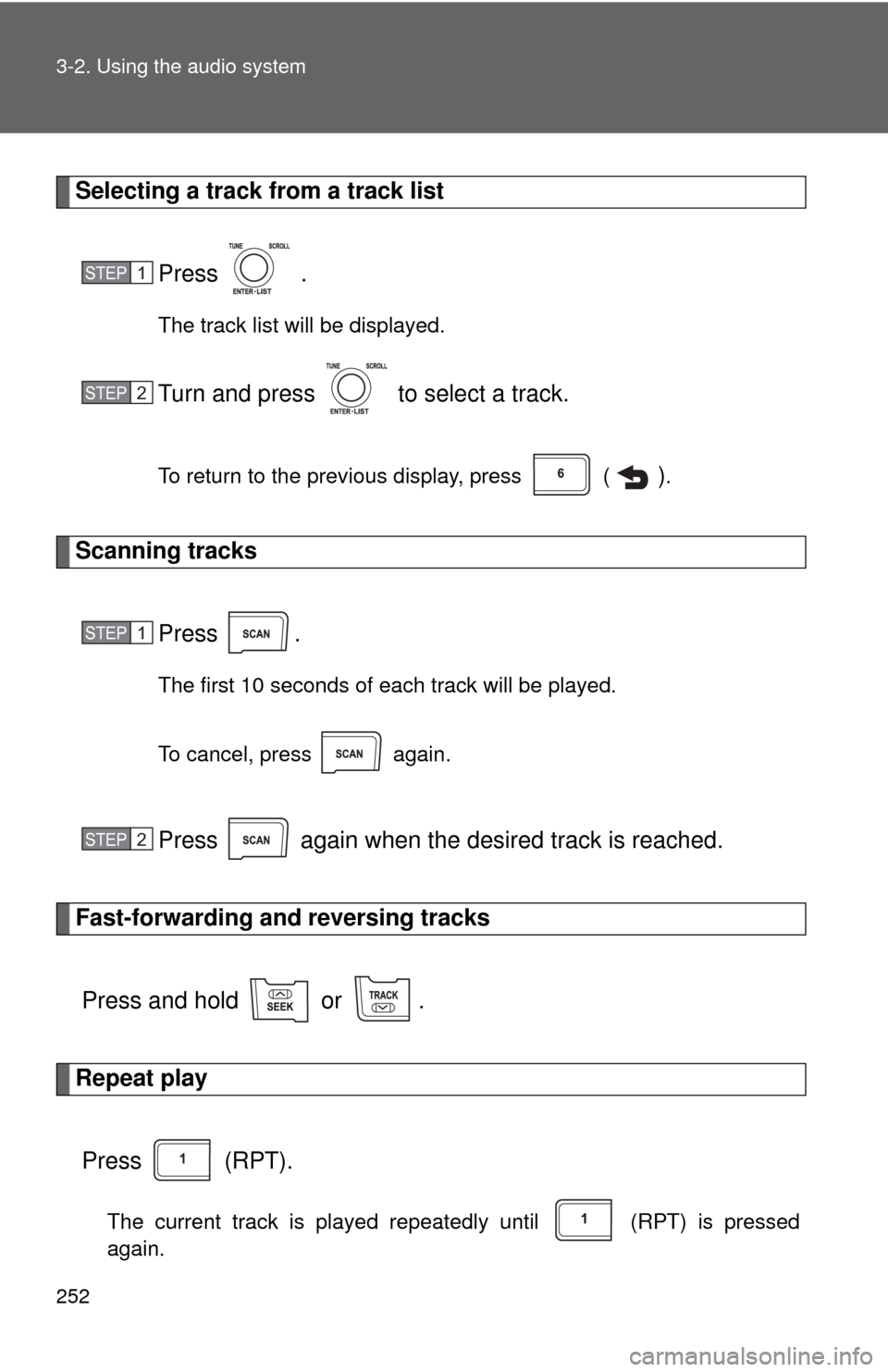
Selecting a track from a track listPress .
The track list will be displayed.
Turn and press to select a track.
To return to the previous display, press ( ).
Scanning tracks
Press .
The first 10 seconds of each track will be played.
To cancel, press again.
Press again when the desired track is reached.
Fast-forwarding and reversing tracksPress and hold or .
Repeat playPress (RPT).
The current track is played repeatedly until (RPT) is pressed
again.
STEP1
STEP2
STEP1
STEP2
Page 253 of 532
253
3-2. Using the audio system
3
Interior features
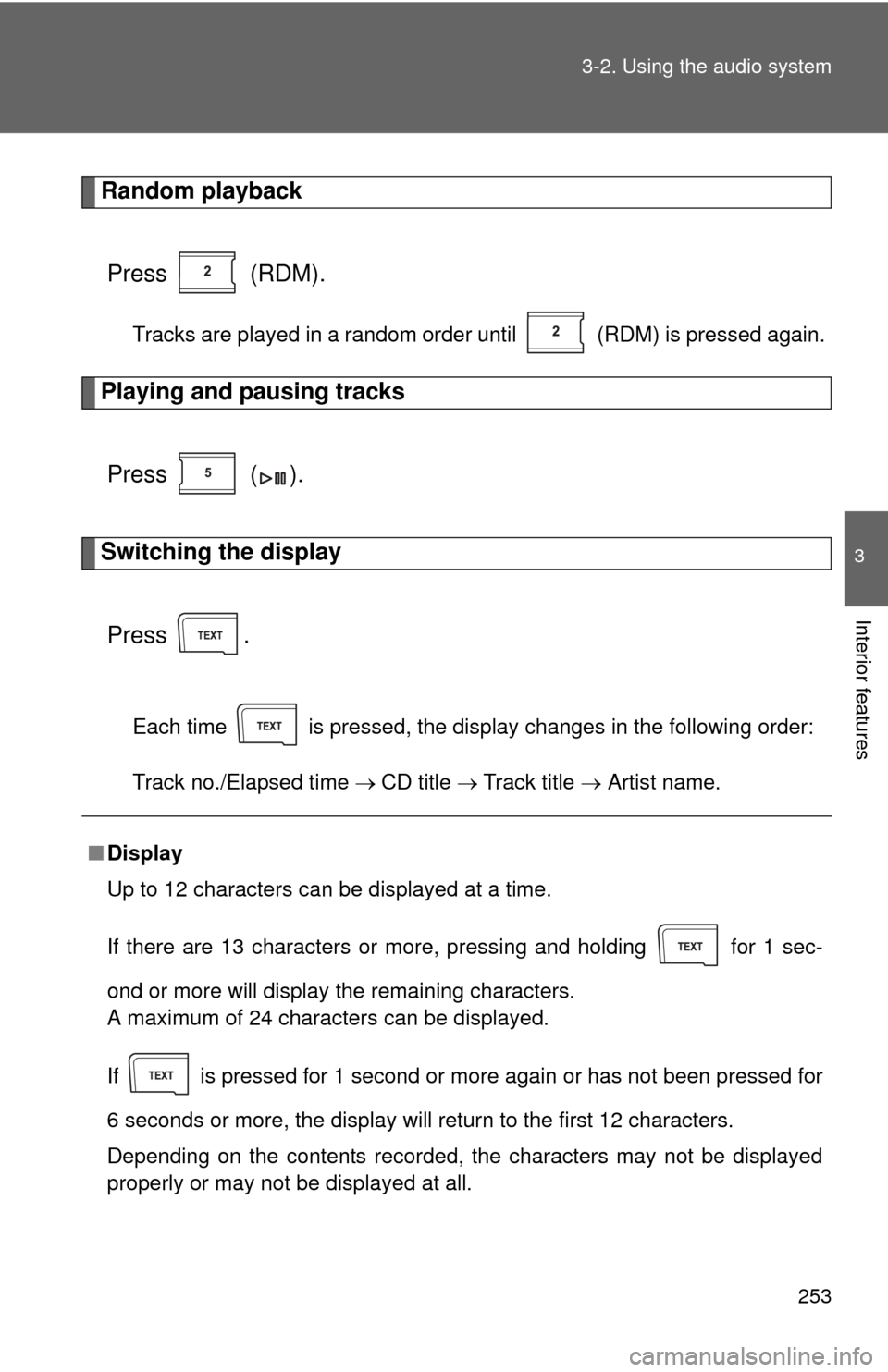
Random playback
Press (RDM).
Tracks are played in a random order until (RDM) is pressed again.
Playing and pausing tracks
Press ( ).
Switching the displayPress .
Each time is pressed, the display changes in the following order:
Track no./Elapsed time CD title Track title Artist name.
■Display
Up to 12 characters can be displayed at a time.
If there are 13 characters or more, pressing and holding for 1 sec-
ond or more will display the remaining characters.
A maximum of 24 characters can be displayed.
If is pressed for 1 second or more again or has not been pressed for
6 seconds or more, the display will return to the first 12 characters.
Depending on the contents recorded, the characters may not be displayed
properly or may not be displayed at all.