2012 Peugeot M59 ESP
[x] Cancel search: ESPPage 65 of 128
63COMFORT AND SAFETY
-
REAR FITTINGS
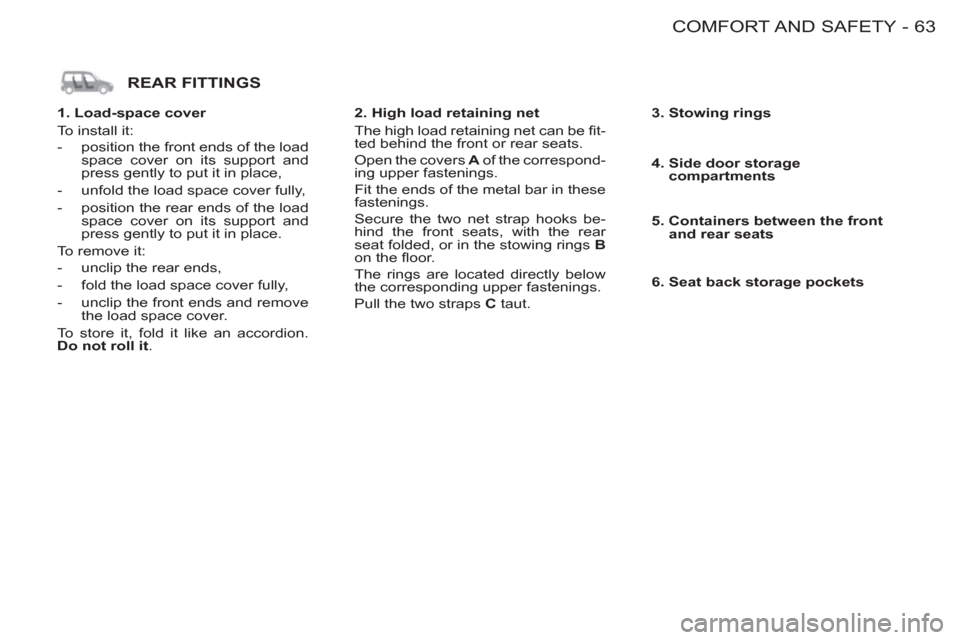
1. Load-space cover
To install it:
- position the front ends of the load
space cover on its support and
press gently to put it in place,
- unfold the load space cover fully,
- position the rear ends of the load
space cover on its support and
press gently to put it in place.
To remove it:
- unclip the rear ends,
- fold the load space cover fully,
- unclip the front ends and remove
the load space cover.
To store it, fold it like an accordion.
Do not roll it
.
2. High load retaining net
The high load retaining net can be fi t-
ted behind the front or rear seats.
Open the covers A
of the correspond-
ing upper fastenings.
Fit the ends of the metal bar in these
fastenings.
Secure the two net strap hooks be-
hind the front seats, with the rear
seat folded, or in the stowing rings B
on the fl oor.
The rings are located directly below
the corresponding upper fastenings.
Pull the two straps C
taut.
3. Stowing rings
4. Side door storage
compartments
5. Containers between the front
and rear seats
6. Seat back storage pockets
Page 68 of 128

66 -
Exceeding the programmed
speed
Pressing the accelerator pedal in order
to exceed the programmed speed will
have no effect unless you press the
pedal fi rmly
beyond the point of
resistance
.
The limiter is deactivated temporarily
and the programmed speed which is
still displayed fl ashes.
Flashing of the speed
The speed fl ashes:
- following forcing of the accelerator
point of resistance,
- when the limiter cannot prevent
an increase in the vehicle speed
due to the profi le of the road or on
a steep descent,
- in the event of sharp acceleration.
In any event, the speed limiter
cannot replace the need to
observe speed limits, nor can
it replace the need for vigi-
lance and responsibility on the
part of the driver.
The driver must always pay attention
to the profi le of the road, take care
on sharp acceleration and remain in
perfect control of his vehicle.
To prevent the mat from becoming
trapped under the pedals:
- ensure that the mat and its fi xings
are positioned correctly,
- never fi t one mat on top of another.
Switching the function off
)
Place dial in position 0
or switch
off the ignition to switch the sys-
tem off. The last programmed
speed remains in the memory.
Operating fault
In the event of a limiter malfunction,
a message is displayed on the multi-
function display accompanied by an
audible signal.
The programmed speed is cleared and
the dashes fl ash for a few seconds.
Contact a PEUGEOT dealer to have
the system checked. To return to the limiter function, reduce
your speed to the programmed speed
or below.
Page 70 of 128

DRIVING68 -
When changing the pro-
grammed reference speed by
means of a maintained press,
pay attention as the speed can
increase or decrease rapidly.
Do not use the cruise control on slip-
pery roads or in heavy traffi c.
In the event of a steep slope, the cruise
control cannot prevent the vehicle from
exceeding the programmed speed.
In any event, the cruise control cannot
replace the need to observe the speed
limits, nor can it replace the need for
vigilance and responsibility on the part
of the driver.
It is advisable to leave your feet near
the pedals.
To prevent the mat from becoming
trapped under the pedals:
- ensure that the mat and its fi xings
are positioned correctly,
- never fi t one mat on top of another.
Deactivation (off)
)
Press this button or the brake or
clutch pedal.
Changing the programmed
reference speed
When the speed is displayed:
)
press SET +
button to increase it.
)
press the SET -
button to de-
crease it.
Reactivation
)
Following deactivation of the
cruise control, press this button.
Your vehicle will return to the last
programmed speed.
Alternatively, you can repeat the "fi rst
activation" procedure.
Switching the function off
)
Place the dial in position 0
or
switch off the ignition to switch
everything off.
Operating fault
In the event of a cruise control mal-
function, a message is displayed on
the multifunction display accompanied
by an audible signal.
The programmed speed is cleared and
the dashes fl ash for a few seconds.
Contact a PEUGEOT dealer to have
the system checked.
Cancelling the programmed
reference speed
When the vehicle becomes stationary,
after switching off the ignition, the sys-
tem no longer memorises a speed.
Page 80 of 128

PRACTICAL INFORMATION
78 -
CHECKS
Oil filter
Change the fi lter regularly, in accordance
with the servicing schedule.
Only use products recom-
mended by PEUGEOT or
products of equivalent quality
and specifi cations.
To ensure best performance from
components as important as the
power steering and the braking sys-
tem, PEUGEOT selects and offers
quite specifi c products.
To prevent damage to the electrical
units, avoid washing the engine.
RUNNING OUT OF FUEL (DIESEL)
If you should run out of fuel, it is ne-
cessary to re-prime the circuit:
- fi ll the fuel tank with at least fi ve litres
of diesel,
- squeeze and release the manual
re-priming pump, under the bonnet
under the protective cover, until fuel
appears in the transparent pipe,
- operate the starter until the engine
starts.
FUEL SUPPLY CUT-OFF(PETROL)
In a serious collision, a mechanism pre-
vents fuel from reaching the engine.
To re-establish the fuel supply, press
the switch on the corner of the front
right-hand suspension assembly, under
the bonnet.
Air filter and passenger
compartment filter
Have the fi lter elements replaced
regularly. If you drive in dusty condi-
tions, change them twice as often.
Brake pads
Brake pad wear depends on the style
of driving, in particular for vehicles
which are used in town, over short
distances.
It may be necessary to check the
thickness of the pads, even between
services.
Disc and drum wear status
For any information relating to check-
ing the disc and drum wear status,
contact a PEUGEOT dealer.
Manual gearbox
This does not require an oil change.
Check the level in accordance with the
manufacturer's servicing schedule.
To check the main levels and cer-
tain components, in accordance
with the manufacturer's servicing
schedule, refer to the pages of
the servicing booklet which cor-
respond to your vehicle's engine.
Handbrake
Where the handbrake travel is too
great or there is a reduction in the
performance of the system, the
handbrake should be adjusted, even
between services.
Have the system checked by a
PEUGEOT dealer.
Battery
At the start of winter, have your battery
checked by a PEUGEOT dealer.
Page 92 of 128
PRACTICAL INFORMATION
90 -
The electrical system of your vehicle is designed to operate with standard or optional equipment.
Before installing other electrical equipment or accessories in your vehicle, consult a PEUGEOT dealer.
Some electrical accessories or the way in which they are fi tted may have an adverse effect on the operation of your vehicle
(its electronic control circuits, the audio system and the electrical charging circuit).
PEUGEOT declines any responsibility for expenses incurred through the repair of your vehicle or for any malfunctions
resulting from the installation of auxiliary accessories, not supplied and not recommended by PEUGEOT and not installed in
accordance with its instructions, in particular for any equipment the power consumption of which exceeds 10 milliamps.
The maxi fuses provide additional protection for the electrical systems. Any work on these fuses must be carried out by a
PEUGEOT dealer.
Page 116 of 128
AUDIO EQUIPMENT11 4 -
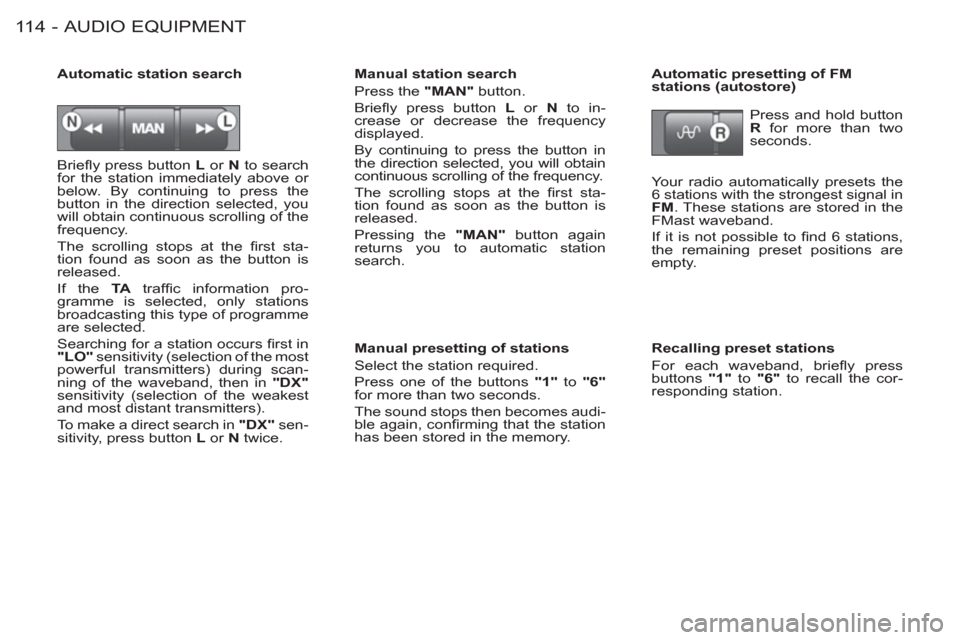
Briefl y press button L
or N
to search
for the station immediately above or
below. By continuing to press the
button in the direction selected, you
will obtain continuous scrolling of the
frequency.
The scrolling stops at the fi rst sta-
tion found as soon as the button is
released.
If the TA
traffi c information pro-
gramme is selected, only stations
broadcasting this type of programme
are selected.
Searching for a station occurs fi rst in
"LO"
sensitivity (selection of the most
powerful transmitters) during scan-
ning of the waveband, then in "DX"
sensitivity (selection of the weakest
and most distant transmitters).
To make a direct search in "DX"
sen-
sitivity, press button L
or N
twice.
Manual station search
Press the "MAN"
button.
Briefl y press button L
or N
to in-
crease or decrease the frequency
displayed.
By continuing to press the button in
the direction selected, you will obtain
continuous scrolling of the frequency.
The scrolling stops at the fi rst sta-
tion found as soon as the button is
released.
Pressing the "MAN"
button again
returns you to automatic station
search.
Manual presetting of stations
Select the station required.
Press one of the buttons "1"
to "6"
for more than two seconds.
The sound stops then becomes audi-
ble again, confi rming that the station
has been stored in the memory.
Automatic station search
Automatic presetting of FM
stations (autostore)
Press and hold button
R
for more than two
seconds.
Your radio automatically presets the
6 stations with the strongest signal in
FM
. These stations are stored in the
FMast waveband.
If it is not possible to fi nd 6 stations,
the remaining preset positions are
empty.
Recalling preset stations
For each waveband, briefl y press
buttons "1"
to "6"
to recall the cor-
responding station.