2012 MERCEDES-BENZ A CLASS COMAND
[x] Cancel search: COMANDPage 2 of 356

Symbols
In this Owner's Manual, you will find the fol-
lowing symbols:
G
WARNING
Warning notices draw your attention to haz-
ards that may endanger your health or life, or
the health or life of others. H
Environmental note
Environmental notes provide you with infor-
mation on environmentally aware actions or
disposal.
! Notes on material damage alert you to
dangers
that could lead to damage to your
vehicle.
i This symbol indicates useful instructions
or further information that could be helpful
to you.
X This symbol designates an instruc-
tion you must follow.
X Several consecutive symbols indi-
cate an instruction with several
steps.
(Y page) This symbol tells you where you
can find further information on a
topic.
YY This symbol indicates a warning or
an
instruction that is continued on
the next page.
Display This text indicates a message on
the multifunction/COMAND dis-
play.
Parts of the software in the vehicle are pro-
tected by copyright ©
2005
The FreeType Project
http://www.freetype.org. All rights
reserved.
Page 9 of 356
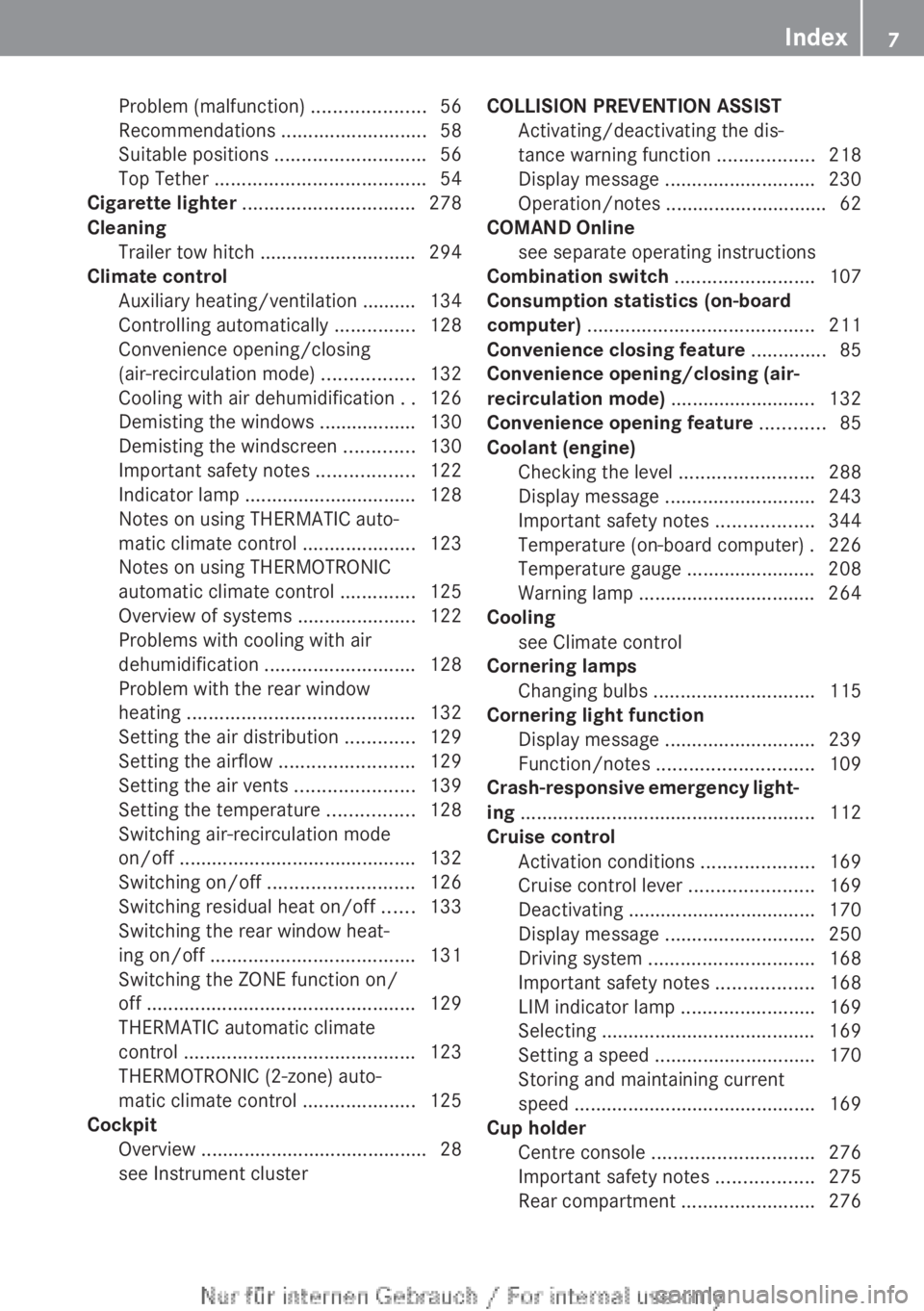
Problem (malfunction)
.....................56
Recommendations ........................... 58
Suitable positions
............................ 56
Top Tether ....................................... 54
Cigarette lighter ................................ 278
Cleaning Trailer tow hitch ............................. 294
Climate control
Auxiliary heating/ventilation .......... 134
Controlling automatically ...............128
Convenience opening/closing
(air-recirculation mode) ................. 132
Cooling with air dehumidification ..126
Demisting the windows .................. 130
Demisting the windscreen ............. 130
Important safety notes .................. 122
Indicator lamp ................................ 128
Notes on using THERMATIC auto-
matic climate control .....................123
Notes on using THERMOTRONIC
automatic climate control .............. 125
Overview of systems ......................122
Problems with cooling with air
dehumidification ............................ 128
Problem with the rear window
heating .......................................... 132
Setting the air distribution .............129
Setting the airflow ......................... 129
Setting the air vents ......................139
Setting the temperature ................ 128
Switching air-recirculation mode
on/off ............................................ 132
Switching on/off ........................... 126
Switching residual heat on/off ...... 133
Switching the rear window heat-
ing on/off ...................................... 131
Switching the ZONE function on/
off .................................................. 129
THERMATIC automatic climate
control ........................................... 123
THERMOTRONIC (2-zone) auto-
matic climate control .....................125
Cockpit
Overview .......................................... 28
see Instrument cluster COLLISION PREVENTION ASSIST
Activating/deactivating the dis-
tance warning function
..................218
Display message ............................ 230
Operation/notes .............................. 62
COMAND Online
see separate operating instructions
Combination switch ..........................107
Consumption statistics (on-board
computer) .......................................... 211
Convenience closing feature ..............85
Convenience opening/closing (air-
recirculation mode) ........................... 132
Convenience opening feature ............85
Coolant (engine) Checking the level ......................... 288
Display message ............................ 243
Important safety notes .................. 344
Temperature (on-board computer) . 226
Temperature gauge ........................ 208
Warning lamp ................................. 264
Cooling
see Climate control
Cornering lamps
Changing bulbs .............................. 115
Cornering light function
Display message ............................ 239
Function/notes ............................. 109
Crash-responsive emergency light-
ing ....................................................... 112
Cruise control Activation conditions .....................169
Cruise control lever .......................169
Deactivating ................................... 170
Display message ............................ 250
Driving system ............................... 168
Important safety notes .................. 168
LIM indicator lamp .........................169
Selecting ........................................ 169
Setting a speed .............................. 170
Storing and maintaining current
speed ............................................. 169
Cup holder
Centre console .............................. 276
Important safety notes .................. 275
Rear compartment ......................... 276 Index
7
Page 25 of 356

G
WARNING
If you switch off the ignition while driving,
safety-relevant functions are only available
with
limitations, or not at all. This could affect,
for example, the power steering and the brake
boosting effect. You will require considerably
more effort to steer and brake. There is a risk
of an accident.
Do not switch off the ignition while driving. G
WARNING
Modifications to electronic components, their
software as well as wiring could effect their
function and/or the operation of other net-
worked components. This could in particular
also be the case for systems relevant to
safety. They might not function properly any
more and/or jeopardise the operational
safety of the vehicle. There is an increased
risk of an accident and injury.
Do
not attempt to modify the wiring as well as
electronic components or their software.
Always have work on electrical and electronic
components carried out at a qualified special-
ist workshop.
There is a risk of damage to the vehicle if:
R the vehicle becomes stuck, e.g. on a high
kerb or an unpaved road
R you drive too fast over an obstacle, e.g. a
kerb or a hole in the road
R a heavy object strikes the undercarriage or
parts of the chassis.
In situations like this, the body, the undercar-
riage, chassis parts, wheels or tyres could be
damaged without the damage being visible.
Components damaged in this way can unex-
pectedly fail or, in the case of an accident, no
longer withstand the strain they are designed
to.
If the underbody panelling is damaged, com-
bustible materials such as leaves, grass or
twigs can gather between the underbody and
the underbody panelling. If these materials
come in contact with hot parts of the exhaust system for an extended period, they can
catch fire.
Have
the vehicle checked and repaired imme-
diately at a qualified specialist workshop. If
on continuing your journey you notice that
driving safety is impaired, pull over and stop
the vehicle immediately, paying attention to
road and traffic conditions. In such cases,
visit a qualified specialist workshop. Declarations of conformity
Wireless vehicle components The following information applies to all com-
ponents
of the vehicle and the COMAND sys-
tem which receive and/or transmit radio
waves:
The components of this vehicle which receive
and/or transmit radio waves are compliant
with the basic requirements and other rele-
vant provisions of Directive 1999/5/EC. You
can obtain further information from any
Mercedes-Benz Service Centre.
Electromagnetic compatibility The electromagnetic compatibility of the vehi-
cle
components has been checked and certi-
fied according to the currently valid version
of Directive 72/245/EEC or the equivalent
ECE Regulation ECE-R 10. Diagnostics connection
The diagnostics connection is only intended
for
the connection of diagnostic equipment at
a qualified specialist workshop. G
WARNING
If you connect equipment to a diagnostics
connection in the vehicle, it can affect the
operation of the vehicle systems. This may
affect the operating safety of the vehicle.
There is a risk of an accident.
Do not connect any equipment to a diagnos-
tics connection in the vehicle. Introduction
23 Z
Page 35 of 356

Multifunction steering wheel
Function Page
:
Multifunction display 210
;
Audio/COMAND display;
see the separate operating
instructions
=
?
Switches on LINGUA-
TRONIC; see the separate
operating instructions
?
~
Rejects or ends a call 215
Exits telephone book/
redial memory
6
Makes or accepts a call
Switches to the redial mem-
ory
WX
Adjusts the volume
8
Mute Function Page
A
=;
Selects a menu 209
9:
Selects a submenu or
scrolls through lists
209
a
Confirms the selection 209
Hiding display messages 229
B
%
Back 209
Switches off LINGUA-
TRONIC; see the separate
operating instructionsMultifunction steering wheel
33At a glance
Page 36 of 356

Centre console
Centre console, upper section
Function Page
:
Audio system/COMAND
Online; see the separate
operating instructions
;
c Seat heating
96
=
c PARKTRONIC
182
?
¤ ECO start/stop func-
tion
146
A
£ Hazard warning
lamps
108 Function Page
B
4 PASSENGER AIRBAG
OFF indicator lamp
52
C
Ú Selects the drive pro-
gram
155
å AMG vehicles: ESP
® 66
D
& Auxiliary heating
13434
Centre consoleAt a glance
Page 37 of 356

Centre console, lower section
i
Vehicles with DIRECT SELECT lever Function Page
D
Ashtray 277
Cigarette lighter 278
Power socket 278
Stowage compartment 269
E
Stowage compartment
269 Function Page
F
Cup holders 275
G
Stowage compartment 269
H
Audio/COMAND control-
ler; see the separate oper-
ating instructions Centre console
35At a glance
Page 126 of 356

R
Only use air-recirculation mode briefly, e.g.
if there are unpleasant outside odours or
when in a tunnel. The windows could oth-
erwise mist up as no fresh air is drawn into
the vehicle in air-recirculation mode.
R If you change the settings of the climate
control system, the climate status display
appears for three seconds at the bottom of
the screen in the COMAND display. See
also the separate COMAND Online operat-
ing instructions 9
. You will see the current
settings of the various climate control func-
tions.
ECO start/stop function During automatic engine switch-off, the cli-
mate
control only operates at a reduced capa-
city. If you require the full climate control out-
put, you can switch off the ECO start/stop
function by pressing the ECO button
(Y page 147).
9 Only for vehicles with "COMAND Online Multimedia System" optional equipment124
Overview of climate control systems
Climate control
Page 193 of 356

Reversing camera
Important safety notes The reversing camera is only an aid. It is not
a substitute for your attention to the imme-
diate
surroundings. The responsibility for safe
manoeuvring and parking remains with you.
Make sure that there are no persons, animals
or objects in range while manoeuvring and
parking.
Under the following circumstances, the
reversing camera will not function, or will
function in a limited manner:
R if the tailgate is open
R in heavy rain, snow or fog
R at night or in very dark places
R if the camera is exposed to very bright light
R if the area is lit by fluorescent light or LED
lighting (the display may flicker)
R if there is a sudden change in temperature,
e.g. when driving into a heated garage in
winter
R if the camera lens is dirty or obstructed
R if the rear of your vehicle is damaged. In
this event, have the camera position and
setting checked at a qualified specialist
workshop.
General notes Reversing camera
:
is in the boot lid handle.
The reversing camera extends, when it is acti-
vated.
The reversing camera is an optical parking
and manoeuvring aid. It uses guide lines to show the area behind your vehicle in the
Audio/COMAND display.
The area behind the vehicle is displayed as a
mirror image, as in the rear-view mirror.
i
The text of messages shown in the
COMAND
display depends on the language
setting. The following are examples of
reversing camera messages in the
COMAND display.
Activating/deactivating the reversing
camera X
To activate: make sure that the key is in
position 2 in the ignition lock.
X Make sure that the "Activation by R gear"
setting is active in the audio system/
COMAND Online; see the separate audio
system/COMAND Online operating
instructions.
X Engage reverse gear.
Guide lines are used to show the area
behind the vehicle in the Audio/COMAND
display. Function mode display for vehicles with COMAND
Online and a trailer tow hitch
X
To change the function mode in vehi-
cles with COMAND Online and trailer
tow hitch: using the COMAND controller,
select
symbol : for the "Reverse parking" Driving systems
191
Driving and parking Z