Page 140 of 558
Voice Training
For users experiencing difficulty with the system recog-
nizing their voice commands or numbers the Uconnect™
Voice “Voice Training” feature may be used.
1. Press the Voice Command
button, say “System
Setup” and once you are in that menu then say “Voice
Training.” This will train your own voice to the system
and will improve recognition.
2. Repeat the words and phrases when prompted by
Uconnect™ Voice. For best results, the “Voice Training”
session should be completed when the vehicle is parked,
engine running, all windows closed, and the blower fan
switched off. This procedure may be repeated with a new
user. The system will adapt to the last trained voice only.
SEATS
Seats are a part of the Occupant Restraint System of the
vehicle.
WARNING!
•It is dangerous to ride in a cargo area, inside or
outside of a vehicle. In a collision, people riding in
these areas are more likely to be seriously injured
or killed.
•Do not allow people to ride in any area of your
vehicle that is not equipped with seats and seat
belts. In a collision, people riding in these areas
are more likely to be seriously injured or killed.
•Be sure everyone in your vehicle is in a seat and
using a seat belt properly.
138 UNDERSTANDING THE FEATURES OF YOUR VEHICLE
Page 142 of 558
Passenger Power Seat — If Equipped
Vehicle’s equipped with passenger power seats can only
be adjusted forward and backward.
WARNING!
•Adjusting a seat while driving may be dangerous.
Moving a seat while driving could result in loss of
control which could cause a collision and serious
injury or death.
•Seats should be adjusted before fastening the seat
belts and while the vehicle is parked. Serious
injury or death could result from a poorly adjusted
seat belt.
•Do not ride with the seatback reclined so that the
shoulder belt is no longer resting against your
chest. In a collision you could slide under the seat
belt, which could result in serious injury or death.
CAUTION!
Do not place any article under a power seat or
impede its ability to move as it may cause damage to
the seat controls. Seat travel may become limited if
movement is stopped by an obstruction in the seat’s
path.
Heated Seats — If Equipped
On some models, the front driver and passenger seats
may be equipped with heaters in both the seat cushions
and seatbacks.
There are two heated seat switches that allow the driver
and passenger to operate the seats independently. The
controls for each seat are located on a switch bank near
the bottom center of the instrument panel.
140 UNDERSTANDING THE FEATURES OF YOUR VEHICLE
Page 143 of 558
You can choose from HIGH, LOW or OFF heat settings.
Amber indicator lights in each switch indicate the level of
heat in use. Two indicator lights will illuminate for
HIGH, one for LOW and none for OFF.Press the switch once to select HIGH-level
heating. Press the switch a second time to select
LOW-level heating. Press the switch a third
time to shut the heating elements OFF.
When the HIGH-level setting is selected, the heater will
provide a boosted heat level during the first four minutes
of operation. Then, the heat output will drop to the
normal HIGH-level. If the HIGH-level setting is selected,
the system will automatically switch to LOW-level after
approximately 30 minutes of continuous operation. At
that time, the number of illuminated LEDs changes from
two to one, indicating the change. The LOW-level setting
will turn OFF automatically after approximately 30 min-
utes. NOTE:
When a heat setting is selected, heat will be felt
within two to five minutes.
WARNING!
•Persons who are unable to feel pain to the skin
because of advanced age, chronic illness, diabetes,
spinal cord injury, medication, alcohol use, ex-
haustion or other physical condition must exercise
care when using the seat heater. It may cause burns
even at low temperatures, especially if used for
long periods of time.
•Do not place anything on the seat that insulates
against heat, such as a blanket or cushion. This
may cause the seat heater to overheat. Sitting in a
seat that has been overheated could cause serious
burns due to the increased surface temperature of
the seat.
3
UNDERSTANDING THE FEATURES OF YOUR VEHICLE 141
Page 147 of 558
Head Restraints
Head restraints are designed to reduce the risk of injury
by restricting head movement in the event of a rear
impact. Head restraints should be adjusted so that the top
of the head restraint is located above the top of your ear.
WARNING!
The head restraints for all occupants must be prop-
erly adjusted prior to operating the vehicle or occu-
pying a seat. Head restraints should never be ad-
justed while the vehicle is in motion. Driving a
vehicle with the head restraints improperly adjusted
or removed could cause serious injury or death in the
event of a collision.
Active Head Restraints — Front Seats
Active Head Restraints are passive, deployable compo-
nents, and vehicles with this equipment cannot be readily
identified by any markings, only through visual inspec-
tion of the head restraint. The head restraint will be split
in two halves, with the front half being soft foam and
trim, the back half being decorative plastic.
When AHRs deploy during a rear impact, the front half
of the head restraint extends forward to minimize the gap
between the back of the occupant’s head and the AHR.
This system is designed to help prevent or reduce the
extent of injuries to the driver and front passenger in
certain types of rear impacts. Refer to “Occupant Re-
straints” in “Things To Know Before Starting Your Ve-
hicle” for further information.
3
UNDERSTANDING THE FEATURES OF YOUR VEHICLE 145
Page 154 of 558
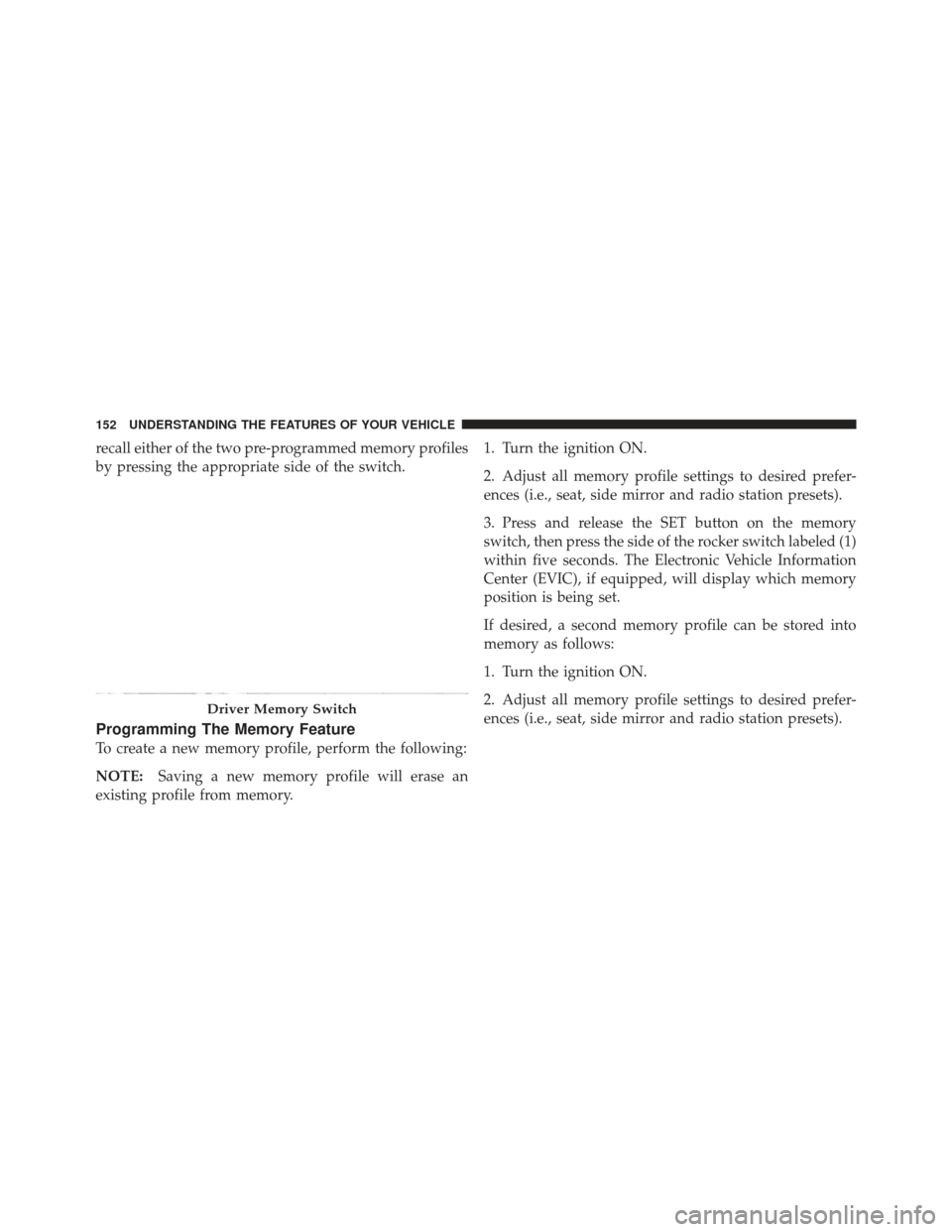
recall either of the two pre-programmed memory profiles
by pressing the appropriate side of the switch.
Programming The Memory Feature
To create a new memory profile, perform the following:
NOTE:Saving a new memory profile will erase an
existing profile from memory. 1. Turn the ignition ON.
2. Adjust all memory profile settings to desired prefer-
ences (i.e., seat, side mirror and radio station presets).
3. Press and release the SET button on the memory
switch, then press the side of the rocker switch labeled (1)
within five seconds. The Electronic Vehicle Information
Center (EVIC), if equipped, will display which memory
position is being set.
If desired, a second memory profile can be stored into
memory as follows:
1. Turn the ignition ON.
2. Adjust all memory profile settings to desired prefer-
ences (i.e., seat, side mirror and radio station presets).
Driver Memory Switch
152 UNDERSTANDING THE FEATURES OF YOUR VEHICLE
Page 155 of 558
3. Press and release the SET button on the memory
switch, then press the side of the rocker switch labeled (2)
within five seconds. The EVIC, if equipped, will display
which memory position is being set.
NOTE:
•For vehicles equipped with an automatic transmission,
memory profiles can be set without the vehicle in
PARK, but the vehicle must be in PARK to recall a
memory profile.
•For vehicles equipped with a manual transmission, the
vehicle speed must be at 0 mph (0 km/h) to recall a
memory profile.
•The Recall Memory with Remote Key Unlock feature
can be turned on and off through the EVIC, if
equipped. Refer to “Electronic Vehicle Information
Center (EVIC)/Customer-Programmable Features” in
“Understanding Your Instrument Panel” for further
information.
Linking And Unlinking The Remote Keyless Entry
Transmitter To Memory
Your Remote Keyless Entry (RKE) transmitters can be
programmed to recall one of two pre-programmed
memory profiles with a press of the UNLOCK button on
the RKE transmitter.
To program your RKE transmitters, perform the follow-
ing:
1. Remove the key from the ignition.
2. Select the desired memory profile 1 or 2.
3. Press and release the SET button on the memory
switch, then within five seconds press and release the
side of the rocker switch labeled 1 or 2 accordingly.
�Memory Profile Set” (1 or 2) will display in the EVIC, if
equipped.
4. Press and release the LOCK button on the RKE
transmitter within 10 seconds.
3
UNDERSTANDING THE FEATURES OF YOUR VEHICLE 153
Page 156 of 558
NOTE:Your RKE transmitters can be unlinked to the
memory setting by pressing the SET button followed by
the UNLOCK button on the RKE transmitter in Step 4
above.
Memory Position Recall
NOTE:
•For vehicles equipped with an automatic transmission,
the vehicle must be in PARK to recall memory posi-
tions. If a recall is attempted when the vehicle is not in
PARK, a message will display in the EVIC, if
equipped.
•For vehicles equipped with a manual transmission, the
vehicle speed must be at 0 mph (0 km/h) to recall
memory positions. If a recall is attempted with the
vehicle speed above 0 mph (0 km/h), a message will
display in the EVIC, if equipped. To recall the memory settings for driver one, press
MEMORY button number 1 or the UNLOCK button on
the RKE transmitter linked to memory position 1.
To recall the memory setting for driver two, press
MEMORY button number 2 or the UNLOCK button on
the RKE transmitter linked to memory position 2.
A recall can be cancelled by pressing any of the
MEMORY buttons (S, 1, or 2) during a recall. When a
recall is cancelled, the driver seat will stop moving. A
delay of one second will occur before another recall can
be selected.
154 UNDERSTANDING THE FEATURES OF YOUR VEHICLE
Page 160 of 558
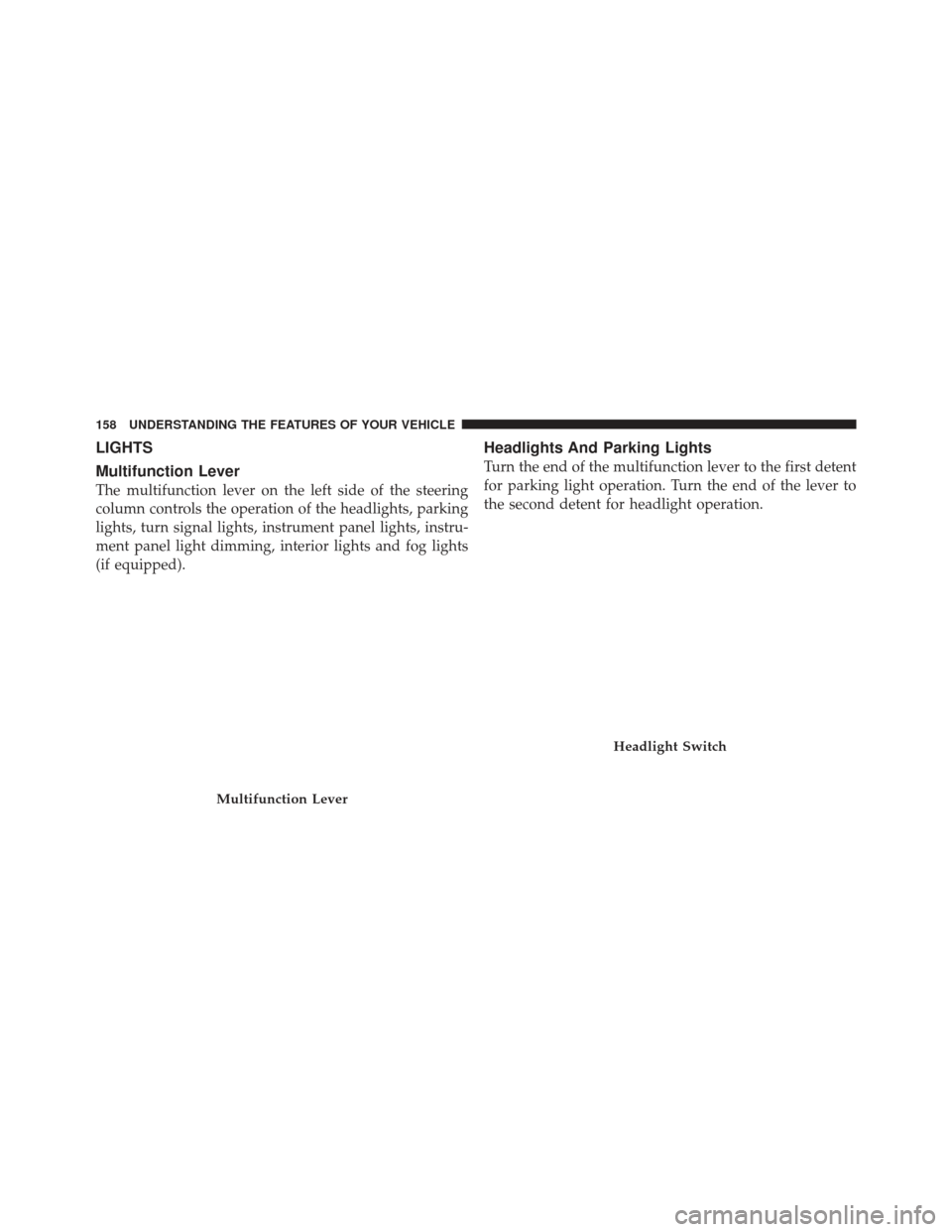
LIGHTS
Multifunction Lever
The multifunction lever on the left side of the steering
column controls the operation of the headlights, parking
lights, turn signal lights, instrument panel lights, instru-
ment panel light dimming, interior lights and fog lights
(if equipped).
Headlights And Parking Lights
Turn the end of the multifunction lever to the first detent
for parking light operation. Turn the end of the lever to
the second detent for headlight operation.
Multifunction Lever
Headlight Switch
158 UNDERSTANDING THE FEATURES OF YOUR VEHICLE