Page 141 of 385

Features of your vehicle
62 4
Front fog light indicator
This light comes on when the front fog
lights are ON.
Trunk lid open warning
light
This warning light illuminates when the
trunk lid is not closed securely with the
ignition in any position.
Door open warning light
This indicator illuminates when a door is
not closed securely.
Immobilizer indicator
(if equipped)
Without smart key system
This light illuminates when the immobiliz-
er key is inserted and turned to the ON
position to start the engine.
At this time, you can start the engine. The
light goes out after the engine is running.
If this light blinks when the ignition switch
is in the ON position before starting the
engine, have the system checked by an
authorized HYUNDAI dealer.With smart key system (if equipped)
If any of the following occurs in a vehicle
equipped with the smart key, the immobi-
lizer indicator illuminates, blinks or the
light goes off.
When the smart key is in the vehicle, if
the engine start/stop button is turned
to the ON position, the indicator will
illuminate until the engine is started.
However, when the smart key is not in
the vehicle, if the engine start/stop but-
ton is depressed, the indicator will blink
for a few minutes to indicate that you
will not be able to start the engine.
When the ignition switch is turned to
the ON position and the indicator turns
off after 2 seconds, the system may
need repair. Have the vehicle checked
by an authorized HYUNDAI dealer.
When the battery is weak, if the engine
start/stop button is depressed, the indi-
cator will blink and you will not be able
to start the engine. However, you may
still be able to start the engine by
pressing the engine start/stop button
with the smart key. If smart key system
related parts need repair, the indicator
blinks.
Page 144 of 385
465
Features of your vehicle
Cruise SET indicator
The indicator light illuminates when the
cruise function switch (SET- or RES+) is
ON.
The cruise SET indicator light in the
instrument cluster is illuminated when
the cruise control switch (SET- or RES+)
is pushed. The cruise SET indicator light
does not illuminate when the cruise con-
trol switch (CANCEL) is pushed or the
system is disengaged.Electronic power steering
(EPS) system warning light
This indicator light comes on after the
ignition key is turned to the ON position
and then it will go out.
This light also comes on when the EPS
needs repairs. If it comes on while driv-
ing, have your vehicle inspected by an
authorized HYUNDAI dealer.
Steering effort may increase significantly
if this lamp illuminates. See EPS system
in this section.
Key reminder warning chime
(if equipped)
Without smart key
If the driver’s door is opened while the
ignition key is left in the ignition switch
(ACC or LOCK position), the key
reminder warning chime will sound. This
helps prevent you from locking your keys
in the vehicle. The chime sounds until the
key is removed from the ignition switch or
the driver’s door is closed.
With smart key
If the driver’s door is opened while the
smart key is in the vehicle with the
engine start/stop button in ACC, the key
reminder warning chime will sound.
The chime sounds until the driver’s door
is closed.SETEPS
Page 145 of 385
Features of your vehicle
66 4
KEY OUT indicator
(if equipped)
When the ignition switch is in the ACC or
ON position, if any door is open, the sys-
tem checks for the smart key. If the
smart key is not in the vehicle, the indi-
cator will blink, and if all doors are
closed, the chime will also sound for
about 5 seconds. The indicator will turn
off while the vehicle is moving. Keep the
smart key in the vehicle.
Fuel cap open warning
indicator
This warning light indicates the fuel filler
cap is not tight securely.
Always make sure that the fuel filler cap
is tight.
KEY
OUT
Page 146 of 385
467
Features of your vehicle
LCD display warning (if equipped)
Door open !(if equipped)
It displays the corre-
sponding door or tail-
gate that is not closed
securely.Low Tire Pressure (if equipped)
It displays the corre-
sponding tire that is
low with pressure. For
details, refer to
“TPMS” in section 6.
❈The actual indicator in LCD display may dif-
fer from the illustration.
Key is not in vehicle
If the smart key is not
in the vehicle and if
any door is opened or
closed with the
ENGINE START/
STOP button in the ACC, ON, or START
position, the warning illuminates on the
LCD display. Also, the chime sounds for 5
seconds when the smart key is not in the
vehicle and the door is closed.
Always have the smart key with you.
Page 147 of 385
Features of your vehicle
68 4
Low key battery
If the ENGINE
START/STOP button
turns to the OFF posi-
tion when the smart
key in the vehicle dis-
charges, the warning illuminates on the
LCD display for about 10 seconds. Also,
the warning chime sounds once.
Replace the battery with a new one.Press brake pedal to start engine
(Automatic transaxle)
If the ENGINE START
/STOP button turns to
the ACC position
twice by pressing the
button repeatedly
without depressing the brake pedal, the
warning illuminates on the LCD display
for about 10 seconds to indicate that you
should depress the brake pedal to start
the engine.Press clutch pedal to start engine
(Manual transaxle)
If the ENGINE START
/STOP button turns to
the ACC position
twice by pressing the
button repeatedly
without depressing the clutch pedal, the
warning illuminates on the LCD display
for about 10 seconds to indicate that you
should depress the clutch pedal to start
the engine.
Page 149 of 385
Features of your vehicle
70 4
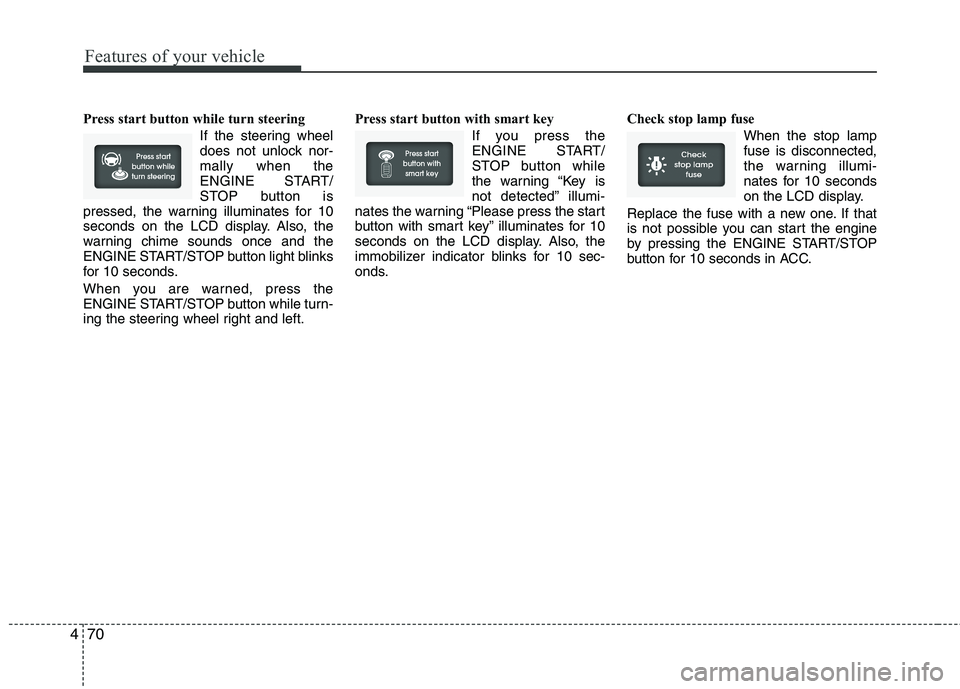
Press start button while turn steering
If the steering wheel
does not unlock nor-
mally when the
ENGINE START/
STOP button is
pressed, the warning illuminates for 10
seconds on the LCD display. Also, the
warning chime sounds once and the
ENGINE START/STOP button light blinks
for 10 seconds.
When you are warned, press the
ENGINE START/STOP button while turn-
ing the steering wheel right and left.Press start button with smart key
If you press the
ENGINE START/
STOP button while
the warning “Key is
not detected” illumi-
nates the warning “Please press the start
button with smart key” illuminates for 10
seconds on the LCD display. Also, the
immobilizer indicator blinks for 10 sec-
onds.Check stop lamp fuse
When the stop lamp
fuse is disconnected,
the warning illumi-
nates for 10 seconds
on the LCD display.
Replace the fuse with a new one. If that
is not possible you can start the engine
by pressing the ENGINE START/STOP
button for 10 seconds in ACC.
Page 150 of 385
471
Features of your vehicle
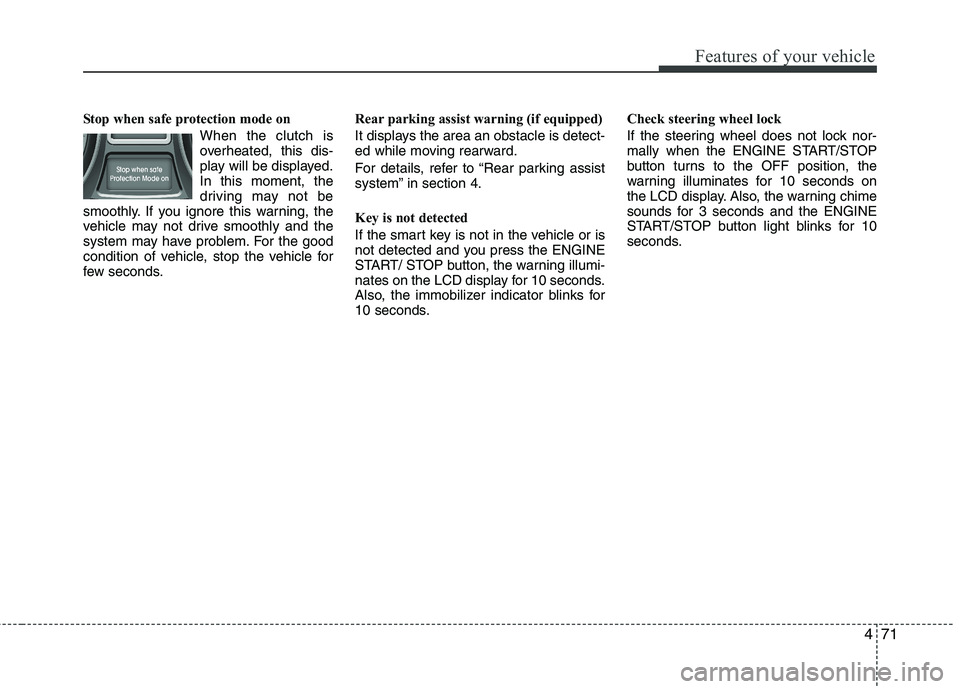
Stop when safe protection mode on
When the clutch is
overheated, this dis-
play will be displayed.
In this moment, the
driving may not be
smoothly. If you ignore this warning, the
vehicle may not drive smoothly and the
system may have problem. For the good
condition of vehicle, stop the vehicle for
few seconds.Rear parking assist warning (if equipped)
It displays the area an obstacle is detect-
ed while moving rearward.
For details, refer to “Rear parking assist
system” in section 4.
Key is not detected
If the smart key is not in the vehicle or is
not detected and you press the ENGINE
START/ STOP button, the warning illumi-
nates on the LCD display for 10 seconds.
Also, the immobilizer indicator blinks for
10 seconds.Check steering wheel lock
If the steering wheel does not lock nor-
mally when the ENGINE START/STOP
button turns to the OFF position, the
warning illuminates for 10 seconds on
the LCD display. Also, the warning chime
sounds for 3 seconds and the ENGINE
START/STOP button light blinks for 10
seconds.
Page 156 of 385
477
Features of your vehicle
LIGHTING
Battery saver function
The purpose of this feature is to pre-
vent the battery from being dis-
charged. The system automatically
turns off the parking lights when the
driver removes the ignition key (smart
key : turns off the engine) and opens
the driver-side door.
With this feature, the parking lights will
be turned off automatically if the driver
parks on the side of road at night.
If necessary, to keep the lights on
when the ignition key is removed
(smart key : turns off the engine), per-
form the following:
1) Open the driver-side door.
2) Turn the parking lights OFF and ON
again using the light switch on the
steering column.
Headlamp delay (if equipped)
If you turn the ignition switch to the ACC
or OFF position with the headlights ON,
the headlights remain on for about 20
minutes. However, if the driver’s door is
opened and closed, the headlights are
turned off after 30 seconds.
The headlights can be turned off by
pressing the lock button on the transmit-
ter (or smart key) twice or turning the
light switch to the OFF or Auto position.
However, if you turn the light switch to the
Auto position when it is dark outside, the
headlights will not be turned off.
Headlamp welcome function
(if equipped)
When the headlight switch is in the ON or
AUTO position and all doors (and tail-
gate) are closed and locked, if you press
the door unlock button on the transmitter
(or smart key), the headlights will come
on for about 15 seconds.
If the headlight switch is in the AUTO
position, the function can only operate at
night.
At this time, if you press the door unlock
button again or door lock button on the
transmitter (or smart key), the headlights
will turn off immediately.
Daytime running light (if equipped)
Daytime Running Lights (DRL) can make
it easier for others to see the front of your
vehicle during the day. DRL can be help-
ful in many different driving conditions,
and it is especially helpful after dawn and
before sunset.
The DRL system turns OFF when:
1. The headlight are ON.
2. The parking brake is applied.
3. Engine stops.
CAUTION
If the driver gets out of the vehicle
through other doors (other than the
driver's door), the battery saver
function does not operate and the
headlamp delay does not turn off
automatically. This will cause the
battery to be discharged. In this
case, make sure to turn off the lamp
before getting out of the vehicle.