Page 147 of 429
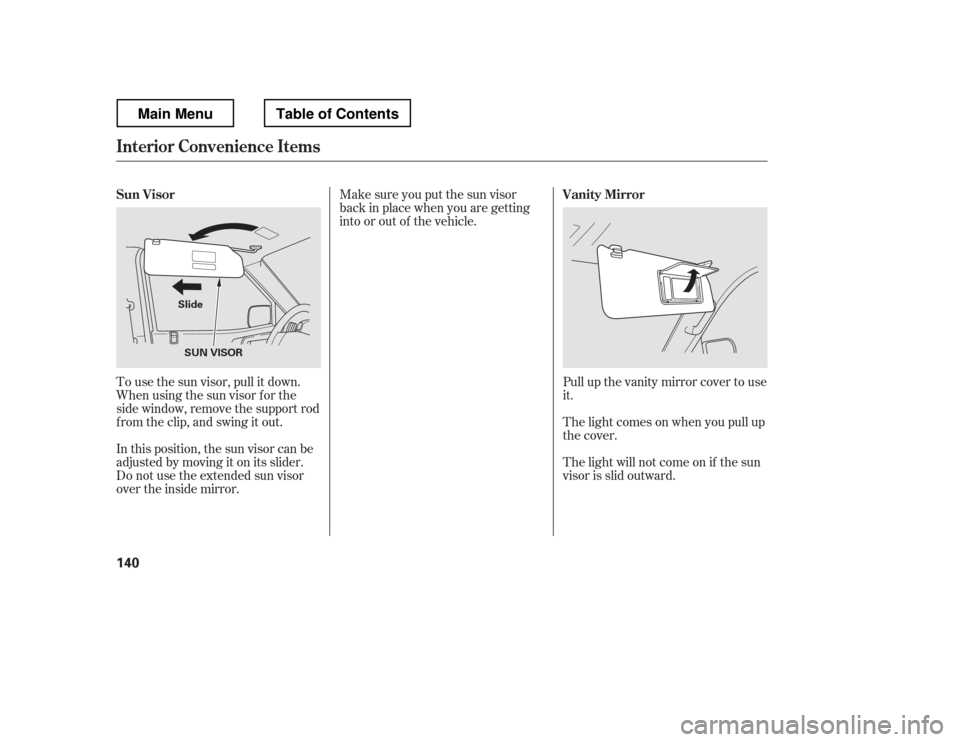
Pull up the vanity mirror cover to use
it.
The light comes on when you pull up
the cover.
The light will not come on if the sun
visor is slid outward.
Make sure you put the sun visor
back in place when you are getting
into or out of the vehicle.
In this position, the sun visor can be
adjusted by moving it on its slider.
Do not use the extended sun visor
over the inside mirror.
To use the sun visor, pull it down.
Whenusingthesunvisorforthe
side window, remove the support rod
f rom the clip, and swing it out.
Sun Visor
Vanity Mirror
Interior Convenience Items
140
SUN VISOR
Slide
Main MenuTable of Contents
Page 148 of 429
Always run the engine when you use
the AC power outlet.
The maximum capacity f or this
power outlet is 115 volt AC at 100
watts or less. If you use an appliance
which requires more than 100 watts,
it automatically stops supplying the
power. If this happens, turn the
ignition switch of f and turn it on
again.The AC power outlet is not
designed f or electric appliances
which require high initial peak
wattage such as cathode-ray tube
type televisions, ref rigerators,
electric pumps, etc. It is also not
suitable f or devices that process
precise data such as medical
equipment or measuring instruments.
Any appliances that require an
extremely stable power supply such
as microcomputer-controlled electric
blankets, touch sensor lamps, etc.,
should not be connected to this
outlet.
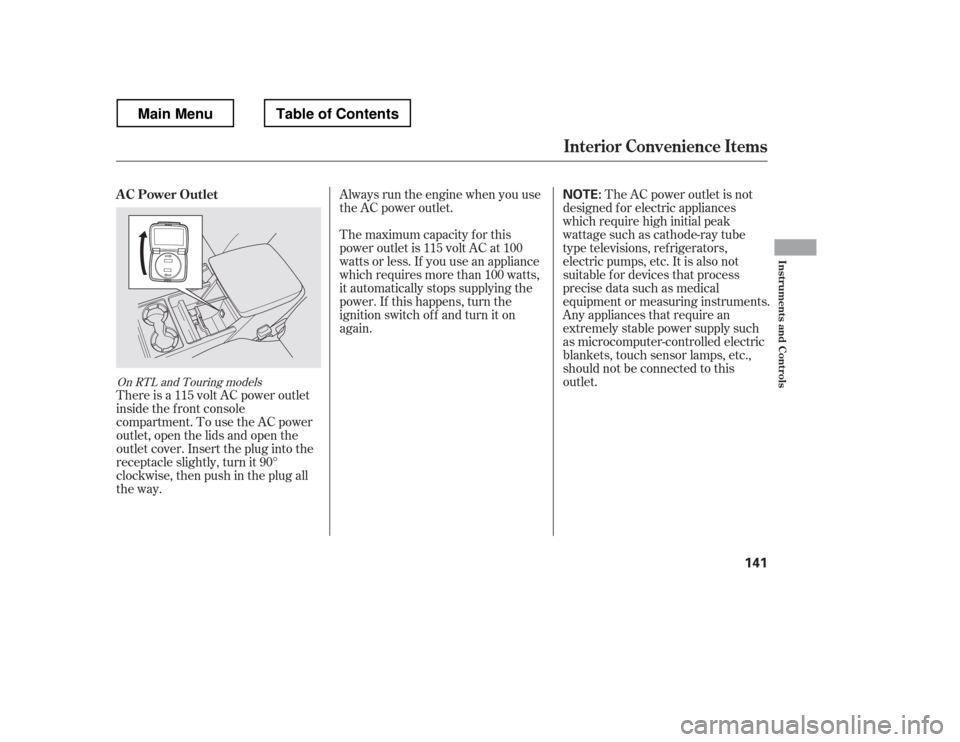
There is a 115 volt AC power outlet
inside the f ront console
compartment. To use the AC power
outlet, open the lids and open the
outlet cover. Insert the plug into the
receptacle slightly, turn it 90
Page 149 of 429
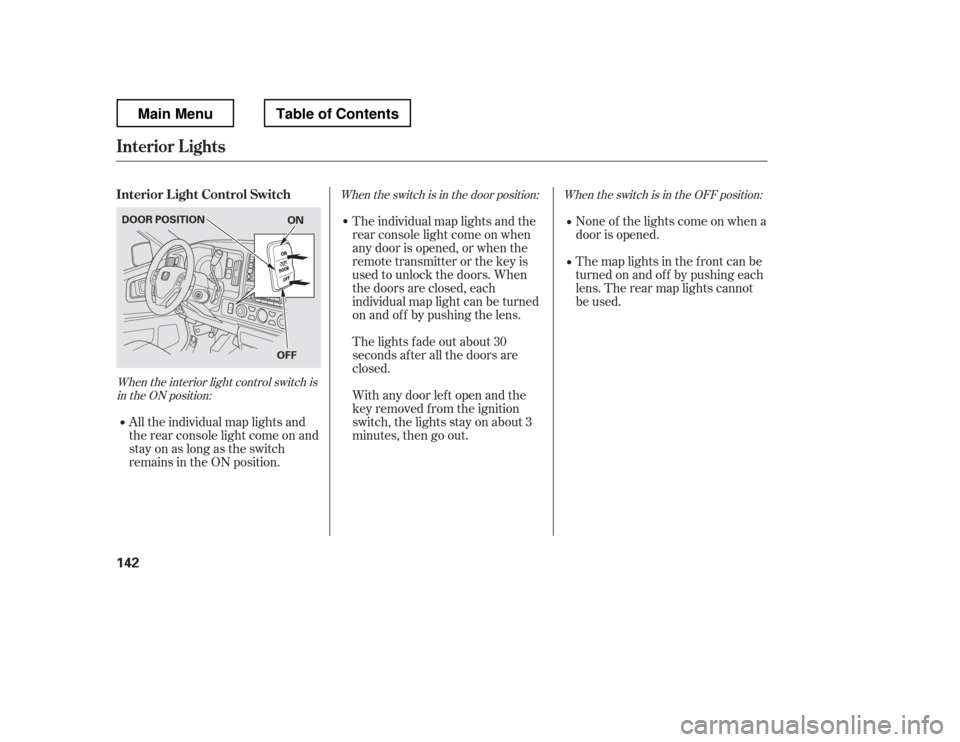
When the interior light control switch isin the ON position: When the switch is in the OFF position:
When the switch is in the door position:
None of the lights come on when a
door is opened.
The map lights in the f ront can be
turned on and of f by pushing each
lens. The rear map lights cannot
be used.
All the individual map lights and
the rear console light come on and
stay on as long as the switch
remains in the ON position. The individual map lights and the
rear console light come on when
any door is opened, or when the
remote transmitter or the key is
used to unlock the doors. When
the doors are closed, each
individual map light can be turned
on and of f by pushing the lens.
The lights fade out about 30
seconds after all the doors are
closed.
With any door lef t open and the
key removed f rom the ignition
switch, the lights stay on about 3
minutes, then go out.
Interior L ight Control Switch
Interior Lights
142
ON
OFF
DOOR POSITION
Main MenuTable of Contents
Page 150 of 429
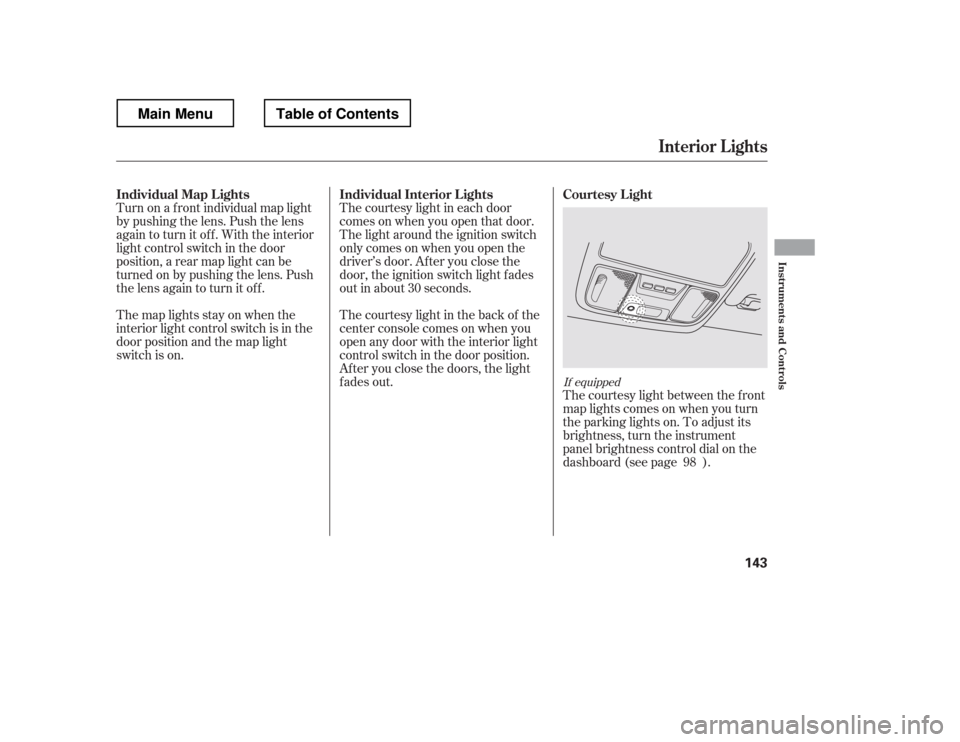
Turn on a f ront individual map light
by pushing the lens. Push the lens
again to turn it off. With the interior
light control switch in the door
position, a rear map light can be
turned on by pushing the lens. Push
the lens again to turn it off.The courtesy light in each door
comes on when you open that door.
The light around the ignition switch
only comes on when you open the
driver
Page 151 of 429
If you turn the ignition switch to
ACCESSORY (I) or LOCK (0)
without turning of f the bed lights,
the lights and the indicator will
remain on, then go of f af ter 20
minutes (see page ).
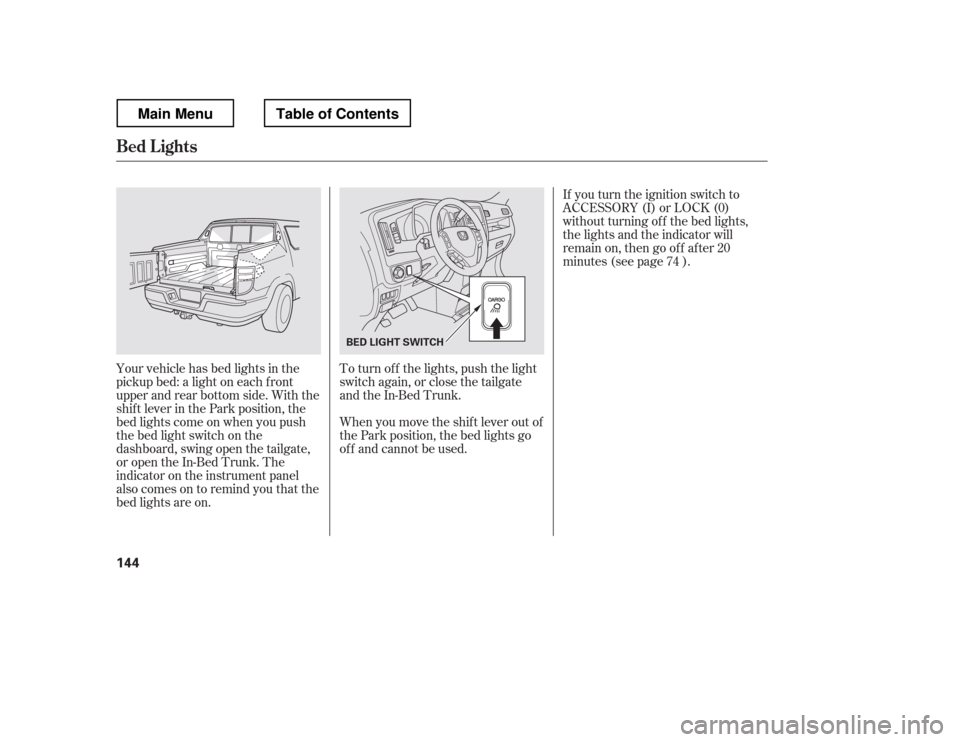
Your vehicle has bed lights in the
pickup bed: a light on each f ront
upper and rear bottom side. With the
shif t lever in the Park position, the
bed lights come on when you push
the bed light switch on the
dashboard, swing open the tailgate,
or open the In-Bed Trunk. The
indicator on the instrument panel
alsocomesontoremindyouthatthe
bed lights are on. To turn of f the lights, push the light
switch again, or close the tailgate
and the In-Bed Trunk.
When you move the shif t lever out of
the Park position, the bed lights go
of f and cannot be used. 74
Bed L ights
144
BED LIGHT SWITCH
Main MenuTable of Contents
Page 165 of 429
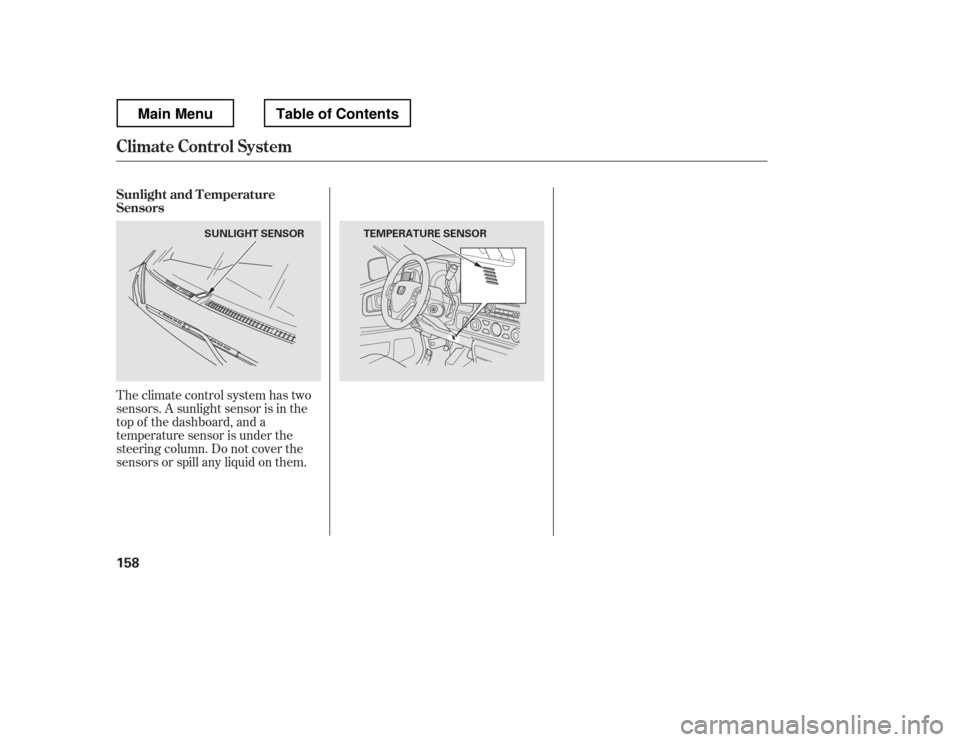
Theclimatecontrolsystemhastwo
sensors. A sunlight sensor is in the
top of the dashboard, and a
temperature sensor is under the
steering column. Do not cover the
sensors or spill any liquid on them.
Sunlight and T emperature
Sensors
Climate Control System
158
SUNLIGHT SENSOR TEMPERATURE SENSOR
Main MenuTable of Contents
Page 205 of 429
When a CD is not being played, store
it in its case to protect it f rom dust
and other contamination. To prevent
warpage, keep CDs out of direct
sunlight and extreme heat.
To clean a CD, use a clean sof t cloth.
Wipe across the CD f rom the center
to the outside edge.
AnewCDmayberoughonthe
inner and outer edges. The small
plastic pieces causing this roughness
can f lake of f and f all on the re-
cording surf ace of the CD, causing
skipping or other problems. Remove
these pieces by rubbing the inner
and outer edges with the side of a
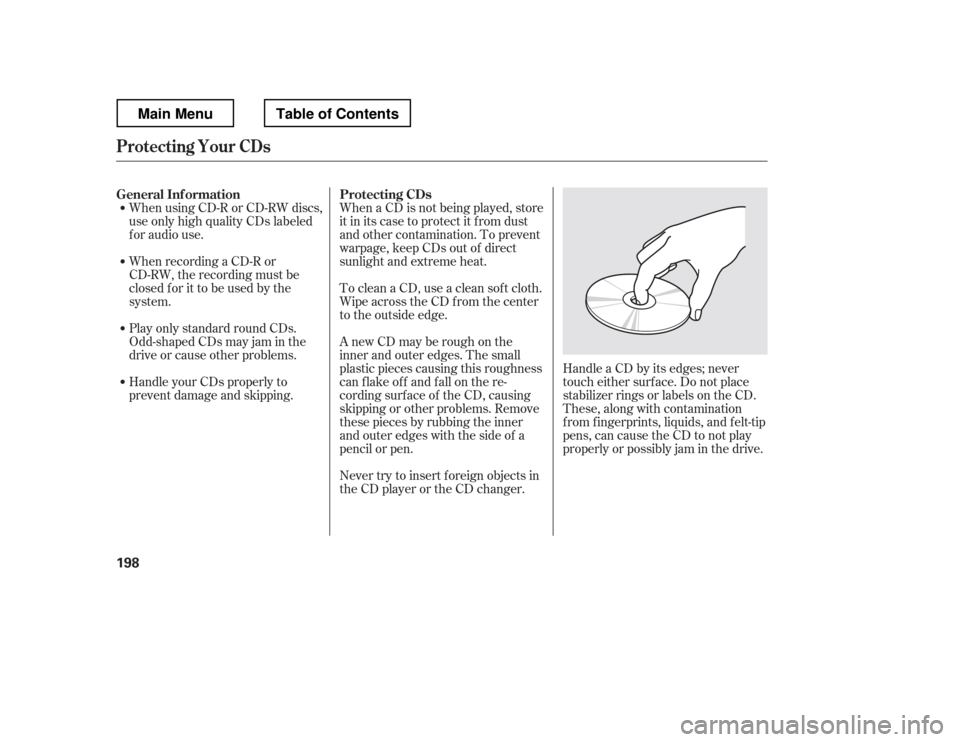
pencil or pen.Handle a CD by its edges; never
touch either surf ace. Do not place
stabilizer rings or labels on the CD.
These, along with contamination
f rom f ingerprints, liquids, and f elt-tip
pens, can cause the CD to not play
properly or possibly jam in the drive.
Never try to insert f oreign objects in
the CD player or the CD changer.
When using CD-R or CD-RW discs,
use only high quality CDs labeled
f or audio use.
When recording a CD-R or
CD-RW, the recording must be
closedforittobeusedbythe
system.
Play only standard round CDs.
Odd-shaped CDs may jam in the
driveorcauseotherproblems.
Handle your CDs properly to
prevent damage and skipping.
General Inf ormation Protecting CDs
Protecting Your CDs
198
Main MenuTable of Contents
Page 215 of 429
If equipped
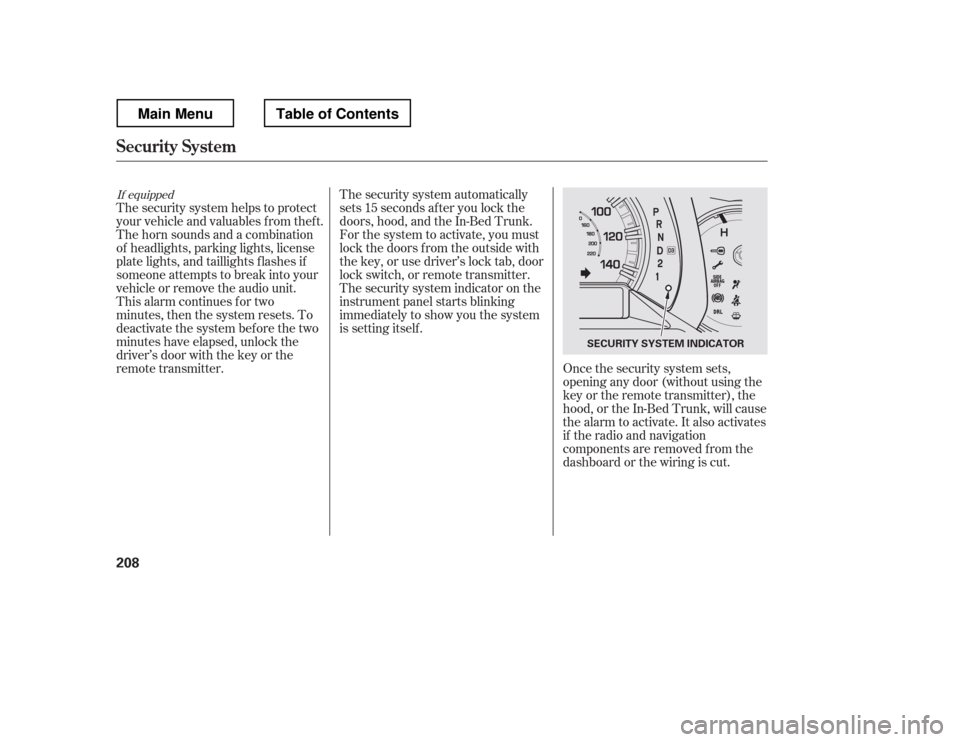
The security system helps to protect
your vehicle and valuables f rom thef t.
The horn sounds and a combination
of headlights, parking lights, license
plate lights, and taillights f lashes if
someone attempts to break into your
vehicle or remove the audio unit.
This alarm continues for two
minutes, then the system resets. To
deactivate the system before the two
minutes have elapsed, unlock the
driver