Page 299 of 528
299
3-4. Using the hand
s-free phone system (for cellular phone)
3
Interior features
Listing the registered cellular phones
Selecting “List Phones” using a voice command or causes
the list of registered cellular phones to be read aloud.
When listing is complete, the system returns to “Phone Setup”.
Pressing the talk switch while the name of a cellular phone is being
read selects the cellular phone, and the following functions will be
available:
• Selecting a cellular phone: “Select Phone”
• Changing a registered name: “Change Name”
• Deleting a cellular phone: “Delete Phone”
Deleting a cellular phone
Select “Delete Phone” using a voice command or .
Select the cellular phone to be deleted by either of the follow-
ing methods and select “Confirm” using a voice command or :
a. Press the talk switch and say the name of the desired cellu- lar phone.
b. Press the talk switch and say “List phones”. While the name of the desired cellular phone is being read aloud, press the
talk switch.
Page 300 of 528
300 3-4. Using the hands-free phone system (for cellular phone)
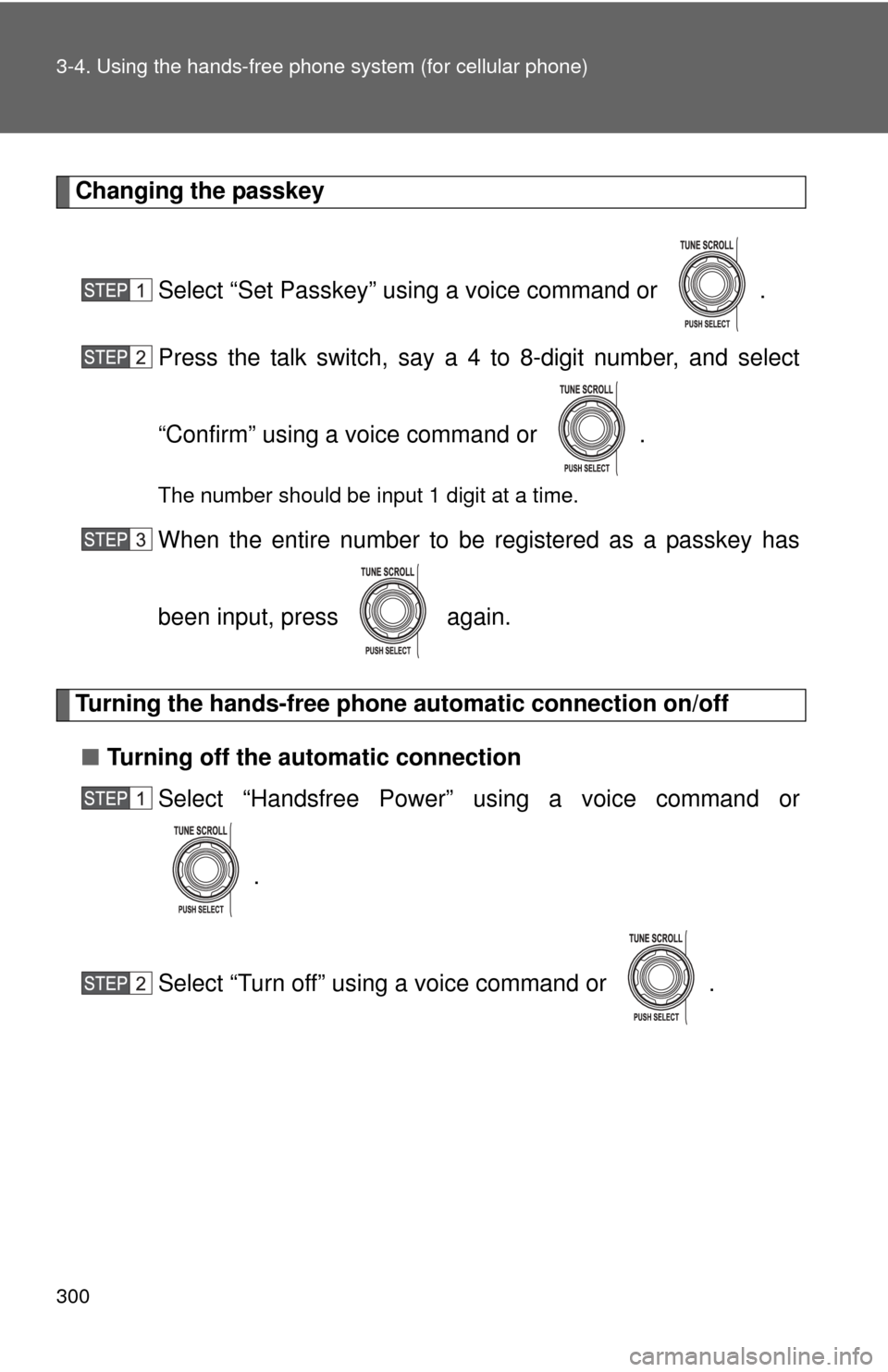
Changing the passkey
Select “Set Passkey” using a voice command or .
Press the talk switch, say a 4 to 8-digit number, and select
“Confirm” using a voice command or .
The number should be input 1 digit at a time.
When the entire number to be registered as a passkey has
been input, press again.
Turning the hands-free phone automatic connection on/off
■ Turning off the automatic connection
Select “Handsfree Power” using a voice command or
.
Select “Turn off” using a voice command or .
Page 301 of 528
301
3-4. Using the hand
s-free phone system (for cellular phone)
3
Interior features
■Turning on the automatic connection
Select “Handsfree Power” using a voice command or
.
Select “Turn on” using a voice command or .
■ The number of cellular phones that can be registered
Up to 6 cellular phones can be registered in the system.
Page 302 of 528
302
3-4. Using the hands-free phone system (for cellular phone)
Security and system setup
To enter the menu of each setting, follow the steps below:
■Security setting items and operation procedure
● Setting or changing t he PIN (Personal Identification Number)
1. “Setup” 2. “Security” 3. “Set PIN”
● Locking the phone book
1. “Setup” 2. “Security” 3. “Phonebook Lock”
● Unlocking the phone book
1. “Setup” 2. “Security” 3. “Phonebook Unlock”
■ System setup items and operation procedure
●Setting voice guidance volume
1. “Setup” 2. “System Setup” 3. “Guidance Volume”
● Displaying the Bluetooth
® device address and name
1. “Setup” 2. “System Setup” 3. “Device Name”
● Initialization
1. “Setup” 2. “System Setup” 3. “Reset Settings”
can only be used for system setup operation.
Page 303 of 528
303
3-4. Using the hand
s-free phone system (for cellular phone)
3
Interior features
Setting or changing the PIN
■ Setting a PIN
Select “Set PIN” using a voice command or .
Enter a PIN using a voice command or .
When using , input the code 1 digit at a time.
■ Changing the PIN
Select “Set PIN” using a voice command or .
Enter the registered PIN using a voice command or .
Enter a new PIN using a voice command or .
When using , input the code 1 digit at a time.
Page 304 of 528
304 3-4. Using the hands-free phone system (for cellular phone)
Locking or unlocking the phone book
Select “Phonebook Lock (Phone book lock)” or “Phonebook
Unlock (Phone book unlock)” using a voice command or
.
Input the PIN by either of the following methods and select
“Confirm” using a voice command or :
a. Press the talk switch and say the registered PIN.
b. Input a new PIN using .
Setting voice guidance volume
Select “Guidance Volume” using .
Change the voice guidance volume.
To decrease the volume: Turn counterclockwise.
To increase the volume: Turn clockwise.
Page 305 of 528
305
3-4. Using the hand
s-free phone system (for cellular phone)
3
Interior features
Displaying the Bluetooth® device address and name
Select “Device Name” using .
Turn to display the Bluetooth
® device address and
name.
Select “Go Back” using to return to “System Setup”.
Initialization
Select “Reset Settings” and then “Confirm” using .
Select “Confirm” using .
Page 306 of 528
306 3-4. Using the hands-free phone system (for cellular phone)
■Initialization
●The following data in the system can be initialized:
• Phone book
• Outgoing and incoming call history
• Speed dials
• Registered cellular phone data
• Security code
● Once the initialization has been completed, the data cannot be restored
to its original state.
■ When the phone book is locked
The following functions cannot be used:
●Dialing by inputting a name
● Speed dialing
● Dialing a number stored in the call history memory
● Using the phone book