Page 293 of 489
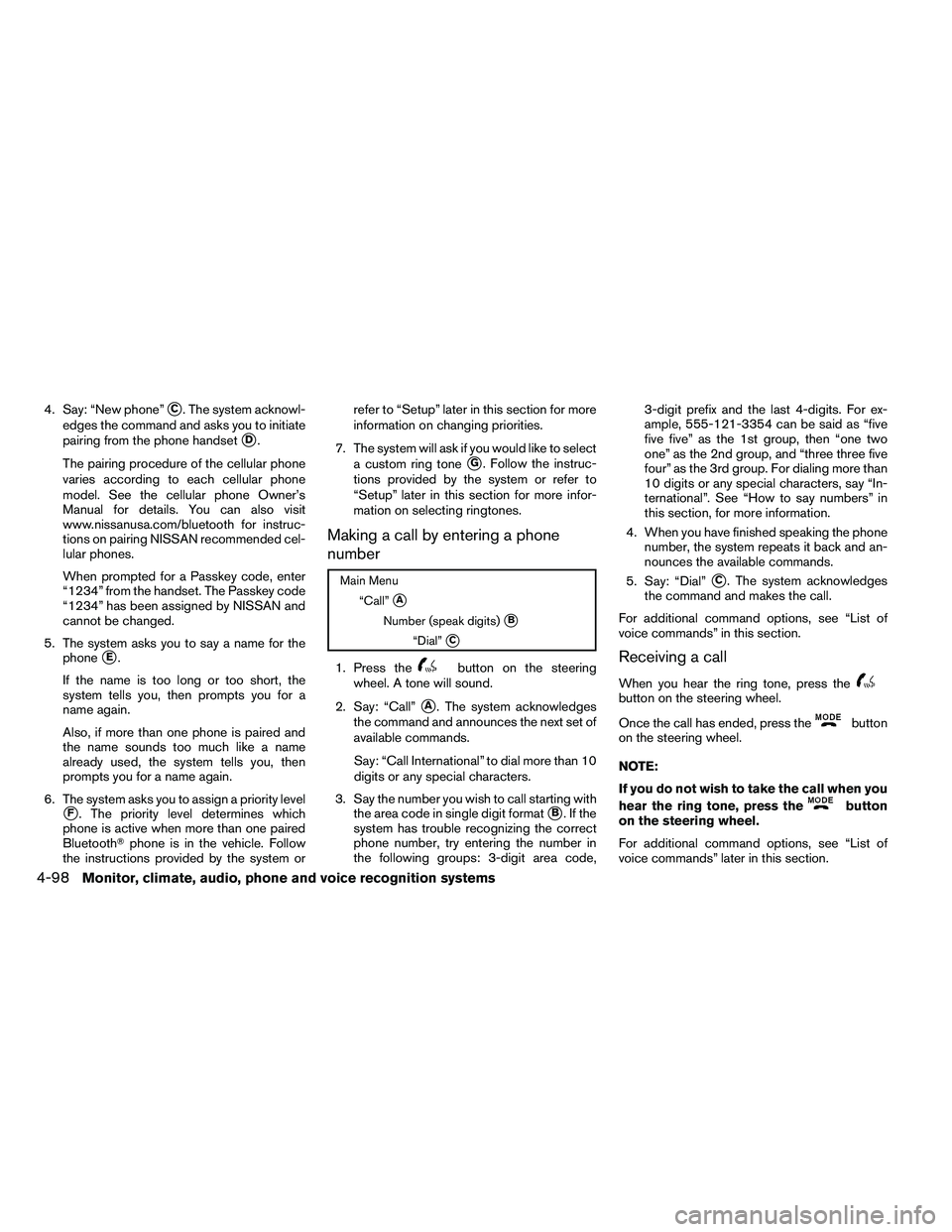
4. Say: “New phone”�C. The system acknowl-
edges the command and asks you to initiate
pairing from the phone handset
�D.
The pairing procedure of the cellular phone
varies according to each cellular phone
model. See the cellular phone Owner’s
Manual for details. You can also visit
www.nissanusa.com/bluetooth for instruc-
tions on pairing NISSAN recommended cel-
lular phones.
When prompted for a Passkey code, enter
“1234” from the handset. The Passkey code
“1234” has been assigned by NISSAN and
cannot be changed.
5. The system asks you to say a name for the phone
�E.
If the name is too long or too short, the
system tells you, then prompts you for a
name again.
Also, if more than one phone is paired and
the name sounds too much like a name
already used, the system tells you, then
prompts you for a name again.
6. The system asks you to assign a priority level
�F. The priority level determines which
phone is active when more than one paired
Bluetooth� phone is in the vehicle. Follow
the instructions provided by the system or refer to “Setup” later in this section for more
information on changing priorities.
7. The system will ask if you would like to select a custom ring tone
�G. Follow the instruc-
tions provided by the system or refer to
“Setup” later in this section for more infor-
mation on selecting ringtones.
Making a call by entering a phone
number
Page 305 of 489
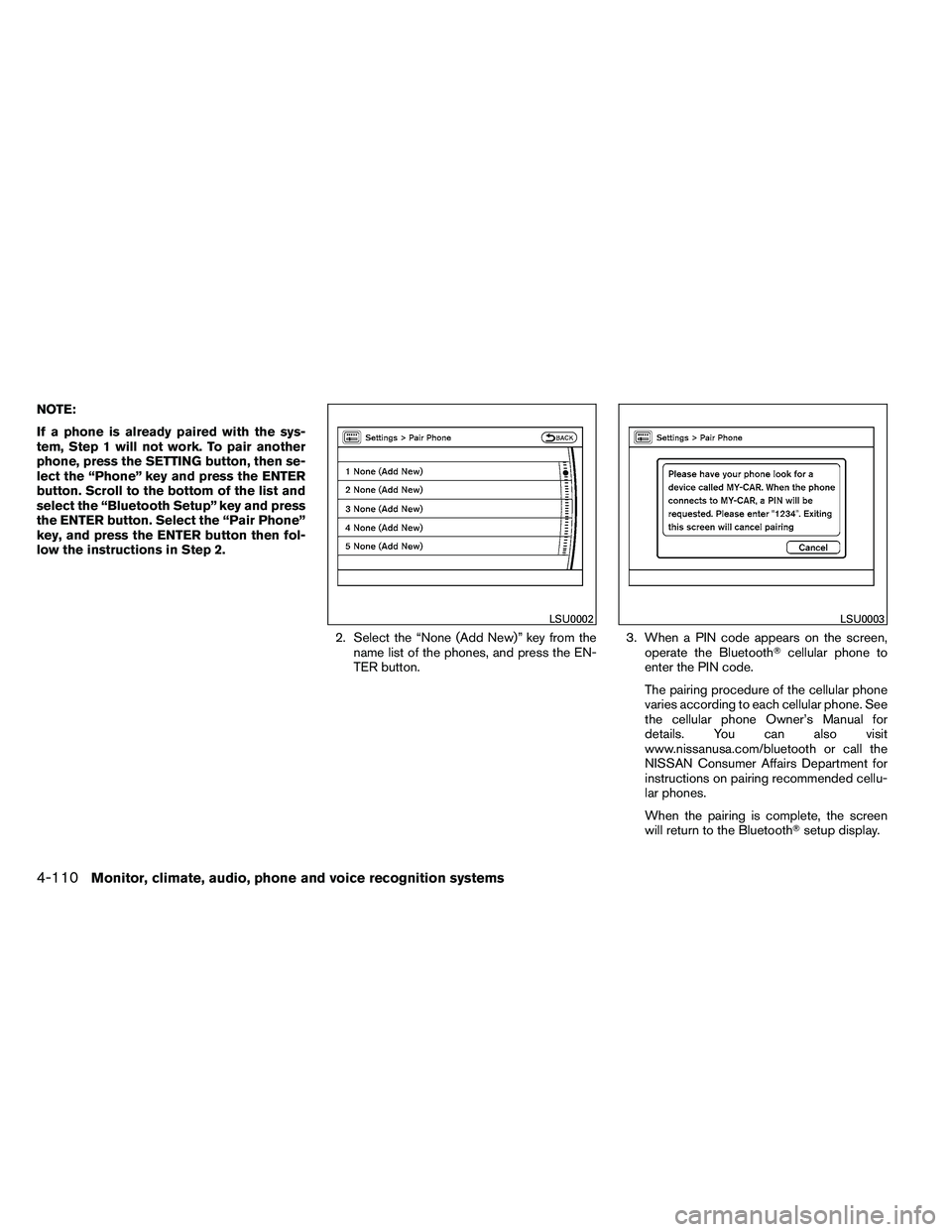
NOTE:
If a phone is already paired with the sys-
tem, Step 1 will not work. To pair another
phone, press the SETTING button, then se-
lect the “Phone” key and press the ENTER
button. Scroll to the bottom of the list and
select the “Bluetooth Setup” key and press
the ENTER button. Select the “Pair Phone”
key, and press the ENTER button then fol-
low the instructions in Step 2.2. Select the “None (Add New)” key from thename list of the phones, and press the EN-
TER button. 3. When a PIN code appears on the screen,
operate the Bluetooth� cellular phone to
enter the PIN code.
The pairing procedure of the cellular phone
varies according to each cellular phone. See
the cellular phone Owner’s Manual for
details. You can also visit
www.nissanusa.com/bluetooth or call the
NISSAN Consumer Affairs Department for
instructions on pairing recommended cellu-
lar phones.
When the pairing is complete, the screen
will return to the Bluetooth� setup display.
Page 306 of 489
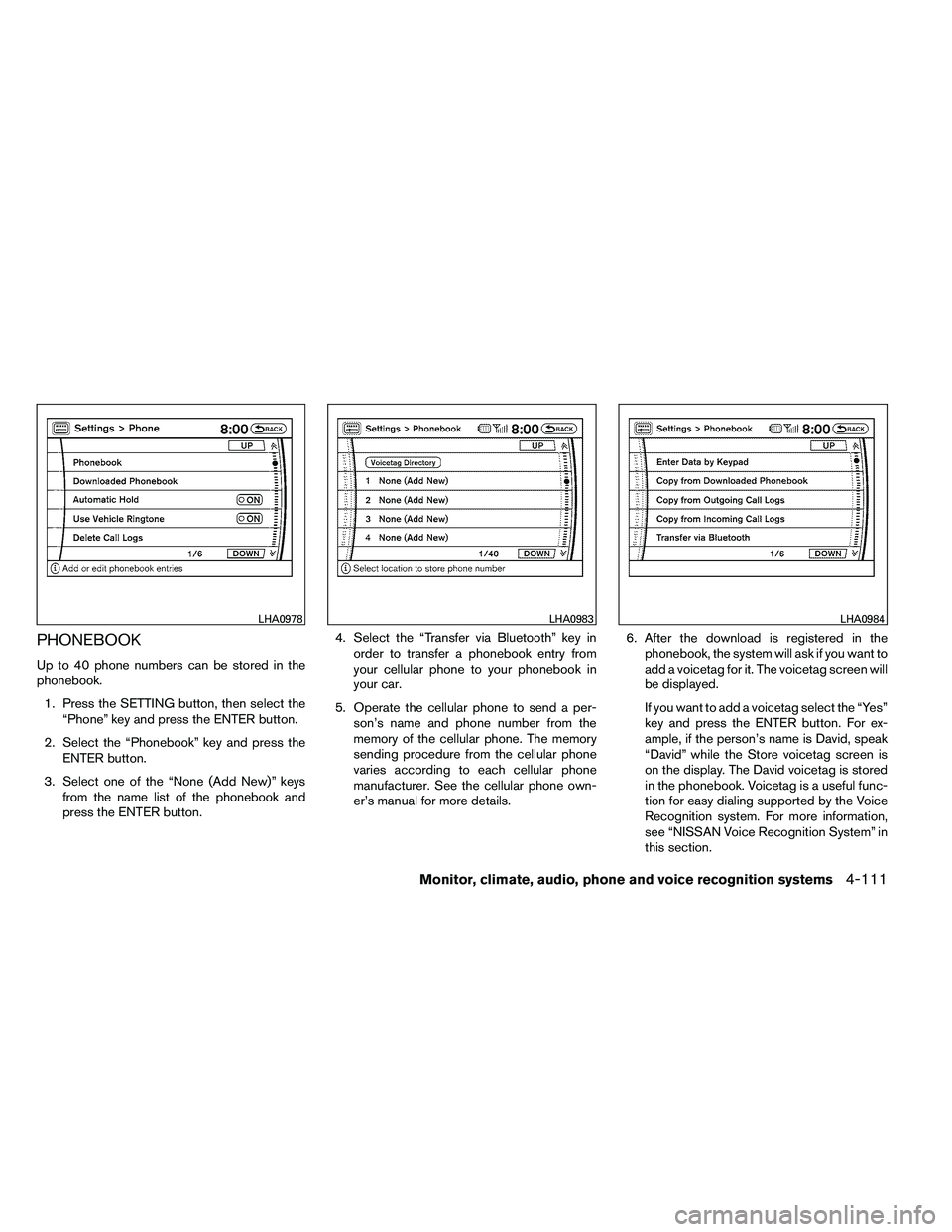
PHONEBOOK
Up to 40 phone numbers can be stored in the
phonebook.1. Press the SETTING button, then select the “Phone” key and press the ENTER button.
2. Select the “Phonebook” key and press the ENTER button.
3. Select one of the “None (Add New)” keys from the name list of the phonebook and
press the ENTER button. 4. Select the “Transfer via Bluetooth” key in
order to transfer a phonebook entry from
your cellular phone to your phonebook in
your car.
5. Operate the cellular phone to send a per- son’s name and phone number from the
memory of the cellular phone. The memory
sending procedure from the cellular phone
varies according to each cellular phone
manufacturer. See the cellular phone own-
er’s manual for more details. 6. After the download is registered in the
phonebook, the system will ask if you want to
add a voicetag for it. The voicetag screen will
be displayed.
If you want to add a voicetag select the “Yes”
key and press the ENTER button. For ex-
ample, if the person’s name is David, speak
“David” while the Store voicetag screen is
on the display. The David voicetag is stored
in the phonebook. Voicetag is a useful func-
tion for easy dialing supported by the Voice
Recognition system. For more information,
see “NISSAN Voice Recognition System” in
this section.
Page 307 of 489
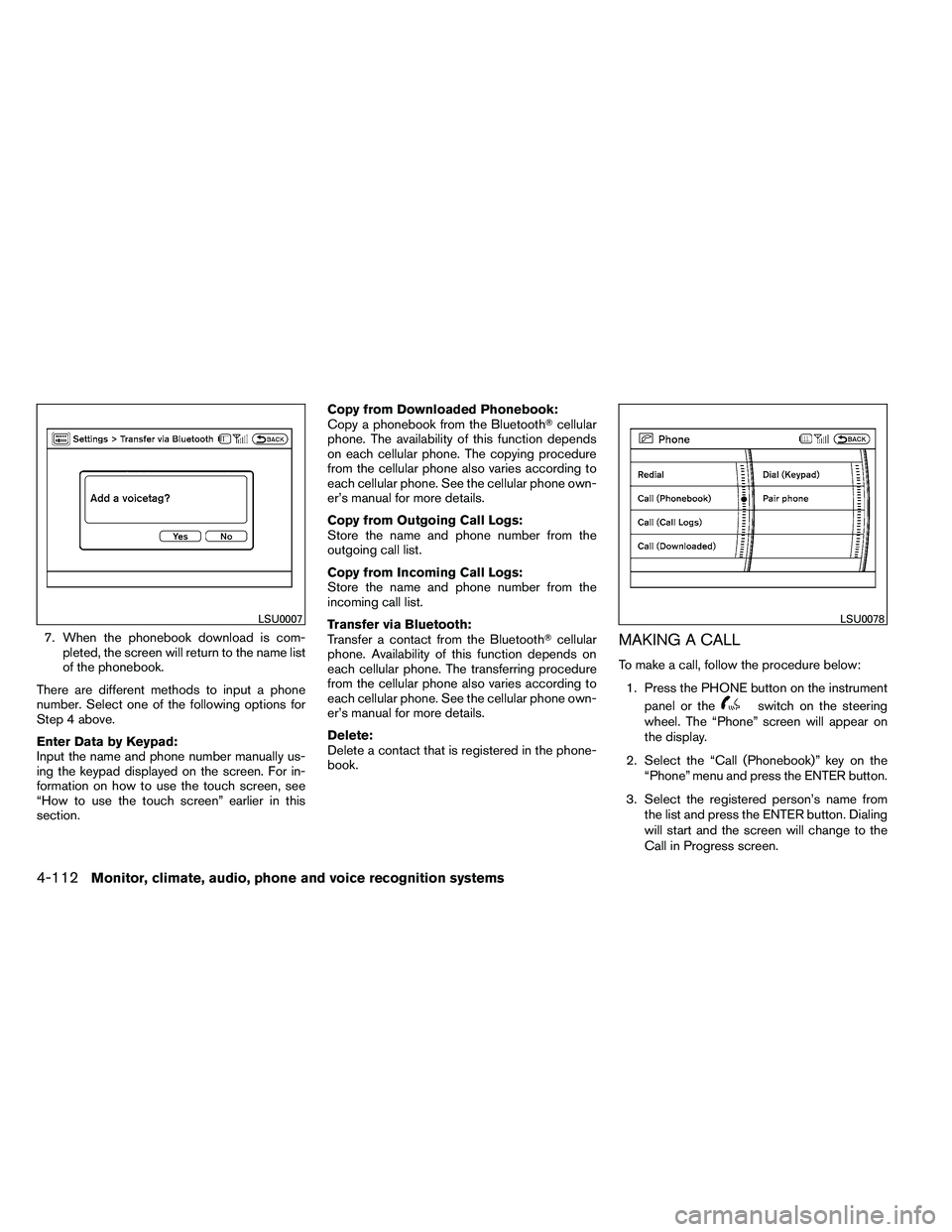
7. When the phonebook download is com-pleted, the screen will return to the name list
of the phonebook.
There are different methods to input a phone
number. Select one of the following options for
Step 4 above.
Enter Data by Keypad:
Input the name and phone number manually us-
ing the keypad displayed on the screen. For in-
formation on how to use the touch screen, see
“How to use the touch screen” earlier in this
section. Copy from Downloaded Phonebook:
Copy a phonebook from the Bluetooth�
cellular
phone. The availability of this function depends
on each cellular phone. The copying procedure
from the cellular phone also varies according to
each cellular phone. See the cellular phone own-
er’s manual for more details.
Copy from Outgoing Call Logs:
Store the name and phone number from the
outgoing call list.
Copy from Incoming Call Logs:
Store the name and phone number from the
incoming call list.
Transfer via Bluetooth:
Transfer a contact from the Bluetooth� cellular
phone. Availability of this function depends on
each cellular phone. The transferring procedure
from the cellular phone also varies according to
each cellular phone. See the cellular phone own-
er’s manual for more details.
Delete:
Delete a contact that is registered in the phone-
book.MAKING A CALL
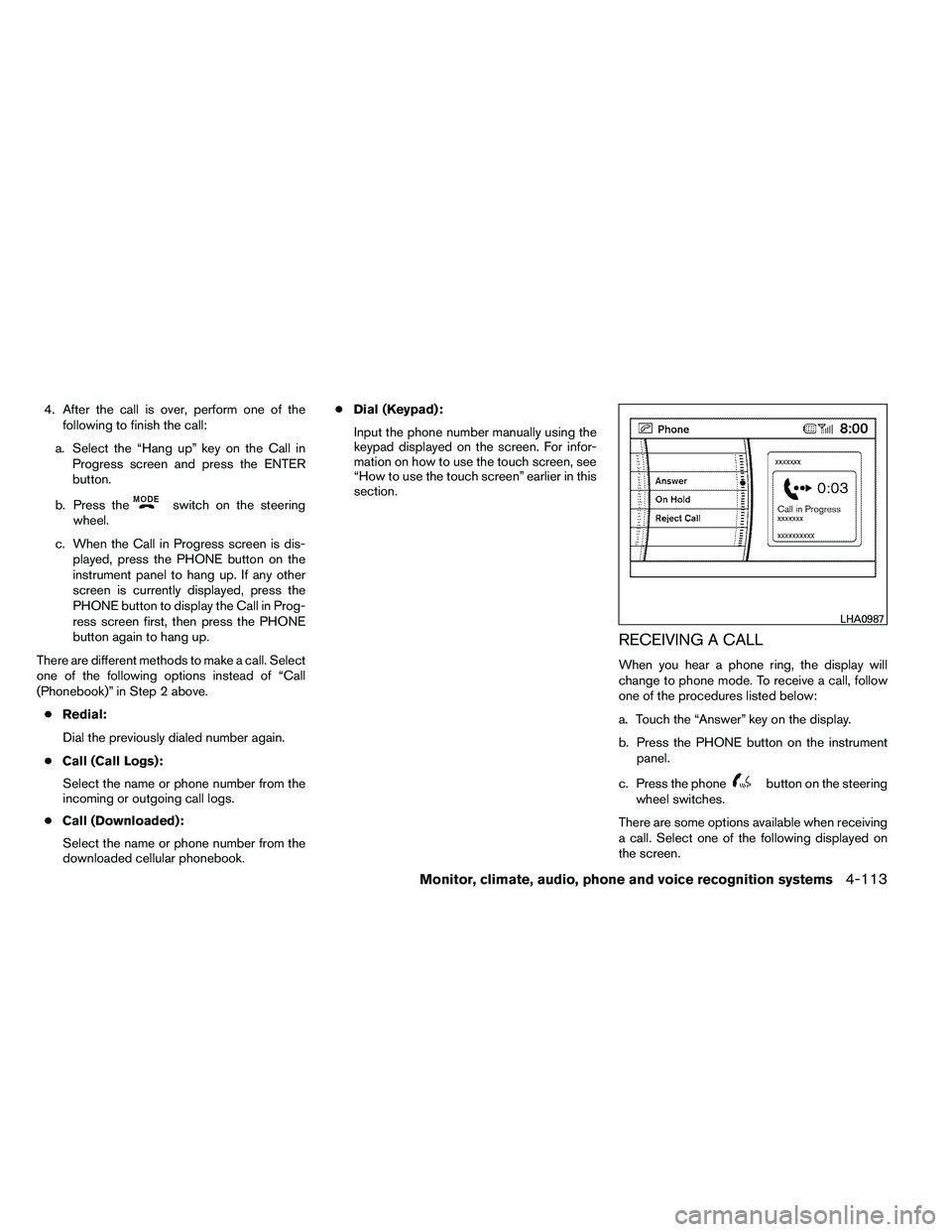
To make a call, follow the procedure below:
1. Press the PHONE button on the instrument panel or the
Page 308 of 489
4. After the call is over, perform one of thefollowing to finish the call:
a. Select the “Hang up” key on the Call in Progress screen and press the ENTER
button.
b. Press the
Page 309 of 489
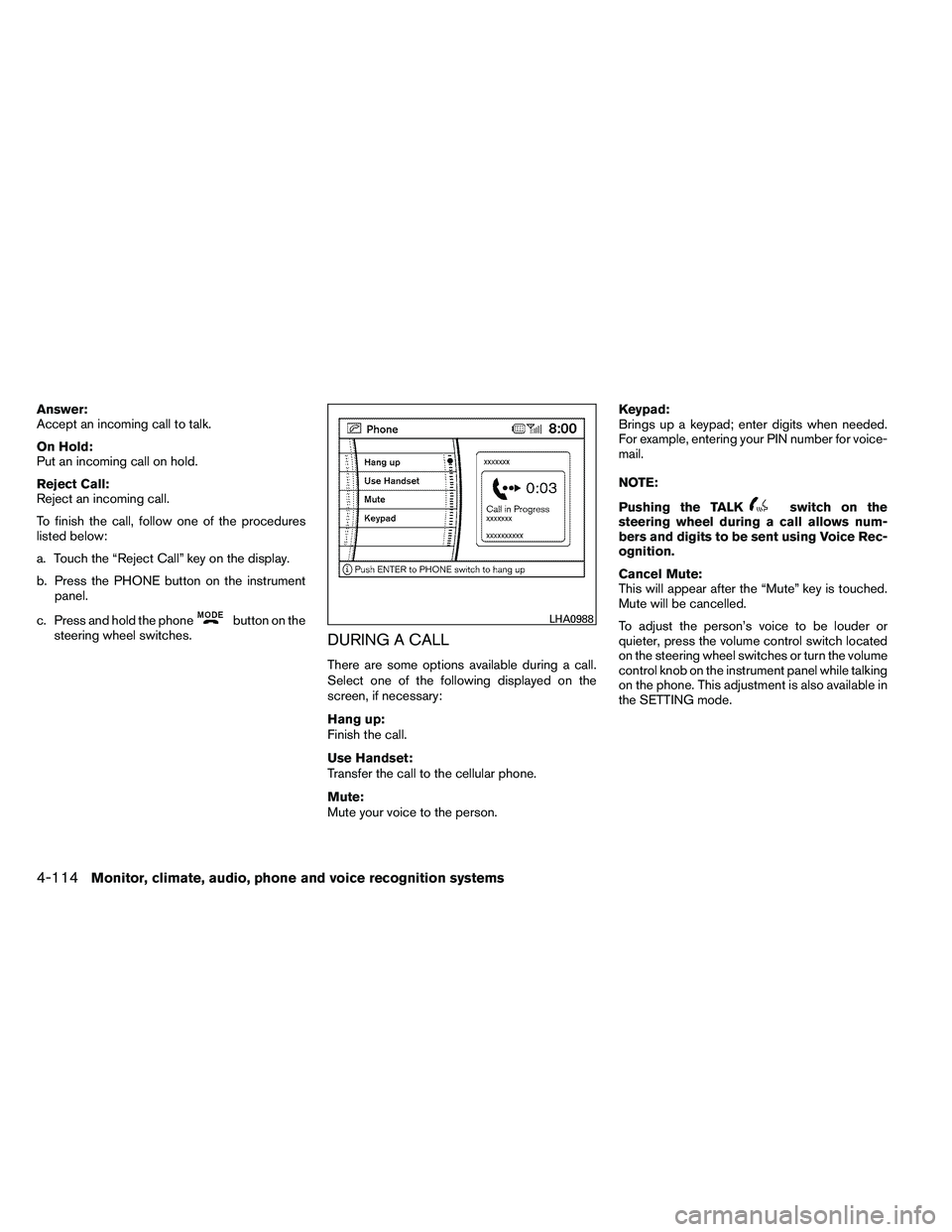
Answer:
Accept an incoming call to talk.
On Hold:
Put an incoming call on hold.
Reject Call:
Reject an incoming call.
To finish the call, follow one of the procedures
listed below:
a. Touch the “Reject Call” key on the display.
b. Press the PHONE button on the instrumentpanel.
c. Press and hold the phone
Page 310 of 489
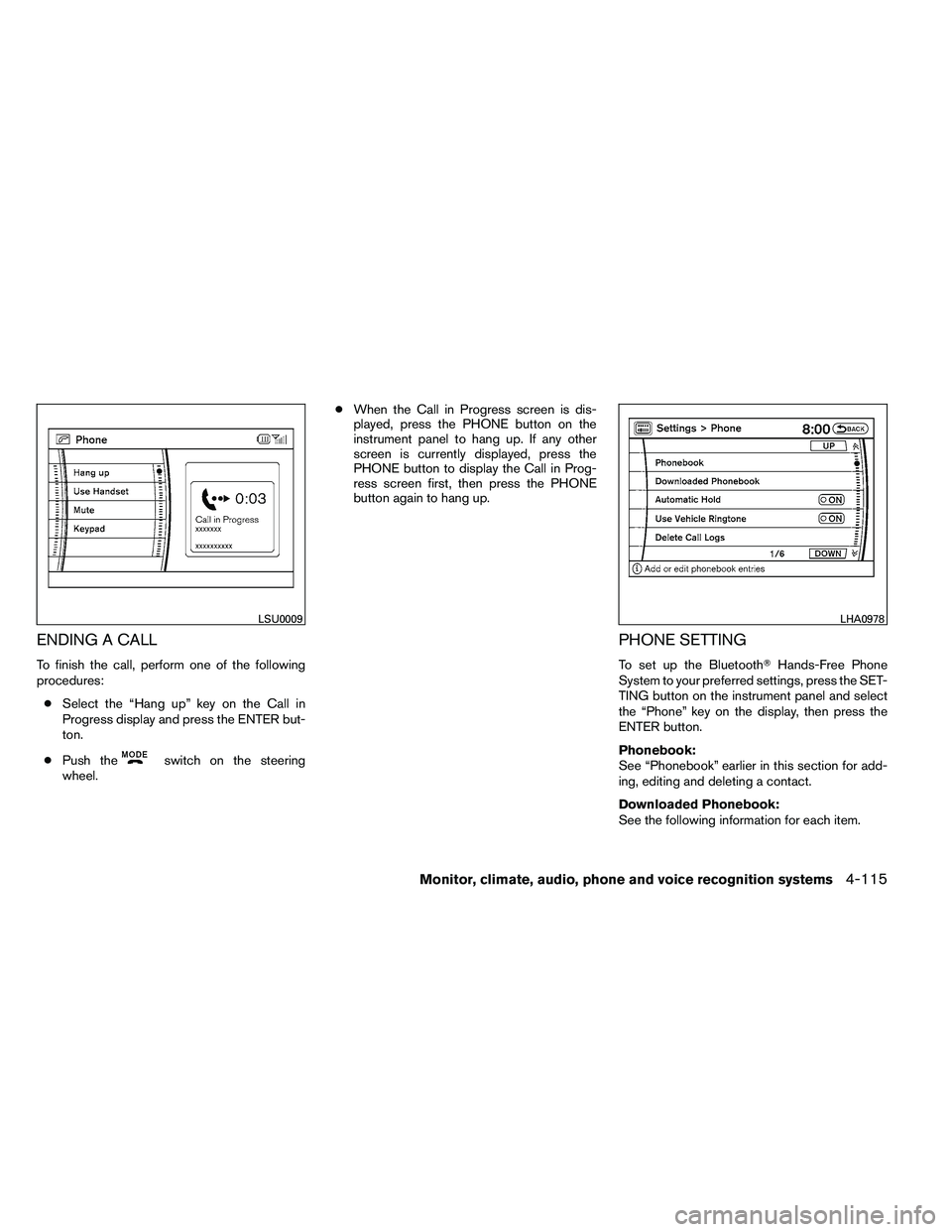
ENDING A CALL
To finish the call, perform one of the following
procedures:● Select the “Hang up” key on the Call in
Progress display and press the ENTER but-
ton.
● Push the
Page 311 of 489
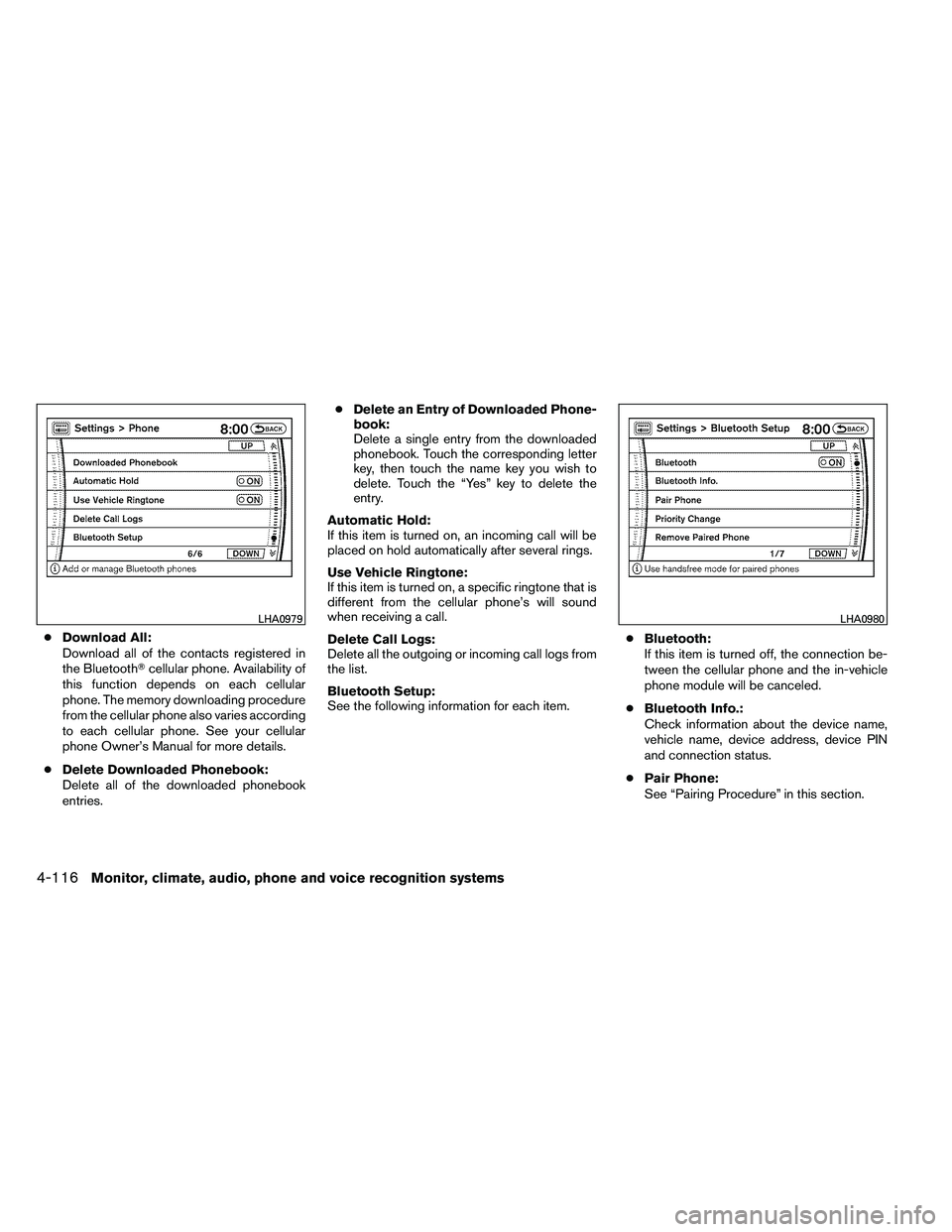
●Download All:
Download all of the contacts registered in
the Bluetooth� cellular phone. Availability of
this function depends on each cellular
phone. The memory downloading procedure
from the cellular phone also varies according
to each cellular phone. See your cellular
phone Owner’s Manual for more details.
● Delete Downloaded Phonebook:
Delete all of the downloaded phonebook
entries. ●
Delete an Entry of Downloaded Phone-
book:
Delete a single entry from the downloaded
phonebook. Touch the corresponding letter
key, then touch the name key you wish to
delete. Touch the “Yes” key to delete the
entry.
Automatic Hold:
If this item is turned on, an incoming call will be
placed on hold automatically after several rings.
Use Vehicle Ringtone:
If this item is turned on, a specific ringtone that is
different from the cellular phone’s will sound
when receiving a call.
Delete Call Logs:
Delete all the outgoing or incoming call logs from
the list.
Bluetooth Setup:
See the following information for each item. ●
Bluetooth:
If this item is turned off, the connection be-
tween the cellular phone and the in-vehicle
phone module will be canceled.
● Bluetooth Info.:
Check information about the device name,
vehicle name, device address, device PIN
and connection status.
● Pair Phone:
See “Pairing Procedure” in this section.