Page 129 of 602
3-32 Features and controls
3
4. With the first valid F.A.S.T.-key, press the UNLOCK but-
ton for 4 to 10 seconds and press the LOCK button during
this time.
5. Release in sequence the LOCK and UNLOCK buttons
within 10 seconds of pressing the LOCK button in step 4.
(Perform the following procedure within 30 seconds.)
6. With the second valid F.A.S.T.-key, press the UNLOCK
button for 4 to 10 seconds and press the LOCK button
during this time.
7. Release in sequence the LOCK and UNLOCK buttons
within 10 seconds of pressing the LOCK button in step 6.
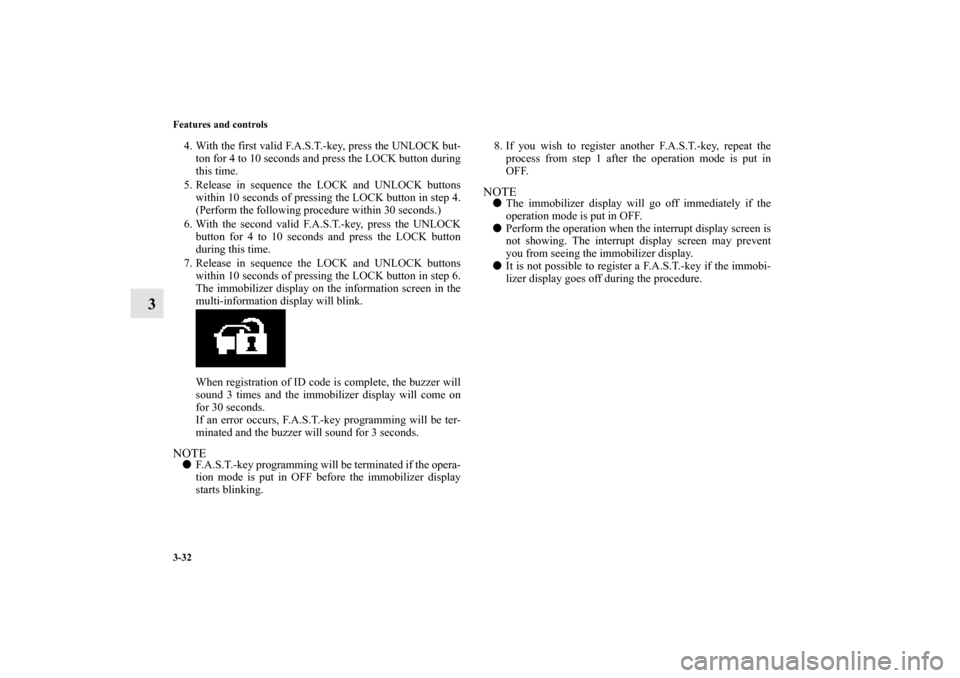
The immobilizer display on the information screen in the
multi-information display will blink.
When registration of ID code is complete, the buzzer will
sound 3 times and the immobilizer display will come on
for 30 seconds.
If an error occurs, F.A.S.T.-key programming will be ter-
minated and the buzzer will sound for 3 seconds.NOTE�F.A.S.T.-key programming will be terminated if the opera-
tion mode is put in OFF before the immobilizer display
starts blinking.8. If you wish to register another F.A.S.T.-key, repeat the
process from step 1 after the operation mode is put in
OFF.
NOTE�The immobilizer display will go off immediately if the
operation mode is put in OFF.
�Perform the operation when the interrupt display screen is
not showing. The interrupt display screen may prevent
you from seeing the immobilizer display.
�It is not possible to register a F.A.S.T.-key if the immobi-
lizer display goes off during the procedure.
BK0120400US.book 32 ページ 2010年5月12日 水曜日 午前10時50分
Page 134 of 602
Features and controls
3-37
3
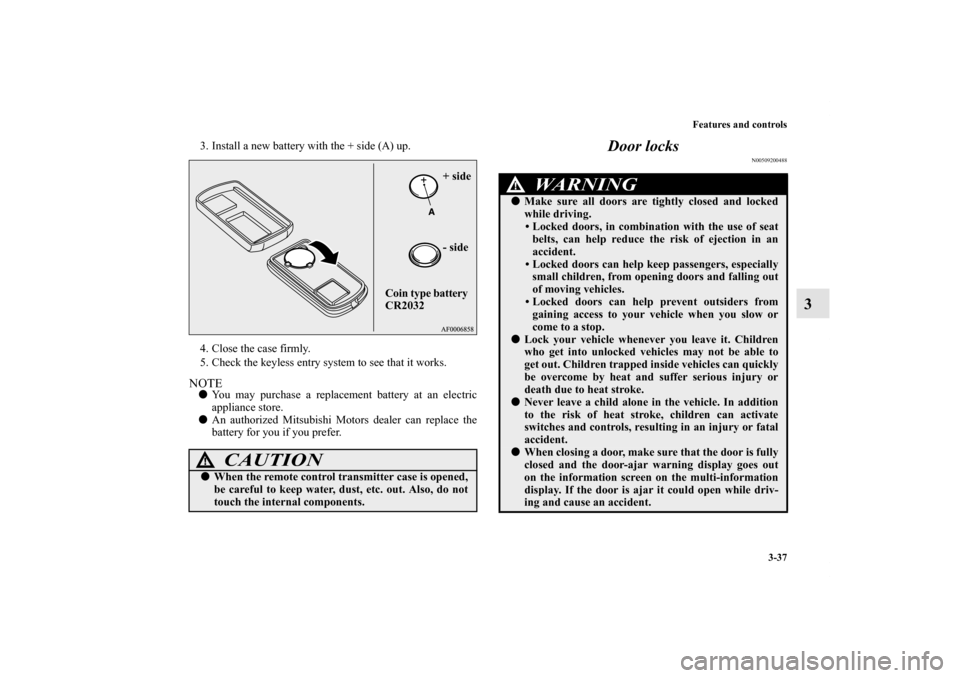
3. Install a new battery with the + side (A) up.
4. Close the case firmly.
5. Check the keyless entry system to see that it works.NOTE�You may purchase a replacement battery at an electric
appliance store.
�An authorized Mitsubishi Motors dealer can replace the
battery for you if you prefer.
Door locks
N00509200488
CAUTION
!�When the remote control transmitter case is opened,
be careful to keep water, dust, etc. out. Also, do not
touch the internal components.
+ side
- side
Coin type battery
CR2032
WA R N I N G
!�Make sure all doors are tightly closed and locked
while driving.
• Locked doors, in combination with the use of seat
belts, can help reduce the risk of ejection in an
accident.
• Locked doors can help keep passengers, especially
small children, from opening doors and falling out
of moving vehicles.
• Locked doors can help prevent outsiders from
gaining access to your vehicle when you slow or
come to a stop.
�Lock your vehicle whenever you leave it. Children
who get into unlocked vehicles may not be able to
get out. Children trapped inside vehicles can quickly
be overcome by heat and suffer serious injury or
death due to heat stroke.�Never leave a child alone in the vehicle. In addition
to the risk of heat stroke, children can activate
switches and controls, resulting in an injury or fatal
accident.�When closing a door, make sure that the door is fully
closed and the door-ajar warning display goes out
on the information screen on the multi-information
display. If the door is ajar it could open while driv-
ing and cause an accident.
BK0120400US.book 37 ページ 2010年5月12日 水曜日 午前10時50分
Page 137 of 602
3-40 Features and controls
3
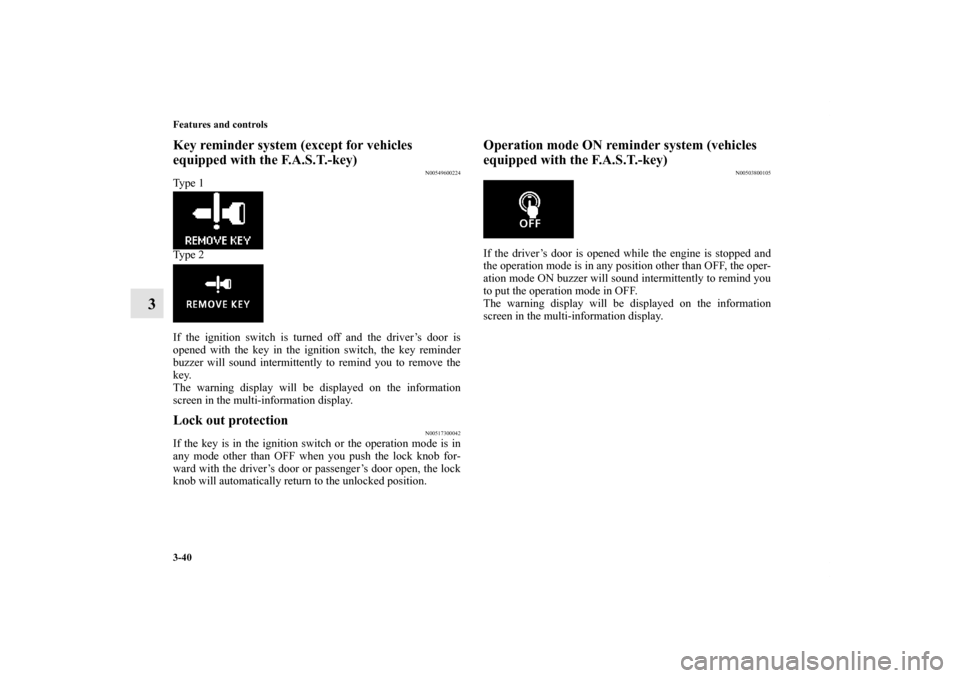
Key reminder system (except for vehicles
equipped with the F.A.S.T.-key)
N00549600224
Ty p e 1
Ty p e 2
If the ignition switch is turned off and the driver’s door is
opened with the key in the ignition switch, the key reminder
buzzer will sound intermittently to remind you to remove the
key.
The warning display will be displayed on the information
screen in the multi-information display.Lock out protection
N00517300042
If the key is in the ignition switch or the operation mode is in
any mode other than OFF when you push the lock knob for-
ward with the driver’s door or passenger’s door open, the lock
knob will automatically return to the unlocked position.
Operation mode ON reminder system (vehicles
equipped with the F.A.S.T.-key)
N00503800105
If the driver’s door is opened while the engine is stopped and
the operation mode is in any position other than OFF, the oper-
ation mode ON buzzer will sound intermittently to remind you
to put the operation mode in OFF.
The warning display will be displayed on the information
screen in the multi-information display.
BK0120400US.book 40 ページ 2010年5月12日 水曜日 午前10時50分
Page 148 of 602
Features and controls
3-51
3
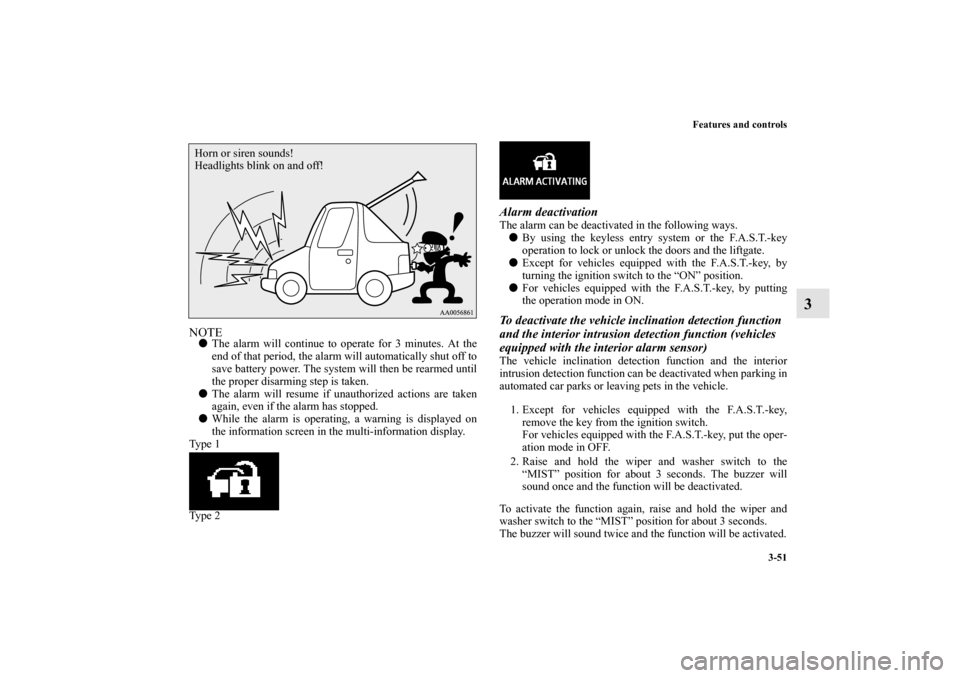
NOTE�The alarm will continue to operate for 3 minutes. At the
end of that period, the alarm will automatically shut off to
save battery power. The system will then be rearmed until
the proper disarming step is taken.
�The alarm will resume if unauthorized actions are taken
again, even if the alarm has stopped.
�While the alarm is operating, a warning is displayed on
the information screen in the multi-information display.
Ty p e 1
Ty p e 2
Alarm deactivationThe alarm can be deactivated in the following ways.
�By using the keyless entry system or the F.A.S.T.-key
operation to lock or unlock the doors and the liftgate.
�Except for vehicles equipped with the F.A.S.T.-key, by
turning the ignition switch to the “ON” position.
�For vehicles equipped with the F.A.S.T.-key, by putting
the operation mode in ON.To deactivate the vehicle inclination detection function
and the interior intrusion detection function (vehicles
equipped with the interior alarm sensor)The vehicle inclination detection function and the interior
intrusion detection function can be deactivated when parking in
automated car parks or leaving pets in the vehicle.
1. Except for vehicles equipped with the F.A.S.T.-key,
remove the key from the ignition switch.
For vehicles equipped with the F.A.S.T.-key, put the oper-
ation mode in OFF.
2. Raise and hold the wiper and washer switch to the
“MIST” position for about 3 seconds. The buzzer will
sound once and the function will be deactivated.
To activate the function again, raise and hold the wiper and
washer switch to the “MIST” position for about 3 seconds.
The buzzer will sound twice and the function will be activated.
Horn or siren sounds!
Headlights blink on and off!
BK0120400US.book 51 ページ 2010年5月12日 水曜日 午前10時50分
Page 157 of 602
3-60 Features and controls
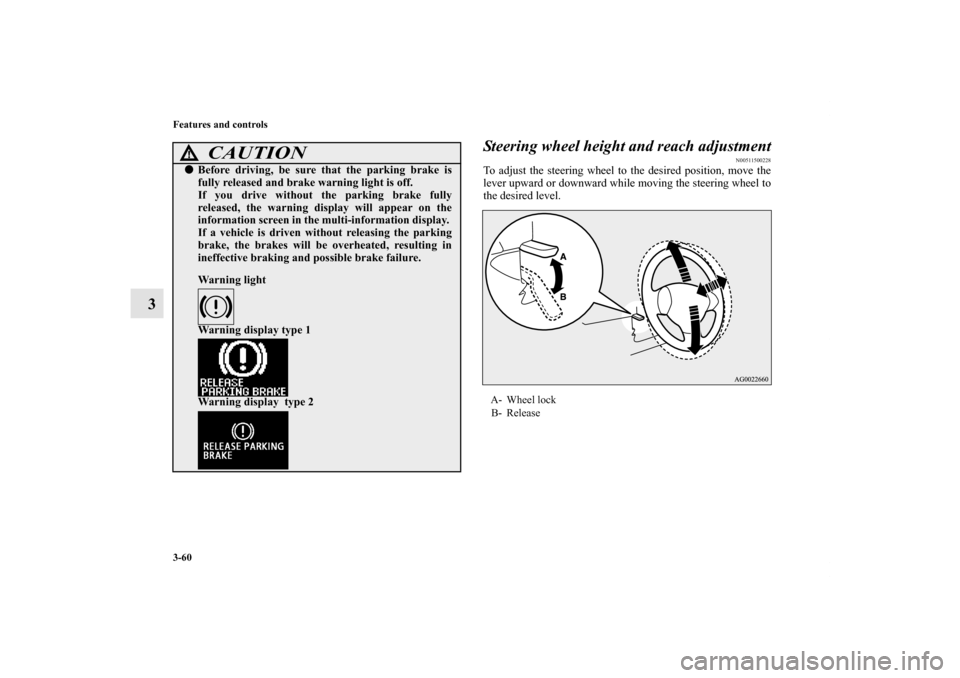
3Steering wheel height and reach adjustment
N00511500228
To adjust the steering wheel to the desired position, move the
lever upward or downward while moving the steering wheel to
the desired level.
CAUTION
!�Before driving, be sure that the parking brake is
fully released and brake warning light is off.
If you drive without the parking brake fully
released, the warning display will appear on the
information screen in the multi-information display.
If a vehicle is driven without releasing the parking
brake, the brakes will be overheated, resulting in
ineffective braking and possible brake failure.
Warning light
Warning display type 1
Warning display type 2
A- Wheel lock
B- Release
BK0120400US.book 60 ページ 2010年5月12日 水曜日 午前10時50分
Page 166 of 602
![MITSUBISHI OUTLANDER SPORT 2011 3.G Owners Manual Features and controls
3-69
3 Starting the engine
N00512600688
[For vehicles equipped with the Free-hand Advanced Secu-
rity Transmitter (F.A.S.T.-key)]
For information on operations for vehicles equip](/manual-img/19/7539/w960_7539-165.png "MITSUBISHI OUTLANDER SPORT 2011 3.G Owners Manual Features and controls
3-69
3 Starting the engine
N00512600688
[For vehicles equipped with the Free-hand Advanced Secu-
rity Transmitter (F.A.S.T.-key)]
For information on operations for vehicles equip")
Features and controls
3-69
3 Starting the engine
N00512600688
[For vehicles equipped with the Free-hand Advanced Secu-
rity Transmitter (F.A.S.T.-key)]
For information on operations for vehicles equipped with the
Free-hand Advanced Security Transmitter (F.A.S.T.-key), refer
to “Free-hand Advanced Security Transmitter (F.A.S.T.-key):
Starting” on page3-14.
[Except for vehicles equipped with the Free-hand
Advanced Security Transmitter (F.A.S.T.-key)]Tips for starting�Do not operate the starter motor continuously for longer
than 15 seconds as this could run the battery down or
damage the starter motor. If the engine does not start, turn
the ignition switch back to the “LOCK” position, wait a
few seconds, and then try again. Trying repeatedly with
the engine or starter motor still turning will damage the
starter mechanism.
�If the engine will not start because the battery is weak or
discharged, refer to “Jump-starting the engine” (on page
6-2) for instructions.
�A longer warm up period will only consume extra fuel.
The engine is warmed up enough for driving when the bar
graph of engine coolant temperature display starts to
move. Refer to “Interrupt display screen (When the igni-
tion switch is in the “ON” position)” on page 3-140.
Starting the engineThis model is equipped with an electronically controlled fuel
injection system. This is a system that automatically controls
fuel injection. There is no need to depress the accelerator pedal
when starting the engine.
The starter should not be run for more than 15 seconds at a
time.
To prevent battery drain, wait a few seconds between attempts
to restart the engine.
1. Make sure all occupants are properly seated with seat
belts fastened.
2. Insert the ignition key.
WA R N I N G
!�Never run the engine in a closed or poorly ventilated
area any longer than is needed to move your vehicle
out of the area. Carbon monoxide gas, which is
odorless and extremely poisonous, could build up
and cause serious injury or death.
CAUTION
!�Do not push-start the vehicle.�Do not run the engine at high rpms or drive at high
speeds until the engine has had a chance to warm
up.�Release the ignition switch as soon as the engine
starts. Otherwise, the starter motor will be dam-
aged.
BK0120400US.book 69 ページ 2010年5月12日 水曜日 午前10時50分
Page 172 of 602
Features and controls
3-75
3
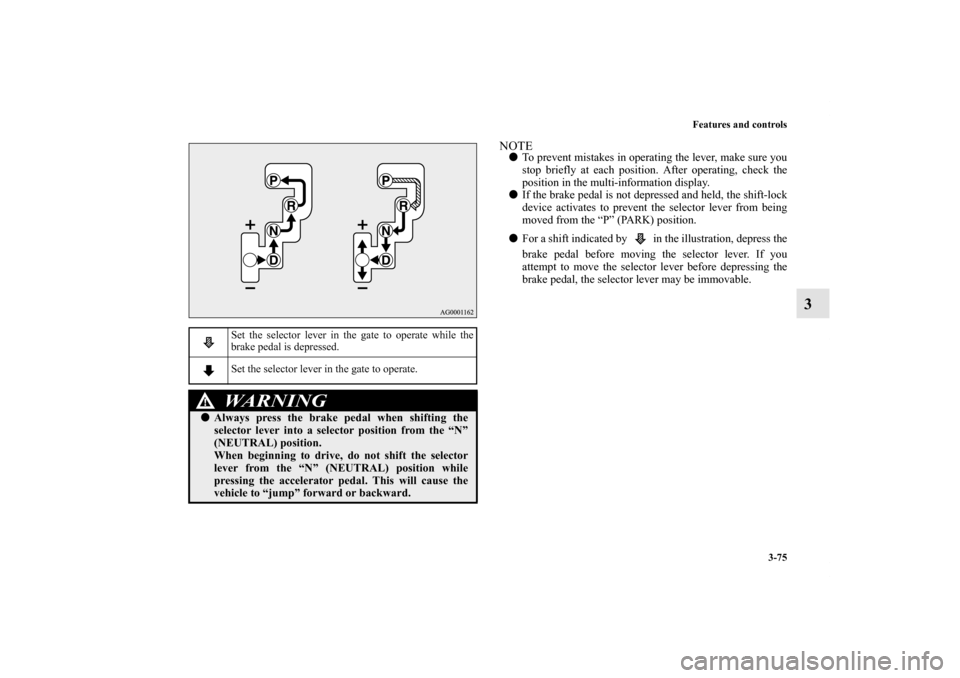
NOTE�To prevent mistakes in operating the lever, make sure you
stop briefly at each position. After operating, check the
position in the multi-information display.
�If the brake pedal is not depressed and held, the shift-lock
device activates to prevent the selector lever from being
moved from the “P” (PARK) position.
�For a shift indicated by in the illustration, depress the
brake pedal before moving the selector lever. If you
attempt to move the selector lever before depressing the
brake pedal, the selector lever may be immovable.
Set the selector lever in the gate to operate while the
brake pedal is depressed.
Set the selector lever in the gate to operate.WA R N I N G
!�Always press the brake pedal when shifting the
selector lever into a selector position from the “N”
(NEUTRAL) position.
When beginning to drive, do not shift the selector
lever from the “N” (NEUTRAL) position while
pressing the accelerator pedal. This will cause the
vehicle to “jump” forward or backward.
BK0120400US.book 75 ページ 2010年5月12日 水曜日 午前10時50分
Page 174 of 602
Features and controls
3-77
3
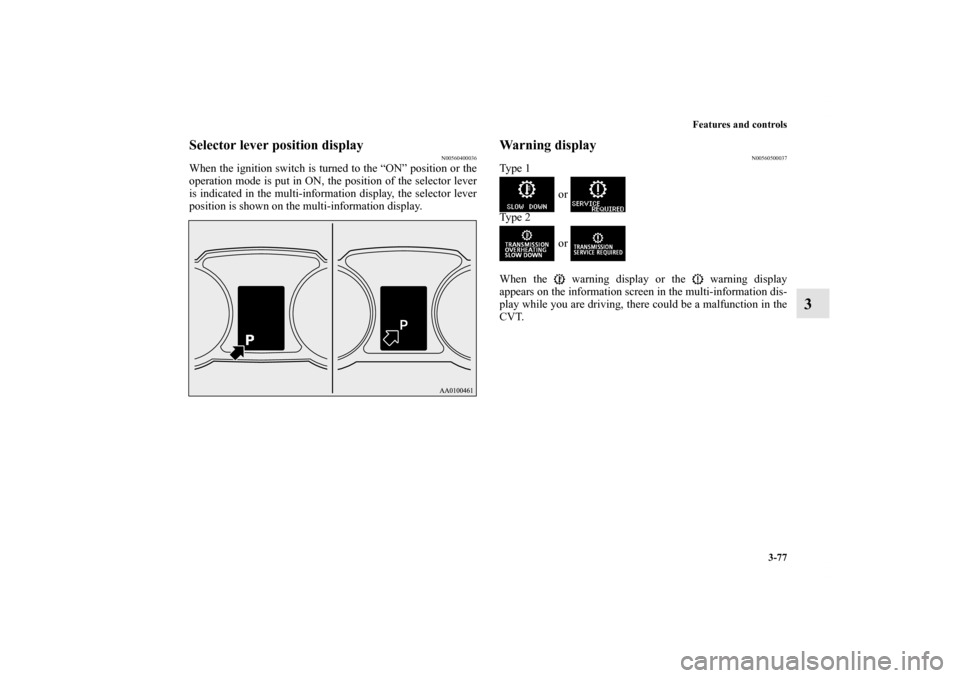
Selector lever position display
N00560400036
When the ignition switch is turned to the “ON” position or the
operation mode is put in ON, the position of the selector lever
is indicated in the multi-information display, the selector lever
position is shown on the multi-information display.
Warning display
N00560500037
Ty p e 1
or
Ty p e 2
or
When the warning display or the warning display
appears on the information screen in the multi-information dis-
play while you are driving, there could be a malfunction in the
CVT.
BK0120400US.book 77 ページ 2010年5月12日 水曜日 午前10時50分